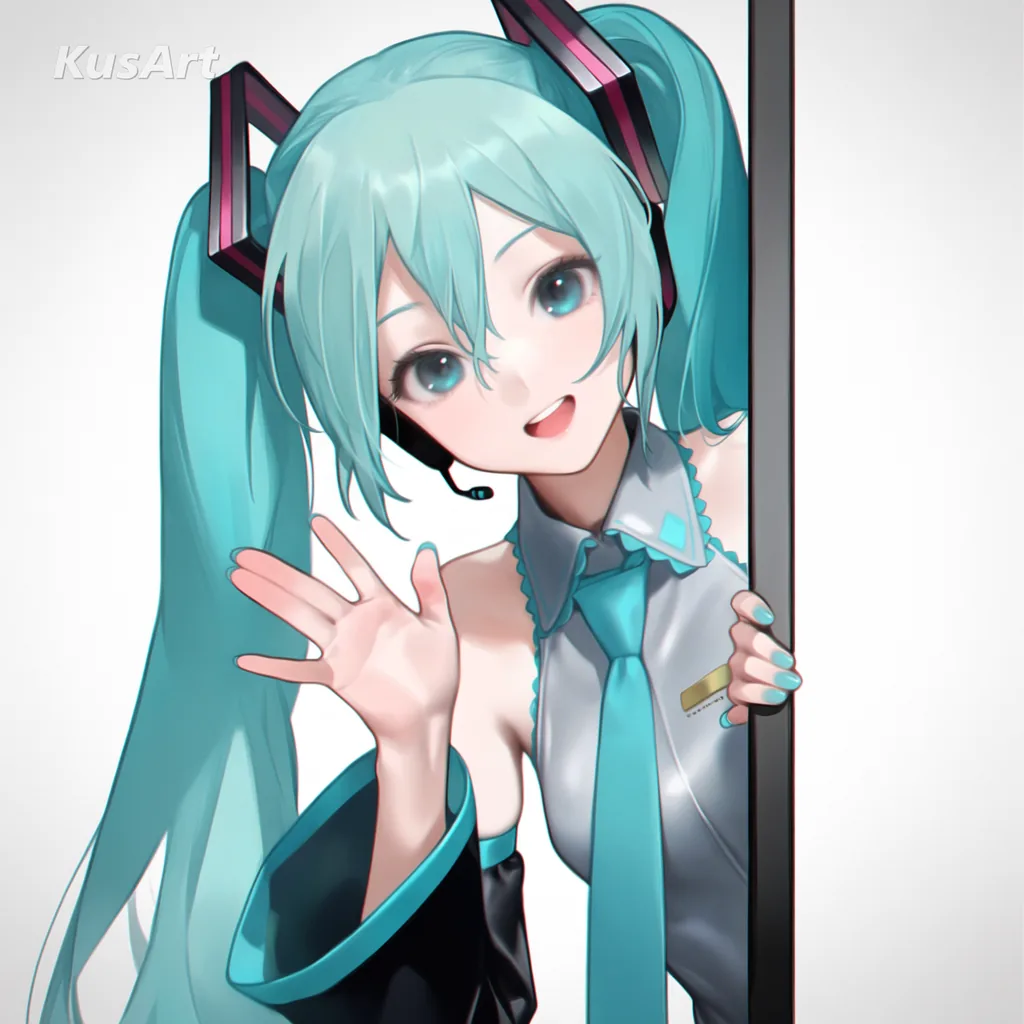
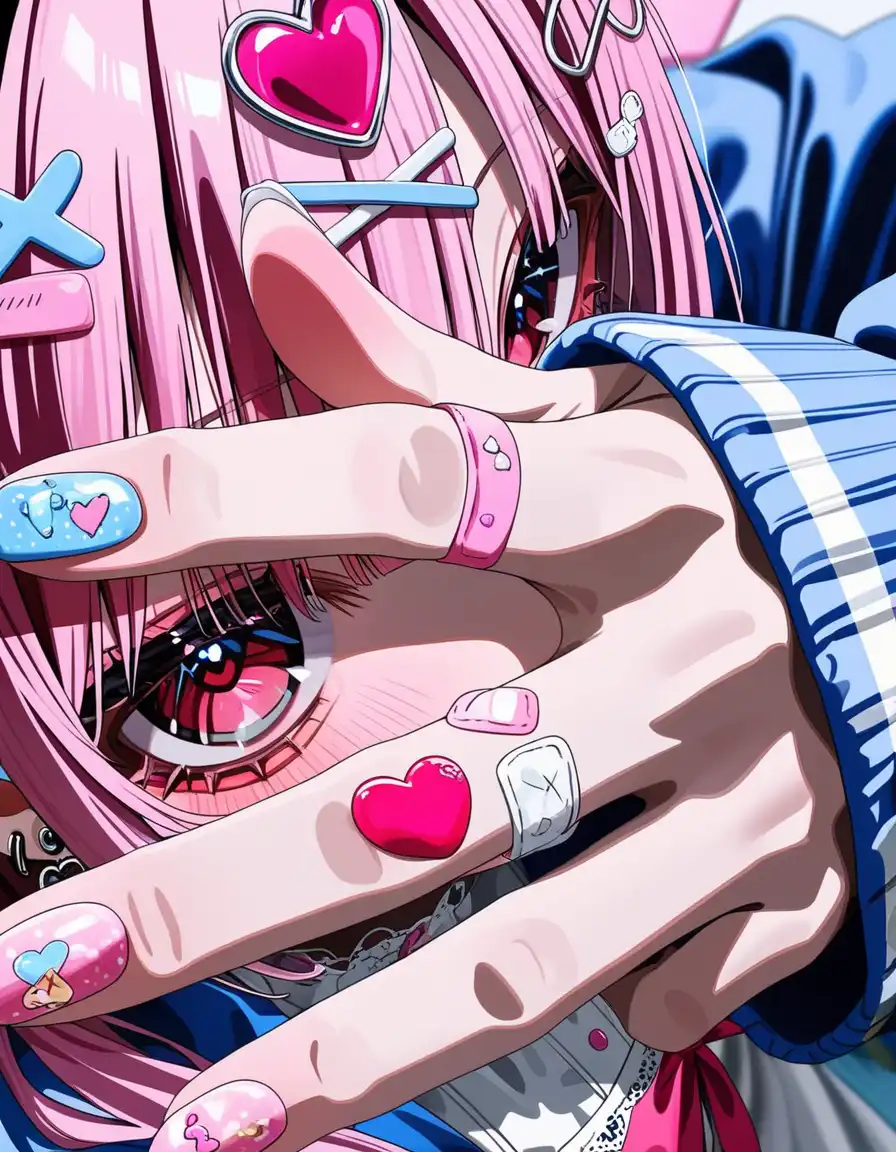
Detailed lighting and texture
Krea2 pays close attention to how light falls across a scene and how surfaces such as fabric, hair, metal, and foliage read, giving finished images a richer, more considered look.

Turn a written prompt into anime illustrations with careful lighting, rich texture, and strong atmosphere. KusArt runs Krea2 as a fast few-step version with a built-in anime illustration style, so you can describe the scene in plain sentences and get results back quickly. Get polished, detailed images without a long setup. Krea2 is a fast text-to-image model that KusArt runs with a built-in anime illustration style: clean, modern, cel-shaded rendering with close attention to light, materials, and atmosphere. Describe a subject, a setting, and a mood, and it renders the scene with considered light, depth, and texture rather than a flat approximation. Because KusArt serves a distilled few-step version, each run returns quickly, which makes it practical to try several prompt directions in one sitting before you settle on the image you want to keep.
Create with Krea2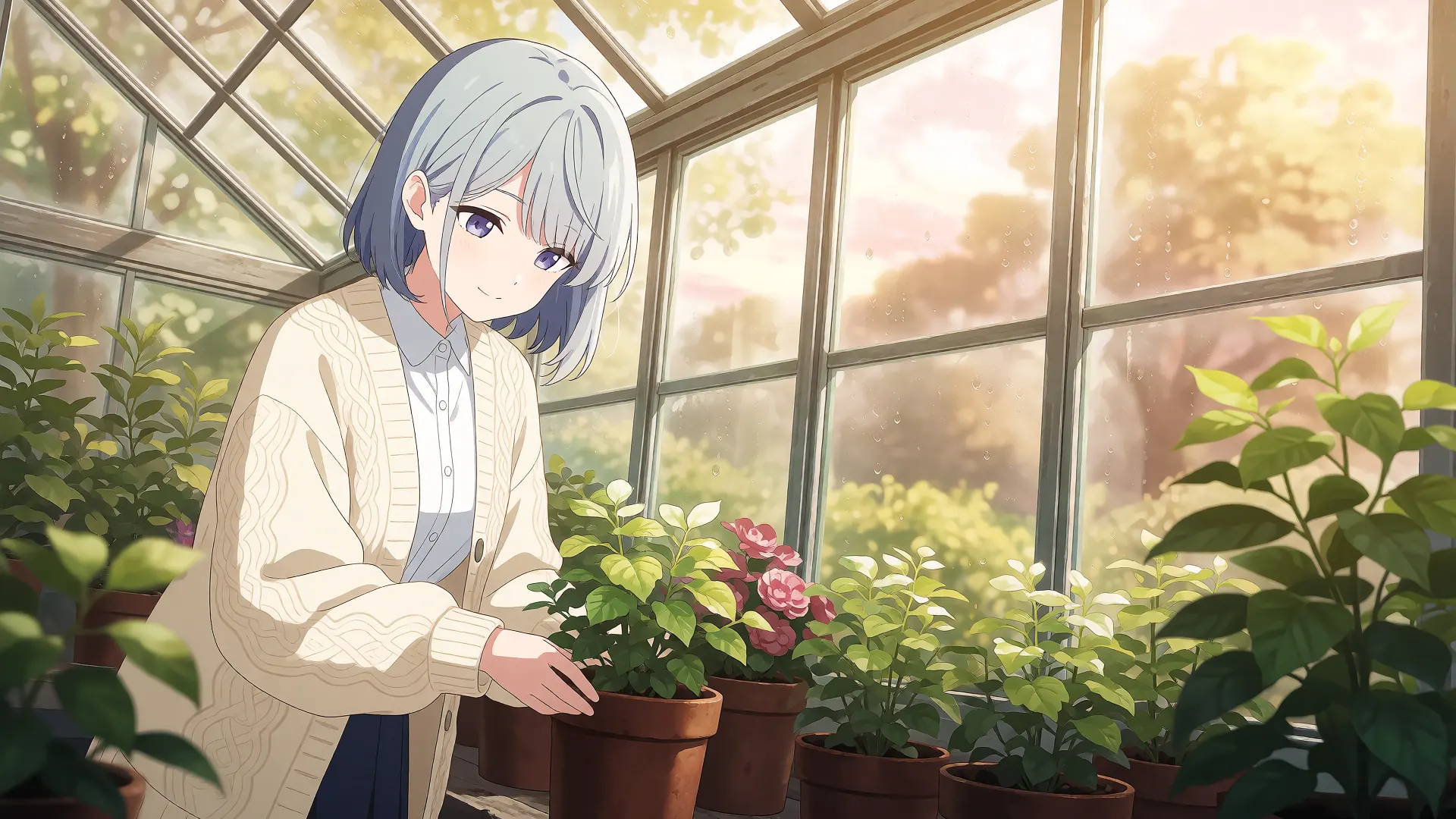
Krea2 is a text-to-image model that creates images from written prompts, with an emphasis on aesthetic quality and fine detail in lighting and texture. On KusArt it always renders in a built-in anime illustration style tuned by KusArt, a clean, modern cel-shaded look, so characters, scenes, objects, and atmospheric compositions share a consistent anime finish. Krea2 runs in the browser as a fast distilled version, right inside the image generator, with no local installation. If you want other anime looks through official styles and personal LoRAs, compare it with the Anima model.
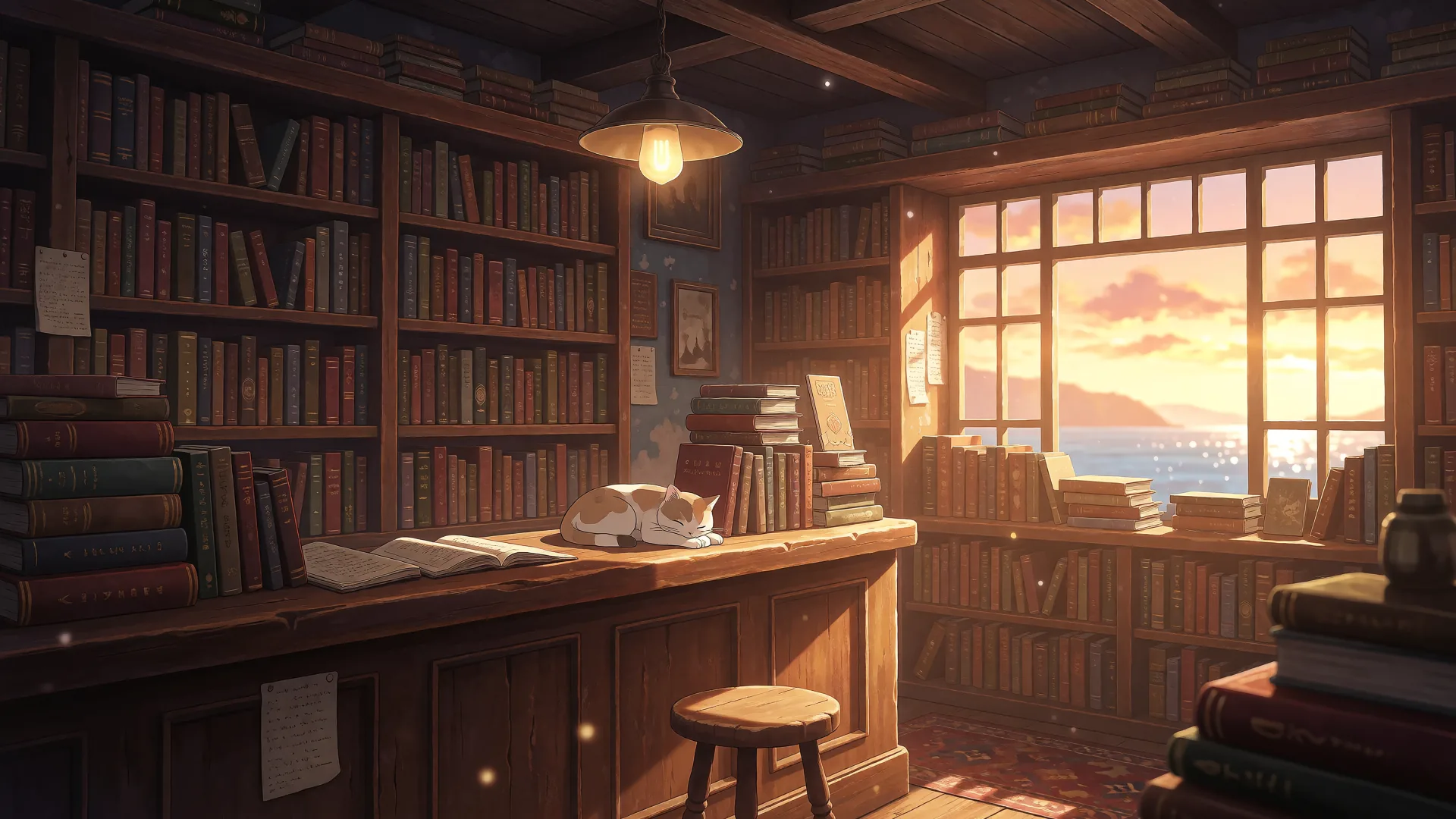
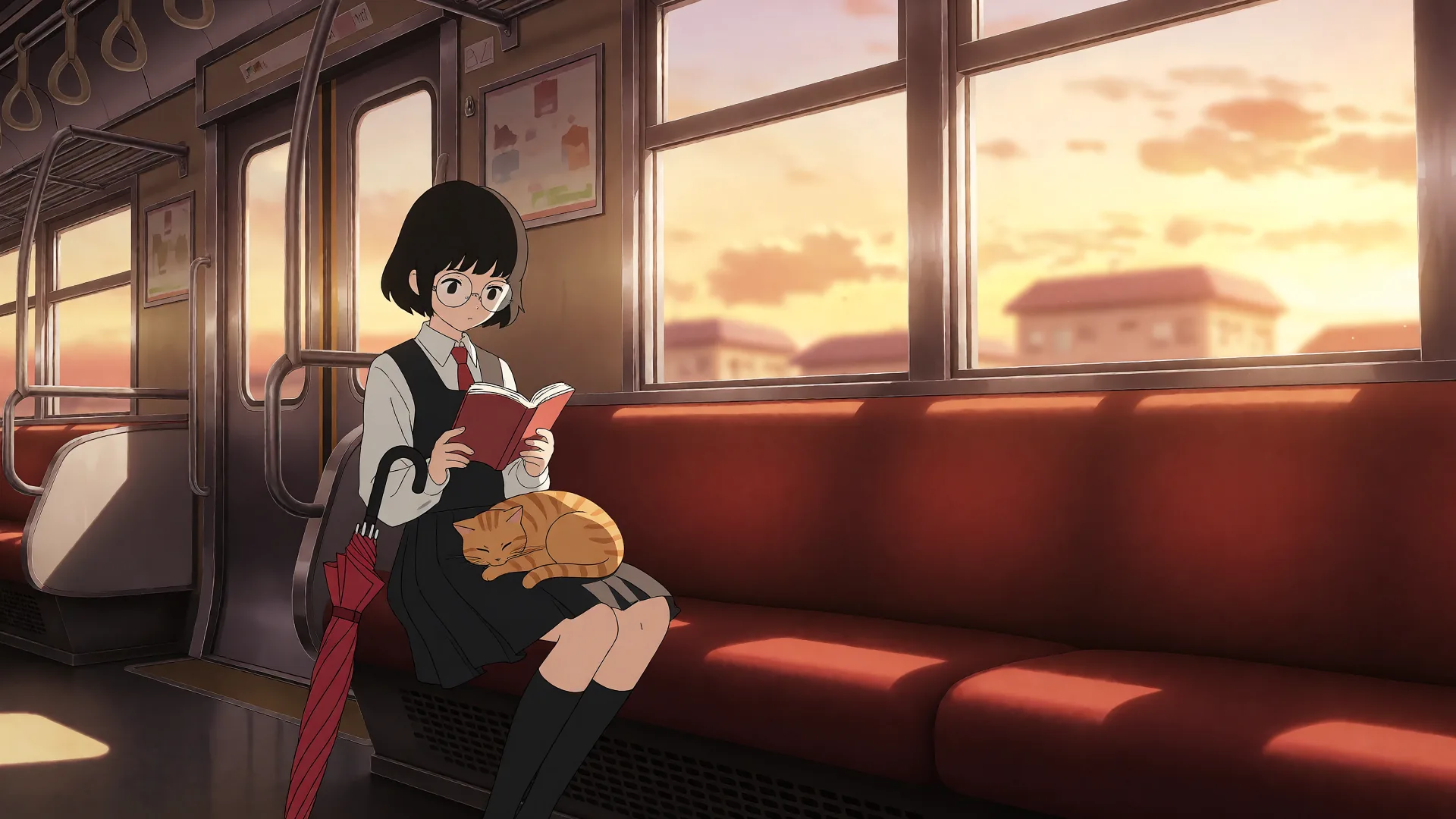
Krea2 follows full natural-language descriptions, so you do not need to compress an idea into a list of tags. Write one or two sentences that cover the subject, the setting, the props around them, the light, and the mood, and Krea2 keeps those elements together in one coherent scene. A girl reading on a train at dusk, with warm cabin lights reflected in the rain-streaked window, gives it far more to work with than a string of keywords. When a result misses something, add or rephrase a sentence instead of piling on extra tags.
On KusArt, Krea2 currently works from text prompts only. There is no reference image upload, no image-to-image mode, no style library, and no LoRA selection on this page. That keeps the workflow simple: write, size, generate. When an existing picture should guide the result, or you want official styles or a personal LoRA, move to the AI Anime Generator or the Anima model instead. Once a still image is finished, you can bring it to life with AI Image to Video.
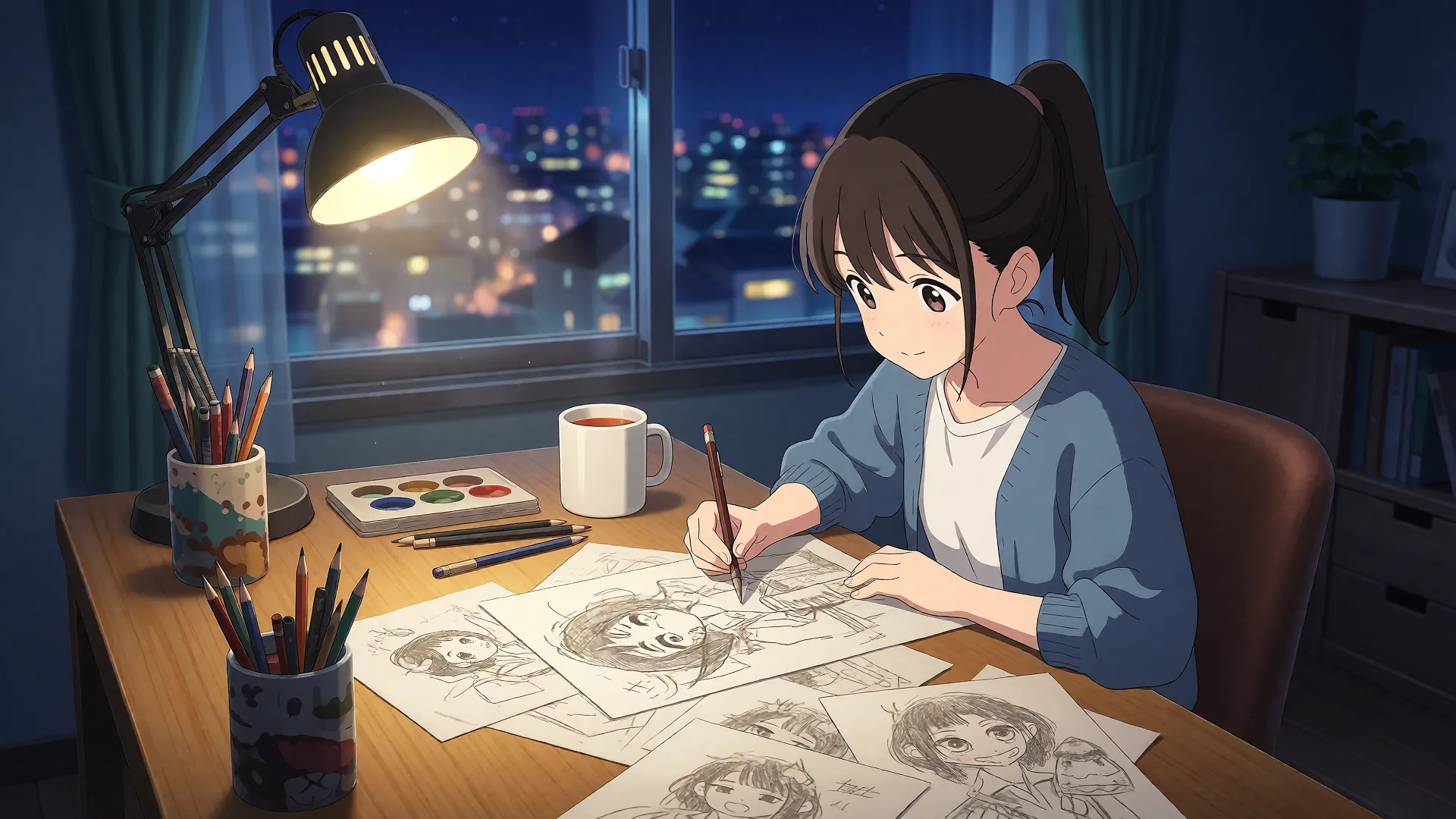
Use Krea2 for detailed anime illustrations from text, with quick turnaround, simple size controls, and prompts you can write in plain sentences.
Krea2 pays close attention to how light falls across a scene and how surfaces such as fabric, hair, metal, and foliage read, giving finished images a richer, more considered look.
KusArt runs a distilled few-step version of Krea2, so images come back quickly. Generate up to four images per run and compare variations of the same prompt side by side.
Pick an aspect ratio preset for portraits, squares, or wide scenes, then choose 1K for everyday images or 2K when you need more detail. The exact credit cost is shown on the Generate button before you generate.
Write a clear prompt in plain sentences, choose a size, and generate in the browser without installing anything locally.
Write the subject, appearance, pose, setting, lighting, and mood in natural language. Specific details about light and materials help Krea2 deliver the texture and finish it is known for. Describe what should appear in the image rather than listing what to avoid.
Choose an aspect ratio preset and size, then pick one to four images. Larger sizes give more detail, and the exact cost is shown on the Generate button before you generate.
Generate, compare the results, and adjust the prompt. Changing one sentence at a time makes it easier to see what each edit does. Finished images are saved in your history, where you can also animate them with AI Image to Video.
Krea2 fits anime text-to-image tasks where lighting, texture, and atmosphere matter, from character illustrations to detailed scenes and key visuals.
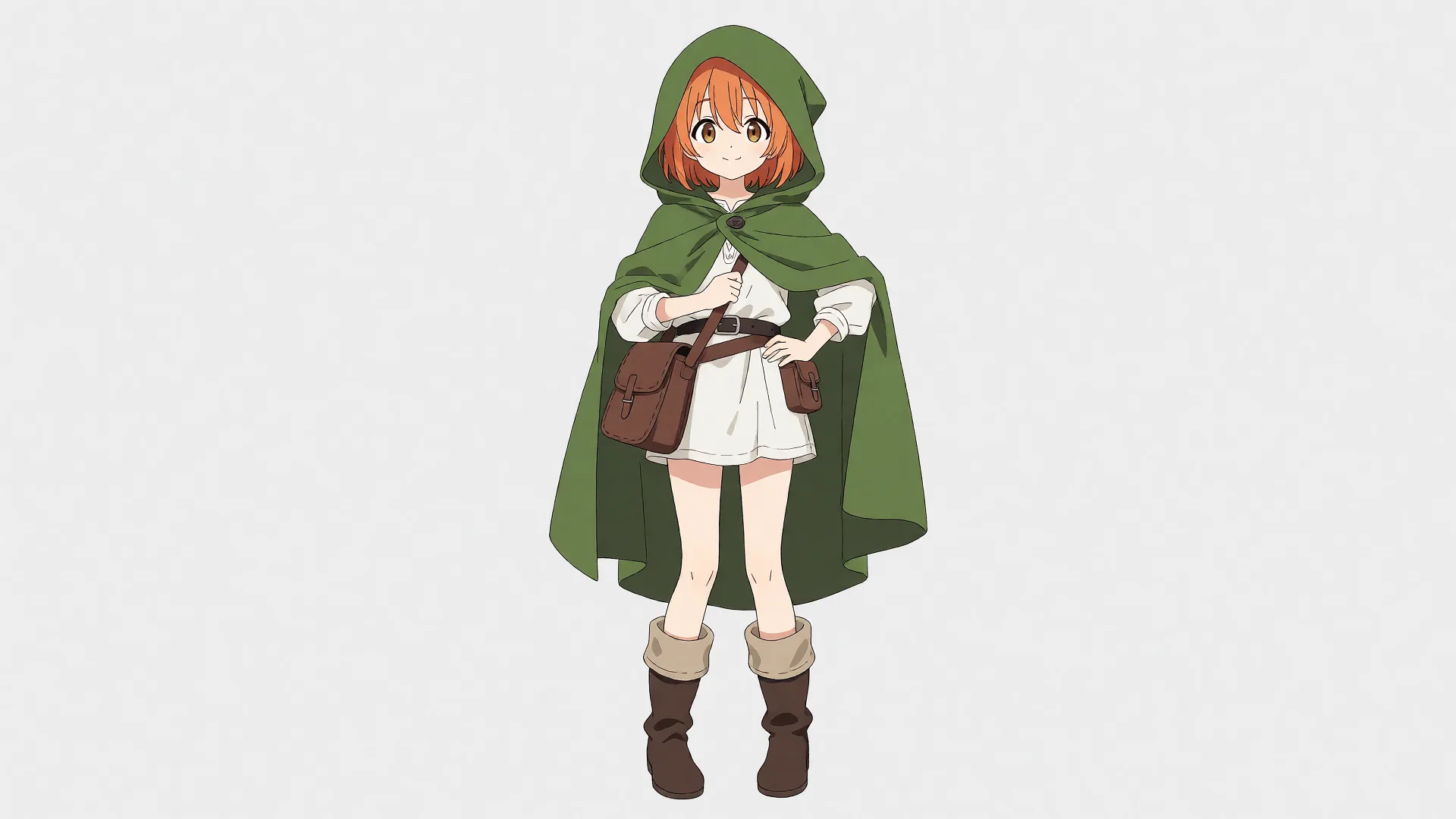
Create clean anime character portraits, outfit ideas, and expressive poses with detailed lighting and polished cel-shaded rendering.
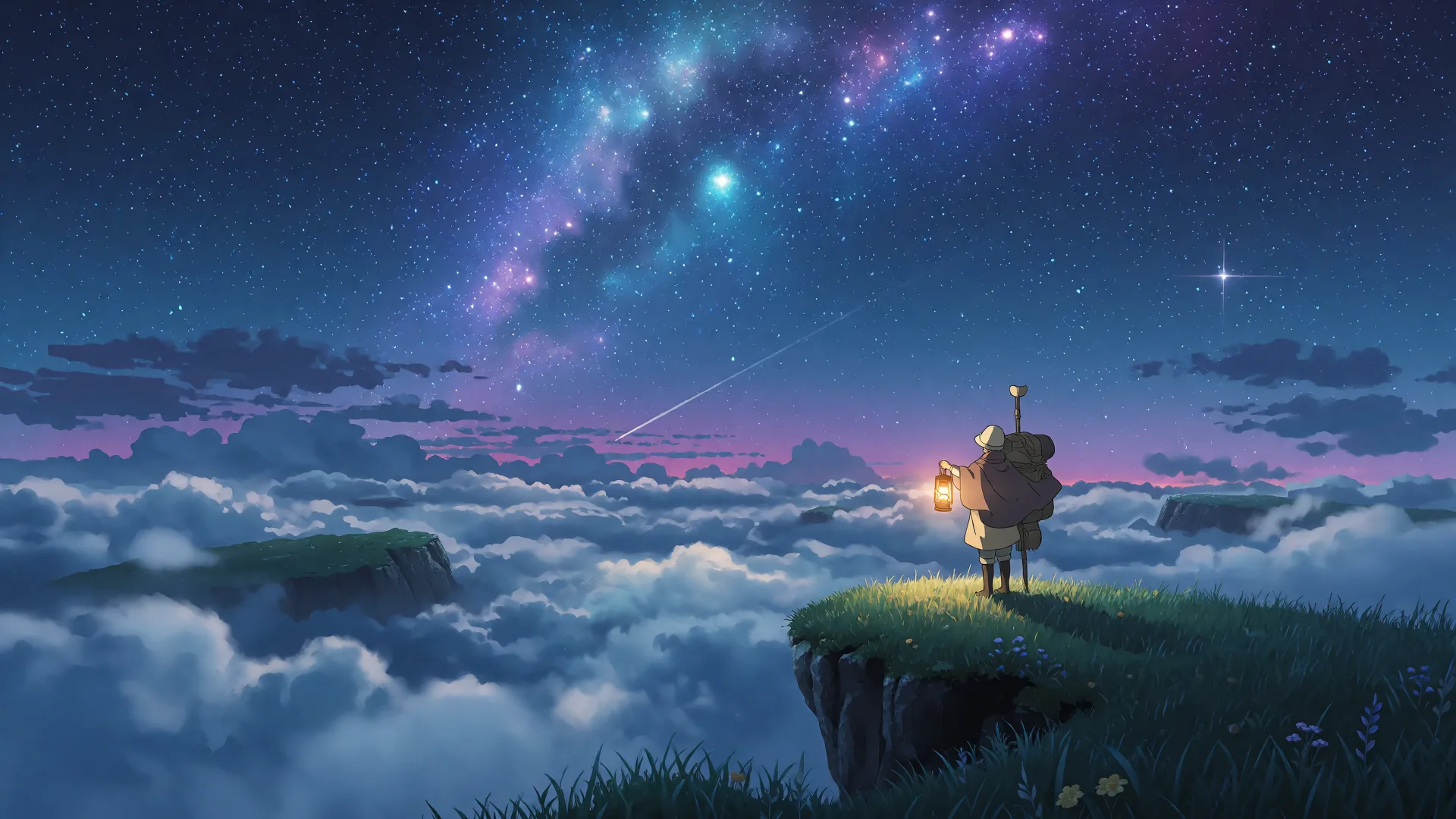
Generate environments, posters, wallpapers, and key art where mood, light, and depth carry the image, using wide or tall aspect ratios to fit the composition.
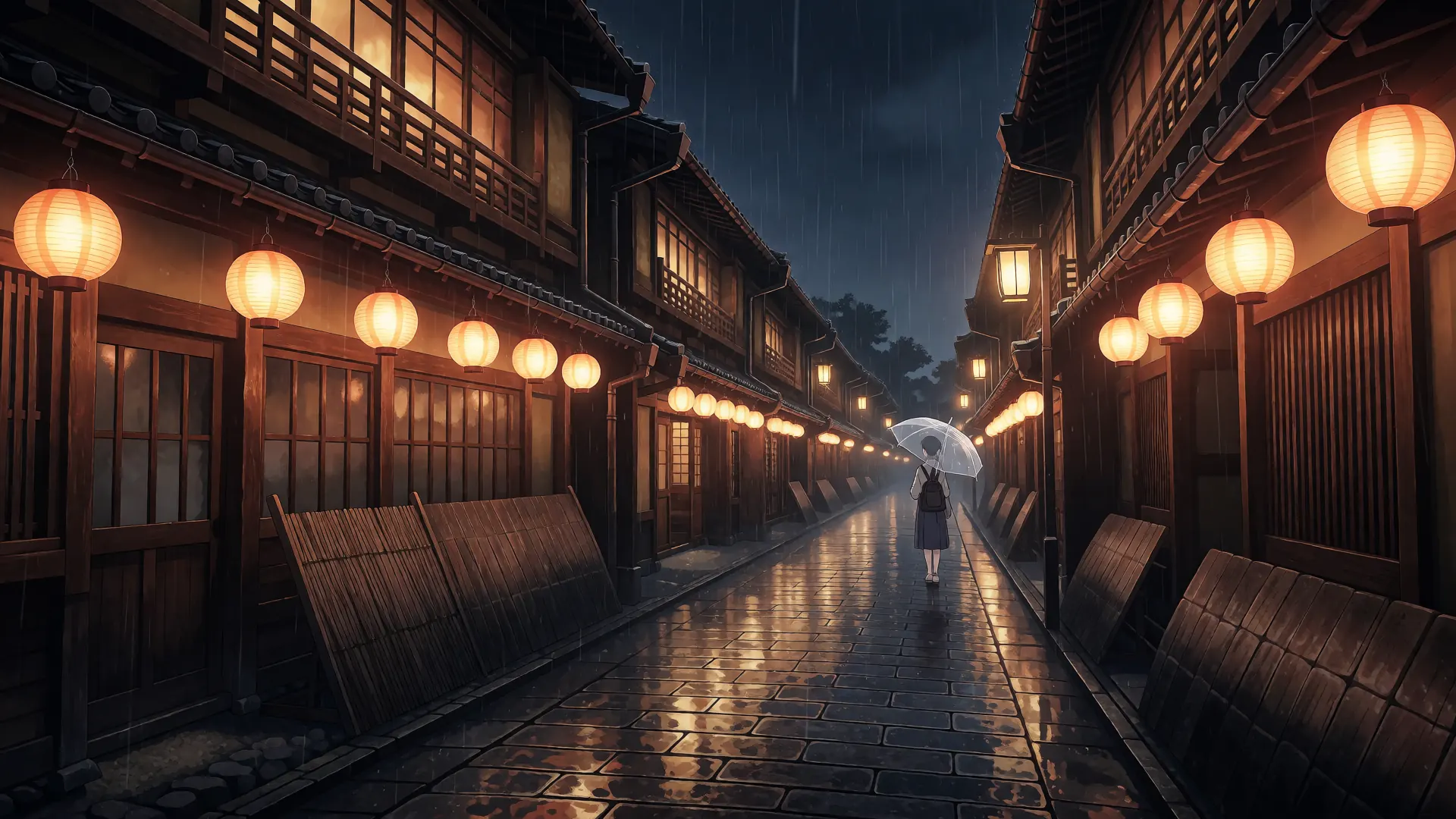
Generate environments, streets, and interiors with rich light and texture to use as backgrounds, wallpapers, or settings for your stories.
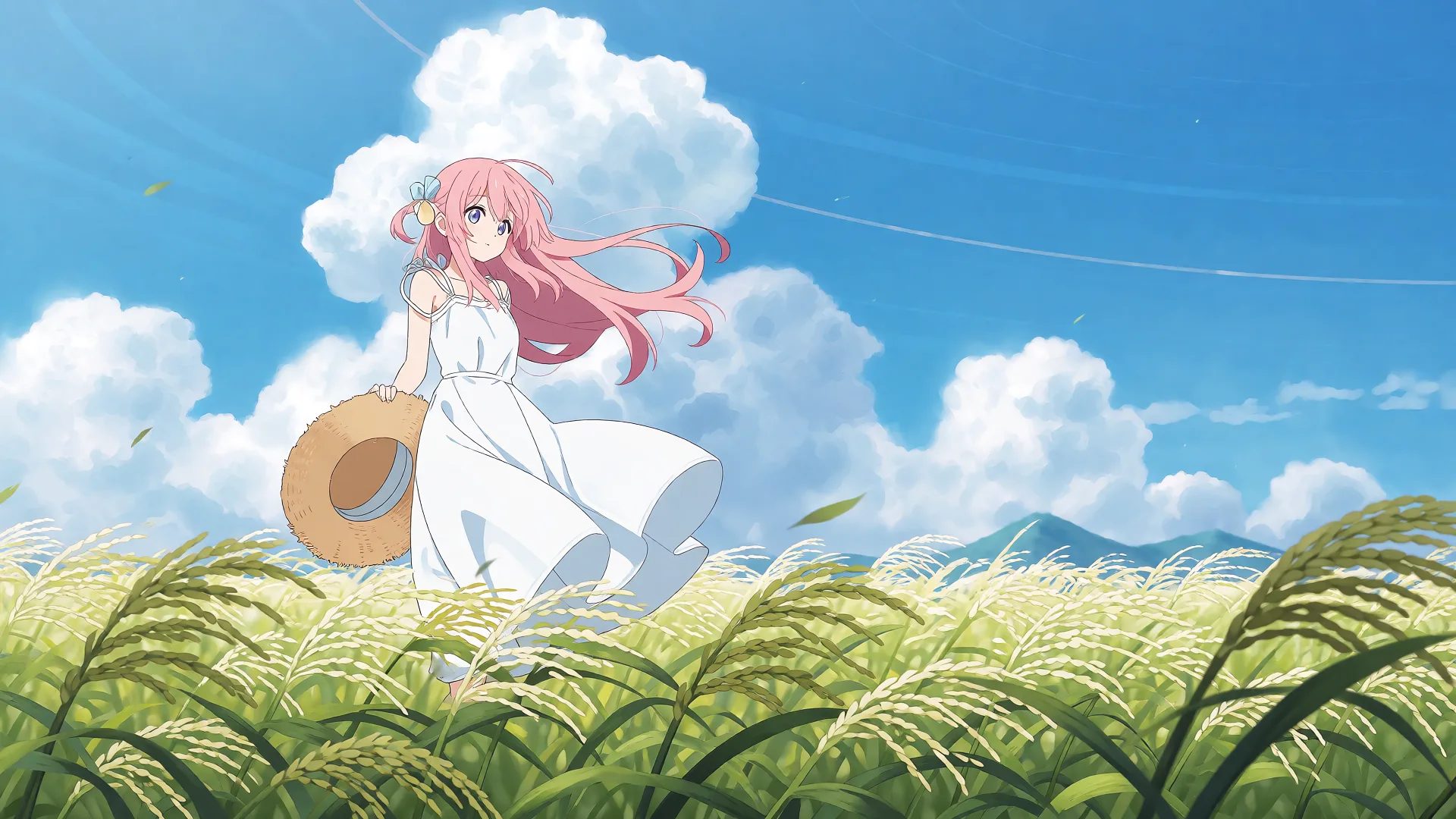
Produce several fast variations of an idea, keep the strongest one, and send it to AI Image to Video to turn the still image into a short animated clip.
Describe the scene in plain sentences, choose a size, and get detailed Krea2 anime illustrations back quickly, then keep refining or animate your favorite.
Create with Krea2Try an anime-specialist model with styles and LoRAs, generate with references, or turn your Krea2 image into a short animation.