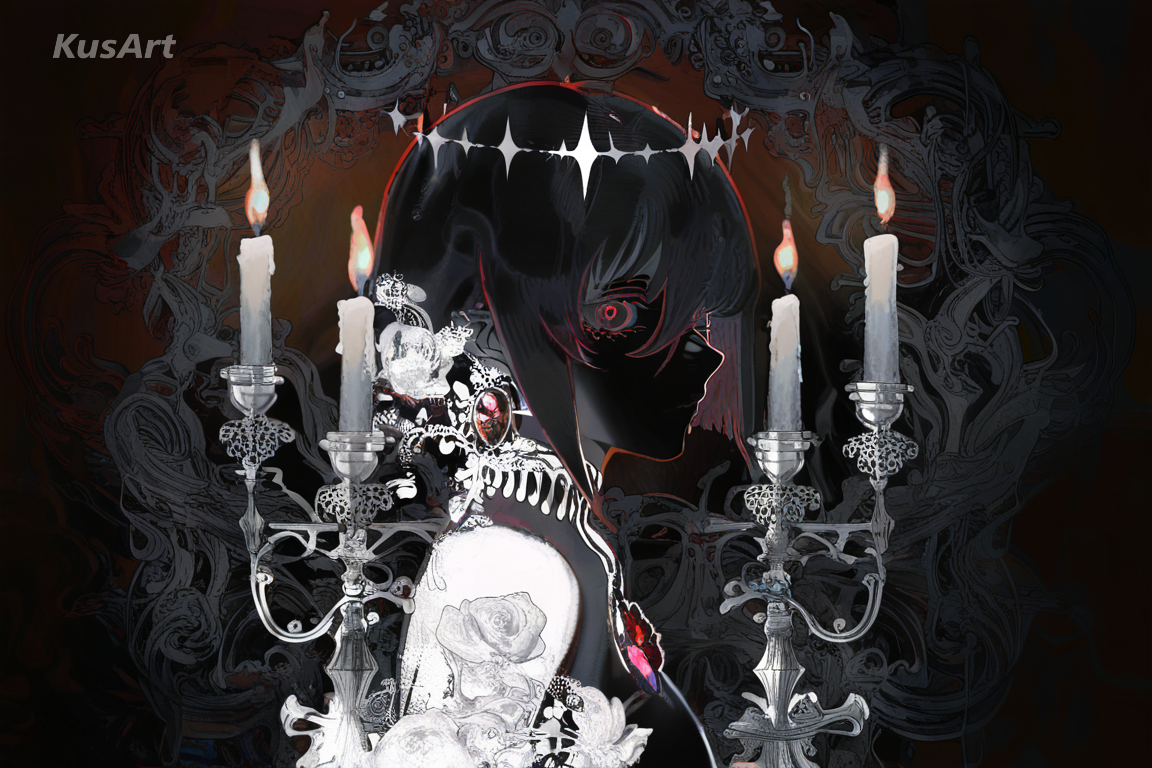
Give your characters a moody, dark aesthetic with AI art built for gothic romance and shadow-drenched detail. Dark Elegance blends dark romantic aesthetics with refined, intricate ornamentation — deep blacks, muted jewel tones, and delicate linework wrapped around candlelight and lace. This dark aesthetic favors dramatic contrast over bright cheer, making it a natural fit for emo wallpapers, gothic character concepts, and brooding portrait work. Every piece carries a quiet melancholy: hollow eyes catch dim light, ornate collars and rings shimmer against near-black backgrounds, and shading pools into shadow instead of flattening into cel color. Whether you're chasing a full gothic aesthetic or a touch of dark art in a character sheet, this style delivers instantly. Generate free on KusArt — no login required.
A curated gallery of dark aesthetic artwork — real dark elegance pieces created by the KusArt community using this style. Click any image to explore details and try the same prompt.
Dark Elegance is a style built for creators who want their characters wrapped in a genuine dark aesthetic — not just black clothing, but a full mood of gothic romance, restrained color, and ornate detail. Rather than leaning on horror-movie shock or muddy shadows, this style blends dark romantic aesthetics with refined, intricate detailing: filigree jewelry, lace trim, candlelight rim lighting, and deep jewel tones layered over near-black backgrounds. Every piece reads as deliberate rather than desaturated — the palette is dark but never flat, with muted crimsons, violets, and golds picking out detail against the shadow. This makes Dark Elegance especially suited to emo wallpapers, gothic OC portraits, and any project chasing a moody, dark fantasy art feel without losing polish. Faces carry a melancholic stillness — half-lidded eyes, cool expressions, a sense of quiet intensity rather than aggression. Compared to brighter anime looks, this dark aesthetic prioritizes atmosphere: shadow pools around jawlines, light is scarce and dramatic, and ornamentation does the storytelling. It holds up whether you're working toward a dark academia aesthetic — candlelit libraries and leather-bound tomes — or a straightforward gothic aesthetic built around lace and chains. On KusArt, generating in this style takes the same few seconds as any other: describe your character, select Dark Elegance, and get moody, romantic dark art with refined detailing that separates it from a generic desaturated filter.
Discover what makes this style the go-to choice for moody, gothic-romantic character art.
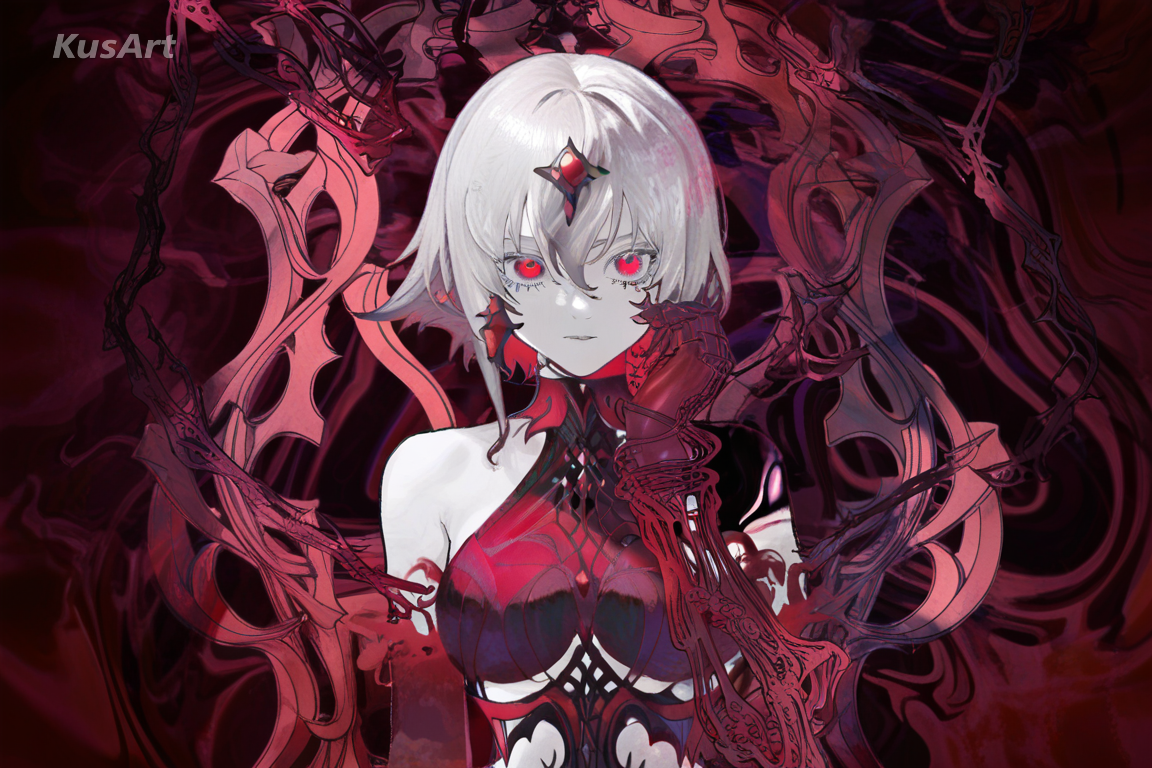
Dark Elegance leans on near-black backgrounds layered with muted jewel tones — deep crimson, violet, and antique gold picking out detail against the shadow. It's a dark aesthetic built on restraint: color is used sparingly, so every accent feels intentional rather than decorative.
Try the Dark Palette →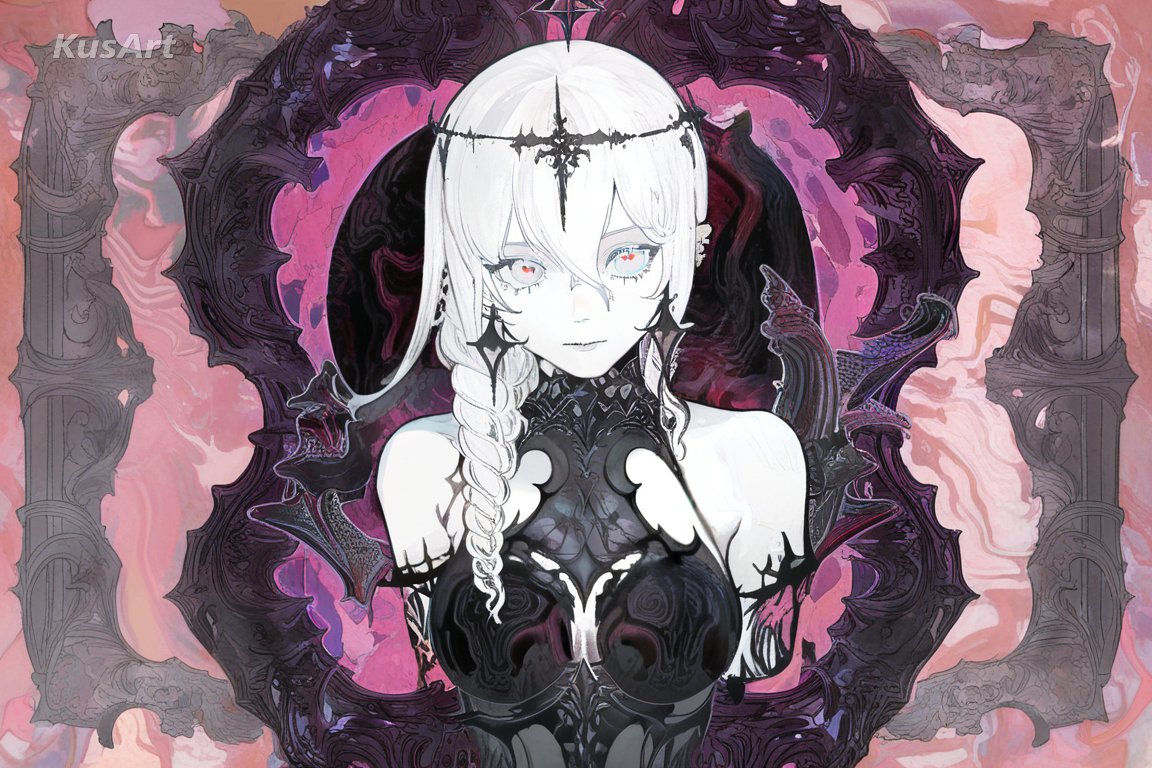
Lace trim, filigree jewelry, and ornate collar work are rendered with genuine precision, not just flat black shapes. This refined detailing pushes Dark Elegance past a simple gothic aesthetic into something closer to dark fantasy art — every accessory reads as hand-crafted.
Generate Intricate Detail →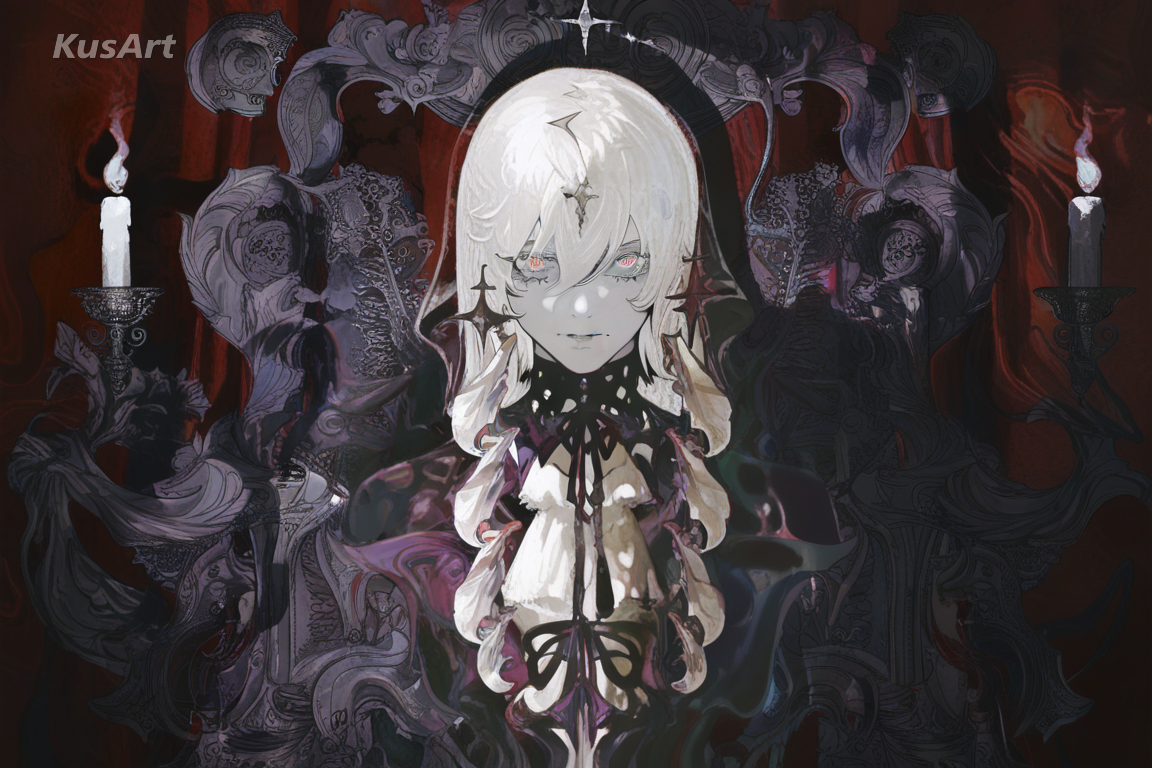
Light in this style is scarce and deliberate — a single candle flame, a sliver of moonlight — carving faces and fabric out of deep shadow. This dramatic shading is core to the dark aesthetic, giving every portrait a brooding, cinematic weight.
Draw with Candlelight →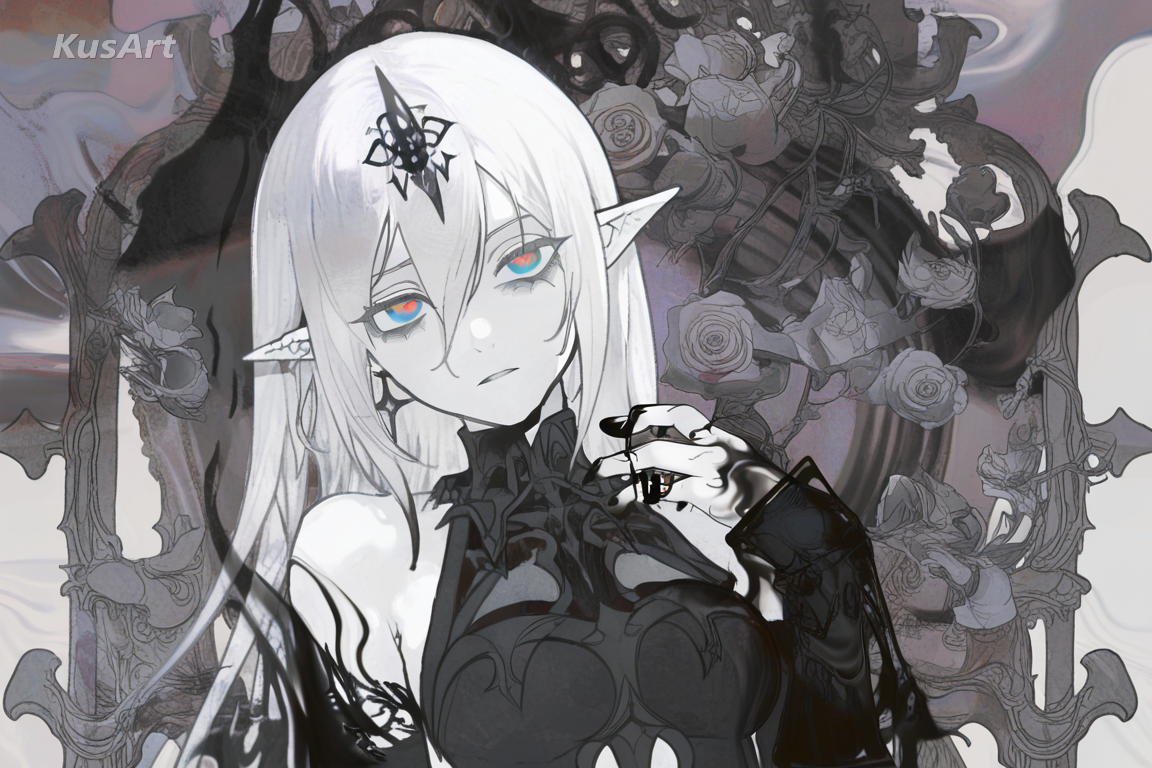
Characters in Dark Elegance rarely smile wide — half-lidded eyes, a still mouth, a distant gaze define the mood. This composed melancholy suits a dark academia aesthetic just as well as a full gothic scene, keeping emotion quiet instead of theatrical.
Create a Moody Portrait →This style shines wherever a character needs genuine gothic weight and mood — from dark art portfolios to full wallpaper sets. Here are the best ways to use it.
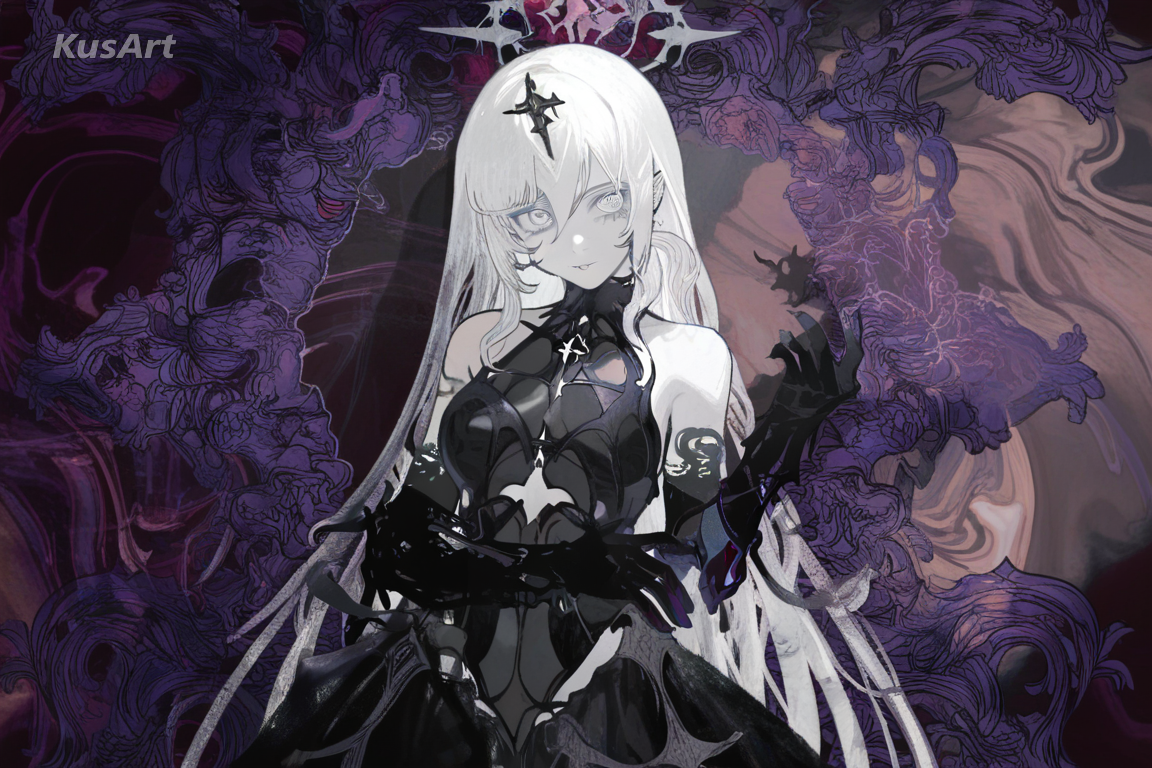
Dark Elegance was built with emo wallpapers in mind — moody, high-contrast character art that looks striking as a lock screen or desktop background. The dark aesthetic holds its intensity at any size, from thumbnail to full wallpaper resolution.
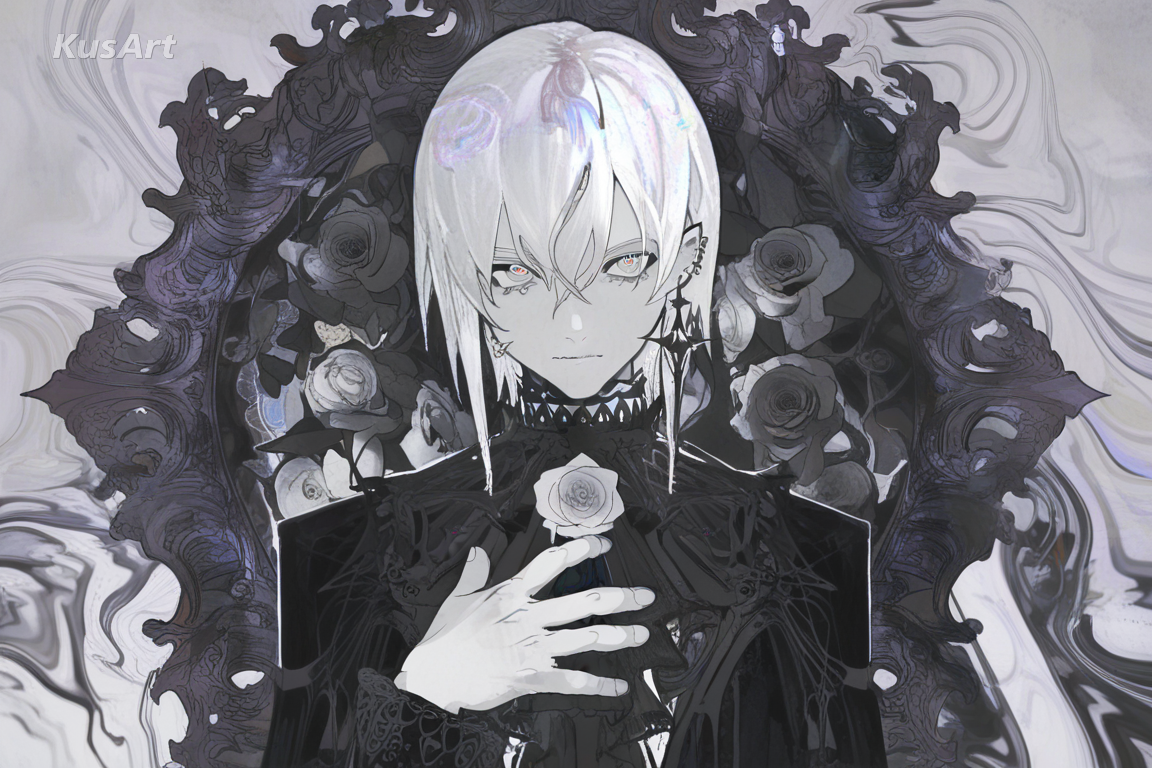
For OC creators building a brooding, romantic character, this style delivers an instant gothic aesthetic without needing dozens of prompt iterations — lace, jewelry, and candlelit shading arrive baked into the render.
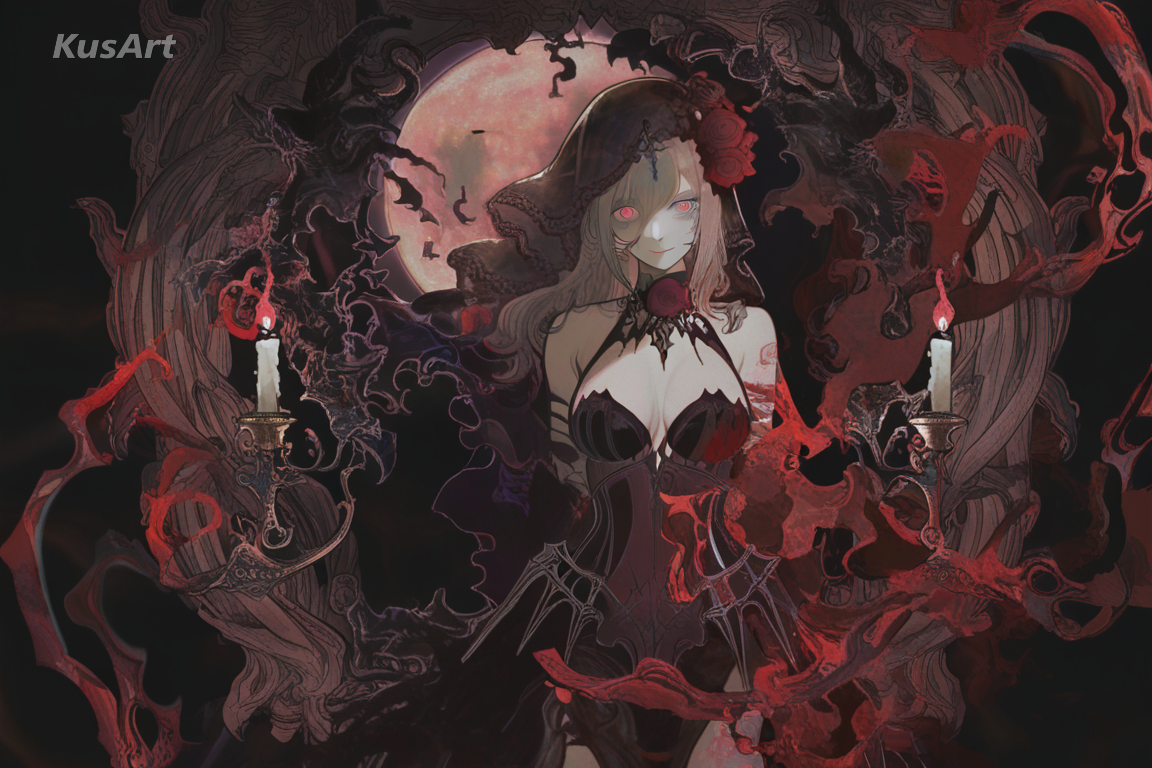
Vampires, dark mages, and gothic nobles all benefit from Dark Elegance's blend of ornamentation and shadow. It's a natural shorthand for dark fantasy art that still reads as a polished character portrait rather than a horror sketch.
Go to the KusArt Image Generator and select 'Dark Elegance' from the style panel.
Describe your character — clothing, jewelry, and expression all shape how dark and ornate the final dark aesthetic feels, from full gothic looks to a subtler dark academia aesthetic.
Click Generate and wait a few seconds for your moody, gothic-inspired artwork.
Download the result, or refine details further with Image-to-Image editing to deepen the shadow and detail.
Dark Elegance is an AI art style that blends dark romantic aesthetics with refined, intricate detailing — near-black backgrounds, jewel-tone accents, and candlelit shading built for gothic and emo-inspired character art.
Yes — KusArt offers free AI art generation with no login required. You can generate unlimited Dark Elegance artwork at no cost.
Rather than just darkening colors, Dark Elegance adds genuine detail — lace, filigree jewelry, and dramatic candlelight — so the result reads as intentional dark fantasy art, not a desaturated photo.
Describe clothing, jewelry, and lighting for best results. Keywords like 'candlelight,' 'lace,' or 'gothic' help push the dark aesthetic further.
AI-generated images on KusArt can be used for personal projects, social media, and creative portfolios. Check our terms of service for specific commercial usage guidelines.
Most Dark Elegance generations complete in under 10 seconds, so you can iterate on your character quickly.
Start with Image Generator for the fastest prompt-first workflow. If your goal is a profile picture or avatar, Anime PFP Maker is usually the better fit. If you want to build a more structured original character workflow, move into OC Generator.
This style shines wherever a character needs genuine gothic weight and mood — from dark art portfolios to full wallpaper sets. Here are the best ways to use it. After your first strong result, you can carry the same look into Wallpaper Generator, OC Generator, and Video Generator.
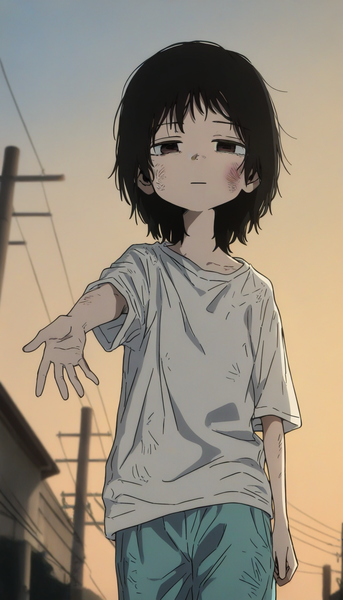
Muted colors, soft lighting, and understated linework for raw, emotional sad art and quiet character portraits.
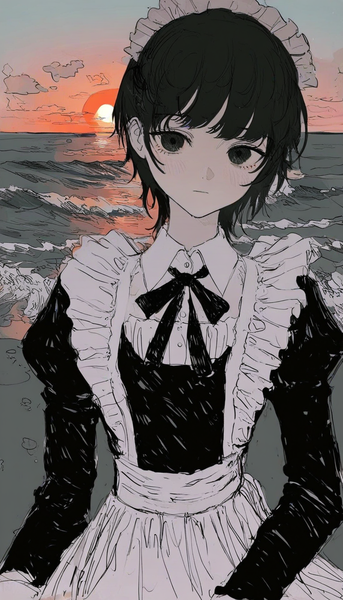
Rough, hand-drawn linework and moody atmospheric coloring for a raw, film noir-inspired character art style.
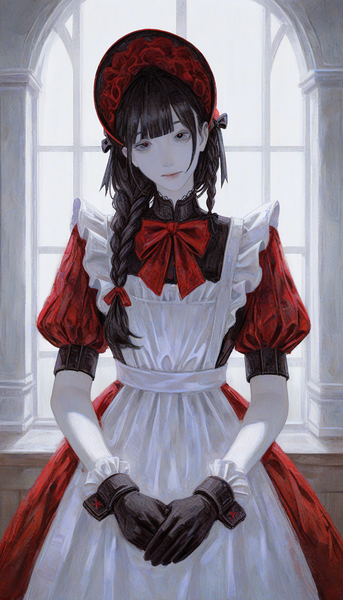
Classical European portraiture meets gothic undertones for dramatic, canvas-textured character paintings.
Generate moody, gothic-romantic character art in seconds — free and no login required.
Includes 100 free credits daily