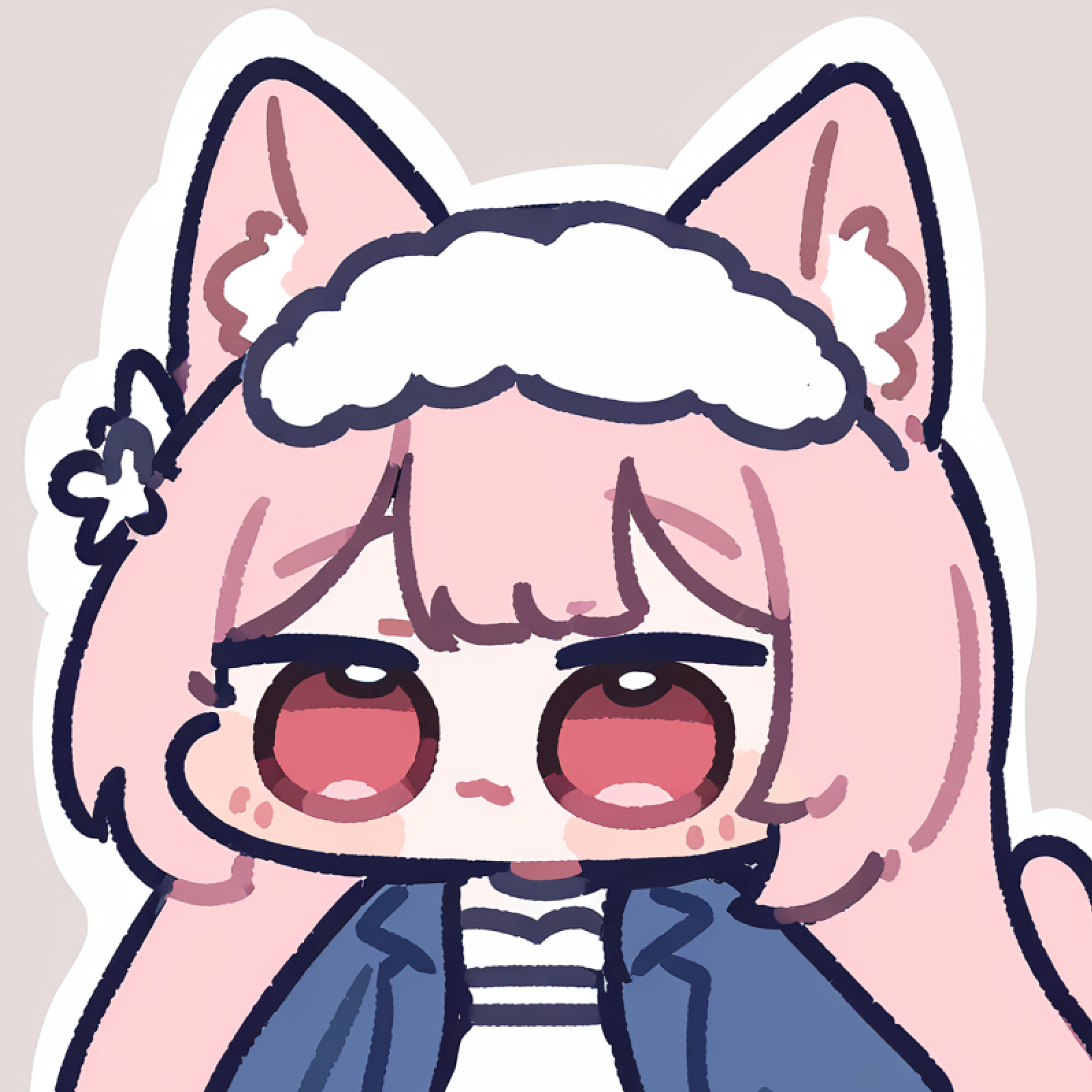
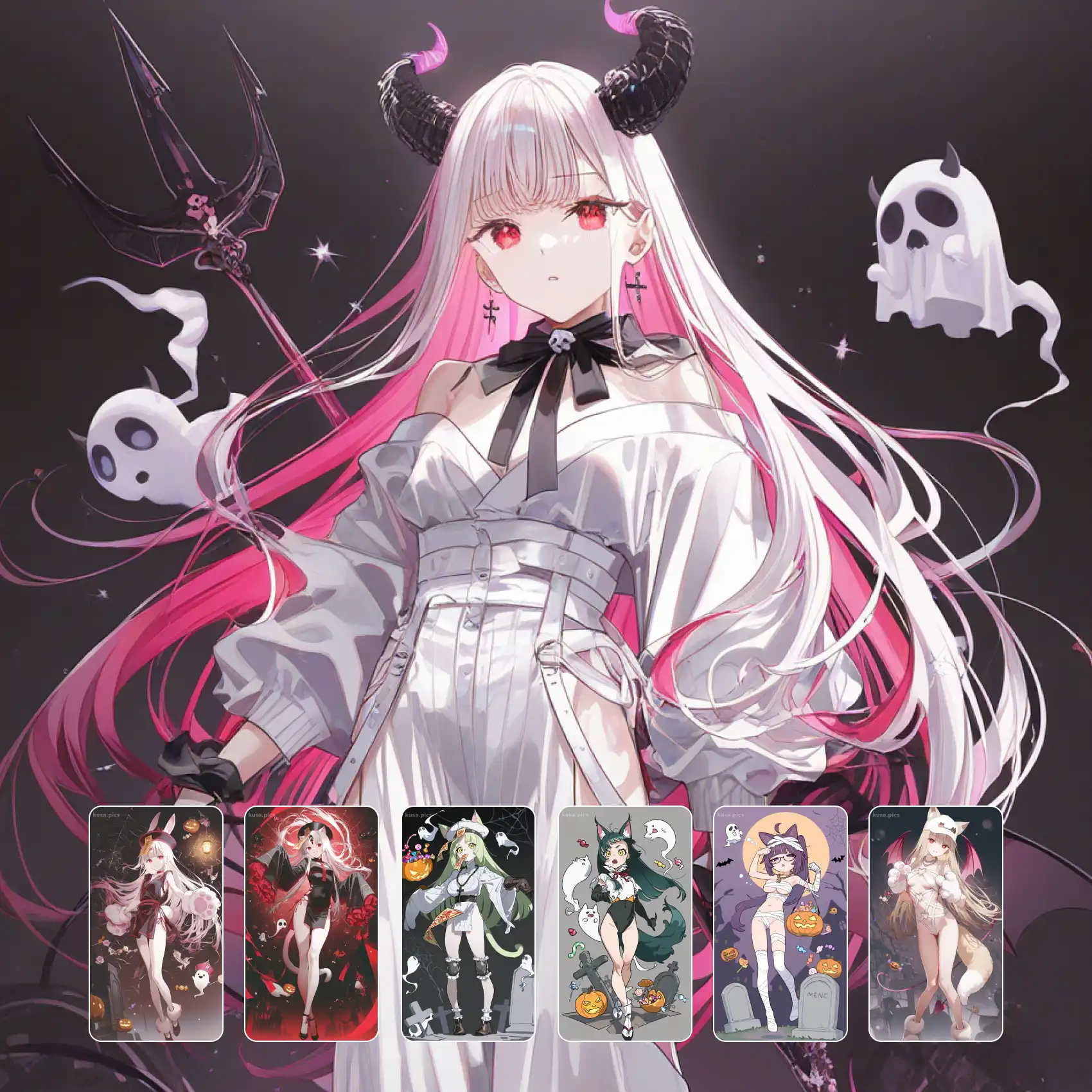
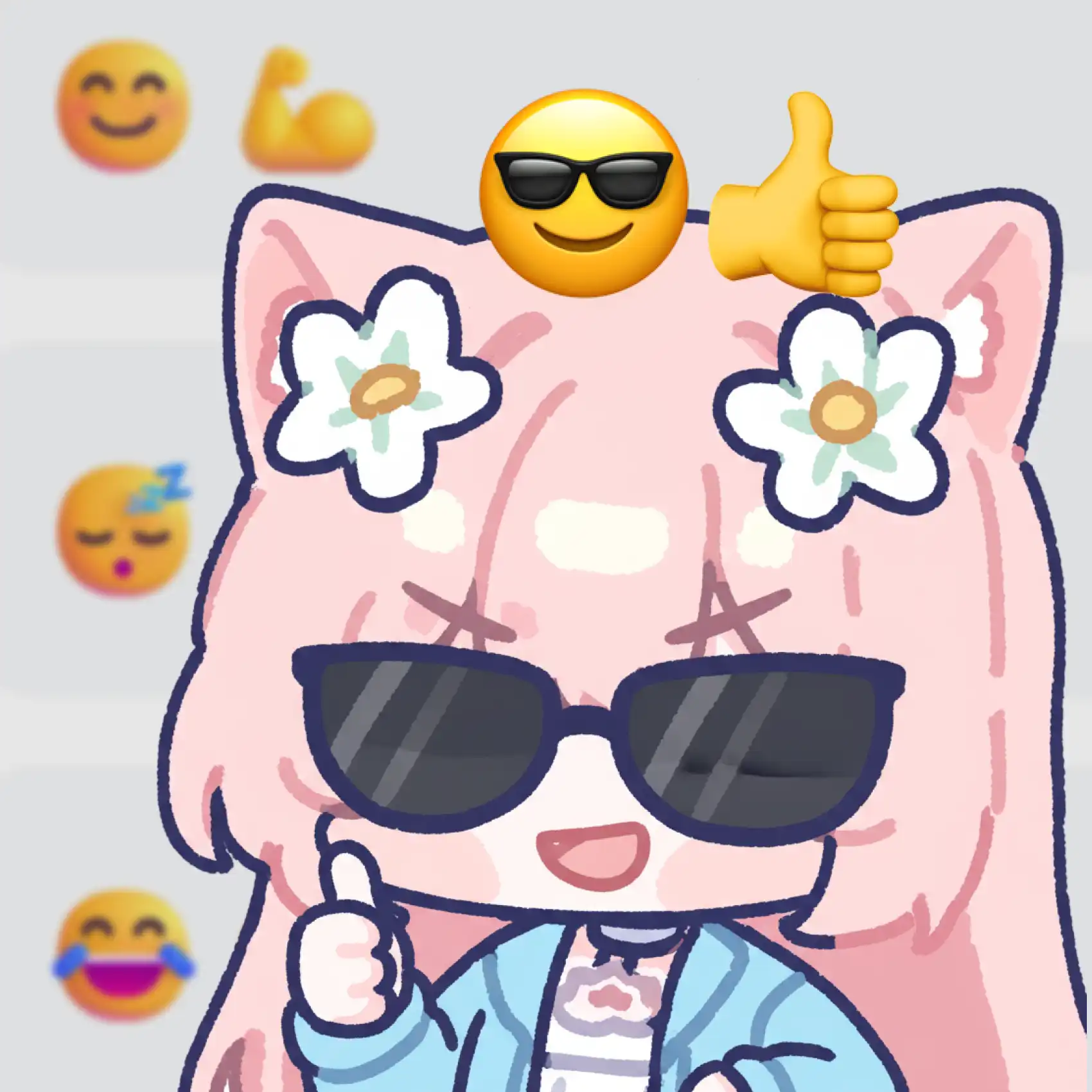
Give your characters a clean, modern flat design with AI art that drops outlines entirely and lets color blocks do the work. Flat Clean Style renders shadow and form through flat color blocks instead of line art, producing a distinctive, contemporary look that reads as instantly minimalist design. Every shape stays crisp and simple — no crosshatching, no gradient noise, just confident, simplified shapes stacked into a character. It's a natural fit for modern branding, app icons, and any vector illustration where clarity matters more than texture. Because there's no outline to distract from silhouette, this flat design style also scales beautifully from a tiny avatar to a full poster. Generate free on KusArt — no login required, and every render keeps that same crisp, no-line clarity.
A curated gallery of flat design artwork — real no-line illustrations created by the KusArt community using this style. Click any image to explore details and try the same prompt.
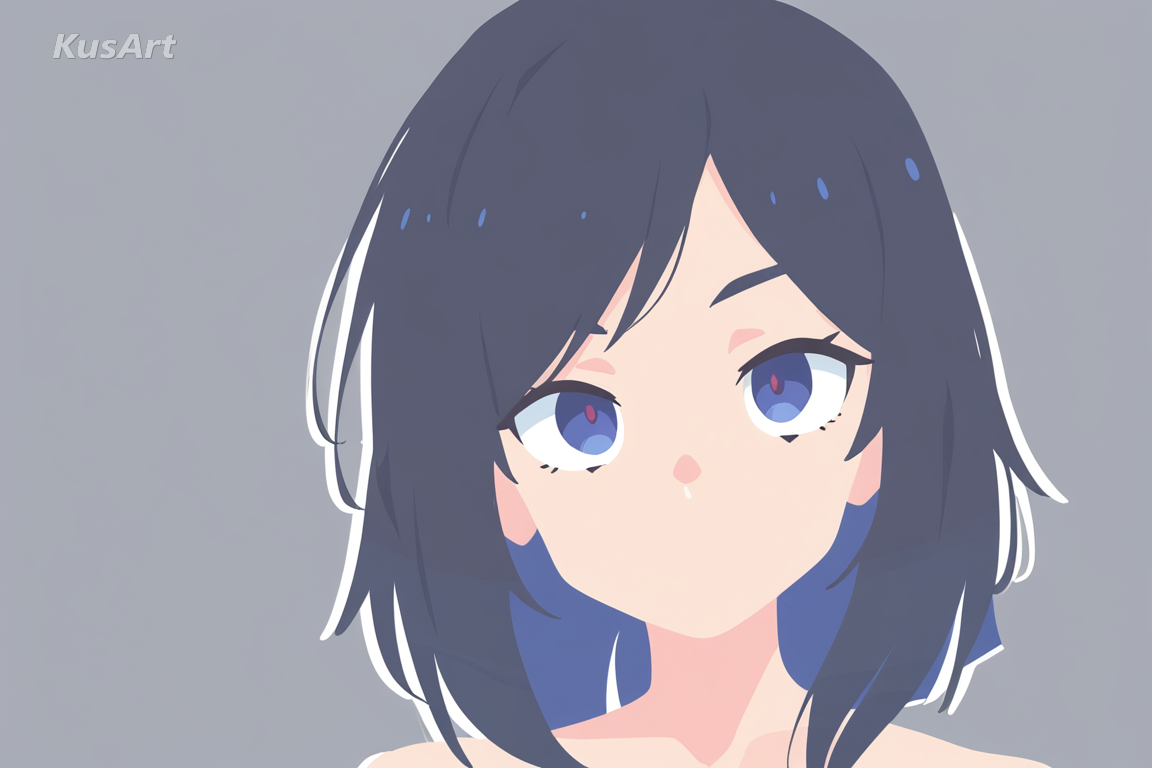
Flat Clean Style is built around a simple but demanding idea: render an entire character using flat color blocks, with zero outline lines. Shadow and form come purely from shifts in flat, solid color — a darker block for the underside of a jaw, a lighter block for a highlighted cheek — instead of the traditional line art most illustration styles rely on. The result is a flat design that feels uniquely distinctive and modern, closer to contemporary vector illustration than to hand-drawn art. Because there's no ink line holding shapes together, every silhouette has to be clean and confident on its own, which gives Flat Clean Style its signature crisp, geometric feel. This makes it especially suited to minimalist design work: app icons, brand mascots, editorial spot illustrations, and any project where a character needs to read instantly at a glance. Colors stay flat and saturated rather than blended, so the palette itself becomes part of the composition instead of just decoration. Where most anime styles lean on detailed line art for texture and depth, Flat Clean Style strips that away entirely, betting everything on shape and color relationships. It's a deliberately restrained approach — no clutter, no unnecessary detail, just clean geometry. On KusArt, generating in this style takes the same few seconds as any other: describe your character, select Flat Clean Style, and get a polished, no-line vector illustration ready for modern design use.
Discover what makes this style the go-to choice for modern, minimalist character illustration.
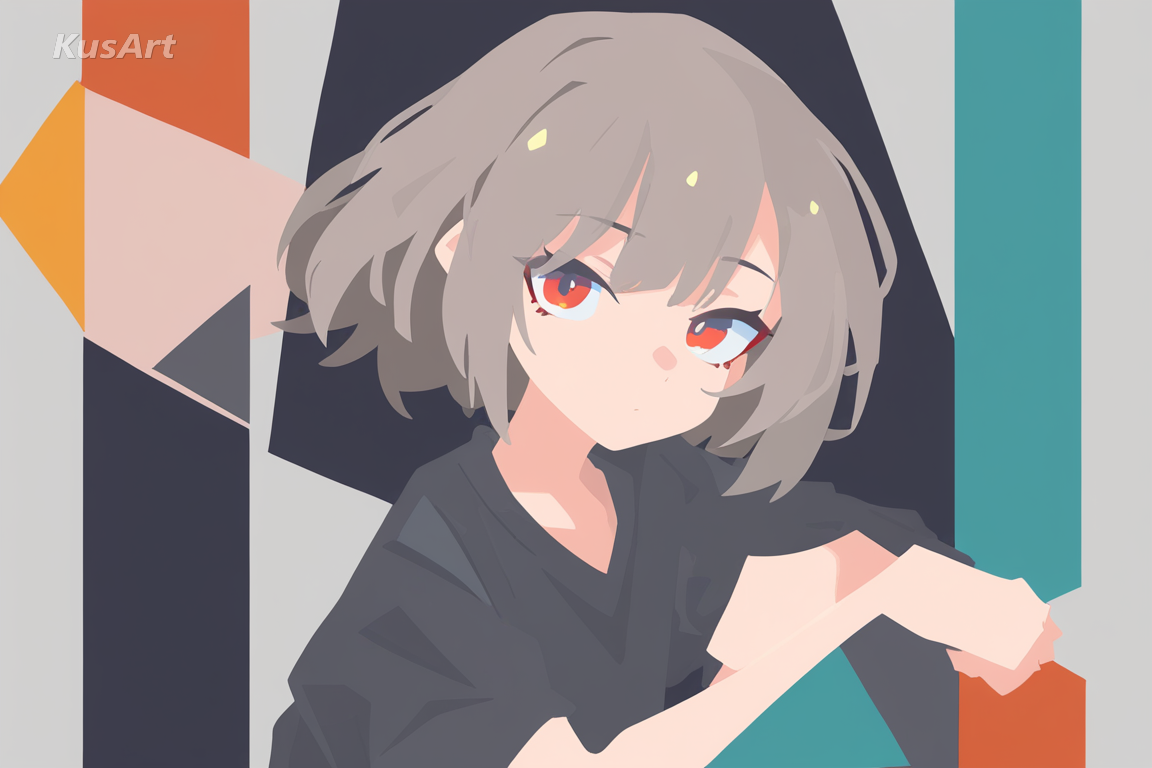
Instead of ink outlines, every form is built from flat, solid color blocks stacked to suggest shadow and light. This no-line approach is the core of the flat design — depth comes from color relationships, not linework.
Try No-Line Shading →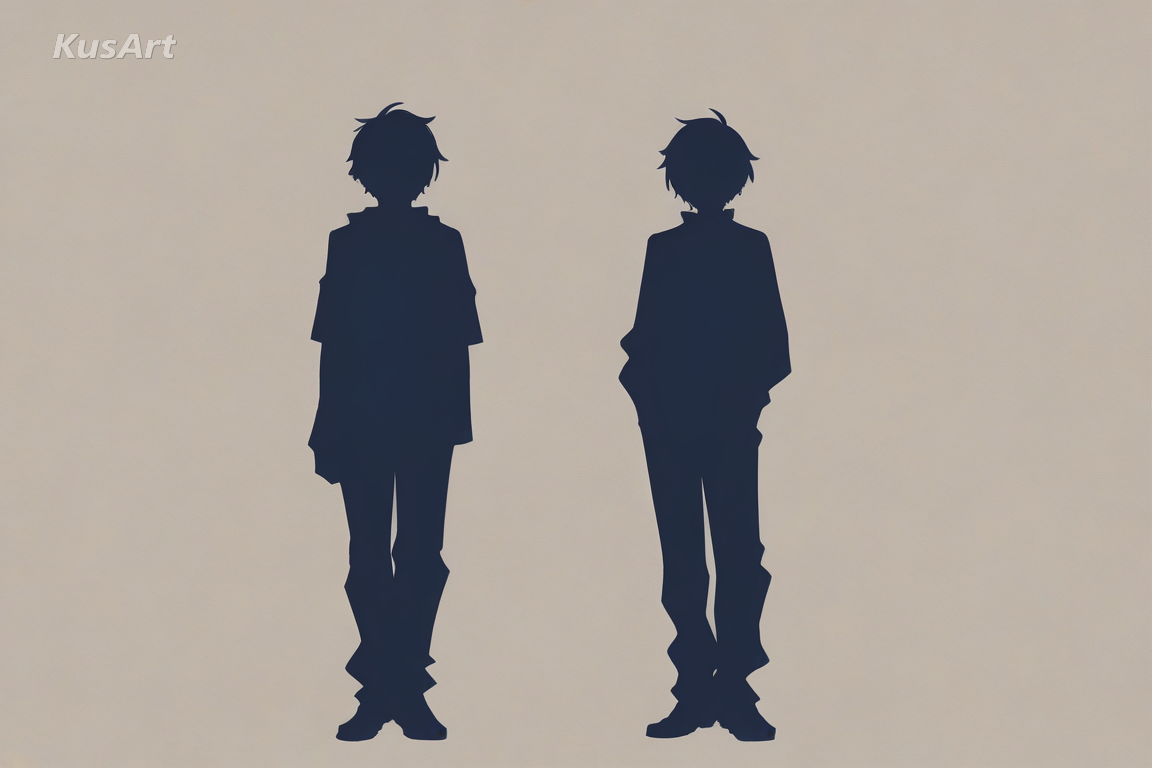
Because there's no line art to hold a shape together, every silhouette in this flat design is deliberately simplified and confident. Hair, clothing, and facial features are reduced to clean geometric forms that still read instantly as a character.
Generate Clean Shapes →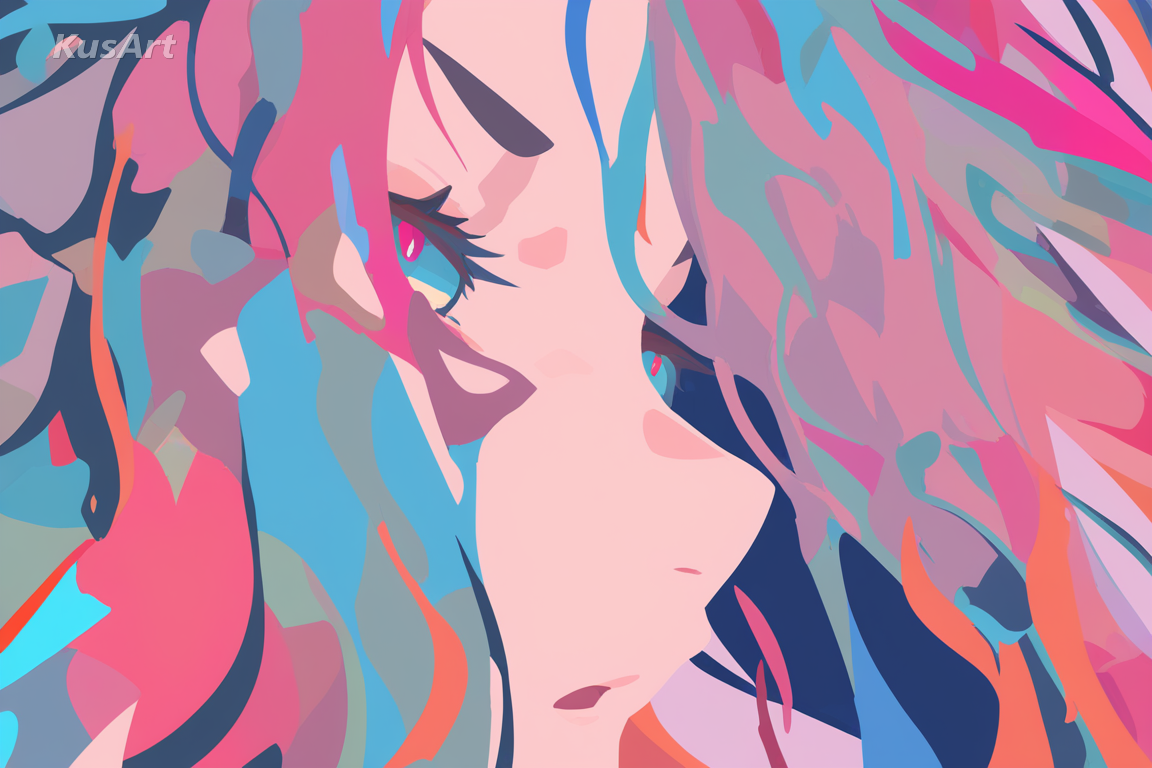
Colors stay saturated and unblended, giving each piece a confident, poster-like quality. This flat, graphic palette is what separates the style from softer, gradient-heavy anime looks and makes it ideal for vector illustration work.
Create with Flat Color →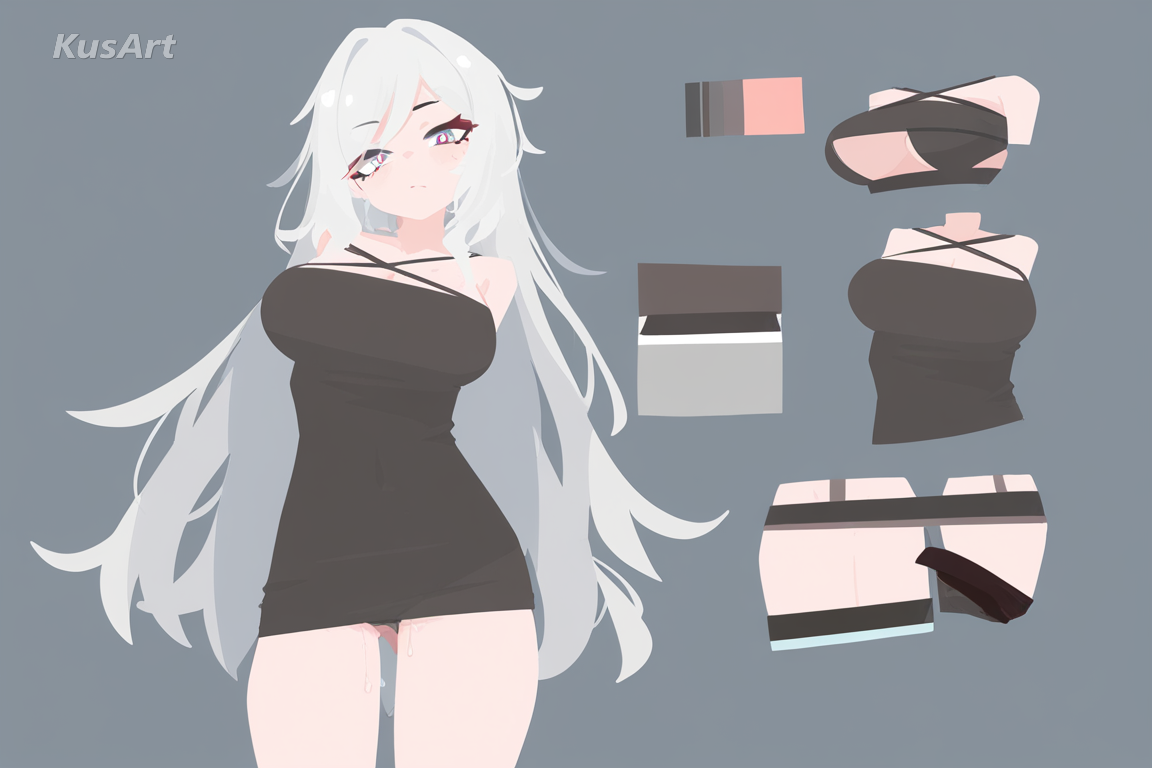
Every element in Flat Clean Style earns its place — no clutter, no extra texture. That restraint is exactly what minimalist design calls for, and it's why this flat design style translates so well to branding and app-ready artwork.
Draw Minimalist Art →This style shines wherever clarity and modern polish matter more than texture. Here are the best ways to use it.
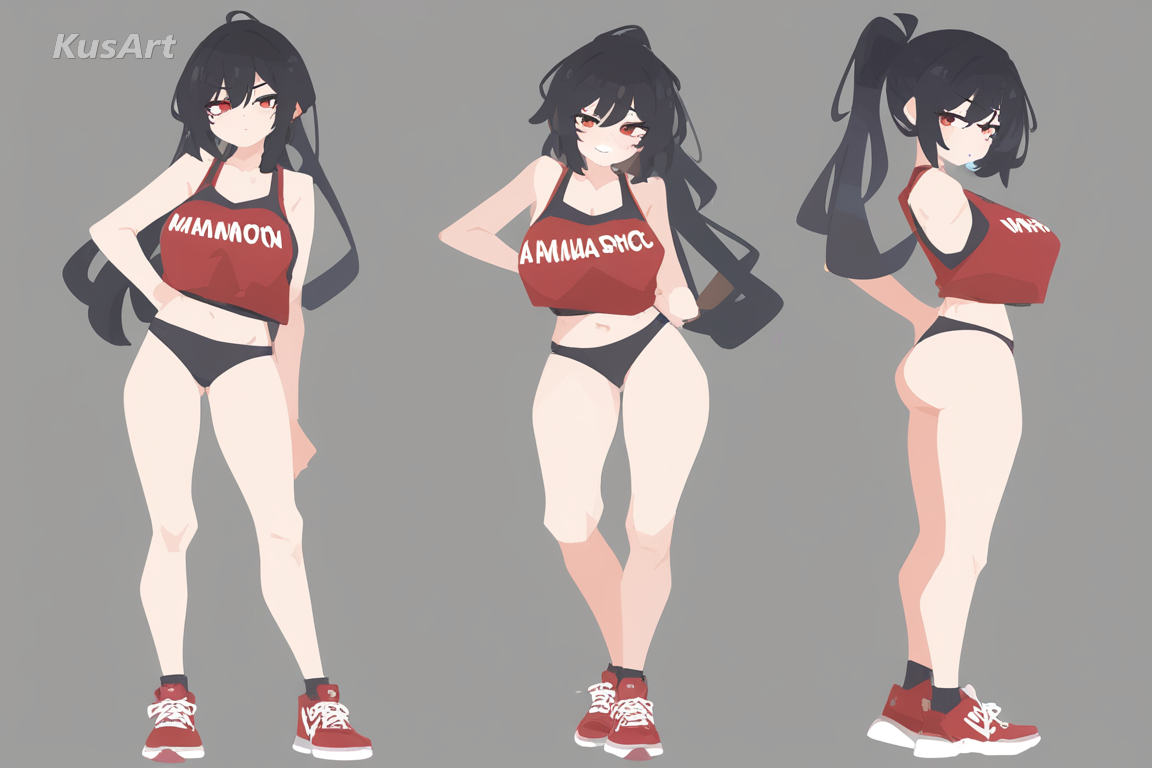
Flat design reads instantly at small sizes, making it a strong fit for app icons, brand mascots, and profile avatars that need to stay legible even when shrunk down to a thumbnail.
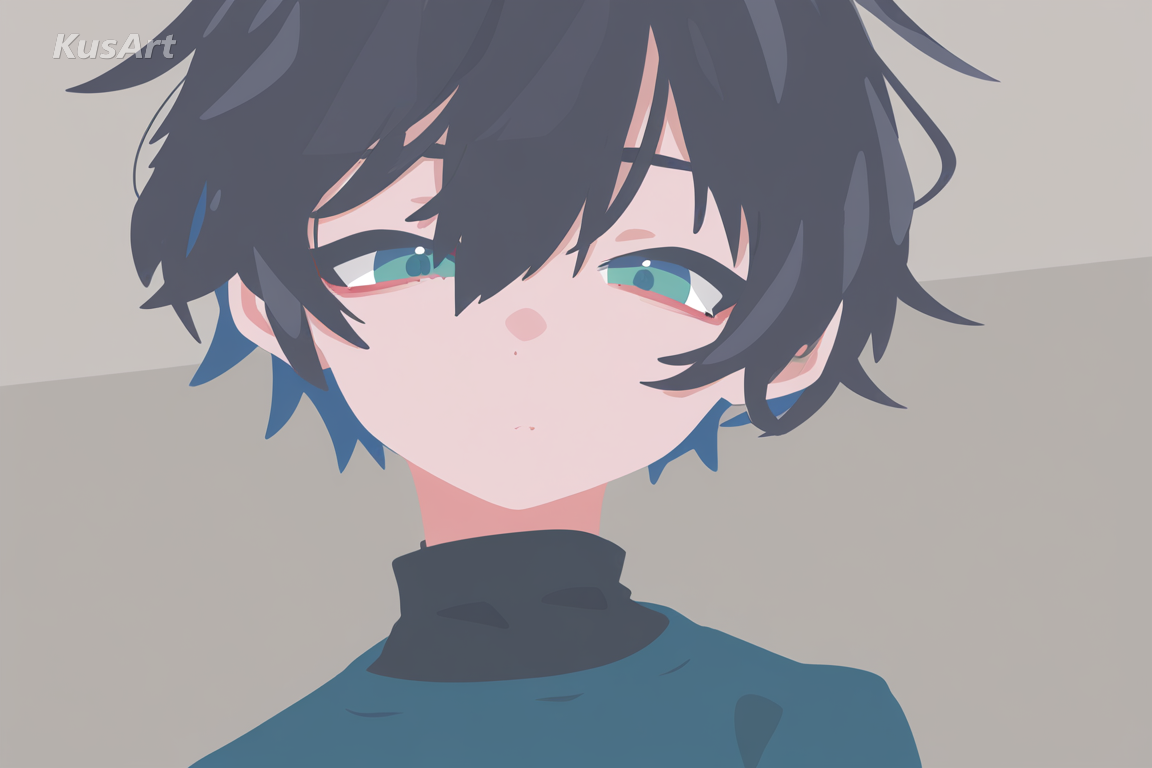
The no-line, color-block approach fits naturally into modern web design and editorial spot art, where a clean vector illustration needs to sit comfortably alongside typography and UI elements.
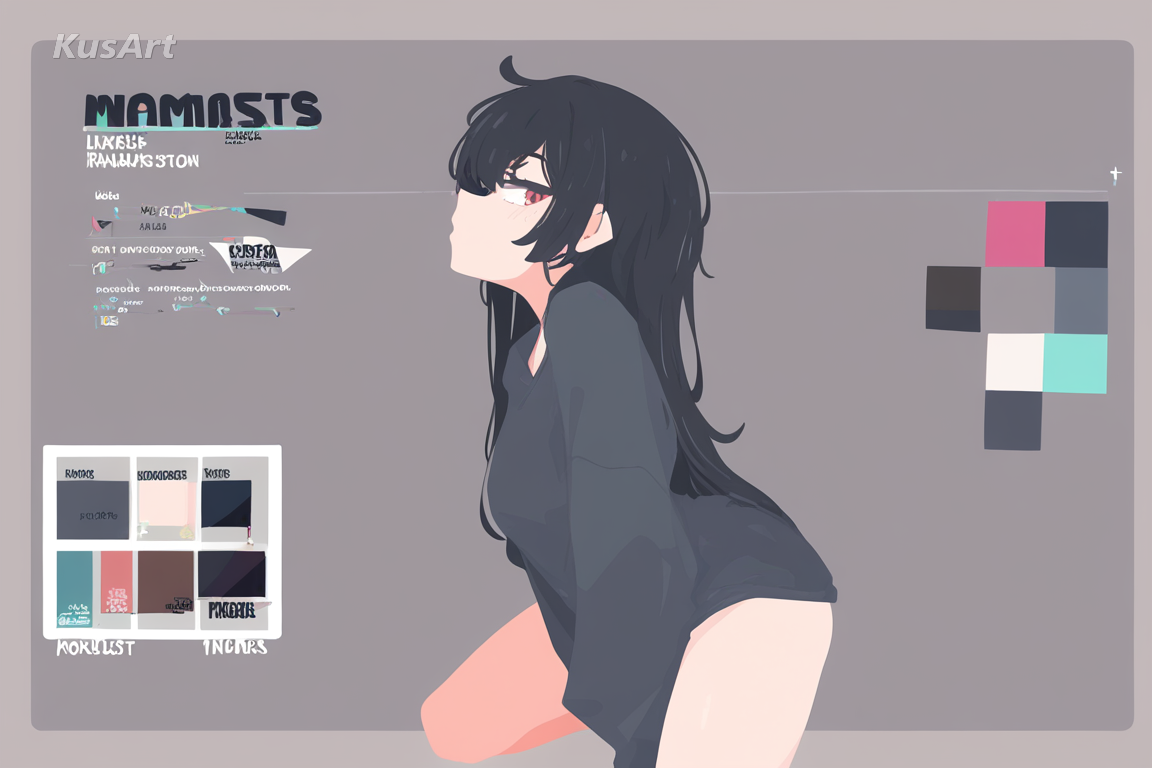
For creators who want an original character to double as a brand identity, this flat design style delivers a consistent, minimalist design language that scales cleanly across merch, social avatars, and packaging.
Go to the KusArt Image Generator and select 'Flat Clean Style' from the style panel.
Describe your character — clothing, pose, and color scheme all shape how bold the final flat design reads.
Click Generate and wait a few seconds for your clean, no-line vector illustration.
Download the result, or refine details further with Image-to-Image editing to fine-tune the color blocks.
Flat Clean Style is an AI art style that renders shadow and form using flat color blocks with zero outline lines, producing a distinctive, modern look suited to minimalist artwork.
Yes — KusArt offers free AI art generation with no login required. You can generate unlimited Flat Clean Style artwork at no cost.
Traditional line art relies on ink outlines to define shape. Flat Clean Style drops the outline entirely, using only flat color blocks — making it closer to modern vector illustration than hand-drawn art.
Describe clothing, pose, and a simple color scheme for best results. Keywords like 'flat colors,' 'no outline,' or 'minimalist' help push the look further.
AI-generated images on KusArt can be used for personal projects, social media, and creative portfolios. Check our terms of service for specific commercial usage guidelines.
Most Flat Clean Style generations complete in under 10 seconds, so you can iterate on your character quickly.
Start with Image Generator for the fastest prompt-first workflow. If your goal is a profile picture or avatar, Anime PFP Maker is usually the better fit. If you want to build a more structured original character workflow, move into OC Generator.
This style shines wherever clarity and modern polish matter more than texture. Here are the best ways to use it. After your first strong result, you can carry the same look into Sticker Generator, OC Generator, and Emoji Workshop.
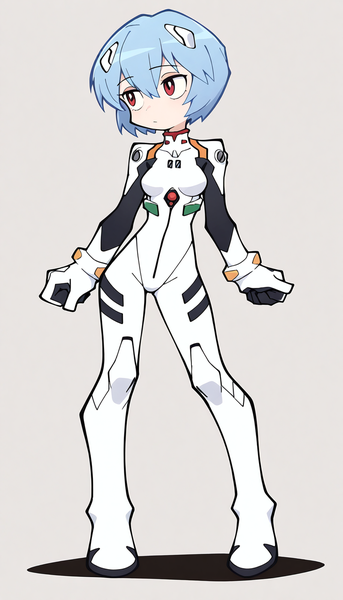
Clean linework, bold shapes, and flat colors for sharp, graphic minimalist art that emphasizes silhouette over texture.
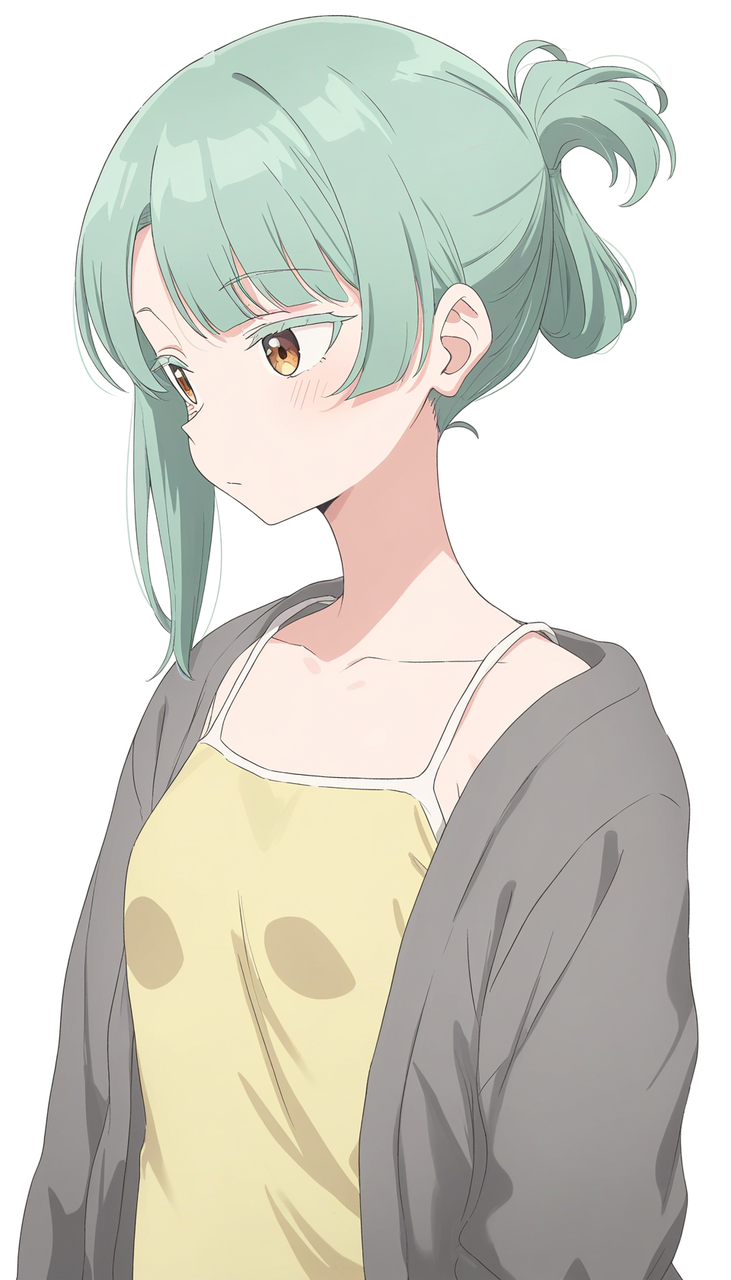
Sharp, precise linework and flat vibrant color for a polished, modern anime look with minimal shading.
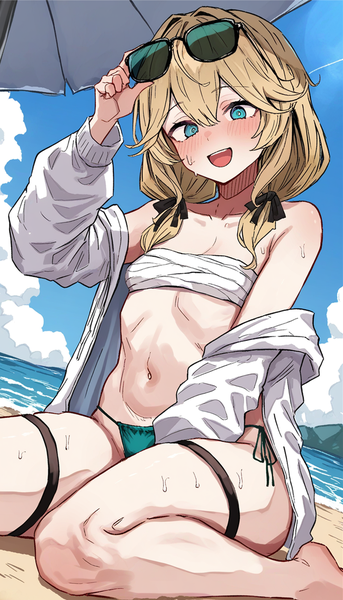
Bold, free-spirited brushstrokes and saturated color for lively, dynamic anime art bursting with energy.
Generate clean, no-line flat design character art in seconds — free and no login required.
Includes 100 free credits daily