
Flat Minimalist is a style built for clarity — clean line art, bold shapes, and flat colors with almost no gradient, giving every character a sharp, graphic silhouette. This is minimalist art in the truest sense: no clutter, no unnecessary texture, just confident shapes and a limited palette doing all the work. It reads instantly in a thumbnail, a sticker, or a minimalist wallpaper, which makes it a favorite for creators who want minimalist design over detail. Generate free on KusArt — no login required, just bold, flat character art in seconds.
Browse a curated gallery of Flat Minimalist designs created by the KusArt community — bold, graphic line art built from clean shapes and flat color. Click any image to see the prompt and generate your own.
Flat Minimalist strips character design down to its essentials. Where most anime styles build up detail through shading, texture, and gradient, this style does the opposite — it flattens everything into clean, confident shapes rendered in solid color. Linework stays crisp and deliberate, closer to vector line art than hand-drawn sketching, and shading is minimal or entirely absent, letting silhouette and color blocking carry the design instead. The result is minimalist art that reads clearly at any size, from a small icon to a full minimalist wallpaper, because nothing in the composition is fighting for attention. This makes the style a natural fit for modern flat design sensibilities — the same visual language used in branding, editorial illustration, and UI iconography, just applied to original characters. Color palettes tend to be limited and intentional, often just two or three flat tones per figure, which keeps every piece feeling graphic and poster-like rather than painterly. Because there's so little texture to render, this style also tends to generate fast and stay consistent across variations, making it especially useful for sticker sets, profile art, and any project where a clean, unified look matters more than photographic realism. On KusArt, producing this look takes seconds — describe your character, select Flat Minimalist, and get sharp, graphic results instantly.
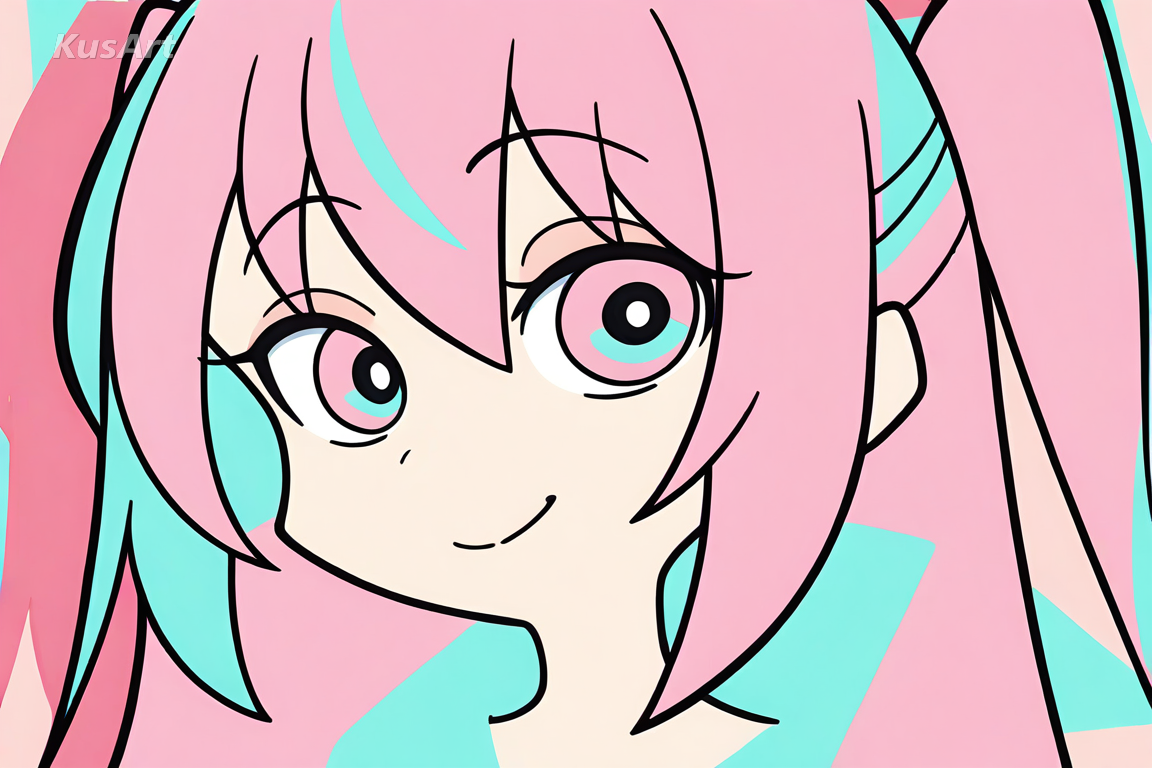
Discover what makes this clean, graphic style the go-to choice for bold, silhouette-driven character design.
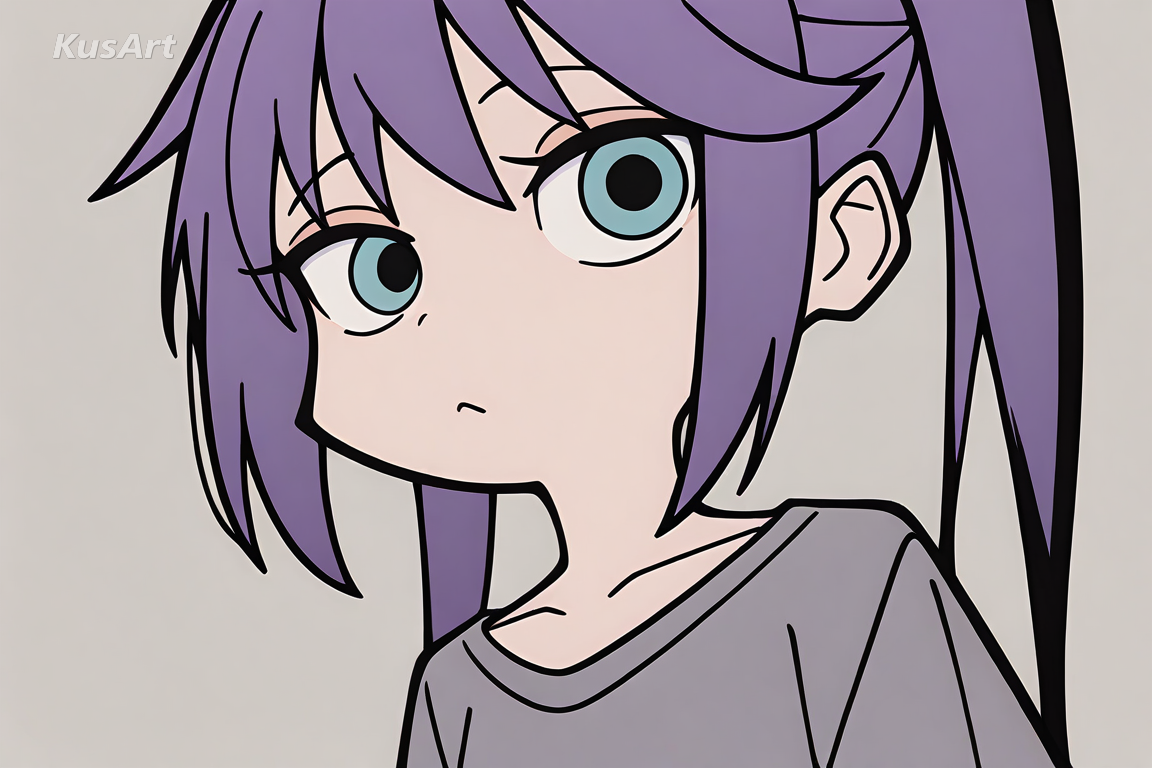
Every character is built from crisp, confident outlines closer to vector line art than sketchy anime linework. There's no cross-hatching or texture noise — just clean contours that make each shape read instantly.
Try Clean Line Art →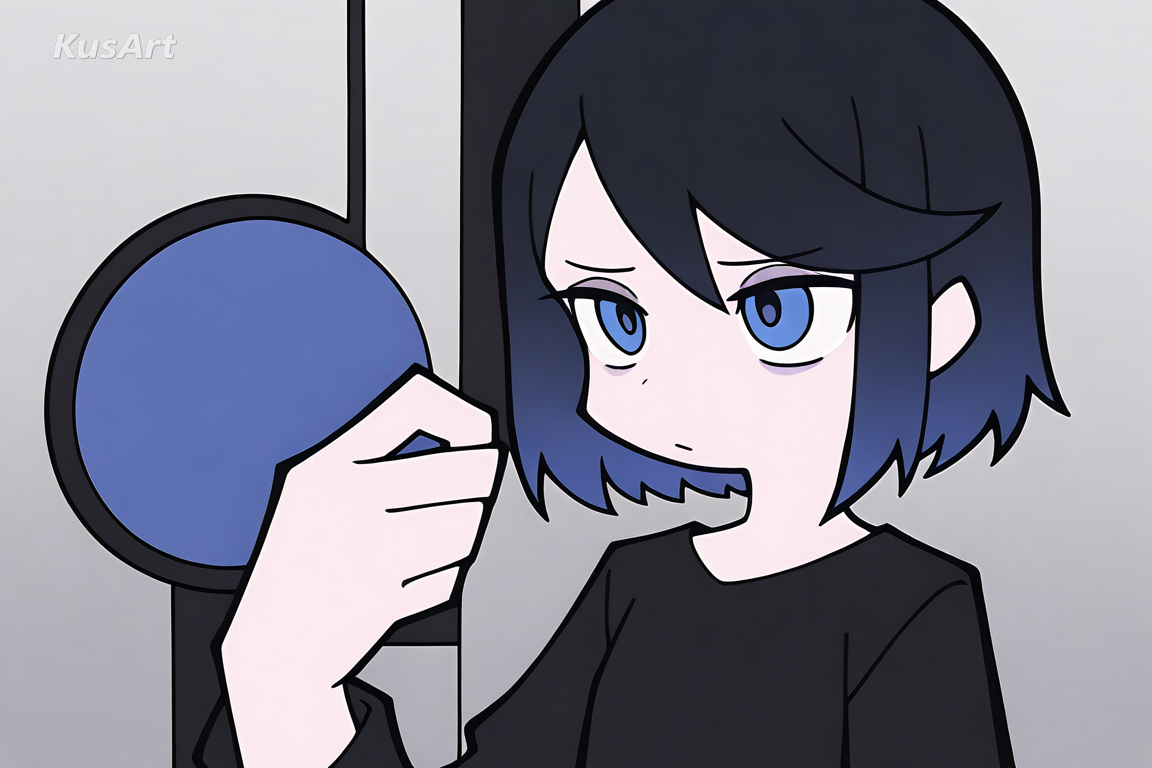
Colors are applied in solid, flat blocks with little to no gradient, giving every character a sharp, graphic look. This flat design approach favors a limited palette over blended, painterly color, reinforcing the minimalist design at the heart of the style.
Generate Flat Color →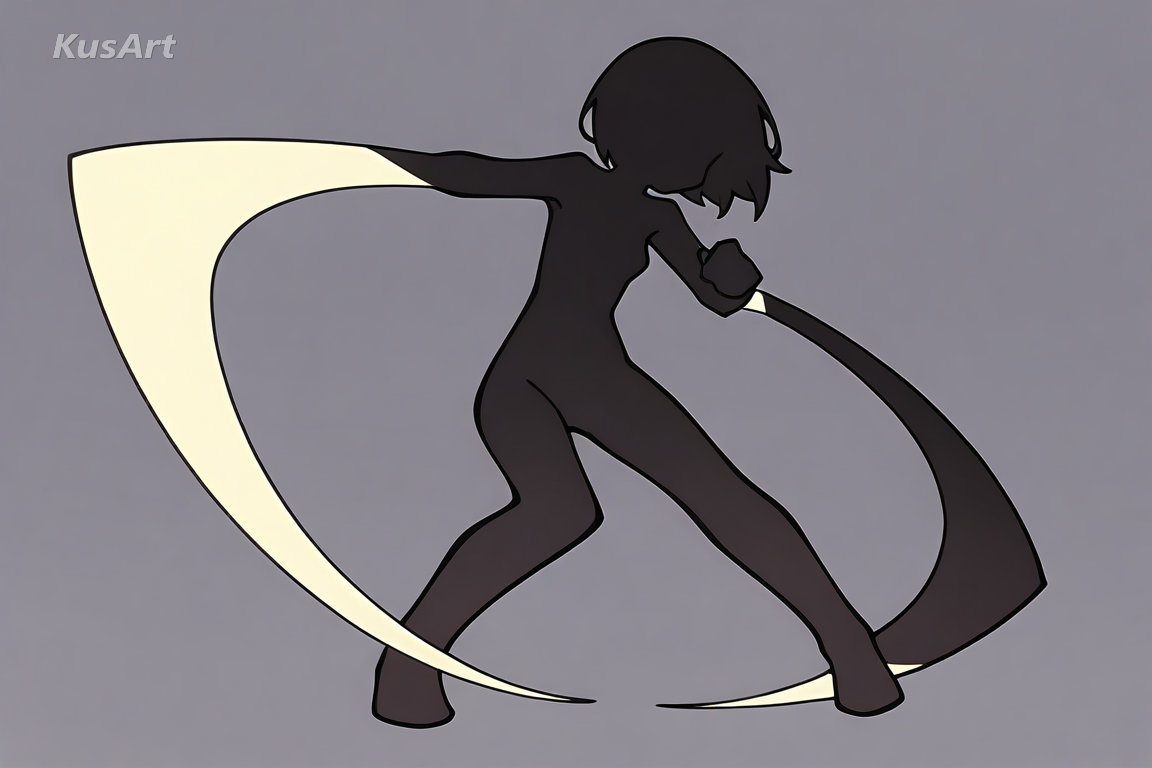
Because shading and texture are stripped back, silhouette carries the composition. Every pose and outfit is designed to read clearly as a shape first, detail second — a hallmark of strong minimalist wallpaper and poster art.
Design Bold Silhouettes →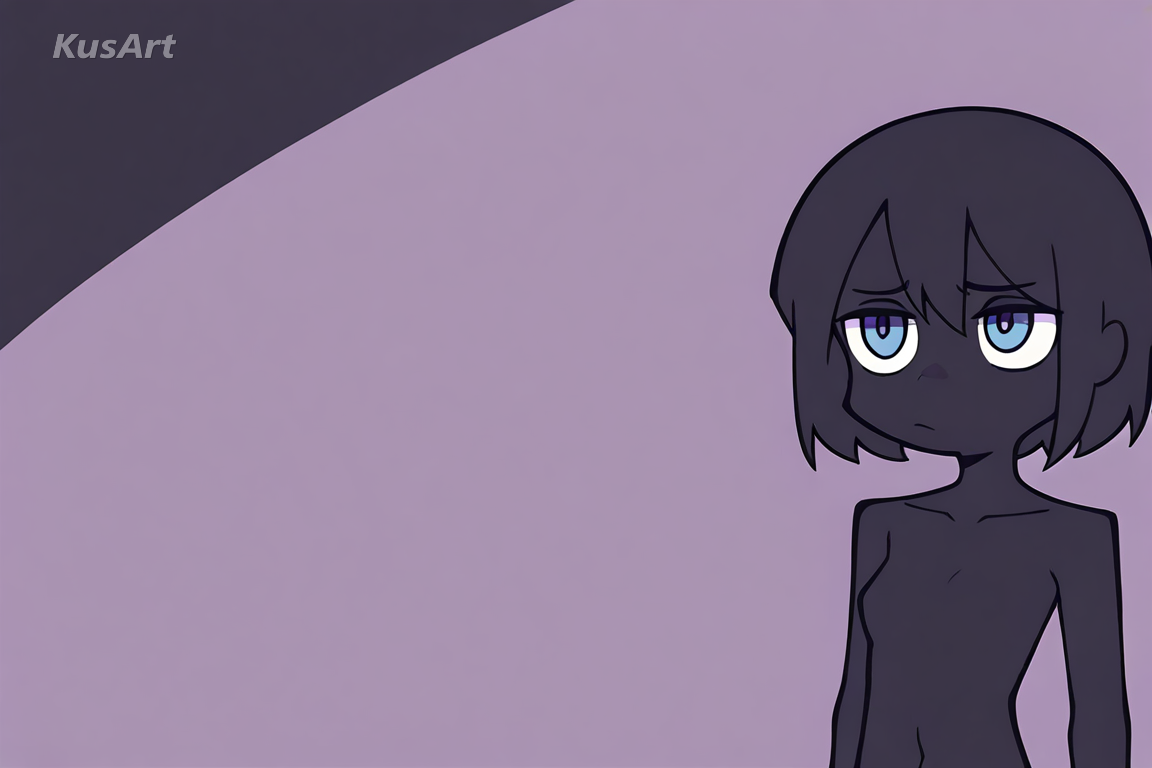
Where shading does appear, it's kept flat and simple — a single tone shift rather than gradients or highlights. This restraint is core to the style's minimalist design language and keeps every character feeling clean and modern.
Create Restrained Shading →This style shines wherever clarity, speed of recognition, and clean design matter more than photographic detail. Here are the best ways to use this minimalist art style.
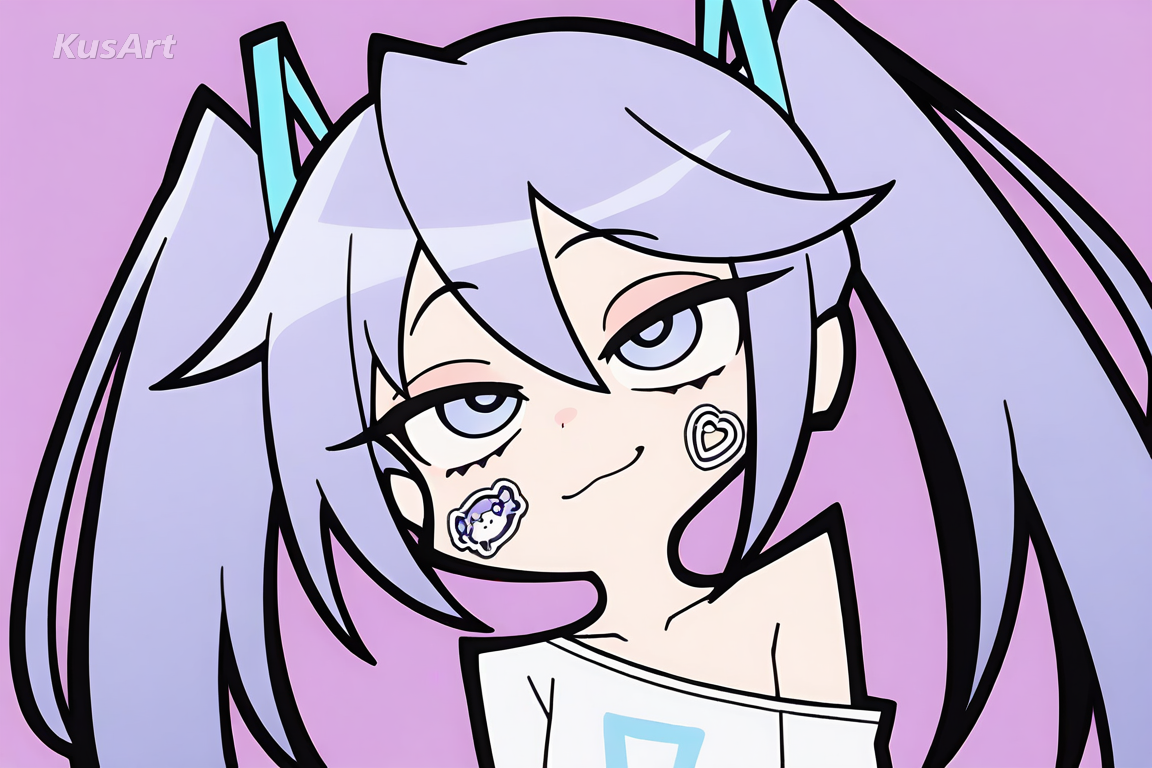
Flat color and bold silhouette make this style read instantly at tiny sizes, which is exactly what sticker packs and emoji sets need. Flat Minimalist stays legible and expressive even when scaled down.
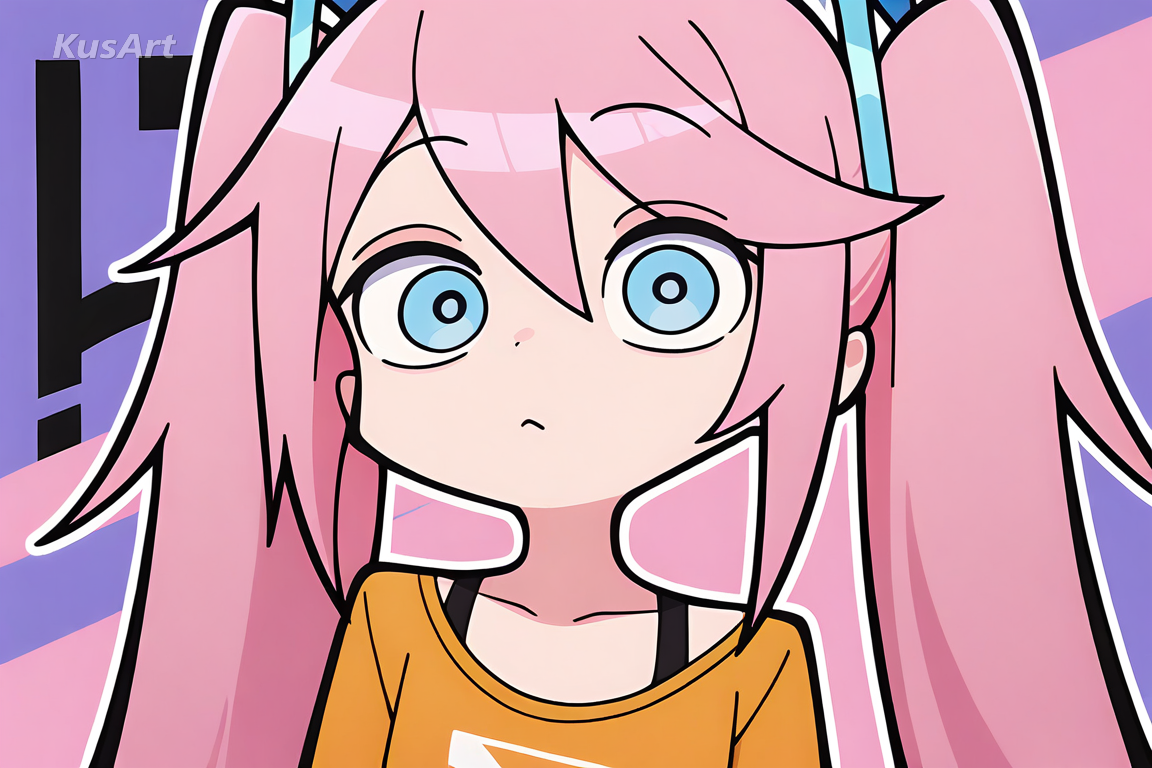
Clean shapes and a limited palette translate naturally into striking minimalist wallpaper — bold enough to hold a full screen without feeling busy or overloaded with detail.
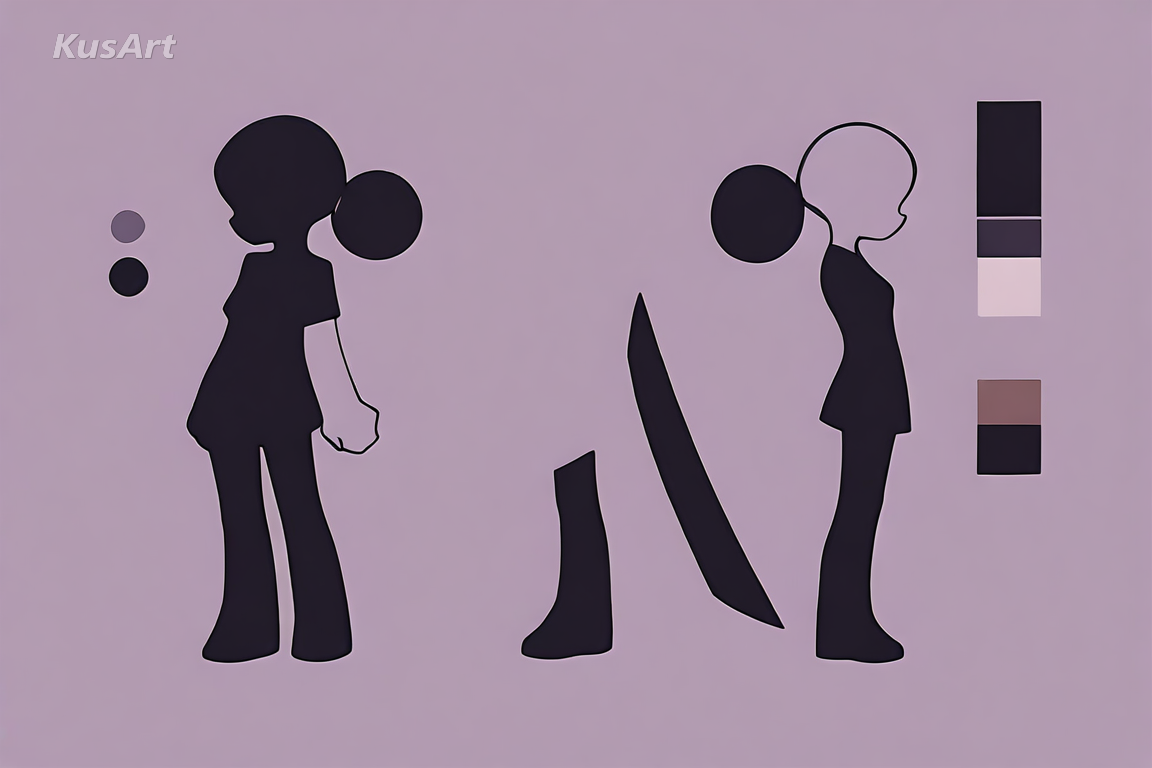
Creators who need a consistent, recognizable visual identity across avatars and profile art benefit from this style's minimalist design language — simple enough to stay consistent, bold enough to stand out.
Go to the KusArt Image Generator and select 'Flat Minimalist' from the style panel.
Describe your character — pose, outfit, and color preference all shape the final flat design.
Click Generate and wait a few seconds for your clean, flat-shaded design.
Download the result, or refine it further with Image-to-Image editing to adjust color blocking.
Flat Minimalist art is an AI style focused on simplicity and clarity — clean line art, bold shapes, and flat colors with minimal shading, giving characters a sharp, graphic look built around silhouette and design.
Yes — KusArt offers free AI art generation with no login required. You can generate unlimited Flat Minimalist designs at no cost.
Where many anime line art styles still add shading and texture, Flat Minimalist art strips those away entirely, leaning fully into flat color and bold shape — closer to modern flat design than illustration.
Describe pose, outfit, and a preferred color palette for the strongest results. Words like 'flat color,' 'bold shapes,' or 'minimal shading' help this style shine.
AI-generated images on KusArt can be used for personal projects, social media, and creative portfolios. Check our terms of service for specific commercial usage guidelines.
Most Flat Minimalist generations complete in under 10 seconds, so you can iterate on shapes and color quickly.
Start with Image Generator for the fastest prompt-first workflow. If your goal is a profile picture or avatar, Anime PFP Maker is usually the better fit. If you want to build a more structured original character workflow, move into OC Generator.
This style shines wherever clarity, speed of recognition, and clean design matter more than photographic detail. Here are the best ways to use this minimalist art style. After your first strong result, you can carry the same look into Sticker Generator, Wallpaper Generator, and Emoji Workshop.
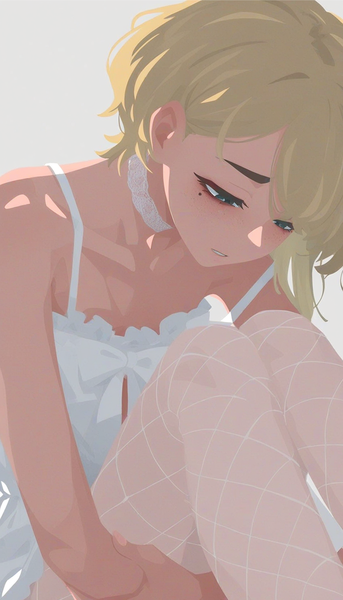
No-line flat illustration with shadow rendered purely through color blocks — a minimalist, modern take on character art.
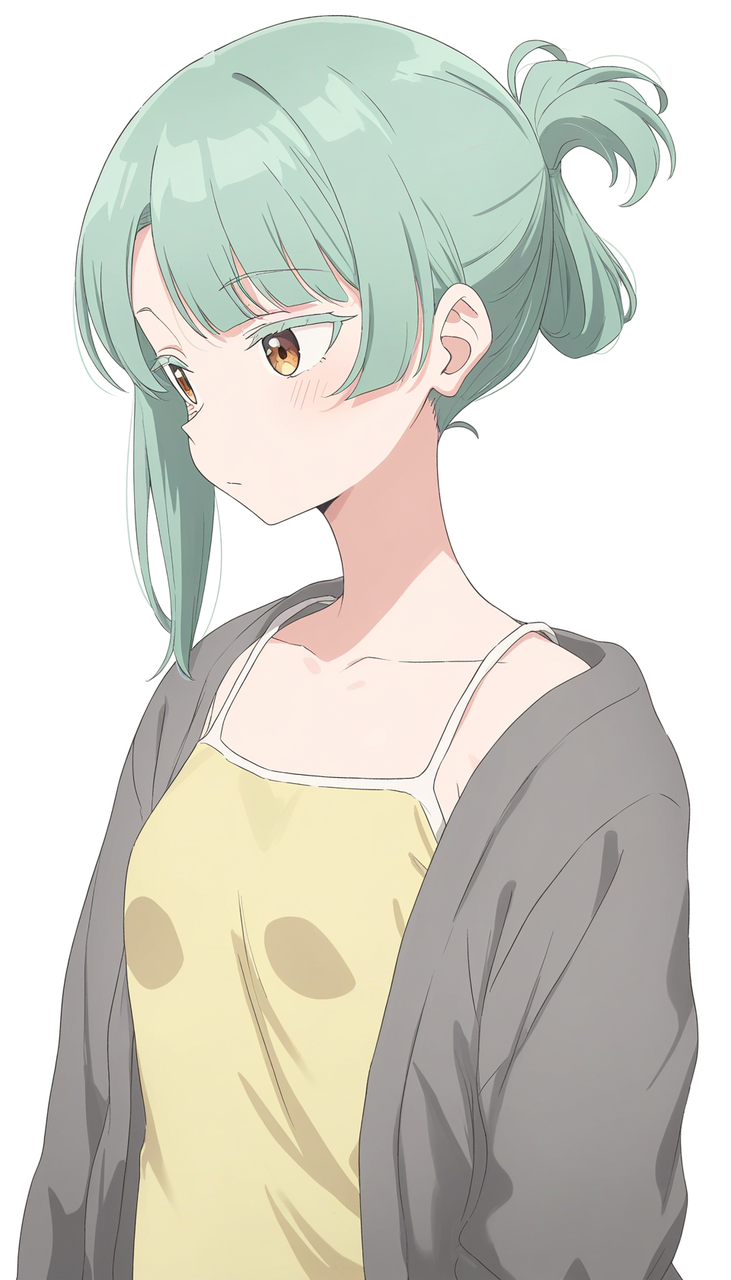
Sharp, precise linework and flat vibrant color for a polished, modern anime look with minimal shading.
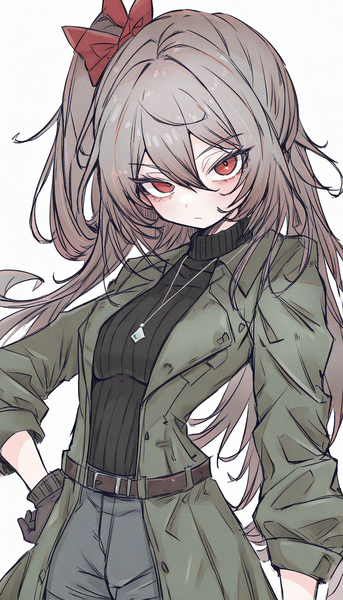
Raw yet polished linework with a textured, paper-like finish for expressive, hand-drawn character art.
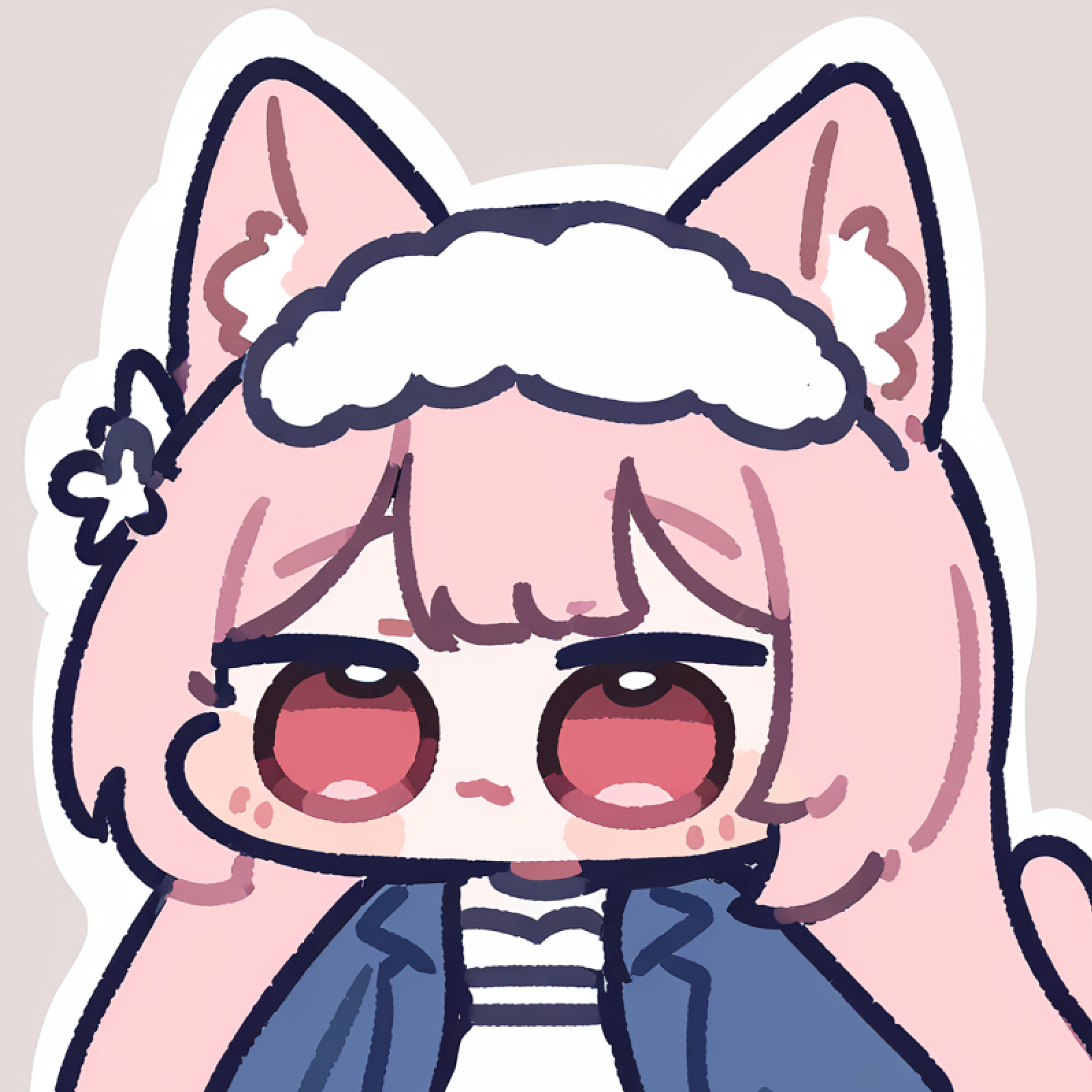
Turn your Flat Minimalist character into a bold, expressive sticker pack.
Try Tool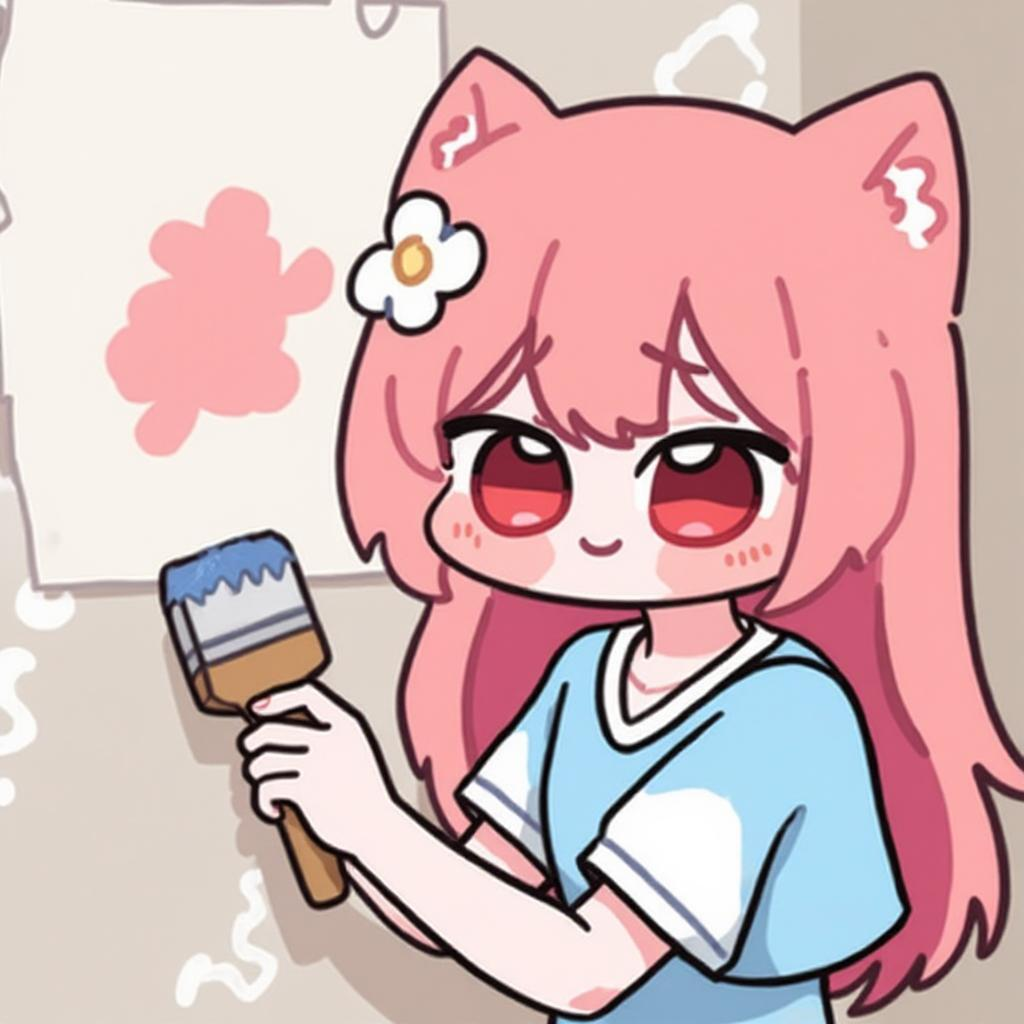
Transform your Flat Minimalist design into a clean, high-resolution minimalist wallpaper.
Try Tool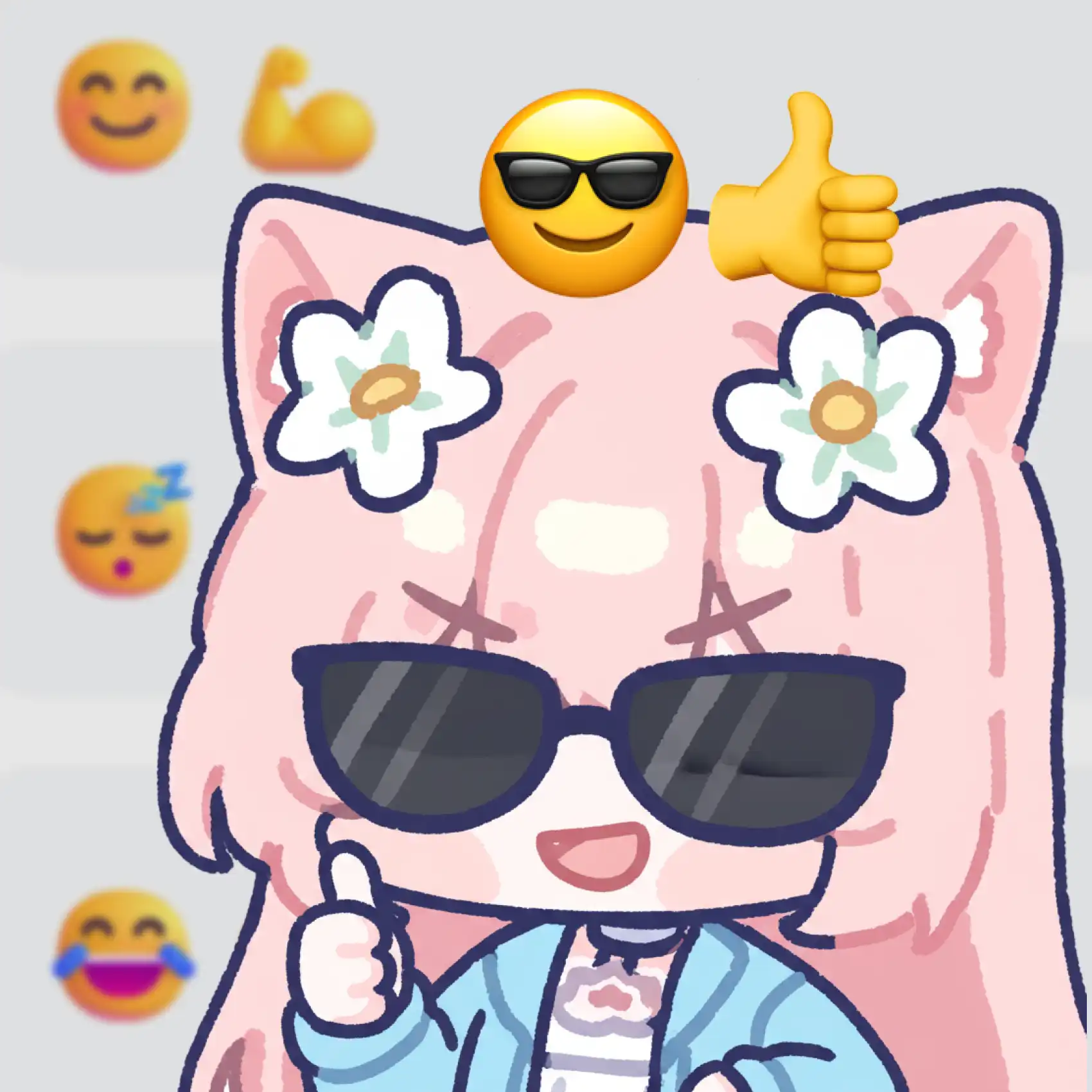
Build a set of flat, graphic emoji from your Flat Minimalist character design.
Try ToolGenerate bold, graphic minimalist art in seconds — free and no login required.
Includes 100 free credits daily