
Turn your original characters into cute stickers with the Chibi Sticker Cute style. Clean vector-like linework, glossy highlights, and big gradient-filled eyes give every character a sparkling, lively look that's practically made for sticker packs. Whether you're building an anime stickers set for messaging apps or just want kawaii stickers of your favorite OC, this style delivers punchy shine and squishy chibi proportions in seconds. Generate free on KusArt — no login required.
A curated gallery of cute stickers made with the Chibi Sticker Cute style — real chibi art created by the KusArt community. Click any image to explore details and try the same prompt.
Chibi Sticker Cute is built around one goal: making cute stickers that pop off the screen. The style leans on clean, vector-like line art — crisp, confident outlines with almost no sketchy texture — paired with a strong emphasis on shine and gloss throughout the hair and eyes. Where a lot of flat color art settles for plain shading, this style pushes glossy highlights across every strand of hair and layers gradient fills into eyes that look genuinely reflective, almost like glass beads catching light. That sparkle is the whole personality of the style: characters read as lively, energetic, and instantly huggable, which is exactly the emotional register cute chibi designs need to land. The proportions stay classic chibi — big head, small body, exaggerated expressiveness — so every character reads clearly even at the tiny sizes stickers actually get viewed at inside a chat window. Because the linework is so clean, this style also compresses beautifully; detail doesn't get muddy when a sticker shrinks down to thumbnail size, which is a real problem with more painterly styles. On KusArt, generating in Chibi Sticker Cute takes just a few seconds — describe your character, pick their pose or expression, select the style, and get anime stickers ready for packs, chat emoji, or standalone chibi art prints.
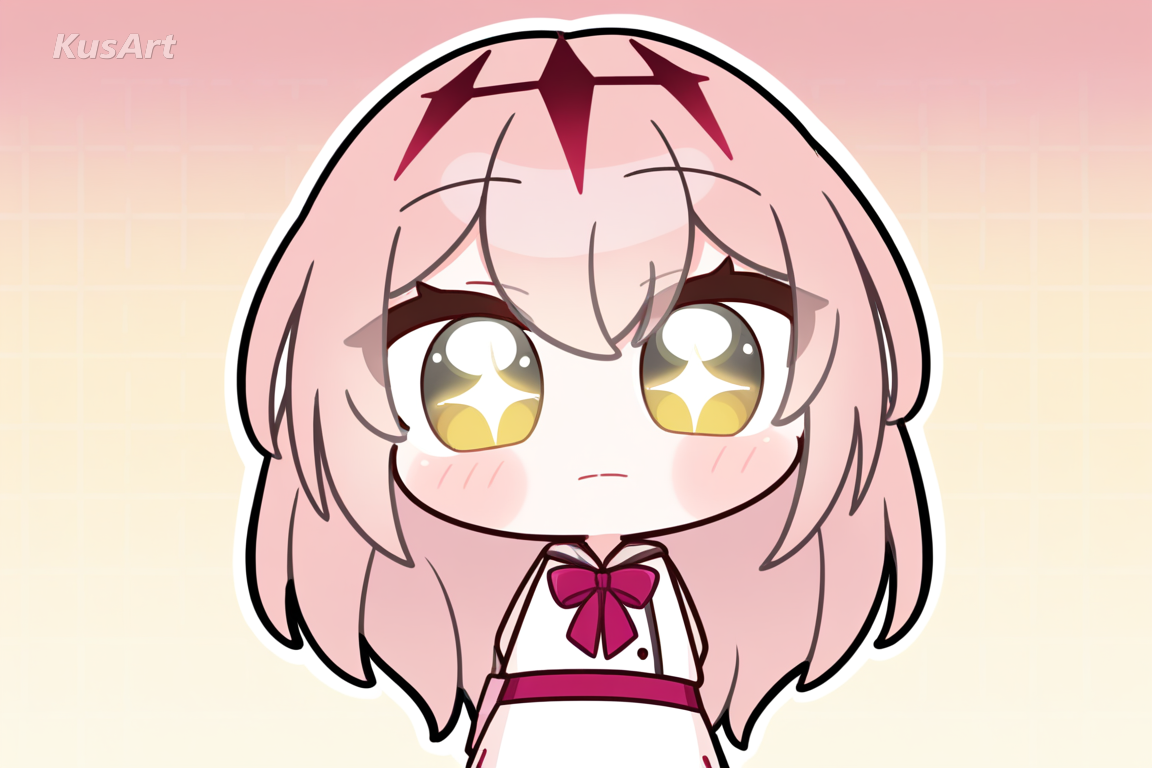
Discover what makes this style the go-to choice for cute stickers and kawaii pack art.
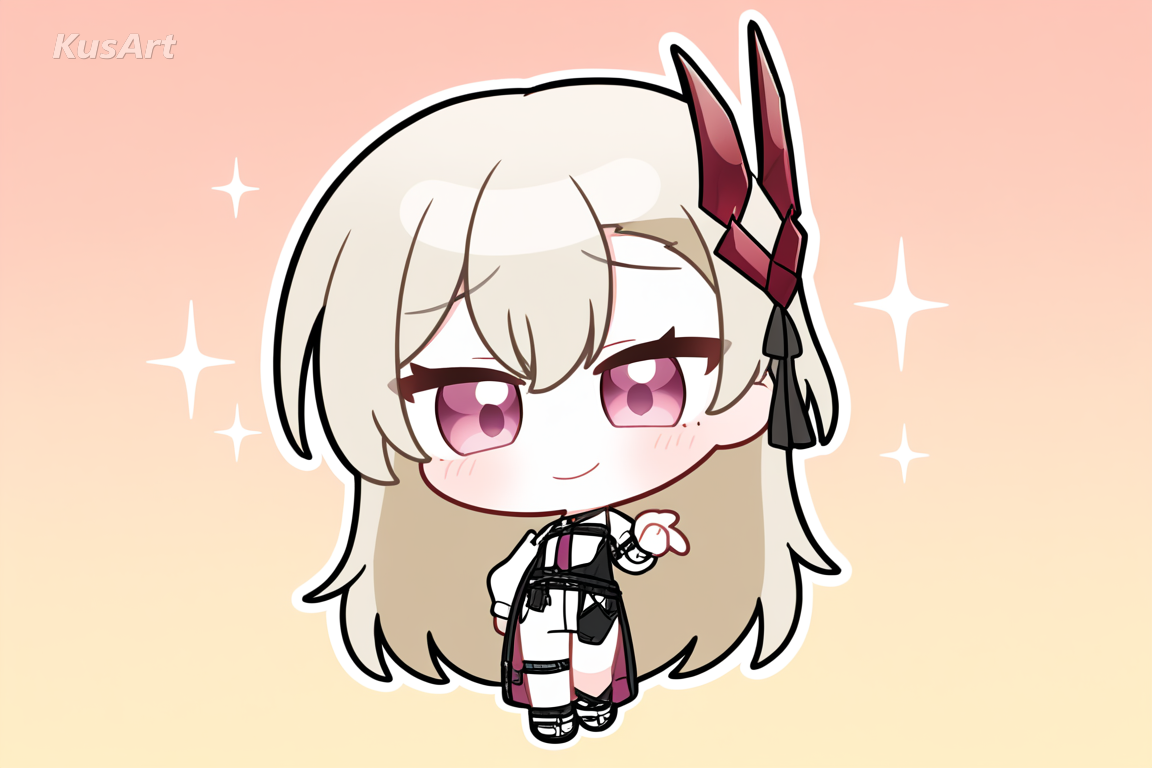
Every character starts from clean, confident outlines rather than sketchy or textured strokes. This vector-like precision is what keeps cute stickers crisp even when scaled down to a tiny chat bubble, so detail never turns to mush.
Try Clean Vector Linework →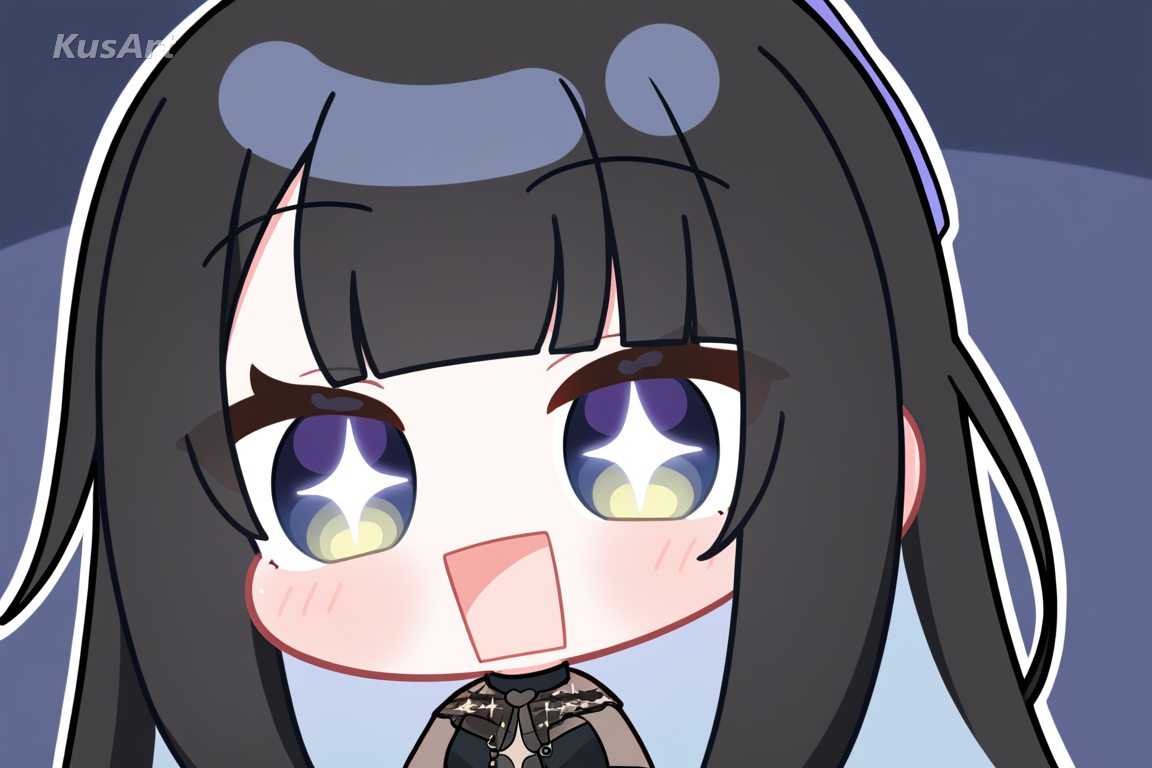
Large, gradient-filled eyes are the signature of this look — highly reflective, almost glossy, giving characters a sparkling, lively expression. It's a detail that turns simple anime stickers into something that feels alive and full of personality.
Generate Sparkling Eyes →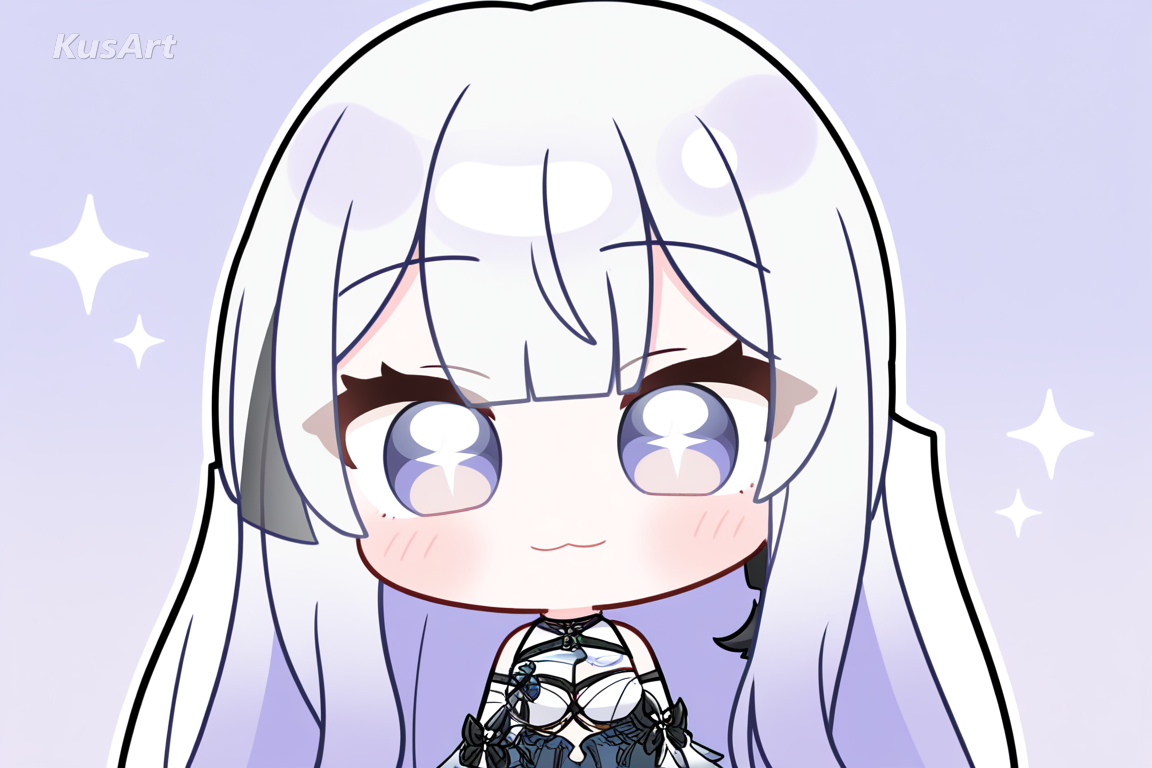
Hair gets the same glossy treatment as the eyes — smooth highlight bands and reflective sheen instead of flat shading. This shine is a big part of why the style reads as kawaii stickers rather than plain flat character design.
Create Glossy Hair →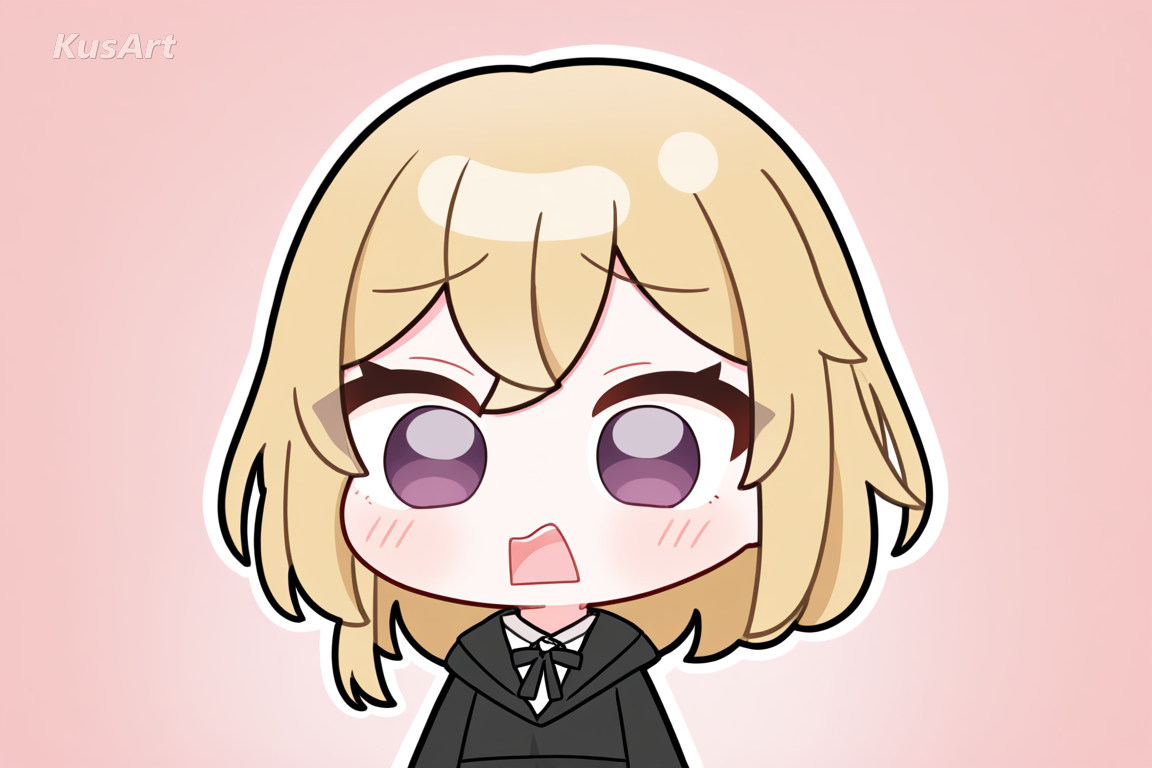
Big head, small compact body, and exaggerated cute features keep every design instantly readable as cute chibi, even at tiny sizes. It's a proportion set purpose-built for cute stickers that need to communicate mood in a glance.
Draw Chibi Proportions →This style shines anywhere characters need to communicate personality instantly at a small size. Here are the best ways to use it.
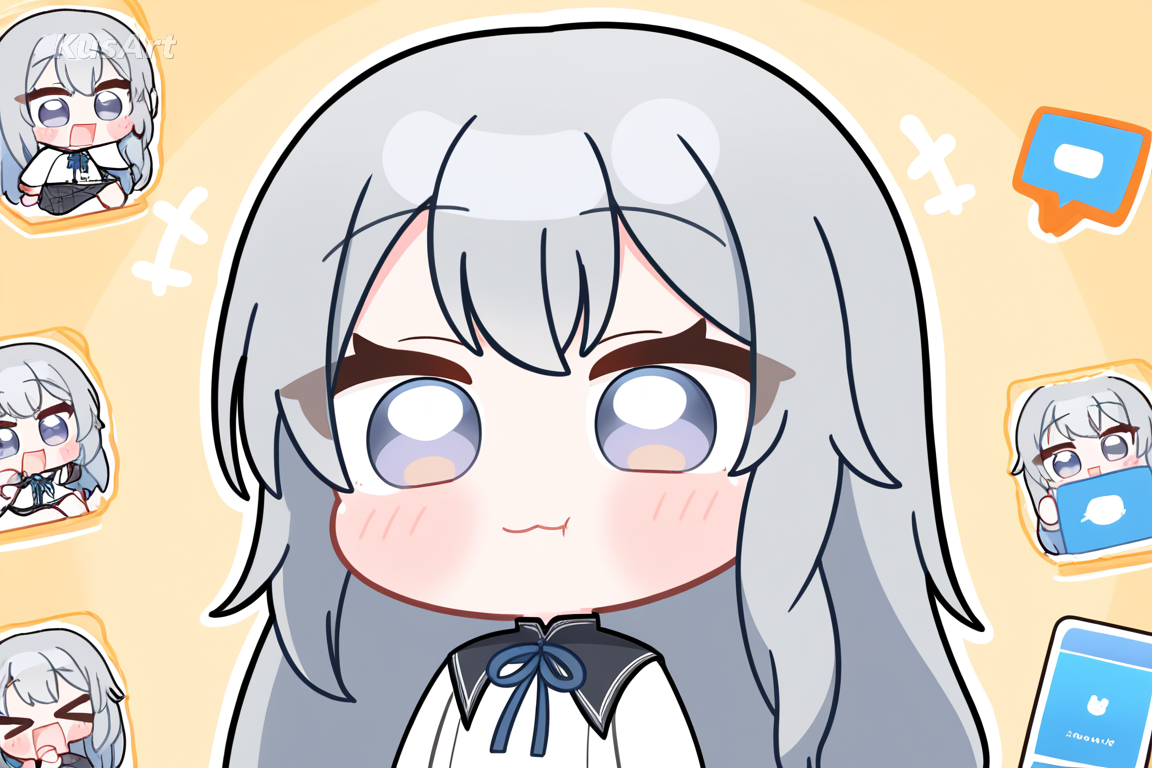
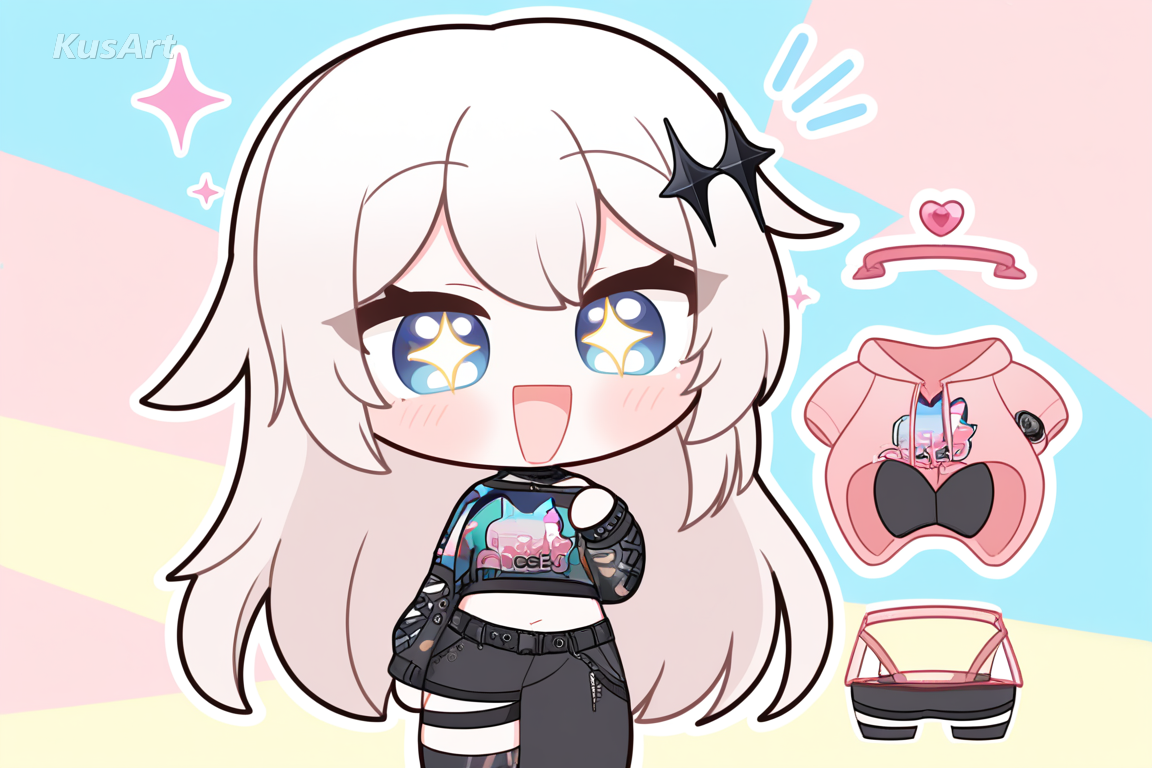
The sparkling eyes and shine-heavy rendering translate well to pins, keychains, and stationery, where anime stickers with high visual punch stand out on a shelf. Chibi art in this style photographs and prints with real clarity.
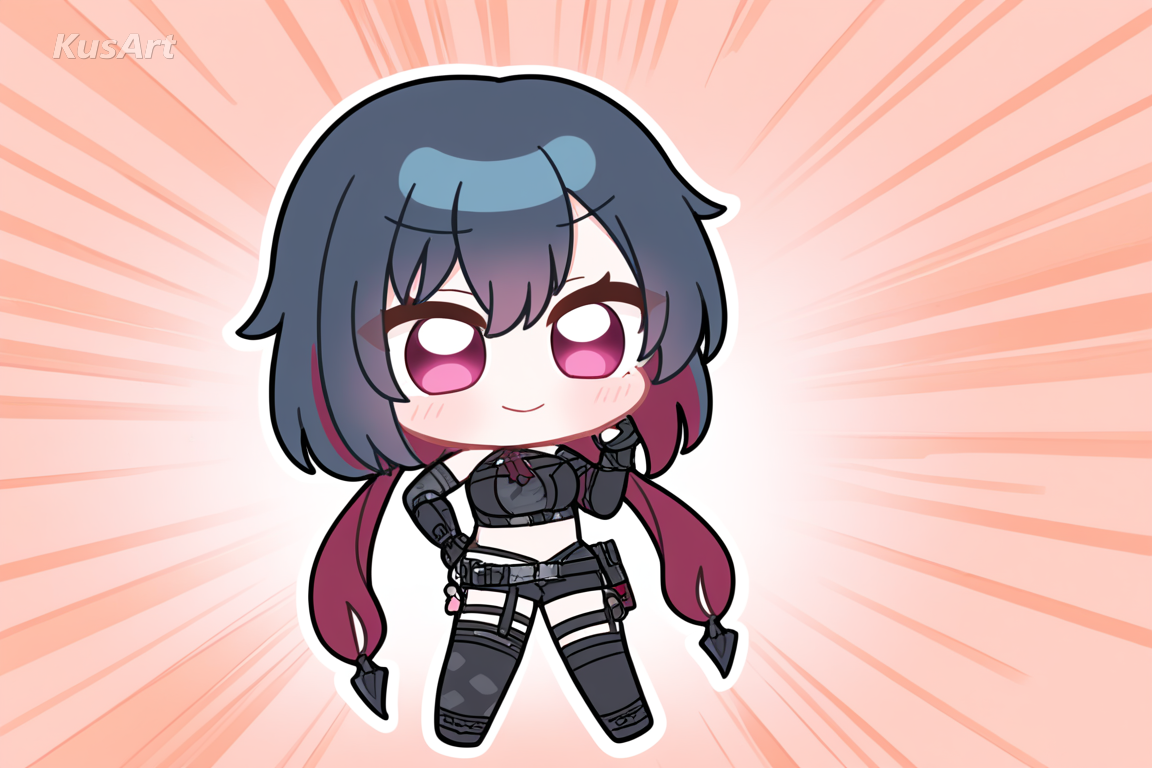
Big, obvious expressions and glossy shine make cute stickers ideal for reaction images and profile decoration, where the goal is instant emotional clarity rather than subtlety.
Go to the KusArt Image Generator and select 'Chibi Sticker Cute' from the style panel.
Describe your character — expression, outfit, and pose all shape the finished cute stickers.
Click Generate and wait a few seconds for your glossy, sparkling cute stickers.
Download the result, or generate a matching set to build a full kawaii stickers pack.
Chibi Sticker Cute is designed for making cute stickers — its glossy vector linework and sparkling gradient eyes stay crisp and expressive even at the small sizes used in chat apps and sticker packs.
Yes — describe the same character with different expressions and poses and generate several images to build a consistent kawaii stickers set.
Yes — KusArt offers free AI art generation with no login required, so you can generate unlimited chibi art in this style at no cost.
Chibi Sticker Cute emphasizes shine and gloss above everything else — reflective gradient eyes and glossy hair highlights — which gives it a sparklier, more polished look than flatter chibi styles.
AI-generated images on KusArt can be used for personal projects, social media, and creative portfolios. Check our terms of service for specific commercial usage guidelines.
Most generations complete in under 10 seconds, so you can quickly iterate through expressions while building out a sticker pack.
Start with Image Generator for the fastest prompt-first workflow. If your goal is a profile picture or avatar, Anime PFP Maker is usually the better fit. If you want to build a more structured original character workflow, move into OC Generator.
This style shines anywhere characters need to communicate personality instantly at a small size. Here are the best ways to use it. After your first strong result, you can carry the same look into Sticker Generator, Emoji Workshop, and OC Generator.
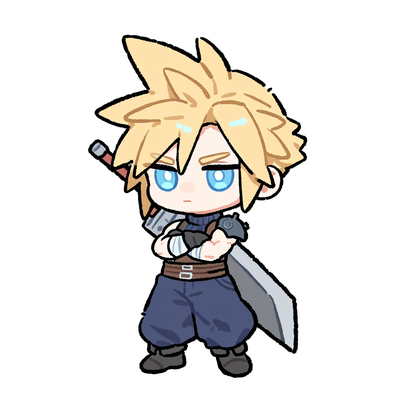
Thick, sketch-like outlines and flat color blocks with light shading for bold, energetic chibi art.
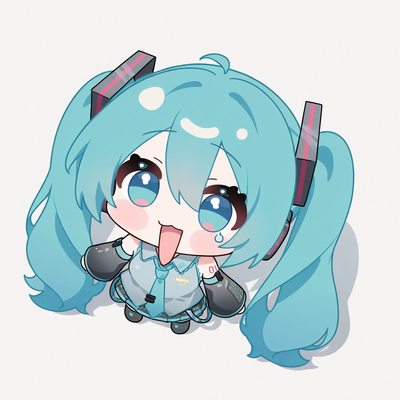
Tiny chibi characters shot from a low, ground-level angle looking up at the viewer for a playful, larger-than-life perspective.
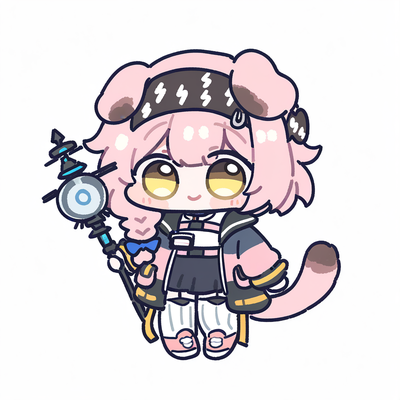
Ultra-compact chibi characters designed as expressive emoji with exaggerated facial reactions, perfect for stickers and digital communication.

Turn your Chibi Sticker Cute character into a ready-to-share sticker pack.
Try Tool
Build a set of expressive chibi emoji from your Chibi Sticker Cute character.
Try Tool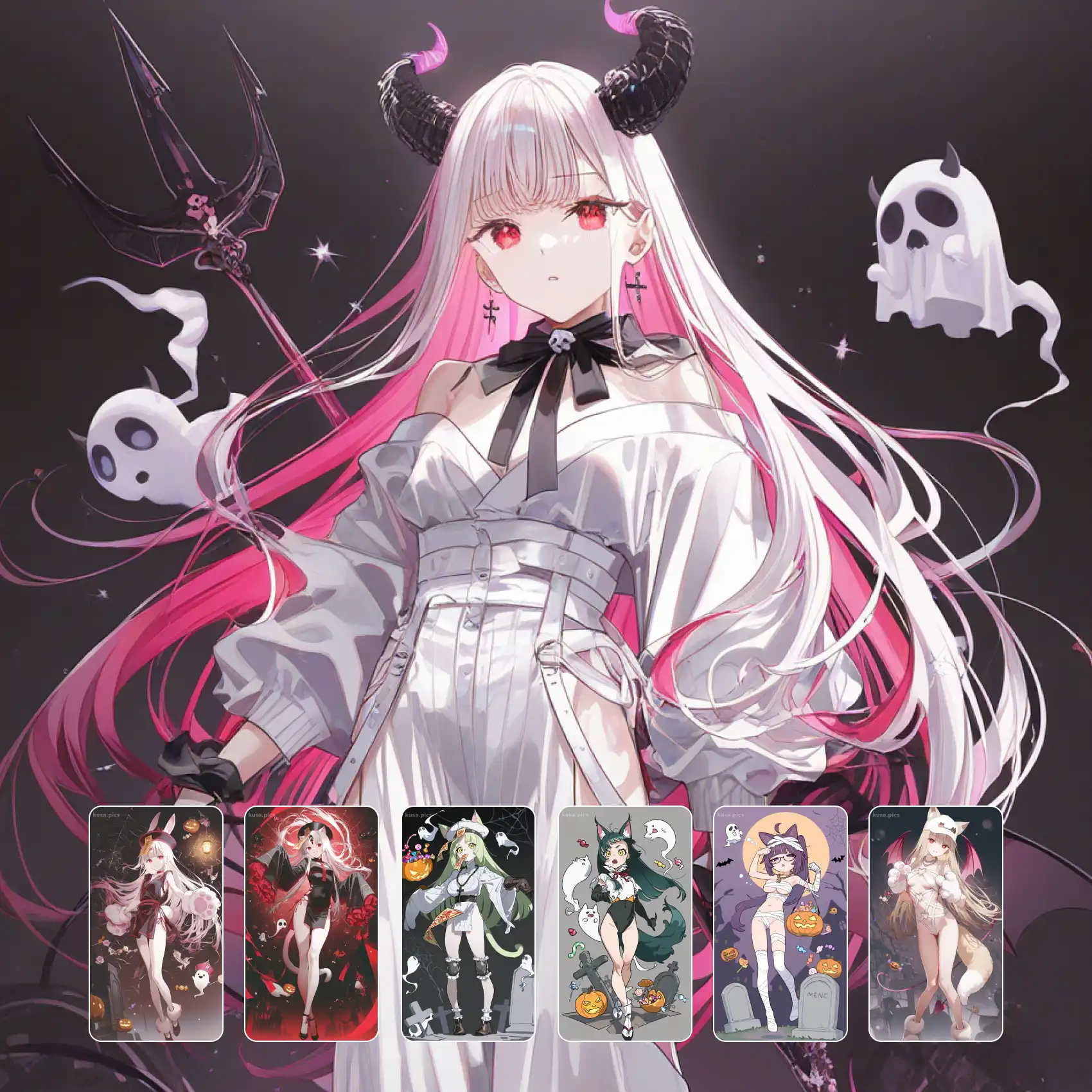
Develop your Chibi Sticker Cute design into a fully fleshed-out original character.
Try ToolGenerate glossy, sparkling cute stickers in seconds — free and no login required.
Includes 100 free credits daily