
Gere personagens chibi fofos em composições de cenas detalhadas. A narrativa encontra a máxima fofura a partir de prompts de texto. Comece a criar de forma gratuita.
Explore obras de arte impressionantes criadas com KusArt' Cena no Estilo ちび. Cada peça destaca o estilo característico e as qualidades únicas deste estilo.
Cena no Estilo ちび leva a fofura irresistível dos chibi e os coloca em composições de cenas ricamente detalhadas. Ao contrário das ilustrações chibi autônomas, o Cena no Estilo ちび cria narrativas visuais completas — personagens minúsculos explorando ambientes detalhados, interagindo com objetos, vivendo em mundos em miniatura que se sentem ao mesmo tempo adoráveis e imersivos. Os personagens mantêm as proporções clássicas de chibi, com cabeças oversized e corpos minúsculos, mas os fundos são renderizados com detalhes surpreendentes. Um chibi pode estar sentado em um café meticulosamente detalhado, caminhando por um jardim luxuriante ou explorando um quarto aconchegante cheio de props minúsculos. Esse contraste entre personagens simplificados e ambientes detalhados cria um encanto semelhante a uma casa de bonecas, de forma única cativante. O AI do KusArt equilibra ambos os elementos — os personagens permanecem legíveis e fofos, enquanto os ambientes fornecem um contexto visual rico que conta uma história.
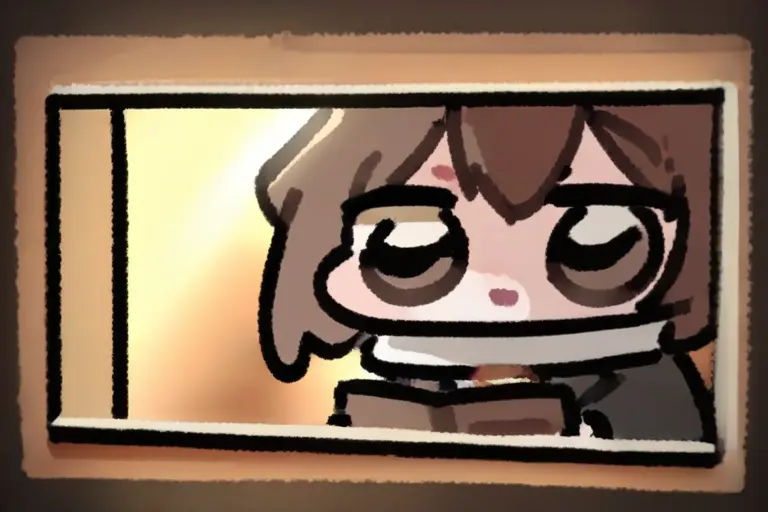
Descubra o que torna o Cena no Estilo ちび do KusArt destaque entre os geradores de arte de IA genéricos.
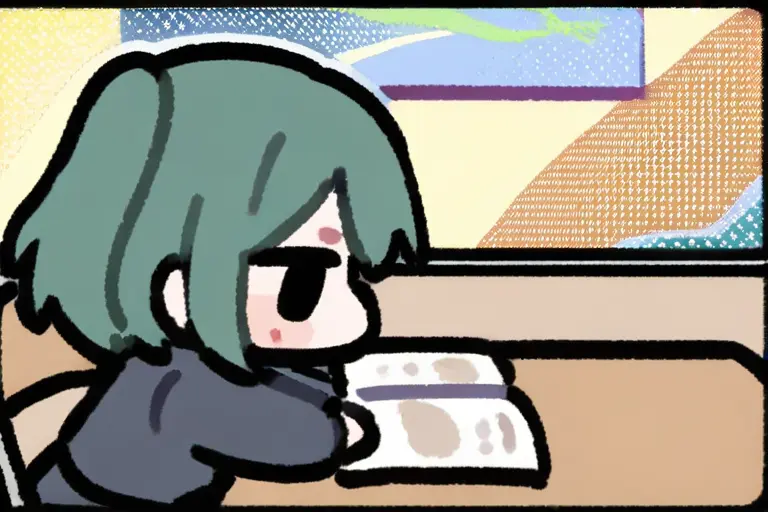
Cada ilustração conta uma história por meio de uma composição de cena cuidadosa. Os personagens interagem com os ambientes de forma significativa — lendo, cozinhando, explorando — criando narrativas em miniatura que convidam os espectadores a imaginar a história completa.
Experimente Cena no Estilo ちび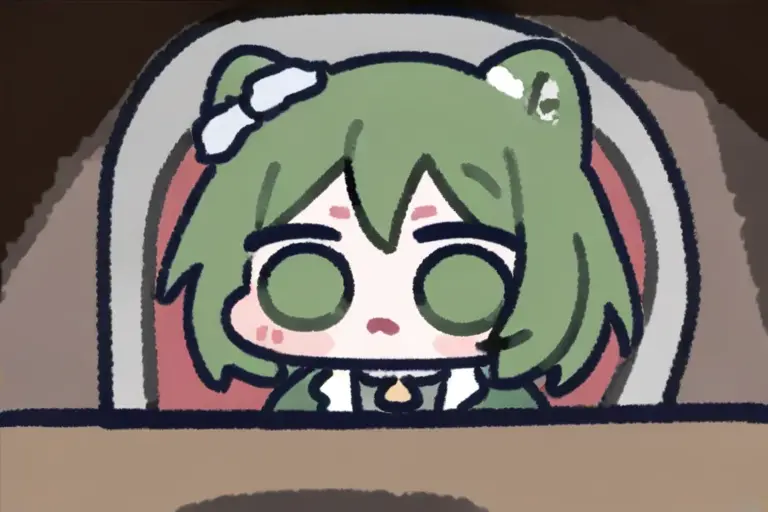
Os fundos apresentam detalhes e profundidade surpreendentes — móveis, decorações, elementos da natureza, iluminação atmosférica criando mundos por si só. Cada cena é um diorama em miniatura cheio de encanto.
Gere Arte de Cena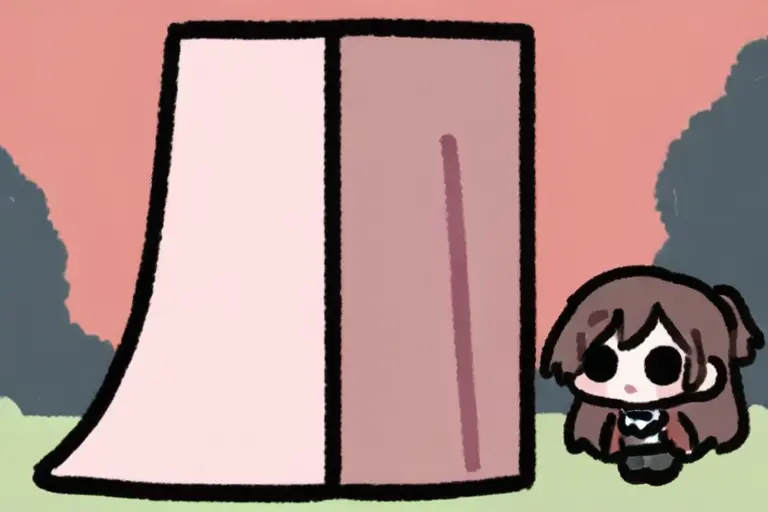
O contraste adorável entre personagens chibi minúsculos e ambientes detalhados cria uma dinâmica visual única. Os personagens parecem viver em um mundo de casa de bonecas amorosamente criado.
Crie Mundos Chibi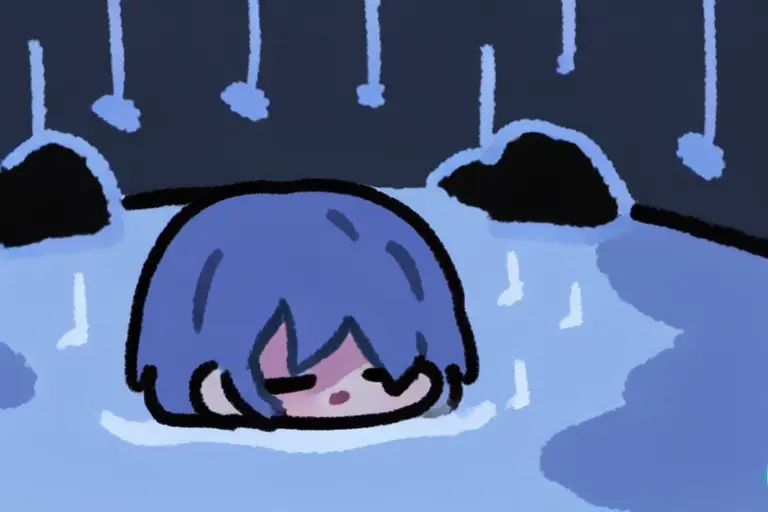
As cenas carregam humores distintos por meio de iluminação, cor e clima — hora dourada quente para cenas aconchegantes, azuis frios para dias chuvosos, rosa suave para momentos românticos, aprimorando a narrativa.
Crie Cenas de HumorCena no Estilo ちび é perfeito para projetos que se beneficiam de suas qualidades visuais únicas.
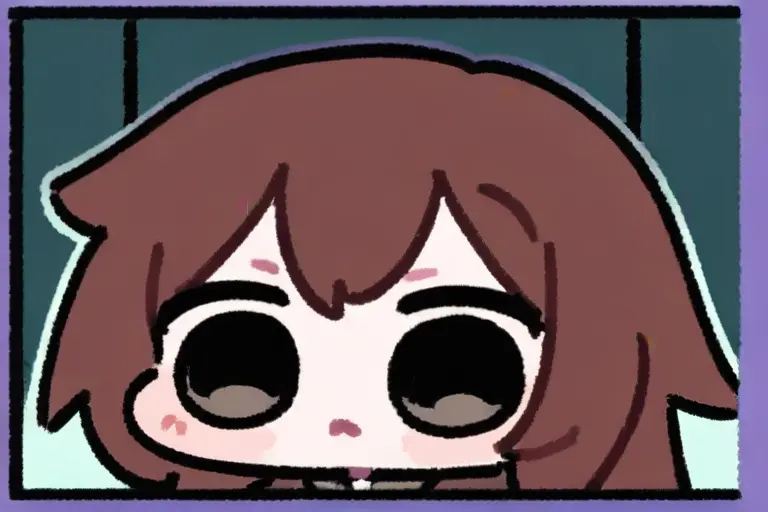
Crie séries de conteúdo contínuas seguindo personagens chibi por diferentes cenas. A qualidade narrativa mantém o público engajado e voltando.
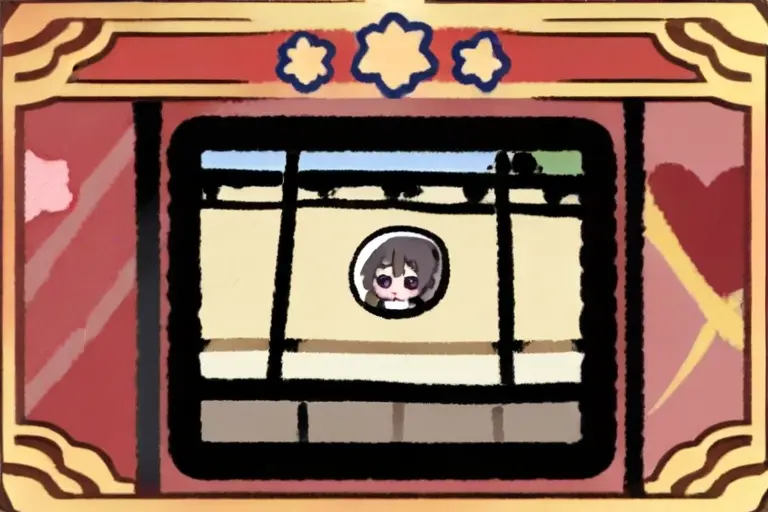
Desenhe ilustrações sazonais e cartões de saudação com personagens chibi em ambientes temáticos. Cenas de feriados e celebrações se tornam ainda mais encantadoras na forma chibi.
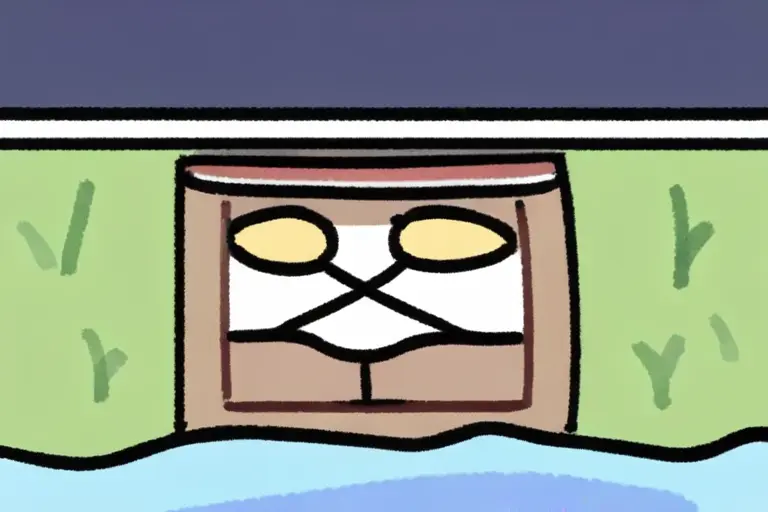
Crie ilustrações de cenas charmosas para jogos casuais, aplicativos e telas de carregamento. Personagens fofos mais fundos detalhados fornecem riqueza visual sem complexidade.
Abra o KusArt e selecione 'Cena no Estilo ちび' no painel de Seletor de Estilo
Escreva seu prompt descrevendo o personagem, a cena e o humor que você deseja criar
Clique em Gerar e veja sua arte de cena chibi ganhar vida em segundos
Baixe sua criação em alta resolução ou regenere com prompts ajustados para variações
Cena no Estilo ちび combina personagens chibi adoráveis com composições de cenas ricamente detalhadas. Ele apresenta layouts narrativos, ambientes detalhados, contraste de escala e configuração de humor atmosférico para ilustrações de storytelling.
Sim! O KusArt oferece 100 créditos gratuitos diariamente. Você pode gerar arte de cena chibi sem criar uma conta ou inserir informações de pagamento.
Cena no Estilo ちび foca em colocar personagens chibi dentro de composições de cenas detalhadas para storytelling, enquanto Chibi Dot Eyes foca em arte de personagens autônomos com o estilo de expressão de olhos pontilhados característico.
Direitos de uso comercial estão disponíveis para assinantes Pro. Gerações do plano gratuito são apenas para uso pessoal.
Descreva tanto o personagem quanto a cena: 'chibi girl reading in cozy library', 'tiny character exploring magical forest'. Descrições de cena são essenciais para este estilo.
De jeito nenhum. Basta descrever o que você quer em um prompt de texto e nosso AI cuida do render. Você também pode usar nossos 586 tags visuais para refinar sua criação sem nenhum background artístico.
Use Cena no Estilo ちび when you want personagens chibi adoráveis colocados em ilustrações de cenas detalhadas e ricamente compostas, combinando proporções fofas com fundos narrativos. It is especially useful for séries de conteúdo para mídias sociais, cartões de saudação e arte sazonal, and ilustrações para jogos e aplicativos.
Start with Image Generator for the fastest prompt-first workflow. If your goal is a profile picture or avatar, Anime PFP Maker is usually the better fit. If you want to build a more structured original character workflow, move into OC Generator.
Cena no Estilo ちび é perfeito para projetos que se beneficiam de suas qualidades visuais únicas. After your first strong result, you can carry the same look into Wallpaper Generator, Sticker Generator, and OC Generator.

Um estilo de anime chibi adorável com olhos em pontinhos minúsculos, cabeças oversized e corpos compactos que maximizam a fofura em cada ilustração.
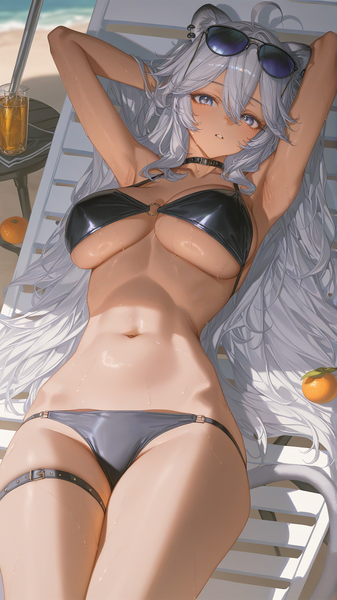
Uma estética de anime ultra-suave com linhas extremamente finas, lavagens em tons pastéis e uma maciez areada que dá a cada ilustração uma qualidade terna e etérea.
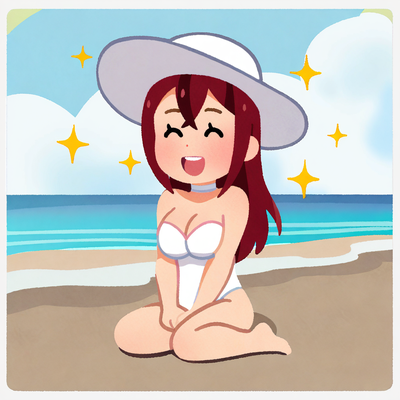
Um estilo de ilustração charmoso e simples inspirado na estética icônica de clipart japonês, com cores suaves, formas arredondadas e expressões amigáveis.
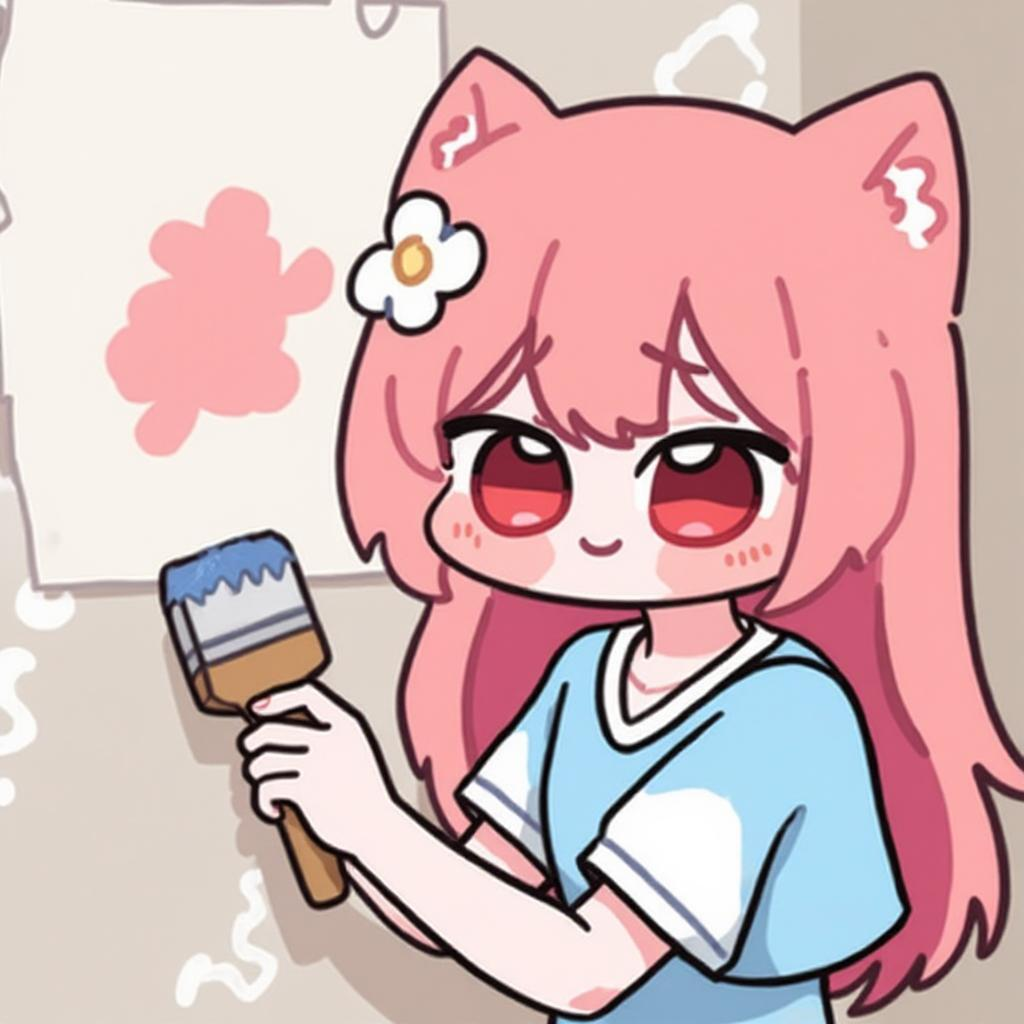
Crie wallpapers adoráveis de cenas chibi com mundos em miniatura detalhados.
Experimentar Ferramenta
Transforme sua arte de cena chibi em pacotes de stickers de storytelling charmosos.
Experimentar Ferramenta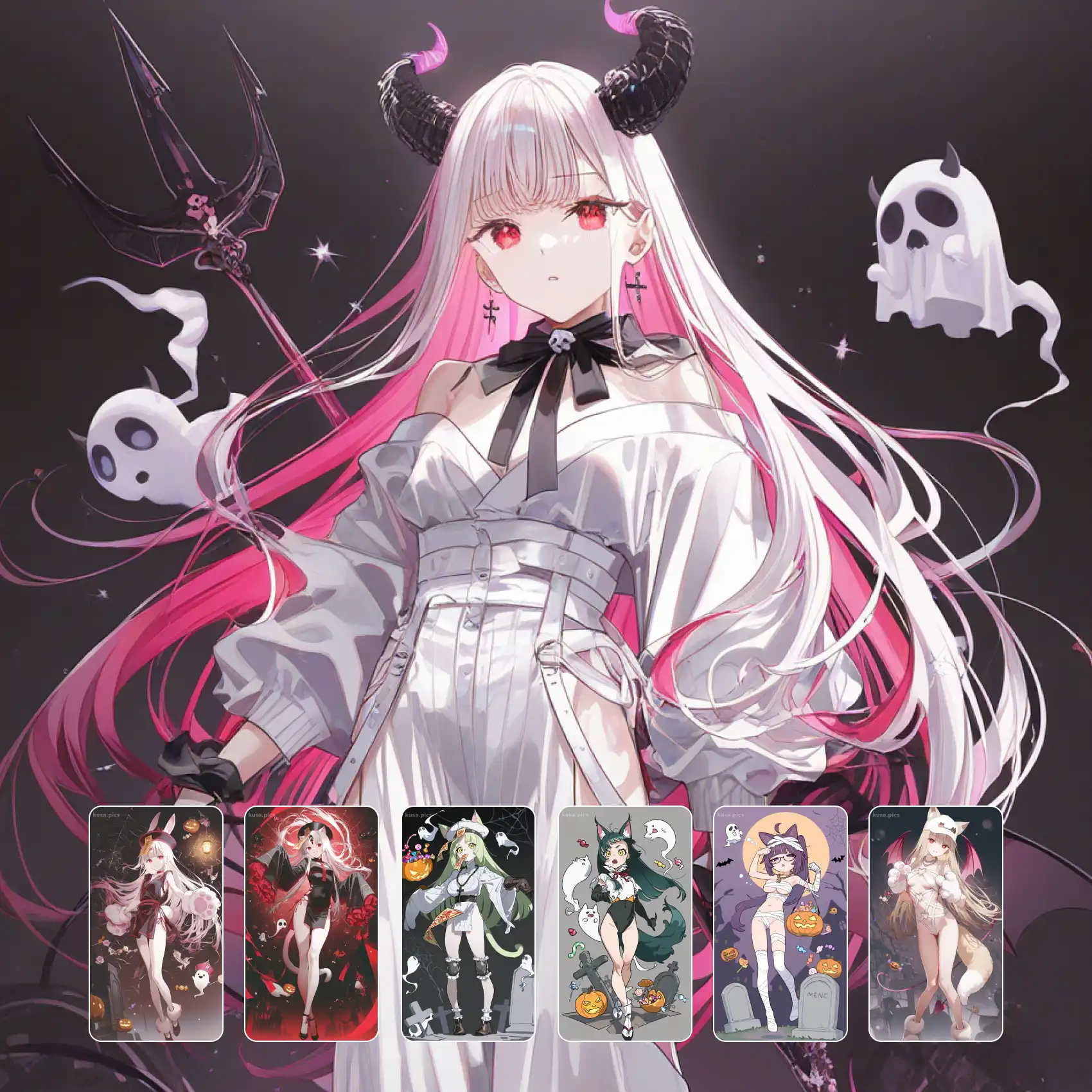
Desenhe personagens chibi originais prontos para composições de cenas detalhadas.
Experimentar FerramentaJunte-se a milhares de criadores usando o KusArt para gerar ilustrações impressionantes de chibi scene. 100 créditos gratuitos diariamente — sem cadastro necessário.
Inclui 100 créditos gratuitos diários