
Upload two character references, choose a couple pose template or upload your own, and generate anime couple art in seconds.
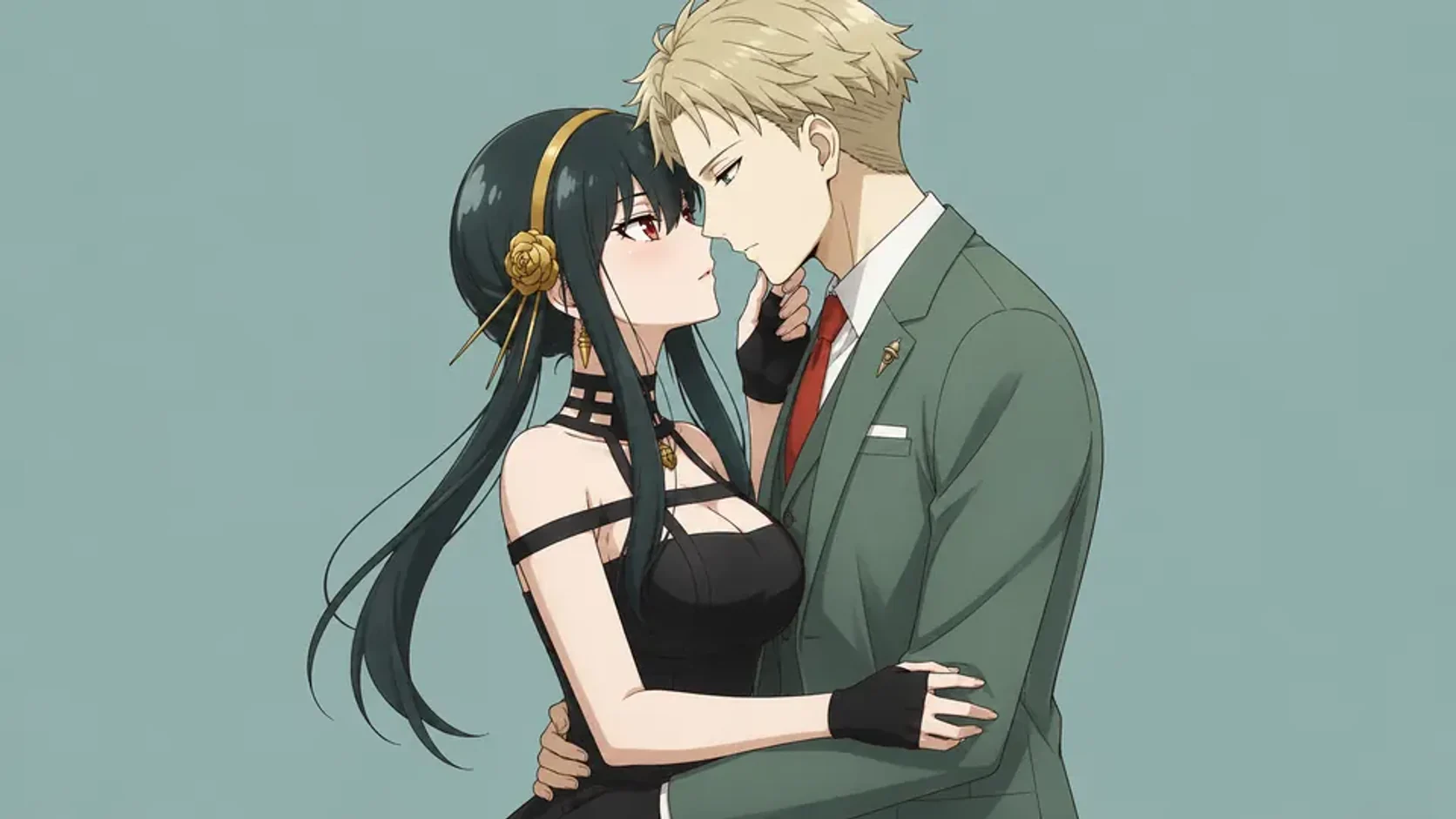
Upload your Character A and Character B, pick a couple pose from our preset library or upload your own reference, and generate anime couple art in seconds. No drawing skills needed — just your favorite ship and a pose idea.
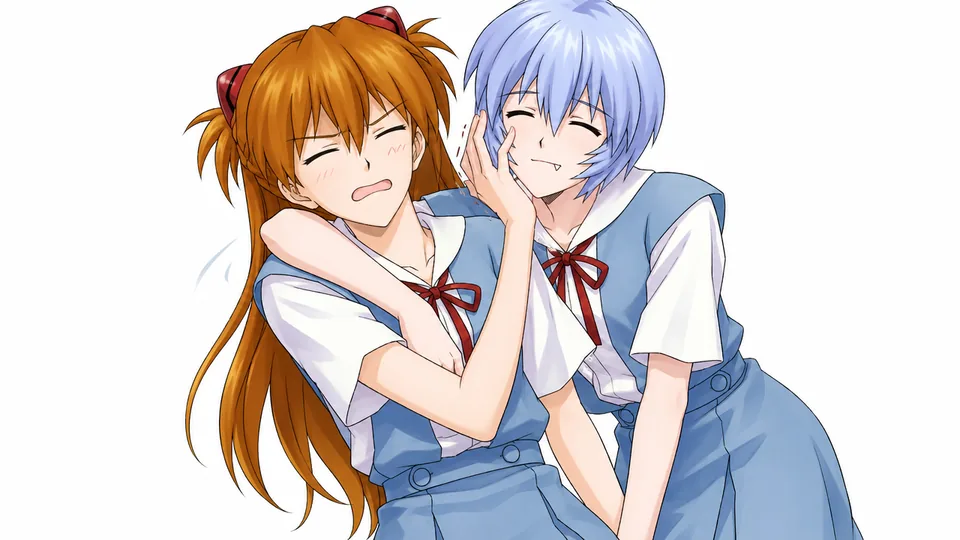
The AI Couple Pose Generator is a Kusa tool that takes two character reference images and a pose template to produce a single, cohesive anime couple illustration. It handles character consistency, pose matching, and scene composition automatically — so you get ship art that actually looks like your characters in the pose you imagined.
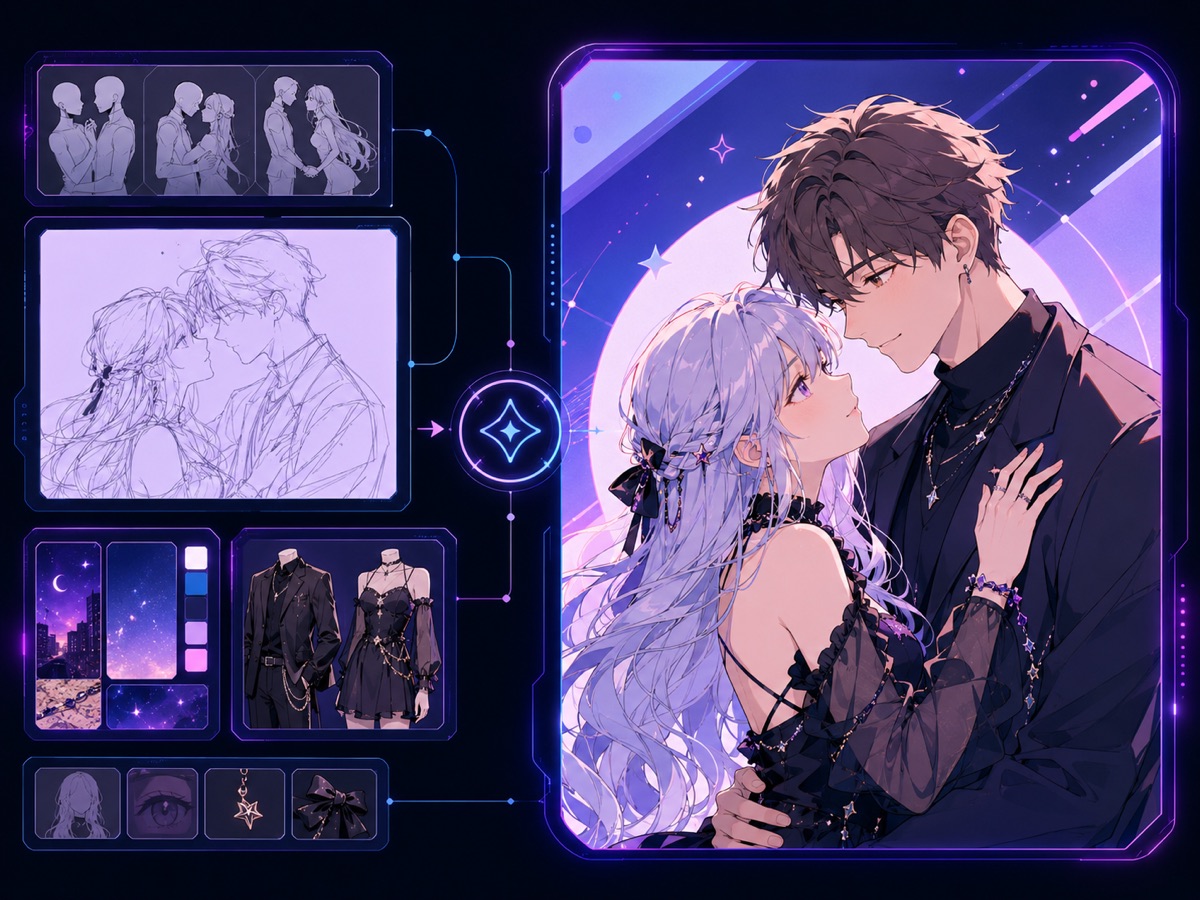
Creating couple art manually requires drawing two characters simultaneously, matching proportions, and making them interact convincingly. AI handles all of that from your references. You keep creative control over the pose, mood, and relationship — without the hours of illustration work. Pair the result with Image to Video to bring it to life.
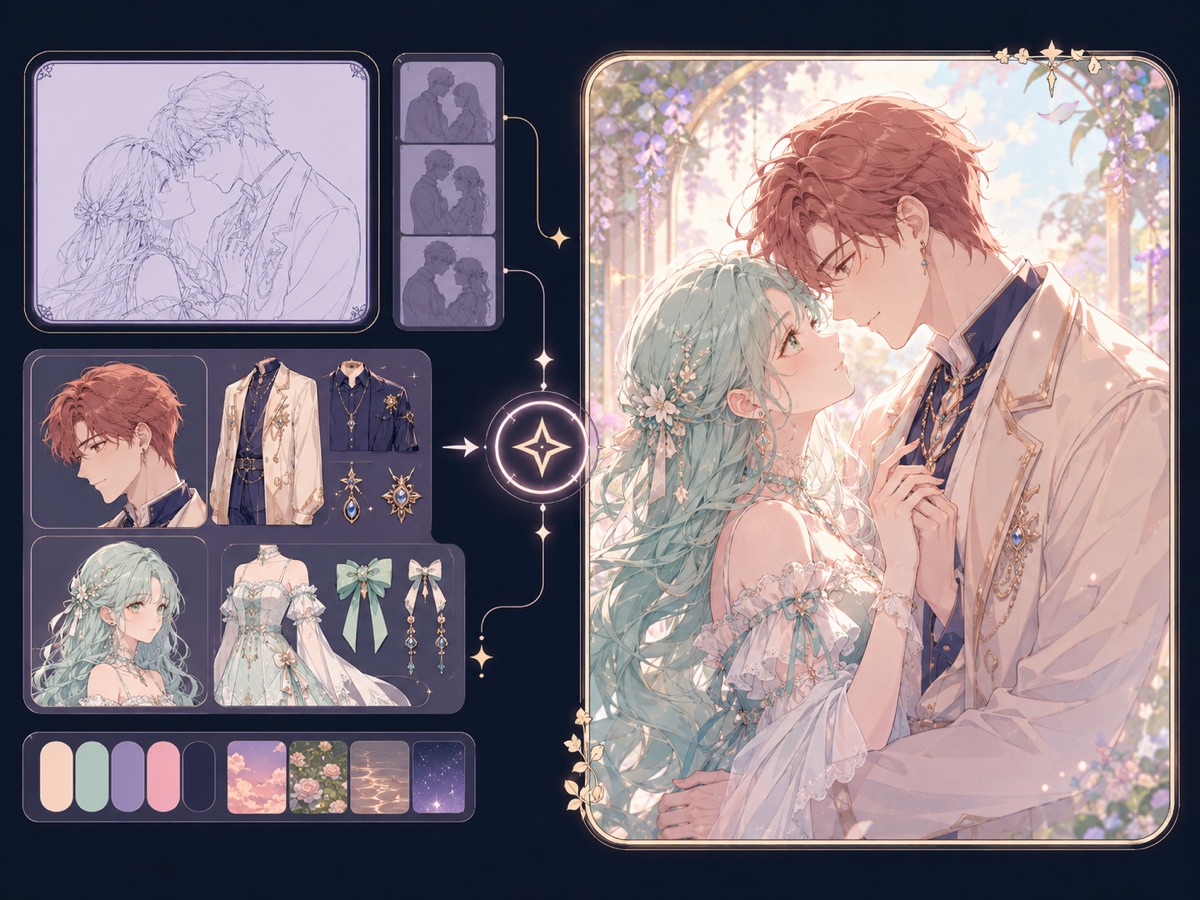
Traditional couple drawing means starting from scratch every time — sketching two characters, matching their proportions, figuring out how they touch, and keeping both looking consistent. The AI Couple Pose Generator shortens that to a single upload step.

Every feature is designed around the couple art workflow.
Upload one reference image each for Character A and Character B. The AI reads both and keeps each character's design consistent in the final composition. Swap A and B with one click if you want to flip which side each character appears on.
Choose from preset couple poses — holding hands, piggyback, forehead touch, back-to-back, and more — or upload your own pose reference image. The template and custom upload are mutually exclusive so the AI gets a single, unambiguous pose instruction.
Add a short description of the couple's dynamic, mood, or scene context. The AI weaves your note into the generation prompt so the result matches not just the pose, but the emotional tone you had in mind — rivals, soulmates, childhood friends, whatever your ship needs.
Three steps from upload to download.
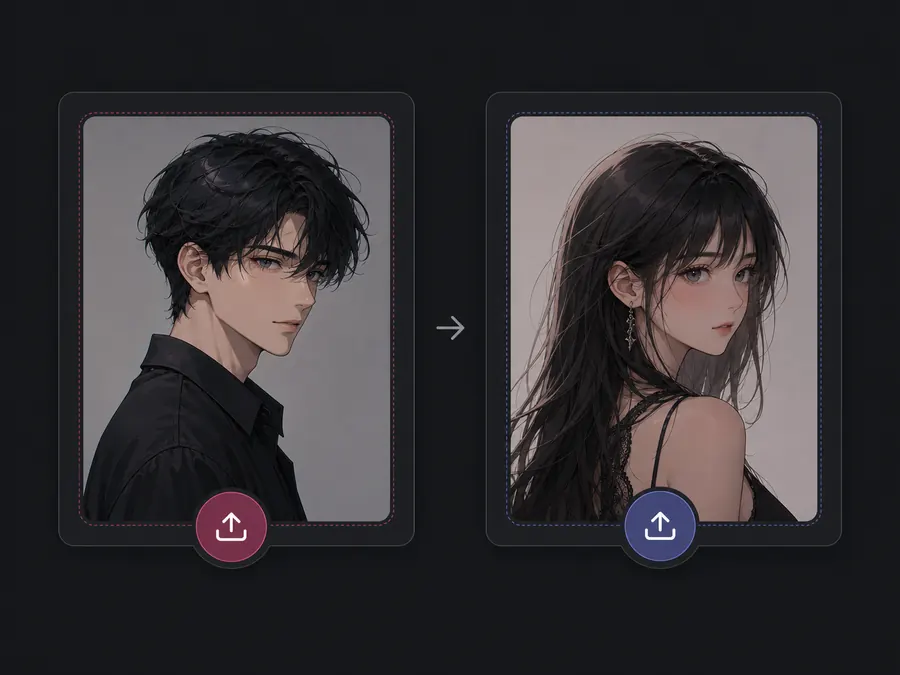
Upload a clear reference image for each character. Portraits and full-body shots both work — the clearer the image, the better the AI can capture hair color, outfit, and face. Use the swap button between the slots to reorder without re-uploading.
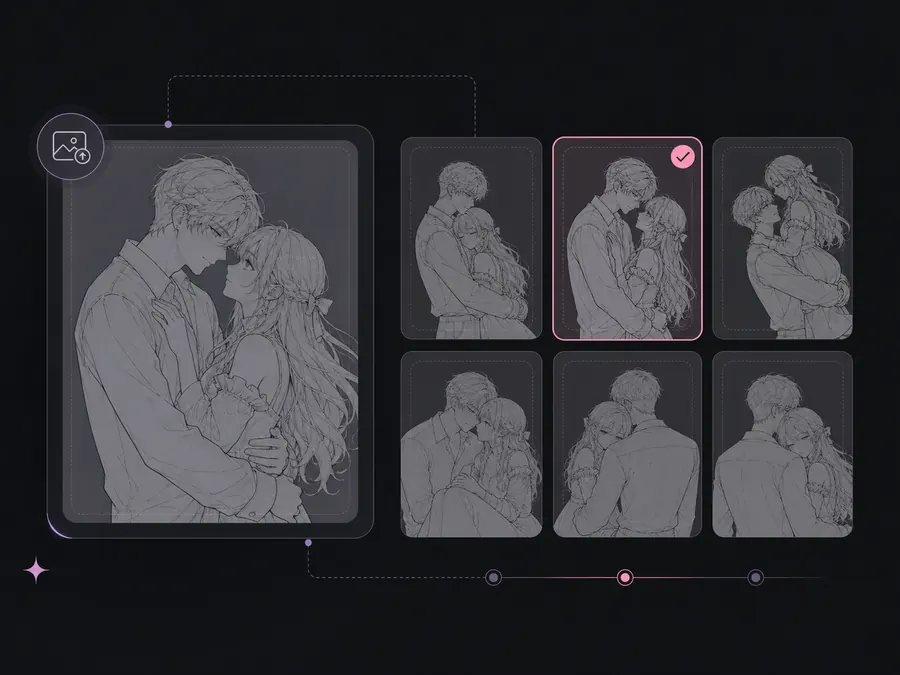
Click the pose selector to open the template gallery. Pick a preset couple pose, or upload your own reference image in the custom upload zone. Selecting a template disables the custom upload slot, and uploading a custom image clears the template — so the AI always has one clear pose to follow.
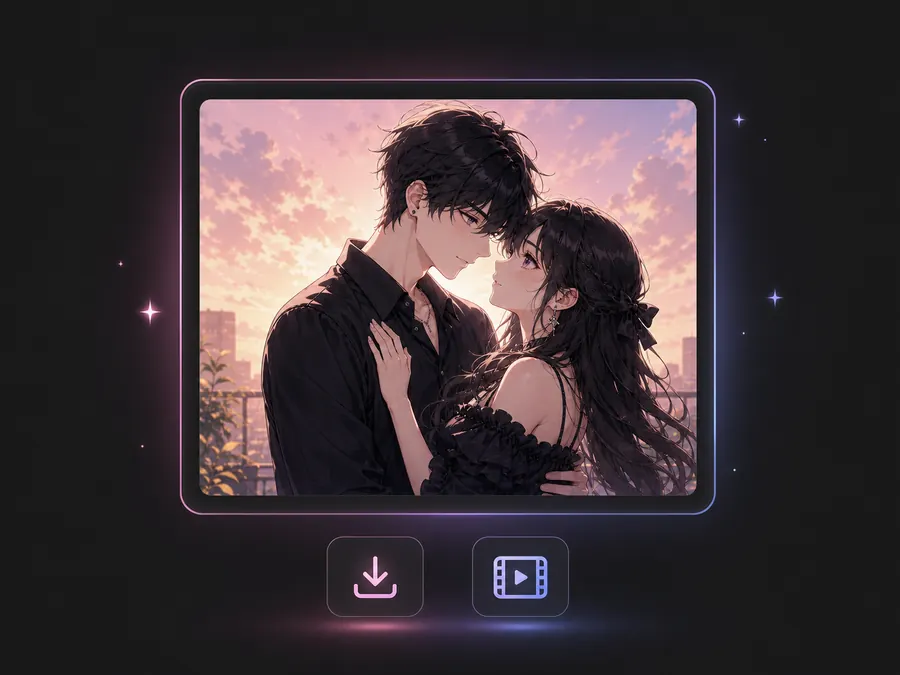
Optionally describe the scene mood or relationship in the notes field. Set your aspect ratio and output count, then hit Generate. Your couple art is ready to preview, download, or animate via Image to Video.
Upload your two character references, pick a pose, and generate in seconds.
Generate romantic and platonic couple moments for your original characters without needing to commission an artist or draw it yourself.
Recreate iconic canon or non-canon pairings from your favorite series in specific poses you've always wanted to see.
Pair up characters from games with defined visual designs — their outfits and designs carry over into the generated couple scene for immediately recognizable results.
Combine two VTuber model references into a single couple illustration for collab announcements, fan art, or channel banners.
More ways to create and animate.