
See what our AI character editor can do — same character, different edits
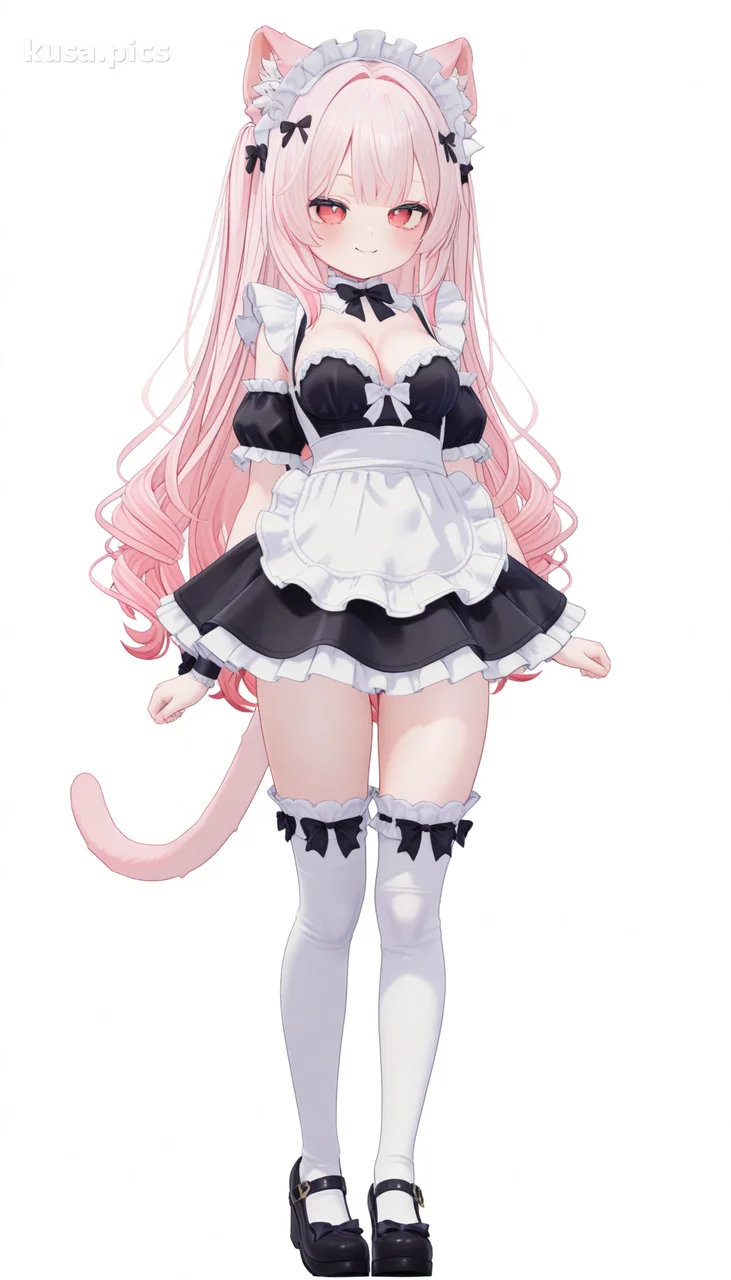 Before
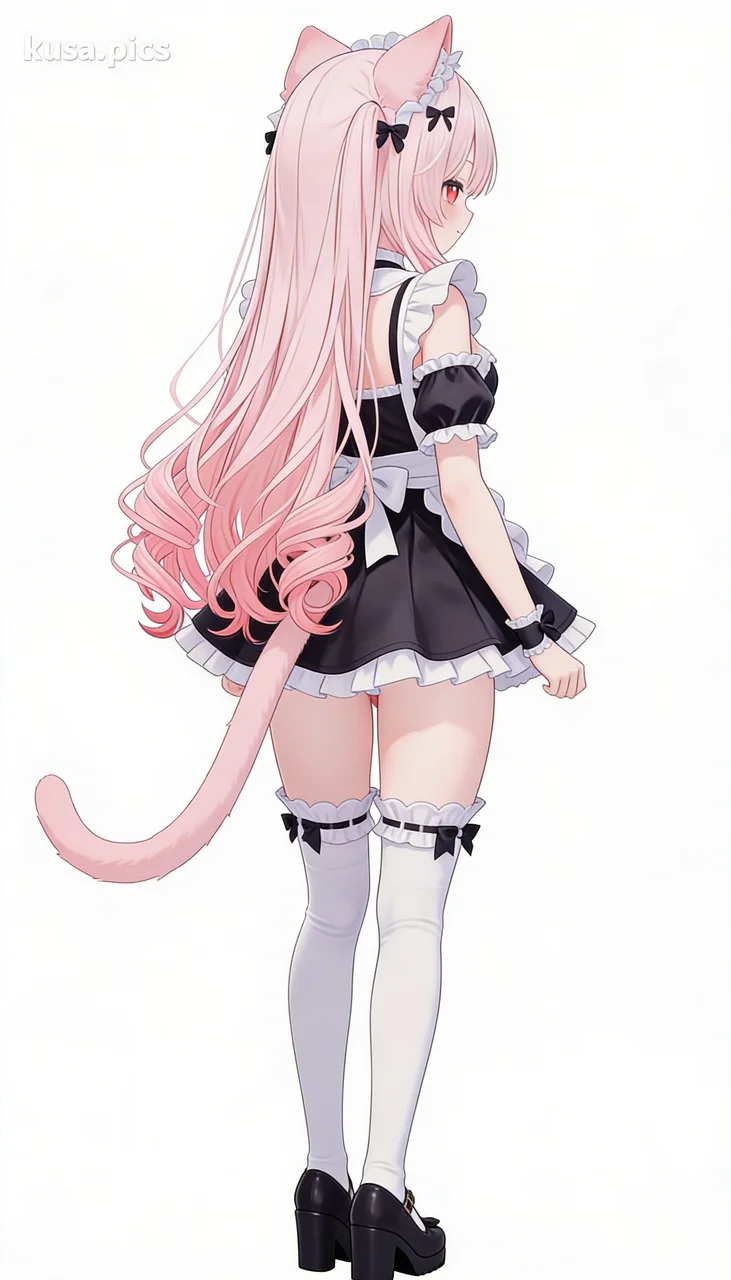 After: [From behind]Try this
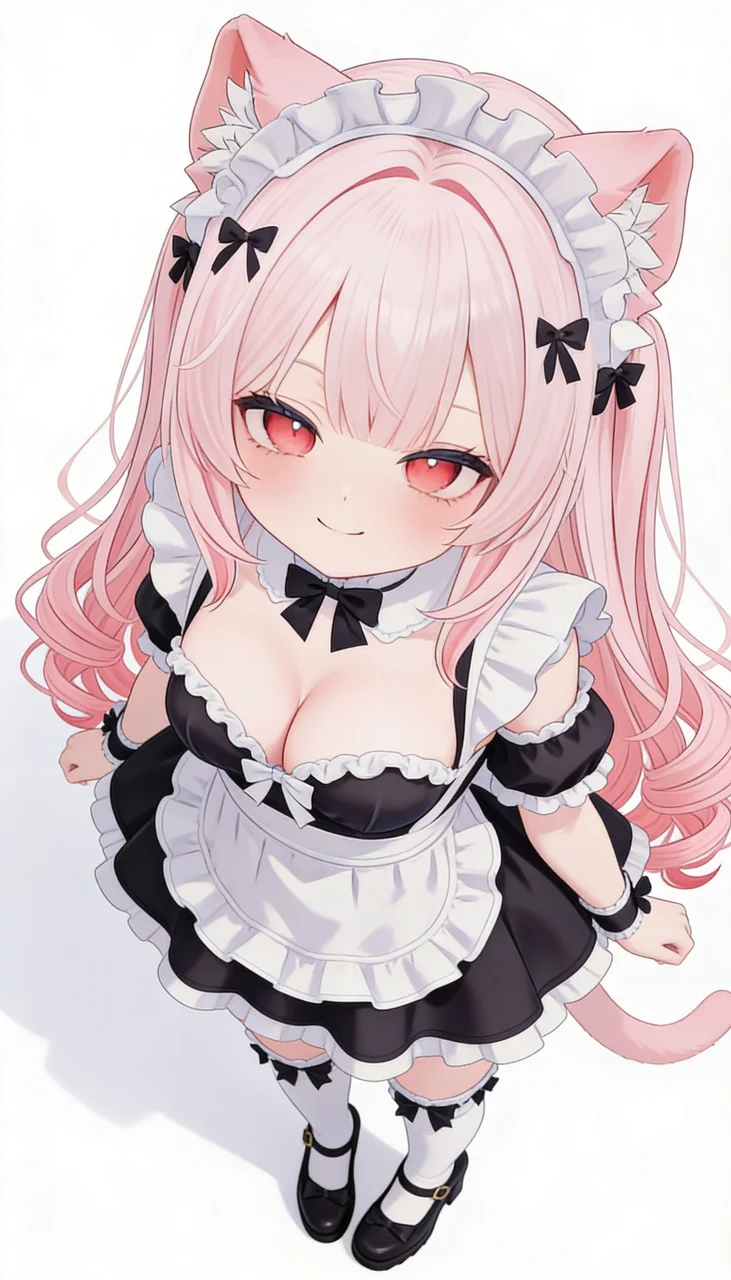 After: [From above]Try this
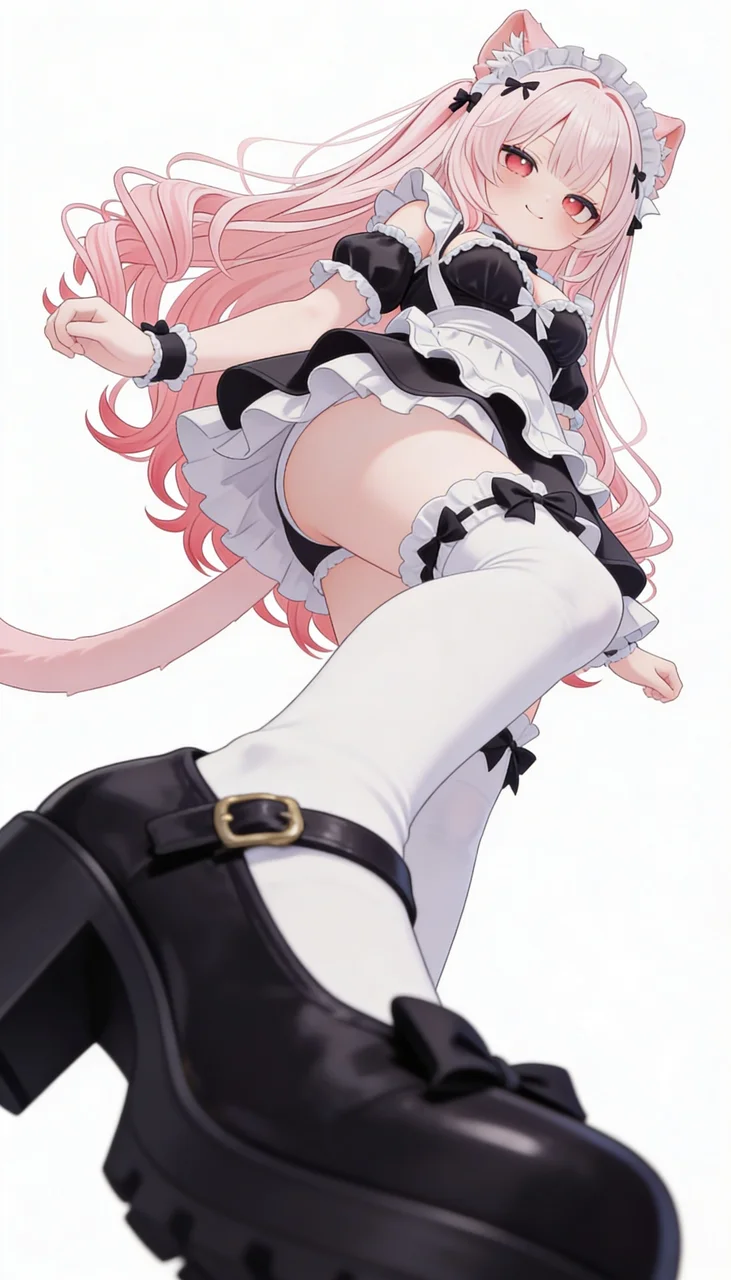 After: [From below]Try this
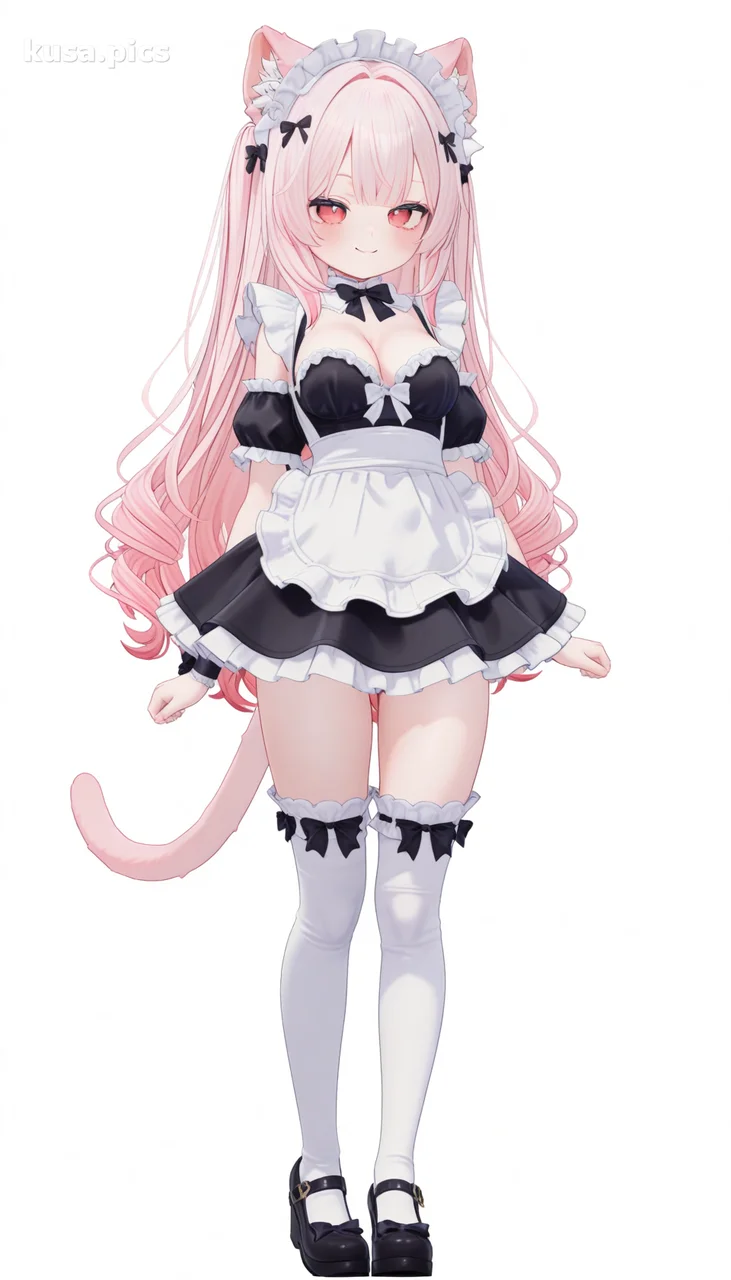 Before
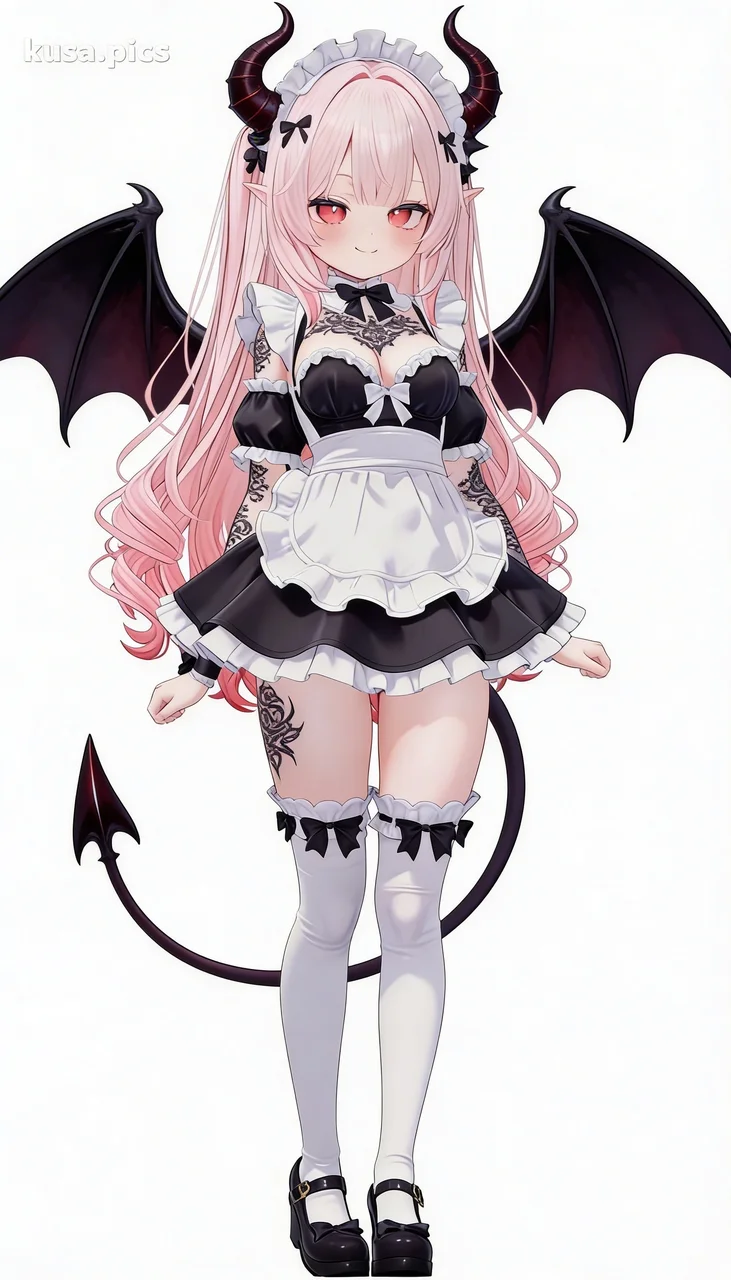 After: [Demon]Try this
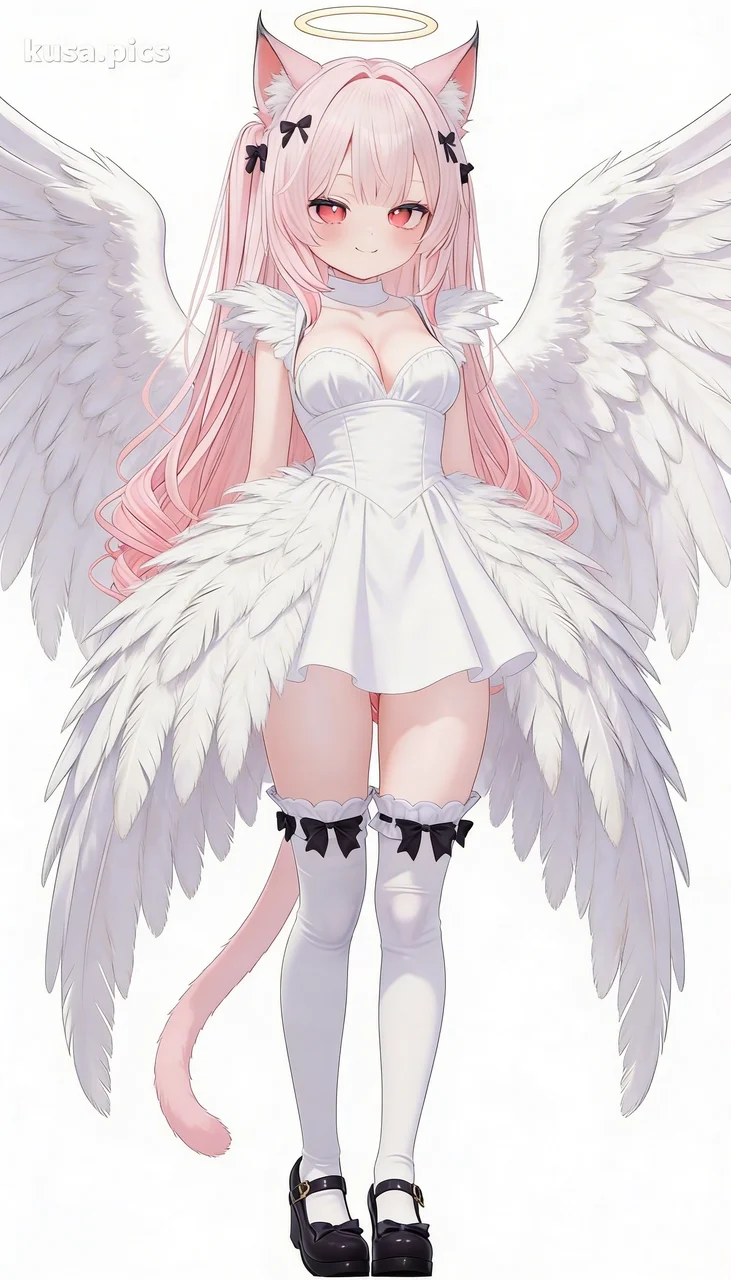 After: [Angel]Try this
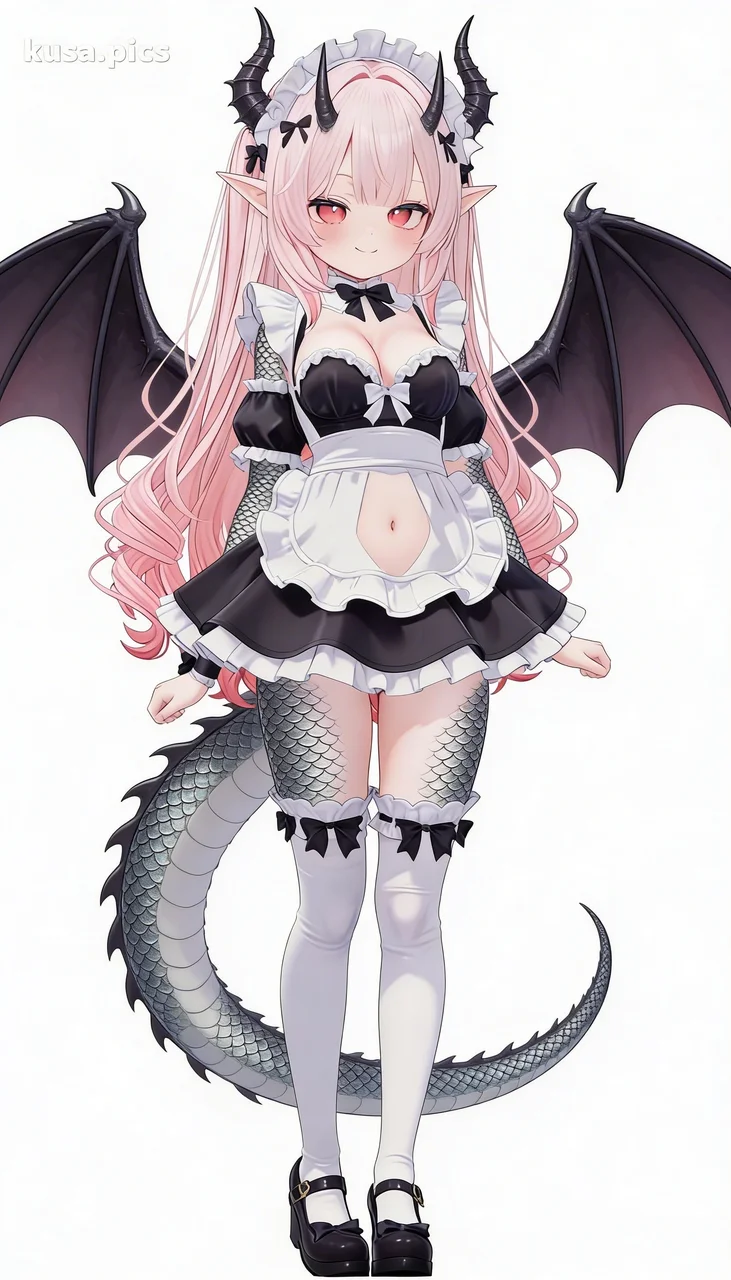 After: [Dragonewt]Try this
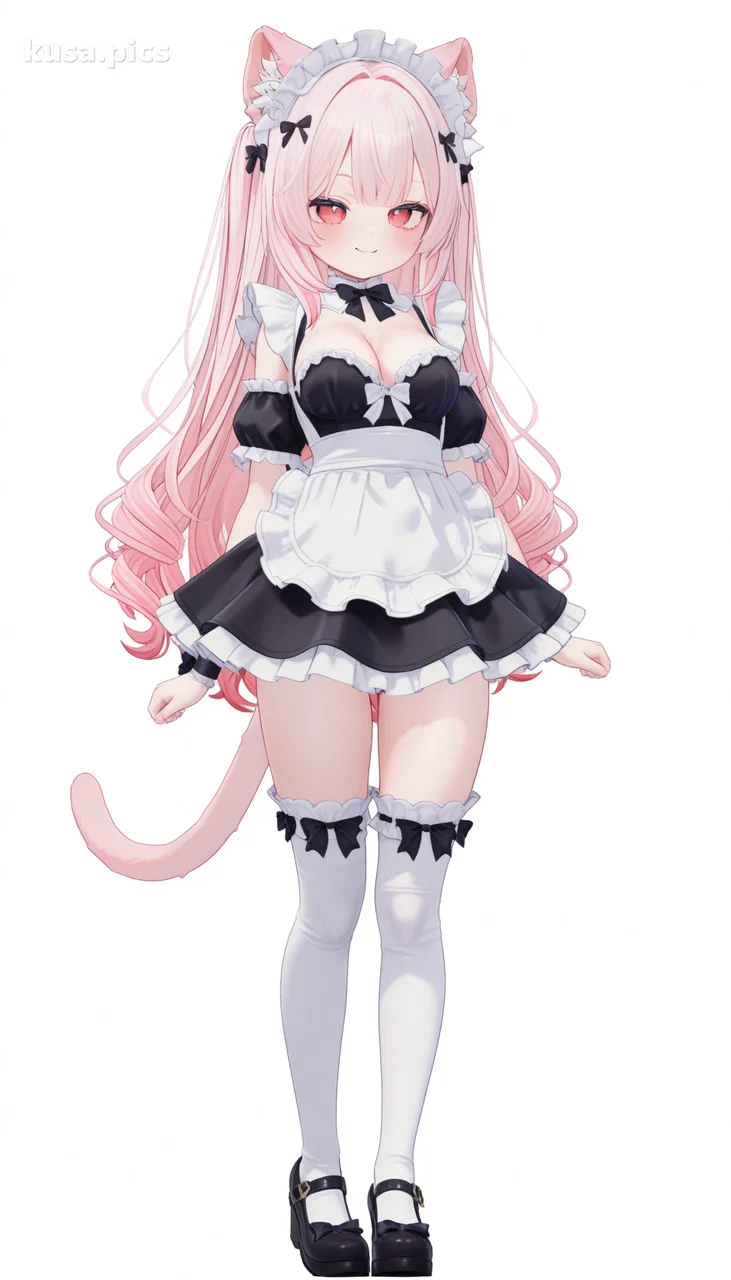 Before
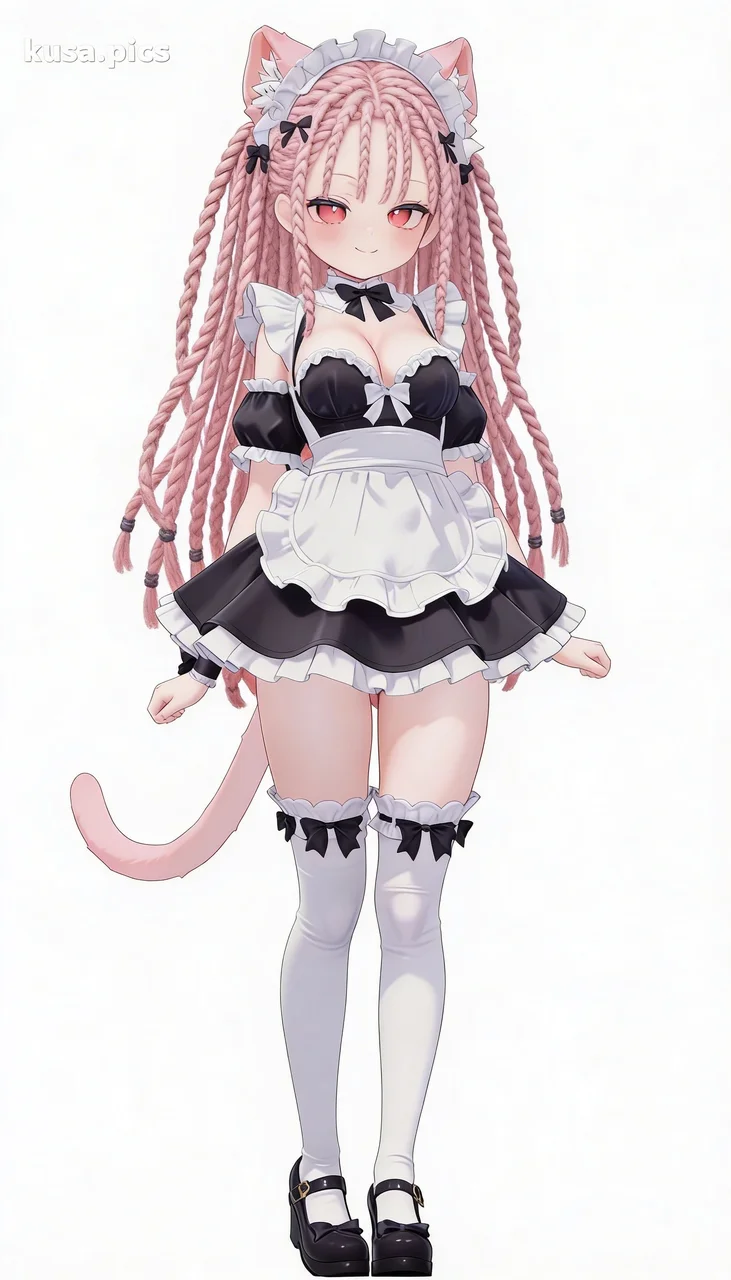 After: [Dreadlocks]Try this
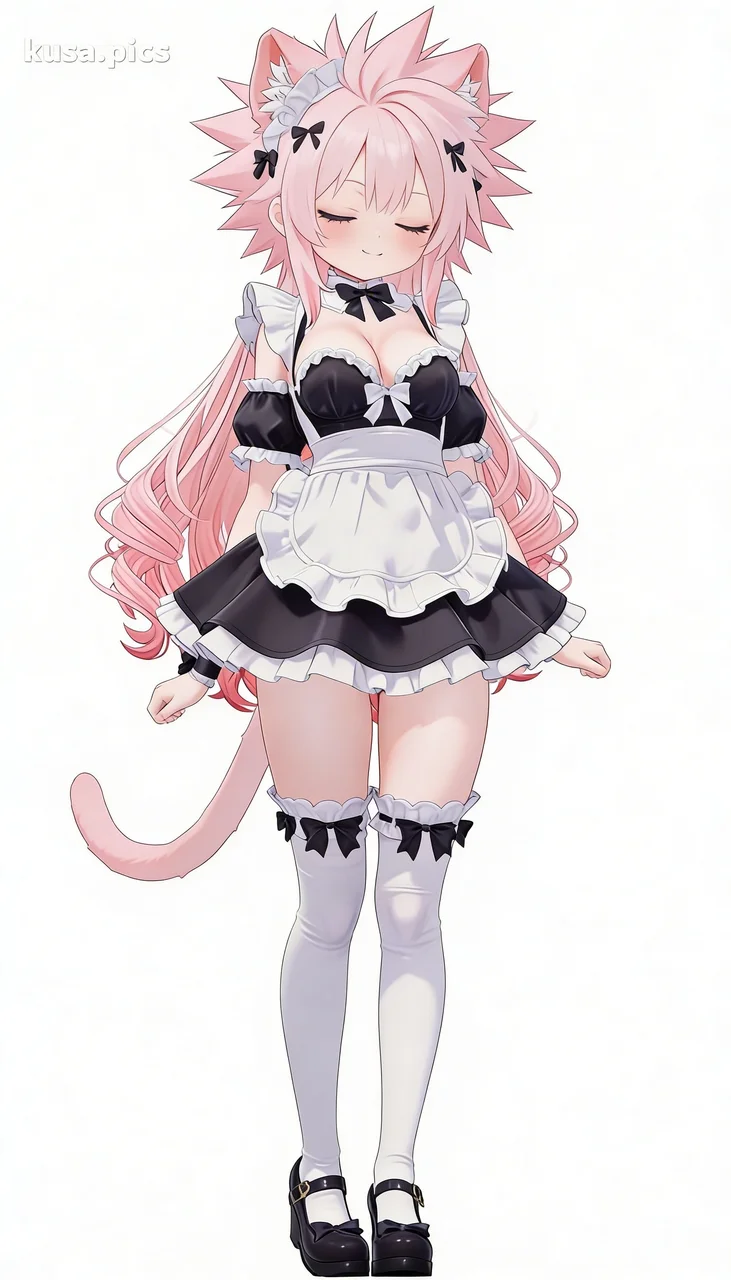 After: [Spiky]Try this
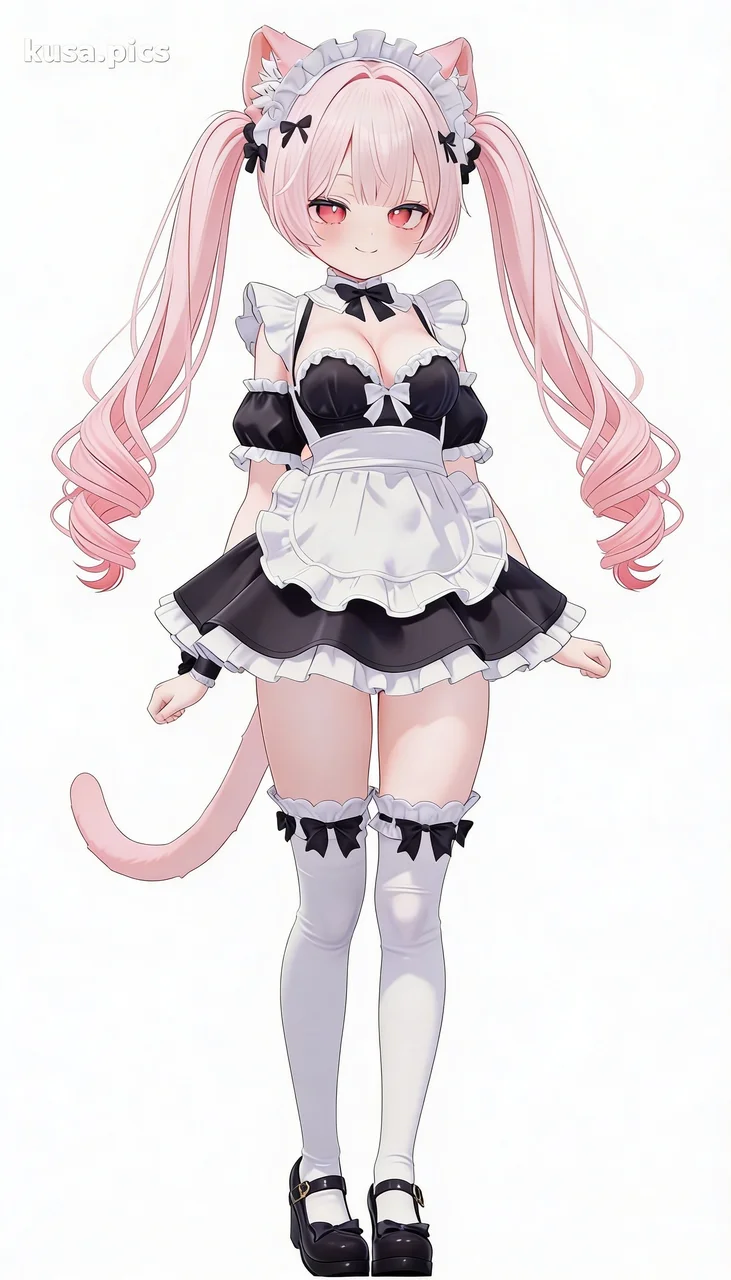 After: [Twintails]Try this
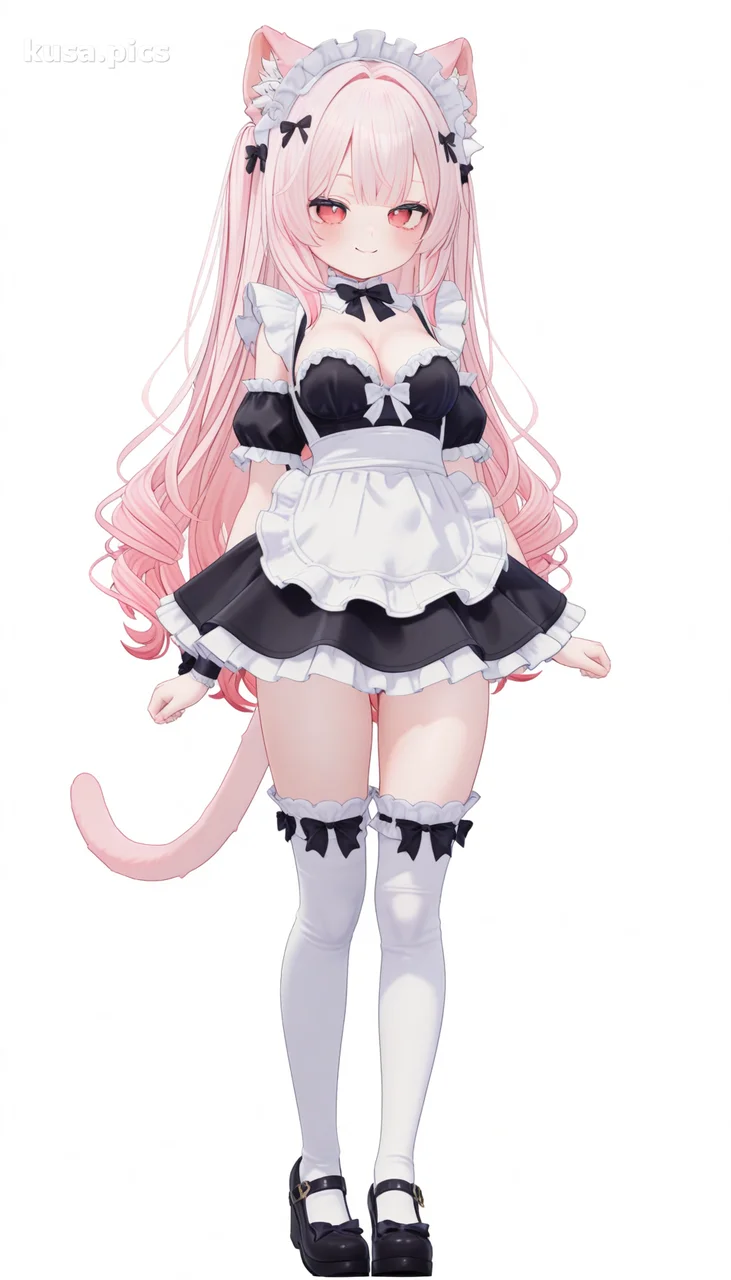 Before
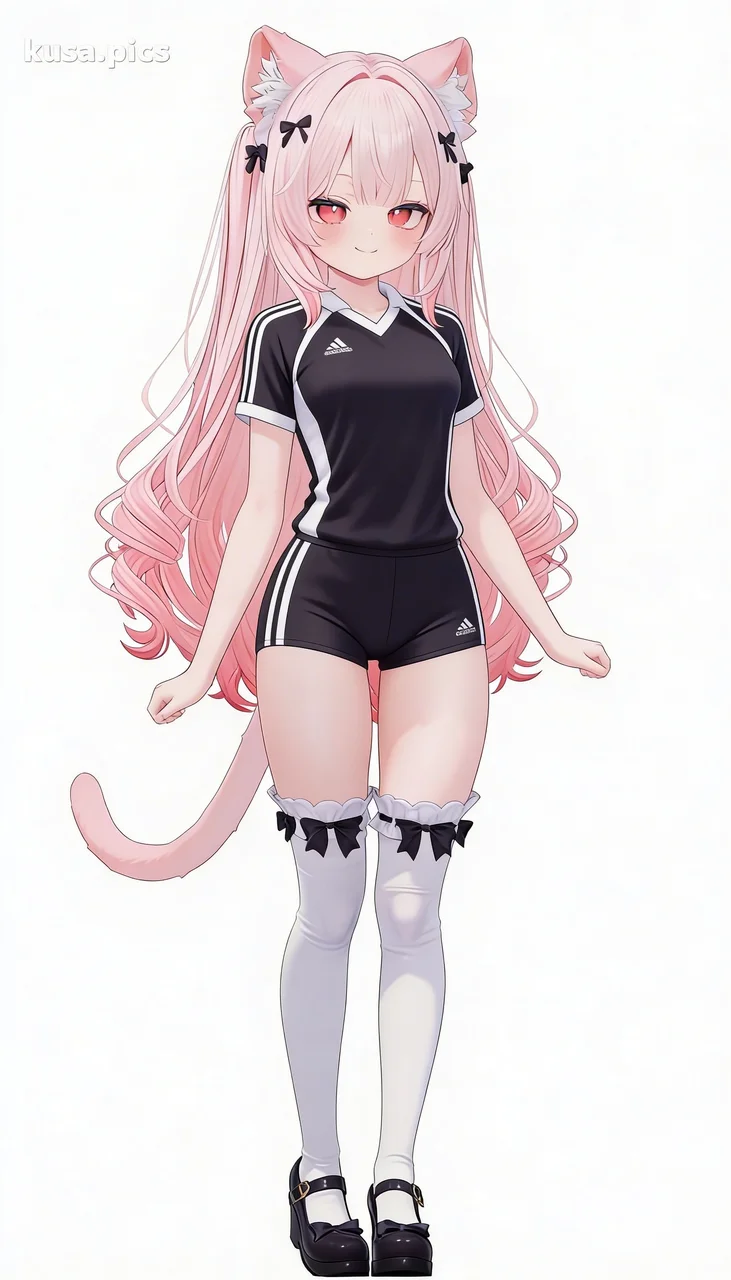 After: [Volleyball Uniform]Try this
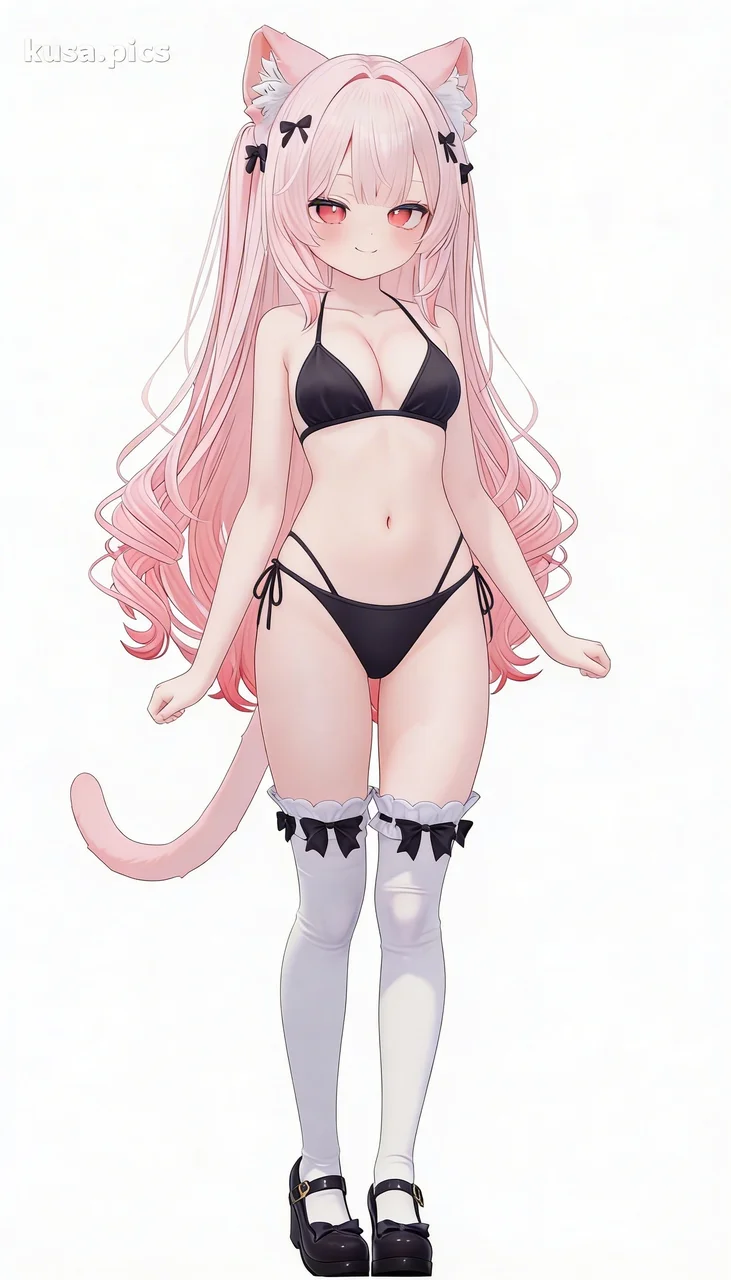 After: [Swimwear]Try this
 After: [Uchikake]Try this
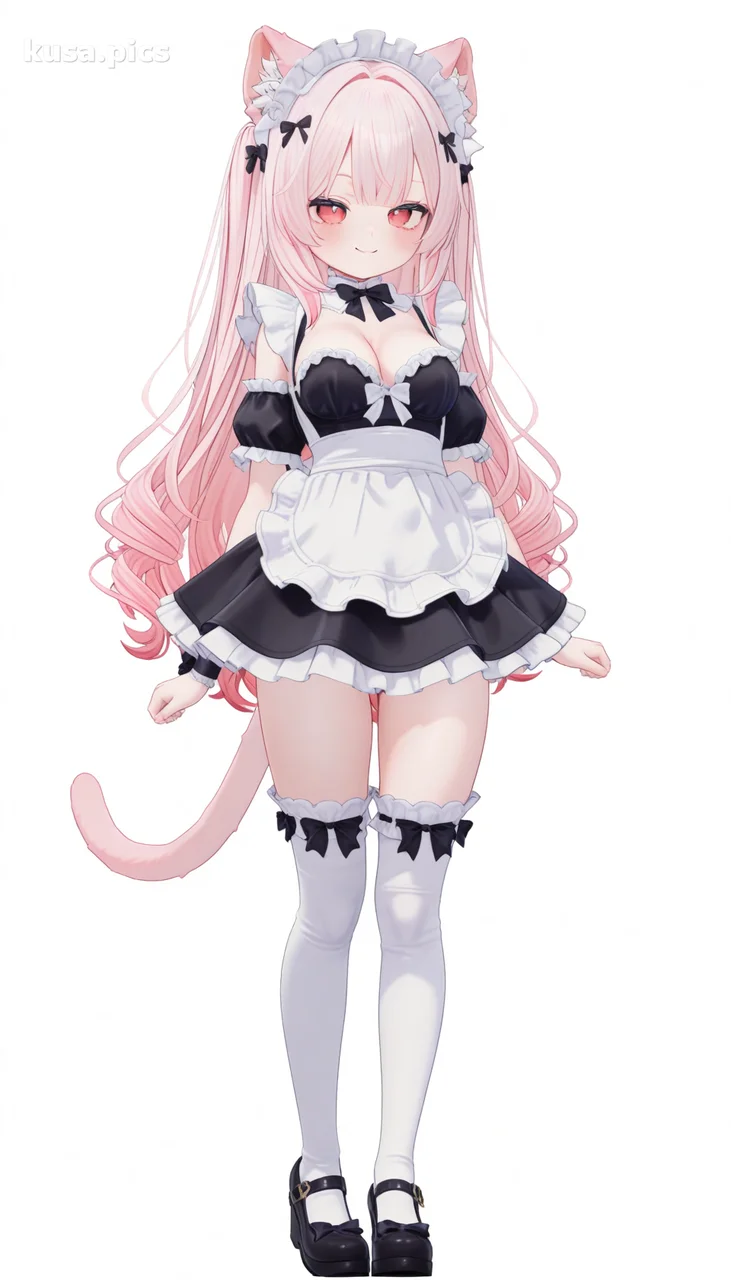 Before
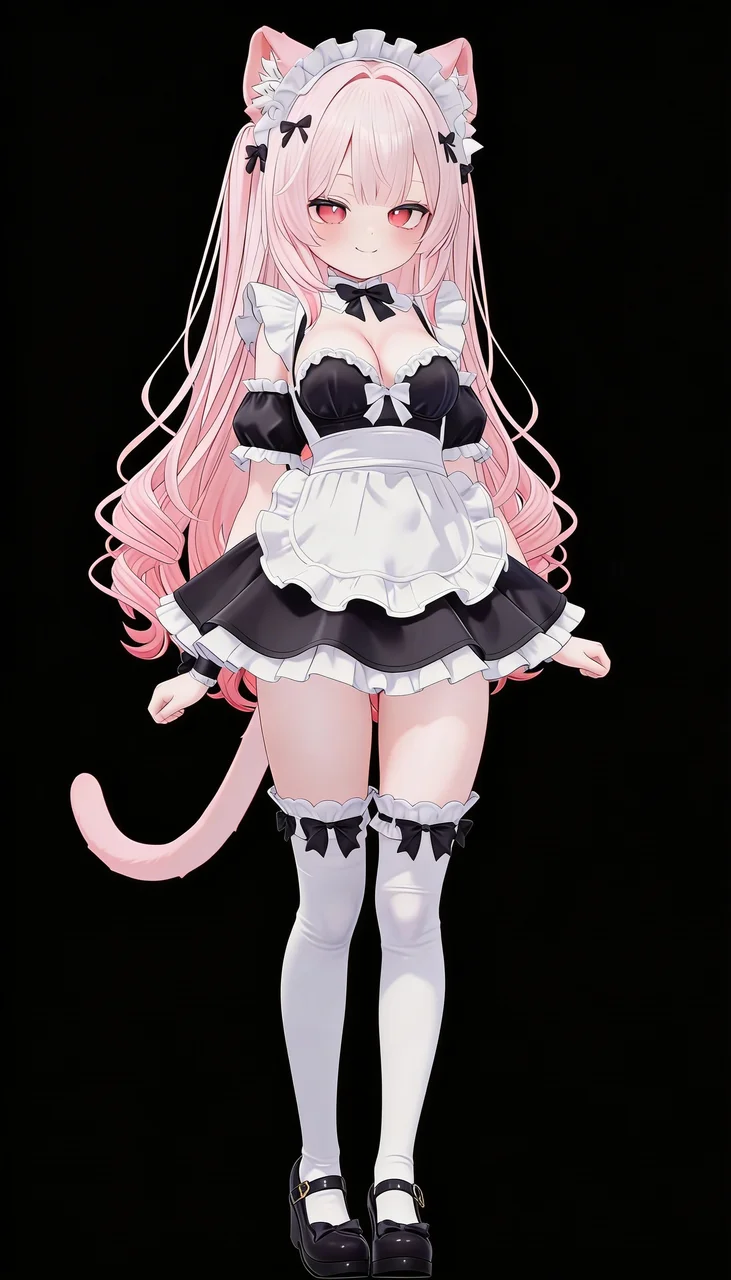 After: [Black Background]Try this
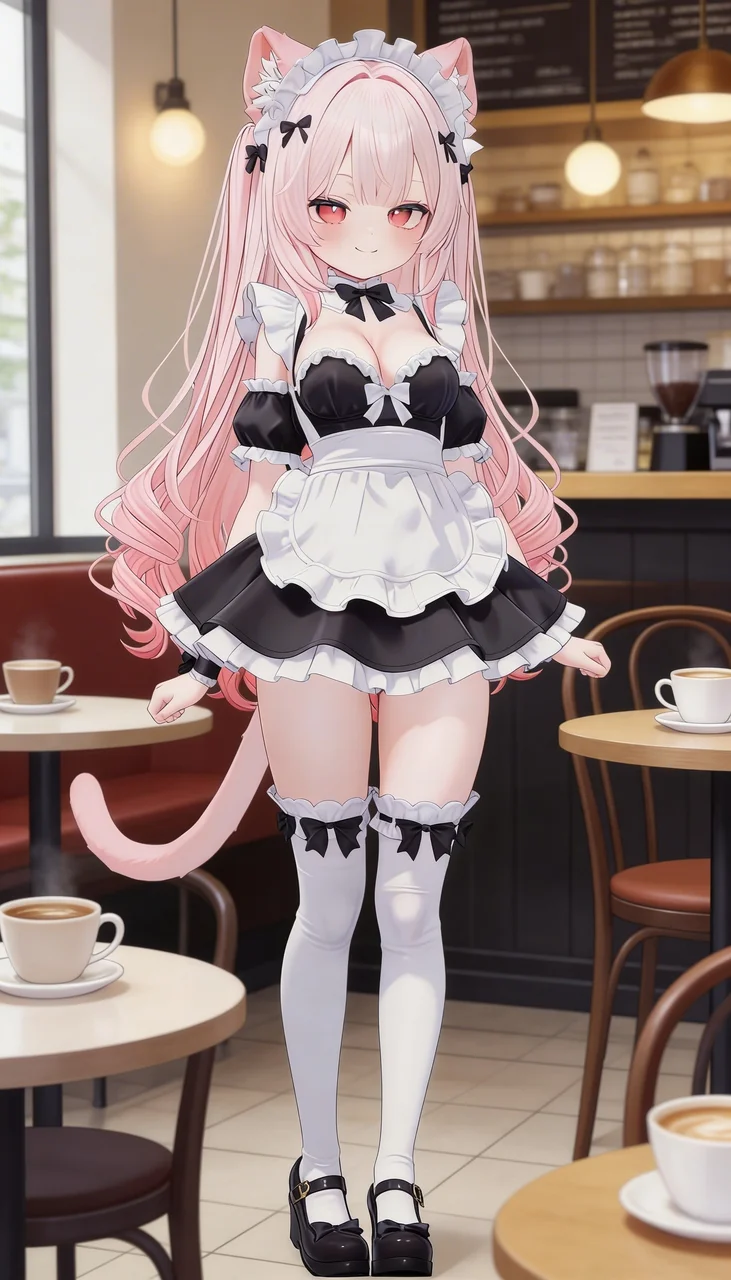 After: [Cafe]Try this
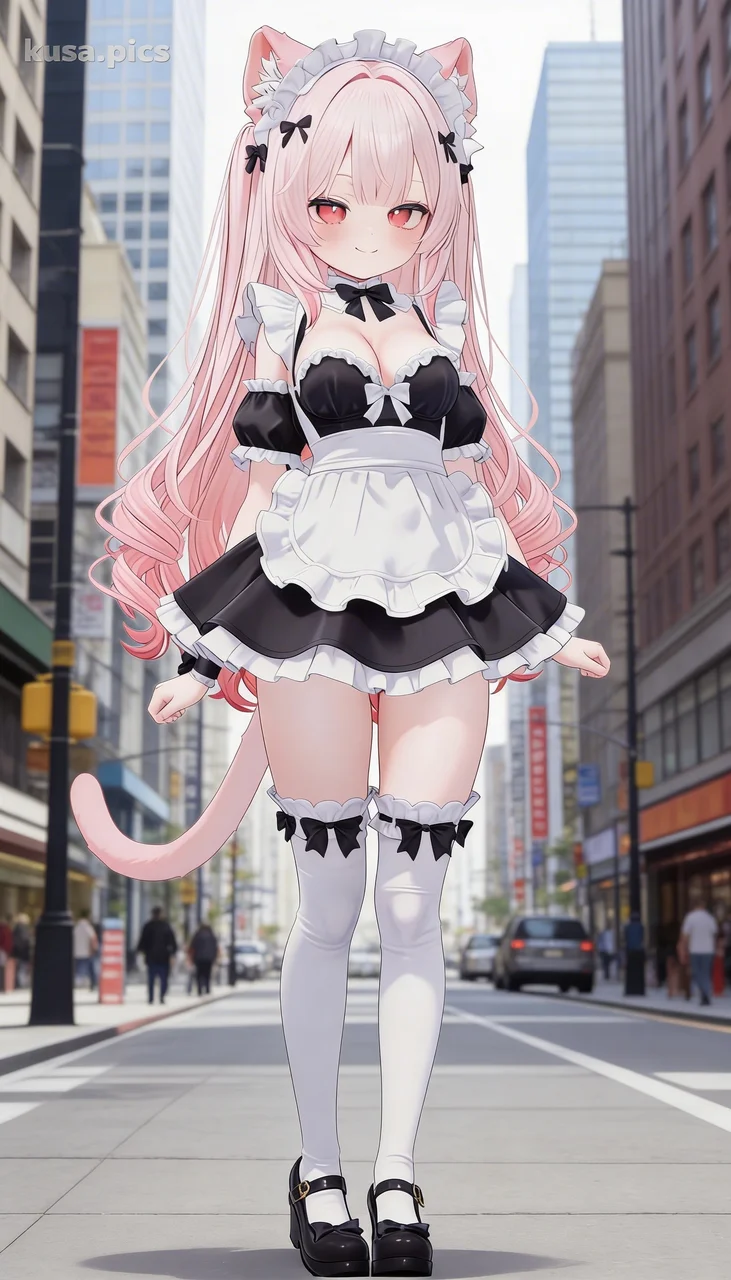 After: [City Street]Try this
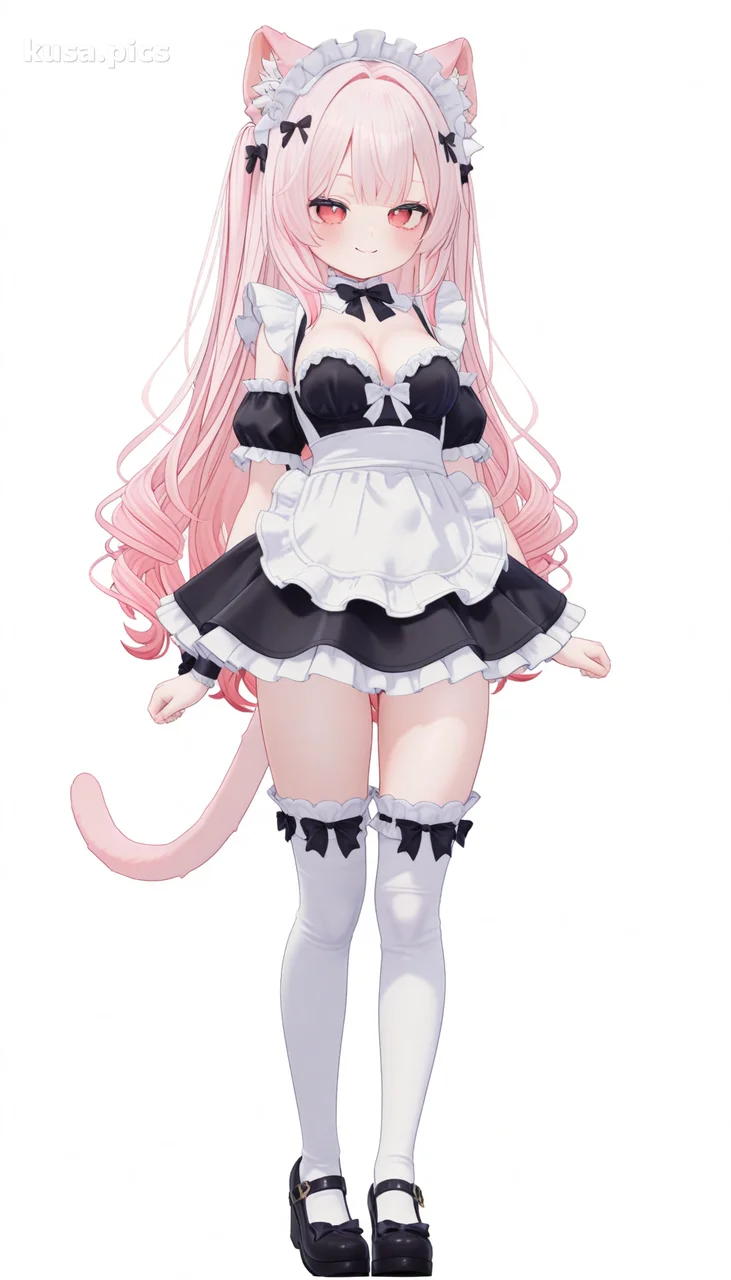 Before
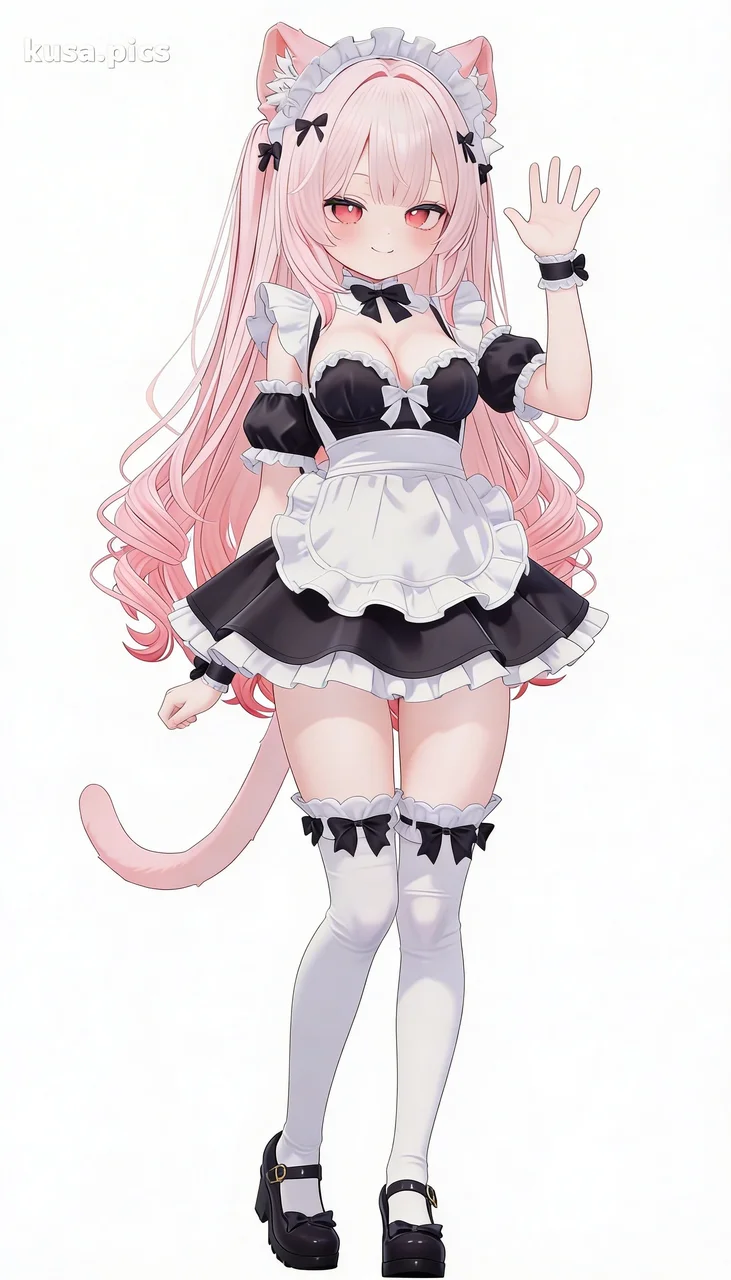 After: [Waving]Try this
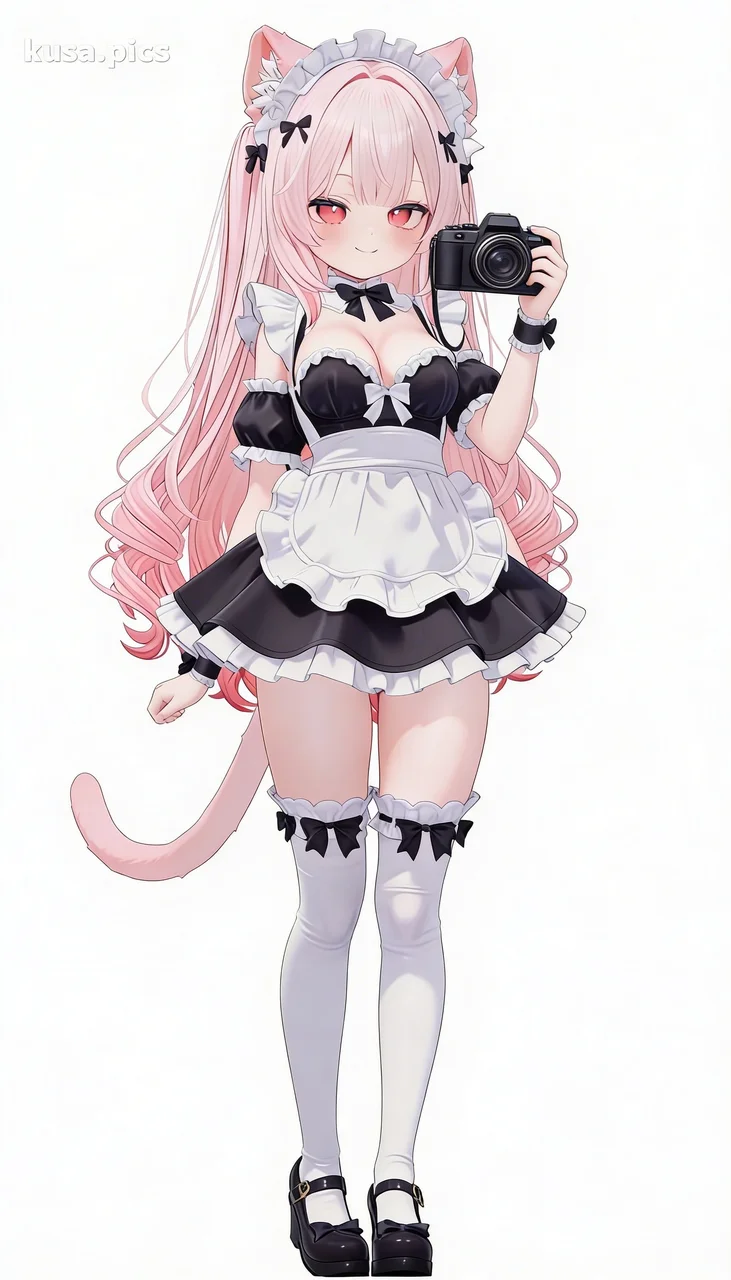 After: [Holding camera]Try this
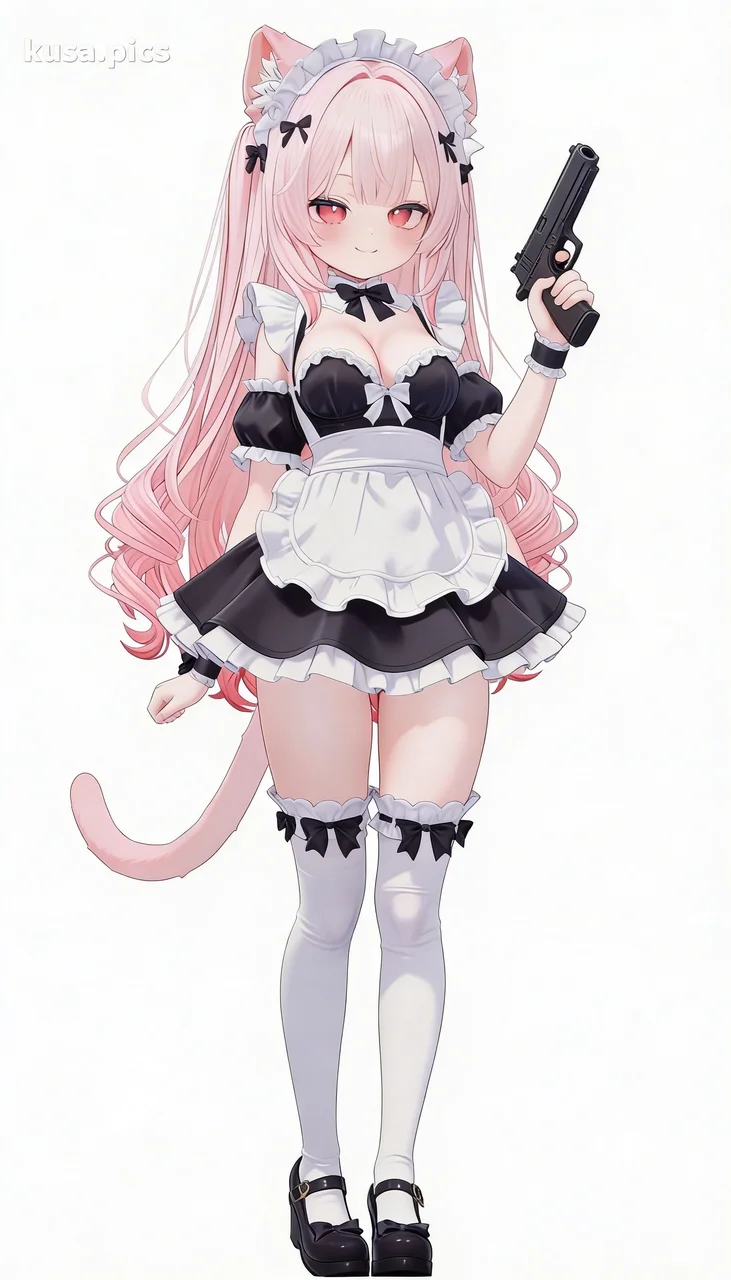 After: [Holding gun]Try this
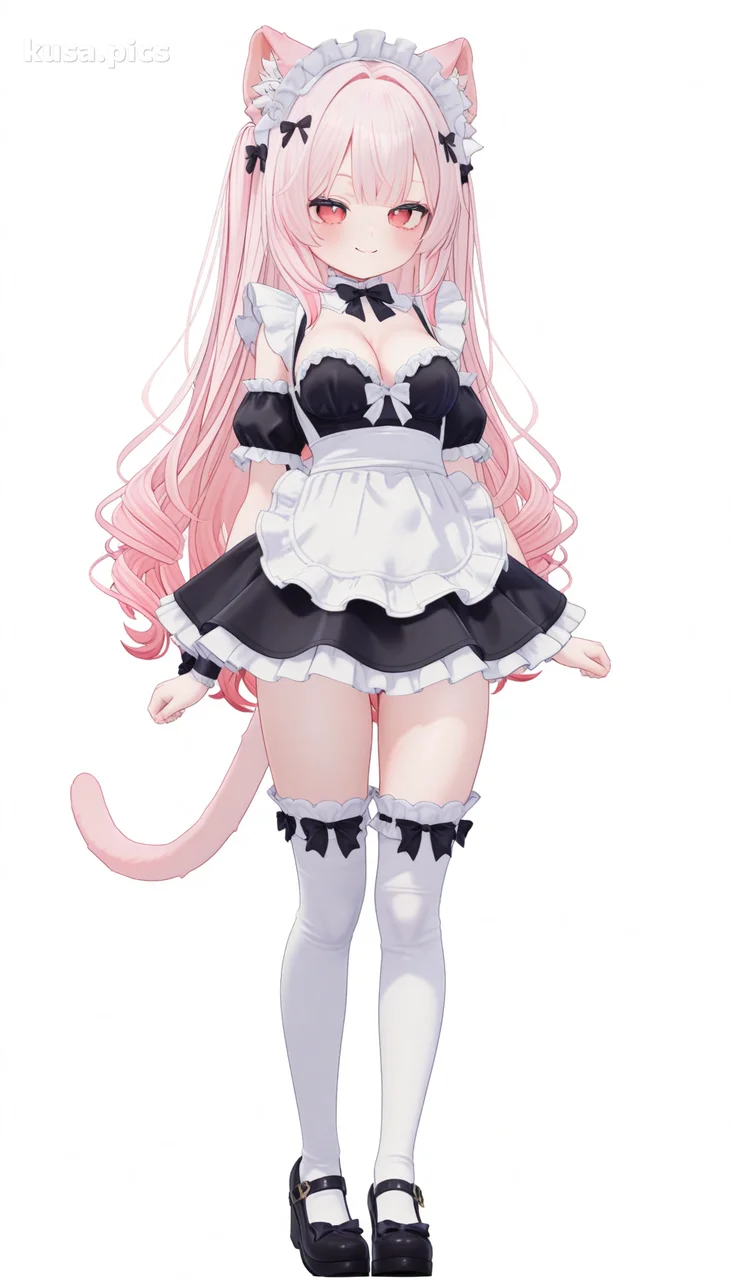 Before
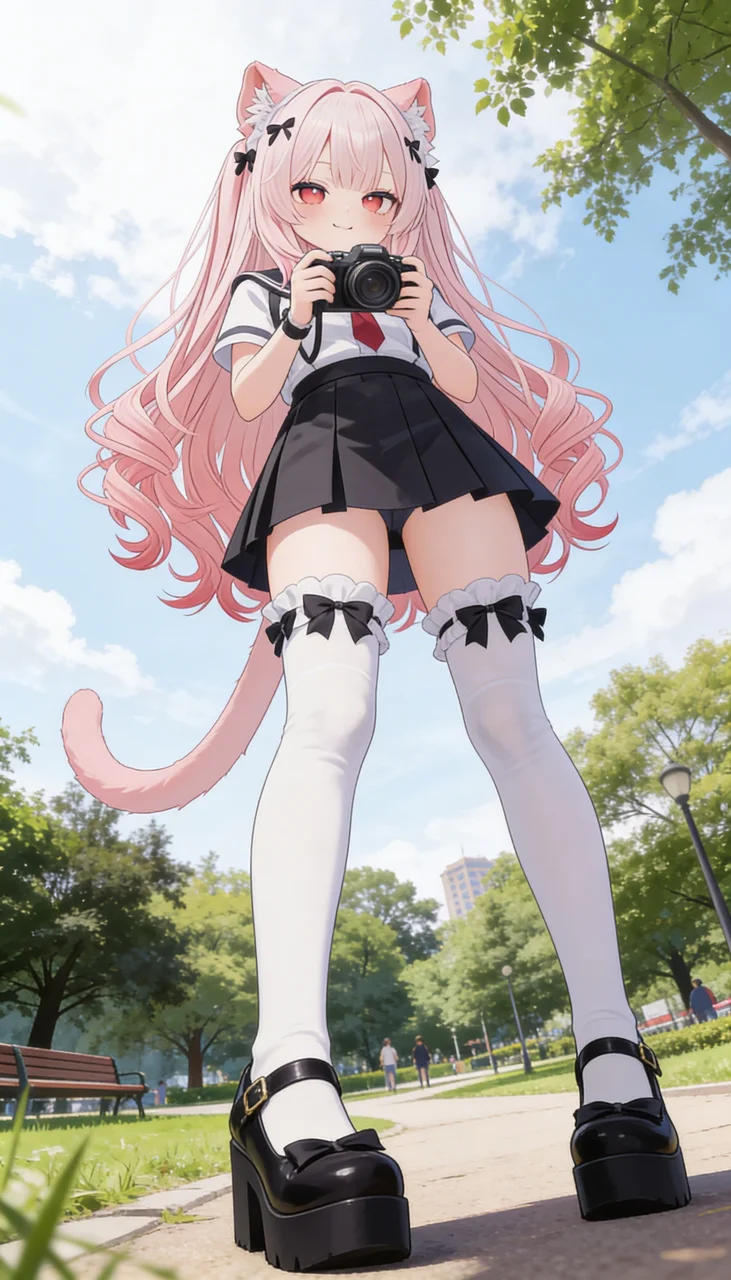 After: [School Uniform + Park]Try this
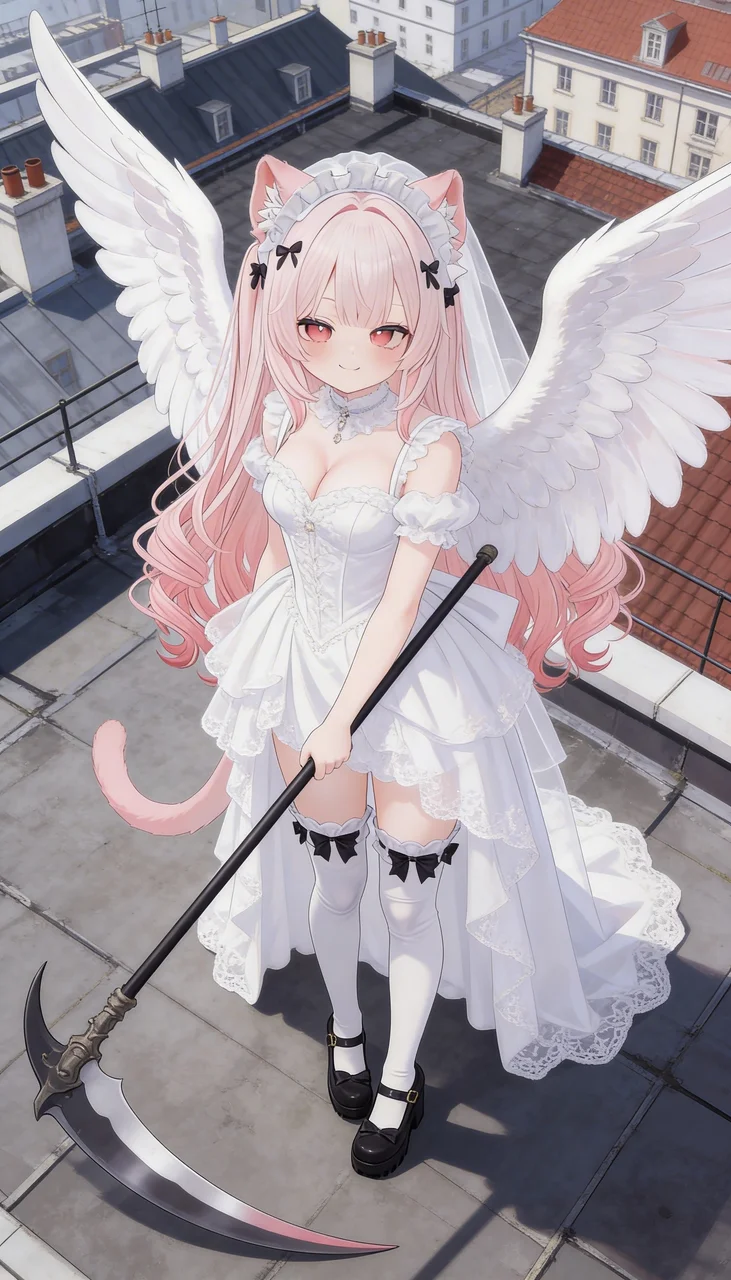 After: [Wedding Dress + Rooftop]Try this
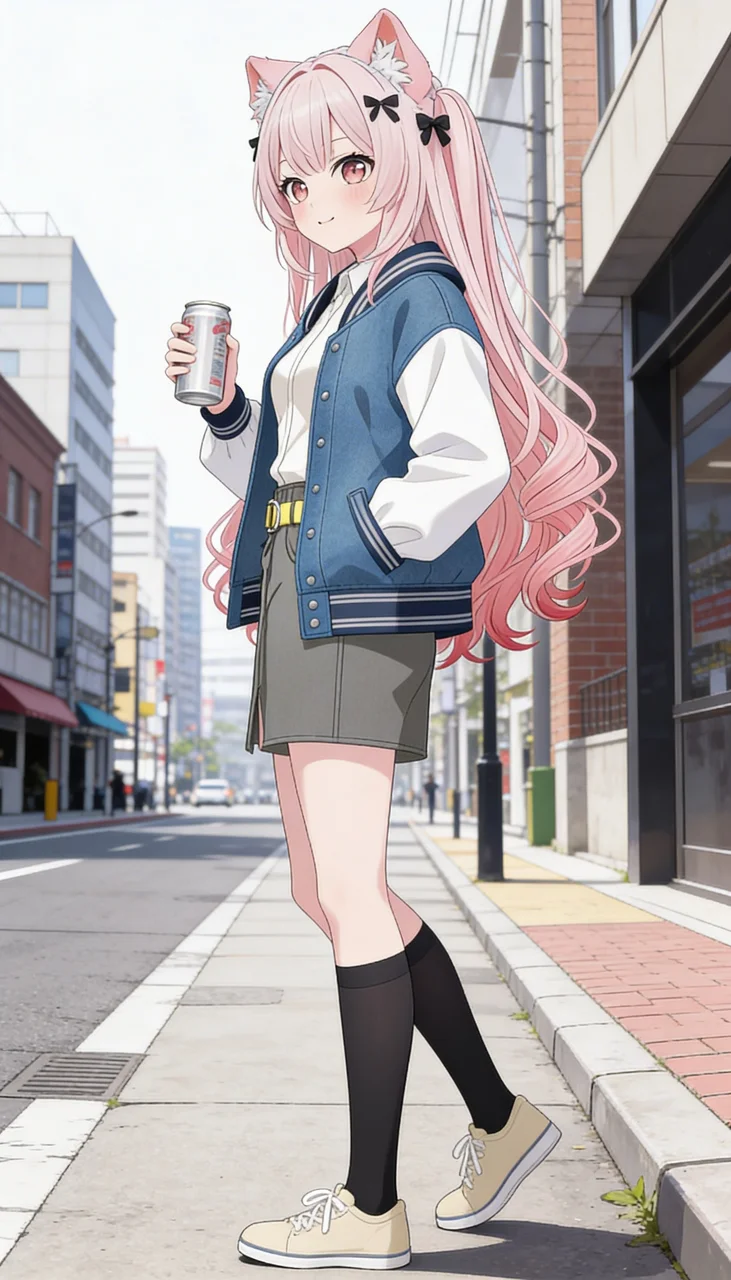 After: [City Street + Casual]Try this
KusArt OC Editor is a tag-based AI character editor for anime and OC artwork. Browse and pick visual tags — the AI applies your changes while preserving character identity.
586 tags across 6 categories and 60+ subcategories, covering 21 character attributes and 19 clothing categories. Ultra-high consistency keeps the same face across every edit. Full style compatibility from cel-shading to watercolor. Start from scratch with OC Generator or bring any character from Image Generator.
60+ subcategories covering expression, body type, hair, eyes, and more. Just pick tags — no prompts needed.
Same face, same proportions, same style across every edit. No regeneration lottery.
Works with any anime style — cel-shading, watercolor, impasto, flat color, chibi, and more.
Casual to formal, swimwear to Christmas costumes, plus accessories. Upload custom clothing refs.
Kusa-Mix: fast, full creative freedom. Medium: balanced. Pro: max detail. One-click switch.
Lock any tag to keep it unchanged, randomize the rest. Visual control without prompt engineering.
Upload up to 5 reference photos per category. AI adapts them to your character's style.
From Image Generator and OC Generator → edit → Sticker, Dancing, Video.
| Feature | KusArt OC Editor | Generic AI Editors | Manual Editing |
|---|---|---|---|
| Consistency | Preserves identity across edits | Often changes | Full control, requires skill |
| Style Compat. | Any anime style | Style often breaks | Full control, time-intensive |
| Speed | Seconds | Seconds, inconsistent | Hours |
| Customization | 21 attrs + 19 clothing cats | Prompts only | Unlimited, slow |
| Anime Optimized | Purpose-built | Generic | Depends on artist |
| Content Freedom | Kusa-Mix, no preset filters | Most platforms restrict | Full control |
| Ref Images | 5 custom refs/category | Limited | Full control |
OC = Original Character. Upload your anime OC and edit appearance while maintaining identity.
Upload image, pick visual tags, choose model, generate. No prompts needed.
Yes. Multiple expressions with consistent identity — same face across every expression.
Yes. 19 clothing categories plus custom reference image upload. Change outfits, uniforms, swimwear, and more while preserving character identity.
Free daily credits. Plans from USD 12/month. Credit packs also available.
Kusa-Mix (45cr): fastest, full creative freedom. Medium (40cr): balanced. Pro (160cr): max detail.
Yes. Composition tags for framing + 19 clothing categories including footwear and accessories.
Kusa-Mix offers full creative freedom with no preset restrictions. Switch models anytime with one click.
Generator creates from scratch. Editor edits existing images. Use together.
Up to 5 reference images per category.
All anime styles — cel-shading, watercolor, impasto, flat color, semi-realistic, chibi, etc.
Yes, full commercial rights on all outputs.
No prompt writing needed. The AI preserves your character's identity across every edit. 3 AI models, full style compatibility.
Generated image will appear here...
Please login to view history