Credential frame fitting
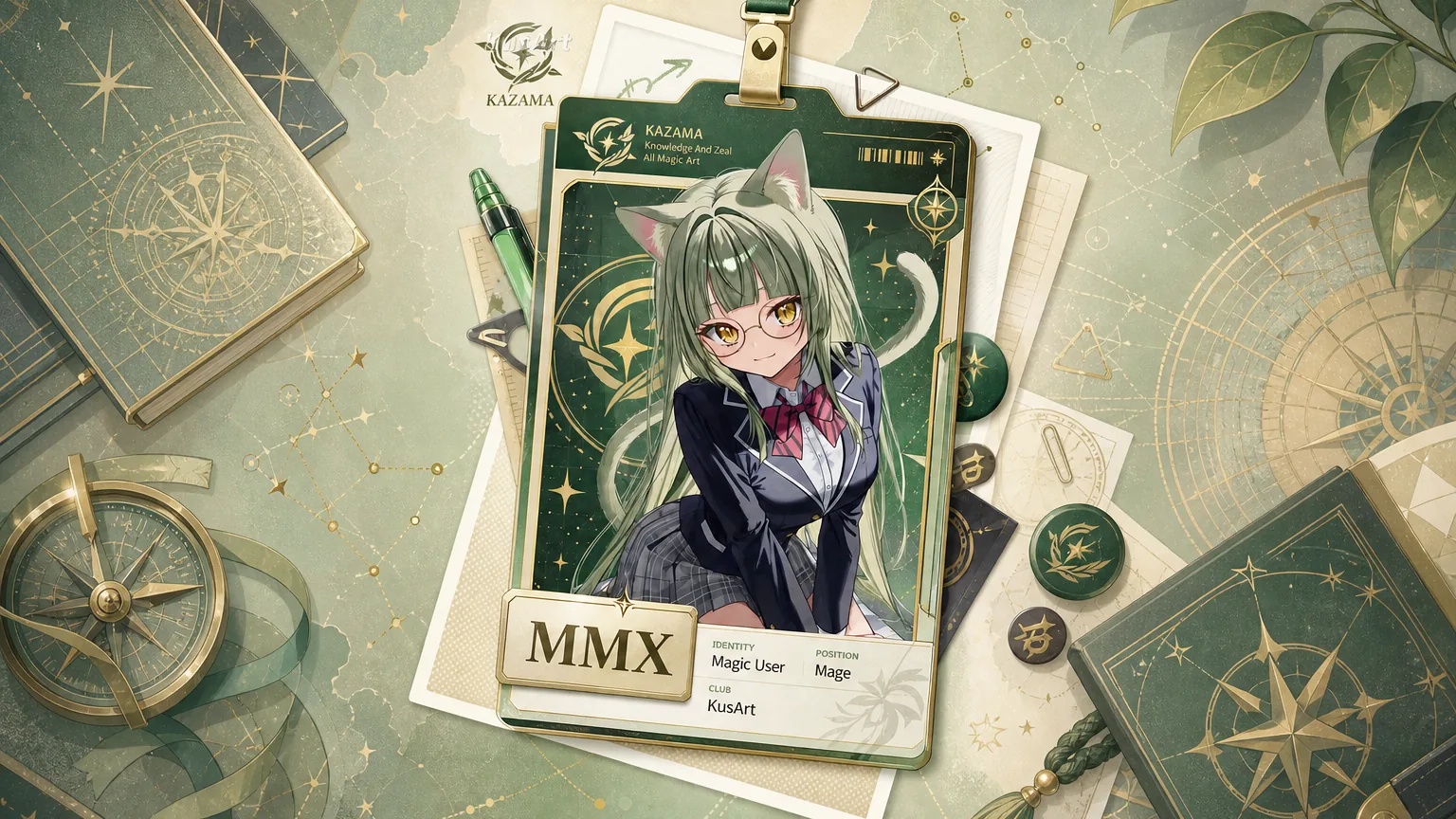
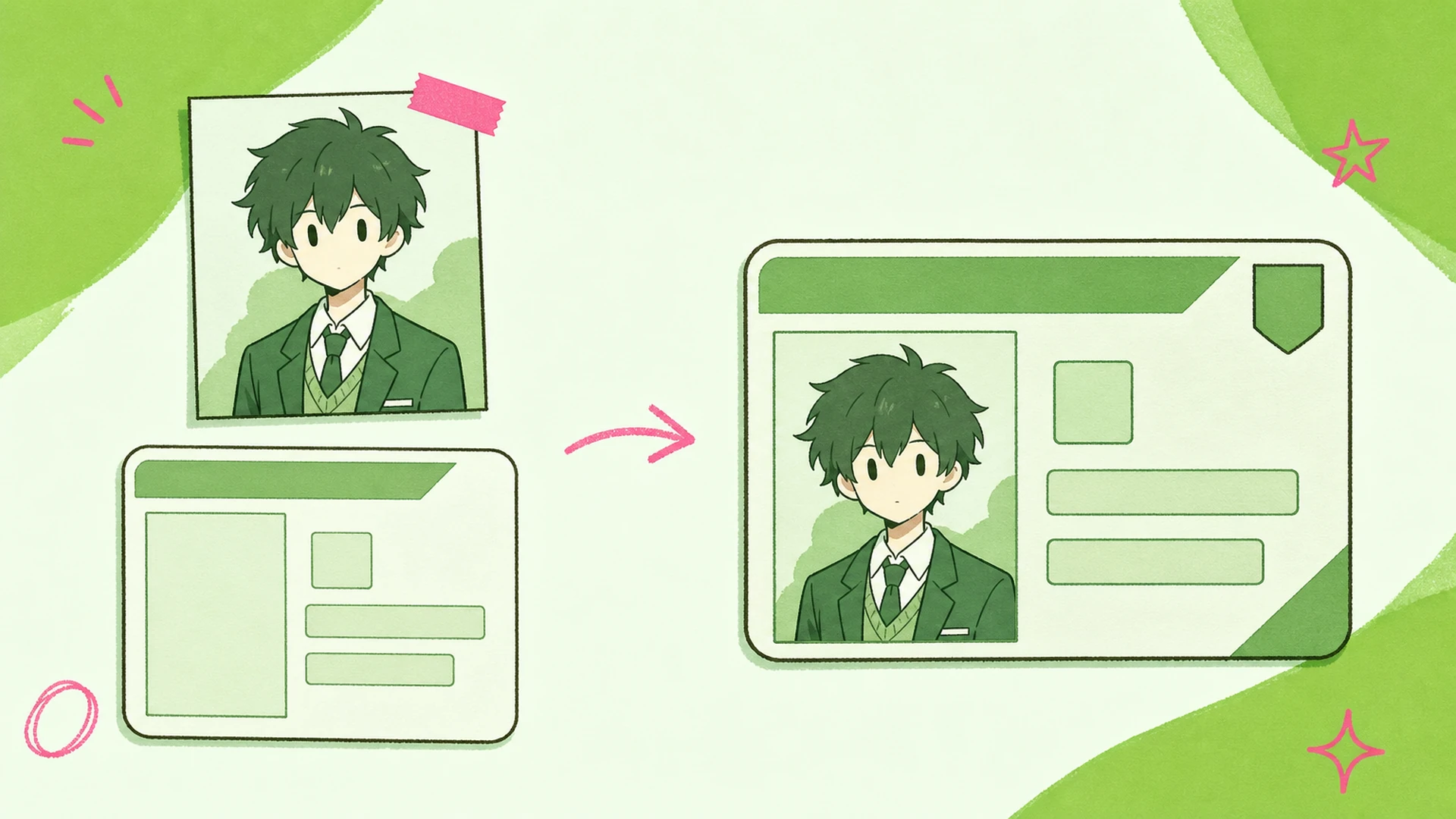
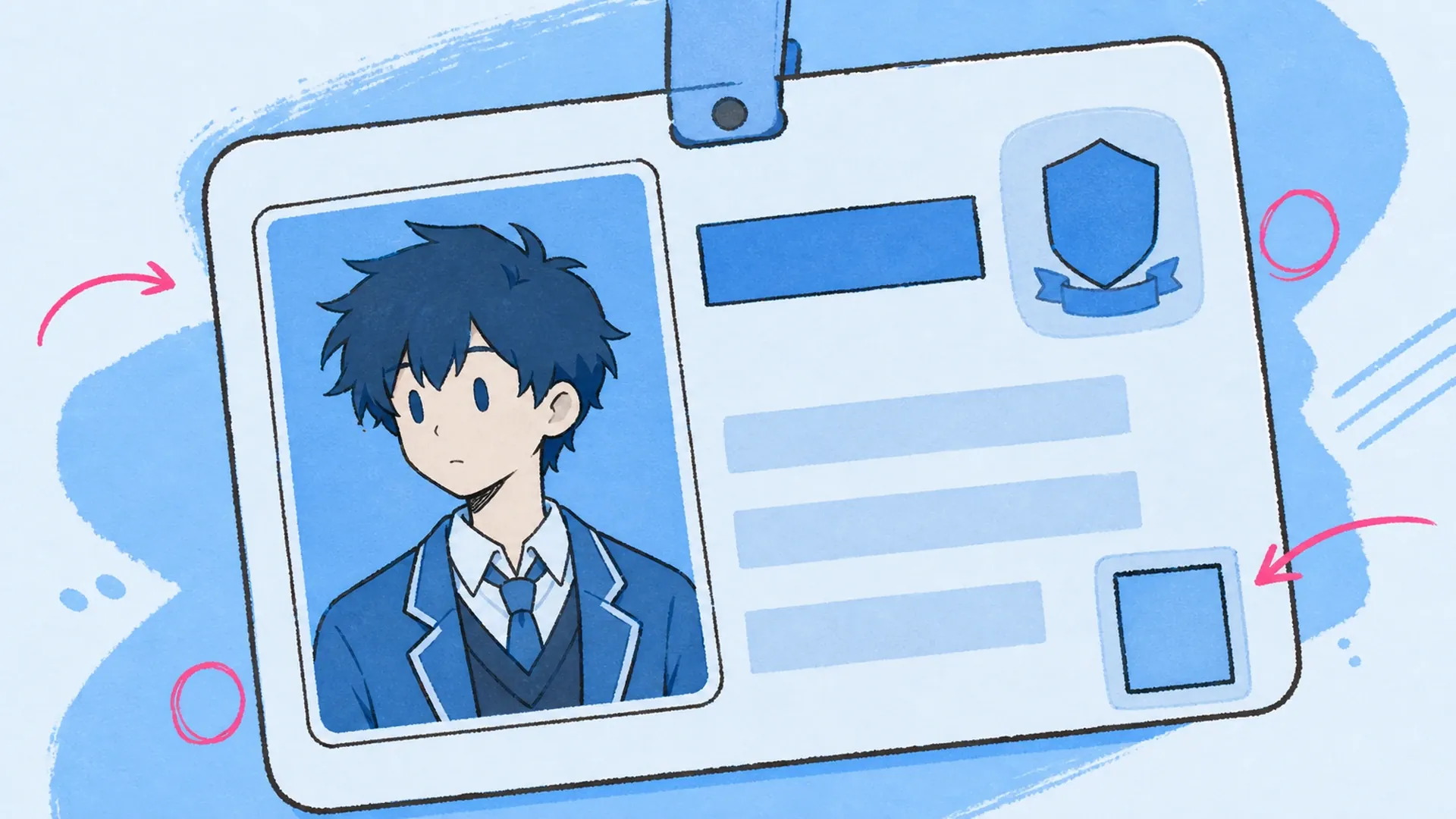
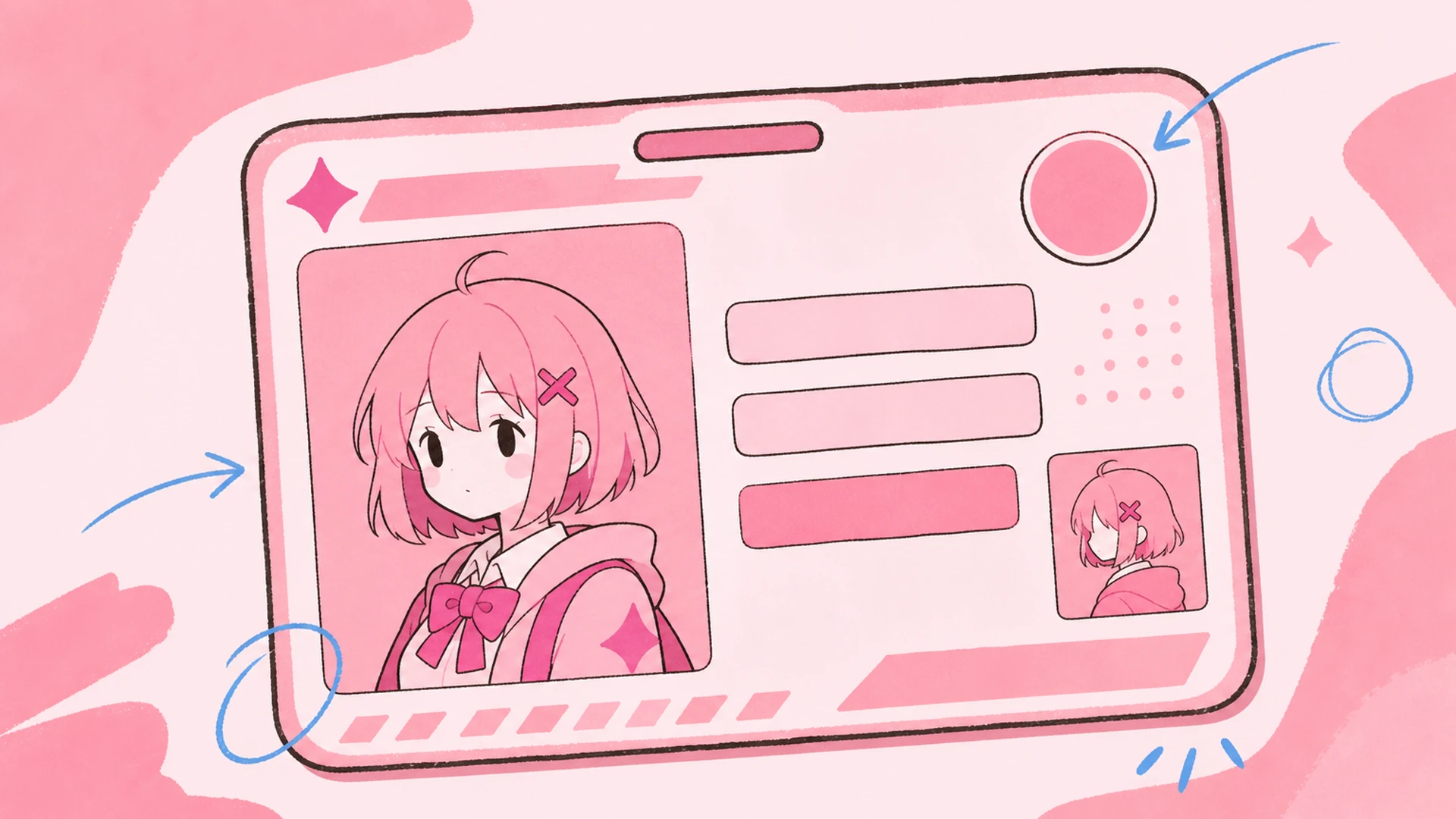
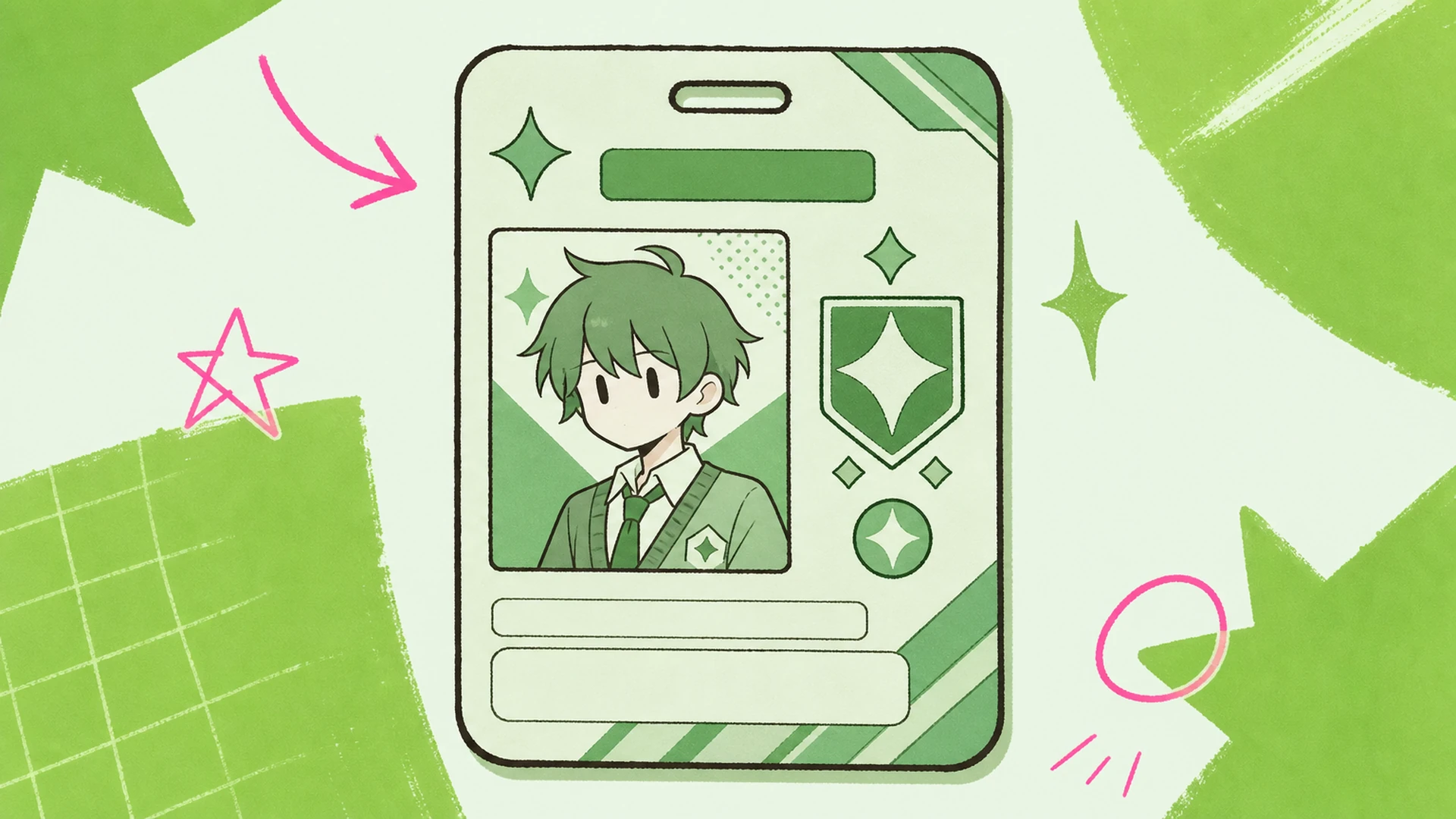
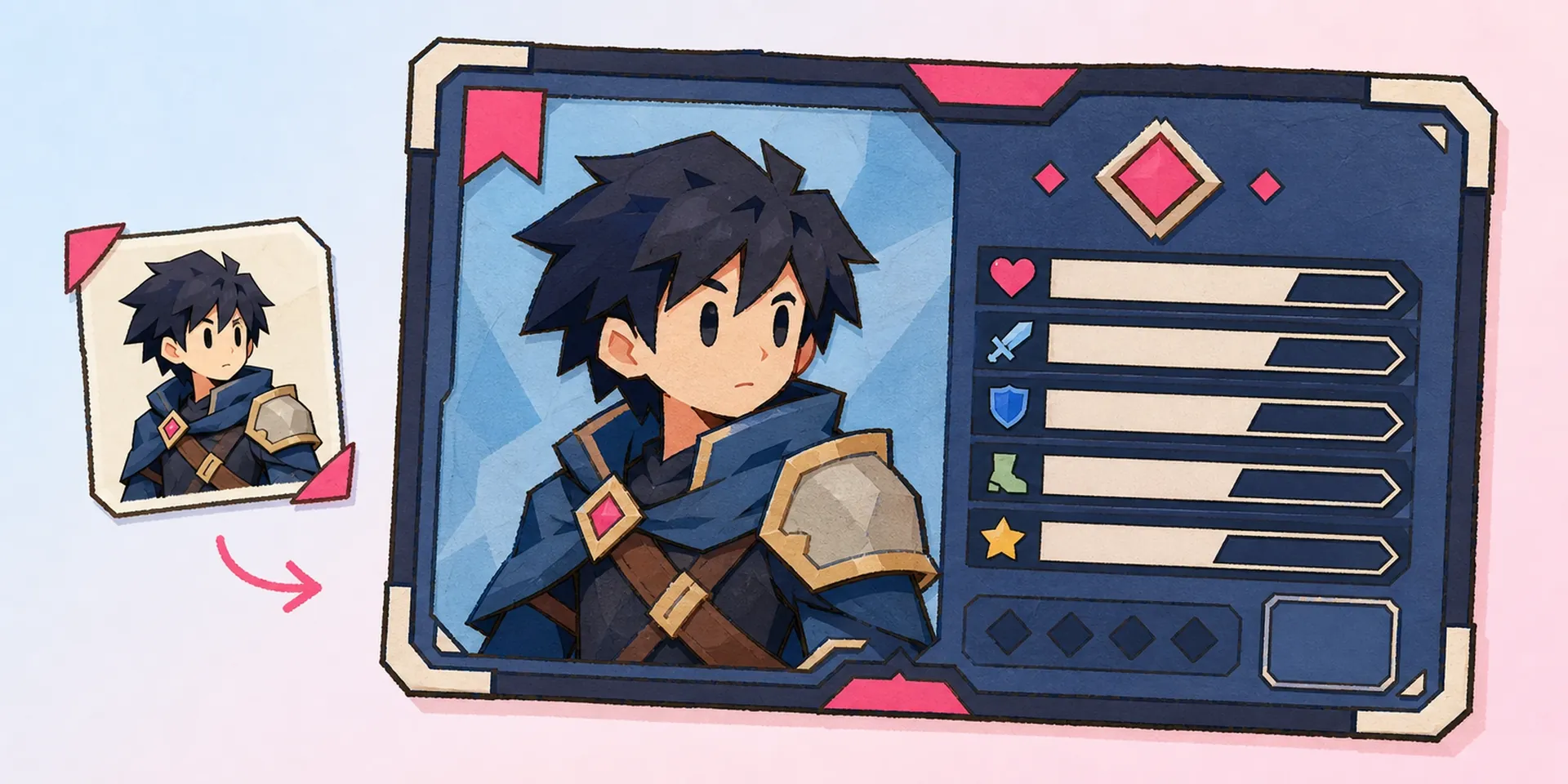
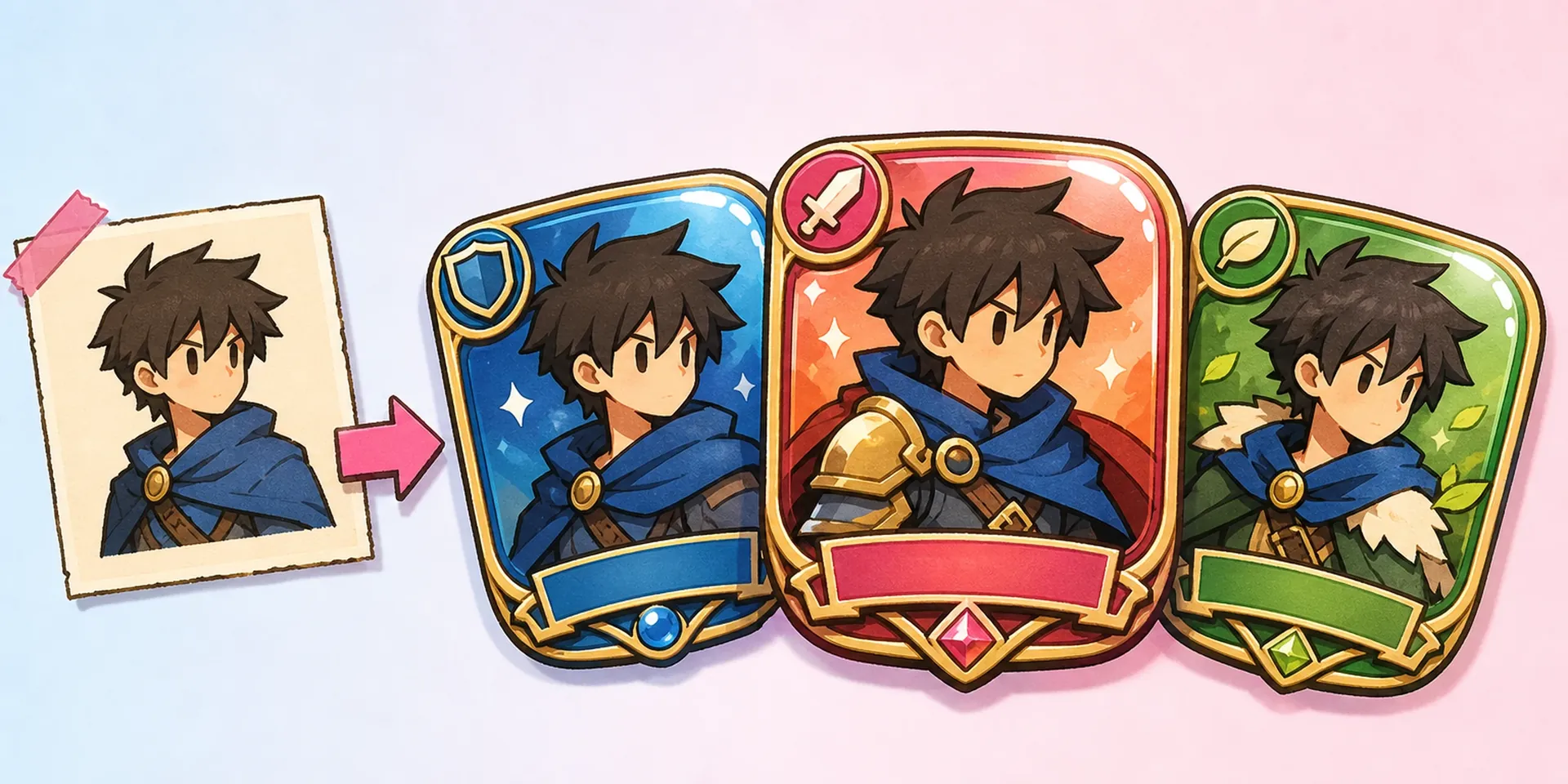
Upload one portrait and this badge maker seats it inside a game-style card window, cropping and scaling the headshot so it sits cleanly behind the frame without stretching your character.
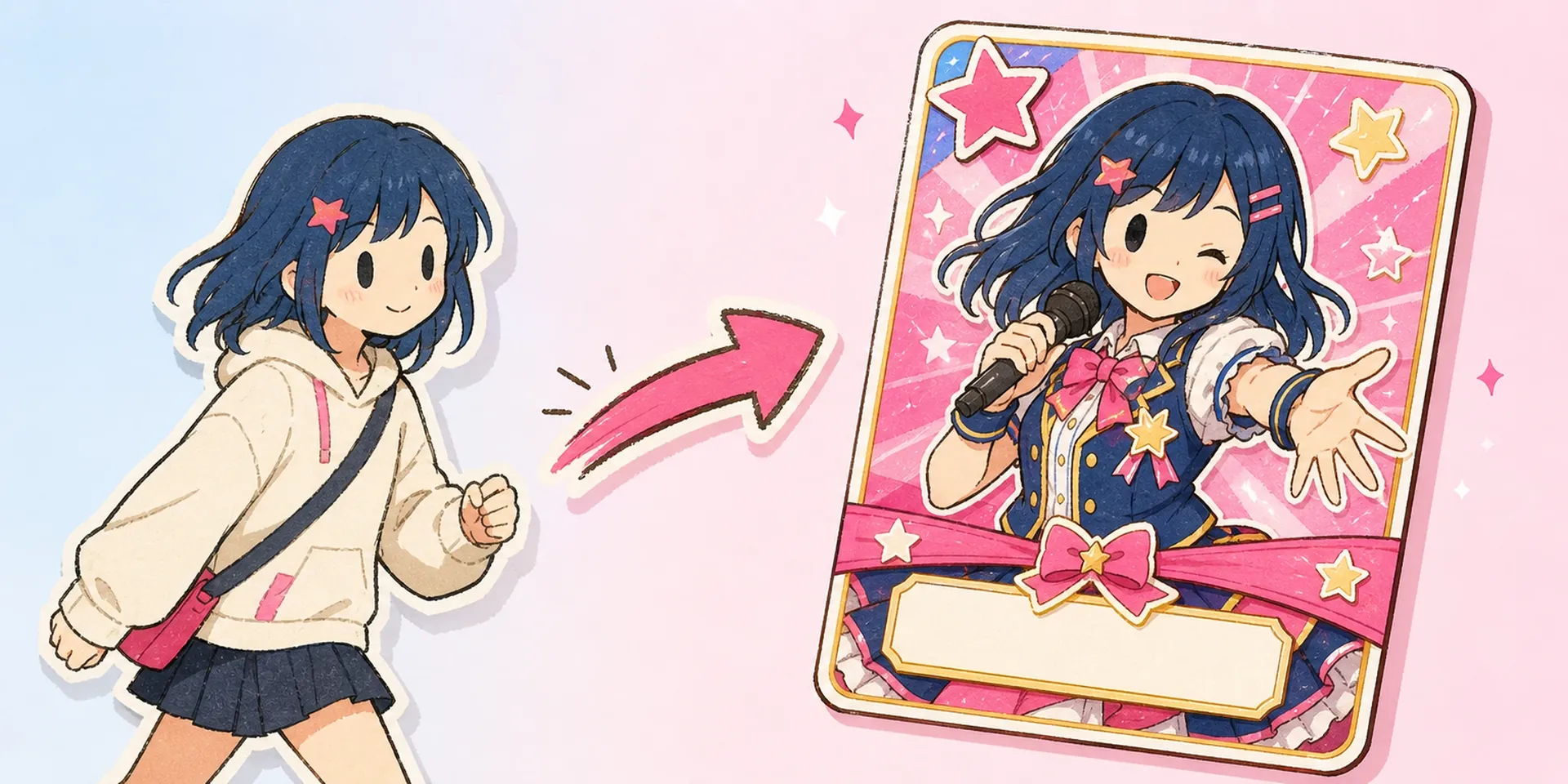
Turn any anime portrait into a polished game-style character ID badge. This badge maker sets name, org, role, and club fields onto themeable card templates in seconds.


Your character already exists as art, maybe straight from OC Generator or refined in OC Editor. This badge maker handles the last mile: it seats that portrait inside a credential frame, aligns the name plate, and balances role and club fields so the result reads like an official card rather than a caption pasted over a picture.
Make your first badge
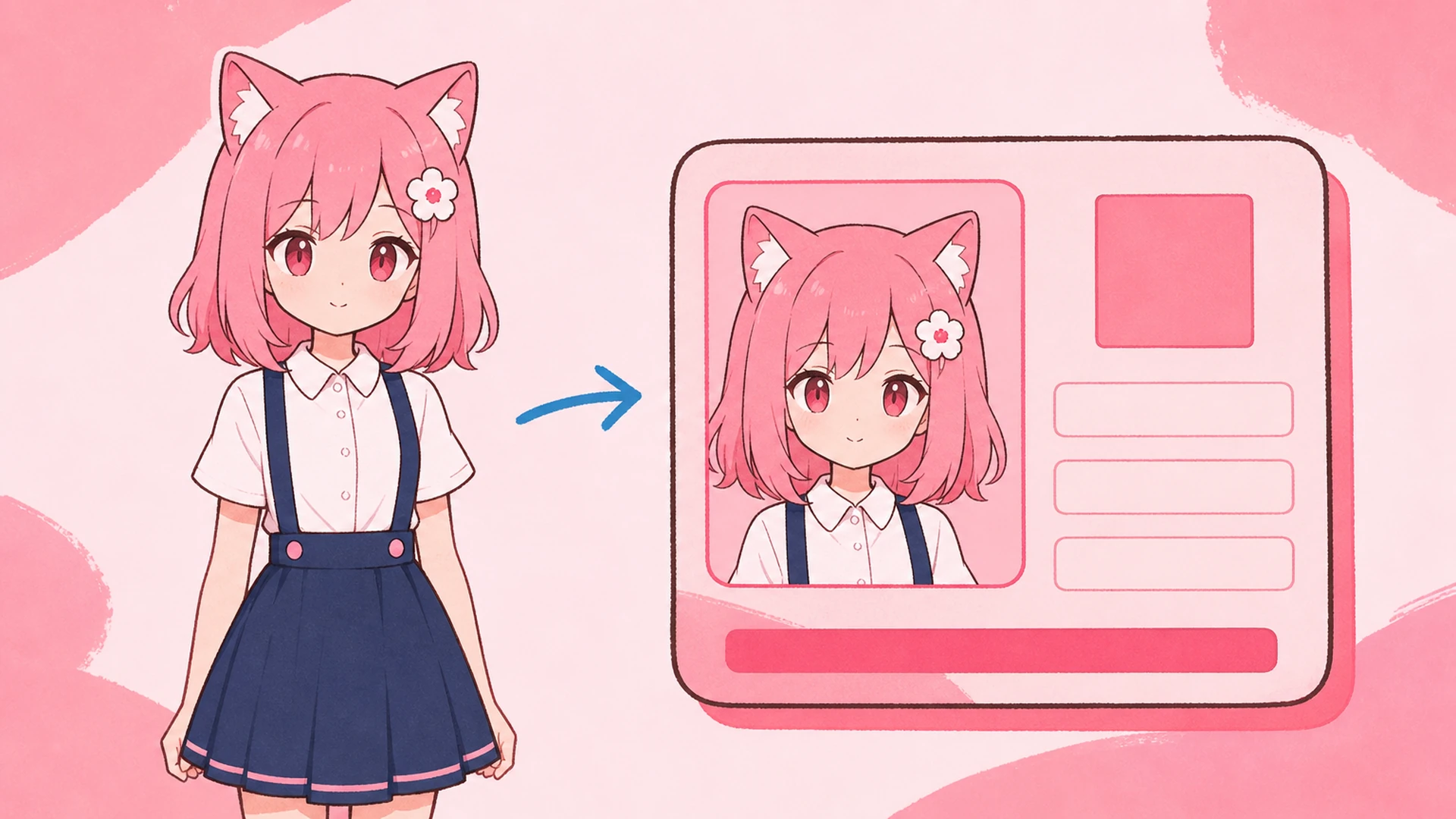
A character ID badge is a compact identity card built around one portrait: a headshot window, a name plate, and rows for org, role, and club, tied together by matched fonts and one accent color. Where a Character Sheet Generator documents a full reference, this badge maker distills the same character down to a single credential you can carry into any profile or game lobby.

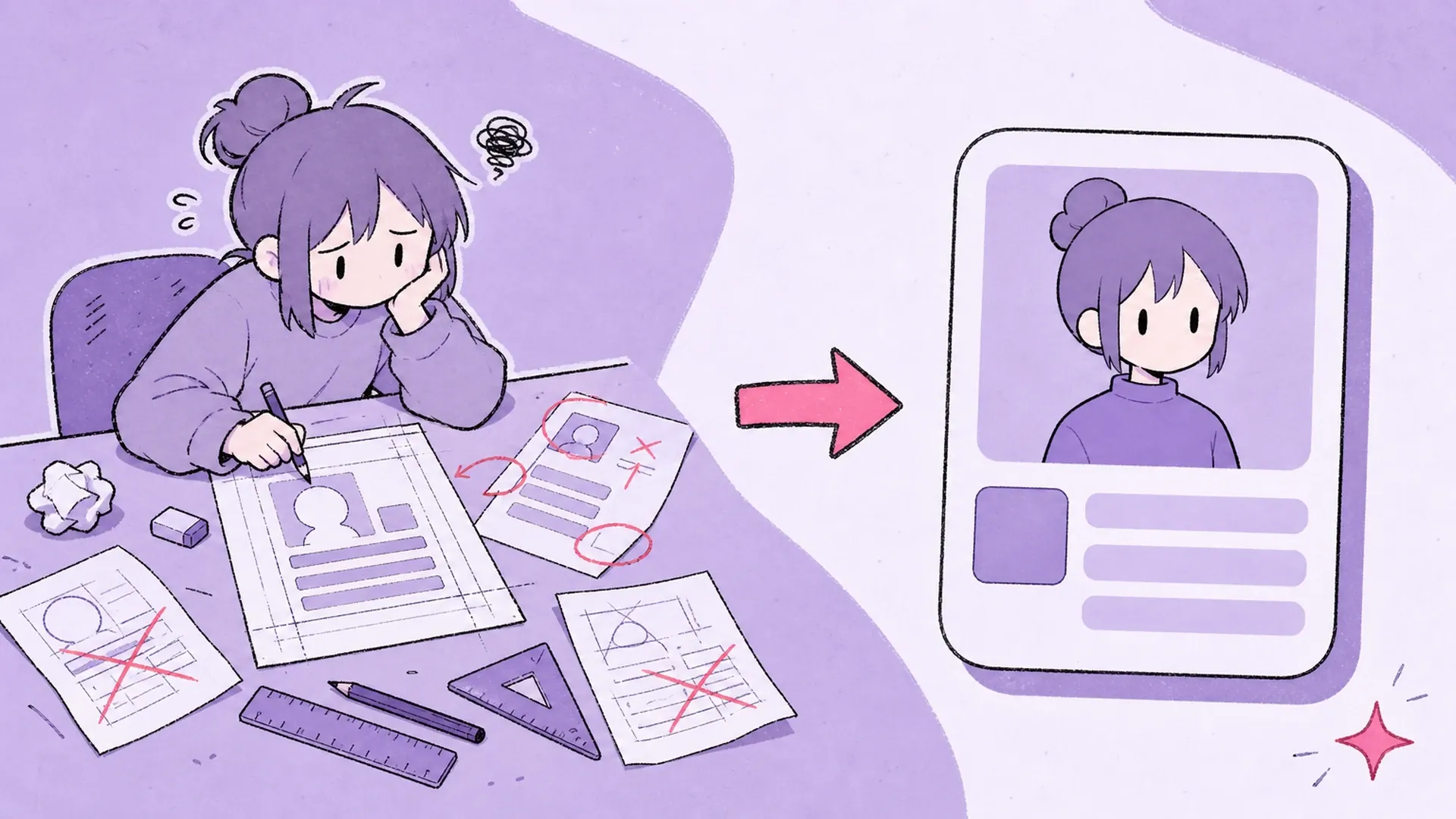
Hand-placing text over art in a generic editor rarely lines up: fonts clash, the name floats, and spacing drifts every time you make another. A focused id card maker locks the grid so every field snaps into place. Think of this as the AI Game-Style Character ID Card Maker doing the typographic bookkeeping, leaving you to pick a look instead of nudging pixels.

You know the drill: you crop the portrait, hunt for a font, eyeball the margins, and three exports later it still looks homemade. Then someone wants a matching set for the whole guild, and the manual work multiplies. A name badge maker built for characters ends that grind, and an id badge maker keeps every card on-brand. Once the badge is set, hand the same portrait to Image to Video for an animated intro, or restyle a face with AI Face Swap before you card it.

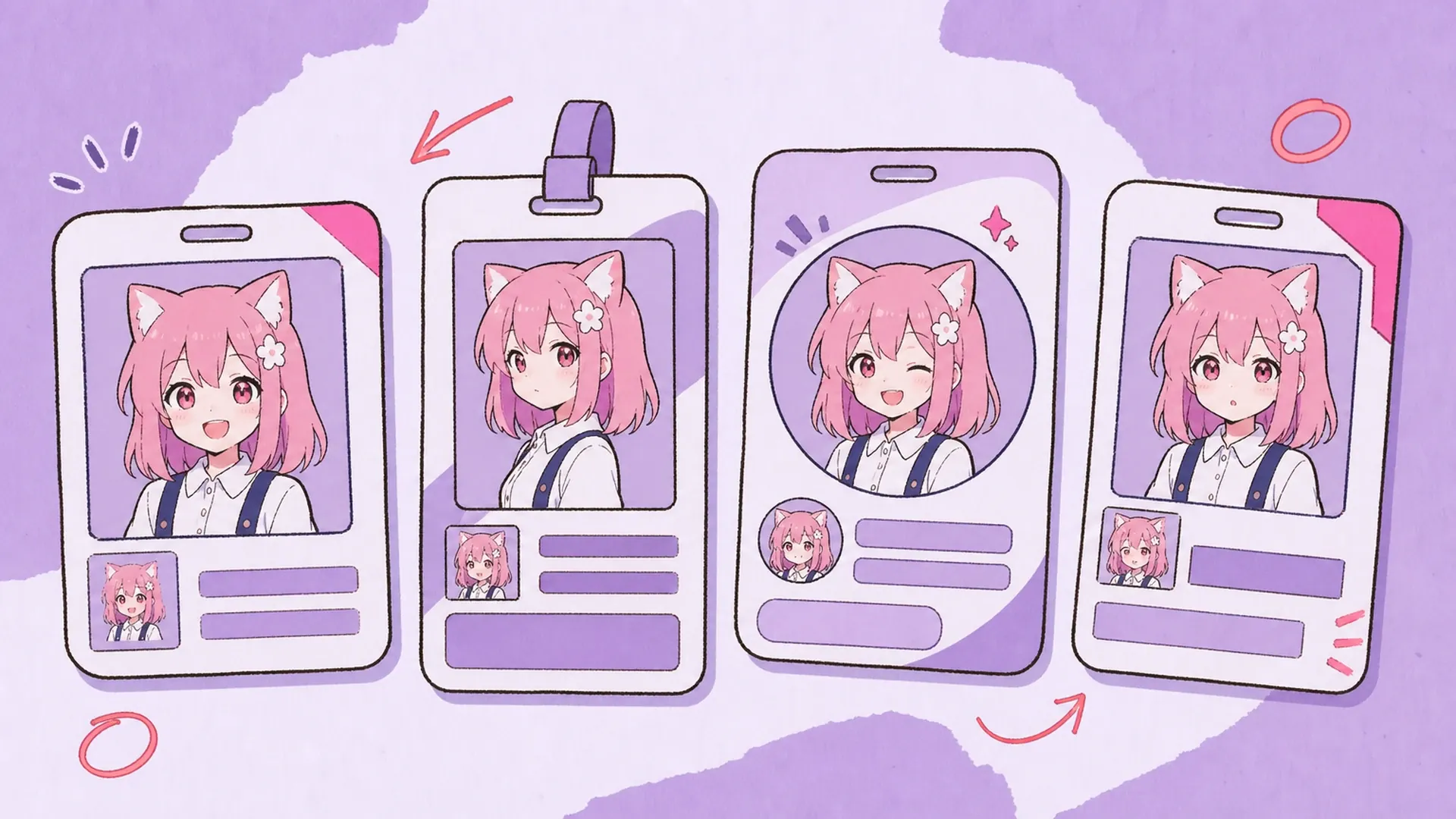
Three tools inside this badge maker handle framing, type, and color so cards stay consistent.
Upload one portrait and this badge maker seats it inside a game-style card window, cropping and scaling the headshot so it sits cleanly behind the frame without stretching your character.
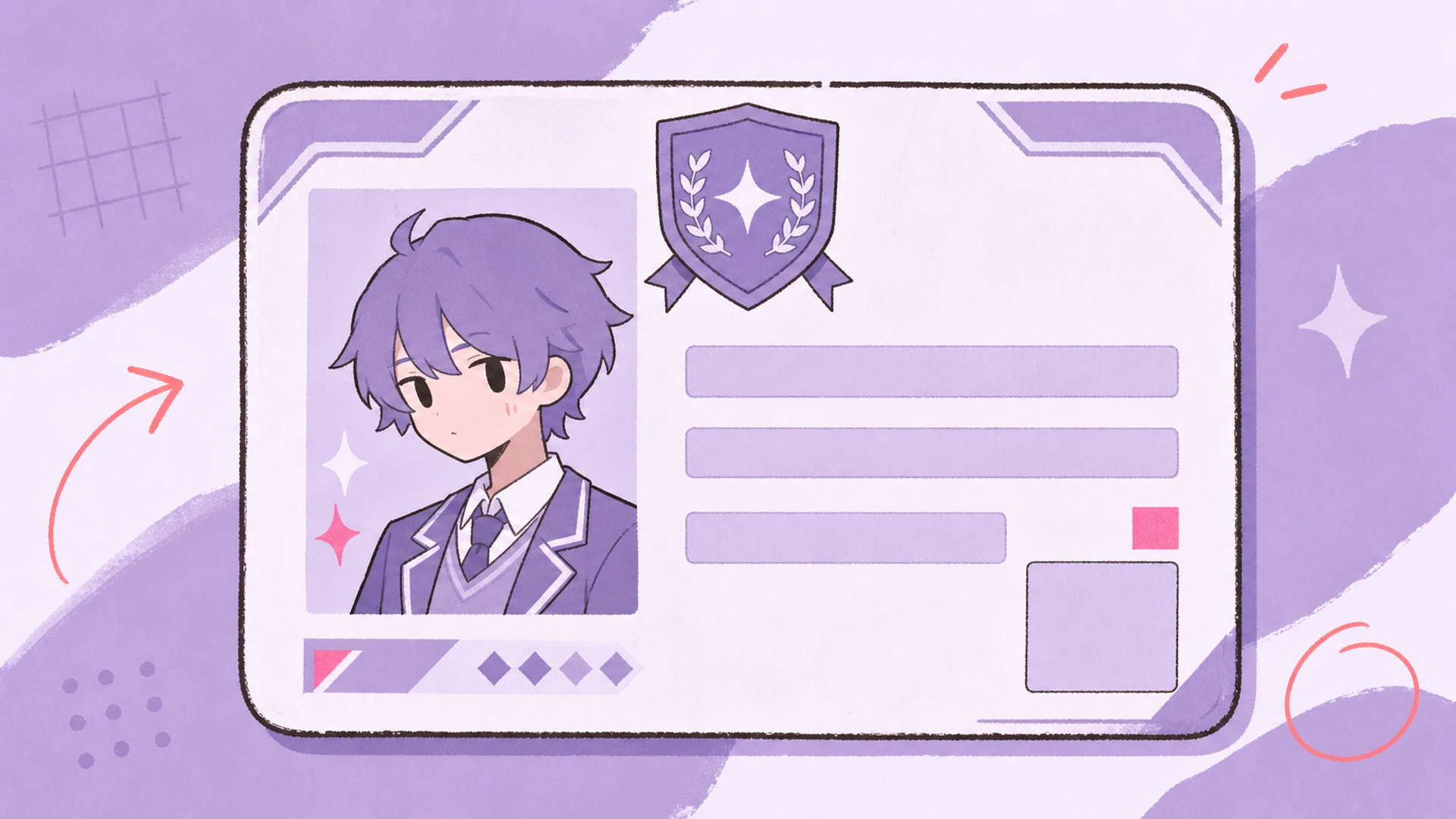
Name, org, role, and club each get a font weight and size chosen to match, so the name plate reads first and the supporting rows stay legible at badge scale.
Recolor the accent to fit a guild palette or VTuber brand, and the badge maker propagates that hue across borders, plates, and dividers so the whole card stays coordinated.
Three steps take you from a single upload to a finished character badge ready to share.
Drop in one anime portrait. This badge maker reads the framing and suggests a crop that centers the face inside the card window, so the character is the first thing anyone sees.
Type the name, org, role, and club. Matched fonts apply automatically, and you preview how each line sits on the card before committing, adjusting wording until the layout breathes.
Pick an accent color, switch templates if you want a different vibe, then export the finished badge. Reuse the same settings from the badge maker to build a matching set fast.

Give your original character an official-looking identity card for your carrd, portfolio, or bio, so followers meet the name, role, and world in one clean, memorable frame.

Issue a shared template to every guild member, swapping only the portrait and name so the roster looks unified while each card still shows individual rank and role.

Introduce a new persona with a badge that names the channel, debut date, and lore role, ready to drop into a debut stream overlay or a pinned announcement post.

Reward fan-club members with a collectible member badge carrying a tier, join number, and mascot, turning a simple follow into something they want to screenshot and show off.
Upload a portrait, fill the fields, and let this badge maker hand you a game-style character card in seconds — no design software, no fiddly layout work.
Start your badge