KusArt
    Mobile Game Badge Maker

    AI Mobile Game Character Badge Maker

    Turn any anime portrait into a game-UI character badge. This name badge maker reads your description and art to build name, org, role, and club fields, no template required.

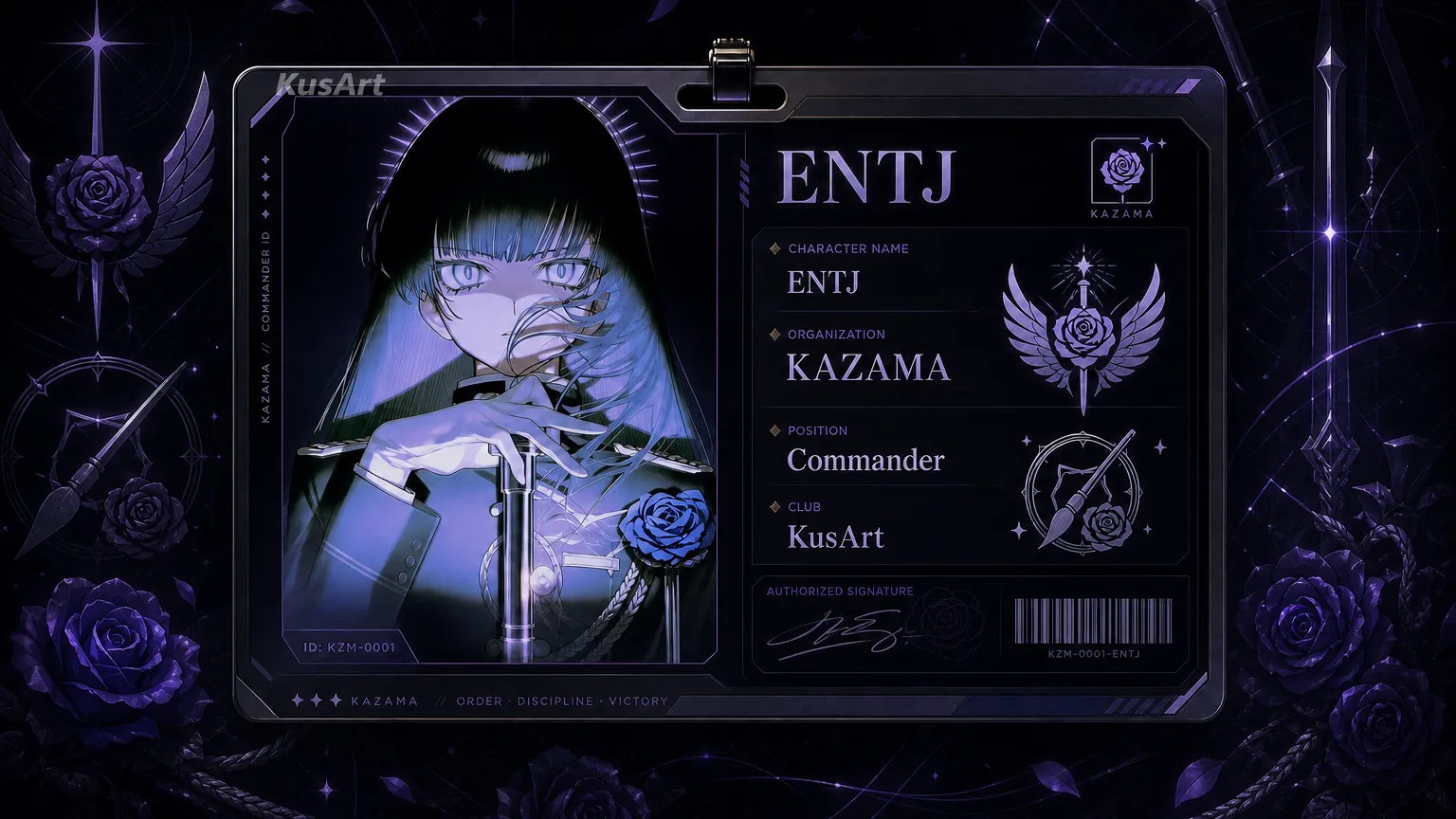
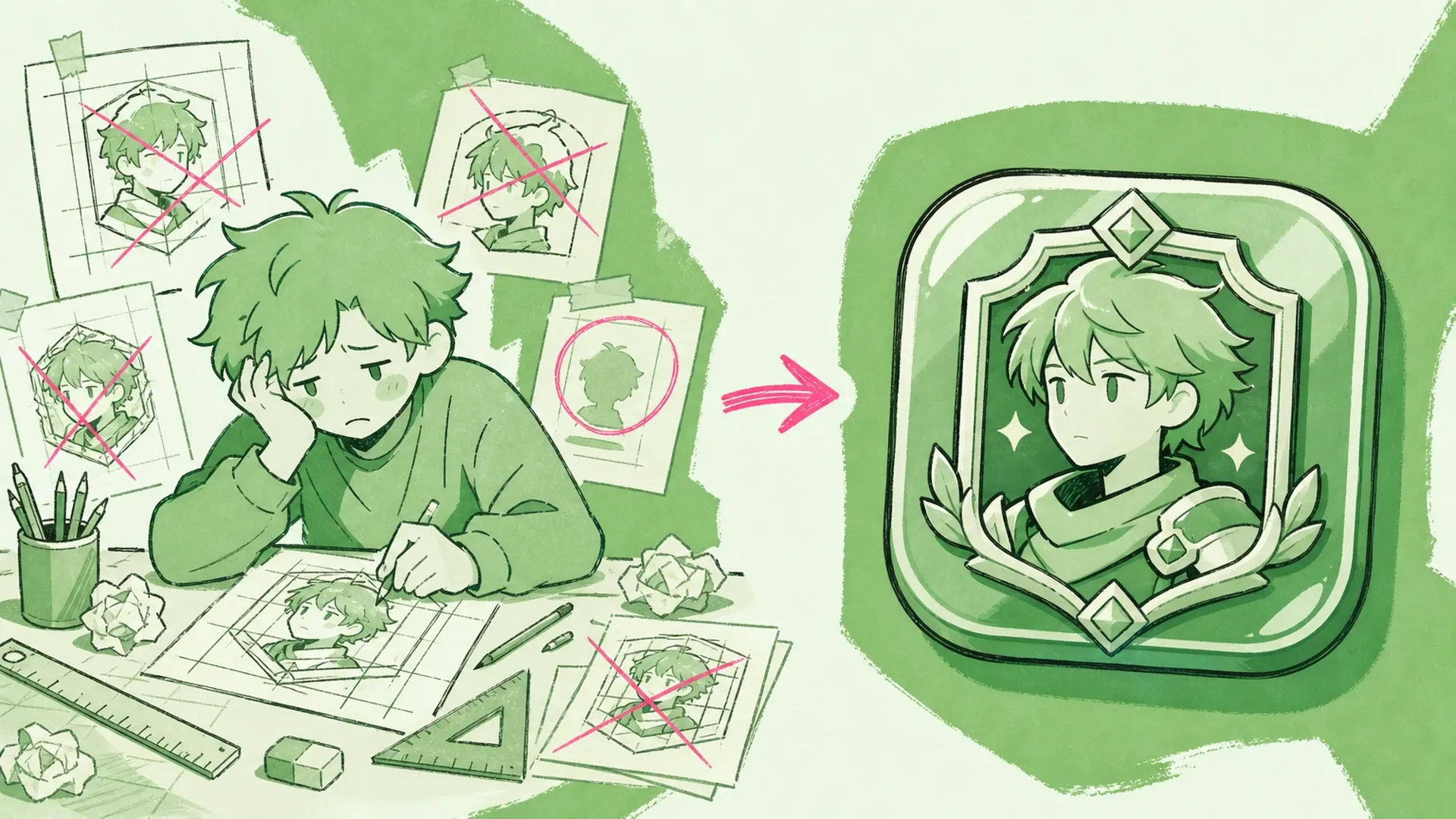
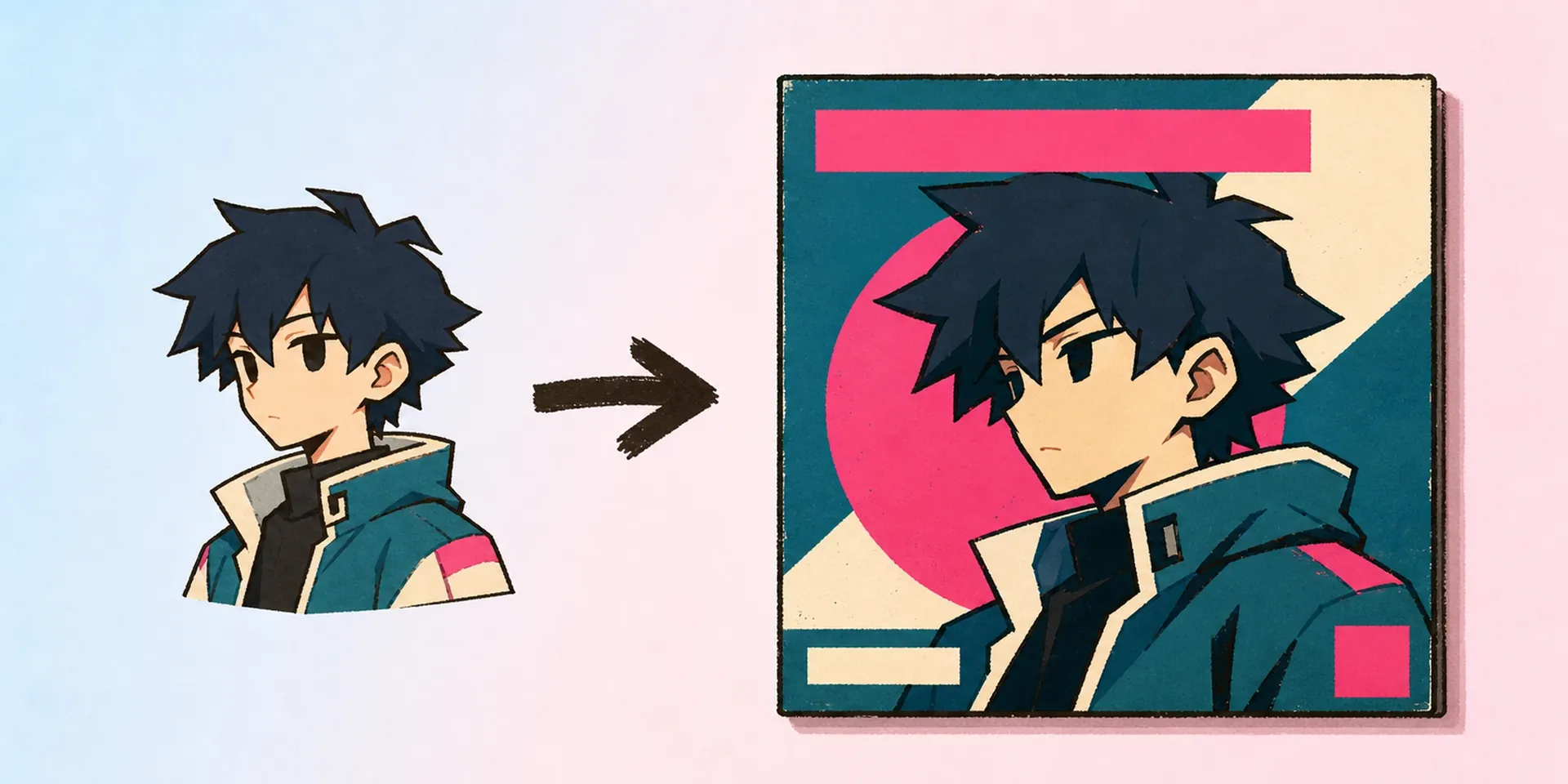
    Mobile Game Badge Maker AI Mobile Game Character Badge Maker result — After
    Mobile Game Badge Maker AI Mobile Game Character Badge Maker result — Before

    Badges that read like game UI, not office ID

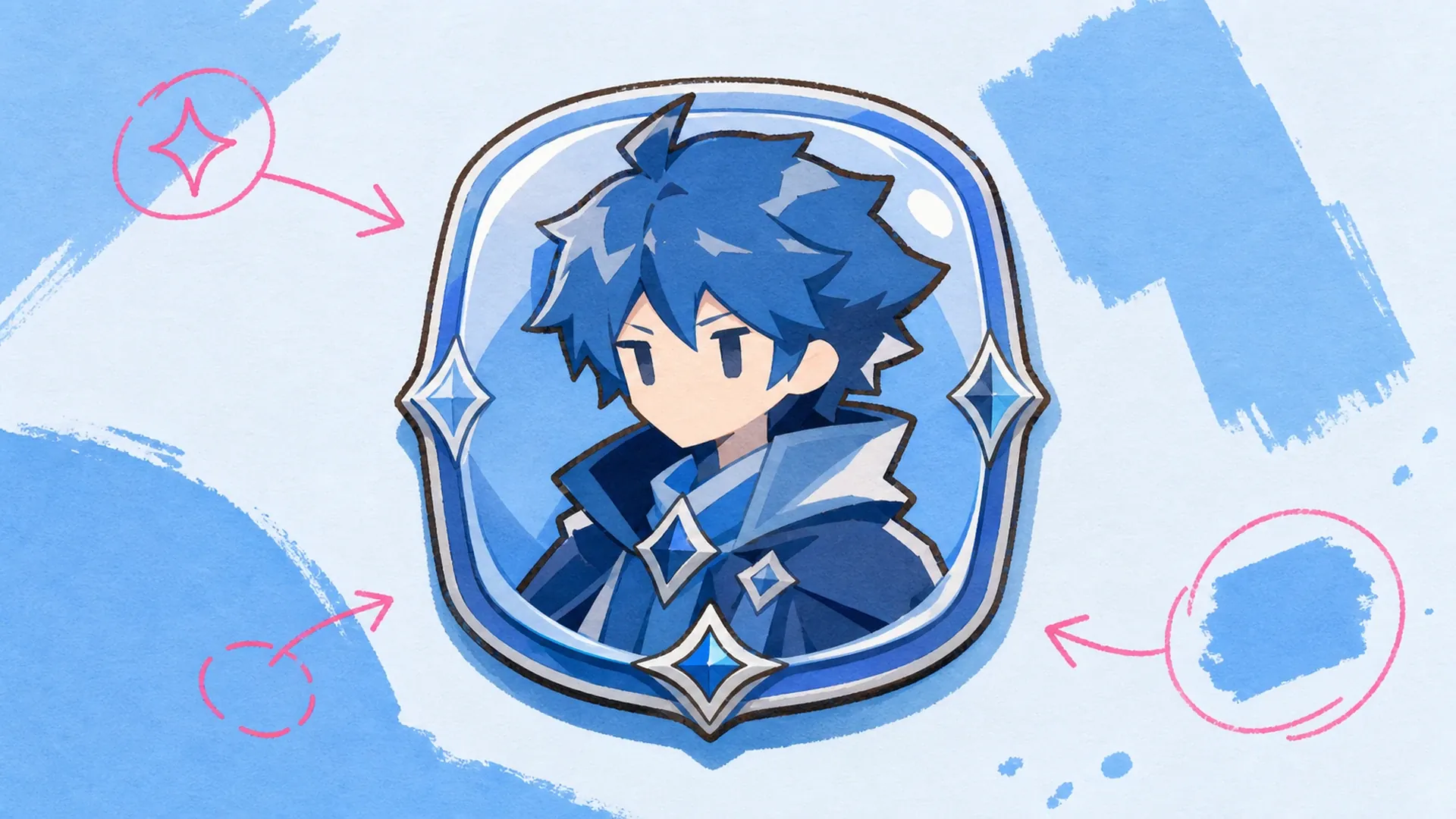
    A game badge should look like it belongs on a character select screen, not a printed lanyard. This name badge maker composes a HUD-style panel with rank, org, and club slots that match your OC's vibe. Pair it with the OC Generator to design the character first, then a Character Sheet Generator run to lock the reference before you badge it.

    Start from your art
    Badges that read like game UI, not office ID - AI Mobile Game Character Badge Maker

    A description-driven badge builder

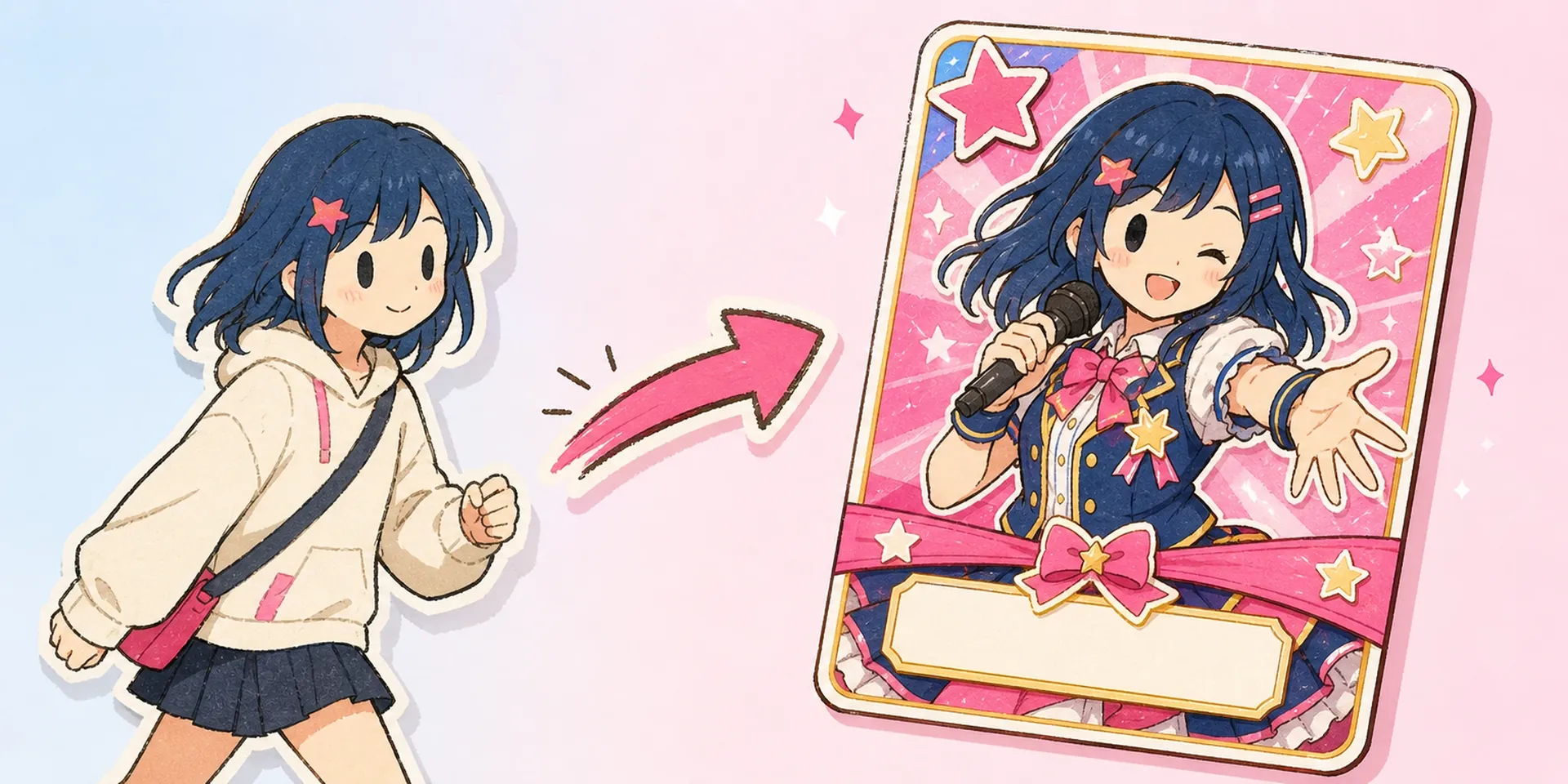
    The name badge maker is a description-first tool: you upload one anime portrait, type who the character is, and it renders a mobile-game badge with typed name, org, role, and club fields. Unlike a static ID template, nothing is pre-baked. It reads closer to the AI Idol Character ID Card Maker than to a form-filler, but every panel is generated fresh from what you write.

    A description-driven badge builder - AI Mobile Game Character Badge Maker

    Why generate instead of fill a template

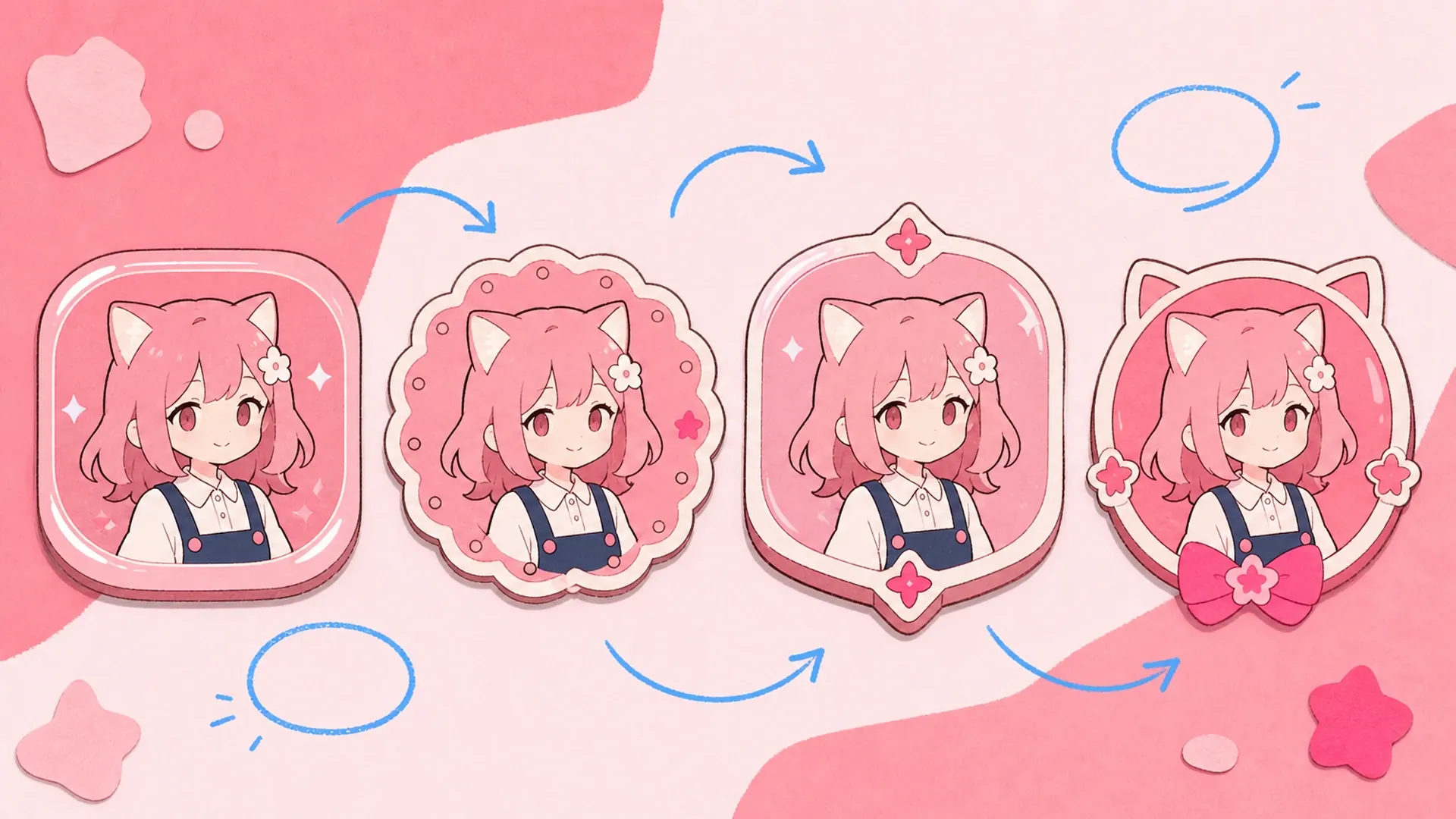
    Templates force your character into someone else's layout; the name badge maker flips that. Because the badge is generated from your description, the frame, color, and field order bend around the art instead of cropping it. That makes it easy to spin a badge into a matching Image to Video intro, or to keep a whole clan on one consistent look.

    Why generate instead of fill a template - AI Mobile Game Character Badge Maker

    The template trap creators hit

    Most badge tools hand you a fixed slot grid, so your OC's ears get clipped, the org name overflows, and the role tag never fits. You end up editing in another app, or worse, swapping faces with an AI Face Swap just to fake a badge that was never yours. The name badge maker skips all of that: describe the character, upload the art once, and the layout is built to hold your fields instead of forcing you to shrink them. No template hunting, no manual cropping, no mismatched frames across your roster.

    The template trap creators hit - AI Mobile Game Character Badge Maker

    What the badge maker handles

    Every badge is generated from your words and your art, not a preset.

    Fields pulled from your description

    Type the name, org, role, and club once. The name badge maker parses your text into typed HUD slots, so the badge shows exactly what you wrote, with no dropdowns or fixed template fields to wrestle.

    Game-UI framing, not lanyard art

    Panels render with HUD borders, rank ribbons, and clan color blocks that sit like a real character-select card. It reads as an anime character creator asset, ready to drop into a roster, banner, or profile.

    One portrait keeps the likeness

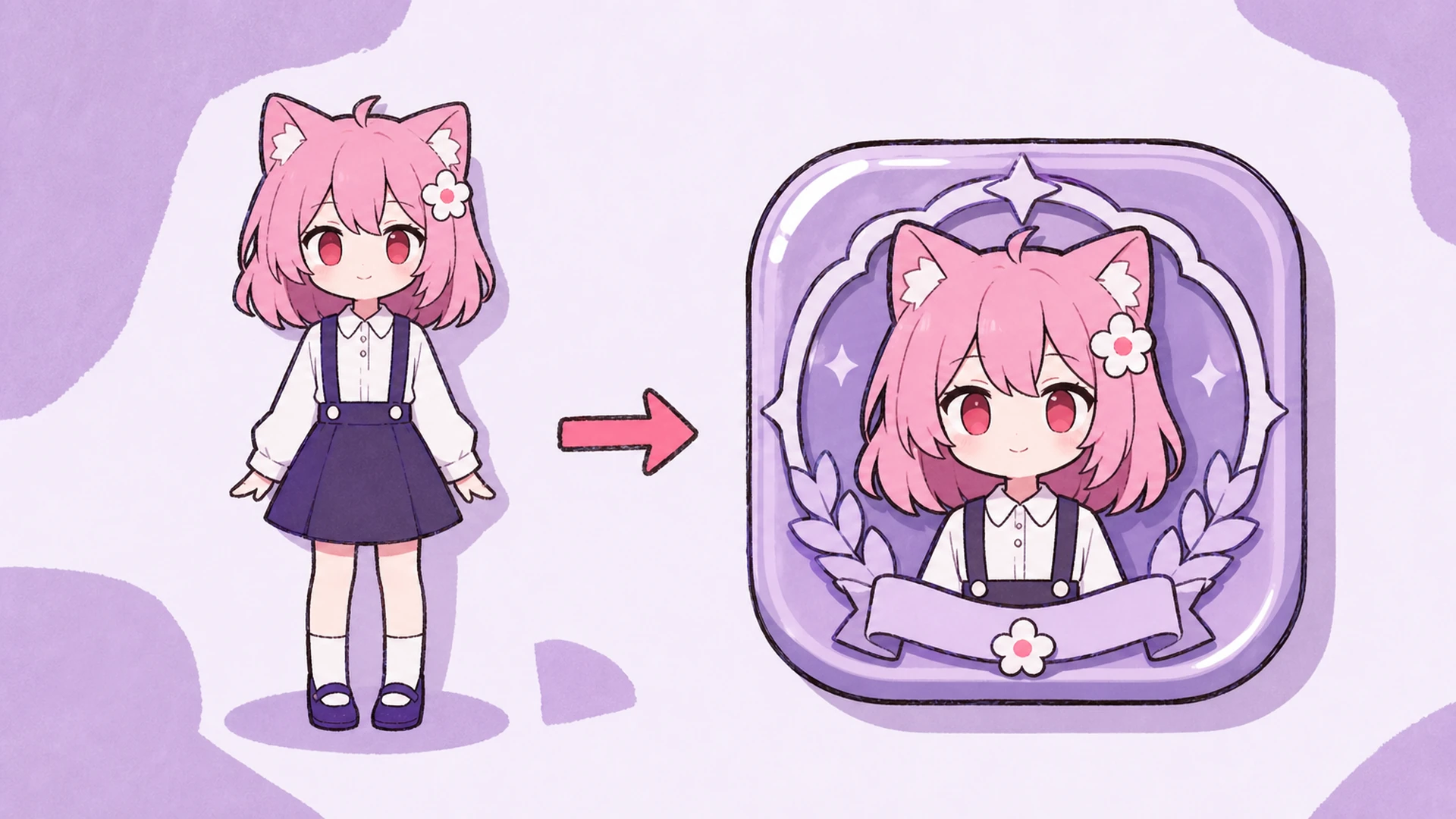
    Upload a single anime portrait and the composition works around it, preserving hair, ears, and outfit. Your character stays recognizable, whether you badge one OC or a full clan sharing a matching frame.

    From portrait to badge in three moves

    No template picking, no manual layout. Describe, upload, and generate.

    01
    Step

    Describe the character

    Write the name, org, role, and club you want on the badge, plus any tone cues like guild colors or rank. The name badge maker treats this text as the blueprint for every field.

    02
    Step

    Upload one portrait

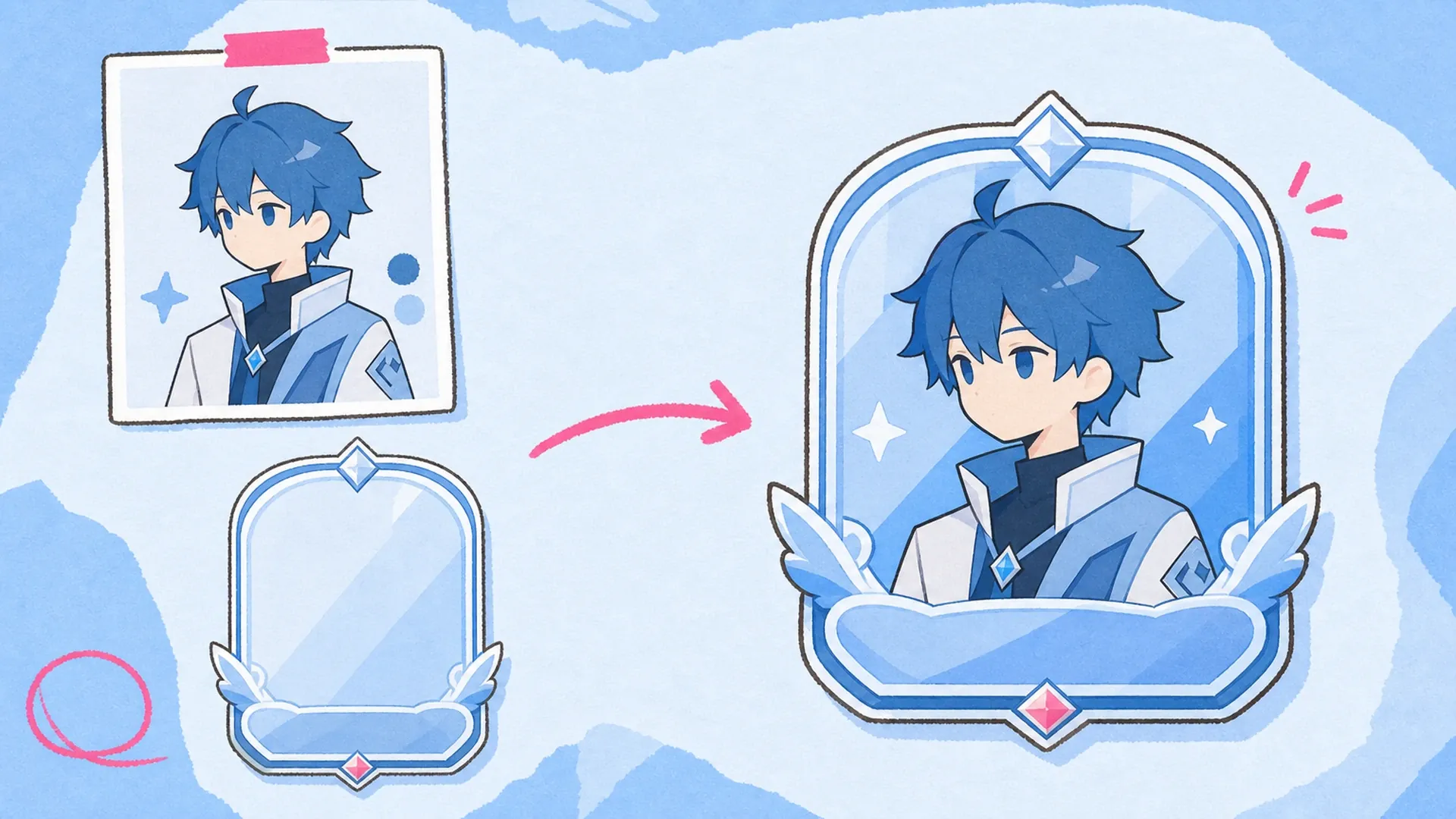
    Add a single anime image of your character. The tool reads the art for likeness and palette, then fits the game-UI frame around it instead of cropping your OC into a preset box.

    03
    Step

    Generate and export

    Hit generate and the badge builds with all fields in place. Regenerate to try new framing, or keep a consistent look across a clan, then download each badge ready to share or post.

    Made with the name badge maker

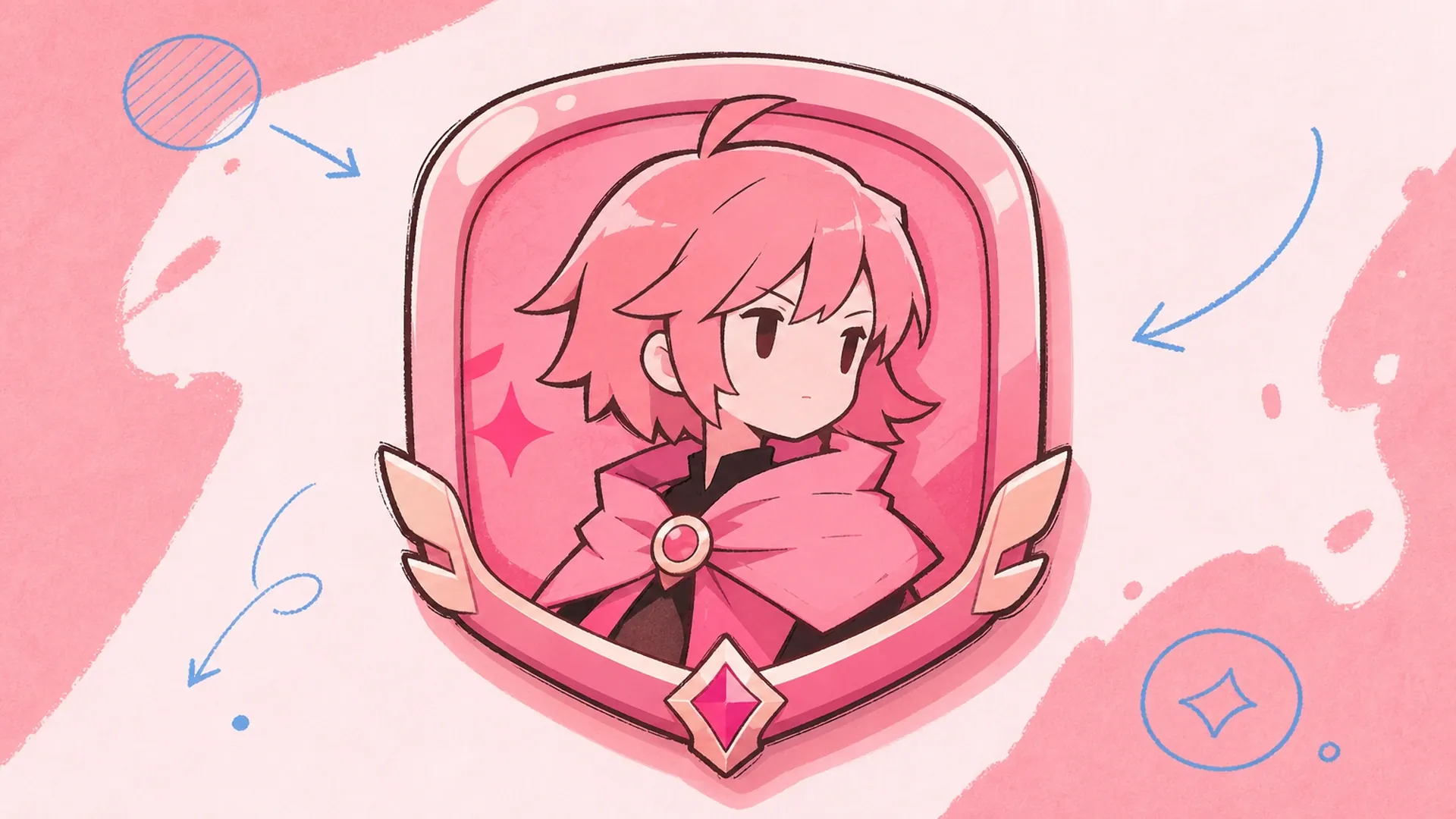
    OC sheet badge - AI Mobile Game Character Badge Maker

    OC sheet badge

    Add a matching badge to your character sheet so the name, role, and club sit in one clean HUD panel beside your reference art and stats.

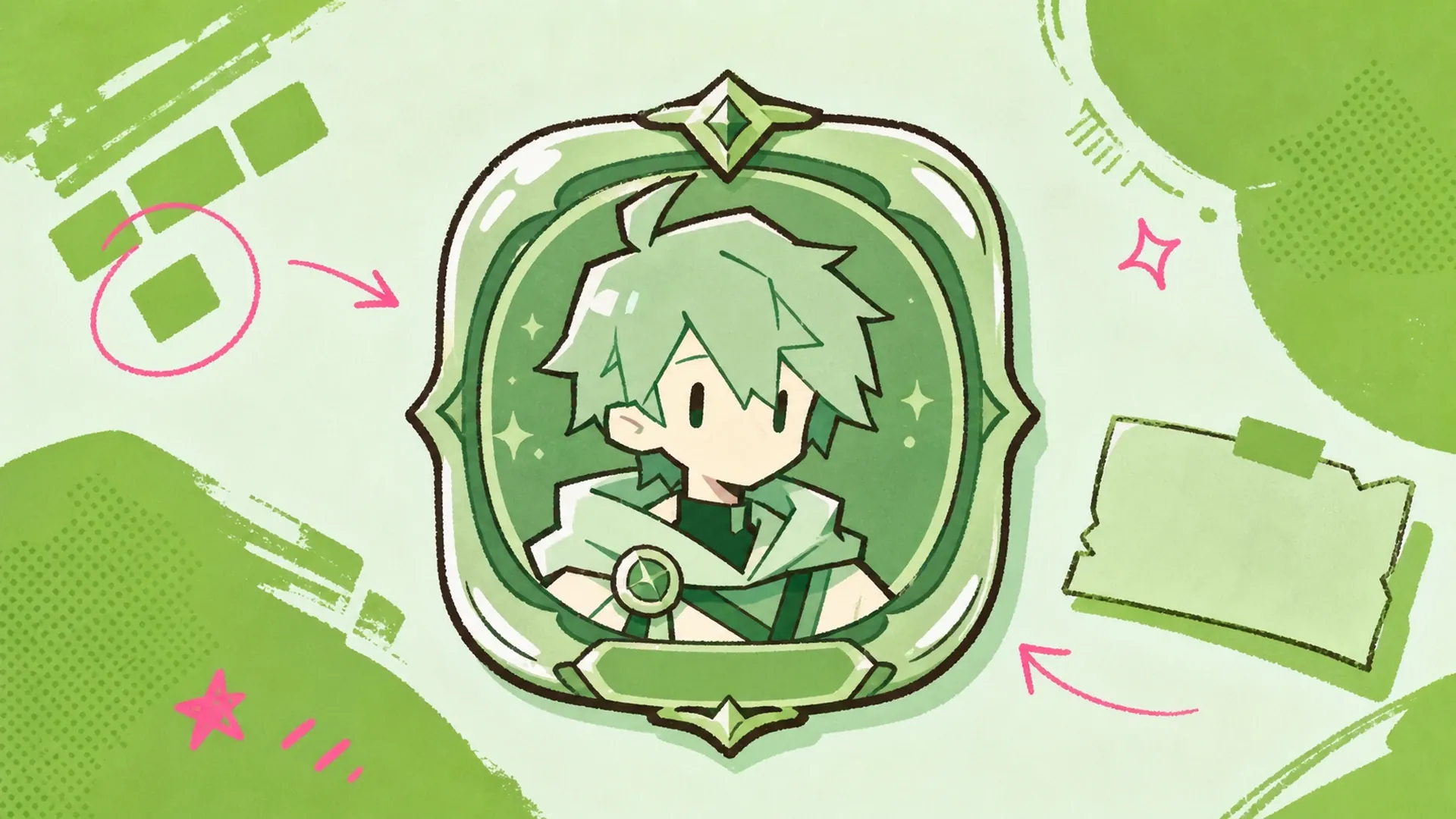
    Gaming-clan badge - AI Mobile Game Character Badge Maker

    Gaming-clan badge

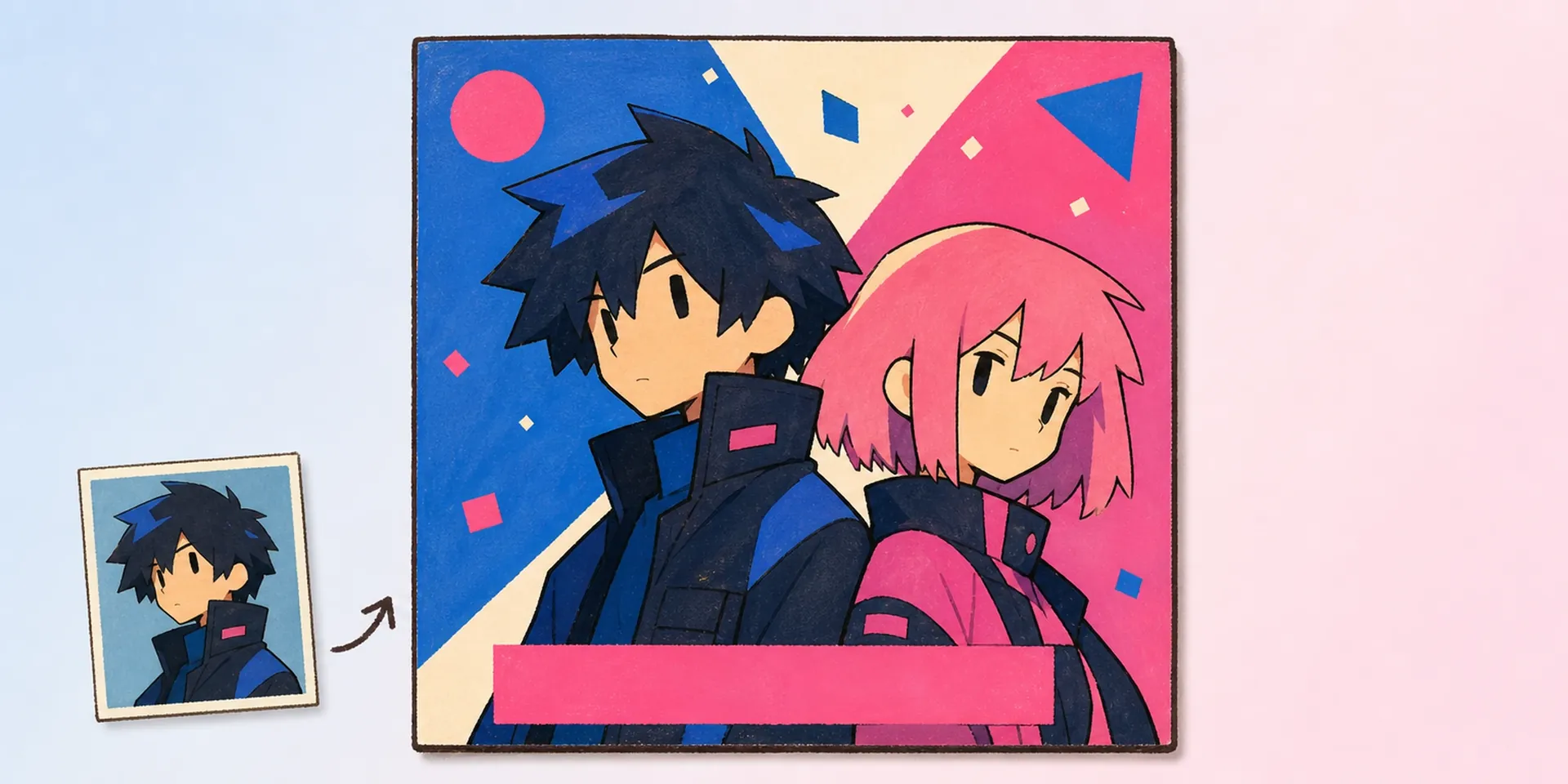
    Give every member of a gaming clan the same frame with their own name, rank, and org, so your whole roster looks unified across profiles and banners.

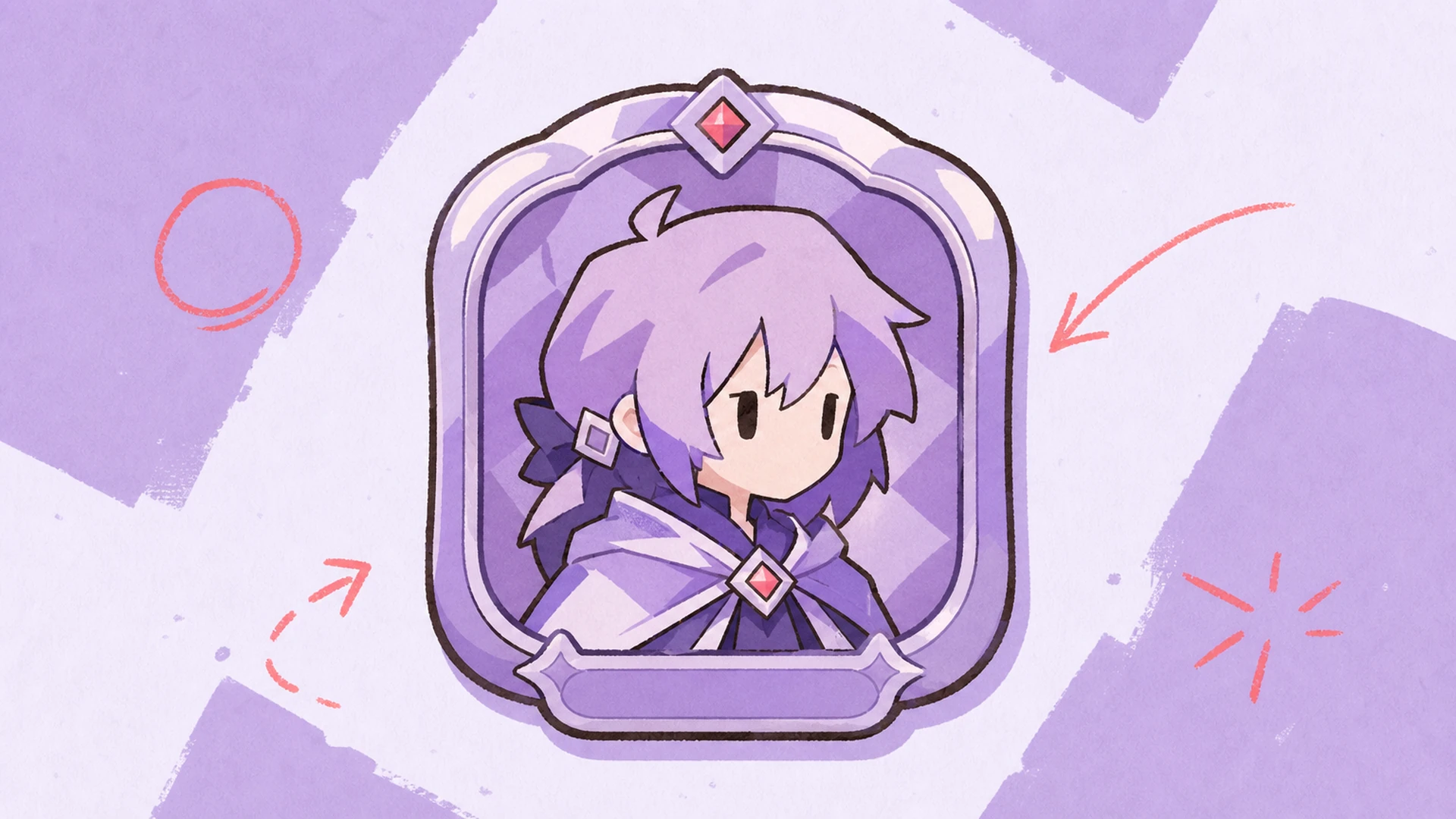
    Character showcase badge - AI Mobile Game Character Badge Maker

    Character showcase badge

    Show off an OC with a polished game-UI badge for portfolios, socials, or a reveal post, pairing likeness with clean typed fields that read instantly.

    Quick no-template badge - AI Mobile Game Character Badge Maker

    Quick no-template badge

    Need a badge fast? Skip template hunting entirely, type a description, drop one portrait, and get a finished badge in a single pass without any setup.

    Name badge maker FAQ

    Do I need a template to make a badge?+
    No. Unlike a rigid id badge maker, this tool needs no template at all. You describe the name, org, role, and club, upload one portrait, and the badge is generated fresh from that input. That flexibility is what makes this name badge maker click.
    How is this different from an ID card tool?+
    An id badge maker or ID card layout usually locks you into fixed slots. This name badge maker builds game-UI badges instead, bending frame, color, and fields around your art so nothing feels like a corporate lanyard.
    Can I keep a whole clan consistent?+
    Yes. Reuse the same description structure and frame cues for each member, and every badge stays visually matched. Only the name, rank, and portrait change, so your clan or guild reads as one set.
    What kind of art should I upload?+
    One clean anime portrait works best, front-facing with the face and outfit visible. As an anime character creator companion, it reads hair, ears, and palette from that single image to keep your OC recognizable.
    Can I edit the fields after generating?+
    Sure. Rewrite any part of your description, name, org, role, or club, then regenerate. The badge maker rebuilds the panel around the new text, so updates never mean starting from a blank template again.
    Is this good for gaming clans and OCs?+
    Definitely. It is built for OC sheets, gaming clans, and character showcases. Whether you badge a solo character or a full roster, the layout adapts to each description while keeping a shared game-UI style.
    Can I animate the finished badge?+
    Yes. Once your badge is generated, you can take it into an animation flow to add motion for a reveal clip or profile banner, turning a static card into a short animated intro that pops on socials.

    Build your character badge now

    Describe your OC, upload one portrait, and let the name badge maker generate a game-UI badge with real name, org, role, and club fields, no template required.

    Make a badge