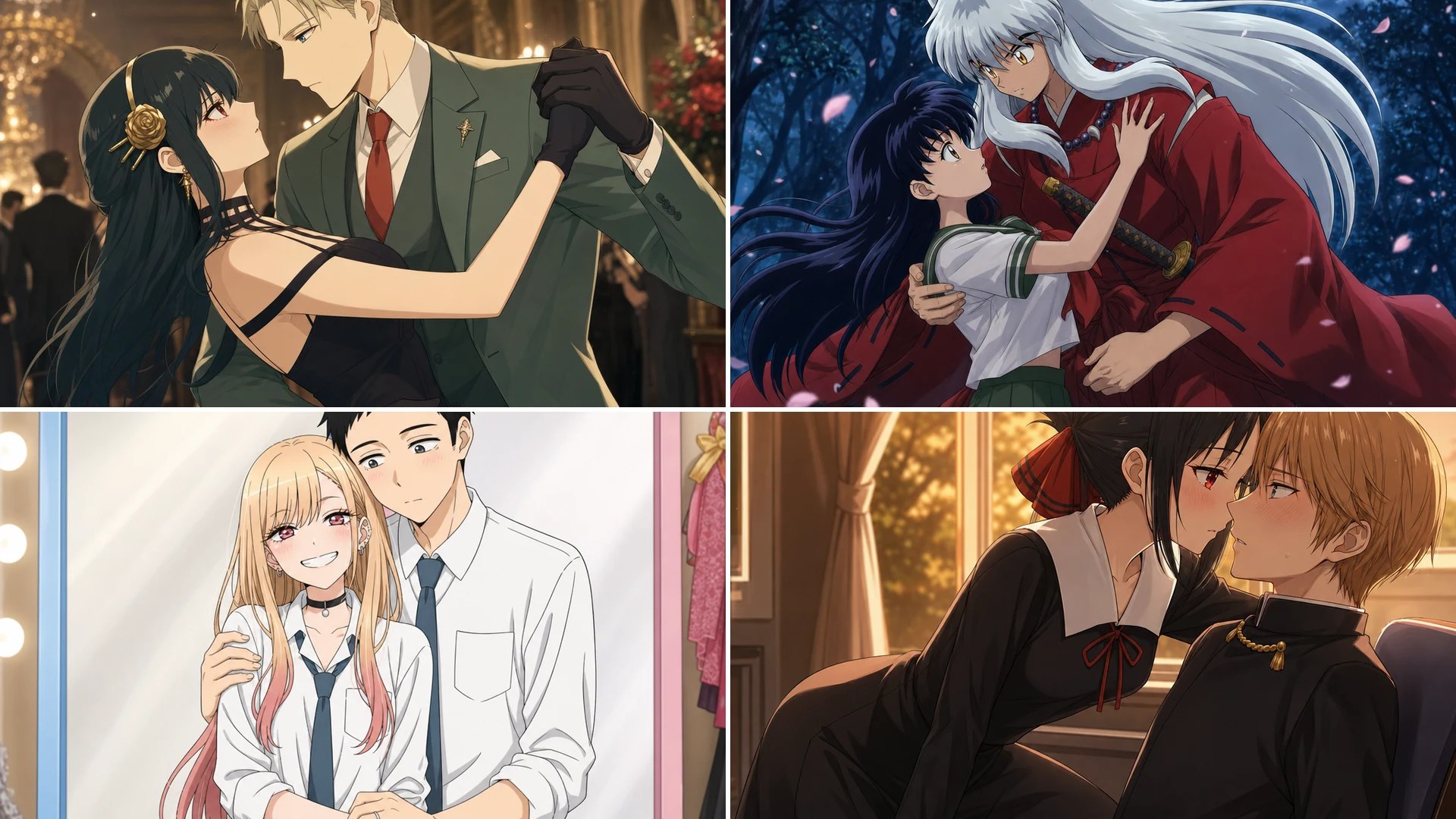
Nano Banana Image Editing – Anime Background Replacement
Project Background and Objectives
With the development of AI image editing technology, an increasing number of tools are now capable of intelligently modifying existing images through natural language prompts (text-to-image editing). At present, some relatively powerful image editing models include Grok and Gemini.
This report focuses on Gemini, also known as Nano Banana image editing, an AI Image Editor designed for anime-style image editing and background replacement.
➡ The goal is to add specified background scenes (such as streets, forests, cyberpunk environments, etc.) to anime character images with white backgrounds using Nano Banana image editing, ensuring that the final composition looks natural and stylistically consistent.
This approach effectively compensates for the weaknesses of SDXL-based models, which often struggle with background generation.
Tool Selection
Nano Banana image editing (Gemini 2.5 Flash Image) was used for this task.
Workflow (Step-by-Step Process)
The following example demonstrates how to add a background to an anime character image with a white background.
1) Image Preparation
- Prepare an anime character PNG image. It is recommended that the character is clear, well-defined, and placed on a clean white background without noise.
- If a transparent-background PNG is already available, it can be uploaded directly. If the background is pure white, Nano Banana image editing can automatically detect and process it.
2) Upload the Original Image
Upload the prepared anime character image.
3) Writing the Prompt (Core Step)
To ensure that the model correctly understands the editing intent, the prompt should be clear and detailed. It is recommended that the prompt includes the following elements:
- Subject description: Preserve the original character’s features
- New background scene: Specify the environment to be added
- Style and lighting: Such as anime style, neon lighting, natural lighting, etc.
- Detail requirements: Avoid blocking the subject, ensure smooth and natural shadow transitions
Example Prompt (Anime Background Addition)
The following example prompt can be directly used in Nano Banana image editing:
“A high-quality anime scene: keep the original character in center, add a bustling cyberpunk street at dusk as background, glowing neon lights, rain reflections on wet ground, soft ambient lighting, ensure smooth shadows and consistent perspective, maintain character colors and outlines.”
Alternatively:
Add or replace a suitable background: a luxurious indoor environment filled with flowers, with a modern city night view visible through the window.

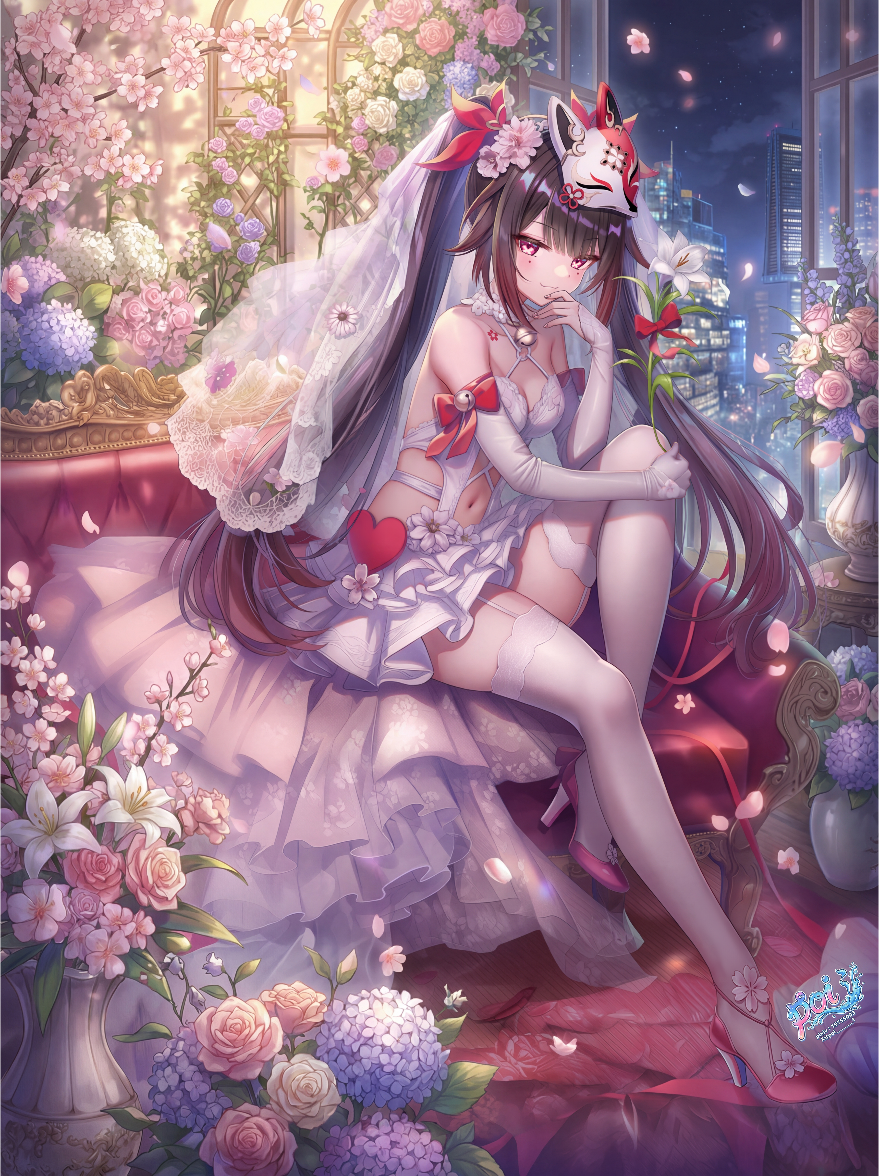
PS: This example demonstrates background replacement—taking an image with a weak background but a strong character and upgrading the background quality to match the character. Each element plays to its strengths.
4) Generation and Optimization
- Click Generate
- If the initial result is unsatisfactory, iterate based on the output:
- Modify the prompt wording (e.g., change background, lighting, or style keywords)
- Add exclusion instructions (such as “do not blur the character edges”)
Nano Banana image editing supports iterative editing, allowing further adjustments based on previously generated images.
5) Exporting the Result
Once the result meets expectations, download the generated image in PNG or JPG format.
Observations from Practical Testing
- The character’s original features are well preserved and naturally integrated with the background.
- Background transitions appear more natural than those produced by traditional cutout tools, although certain lighting and shadow details still require prompt fine-tuning.
Practical Tips and Summary
Useful Tips
Clearly define the relationship between the subject and the background Explicitly include phrases such as “do not obstruct key character elements” and “maintain character consistency” in the prompt.
Lighting and color tone descriptions are crucial Specifying background lighting conditions helps achieve more realistic and better-integrated results.
Iterative editing is the key to quality improvement Experiment with multiple prompt variations and refine the wording based on generated results.
Conclusion and Outlook
Based on the anime white-background character background addition experiment conducted with Nano Banana image editing, the following conclusions can be drawn:
- Nano Banana image editing demonstrates strong performance in image editing and background replacement
- Natural language prompts make the workflow more intuitive
- Overall output quality surpasses traditional cutout-and-composite methods
However, further improvements are still needed:
- More refined prompt tuning is required to achieve higher consistency in lighting and visual style
Ready to transform your anime characters? Try Nano Banana Image Editing Free Now!