
Créez des œuvres d'art d'anime brillantes stupéfiantes avec des couleurs saturées, des highlights lustrés et des détails cristallins clairs. Style d'Art Éclatant offre des illustrations polies de qualité commerciale — des tons de peau vibrants, des reflets de cheveux luisants et des palettes riches qui ressortent. Générez gratuitement sur KusArt, sans inscription requise.
Une galerie sélectionnée d'illustrations d'anime vibrantes créées par la communauté KusArt en utilisant le style Bright Art. Cliquez sur n'importe quelle image pour explorer les détails et essayer le même prompt.
Style d'Art Éclatant se distingue par son utilisation audacieuse de la couleur et sa qualité de rendu impeccable. Contrairement aux approches atténuées ou picturales, ce style augmente la saturation et le contraste pour créer des illustrations qui attirent l'attention. Chaque surface capte la lumière — les cheveux brillent avec des reflets multi-tones, les yeux scintillent avec des highlights superposés et les textures des vêtements ressortent avec des détails nets. Le style s'inspire des tendances modernes de l'illustration numérique populaires dans les visuels clés d'anime et les couvertures de light novels, où la clarté et l'impact visuel sont essentiels. Il est particulièrement efficace pour les présentations de personnages, les photos de profil et le contenu des réseaux sociaux où vous avez besoin d'un art qui se distingue dans un flux encombré. KusArt rend ce style de niveau professionnel accessible à tous — tapez votre prompt, sélectionnez Style d'Art Éclatant et obtenez des résultats polis en moins de 10 secondes.
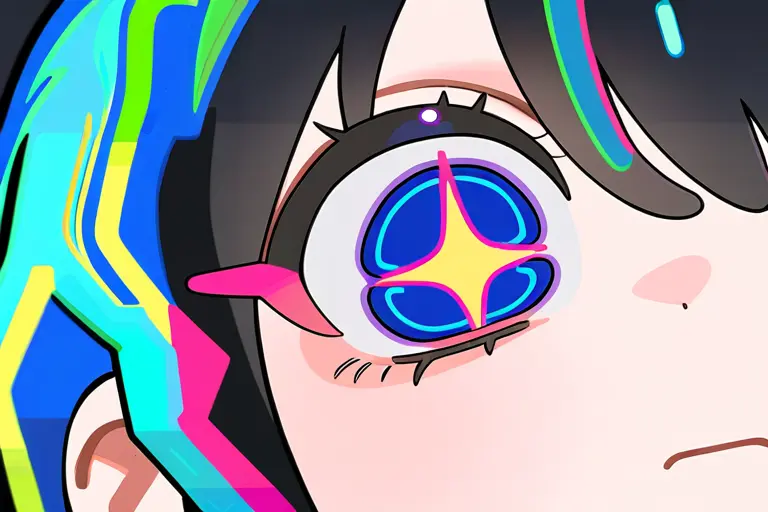
Découvrez ce qui fait de Style d'Art Éclatant le choix idéal pour des illustrations d'anime vibrantes et polies.
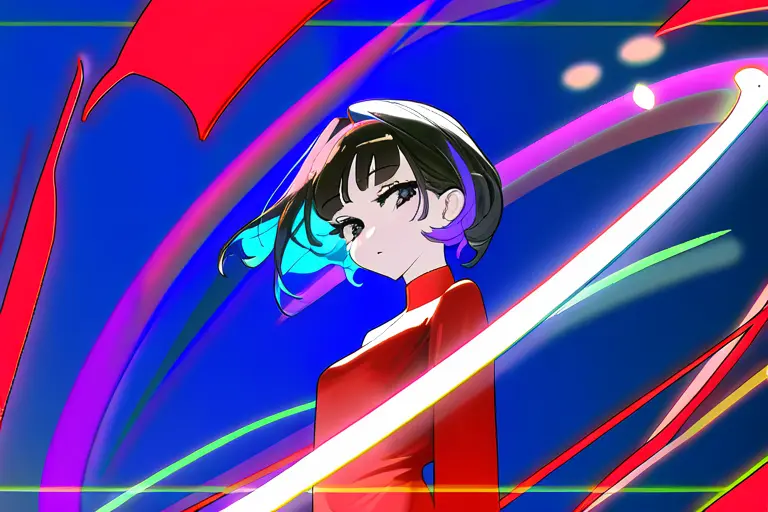
Style d'Art Éclatant utilise une palette de couleurs riche et saturée qui fait que chaque illustration semble vivante. Des bleus profonds et des rouges ardents aux roses doux et aux pourpres électriques, chaque couleur est soigneusement équilibrée pour créer une harmonie visuelle sans perdre en intensité. Le résultat est un art qui semble énergique et moderne.
Essayez les couleurs vives →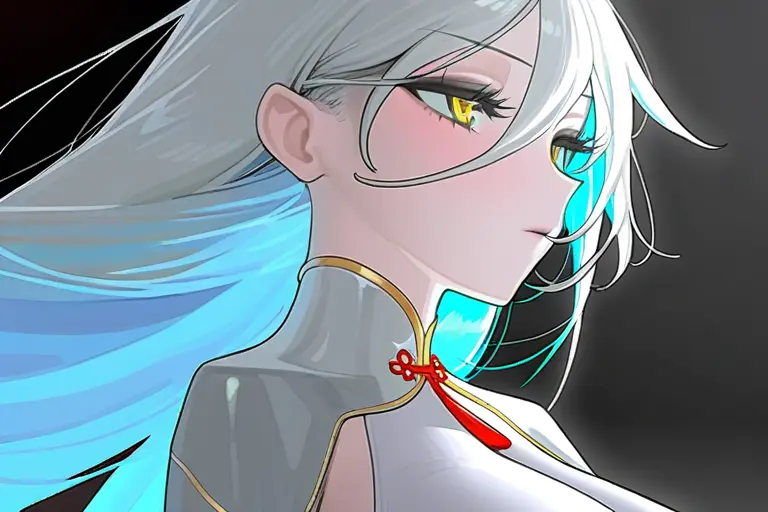
La finition lustrée signature de Style d'Art Éclatant ajoute de la profondeur et de la dimension à chaque surface. Les mèches de cheveux captent des sources de lumière individuelles, la peau a une qualité lumineuse naturelle et les tissus montrent des transitions de gradients subtiles qui créent un sentiment tridimensionnel sur une toile plate.
Générez de l'art lustré →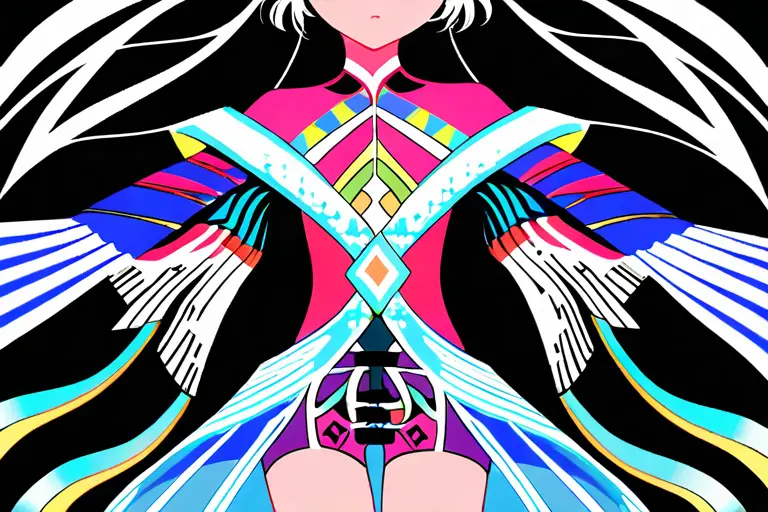
Chaque élément est rendu avec une précision nette — des motifs de vêtements complexes aux cils individuels. Style d'Art Éclatant ne sacrifie pas les détails pour la vitesse. Les accessoires fins, les ornements de cheveux et les textures de tissus sont tous capturés avec la clarté attendue d'une illustration professionnelle.
Créez de l'art détaillé →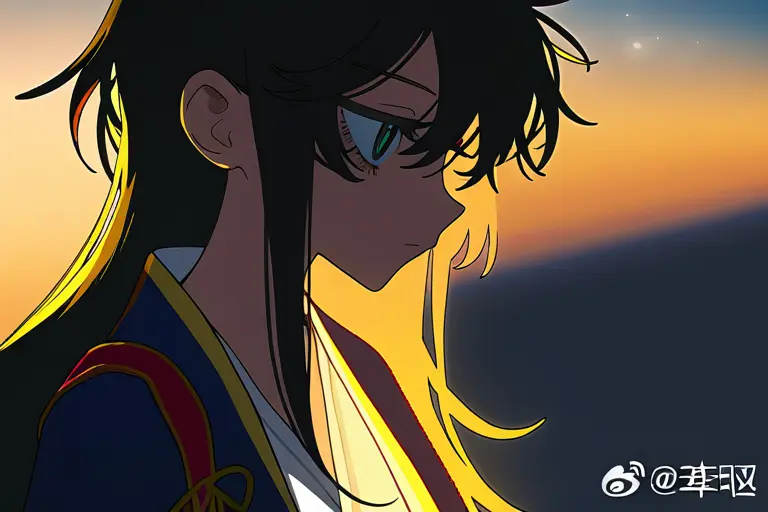
Style d'Art Éclatant excelle dans l'éclairage dramatique — des lumières de contour qui soulignent les silhouettes, des lueurs chaudes de l'heure dorée et des scènes fraîches éclairées par la lune. Le moteur de rendu du style gère les interactions complexes de lumière de manière naturelle, créant des illustrations avec une profondeur et une atmosphère cinématographiques.
Essayez l'éclairage dynamique →Style d'Art Éclatant brille dans une large gamme de projets créatifs. Voici les meilleurs moyens de l'utiliser.
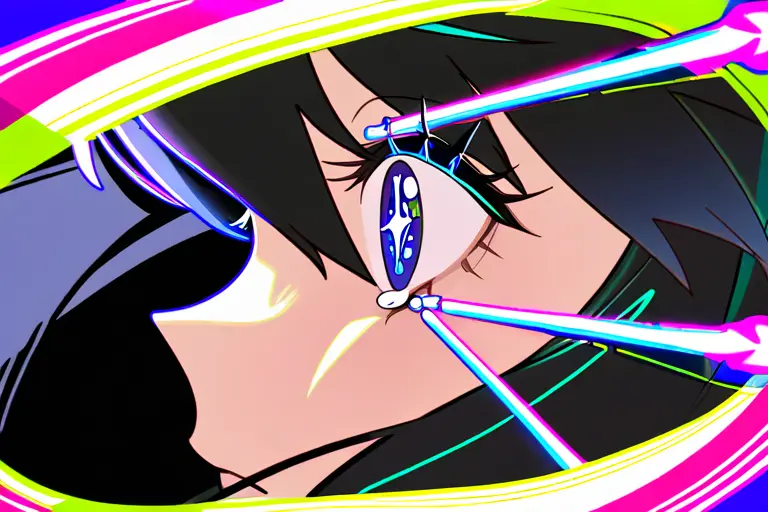
Les couleurs vives et la finition polie de Style d'Art Éclatant en font le choix parfait pour des photos de profil accrocheuses. Que ce soit pour les réseaux sociaux, les plateformes de jeux ou les personas VTuber, ces portraits se distinguent dans les tailles de vignettes grâce à leur haut contraste et leur rendu clair.
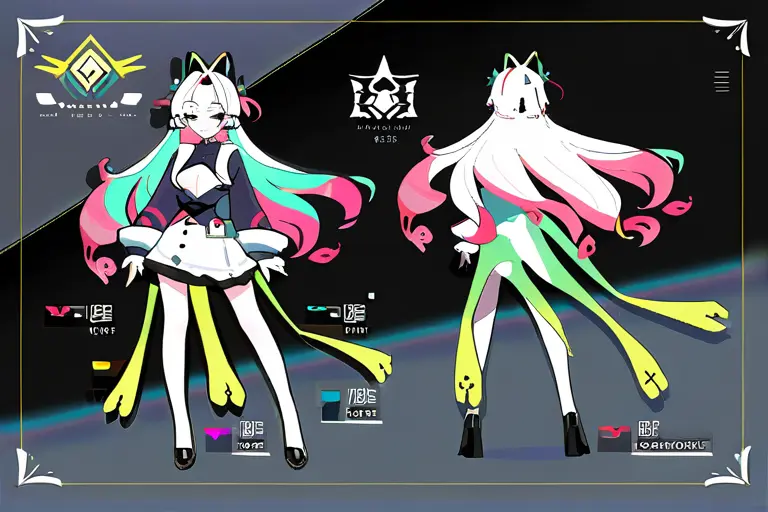
Présenter votre OC en style Style d'Art Éclatant leur donne un aspect professionnel et fini. L'attention portée à la couleur et aux détails du style met en valeur les designs de personnages uniques — tenues personnalisées, couleurs de cheveux distinctives et accessoires signature reçoivent le traitement visuel qu'ils méritent.
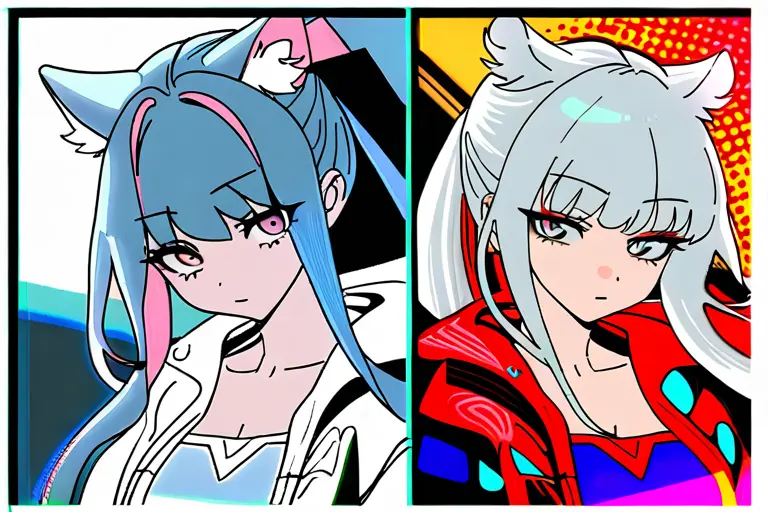
Créez du fan art qui attire l'attention. La palette saturée et le rendu net de Style d'Art Éclatant capturent l'énergie des personnages d'anime populaires tout en ajoutant une touche fraîche et moderne. Parfait pour le partage sur les réseaux sociaux, les communautés d'art ou les galeries de fans.
Allez sur le générateur d'images KusArt et sélectionnez 'Style d'Art Éclatant' dans le panneau de styles.
Tapez la description de votre personnage — incluez des détails comme la couleur des cheveux, les vêtements, l'expression et la pose pour de meilleurs résultats.
Cliquez sur Générer et attendez quelques secondes pour votre illustration polie et vibrante.
Téléchargez votre image ou affinez-la avec l'édition Image-à-Image pour ajuster les détails.
Style d'Art Éclatant est un style d'illustration d'anime poli avec des couleurs vives saturées, des highlights lustrés, des gradients lisses et des détails cristallins clairs. Il est conçu pour créer un art d'anime d'aspect professionnel avec un impact visuel maximal.
Oui ! KusArt propose une génération d'art AI gratuite sans inscription requise. Vous pouvez créer des illustrations illimitées en style Bright Art sans frais.
Incluez des détails spécifiques sur l'apparence de votre personnage — couleur des cheveux, couleur des yeux, vêtements et accessoires. Ajouter des mots-clés d'éclairage comme 'heure dorée', 'lumière de contour' ou 'éclairage dramatique' renforce les atouts du style. Style d'Art Éclatant gère bien les prompts simples et complexes.
Style d'Art Éclatant se distingue par sa palette de couleurs saturées et son rendu poli. Comparé aux styles atténués comme Aquarelle ou aux styles texturés comme Impasto, Bright Art offre des lignes plus nettes, un contraste plus élevé et des couleurs plus vives — idéal pour un art de personnages accrocheur.
Les images générées par AI sur KusArt peuvent être utilisées pour des projets personnels, les réseaux sociaux et les portfolios créatifs. Vérifiez nos conditions d'utilisation pour les directives spécifiques sur l'utilisation commerciale.
La plupart des générations se terminent en moins de 10 secondes. KusArt utilise des modèles AI optimisés pour fournir des résultats rapides et de haute qualité sans longs temps d'attente.
Use Style d'Art Éclatant when you want couleurs vives, rendu poli et highlights lumineux pour des illustrations d'anime accrocheuses. It is especially useful for photos de profil et avatars, présentations de personnages originaux, and fan art et contenu communautaire.
Start with Image Generator for the fastest prompt-first workflow. If your goal is a profile picture or avatar, Anime PFP Maker is usually the better fit. If you want to build a more structured original character workflow, move into OC Generator.
Style d'Art Éclatant brille dans une large gamme de projets créatifs. Voici les meilleurs moyens de l'utiliser. After your first strong result, you can carry the same look into Sticker Generator, Emoji Workshop, and AI Dance Generator.
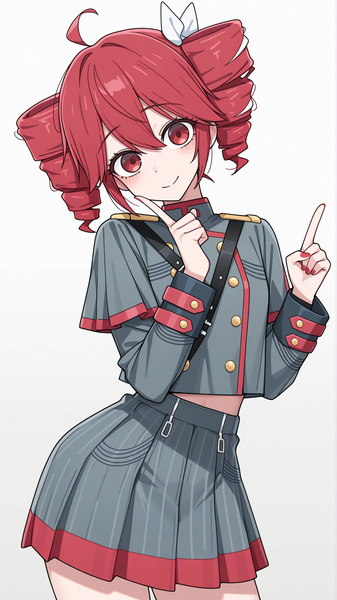
Cel-shading classique de l'anime avec des blocs de couleurs plates, des bords d'ombres nets et l'aspect authentique des cels d'animation traditionnels peints à la main.
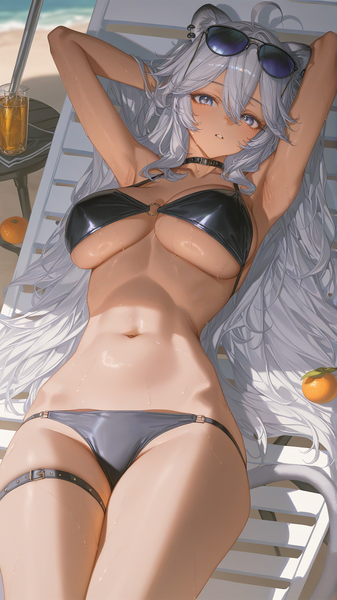
Une esthétique anime ultra-douce avec des lignes ultra-fines, des lavis pastels et une douceur aérienne qui donne à chaque illustration une qualité tendre et éthérée.
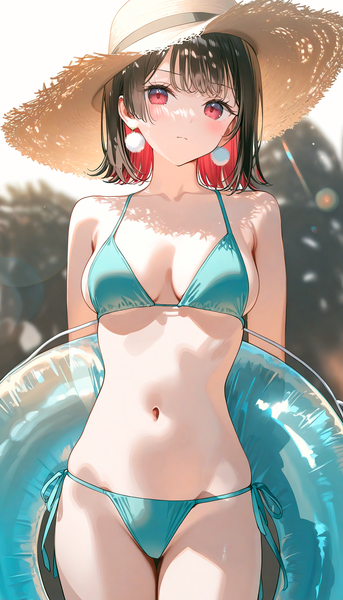
Un style d'anime éblouissant avec des réfraction de lumière arc-en-ciel, des divisions de couleurs prismatiques et des highlights iridescents qui font briller chaque illustration.
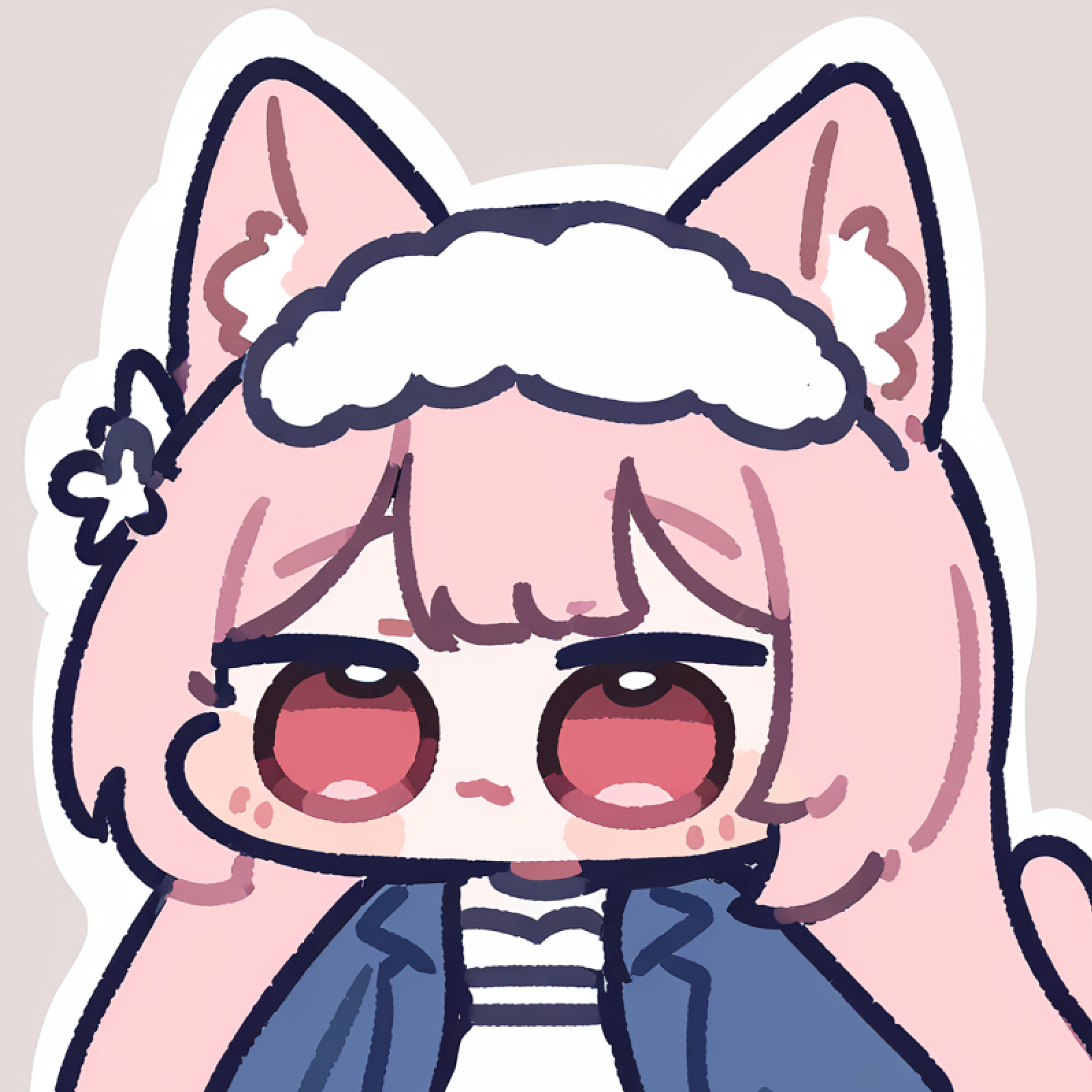
Transformez vos œuvres d'art Create Stunning Bright Anime Illustrations en packs d'autocollants expressifs.
Essayer l'outil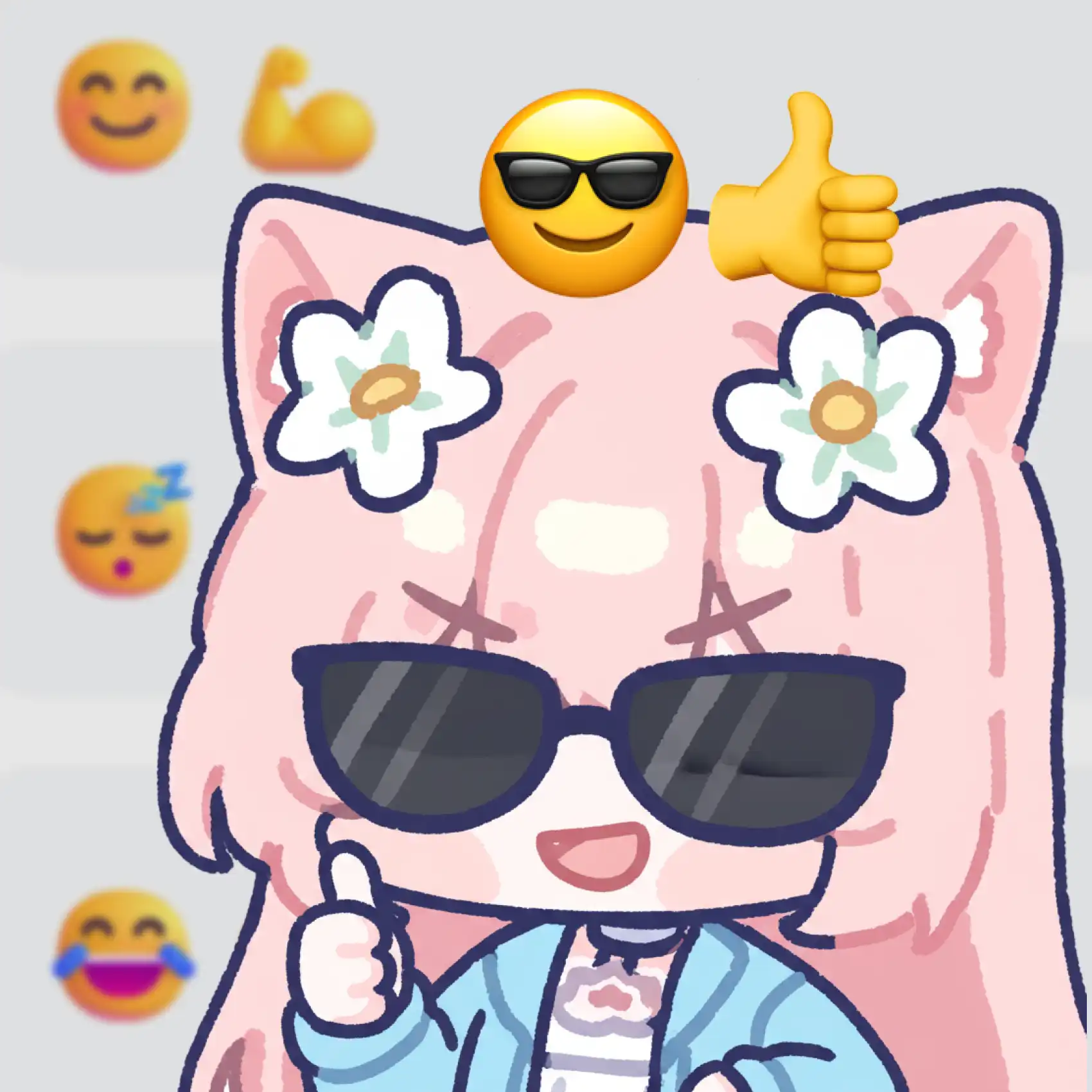
Concevez des ensembles d'emojis personnalisés avec le style artistique de Create Stunning Bright Anime Illustrations.
Essayer l'outil
Créez des animations de danse amusantes avec les designs de personnages Create Stunning Bright Anime Illustrations.
Essayer l'outilGénérez des illustrations d'anime vives et polies en quelques secondes — gratuit et sans inscription requise.
Inclut 100 crédits gratuits par jour