KusArt
    Game Character ID Maker

    AI Game-Style Character ID Card Maker

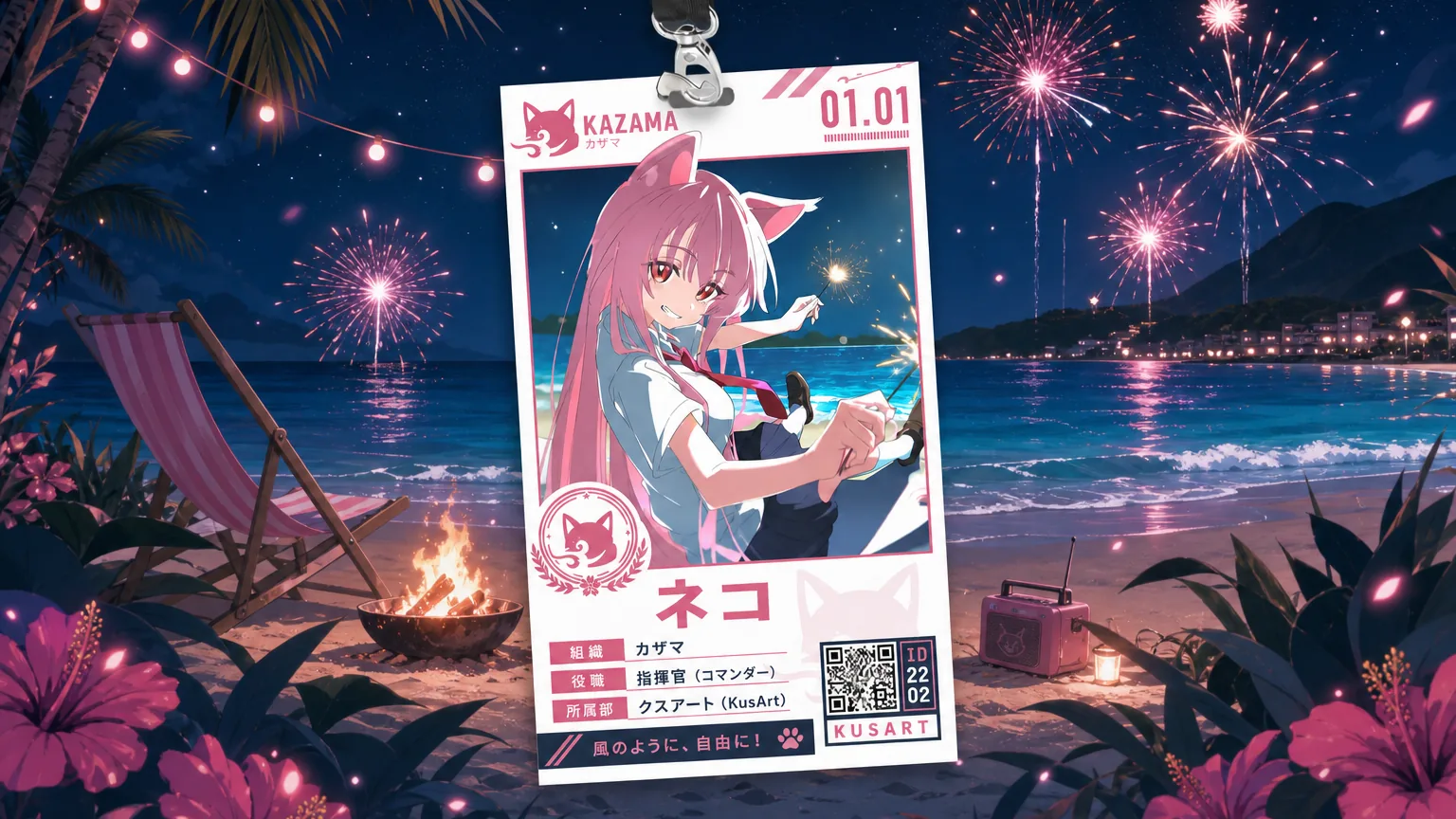
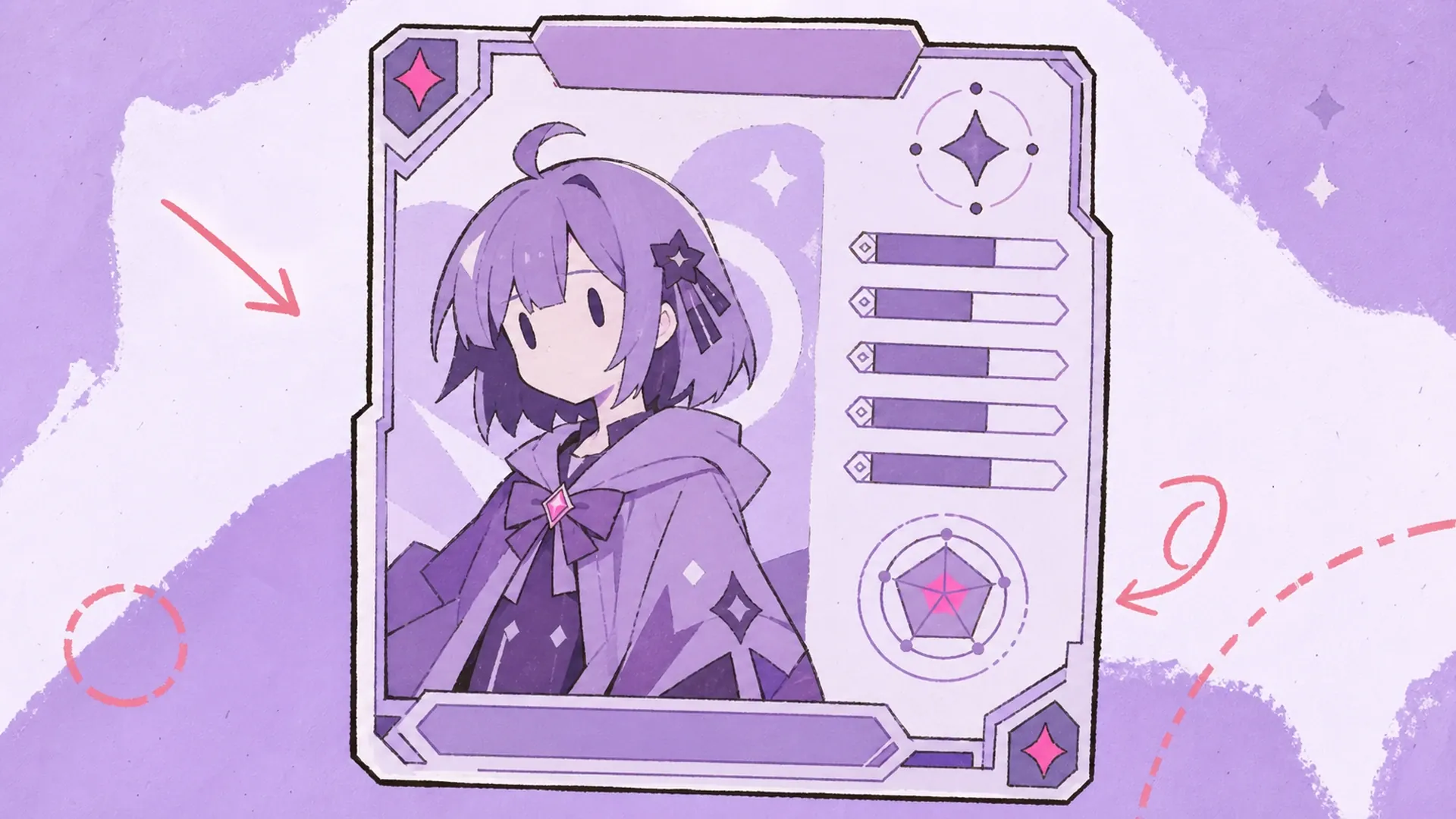
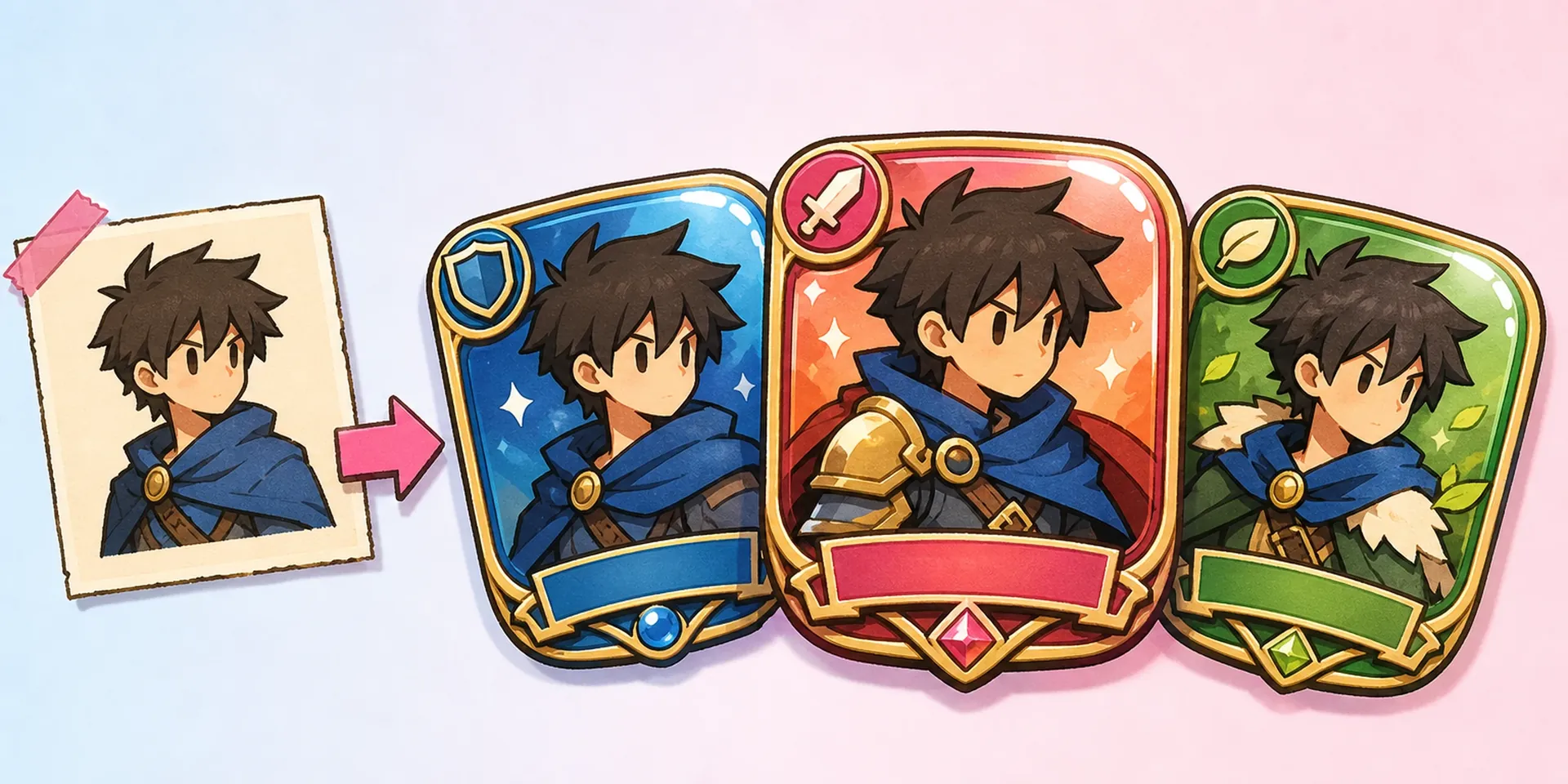
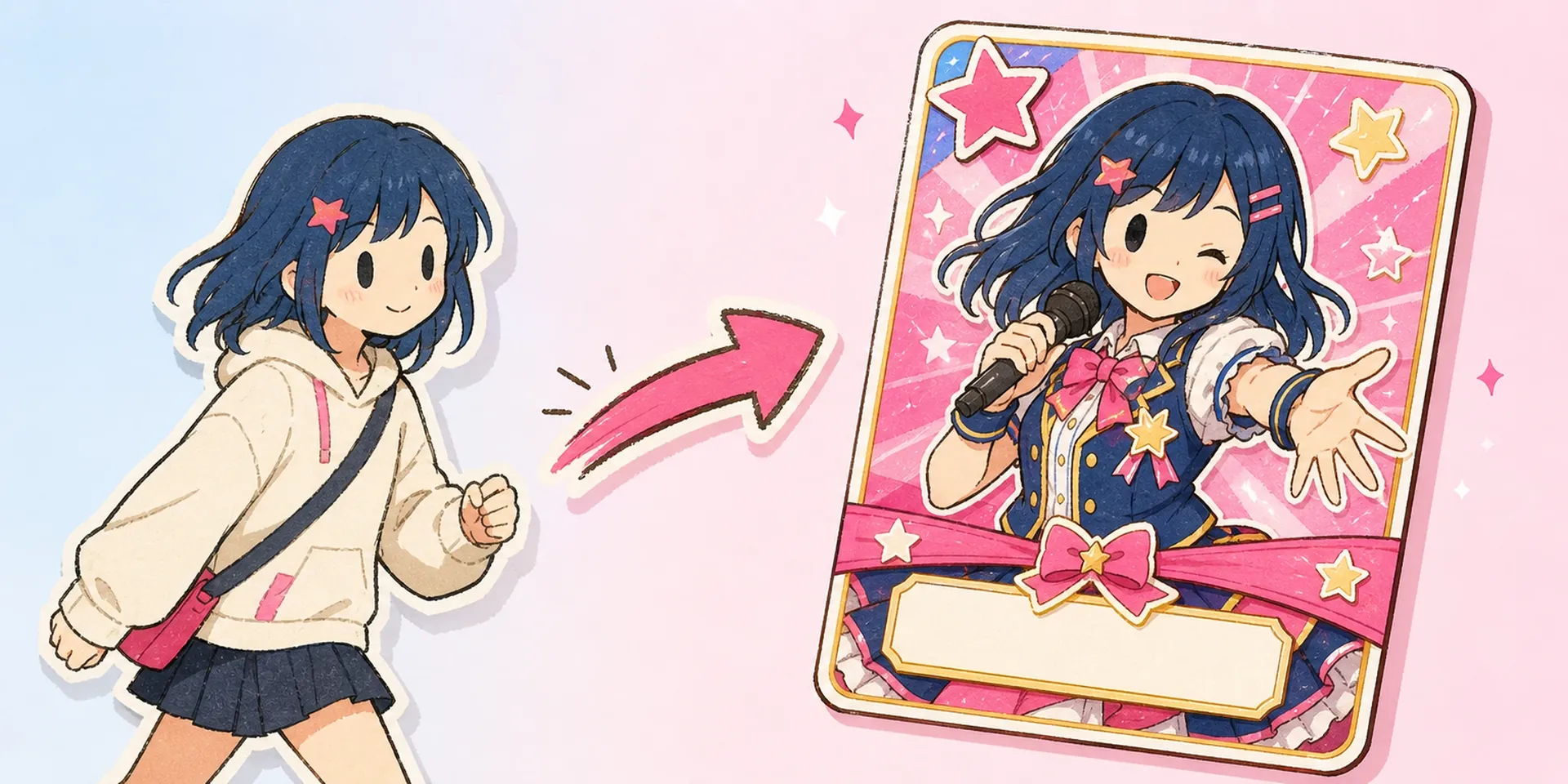
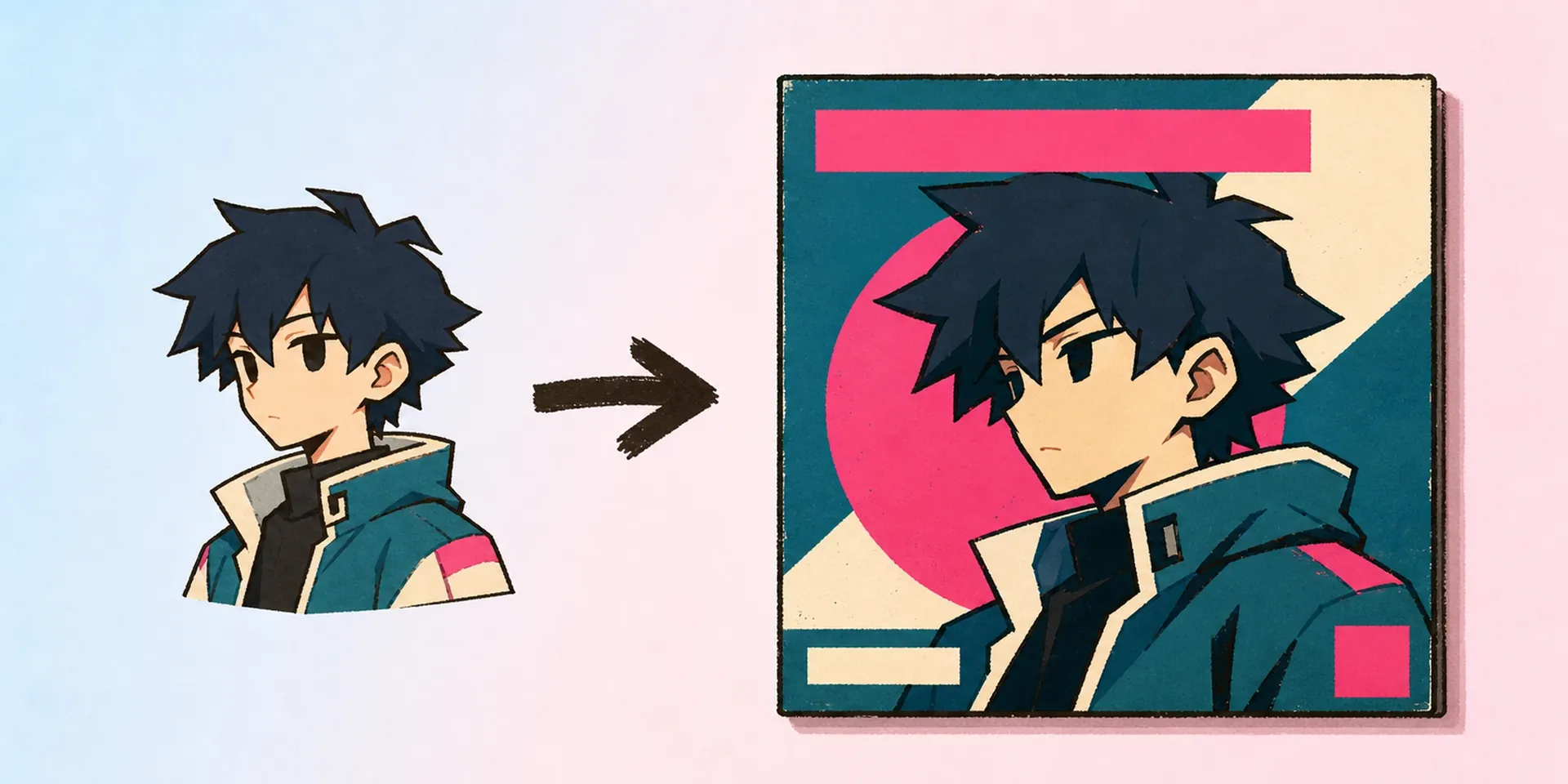
    Turn your OC into a collectible mobile-game ID card. Upload one character image and our id card maker fits it into a gacha-style layout with name, org, position, and club fields.

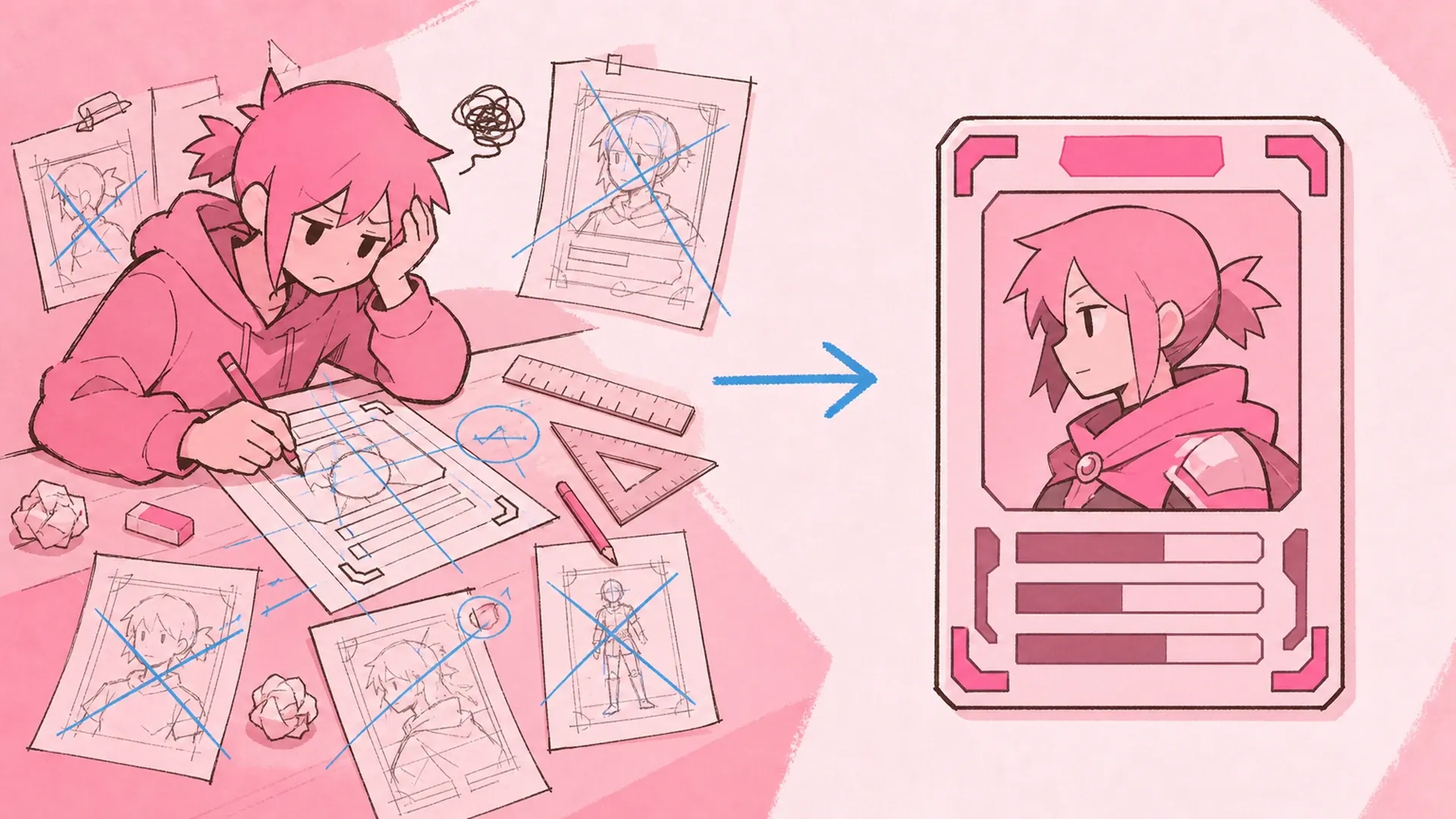
    Game Character ID Maker AI Game-Style Character ID Card Maker result — After
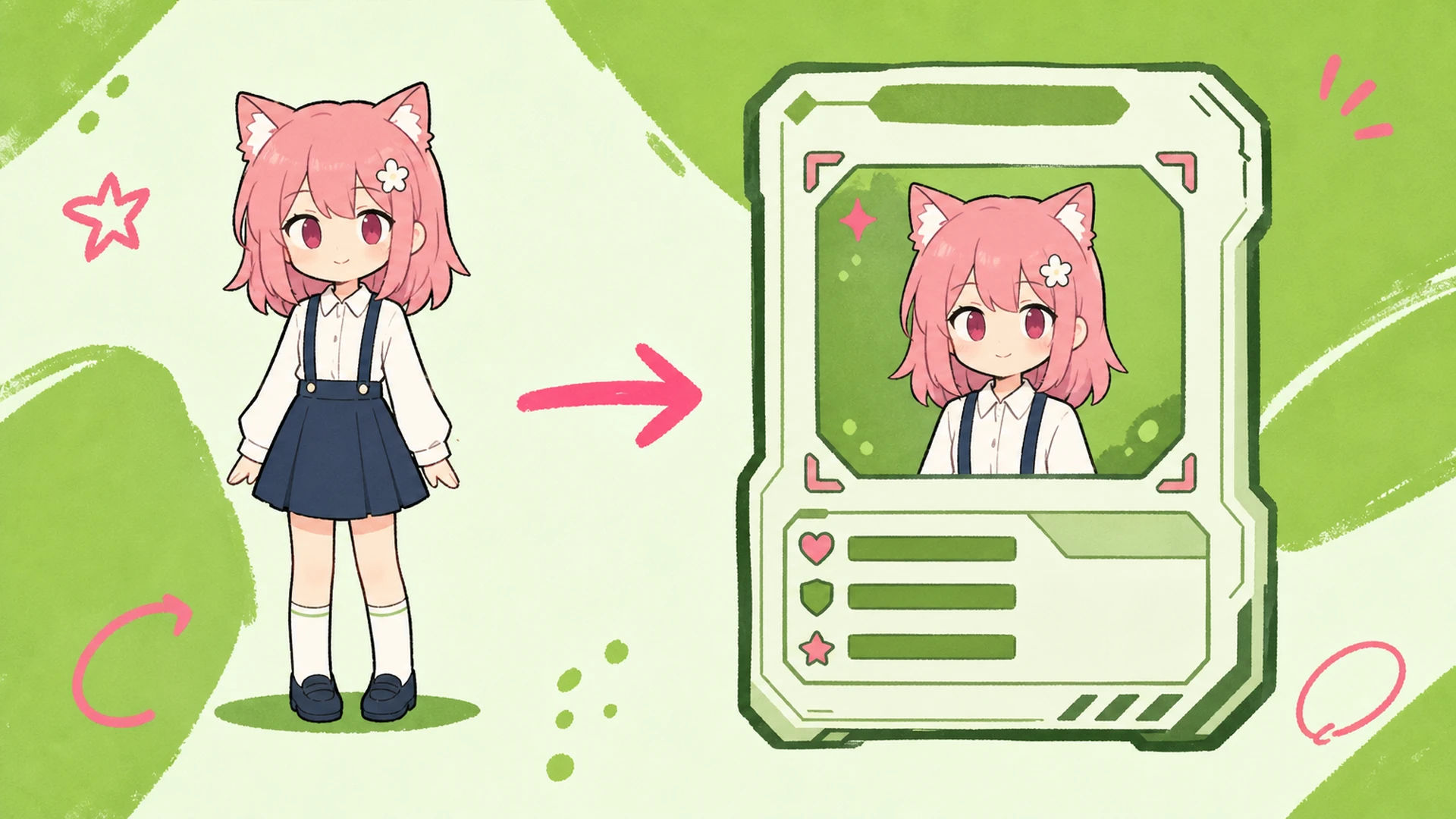
    Game Character ID Maker AI Game-Style Character ID Card Maker result — Before

    From one render to a collectible card

    Most people start with one hero image from the OC Generator and no clean way to frame it. This id card maker is more than a basic character maker — it turns that single render into a polished, collectible game card. Add a callsign, guild, and rank, pick a color theme, and export a shareable card. Pair it with the Character Sheet Generator when you want a full reference set behind the badge.

    Build your card
    From one render to a collectible card - AI Game-Style Character ID Card Maker

    What sits inside the card frame

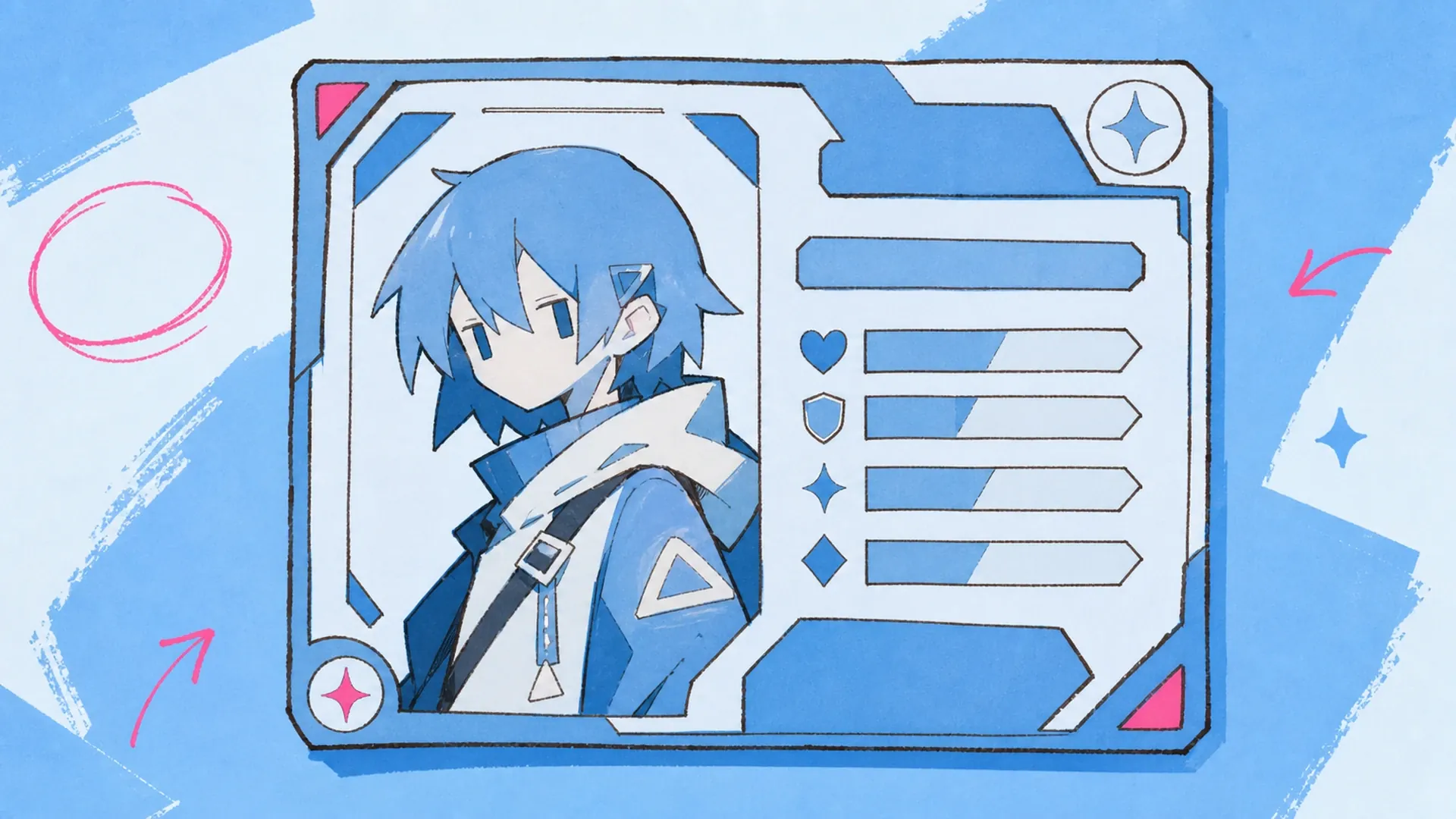
    An id card maker is a tool that drops your character into a game-style card frame — name banner, org line, position tag, club field, and a themed color panel. Think of it as a character maker for identity cards rather than a plain generator: you bring the art, the layout handles hierarchy, spacing, and the collectible finish. It sits close to the AI Anime Student ID Card Maker but leans gacha, not classroom.

    What sits inside the card frame - AI Game-Style Character ID Card Maker

    Why a card format makes your OC stick

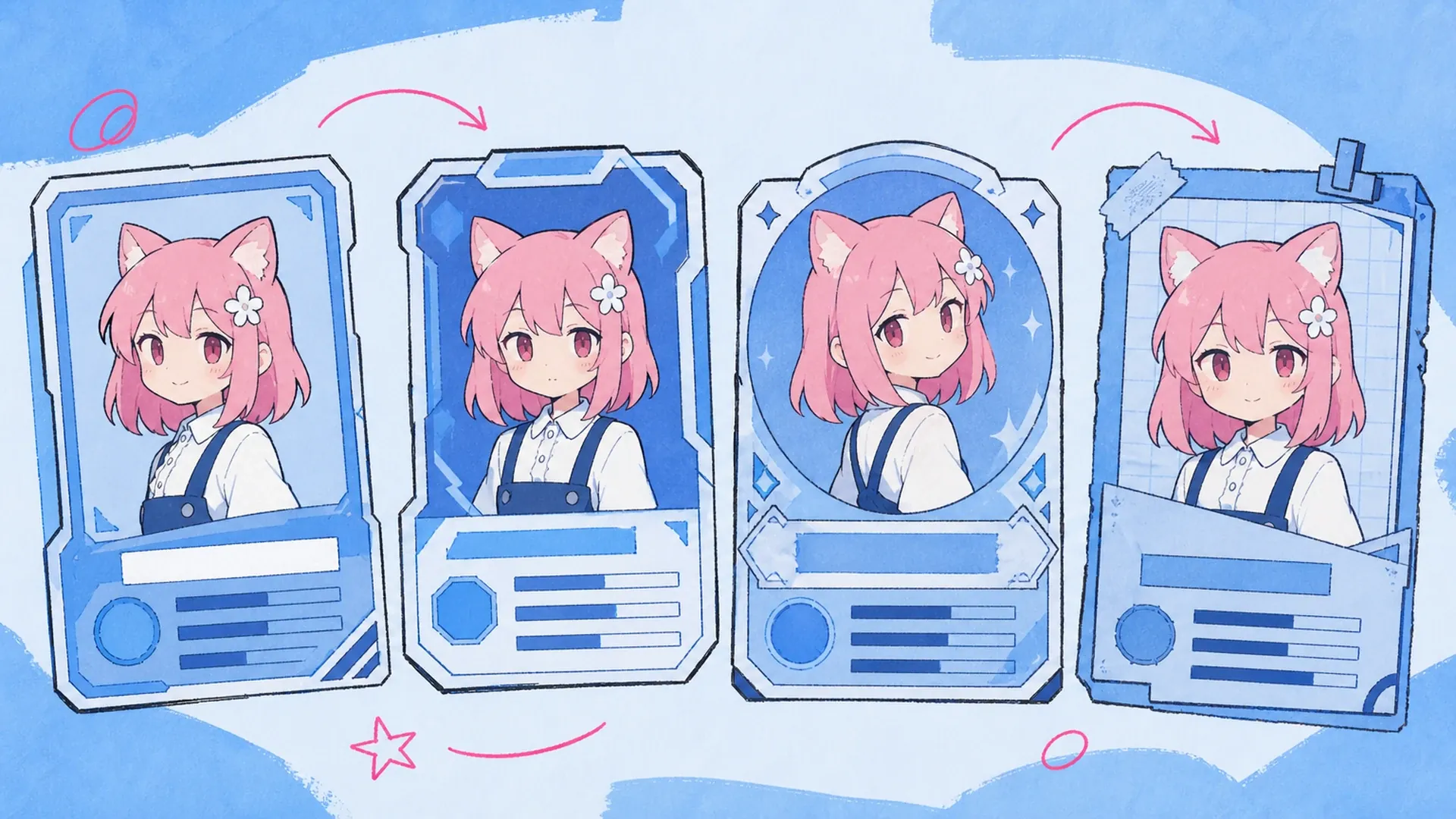
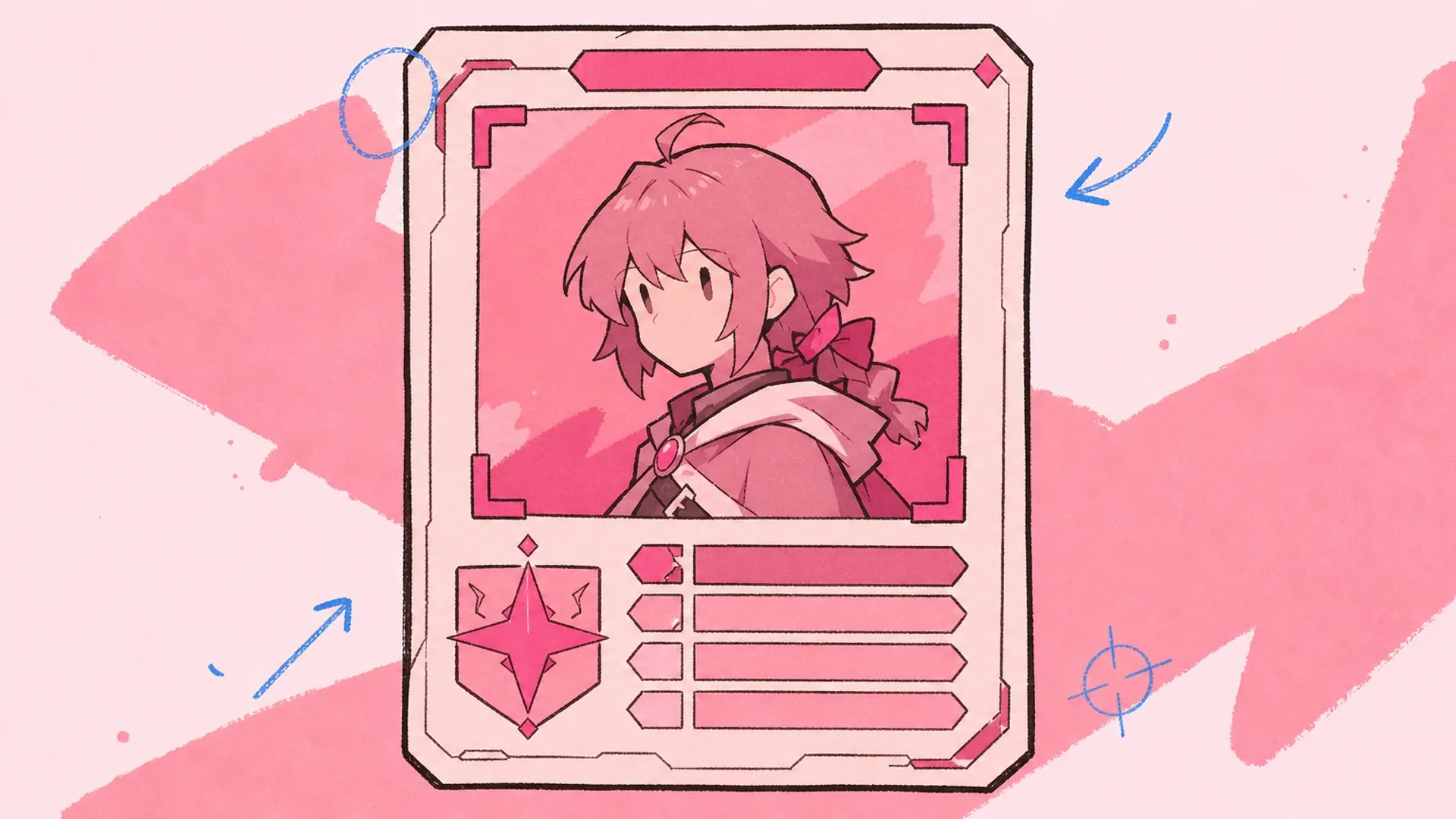
    A game-style card gives your OC a home. Fans recognize the format instantly, so a good id card maker makes your character feel like a real unit in a roster rather than a loose drawing. It also standardizes your set: run the OC Editor to tweak the face, then reuse the same theme across every card so your collection reads as one branded lineup.

    Why a card format makes your OC stick - AI Game-Style Character ID Card Maker

    Where generic badge tools fall short

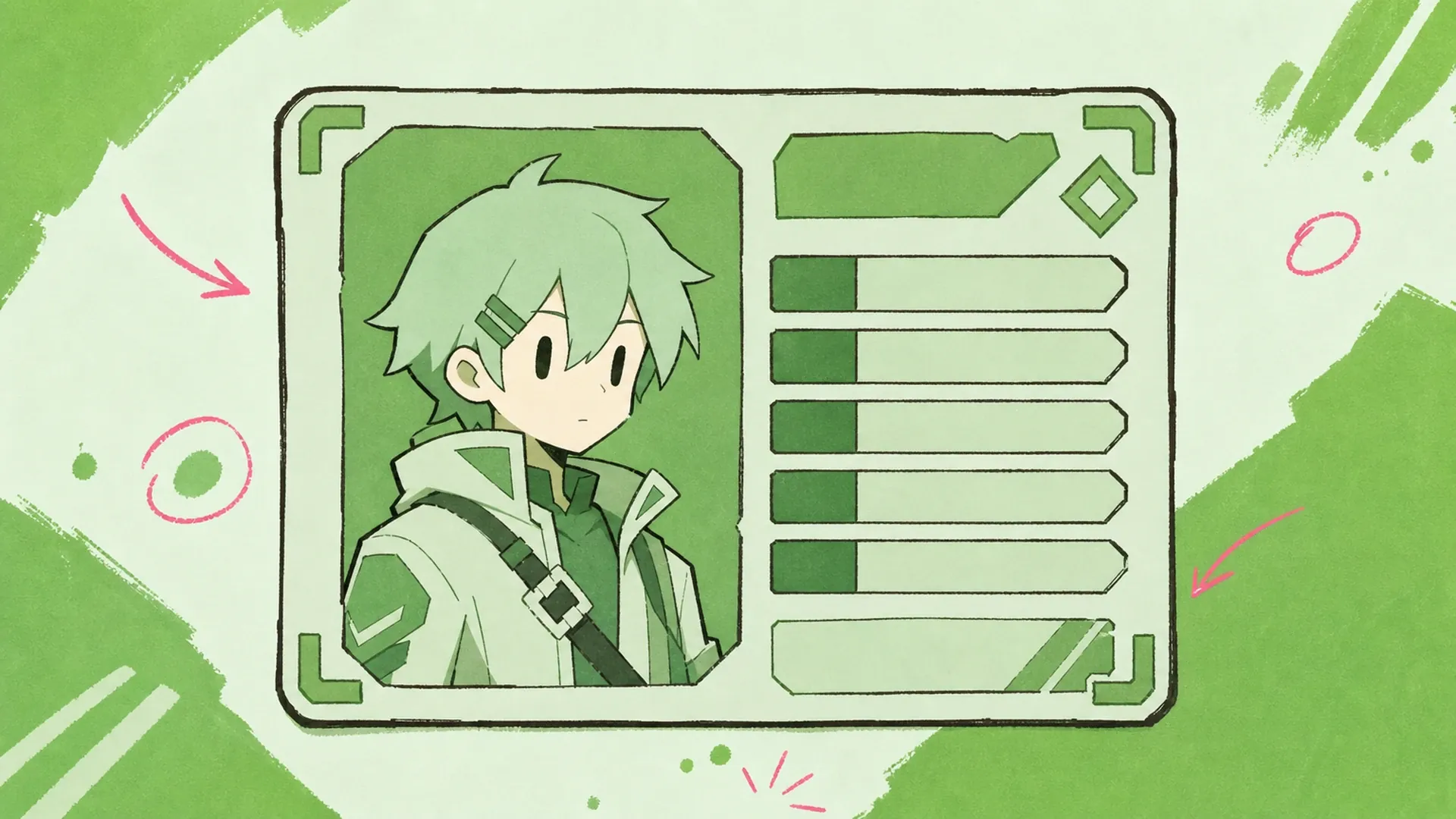
    You wanted to make your own character card, but generic badge tools flatten everything into the same corporate rectangle. Text overflows, the org line clips, and there is no club field or gacha color theme. A student id card maker feels too school-ID; a plain graphics app means fighting layers by hand. This id card maker fixes the layout for you, keeps every field editable, and even hands off to Image to Video if you want the finished card to animate.

    Where generic badge tools fall short - AI Game-Style Character ID Card Maker

    What you get in every card

    Every card ships with editable fields, theme control, and a game-ready frame — here is what the id card maker handles for you.

    Fielded Card Layout

    Name, organization, position, and club each get a dedicated slot with locked hierarchy. Type your details and the id card maker sizes, aligns, and truncates them cleanly, so long guild names never break the game-style frame.

    Custom Color Themes

    Swap the accent, panel, and glow to match your OC's palette or a faction's colors. Preset gacha-style themes give you rare, epic, and legendary looks, or dial in a custom hex for a card that matches your brand.

    One-Image Fit

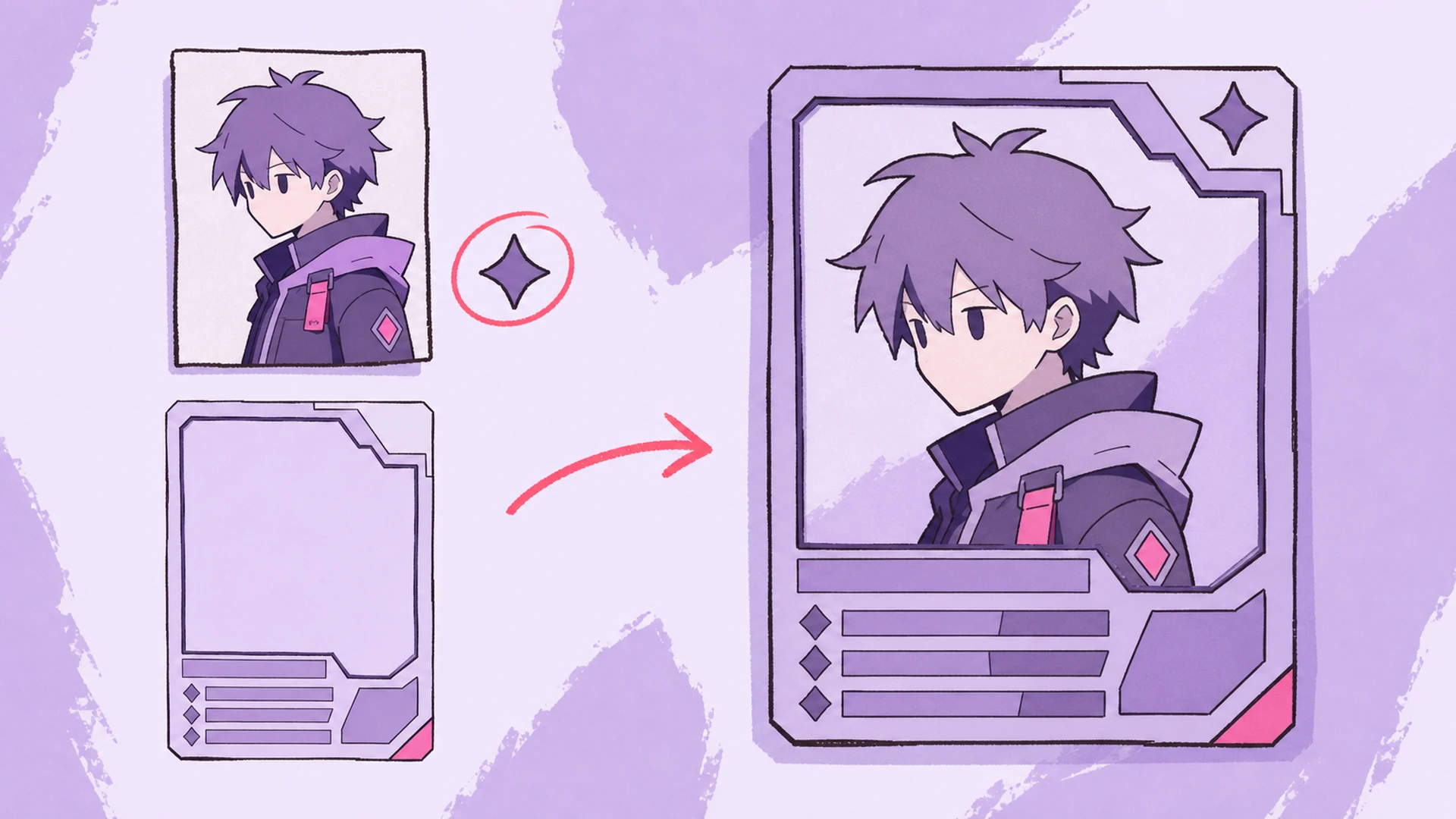
    Upload a single character render and the frame crops, positions, and masks it to sit right inside the card window. No manual layering — the tool centers your OC and keeps the collectible border intact.

    Three steps to a finished card

    Upload once, fill the fields, pick a theme — the id card maker does the layout work between clicks.

    01
    Step

    Upload your character

    Drop in one image of your OC — a bust, half-body, or full render all work. The tool reads the frame and previews how your character sits inside the game-style card window right away.

    02
    Step

    Fill the ID fields

    Type your character's name, organization, position, and club. Each field maps to a real slot on the card, so you build a believable roster entry instead of pasting text over a picture.

    03
    Step

    Theme and export

    Pick a color theme or set a custom hue, preview the collectible finish, then export a share-ready card. Rerun the id card maker anytime to spin up a matching set for your whole cast.

    Loved by OC creators and guilds

    OC collectible card - AI Game-Style Character ID Card Maker

    OC collectible card

    Turn your original character into a numbered, gacha-style card for your own collection. Give them a rarity theme, a callsign, and a home org, then trade or post the card like a real pull.

    Gaming-community roster card - AI Game-Style Character ID Card Maker

    Gaming-community roster card

    Give every guild member a matching card with the same theme, org tag, and position. Your Discord or clan roster suddenly looks like an official team sheet instead of scattered avatars.

    VTuber brand card - AI Game-Style Character ID Card Maker

    VTuber brand card

    Package your VTuber persona into a branded ID card for channel banners, membership perks, or debut posts. Lock your palette into a custom theme so the card matches your overlays and emotes.

    Event or limited gacha card - AI Game-Style Character ID Card Maker

    Event or limited gacha card

    Spin up a limited-edition card for a stream event, birthday, or collab drop. Add an event title in the org line, switch to a special legendary theme, and hand fans a card that feels rare.

    Card maker FAQ

    How many images do I upload?+
    Just one. Upload a single character render — bust or full body — and the tool fits it into the card window automatically. You don't need cutouts or transparent backgrounds; the frame handles cropping and masking for you.
    Which fields can I edit?+
    Name, organization, position, and club are all editable text slots. Type whatever fits your world — a guild, a rank, a school, a squad — and the layout keeps each line aligned inside the game-style card.
    Can I change the card colors?+
    Yes. Pick from preset gacha-style themes like rare, epic, and legendary, or set a custom hex to match your OC or brand. The accent, panel, and glow all shift together so the card stays balanced.
    Is this different from a school badge tool?+
    Yes. A student id card maker mimics a school badge, while this leans collectible and game-like — rarity themes, guild fields, and a gacha border. Use it for OCs, clans, and VTubers rather than classroom-style IDs.
    Can I make a matching set of cards?+
    Absolutely. Keep the same theme and layout, then swap the art and fields for each OC. Run the tool once per character and your whole cast ends up as a coordinated, collectible set.
    What image works best?+
    A clear, front-facing character render with the face and upper body visible reads best inside the card window. Higher resolution keeps edges crisp, but the frame will still fit smaller or full-body art cleanly.
    Can I animate the finished card?+
    Yes. Export your finished card, then bring it into a motion tool to add subtle animation for debut clips, banners, or social posts. The static version stays available for prints and profile art too.

    Ready to card your cast?

    Upload one character image and let the id card maker build a collectible, game-style ID card. Make your own character feel like a real gacha pull in a couple of clicks.

    Make my card