Text and reference inputs
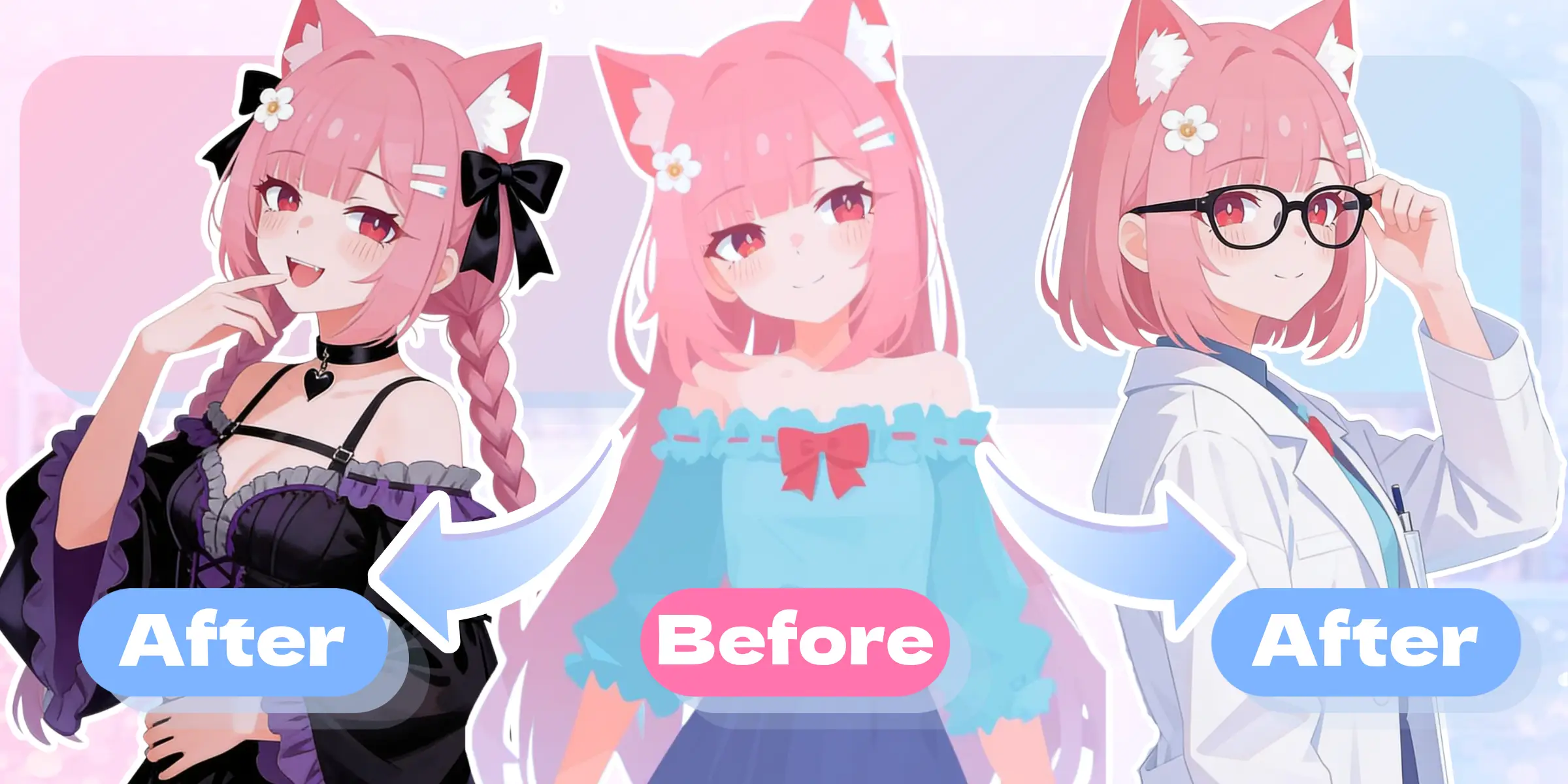
Upload visual references and explain the desired result in writing. The prompt can identify what to preserve conceptually and what should change in the new composition.

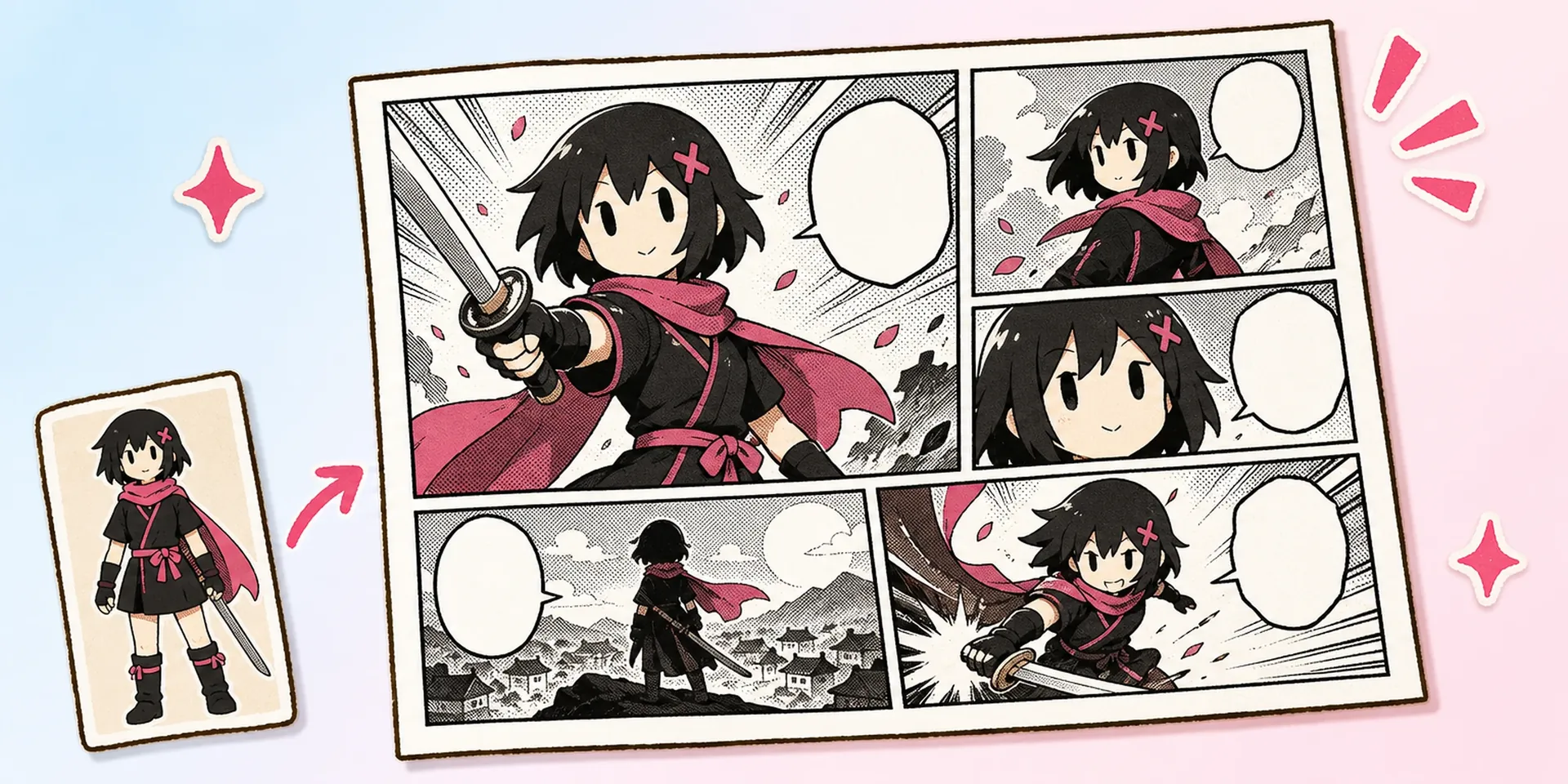
Kusa-Mix combines a written prompt with reference images to create new anime artwork. Use it for style mixing, controlled variations, and visual exploration when text alone cannot communicate the direction. Create a new anime image from visual references. Kusa-Mix works as an image to image AI generator by using uploaded references together with your written instructions. The image communicates visual context, while the prompt explains what should change, remain important, or become newly composed. This pairing is useful when a purely verbal description would leave too much of the intended design open to interpretation.
Create with Kusa-Mix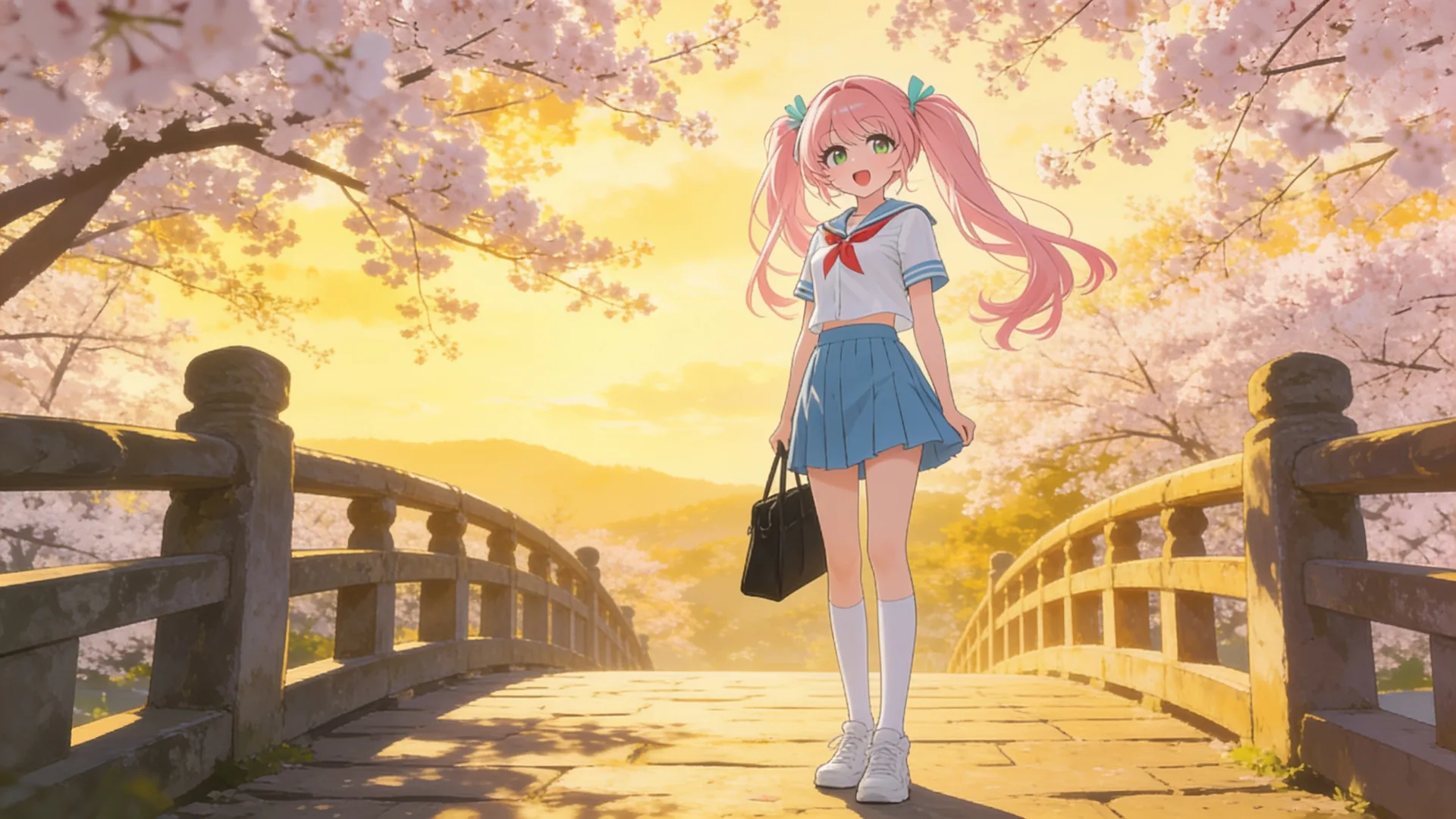
Image to image AI uses an existing visual as guidance for creating a new result. It is not limited to placing a fixed filter over the source. With Kusa-Mix, the reference and prompt can guide a fresh anime interpretation, variation, or scene. The goal is generative direction rather than pixel-level repair or a generic AI image editor workflow. For text-first and specialized model choices, return to the AI Anime Generator.
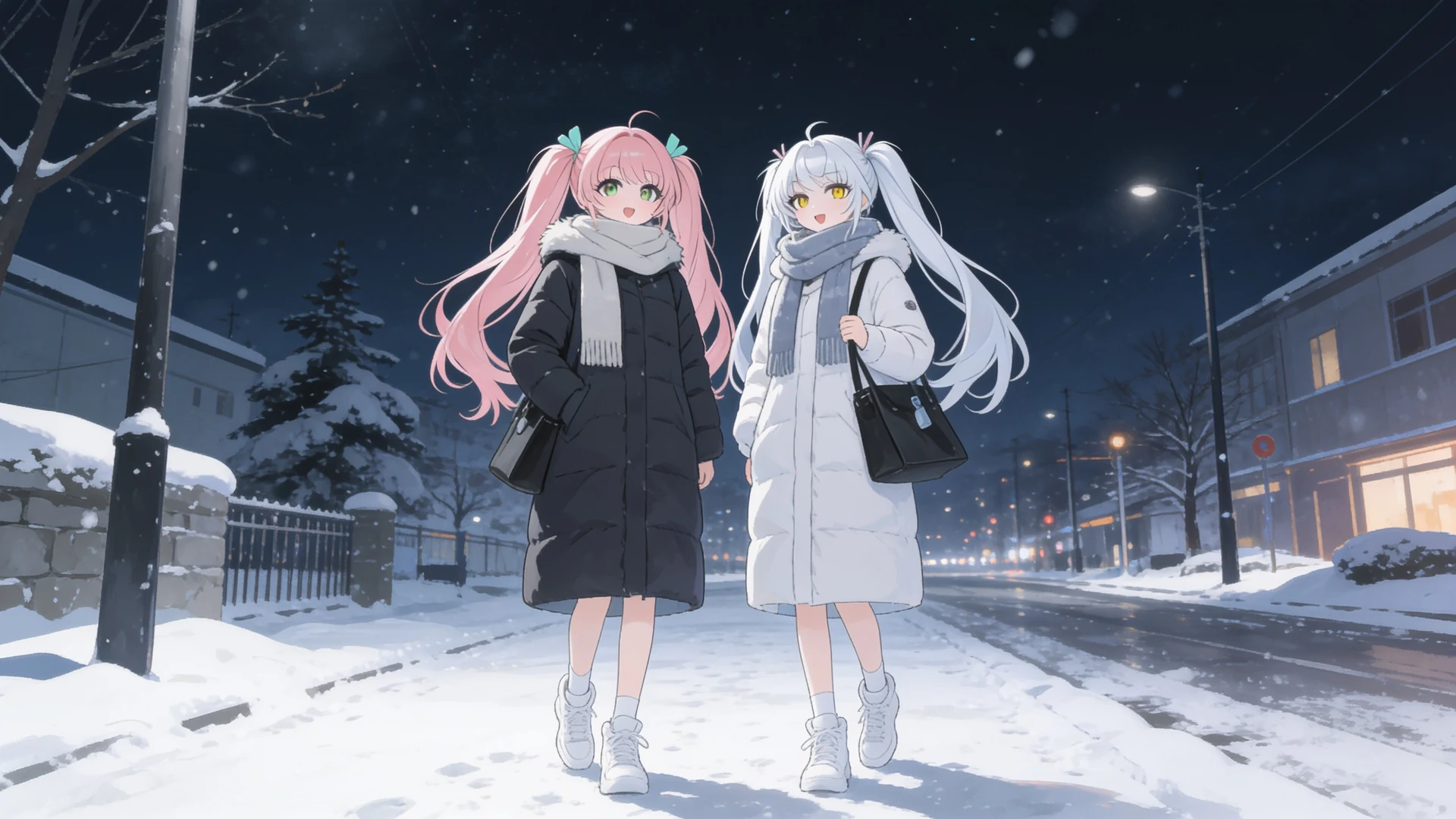
Some ideas depend on relationships that are cumbersome to describe: a silhouette, palette, costume rhythm, pose, or visual atmosphere. A reference image can make those cues visible, while the prompt adds the anime subject and creative changes. Kusa-Mix turns that combined direction into variations without requiring you to reduce every visual decision to a long prompt.
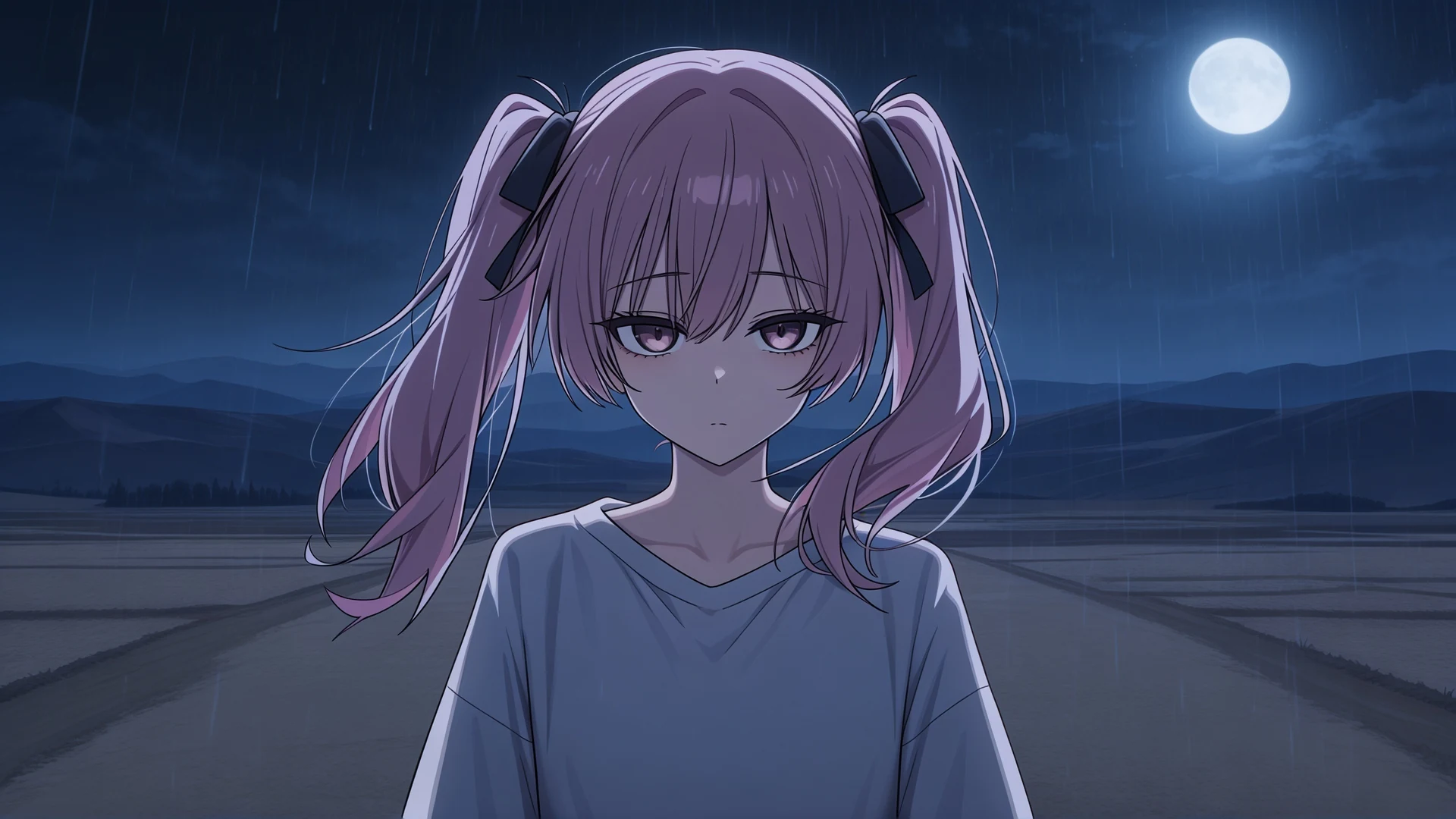
Uploading an image without clear instructions can produce a result that is either too close or not meaningfully connected. Kusa-Mix works best when the prompt names the intended subject, scene, and transformation. Treat the reference as evidence for selected visual qualities, not as a substitute for the creative brief, and use only images you have the right to provide.
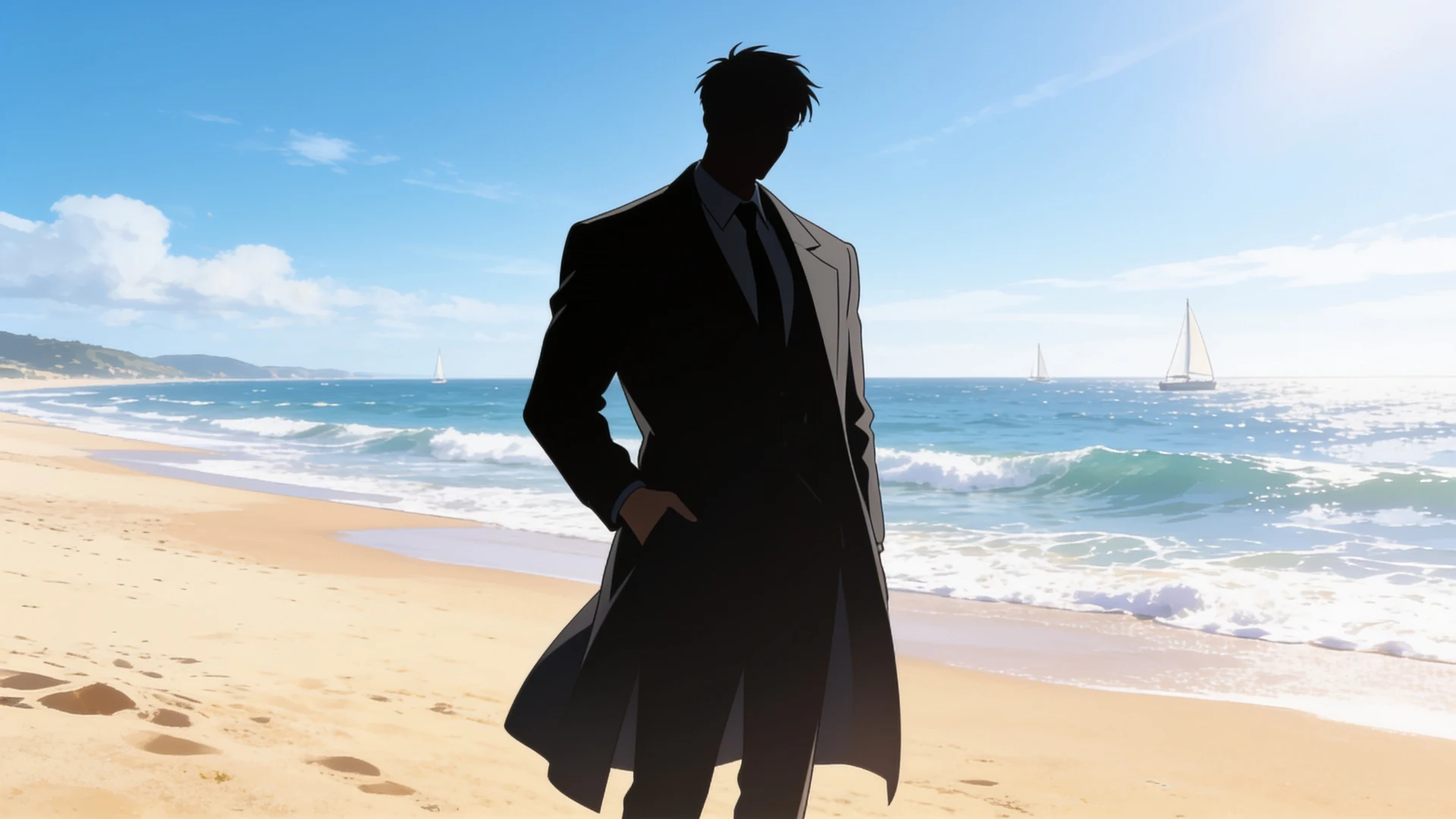
Kusa-Mix gives the generator both visual context and written intent, while keeping the task centered on creating new anime artwork.
Upload visual references and explain the desired result in writing. The prompt can identify what to preserve conceptually and what should change in the new composition.
Combine cues from the references with a new anime brief to explore different palettes, rendering approaches, motifs, or character interpretations in one generated image.
Create related but new visual directions from an existing concept. Kusa-Mix is suited to generative alternatives rather than precise local retouching or document editing.
Choose a useful reference, define the transformation, and judge the output as a new creative result.
Choose an image that clearly communicates the pose, palette, style cue, composition, or subject relationship you want the model to understand.
Write what the final image should depict and how it should differ. Name the intended subject, setting, mood, and visual changes instead of saying only “make this anime.”
Review which reference cues carried through, then revise the prompt or change the source image. Alter one major variable at a time for clearer comparisons.
Use Kusa-Mix when the starting point is visual and the destination should still be a newly generated anime image.
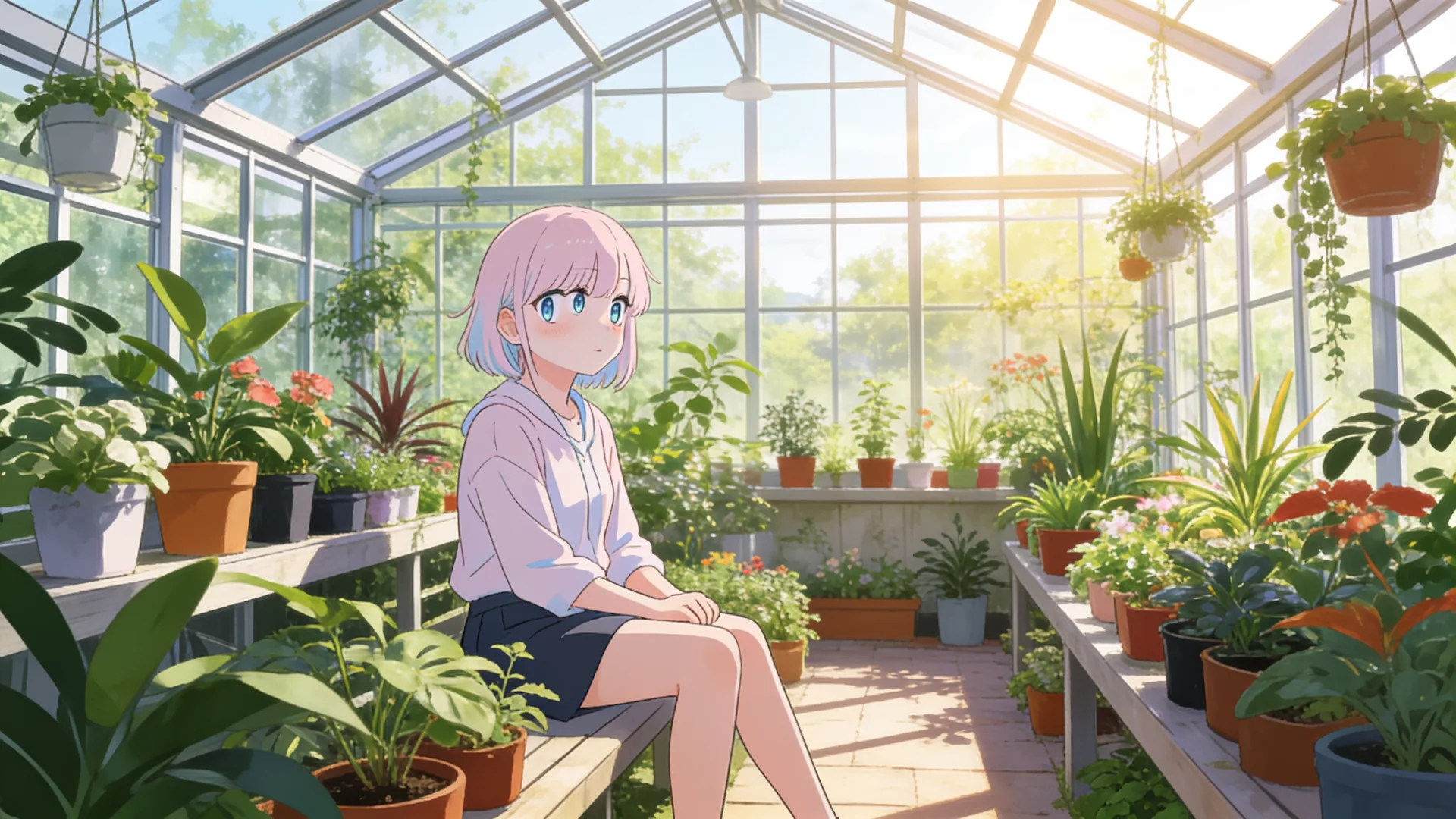
Use an authorized photo or visual reference as context, then describe a fresh anime interpretation with a specific scene, mood, and art direction.
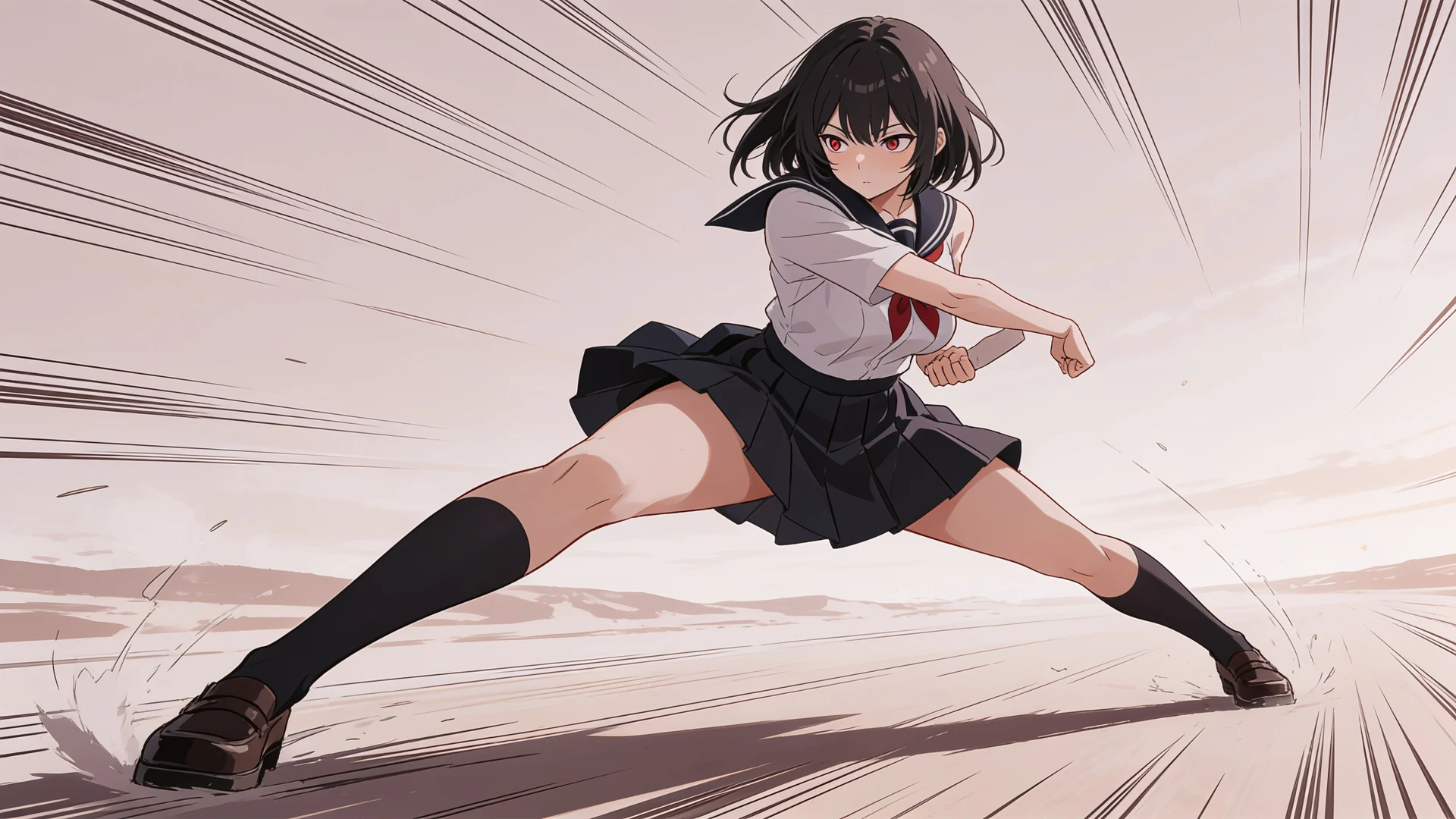
Communicate spatial relationships or camera framing with a reference while changing the character design, environment, or visual treatment.
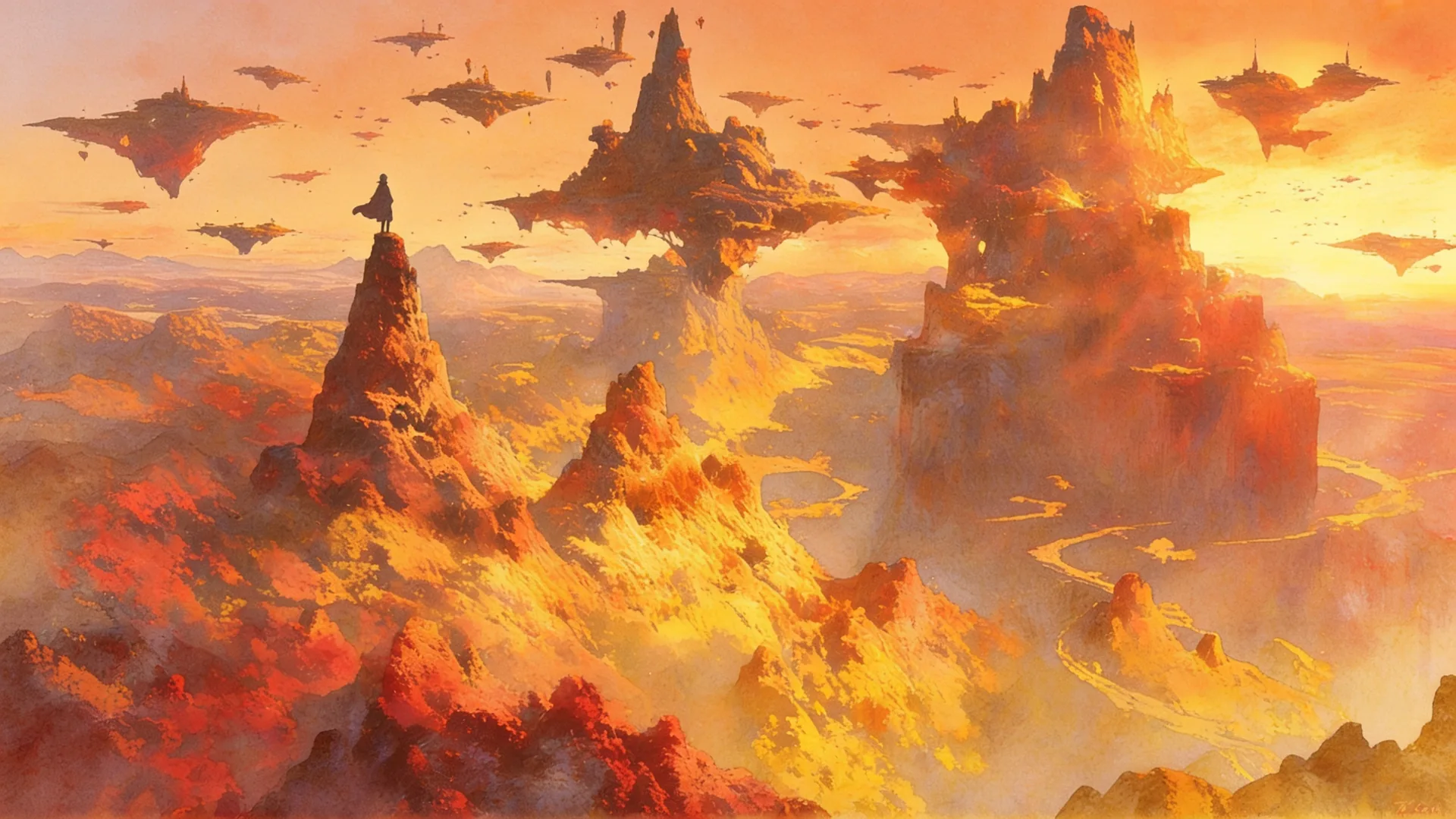
Keep the core concept recognizable while testing a different rendering approach, color system, atmosphere, or set of illustrative motifs.
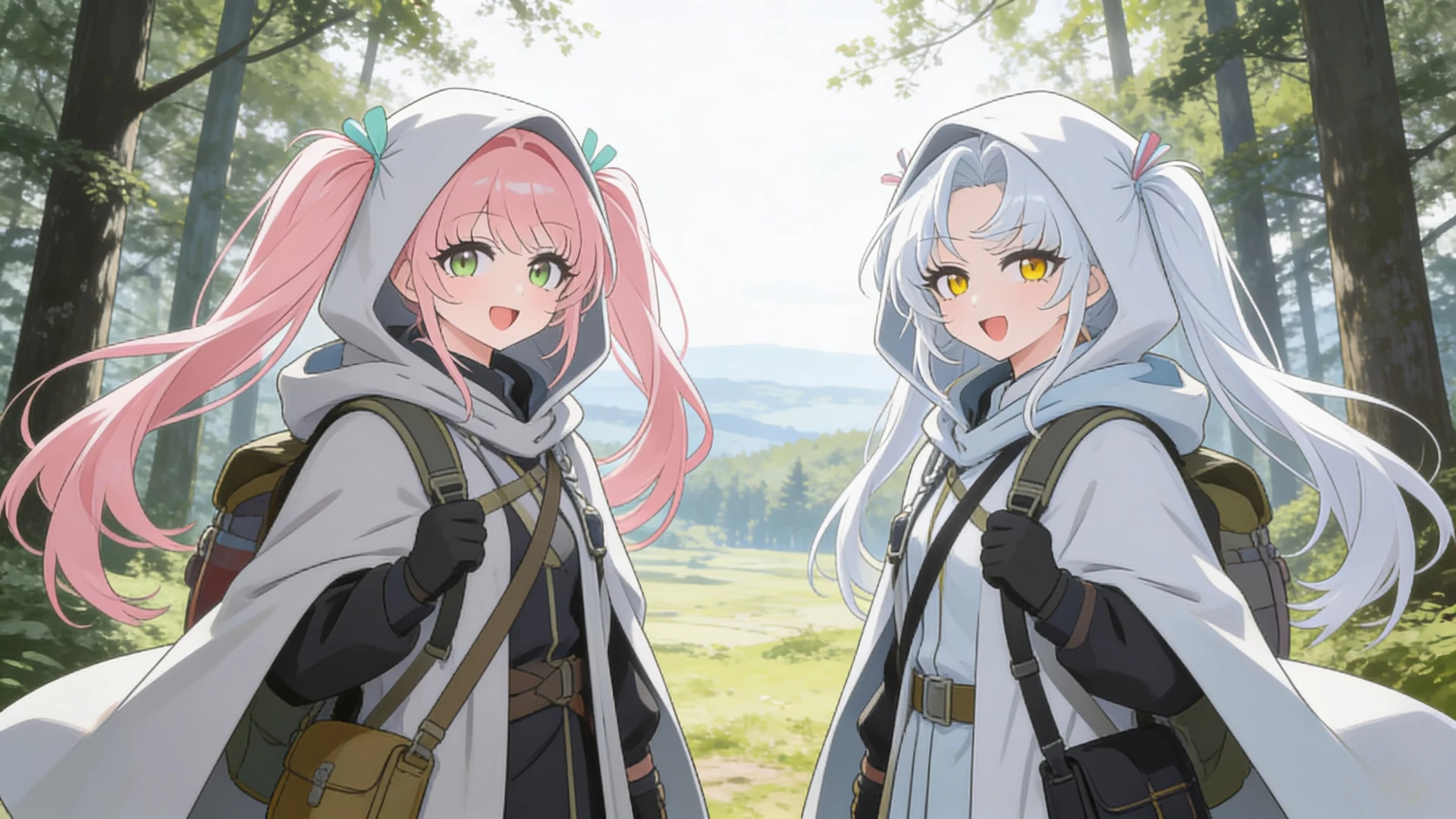
Use an existing design cue as a starting point and generate new wardrobe, mood, setting, or presentation options around the written character brief. Choose the Anima model when you want anime-specialist generation with an optional personal LoRA or saved character instead.
Upload a useful source image, explain the transformation clearly, and let Kusa-Mix turn visual context into a new anime variation. When the finished still is ready to move, continue with AI Image to Video.
Create with Kusa-MixRefine a character, arrange the result into a manga page, or animate the finished image with another KusArt tool.