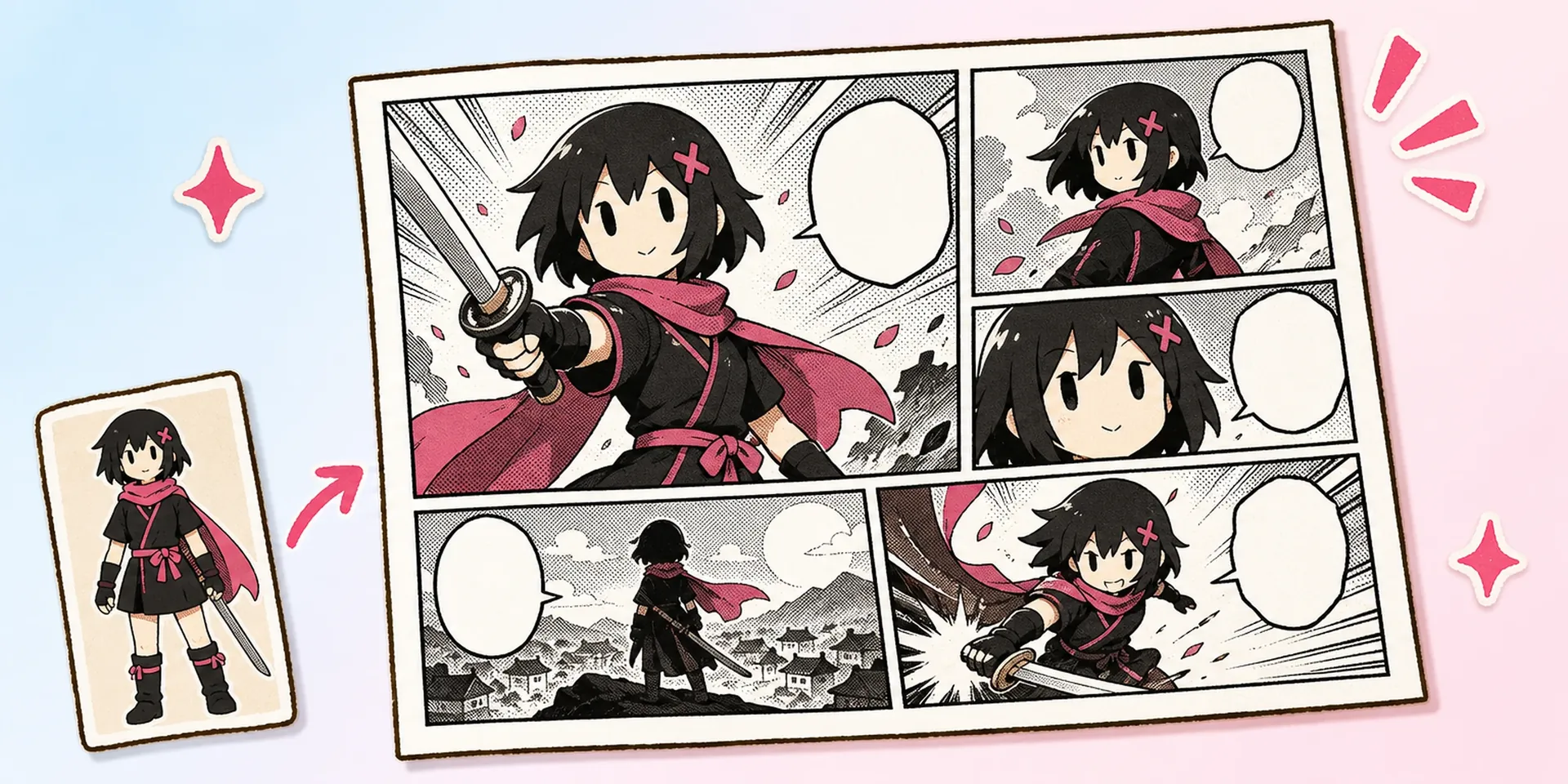
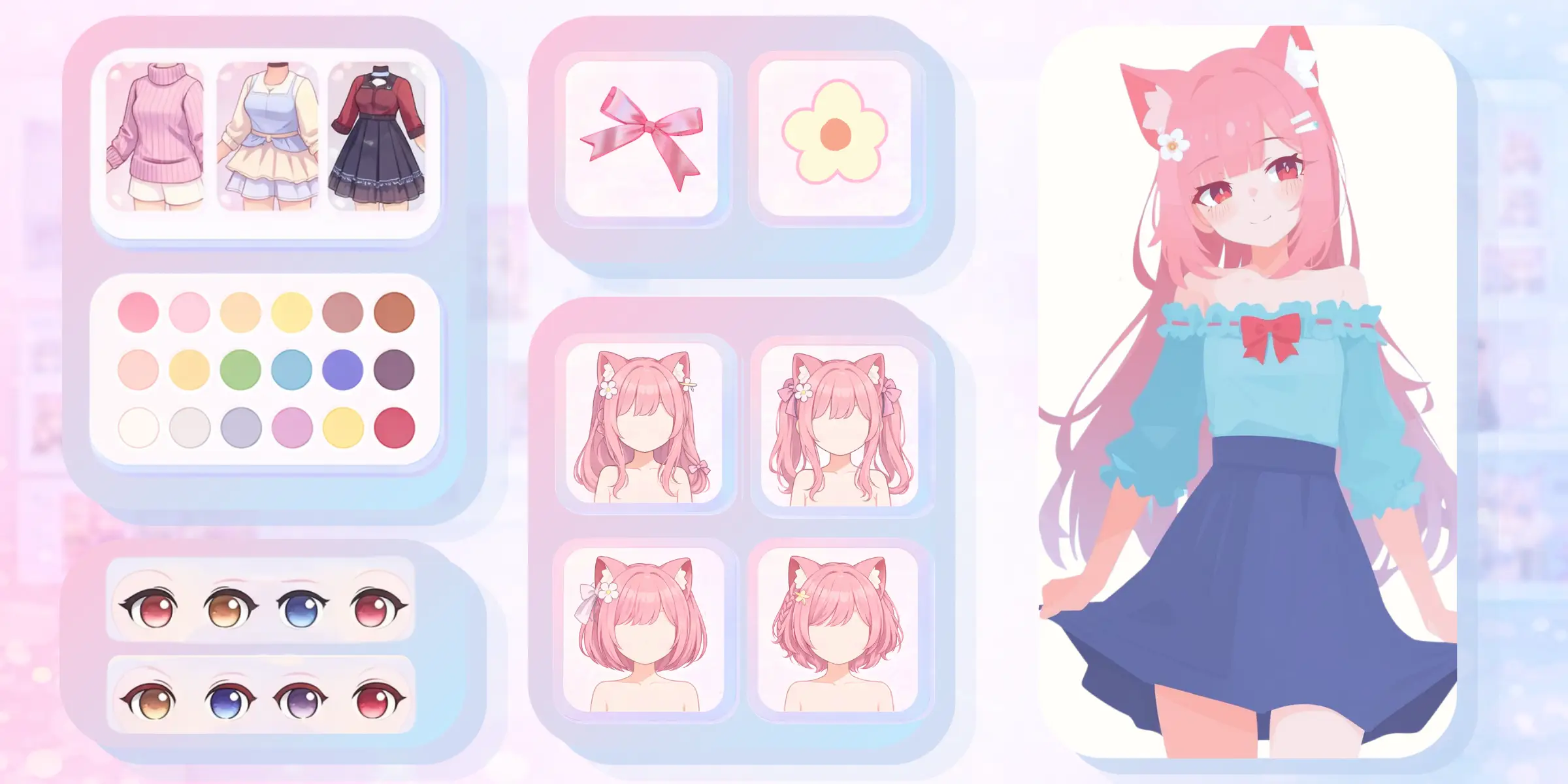
Natural-language prompt understanding
Write a complete description in ordinary language. Kusa-Easy can interpret subject, action, environment, atmosphere, and visual treatment without requiring a rigid tag sequence.

Kusa-Easy turns everyday language into expressive anime images. Describe the scene naturally, combine E-series styles when needed, and create a hand-drawn direction without writing a long chain of tags. Turn a natural description into an anime image. Kusa-Easy is an AI image generator from text for creators who prefer sentences over dense prompt syntax. Describe who is in the scene, what is happening, where it takes place, and how it should feel. The model is tuned toward hand-drawn anime aesthetics, helping a simple written idea become a coherent illustration direction.
Generate anime art from text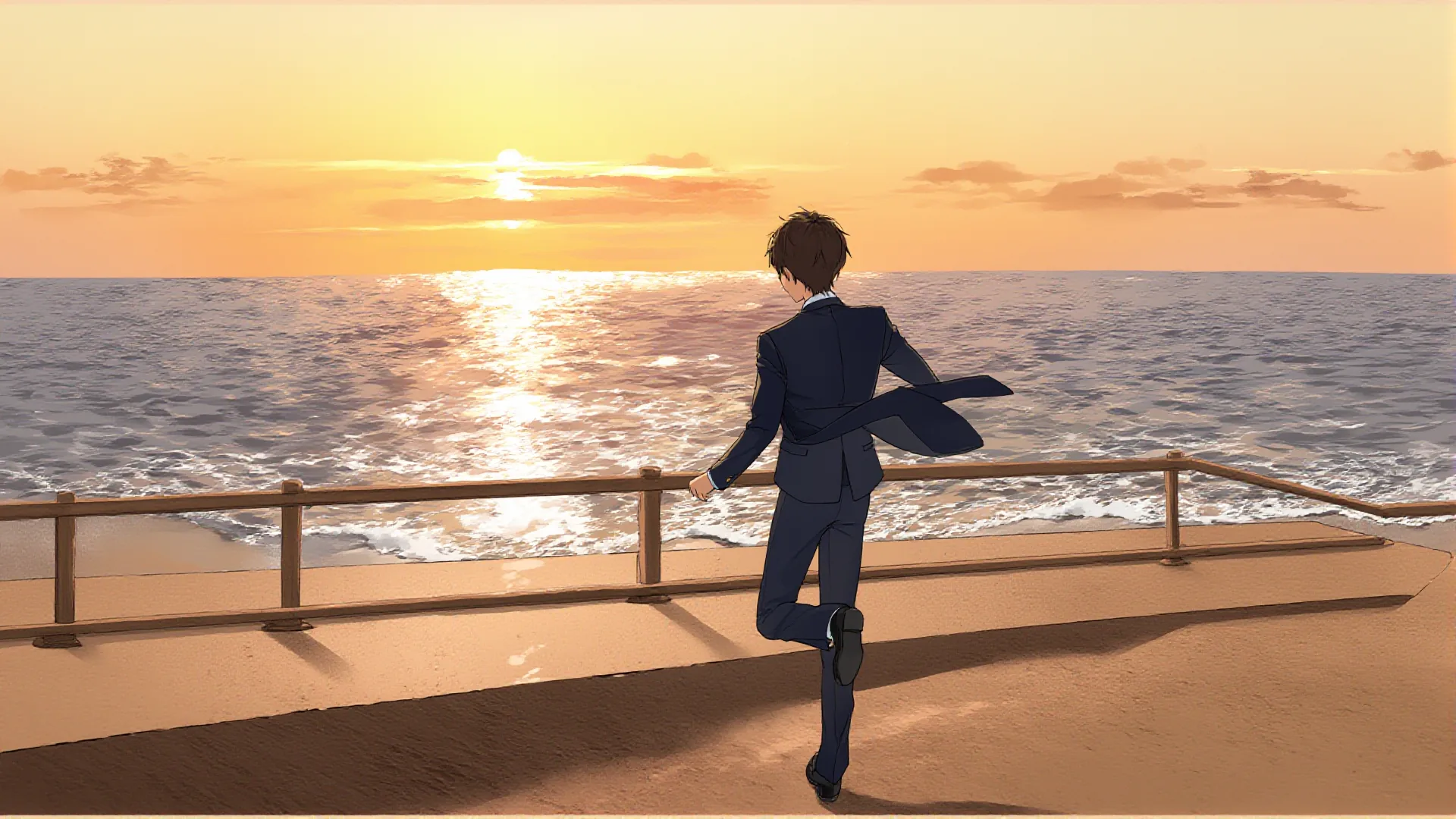
A text to image generator interprets written instructions and creates a new visual result. Kusa-Easy narrows that broad capability toward anime artwork, so the page is not trying to cover every photographic or design use case. It is built for character illustrations, emotional scenes, and stylized ideas where a hand-drawn anime treatment matters. Compare it with other specialized workflows in the AI Anime Generator.
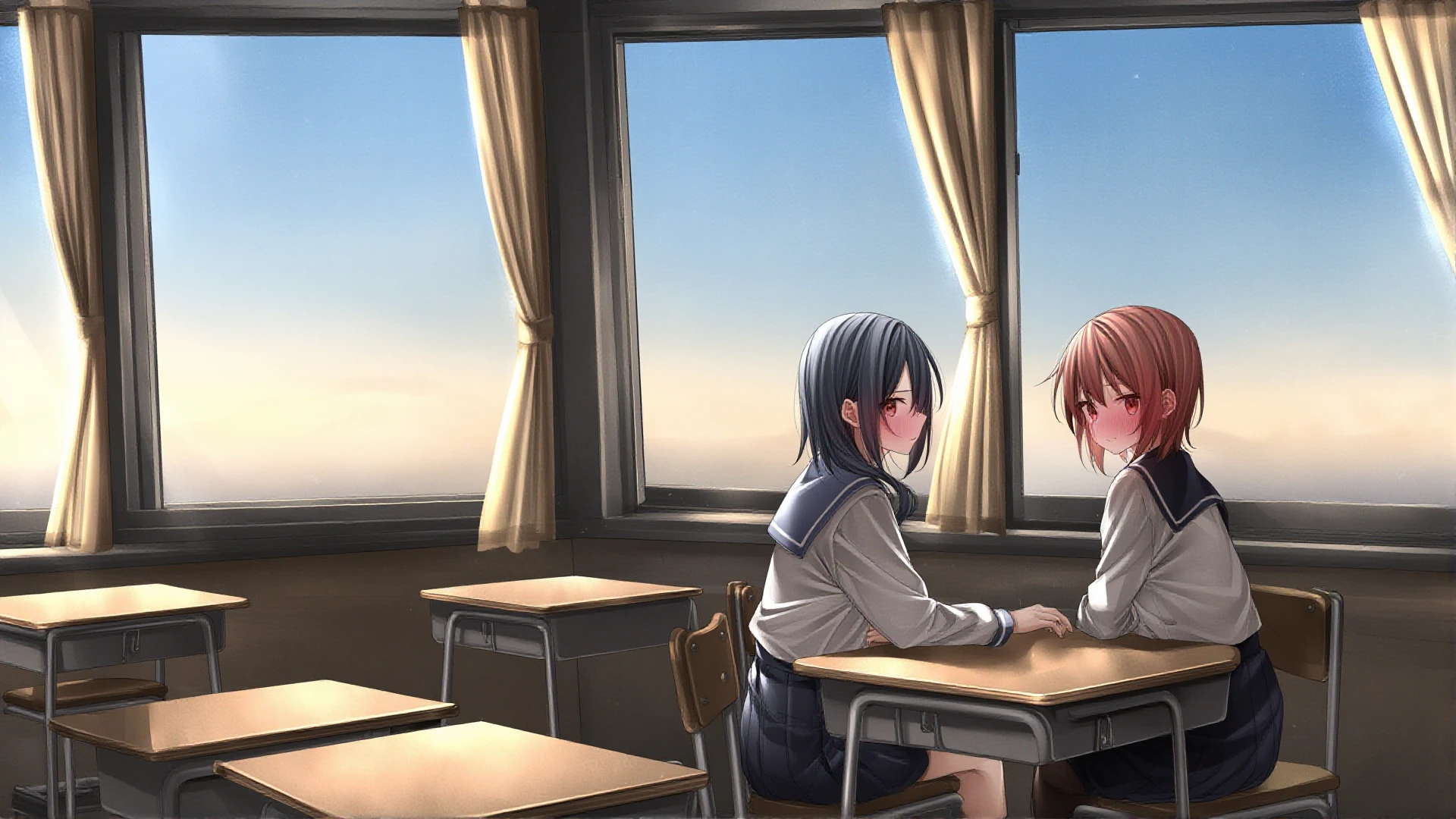
Style controls should support the idea rather than replace it. Kusa-Easy lets you choose up to five E-series styles, reorder their priority, and adjust their weights. You can keep the same natural-language prompt while testing a different visual balance, making it easier to understand whether the concept or the style mix needs refinement.
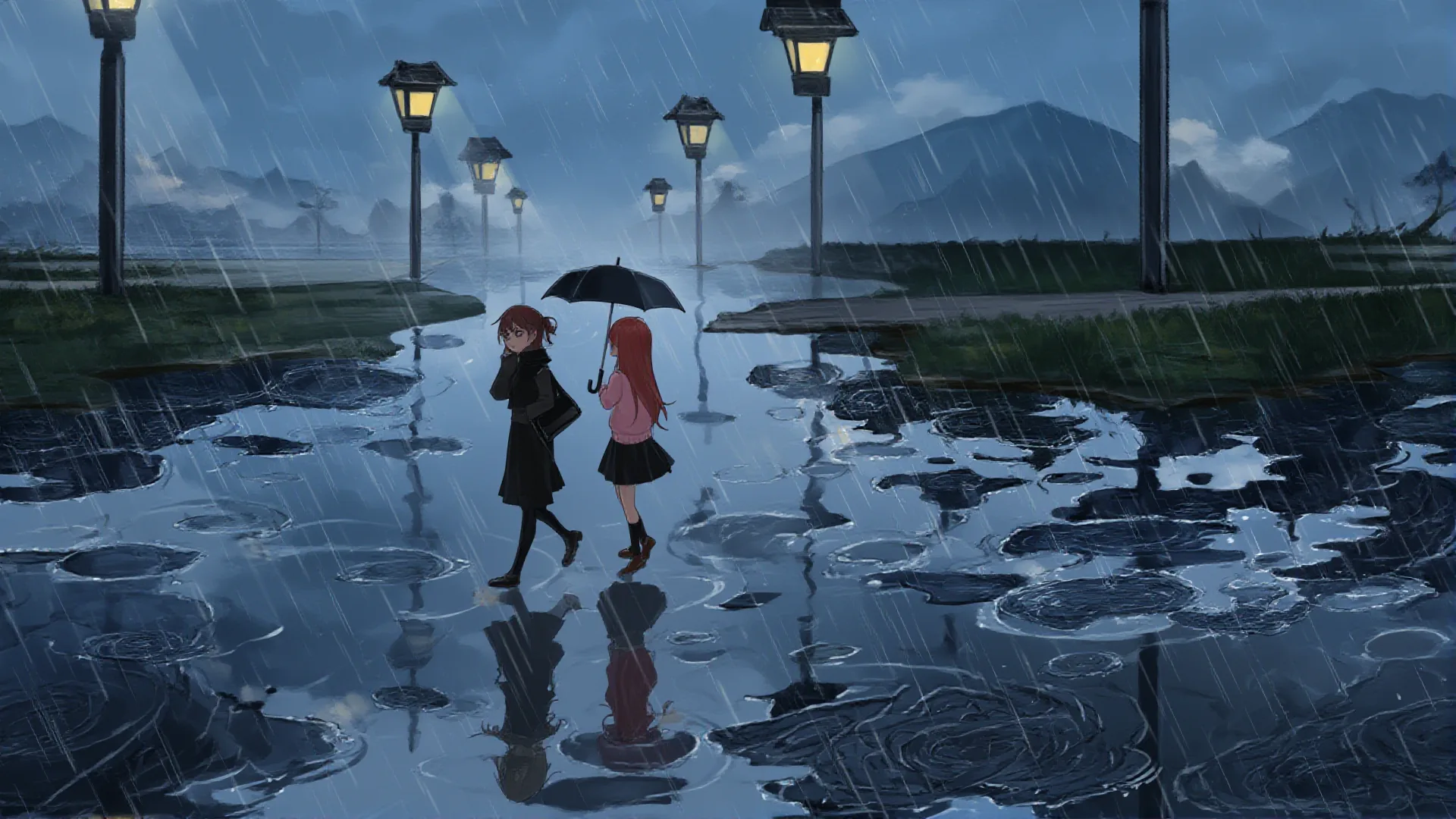
Tag-heavy prompting can make a simple scene feel like data entry, especially when you are still discovering the concept. Kusa-Easy accepts natural descriptions, so you can focus on story, emotion, and composition first. The style controls remain available for visual tuning, but the prompt stays readable enough to revise without decoding your own instructions later.
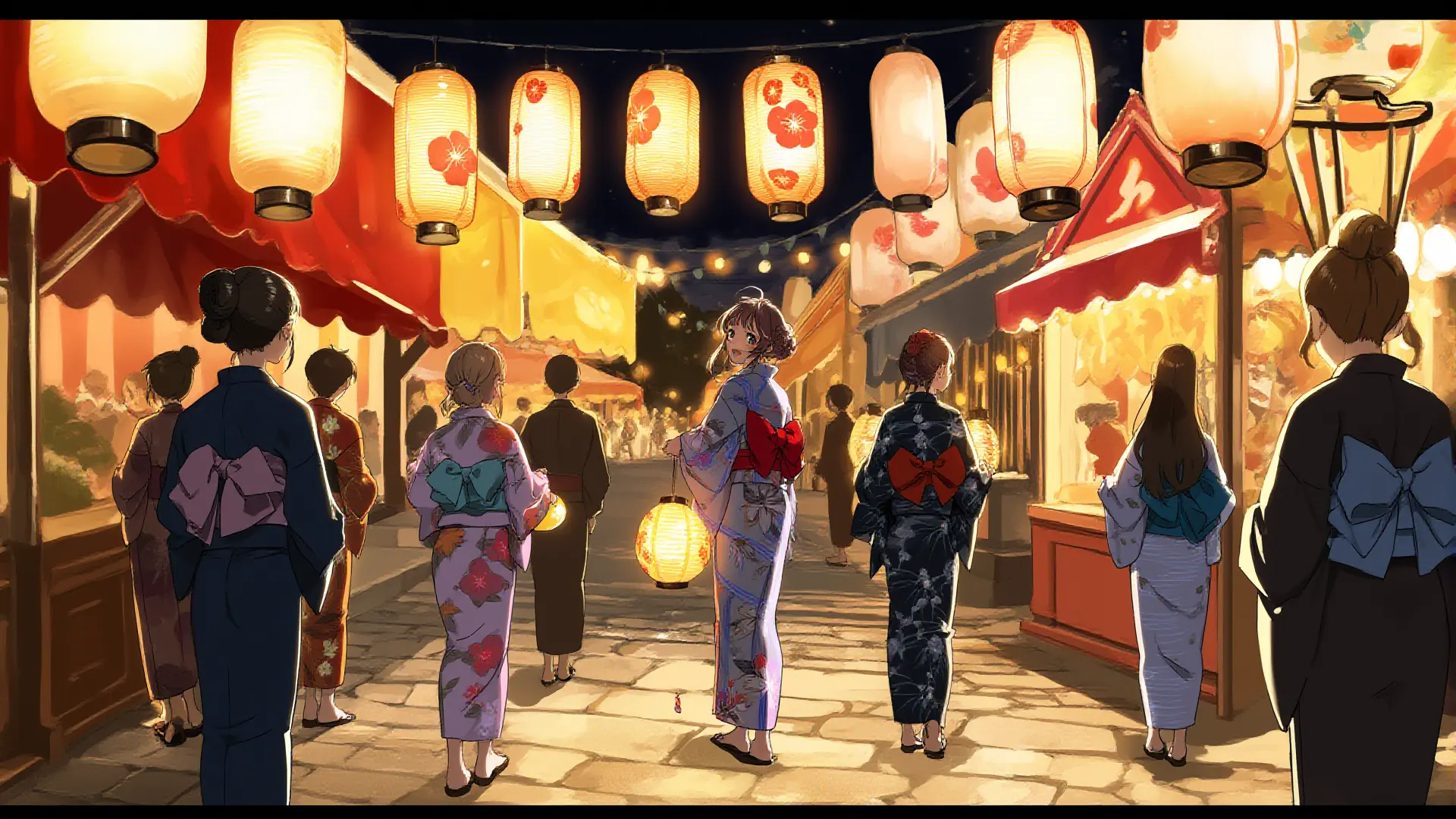
The model combines approachable writing with focused controls for anime style and presentation.
Write a complete description in ordinary language. Kusa-Easy can interpret subject, action, environment, atmosphere, and visual treatment without requiring a rigid tag sequence.
Select up to five E-series styles, reorder them, and adjust weights. This gives the AI text to image generator a clearer hierarchy for the final anime treatment.
Kusa-Easy is positioned for illustrated anime output, helping broad text-to-image requests retain linework, expressive characters, and a crafted visual feeling.
A readable brief and a small, intentional style stack are usually enough to begin.
Write one or two clear sentences covering the subject, action, setting, mood, and lighting. Add composition details only when they matter to the result.
Select styles that support the brief, place the most important direction first, and use weights to prevent secondary styles from overpowering the image.
Review the output, identify the least clear part of the scene, and rewrite that instruction. Keep successful wording stable while testing a new style balance.
Kusa-Easy is useful when you can explain the image clearly but do not want to engineer a technical prompt.
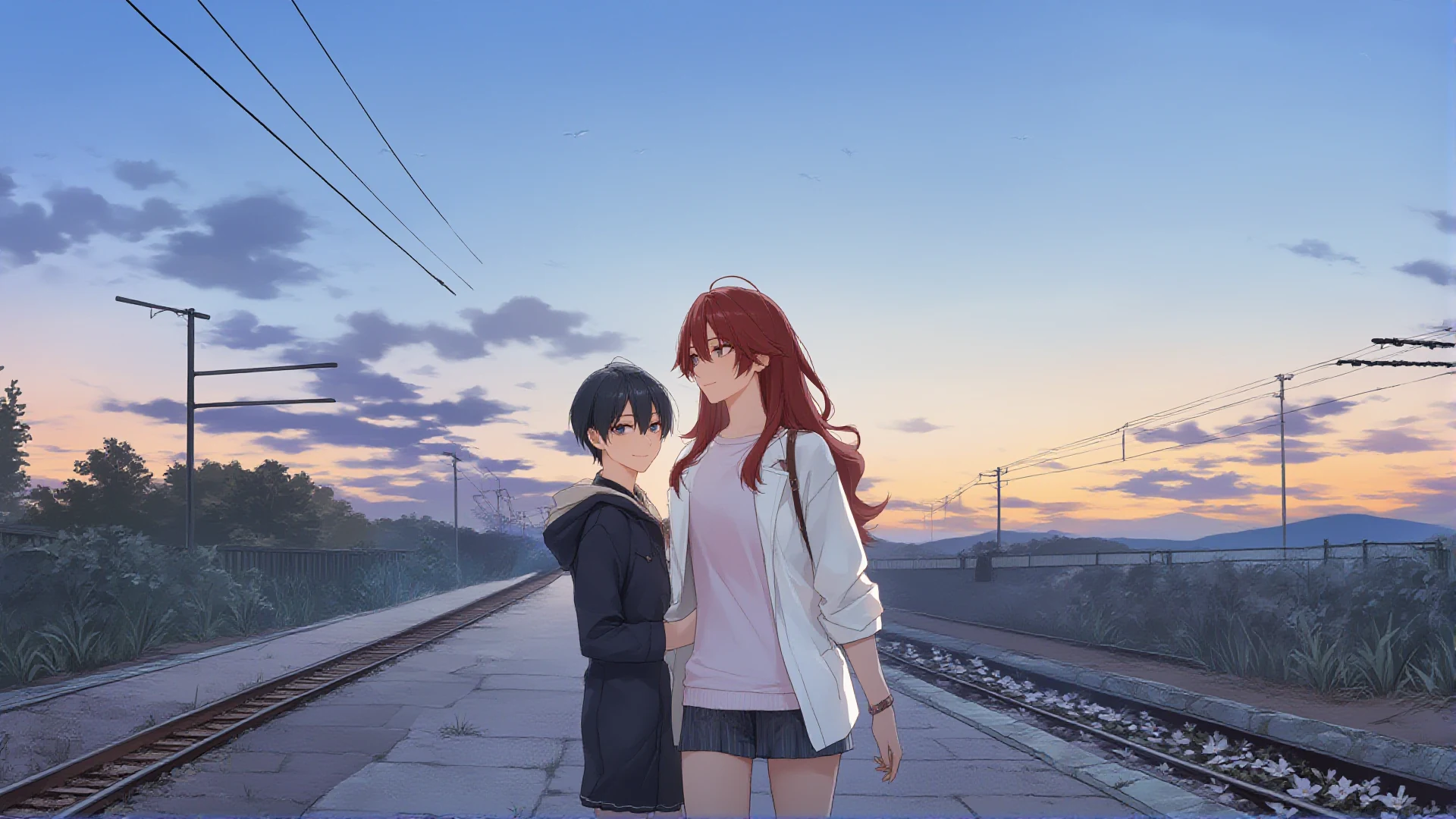
Describe an interaction, atmosphere, or turning point in plain language and turn it into an illustrated anime scene. A finished character and story direction can continue into the AI Manga Generator.
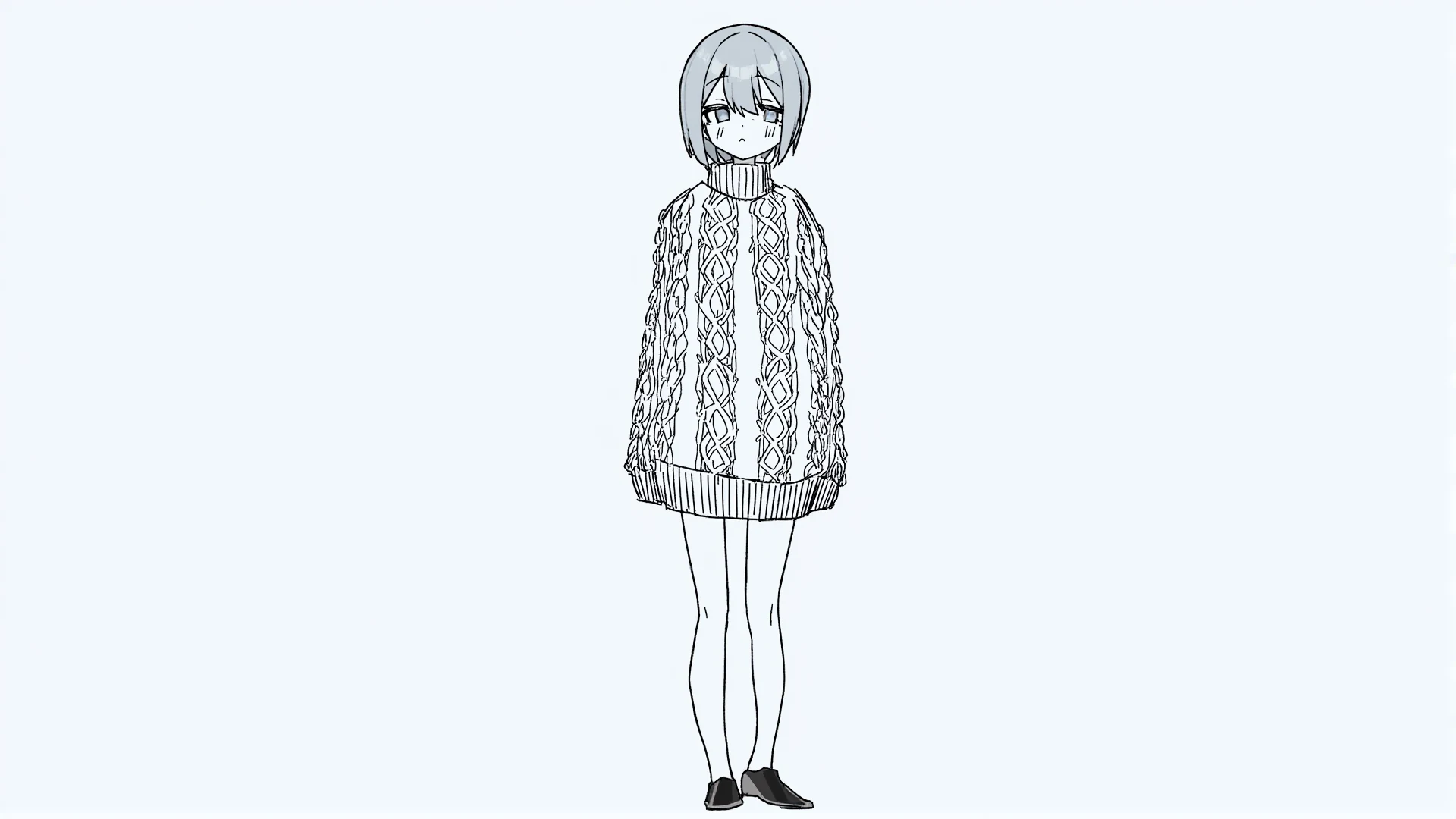
Explore a character's appearance, wardrobe, expression, and surroundings while preserving an expressive illustrated treatment.
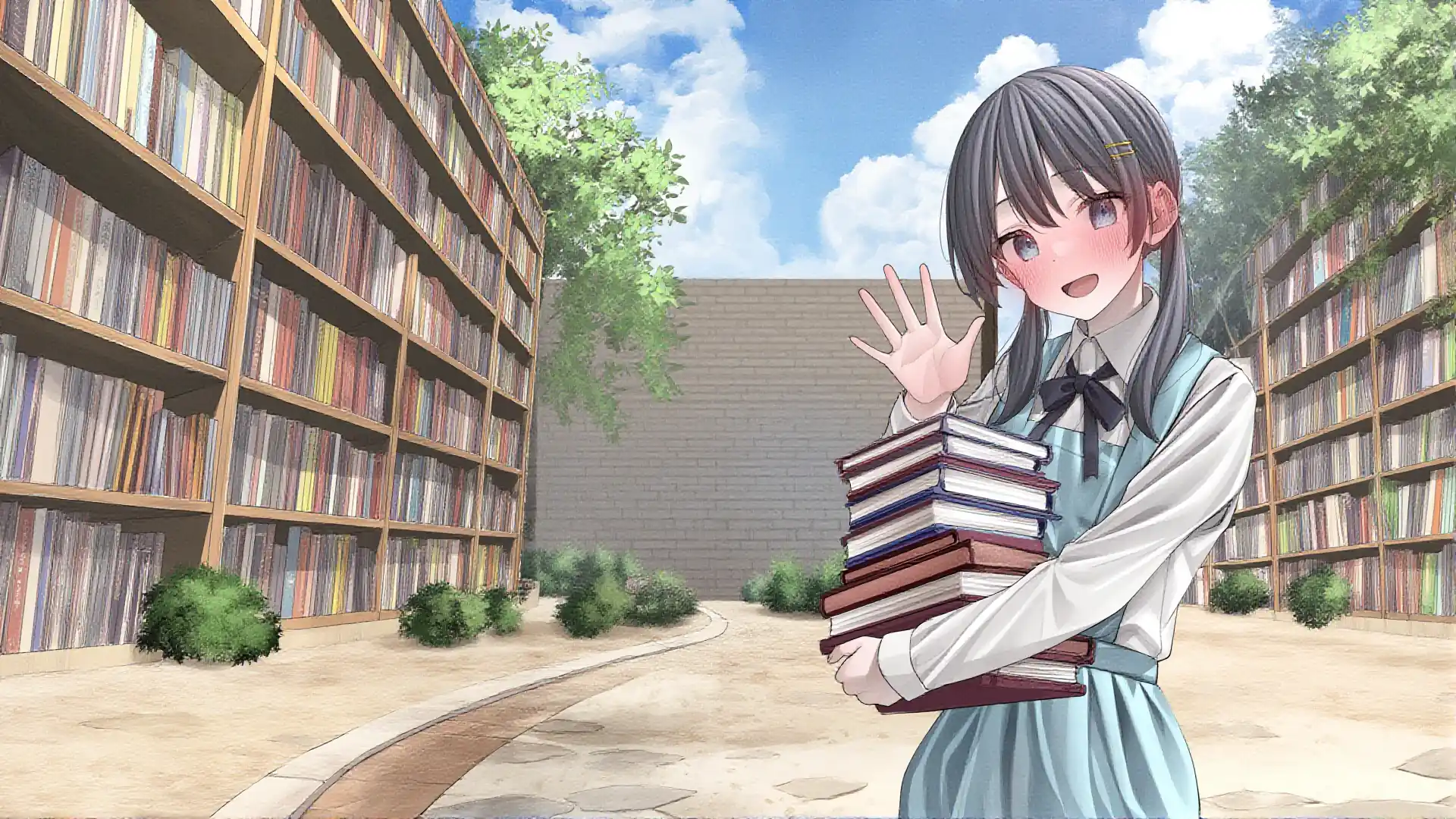
Create readable visual concepts for posts, article art, community updates, and other formats where a strong single idea matters.
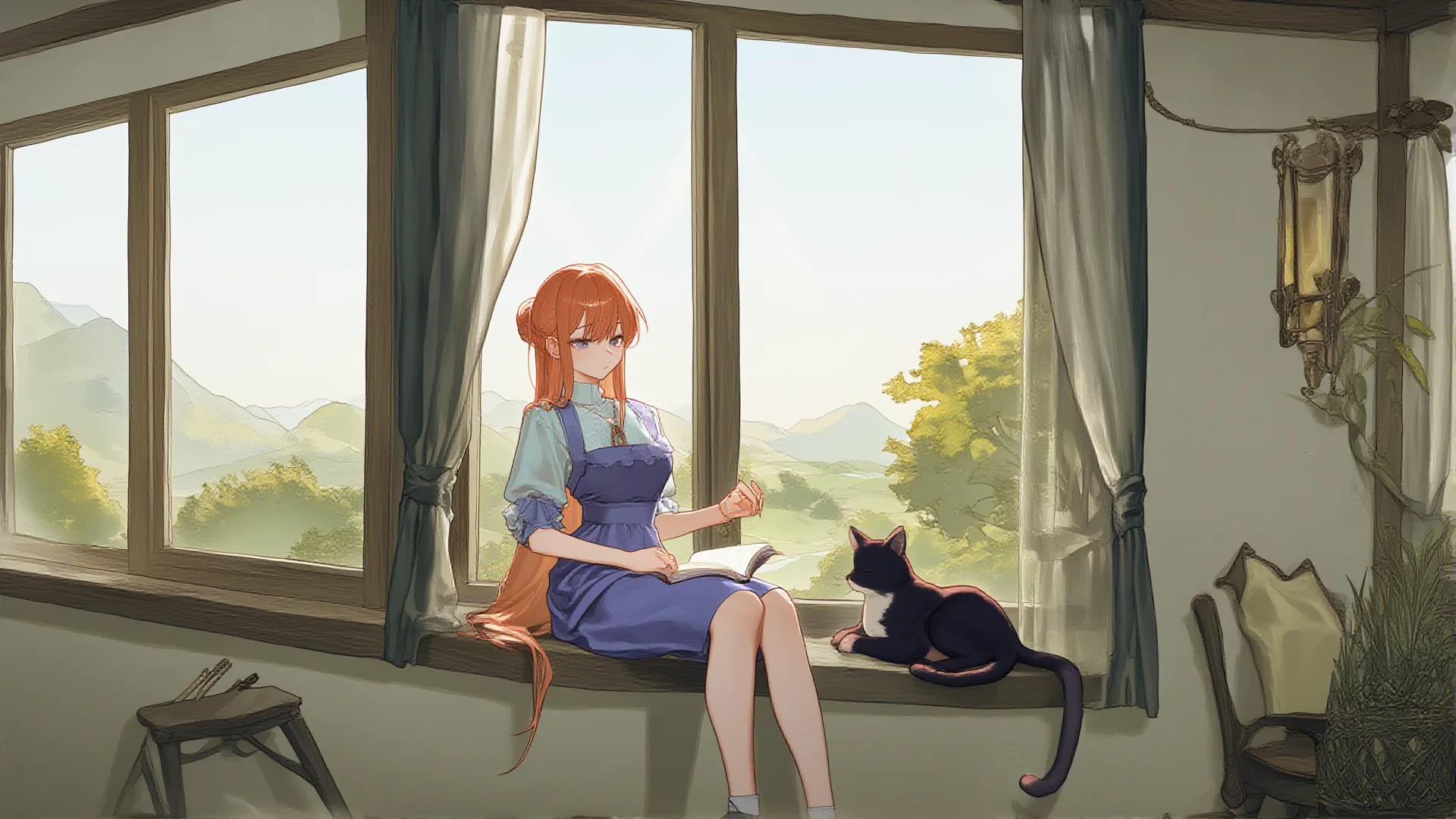
Keep the scene description fixed, then reorder or reweight E-series styles to compare how each combination changes the final tone.
Return to Kusa-Easy, write the image as a clear sentence, and use the E-series style stack to shape its hand-drawn finish.
Generate anime art from textTurn text-generated anime art into a manga page, use it as the start of an original character workflow, or animate the finished image.