Four-image creative batches
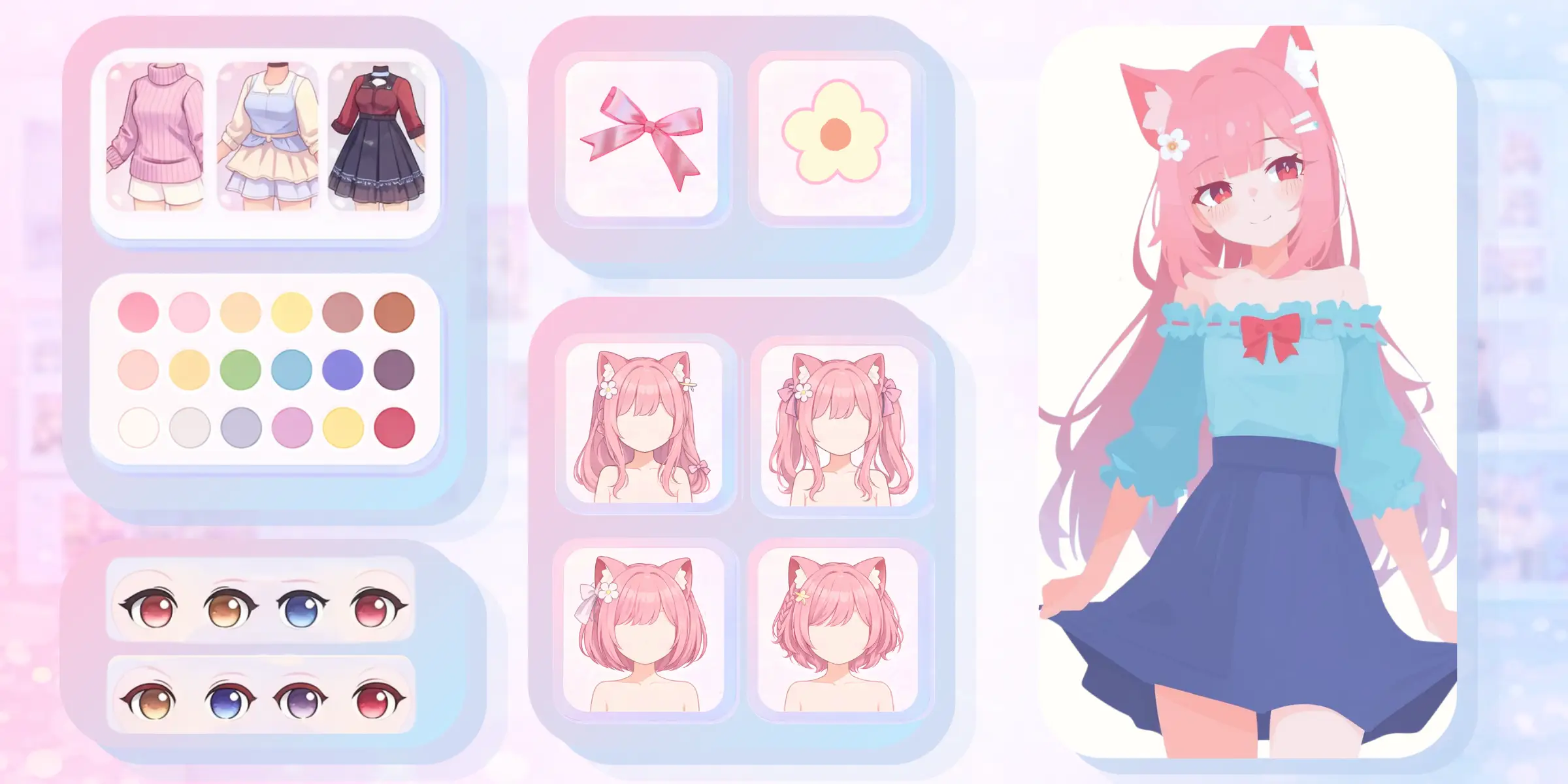
Generate four candidates from the same brief so you can compare visual decisions immediately. A batch is useful for selecting a pose, composition, palette, or atmosphere.

Kusa Niji is an anime art generator for creators who want richer illustration direction, multiple candidates per run, reference-guided details, and controls that can push a concept from clean to unexpected. Generate four artistic directions from one anime concept. Kusa Niji produces a batch of four images, giving you immediate alternatives for composition, expression, palette, and visual rhythm. Instead of judging a creative direction from one output, you can compare several interpretations together and identify the strongest route before refining your prompt or references.
Create with Kusa Niji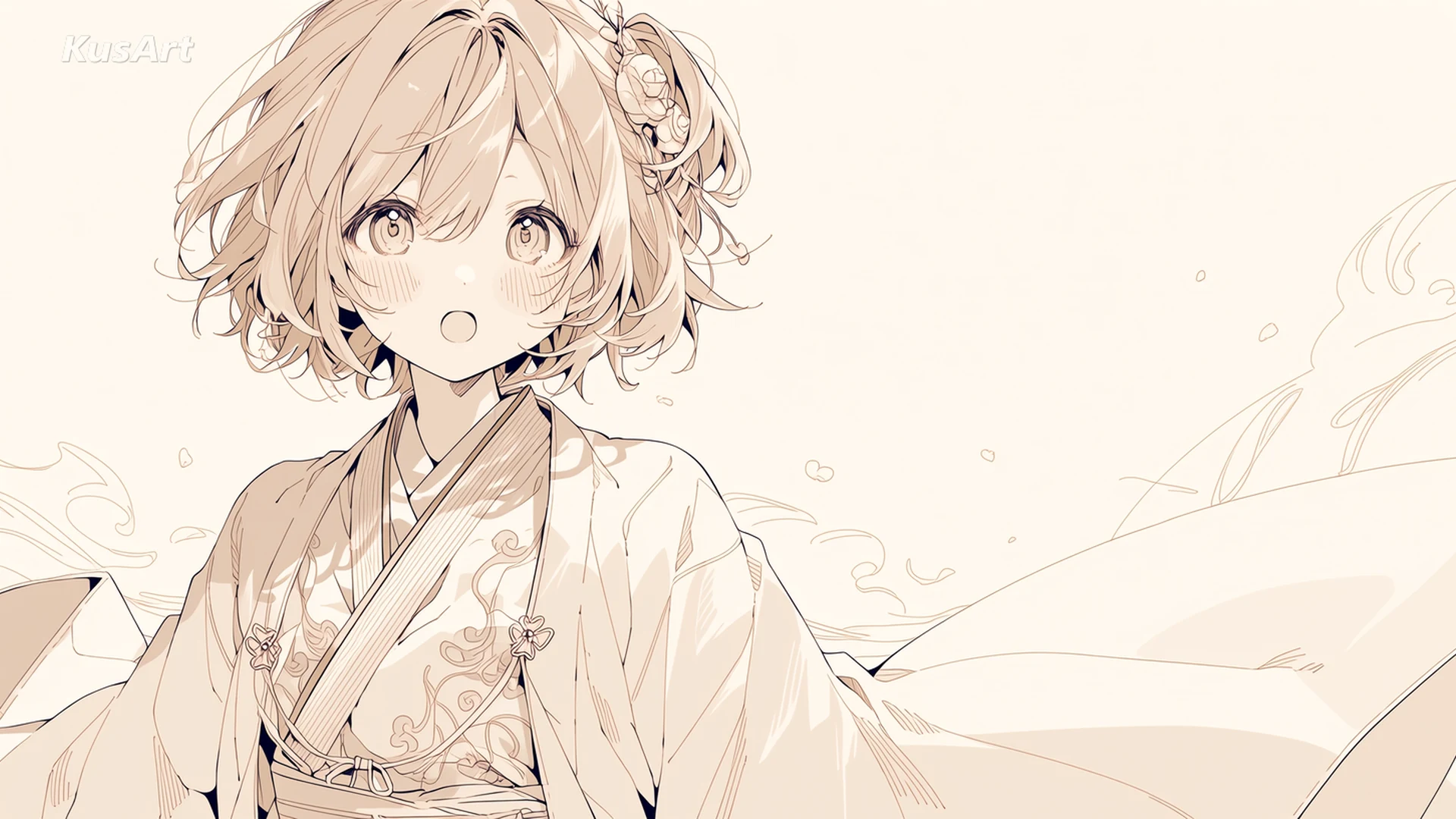
Kusa Niji is KusArt's specialized model for artistic anime illustration. It combines text prompting with element references, style references, and expressive controls. This makes it useful when a standard AI anime art generator feels too neutral and the work needs a stronger visual voice, decorative detail, or a more deliberate illustration finish. For a broader comparison of KusArt's creation options, return to the AI Anime Generator.
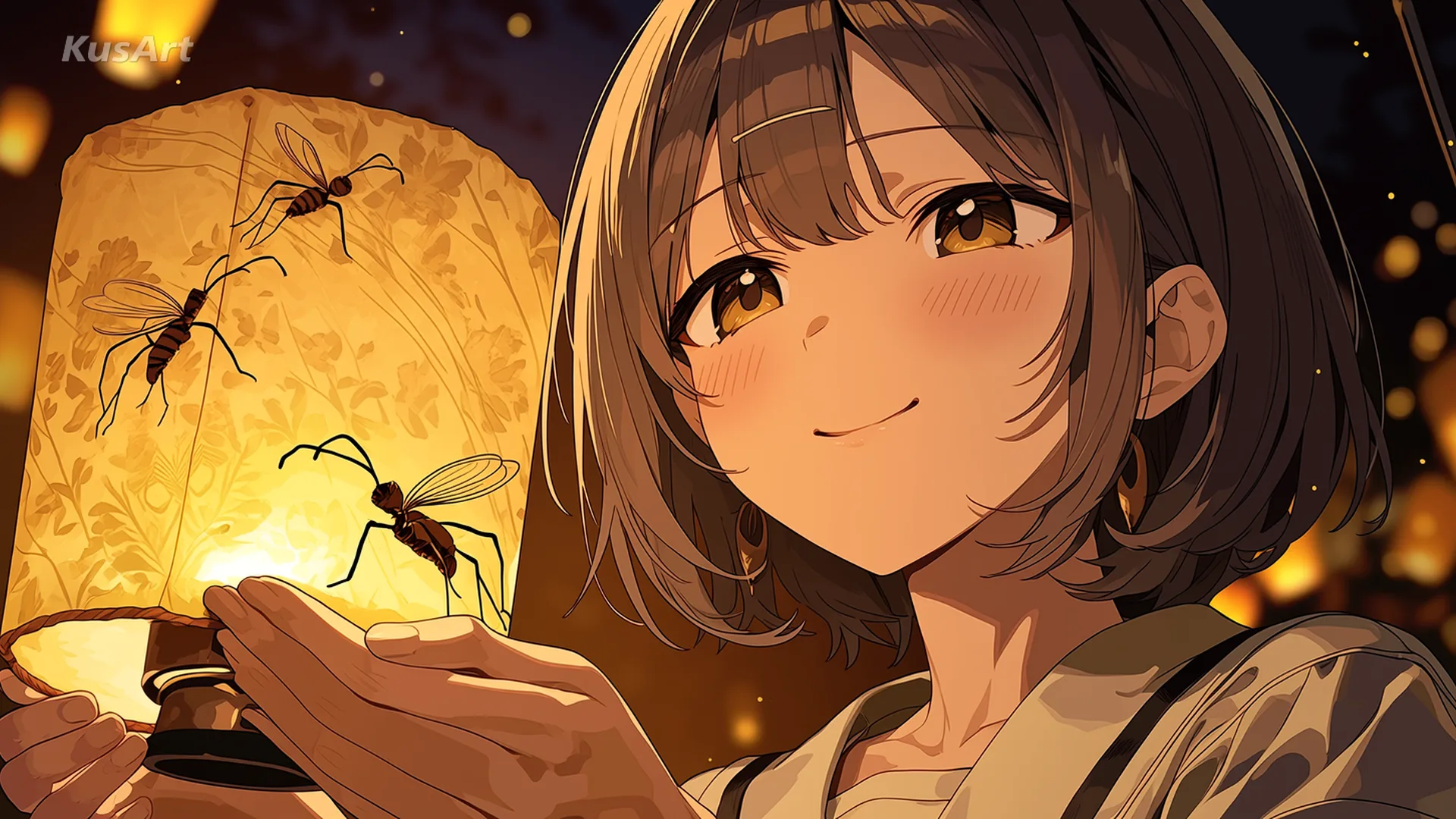
You can provide up to five element references and three style references, then combine them with a written prompt. Element references help communicate visual subjects or motifs, while style references guide the broader treatment. Keeping those roles distinct gives you a clearer way to direct an anime image while still allowing Kusa Niji to create a new composition.
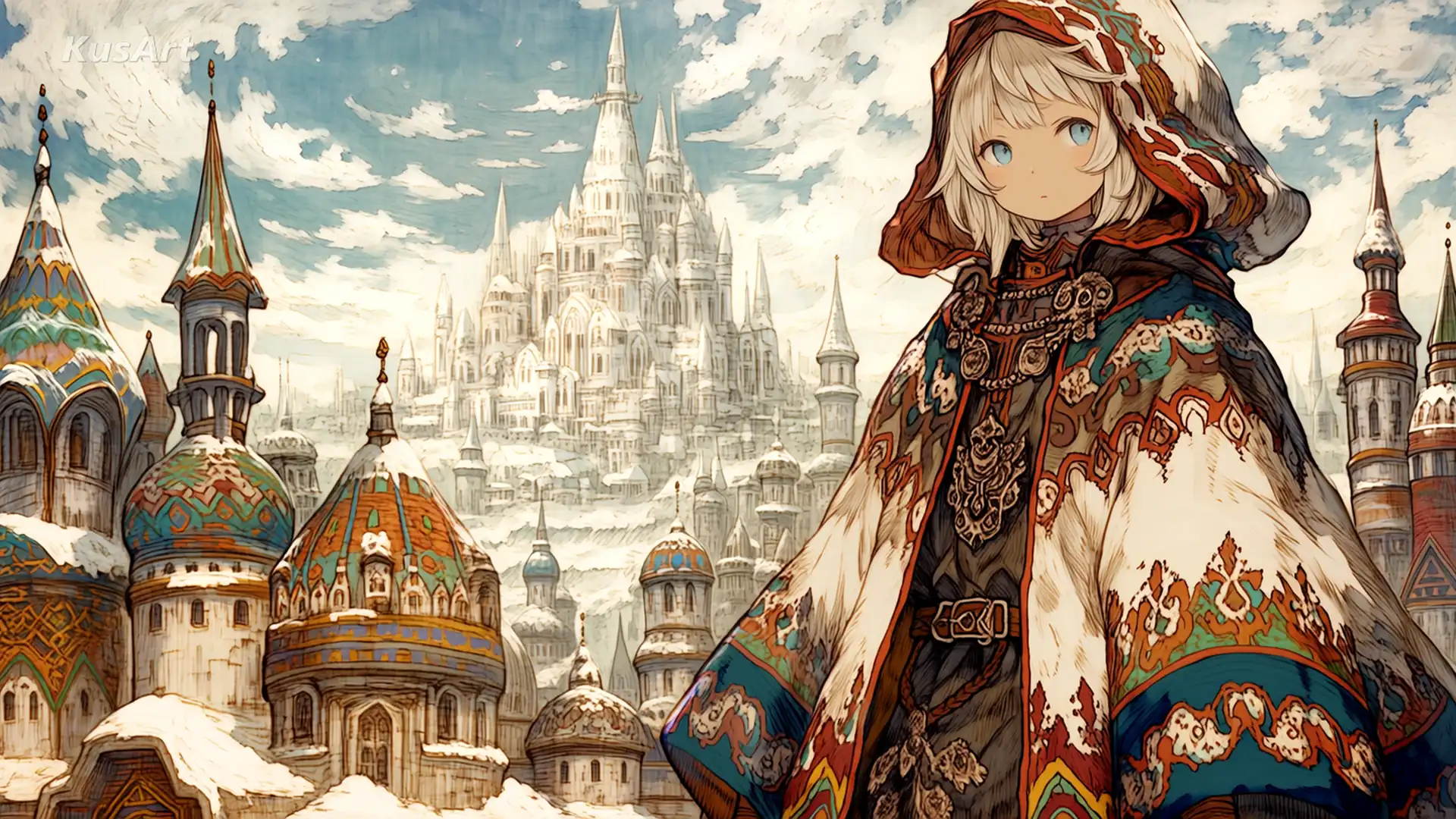
Many generators return competent images that all feel equally cautious. Kusa Niji adds stylize, chaos, and weird parameters so you can decide whether a prompt should stay controlled or move toward more unusual structure and detail. These controls are especially useful during concept exploration, where a less predictable candidate can reveal the idea worth developing.
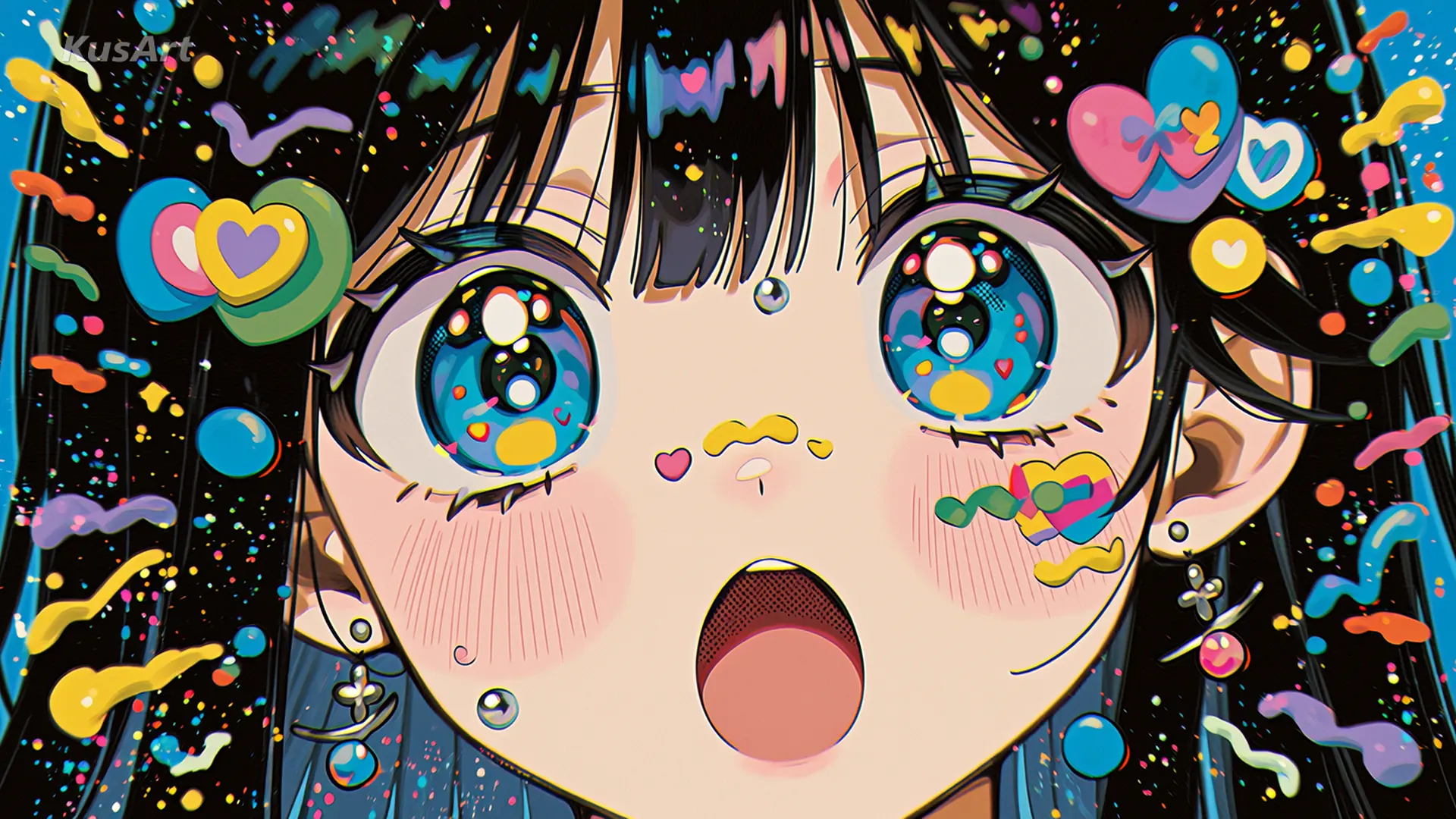
Kusa Niji combines batch generation and reference inputs with parameters built for illustration exploration.
Generate four candidates from the same brief so you can compare visual decisions immediately. A batch is useful for selecting a pose, composition, palette, or atmosphere.
Guide subjects and motifs with element references, then shape the overall visual language with separate style references. Your prompt connects those inputs into a new scene.
Use stylize, chaos, and weird settings to move between polished consistency and more adventurous outcomes without changing to a different anime AI art generator.
Start with a clear concept, add references only where they improve communication, and use the batch to choose your direction.
Describe the main subject, scene, mood, and composition. State the most important visual relationship first so the batch shares a coherent foundation.
Upload relevant element or style references, then set stylize, chaos, and weird according to how controlled or exploratory the result should feel.
Review the full batch, keep the strongest direction, and refine the prompt or references. Small, intentional changes make later batches easier to evaluate.
Use this anime art generator when visual treatment and creative variation matter as much as the subject itself.
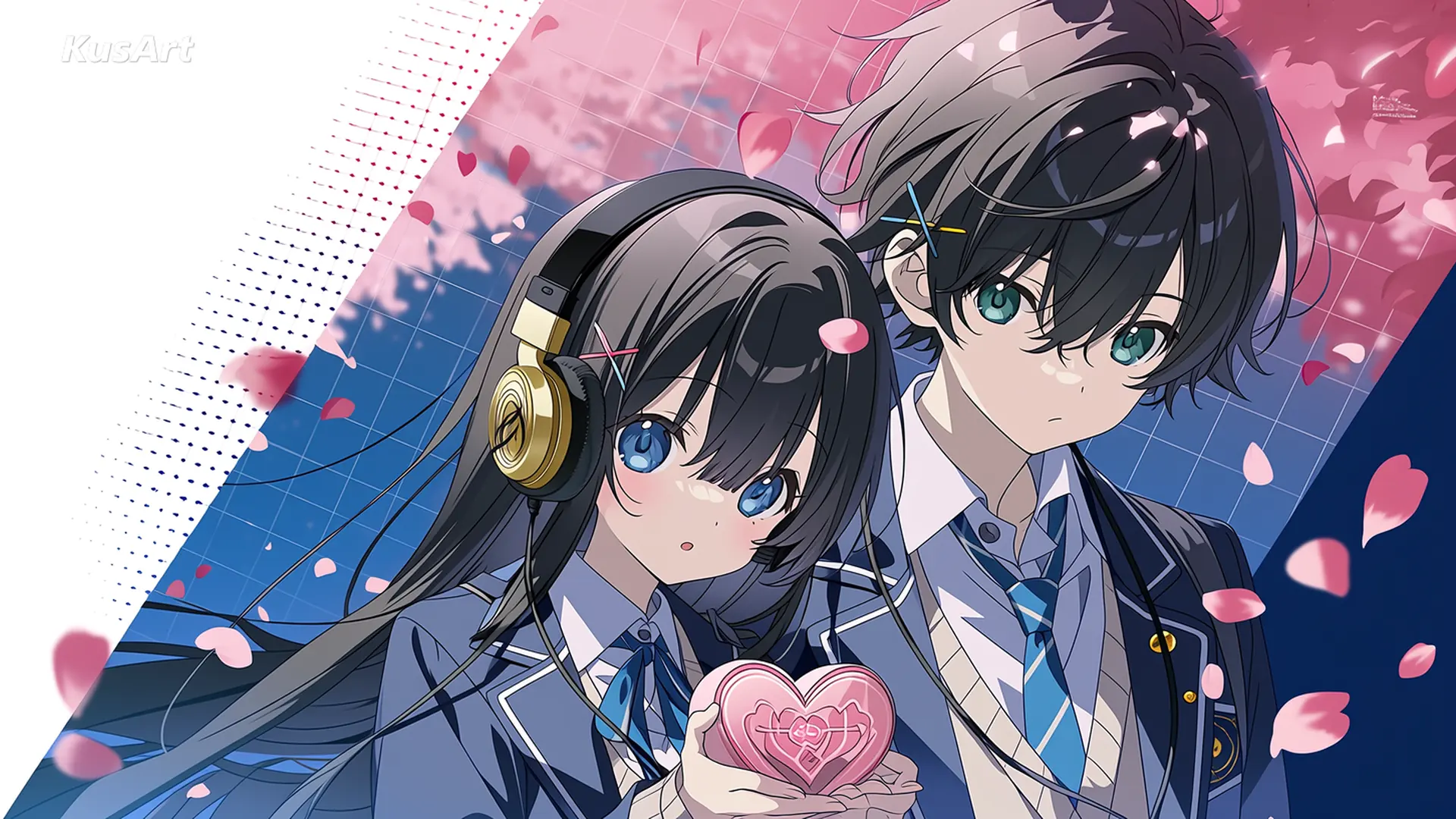
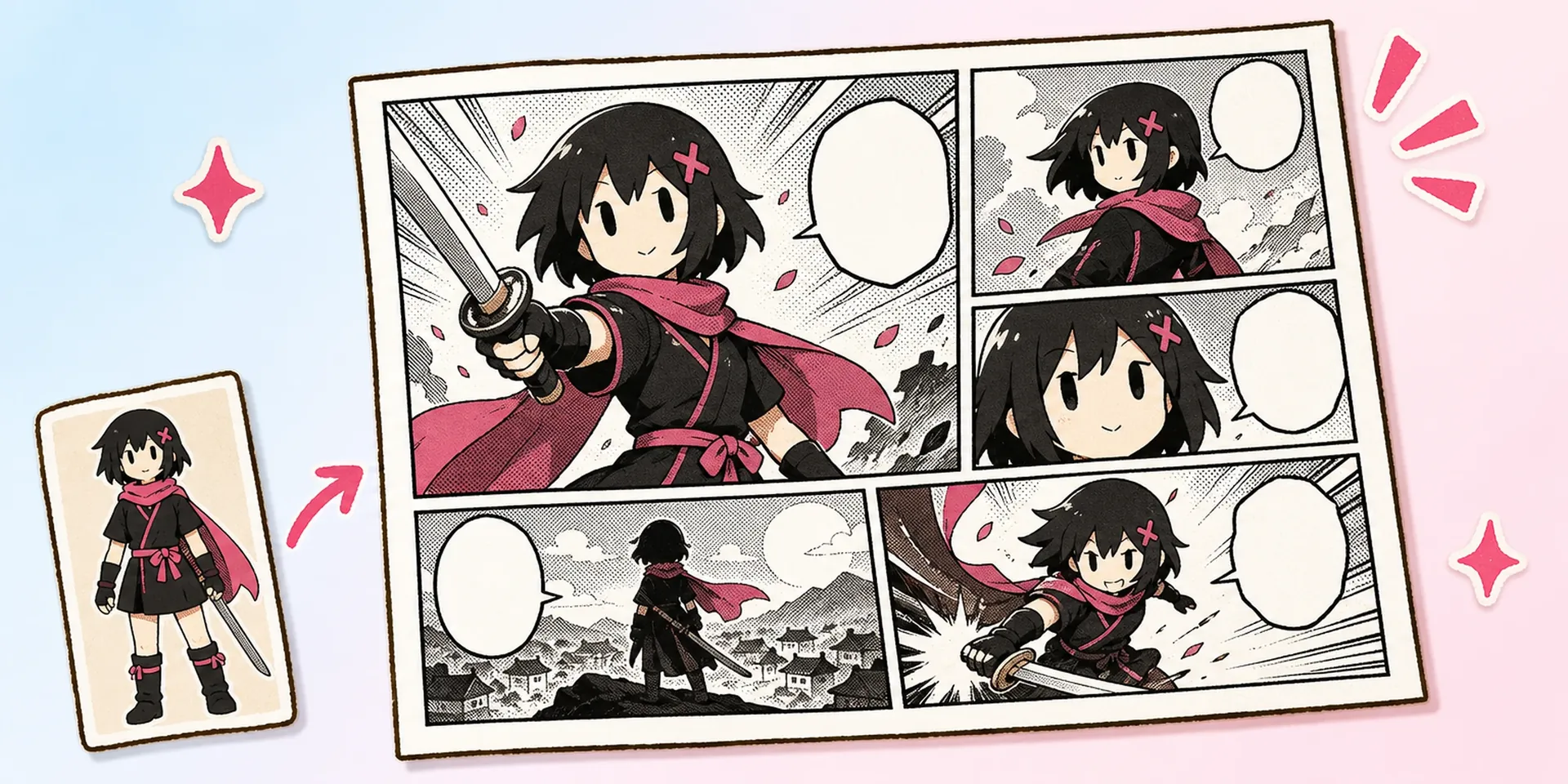
Explore dramatic compositions, decorative detail, color systems, and focal points for promotional illustrations or story key visuals. Once the character and direction are working, the AI Manga Generator can turn them into a structured manga page.
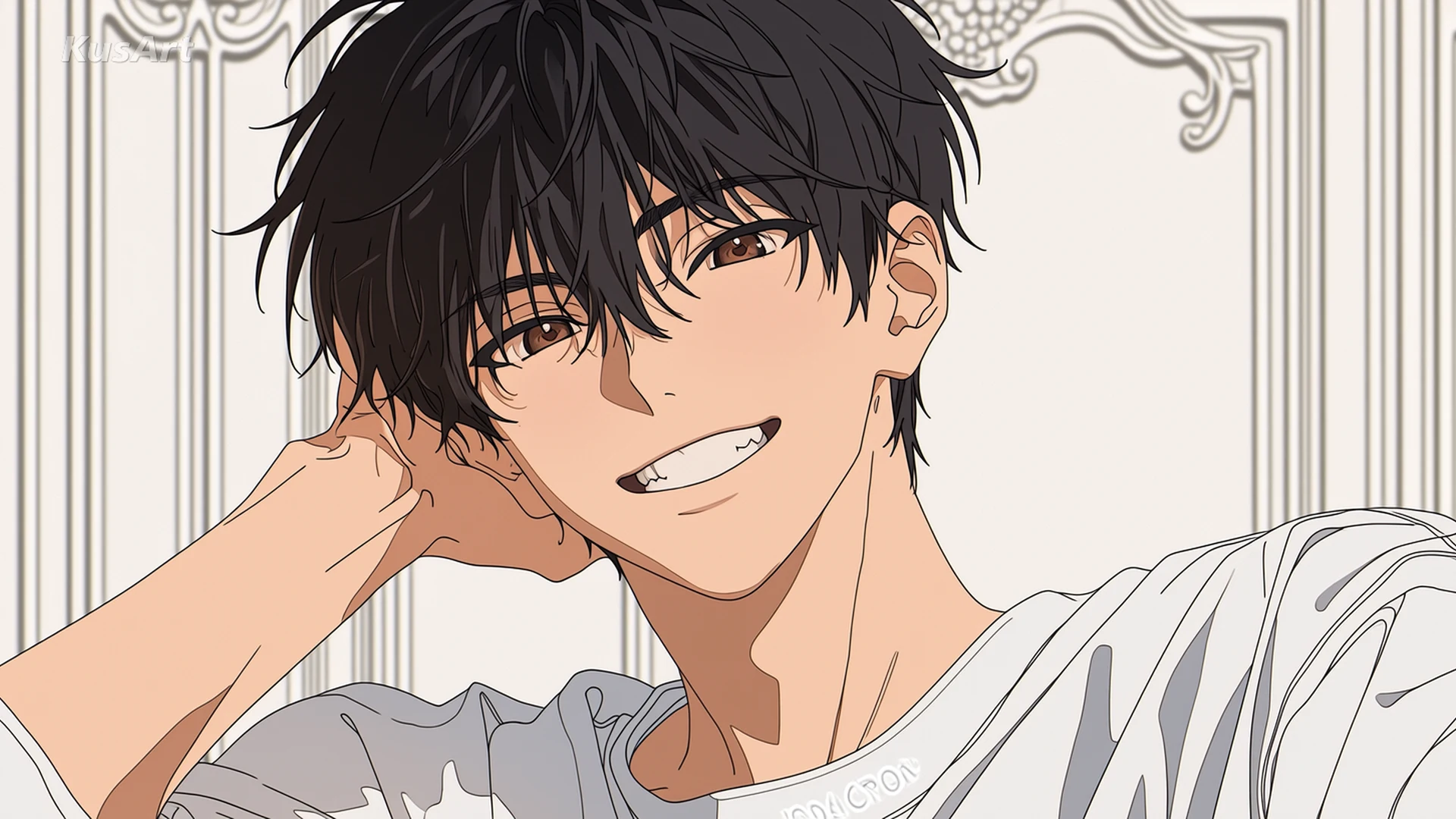
Compare several interpretations of one character brief, then select the expression, pose, or visual finish that best communicates their personality. Use the Anima model instead when you want an anime-specialist foundation with optional personal LoRAs or saved characters.
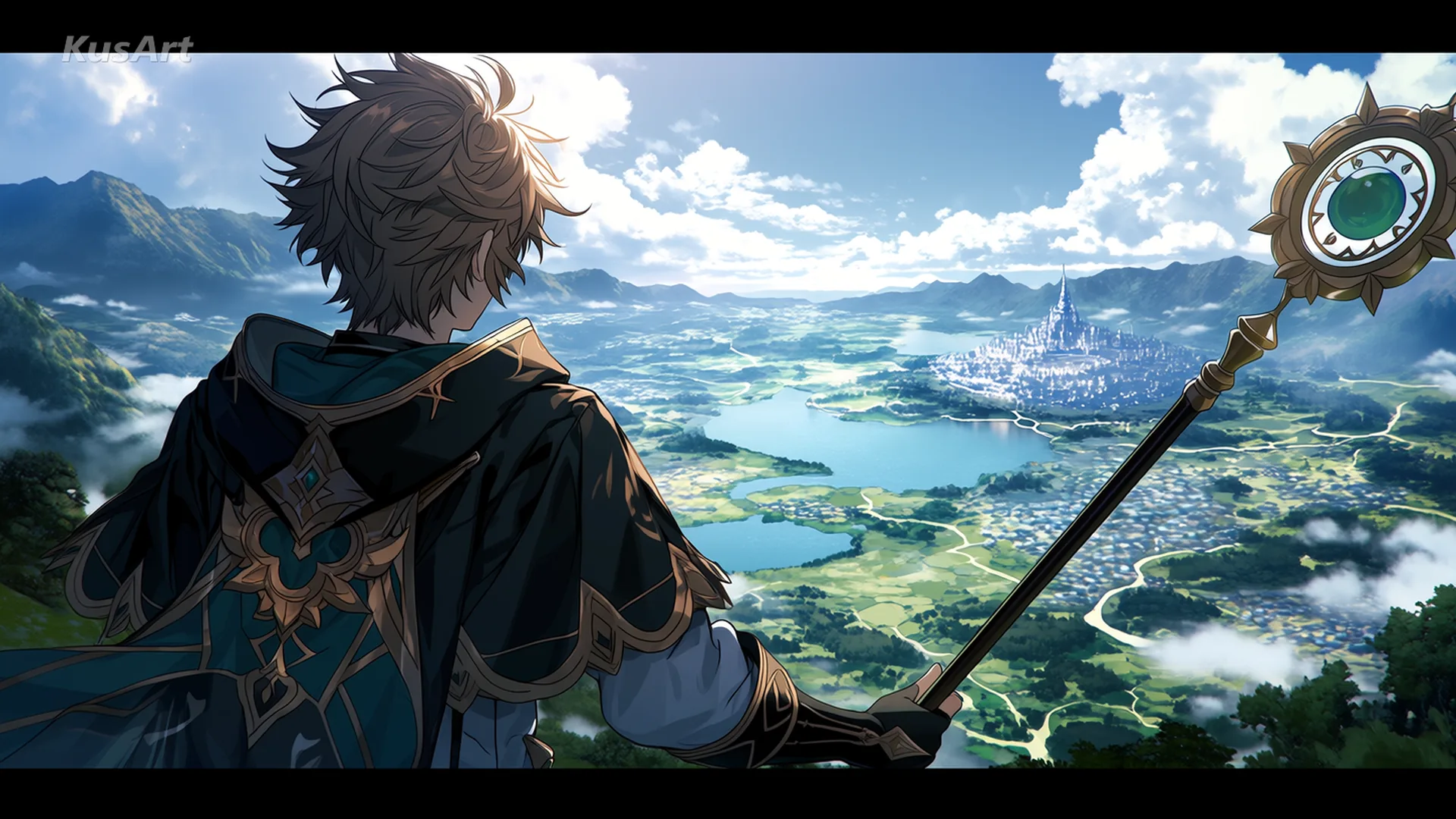
Combine motifs, props, costume cues, and style direction into a new environment while keeping the written scene as the central instruction.
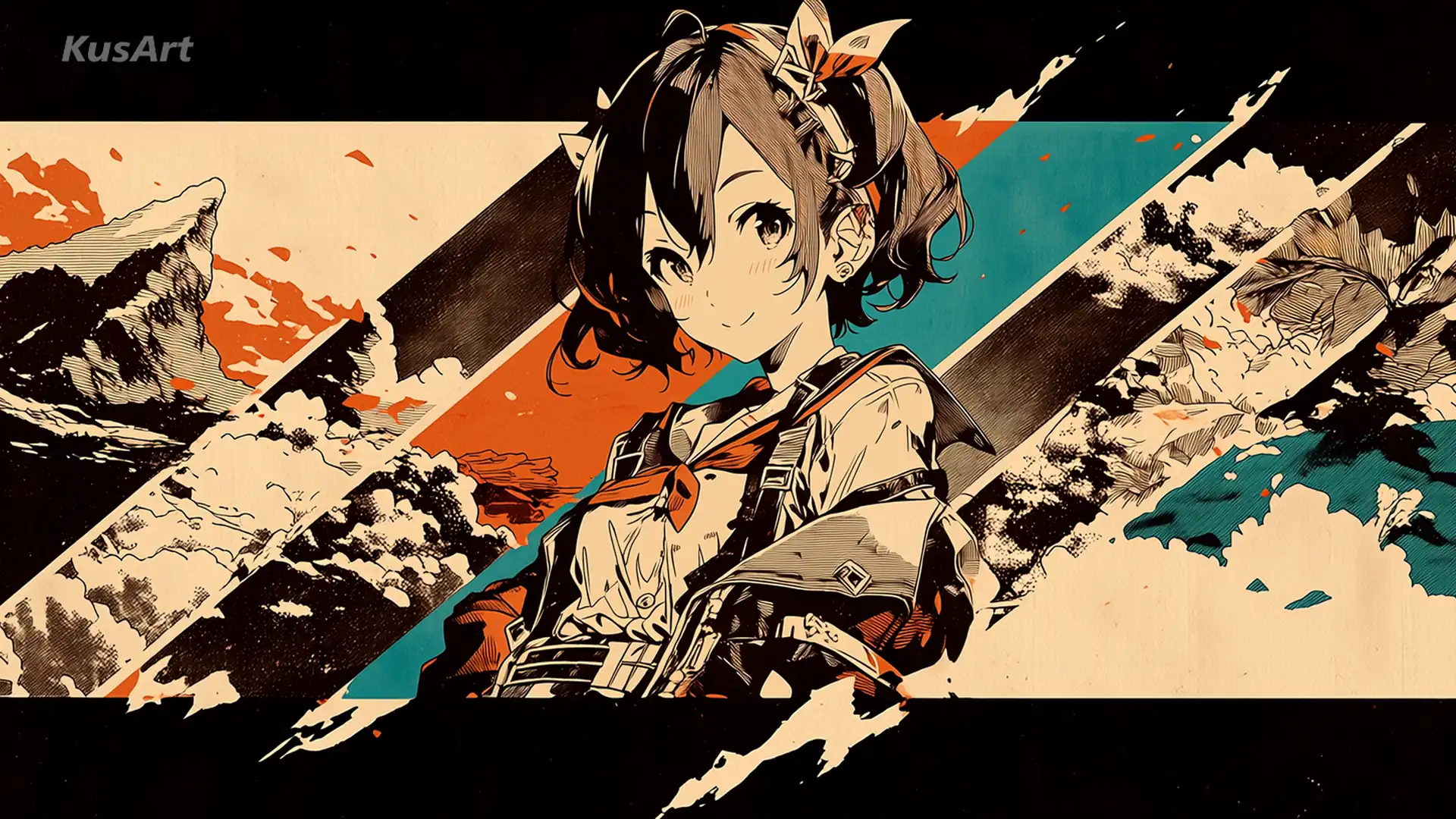
Push familiar anime subjects toward bolder shapes, textures, palettes, or unexpected visual decisions with the expressive parameter controls.
Open Kusa Niji in the generator, write a clear illustration brief, and use the batch to discover the version worth refining.
Create with Kusa NijiBuild an original character, place your artwork into a structured manga page, or animate the strongest illustration with another KusArt creation tool.