KusArt
    AI Chibi Sticker Maker

    AI Chibi Sticker Maker

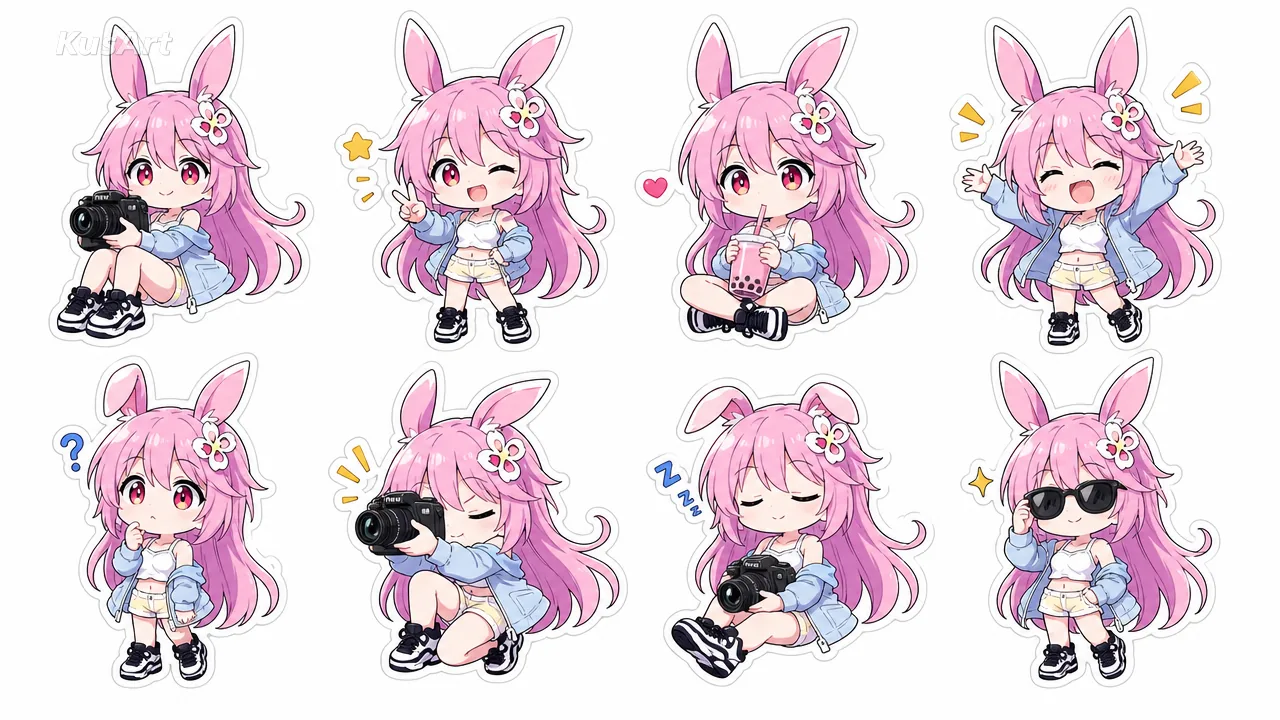
    Use our AI chibi sticker maker to turn one photo, avatar, or anime character into a coordinated sticker sheet with expressive poses, moods, and themes.

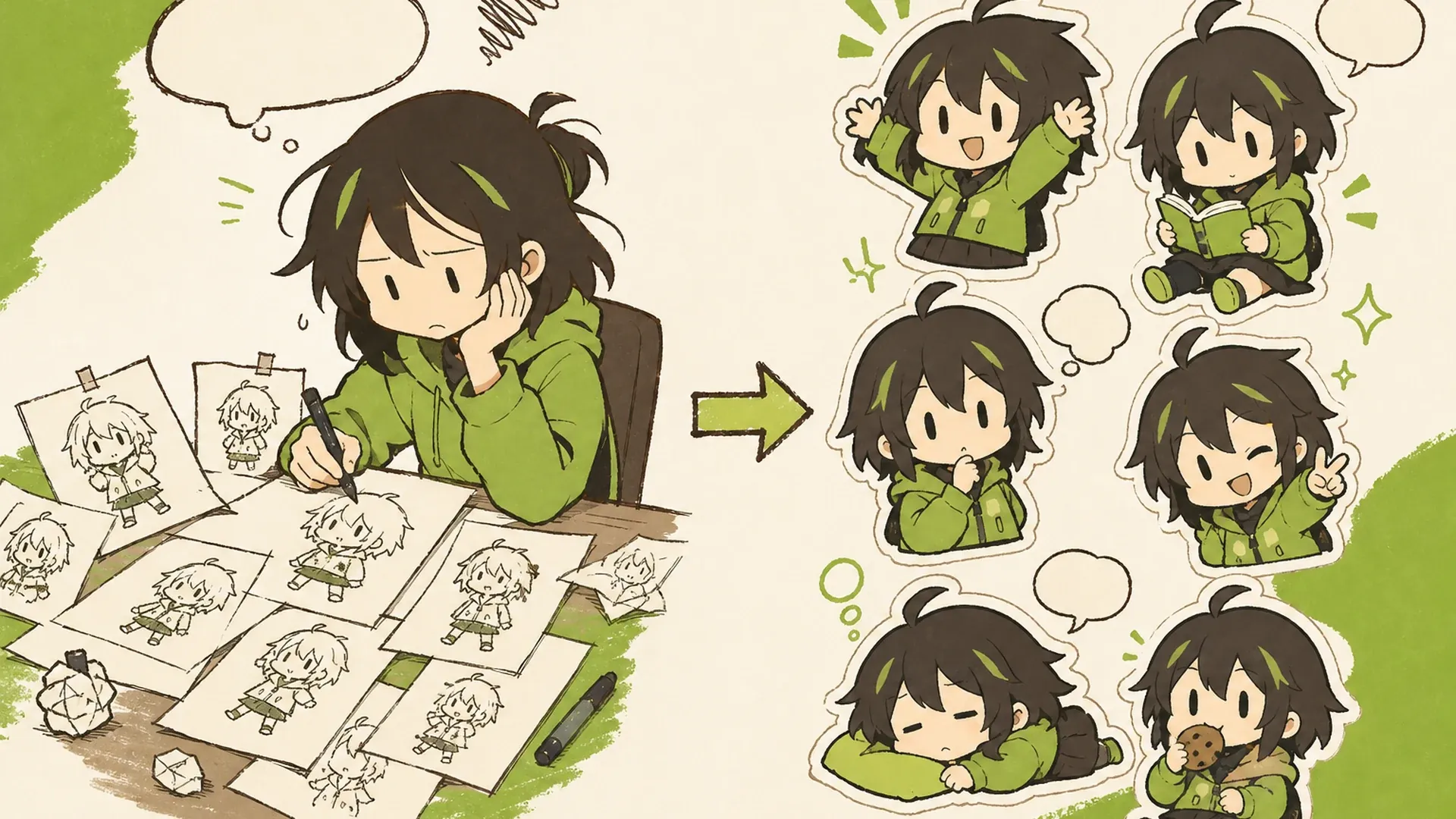
    Chibi Sticker Sheet AI Chibi Sticker Maker result — After
    Chibi Sticker Sheet AI Chibi Sticker Maker result — Before

    Your Character as a Complete Chibi Sticker Set

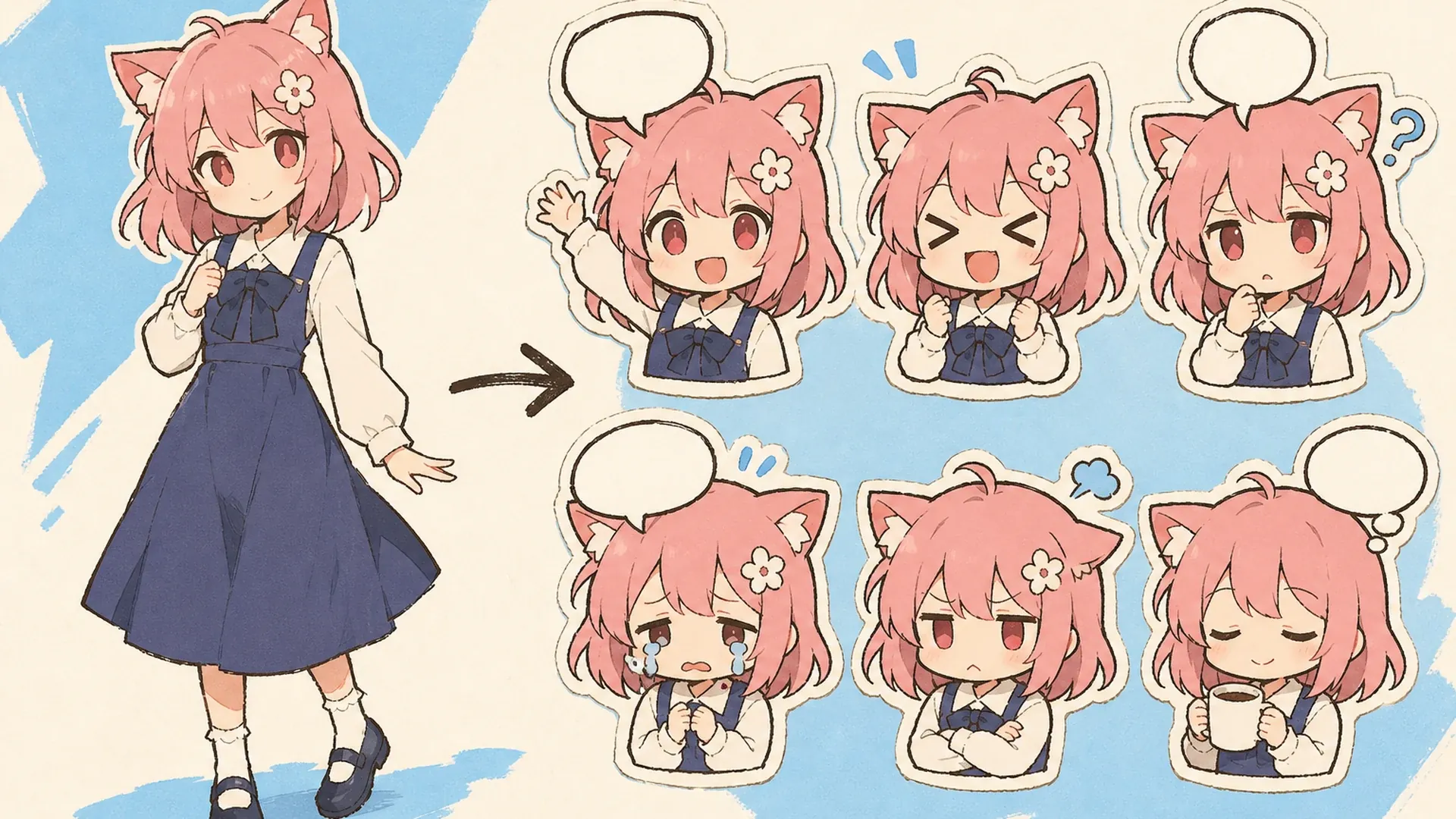
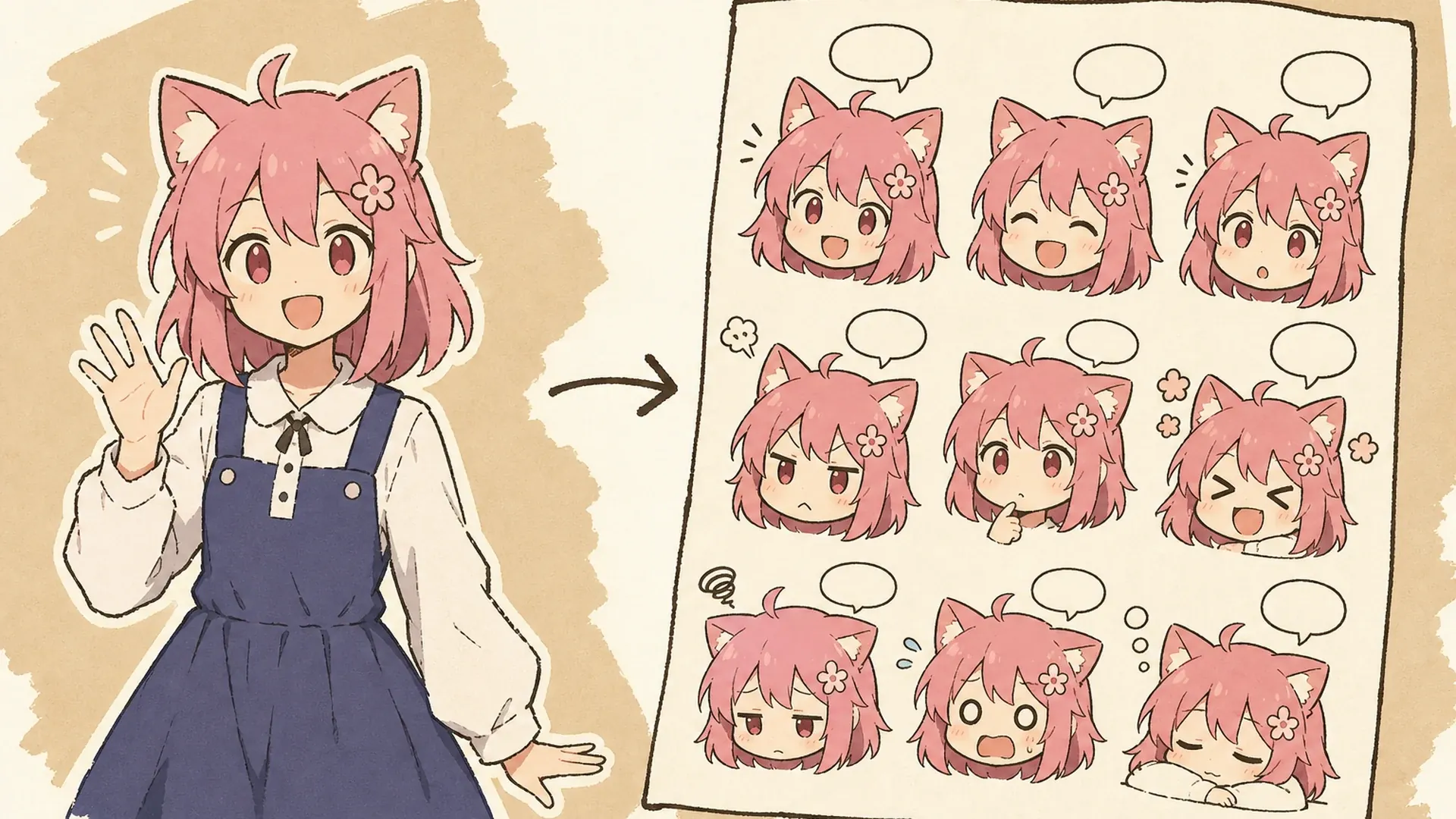
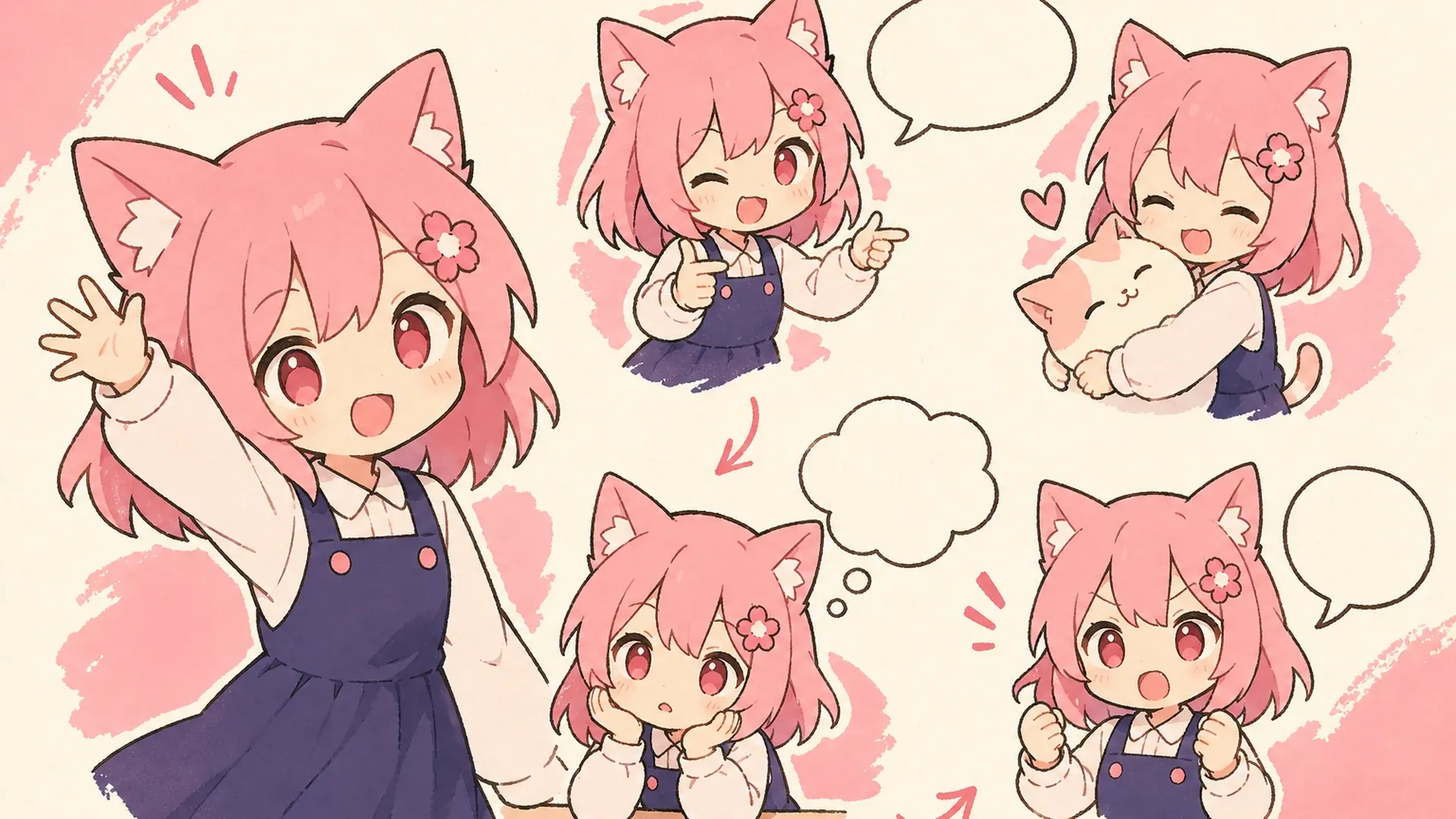
    Drop one photo, avatar, pet, or anime character into the ai chibi sticker maker and it returns a coordinated reaction set for chats, communities, planners, creator channels, and gifts. Instead of designing every pose separately, you explore a full personality range on one canvas. Direct a kawaii sticker maker theme with colors and props, or refine the source character first in OC Editor.

    Make Chibi Stickers
    Create a 16:9 KusArt SEO visual band with no title, subtitle, paragraph, body copy, watermark, labels, or decorative pseudo-text. Use the approved 40/60 composite layout: the fixed pink-haired, red-eyed anime mascot with a flower hair clip waves beside icon-only pastel emotion and prop chips on the left; a large rounded white card on the right shows a coordinated grid of six to twelve chibi stickers with happy, angry, crying, surprised, sleepy, and cheering poses, clear separation, and consistent identity. Clean modern Niji anime style, crisp lineart, soft cel shading, cream and pale-pink background, #ff4fa3 accents, one small sky-blue accent, generous whitespace, no photorealism, 3D, thick paint, neon, deep purple, clutter, harsh shadow, extra characters, or gibberish text.

    How One Upload Becomes a Sticker Sheet

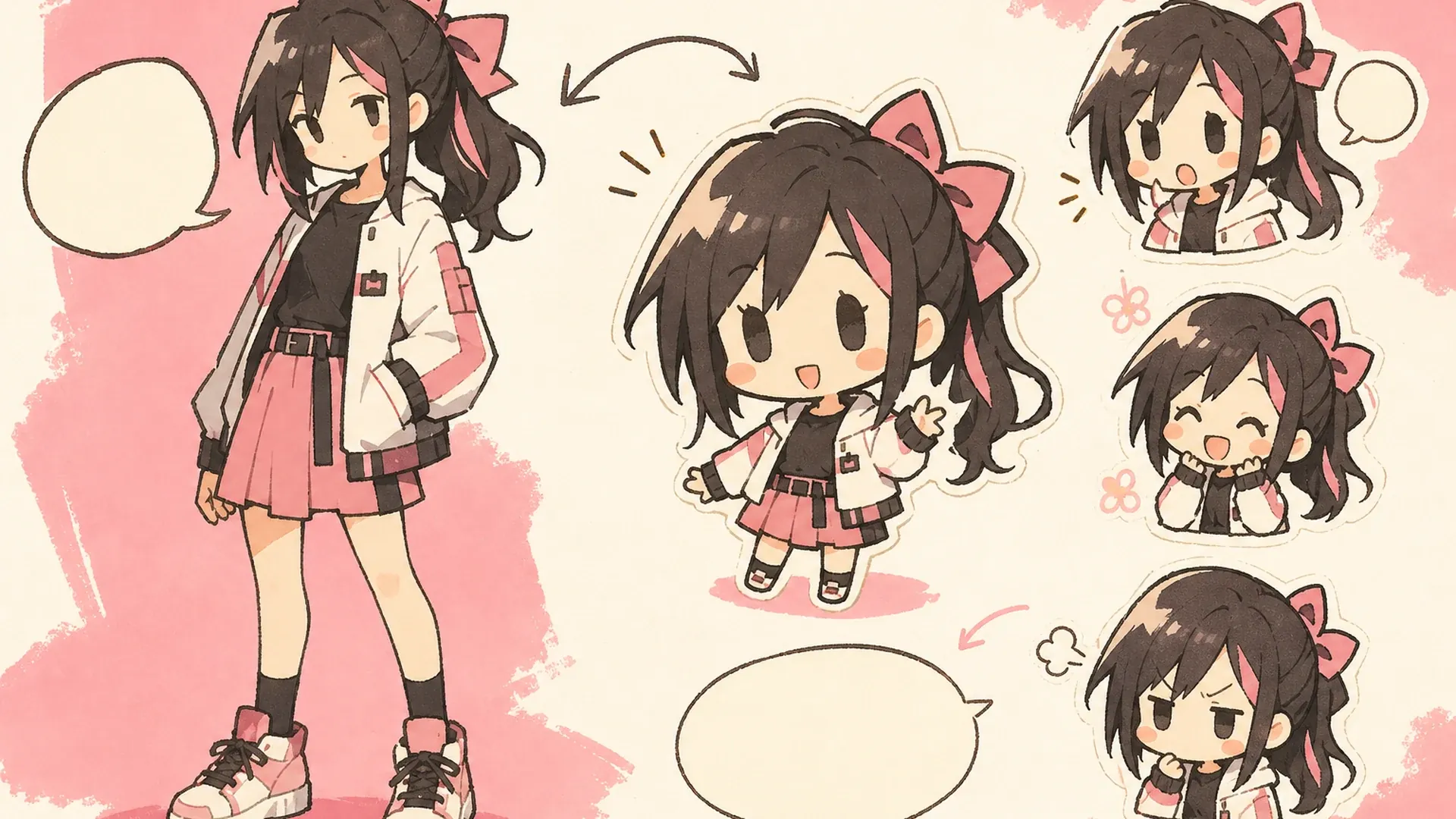
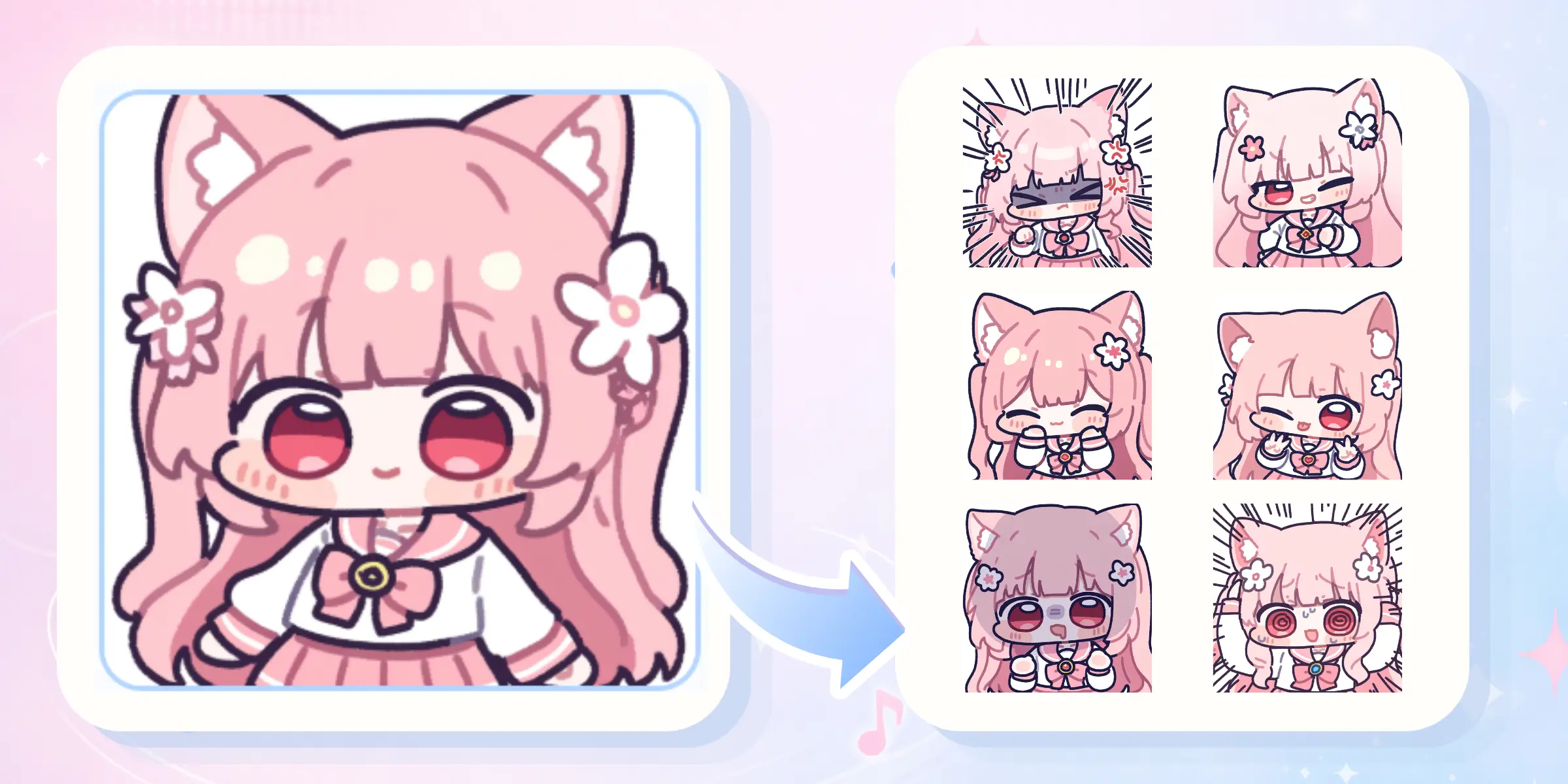
    An AI chibi sticker maker is a focused chibi sticker generator that stylizes one identity with an oversized head, compact body, clear silhouette, and expressive face. It also works as a sticker sheet maker by arranging several distinct reactions with consistent spacing and recognizable design details. The output is one coordinated sheet that you can review, download, and prepare for individual sticker export.

    Create a 16:9 KusArt SEO visual band with no title, subtitle, paragraph, body copy, watermark, labels, or decorative pseudo-text. Use the approved 40/60 composite layout: the fixed pink-haired anime mascot explains three icon-only pastel identity, emotion, and spacing chips on the left; the right side contains a large rounded white card with a neat sticker sheet of one recognizable chibi character, oversized head, compact body, bold clean silhouette, and varied reactions. Clean modern Niji anime style, crisp lineart, soft cel shading, warm-white and light-pink background, #ff4fa3 accent marks and one sky-blue detail, uncluttered editorial spacing, no photorealism, 3D, thick paint, neon, deep purple, harsh shadows, inconsistent character details, or gibberish text.

    More Expressions, One Recognizable Character

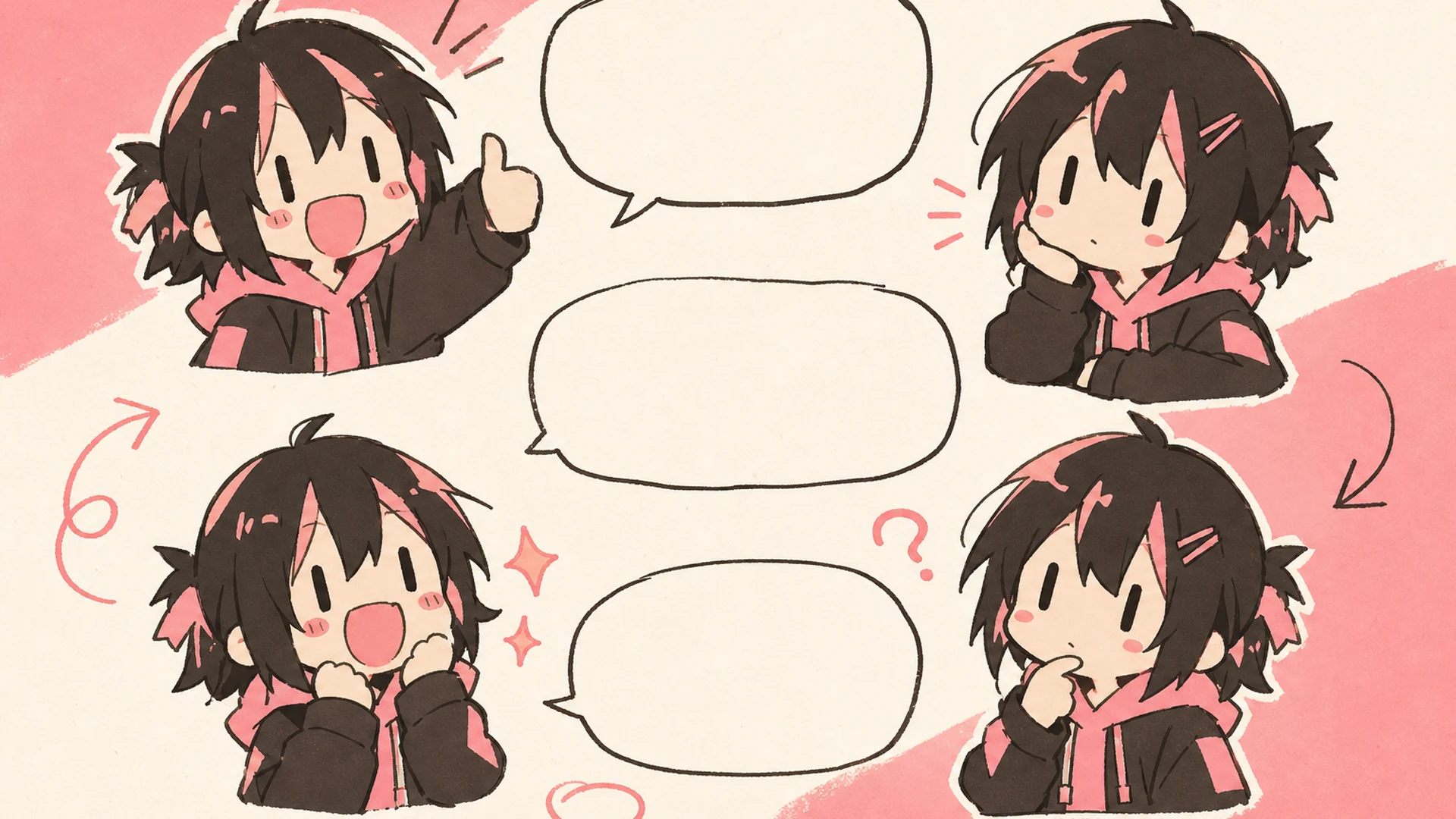
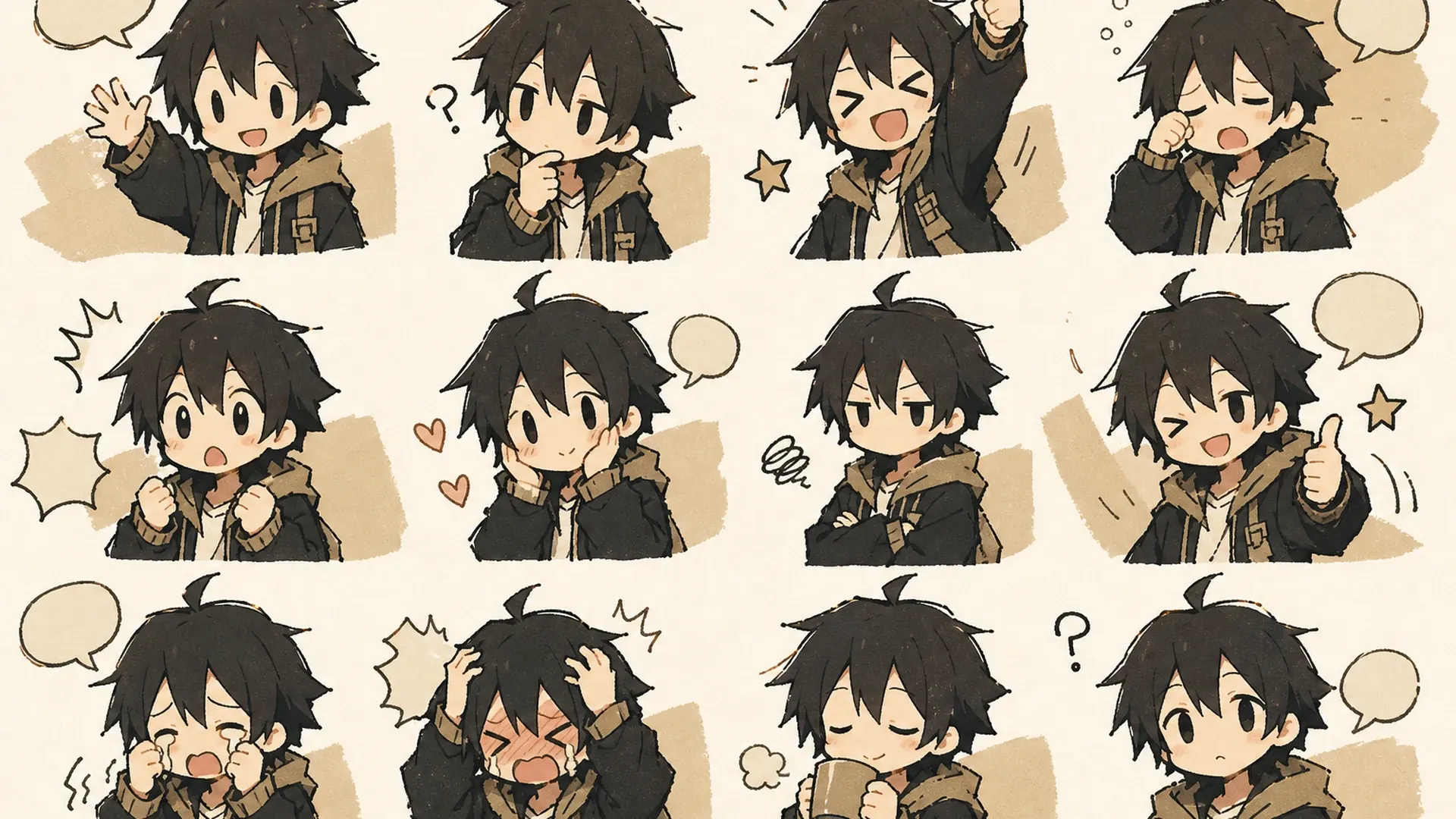
    A useful sticker pack needs emotional variety without losing the person or character behind it. An AI chibi sticker maker acts as a character sticker generator, carrying the same hair, face, outfit colors, proportions, and signature accessories into happy, angry, crying, surprised, sleepy, or celebratory reactions. Generate several sets, compare their clarity, and reopen the strongest version from History when you want to refine the theme.

    Create a 16:9 KusArt SEO visual band with no title, subtitle, paragraph, body copy, watermark, labels, or decorative pseudo-text. Follow the approved 40/60 composite template: the fixed pink-haired mascot points from one source portrait through icon-only pastel emotion cues on the left; on the right, a large rounded white card displays the same chibi character in six clearly different reactions while preserving the same hair, face, outfit colors, proportions, and signature accessory. Clean modern Niji anime style, crisp lineart, soft cel shading, pale warm-white background, #ff4fa3 arrows and accents, one small sky-blue detail, no photorealism, 3D, thick paint, neon, deep purple, clutter, harsh shadow, extra characters, or gibberish text.

    Skip Repetitive Sticker Drawing

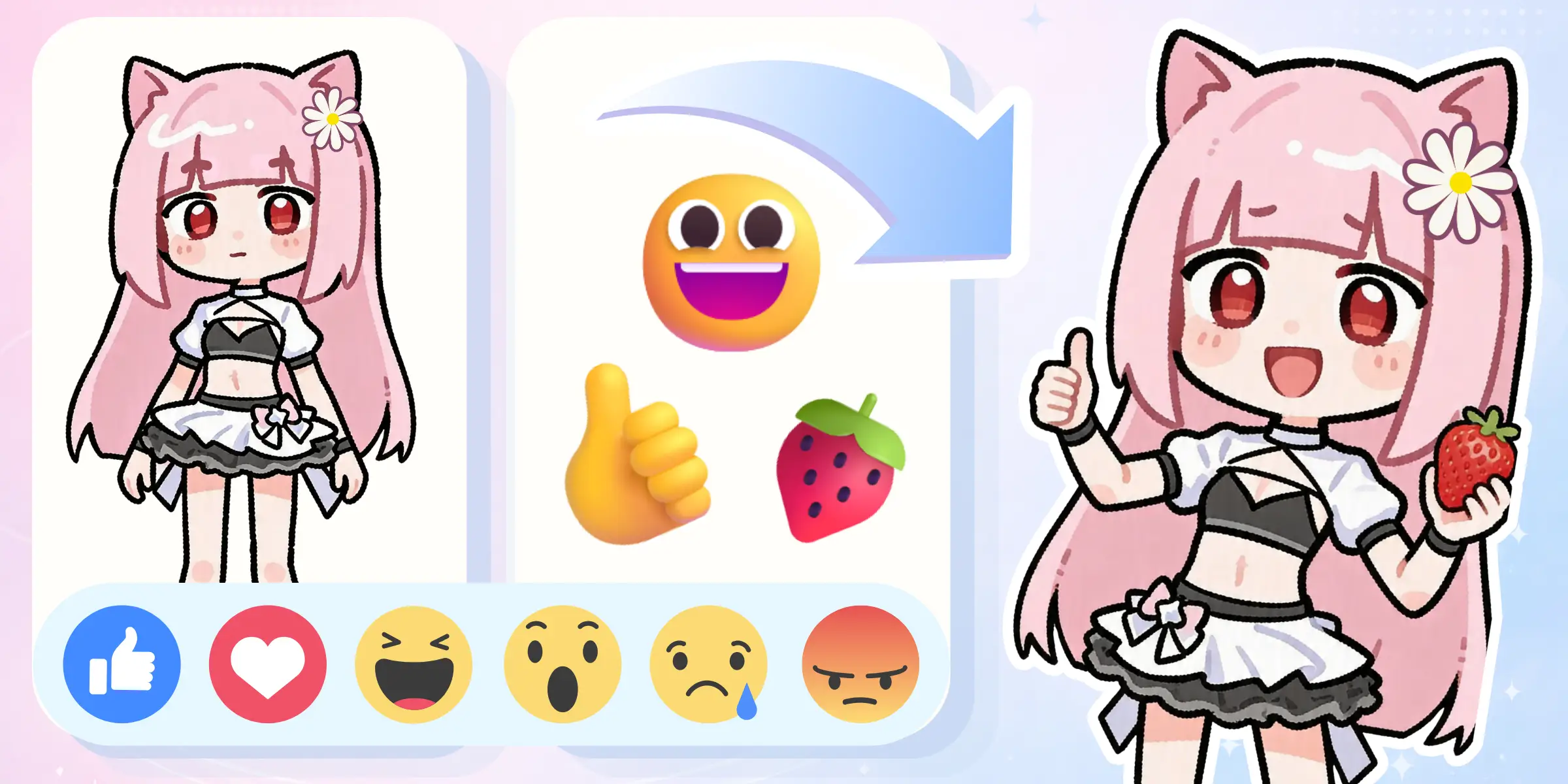
    Drawing a complete reaction pack manually means repeating the same character construction, outlines, palette, and spacing for every emotion. An AI chibi sticker maker compresses that setup into one generation, so you can focus on the mood and theme instead of rebuilding the base design. Use a photo to chibi sticker workflow for people or pets, or create a clean source character first with the AI Image Generator before producing the final set.

    Create a 16:9 KusArt SEO visual band with no title, subtitle, paragraph, body copy, watermark, labels, or decorative pseudo-text. Use the approved 40/60 composite layout: the fixed pink-haired anime mascot holds a stylus beside a compact icon-only one-character-to-many-reactions workflow on the left; on the right, a large rounded white card turns one avatar portrait into a clean sticker grid with varied poses, expressive faces, consistent outlines, palette, spacing, and outfit details. Clean modern Niji anime style, clean lineart, soft cel shading, warm-white and cream background, #ff4fa3 accent arrows, one small sky-blue highlight, no photorealism, 3D, thick paint, neon, deep purple, clutter, harsh shadow, inconsistent identity, or gibberish text.

    Chibi Sticker Maker Features

    Focused controls for recognizable, expressive, and sticker-ready character sets.

    Six to Twelve Stickers

    The AI chibi sticker maker creates six to twelve reactions in one coordinated canvas. The sticker sheet maker keeps clear separation and readable silhouettes, and you can request fewer designs when each sticker needs more room.

    Consistent Character Details

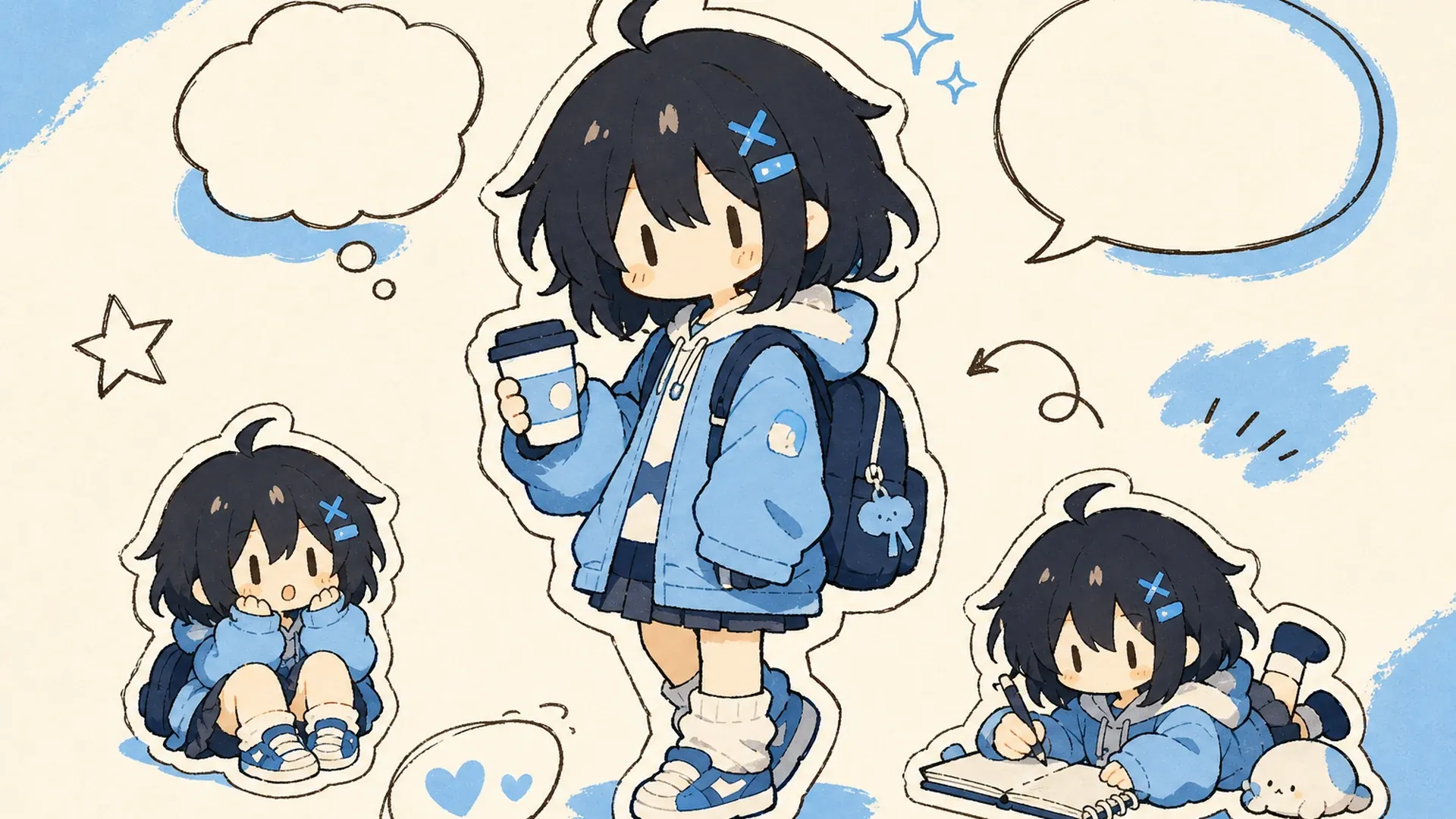
    The AI chibi sticker maker preserves recognizable hair, facial traits, outfit colors, proportions, and signature accessories across different emotions. This character sticker generator workflow also saves each version in History for comparison.

    Custom Themes and Props

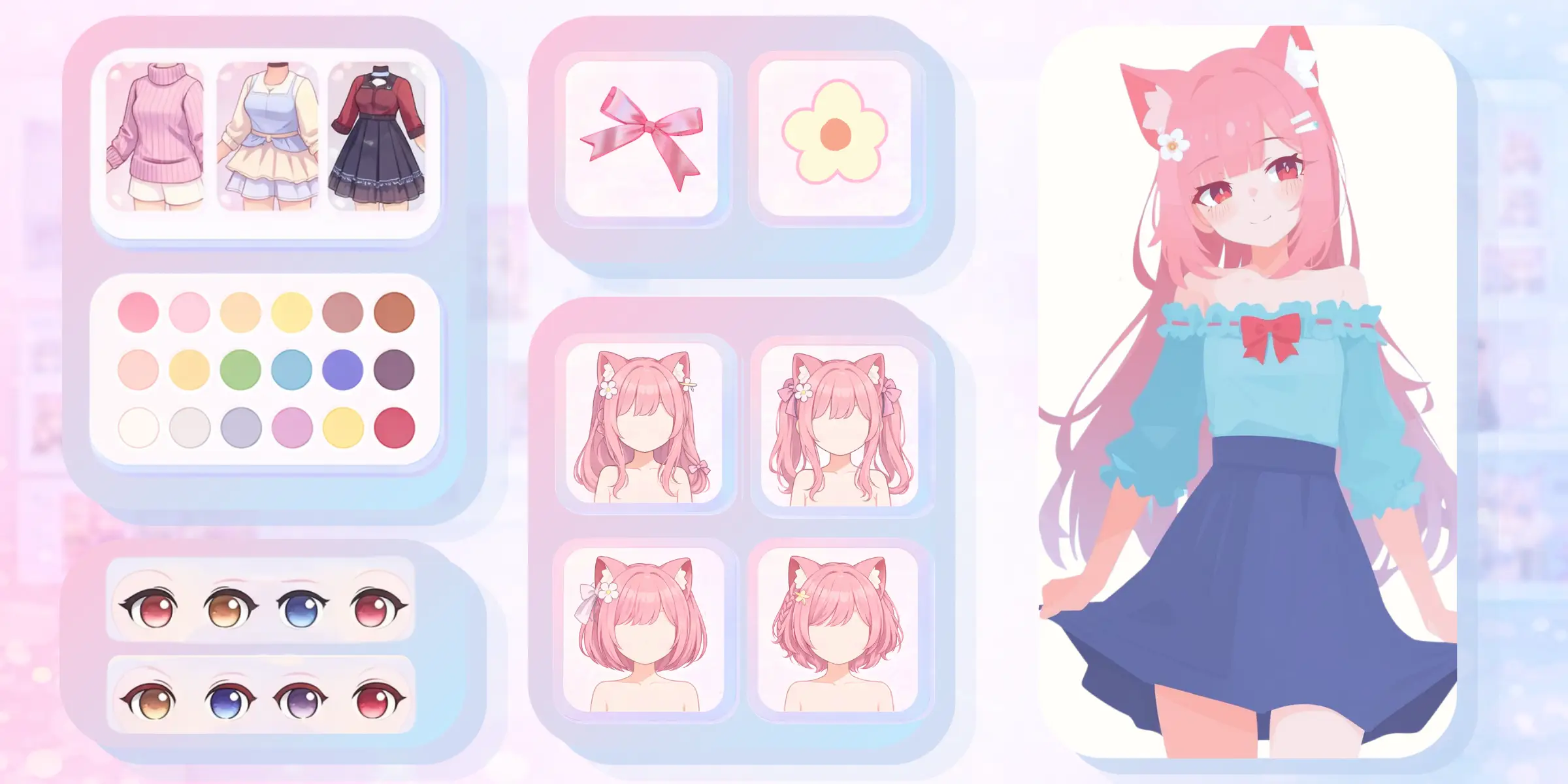
    Direct a kawaii sticker maker theme with pastel colors, hearts, snacks, flowers, or seasonal props. An anime sticker maker brief can instead emphasize cel shading, expressive eyes, dynamic symbols, and mascot-like proportions.

    How to Make Chibi Stickers

    Go from one character image to a coordinated sticker sheet in three steps.

    01
    Step

    Upload a Character

    Choose one clear photo, avatar, pet, or anime character with the face, hair, outfit colors, and signature details visible. For a photo to chibi sticker conversion, use even lighting and avoid heavy blur or obstruction.

    02
    Step

    Choose a Theme

    Optionally list the emotions, poses, props, colors, and sticker count. The AI chibi sticker maker can create custom chibi stickers, while an anime emoji maker direction keeps faces and symbols readable at small sizes.

    03
    Step

    Generate Your Set

    Select a model and let the AI chibi sticker maker compose the sheet. Check spacing and identity, then download it or reopen History. If the chibi sticker generator repeats poses, request fewer designs or simpler props.

    Chibi Sticker Use Cases

    Create a 16:9 landscape KusArt use-case illustration for chat stickers with absolutely no letters, numbers, words, sound effects, title, subtitle, labels, dialogue, watermark, or decorative pseudo-text. Arrange one consistent pink-haired chibi mascot across the horizontal canvas in four clear happy, surprised, cheering, and sleepy reactions around a simple empty message-bubble motif. Express sleep only through closed eyes, pillow, and a small crescent-moon icon—never use Z marks or any typographic symbol. Keep every face and silhouette inside the central safe area and readable at small size. Clean modern Niji anime style, crisp bold lineart, soft cel shading, warm-white minimal background, #ff4fa3 accents and one small sky-blue detail, no photorealism, 3D, thick paint, neon, deep purple, clutter, harsh shadow, gibberish text, or extra characters.

    Chat Stickers

    Use an anime emoji maker direction for messaging, community servers, creator channels, or stream overlays, keeping faces and symbols readable before cropping each approved design.

    Create a 16:9 landscape KusArt use-case illustration for digital planners with no title, subtitle, paragraph, body copy, labels, watermark, or decorative pseudo-text. Place a pink-haired chibi mascot on the left decorating a clean wide planner spread on the right with small mood, habit, calendar, heart, and snack sticker icons while preserving one consistent character design; keep the mascot, hands, planner, and icons inside the central safe area. Clean modern Niji anime style, crisp bold lineart, soft cel shading, pale cream minimal stationery background, #ff4fa3 accents and one sky-blue detail, no photorealism, 3D, thick paint, neon, deep purple, clutter, harsh shadow, gibberish text, or extra characters.

    Digital Planners

    Use a kawaii sticker maker theme to add a personal avatar, mascot, friend, or pet to journals, calendars, habit trackers, and digital scrapbooks.

    Create a 16:9 landscape KusArt use-case illustration for fan communities with no title, subtitle, paragraph, body copy, labels, dialogue, watermark, or decorative pseudo-text. Arrange one consistent pink-haired chibi mascot across a horizontal reaction set for an event, celebration, game night, and cheering moment, with restrained stars and hearts connecting the scenes; keep every face and reaction inside the central safe area. Clean modern Niji anime style, crisp bold lineart, soft cel shading, warm-white and light-pink minimal background, #ff4fa3 accents and one sky-blue detail, no photorealism, 3D, thick paint, neon, deep purple, clutter, harsh shadow, gibberish text, or extra characters.

    Fan Communities

    Use the AI chibi sticker maker to create coordinated mascot or original-character reactions for events, roleplay groups, game communities, and social posts, subject to relevant rights.

    Create a 16:9 landscape KusArt use-case illustration for personal gifts with no title, subtitle, paragraph, body copy, labels, dialogue, watermark, or decorative pseudo-text. Compose a cheerful pink-haired chibi mascot on the left presenting a wide gift card on the right decorated with coordinated reaction stickers, hearts, flowers, and one tiny pet motif; keep the mascot, hands, card, and decorative stickers inside the central safe area. Clean modern Niji anime style, crisp bold lineart, soft cel shading, warm-white and pale-pink minimal background, #ff4fa3 accents and one small sky-blue detail, no photorealism, 3D, thick paint, neon, deep purple, clutter, harsh shadow, gibberish text, or extra characters.

    Personal Gifts

    Turn a friend, family member, pet, or original character into cards, party graphics, or keepsakes. Confirm permission before sharing a likeness or selling custom chibi stickers.

    Chibi Sticker Maker FAQ

    What kind of image can I upload?+
    Use a clear photo, avatar, pet portrait, or anime character with visible facial traits, hair, outfit colors, and important accessories. One centered subject on a simple background is easier to interpret than a busy group photo.
    How many stickers are generated?+
    The default requests six to twelve reactions, but you can ask for fewer when each design needs more room. Because the artwork is one composed sheet, the exact count can vary slightly between generations.
    Will every sticker look like the same character?+
    The system prioritizes consistent identity, hair, outfit colors, proportions, and accessories. Small details can still change during exaggerated expressions or dynamic poses, so review the complete sheet and regenerate when a signature feature is inconsistent.
    Can I choose the expressions?+
    Yes. List moods such as happy, angry, crying, surprised, sleepy, cheering, embarrassed, or determined. An anime sticker maker works best when the emotion list and palette stay coherent, keeping every reaction recognizable and readable at sticker size.
    Can I use the result in chat apps?+
    Yes, after preparing the individual files. Most chat platforms require each design to be cropped, resized, and exported separately, so check current dimensions, format, transparency, and content rules before publishing.
    Can it make stickers from a pet photo?+
    Yes. Use a clear photo that shows the pet's face, coloring, ears, and distinctive markings. Mention any collar, tag, or feature that must remain visible so the stylized reactions still feel recognizable.
    Does it create a transparent background?+
    The generator can produce a clean, simple sticker-sheet background, but transparent export is not guaranteed. If your destination requires transparency, crop each approved design and remove the background in an image editor before upload.

    Make a Chibi Sticker Sheet

    Upload one character and let the AI chibi sticker maker turn their personality into a coordinated reaction set.

    Create Chibi Stickers

    Explore More AI Character Tools