KusArt
    Character Sheet Generator

    AI Character Sheet Generator

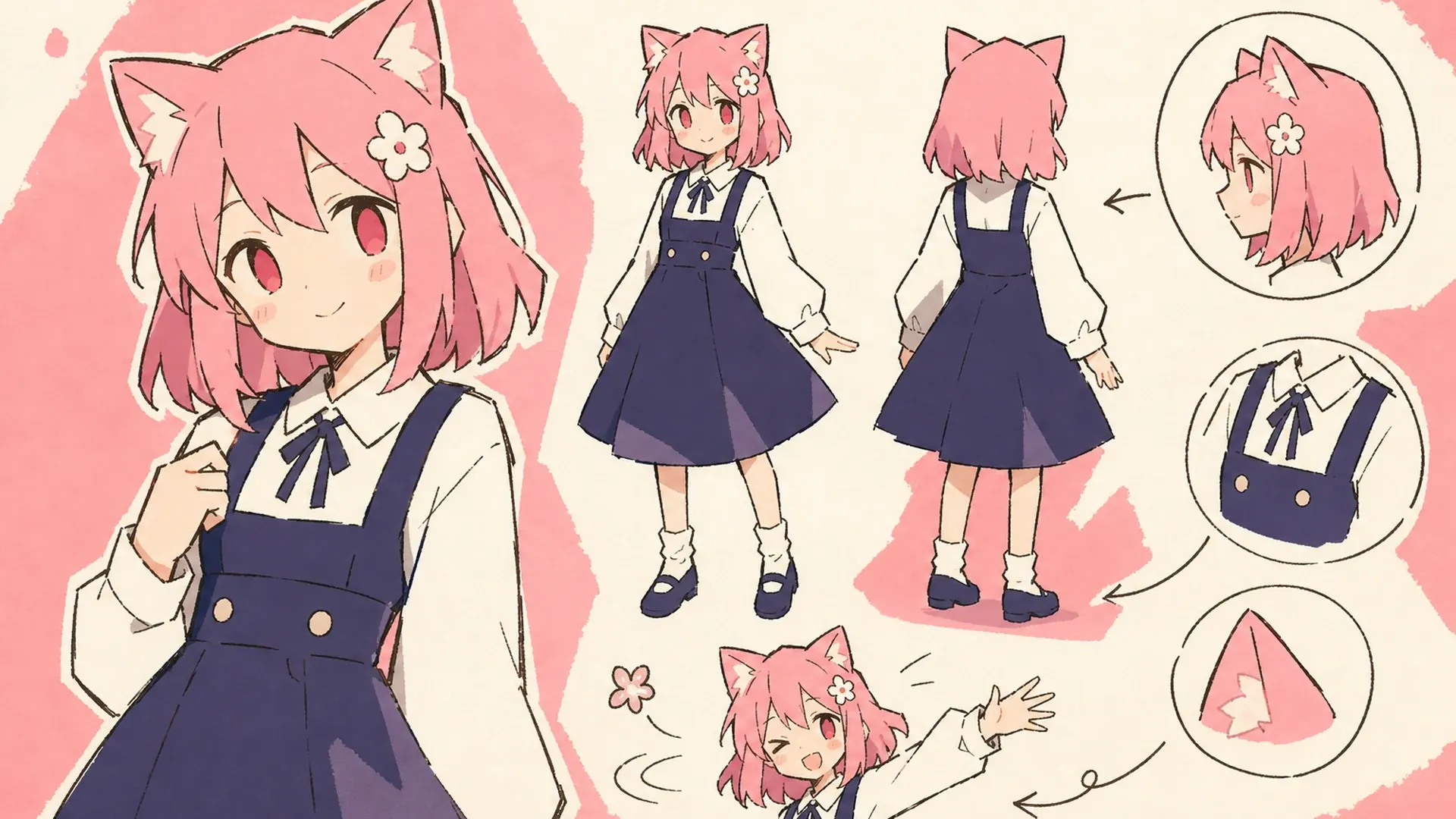
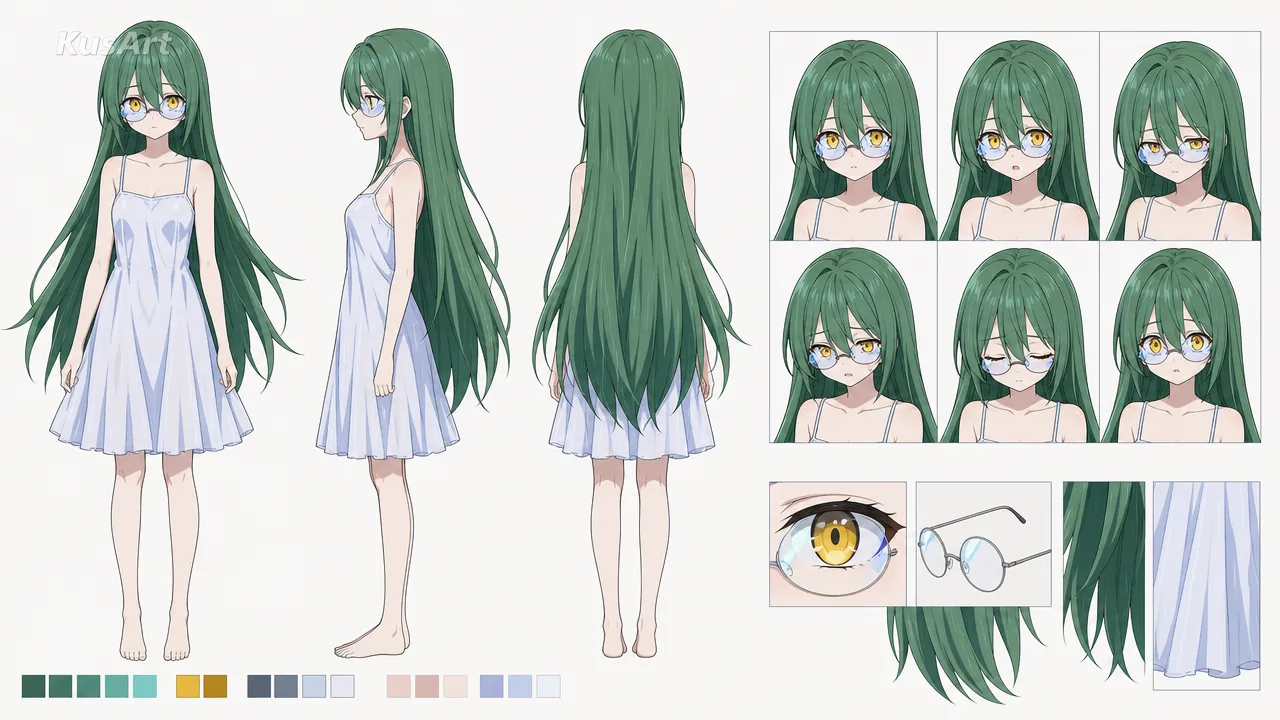
    Use our AI character sheet generator to turn one image into an organized anime character sheet with consistent views, expressions, colors, and production-ready design details.

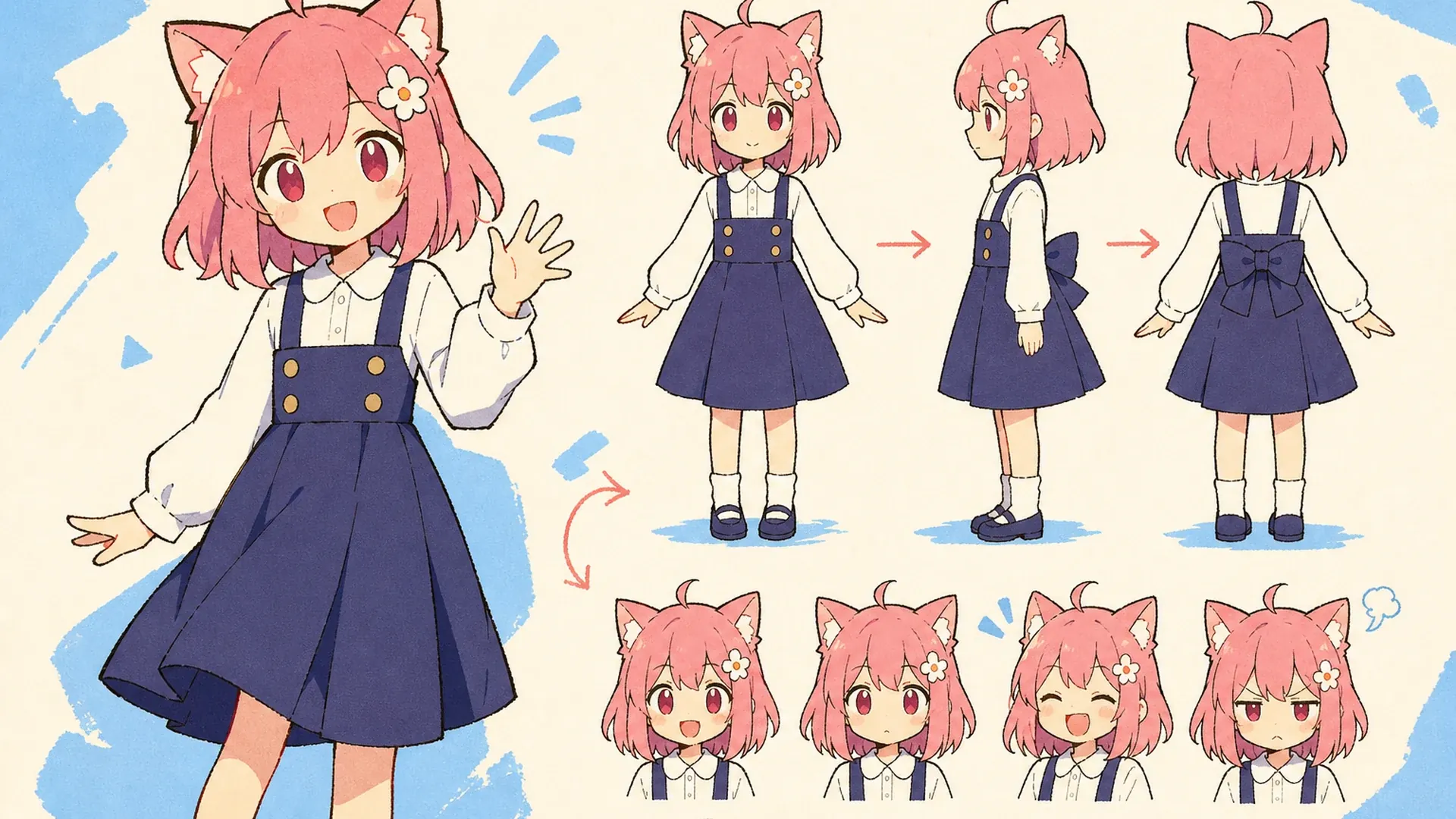
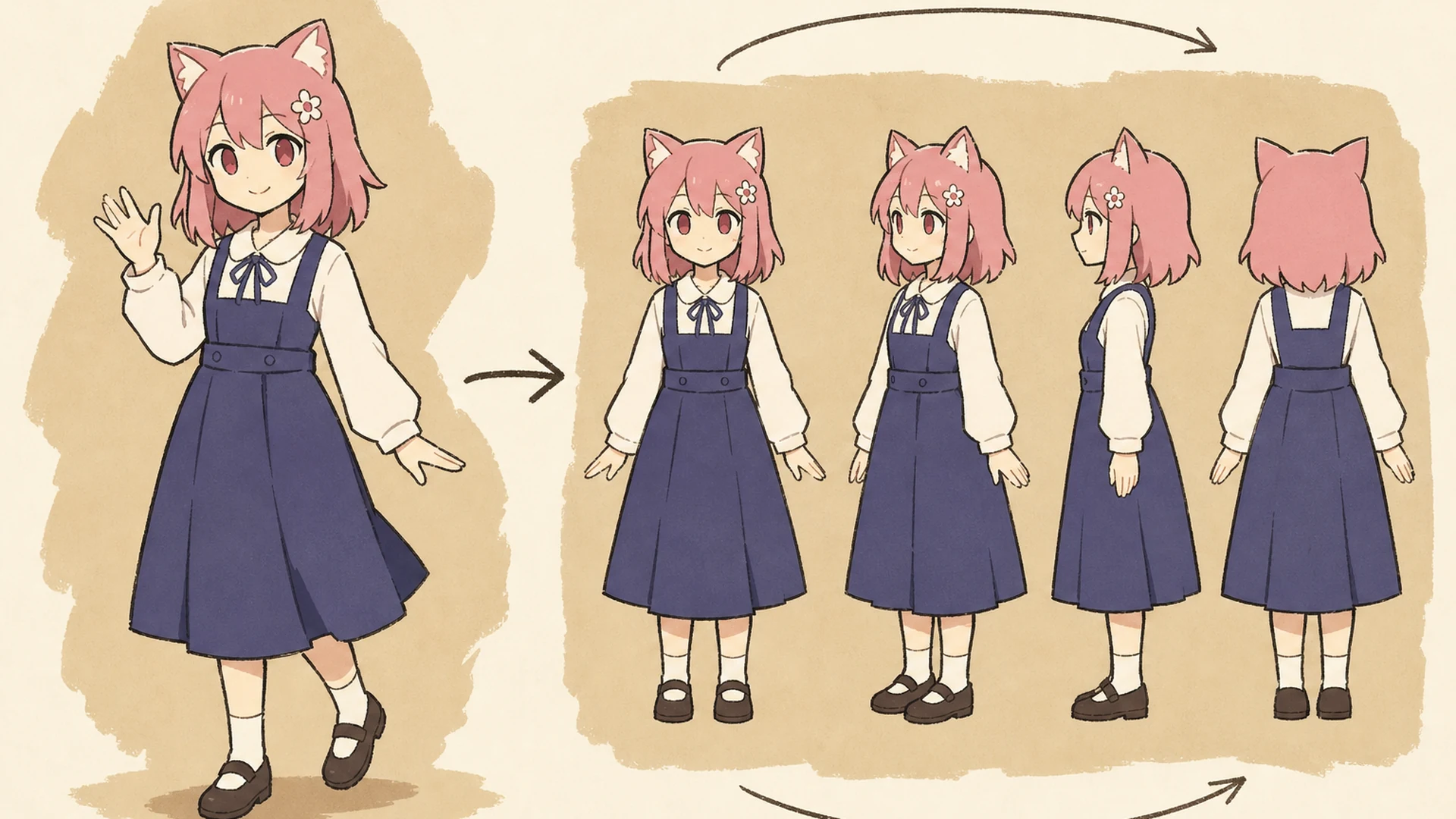
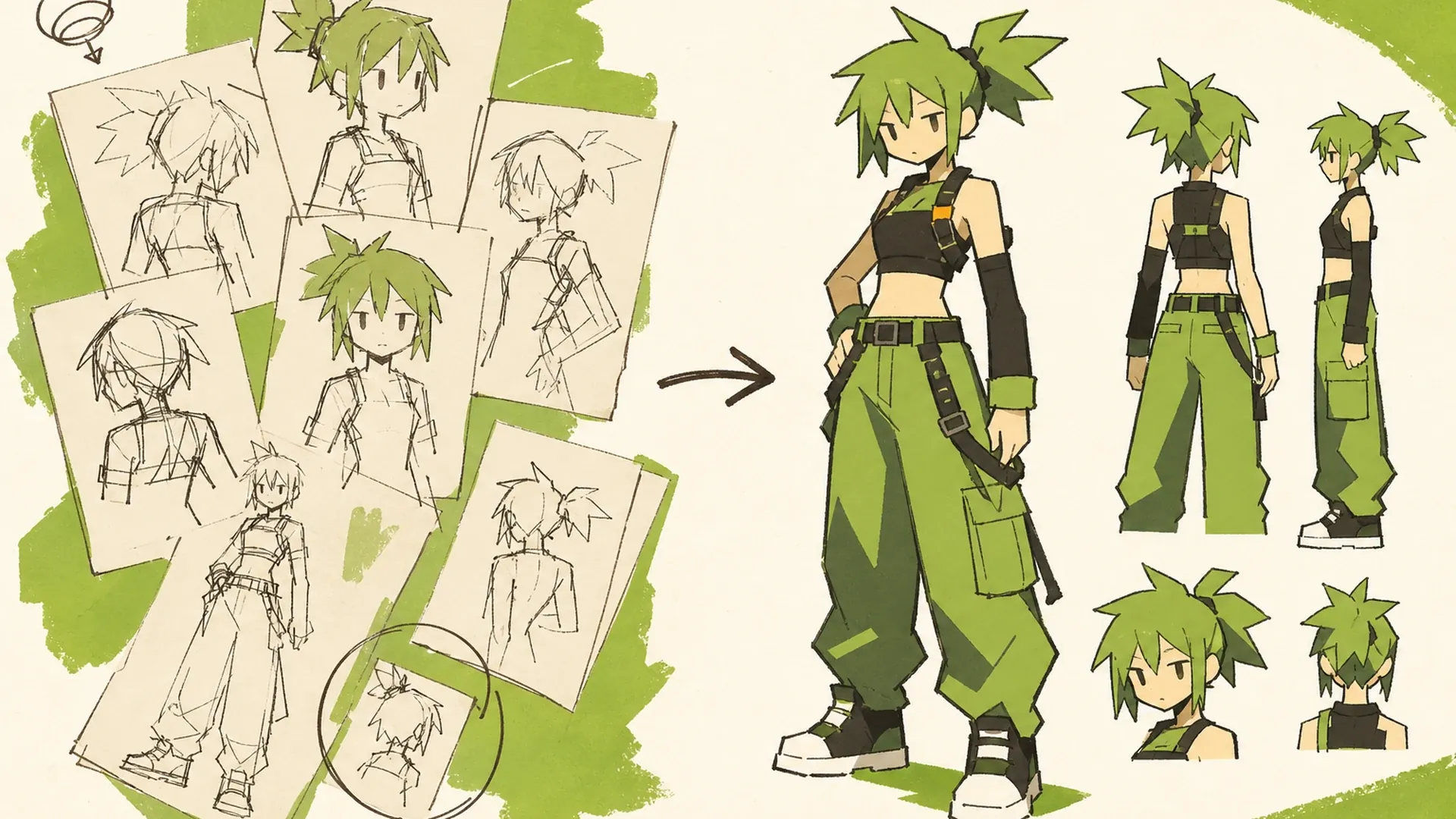
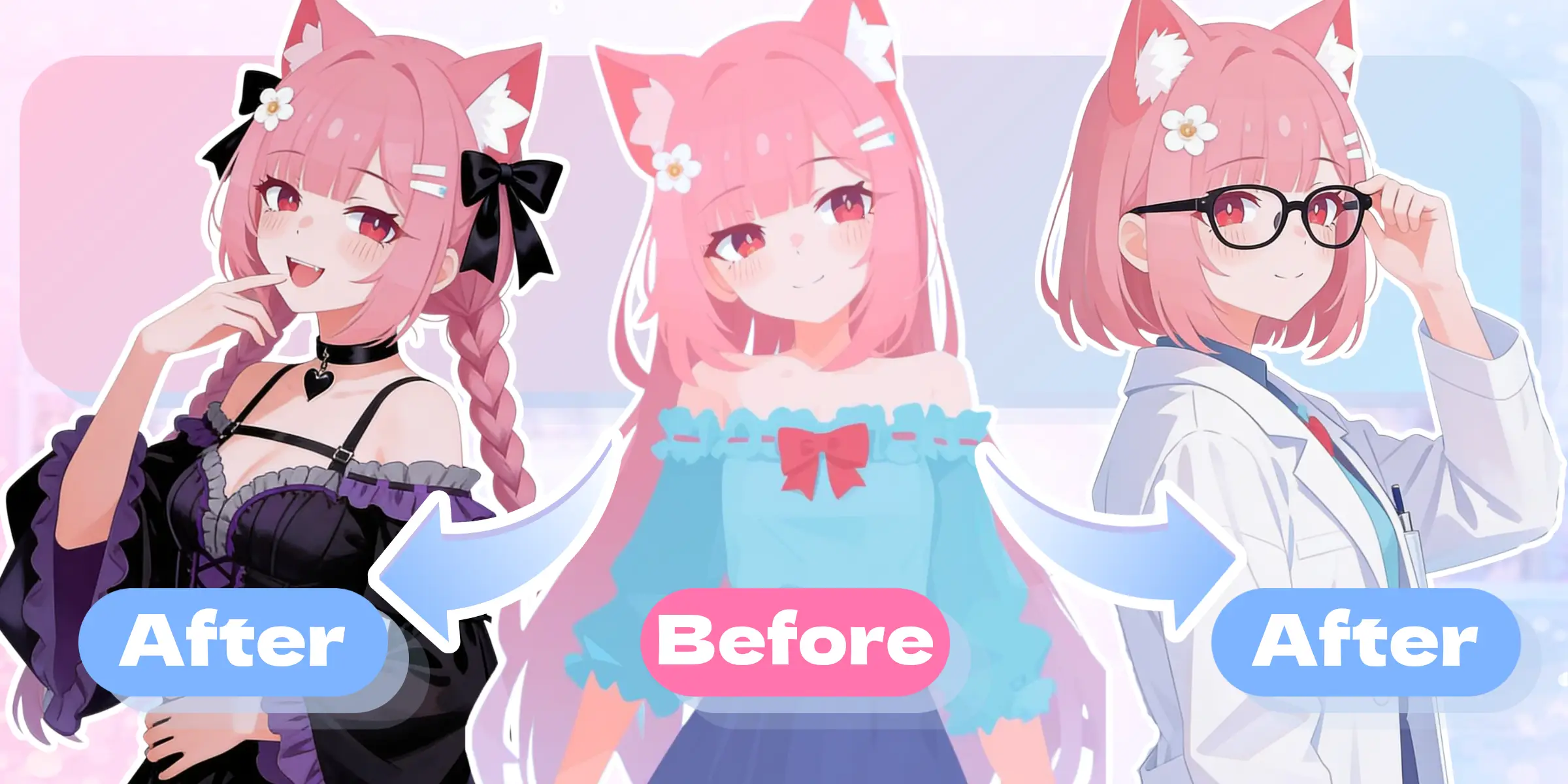
    Turnaround Sheet Character Sheet Generator result — After
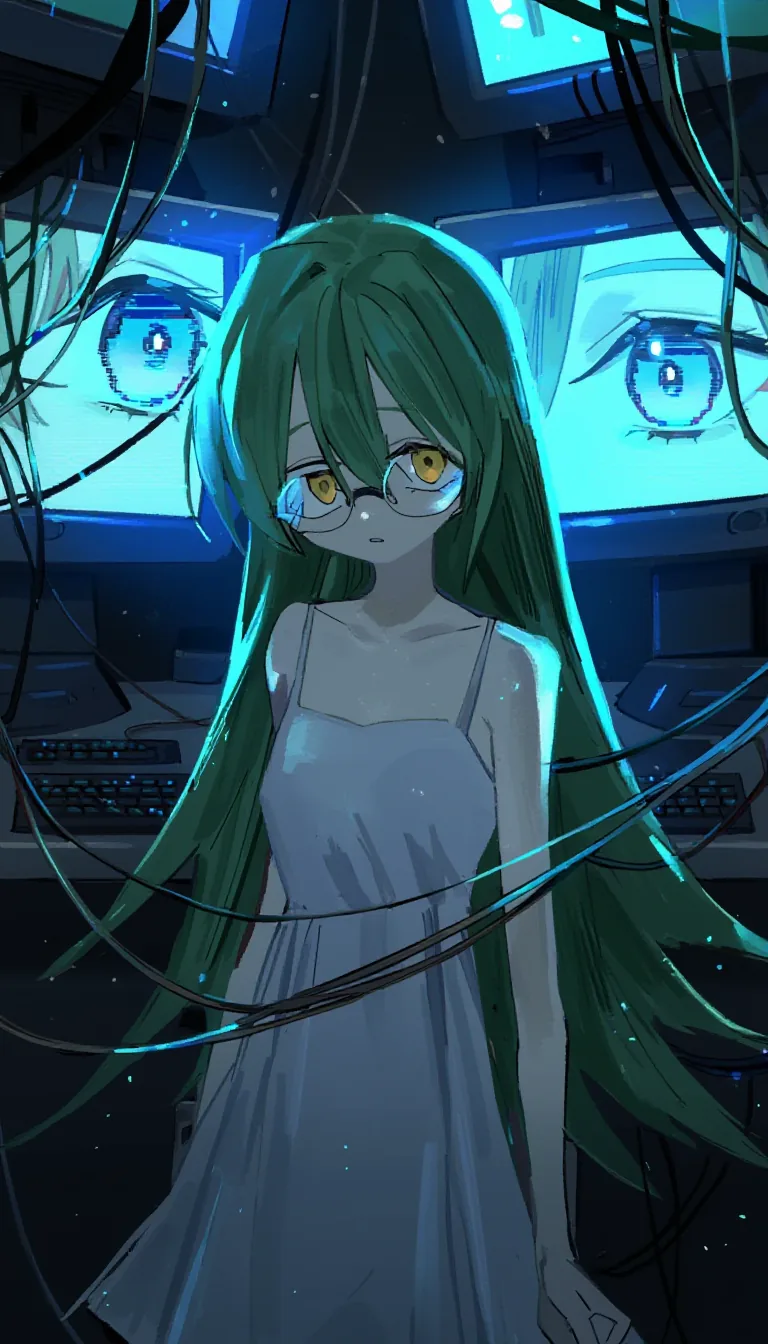
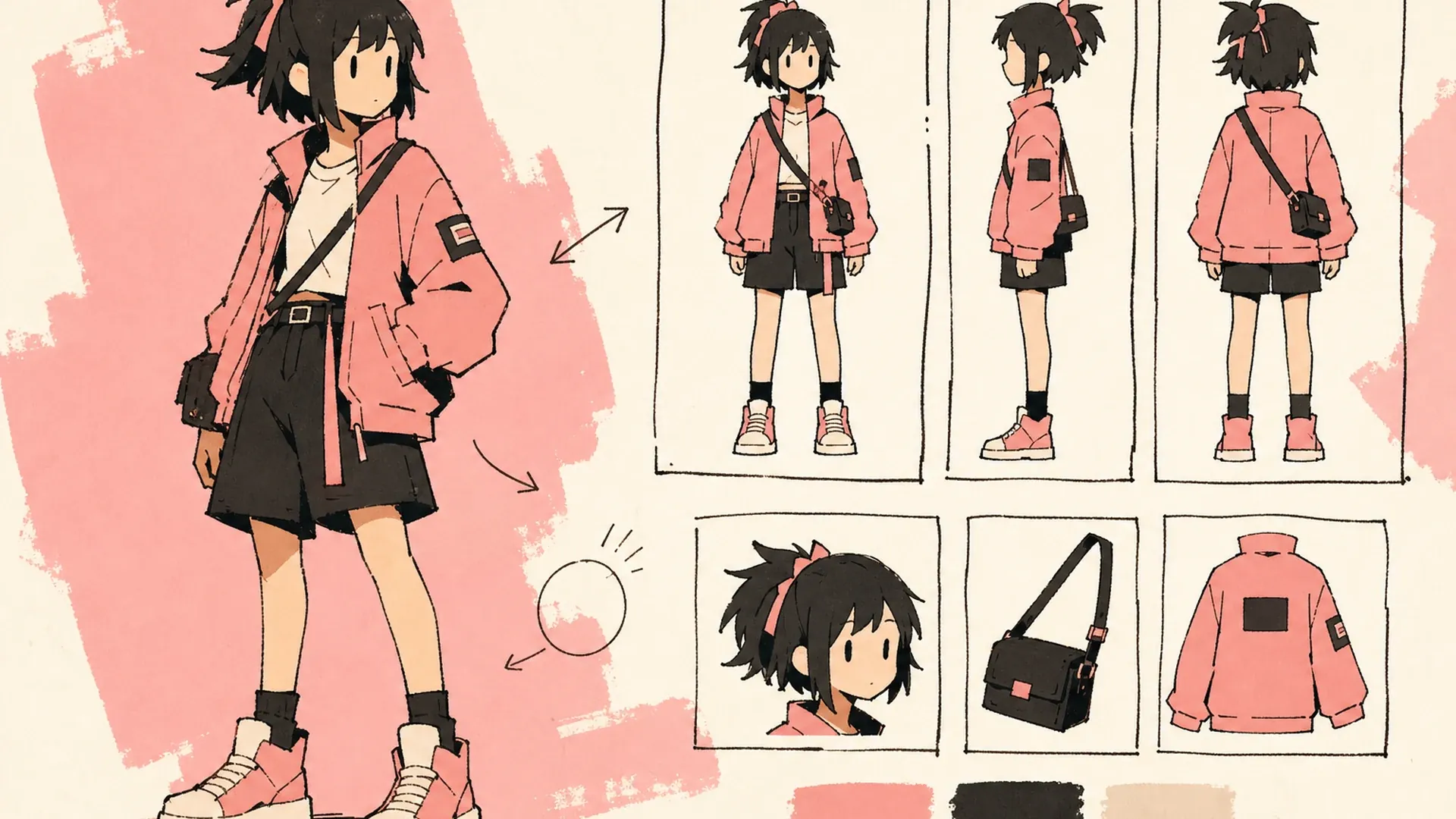
    Turnaround Sheet Character Sheet Generator result — Before

    One Character, Every Essential View

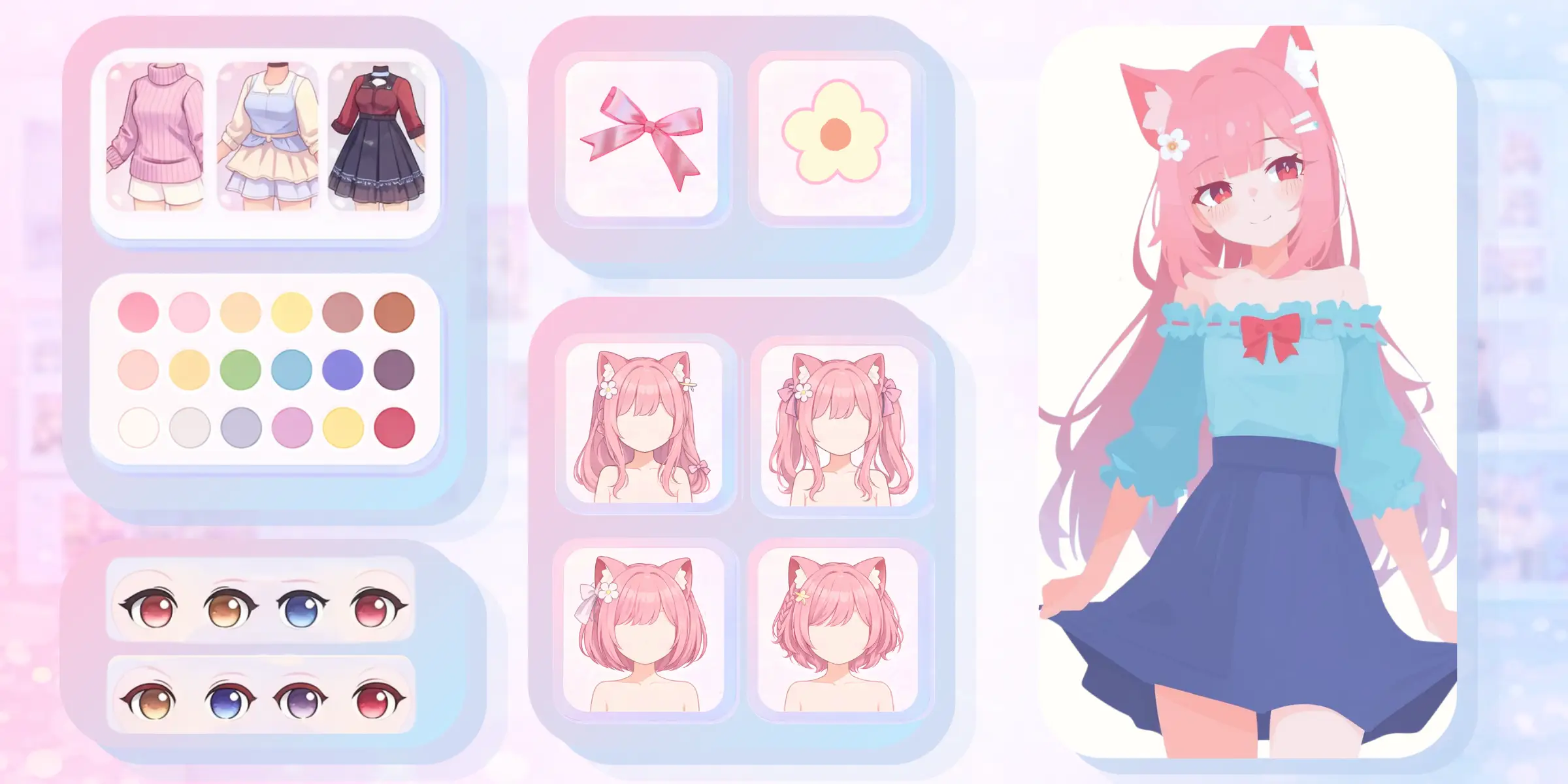
    Feed one strong illustration to the ai character sheet generator and it expands that single look into a practical visual guide for illustration, animation, games, VTubers, and visual novels. Rather than collecting disconnected references, you end up with a character design sheet that organizes key angles, expressions, colors, and signature details in one place. Start from artwork made in an anime character creator, then refine the source or explore variations later in OC Editor.

    Create a Character Sheet
    Create a 16:9 KusArt SEO visual band with no title, subtitle, paragraph, body copy, watermark, labels, or decorative pseudo-text. Use the approved 40/60 composite layout: a pink-haired, red-eyed anime mascot with a small flower hair clip gestures beside two to four icon-only pastel feature chips on the left, while a large rounded white card on the right shows a polished multi-view anime character sheet with front, profile, back, expression, and detail studies. Clean modern Niji anime style, crisp lineart, soft cel shading, warm-white and pale-pink background, #ff4fa3 accents, one small sky-blue accent, generous whitespace, no photorealism, 3D, thick paint, neon, deep purple, clutter, harsh shadow, extra characters, or gibberish text.

    From One Illustration to a Full Reference

    An AI character sheet generator is a focused character reference sheet generator that redraws one identity from several useful viewpoints. It treats the upload as the visual anchor, then carries the same face, hairstyle, body proportions, outfit construction, palette, and accessories across the layout. The goal is a consistent character sheet that collaborators can understand quickly, not a collection of unrelated redesigns.

    Create a 16:9 KusArt SEO visual band with no title, subtitle, paragraph, body copy, watermark, labels, or decorative pseudo-text. Use the approved 40/60 composite layout: the fixed pink-haired, red-eyed anime mascot with a flower hair clip explains three small icon-only pastel reference chips on the left, and a floating rounded white product card on the right displays one recognizable anime character repeated across organized turnaround views and expression callouts. Clean modern Niji anime style, crisp lineart, soft cel shading, soft frontal light, warm-white and light-pink background, #ff4fa3 accents with one sky-blue detail, editorial whitespace, no photorealism, 3D, thick paint, neon, deep purple, clutter, harsh shadow, off-model characters, or gibberish text.

    Consistency Without Redrawing Every Angle

    Drawing a front view is only the beginning; profile, back, three-quarter, expression, and prop studies all take additional time. An AI character sheet generator works like a character turnaround generator, giving you a coordinated starting point while the design is still flexible. Generate several versions, compare how well each one preserves identity and construction, and reopen the strongest result from History when you need another pass.

    Create a 16:9 KusArt SEO visual band with no title, subtitle, paragraph, body copy, watermark, labels, or decorative pseudo-text. Follow the approved 40/60 composite template: on the left, the fixed pink-haired anime mascot points from one source portrait toward icon-only pastel angle cues; on the right, a large rounded white card shows a clean production character turnaround where face, hairstyle, outfit construction, palette, proportions, and accessories remain consistent. Clean modern Niji anime style, crisp lineart, soft cel shading, pale warm-white background, #ff4fa3 arrows and accents, one small sky-blue accent, uncluttered editorial spacing, no photorealism, 3D render, thick paint, neon, deep purple, harsh shadows, messy background, extra characters, or gibberish text.

    Turn a Finished Look Into a Reusable Design

    Manual turnarounds interrupt creative flow because every new angle requires fresh anatomy, perspective, clothing overlap, and detail checks. An AI character sheet generator reduces that repetitive setup and helps convert a finished illustration into a reusable production reference. Use the anime character sheet generator output to align artists, modelers, or collaborators before they spend time polishing inconsistent versions. If the source design is not ready yet, develop more concepts first with the AI Image Generator.

    Create a 16:9 KusArt SEO visual band with no title, subtitle, paragraph, body copy, watermark, labels, or decorative pseudo-text. Use the approved 40/60 composite layout: the fixed pink-haired, red-eyed anime mascot holds a pencil beside a compact icon-only before-to-after workflow on the left, while a large rounded white card on the right transforms one finished character illustration into an organized sheet of coordinated angles, expressions, palette swatches, and accessory close-ups. Clean modern Niji anime style, clean lineart, soft cel shading, warm-white and cream background, #ff4fa3 accent arrows, one small sky-blue highlight, generous whitespace, no photorealism, 3D, thick paint, neon, deep purple, clutter, harsh shadow, inconsistent identity, or gibberish text.

    Character Sheet Features

    Focused controls for readable references and reliable identity consistency.

    Multi-View Turnarounds

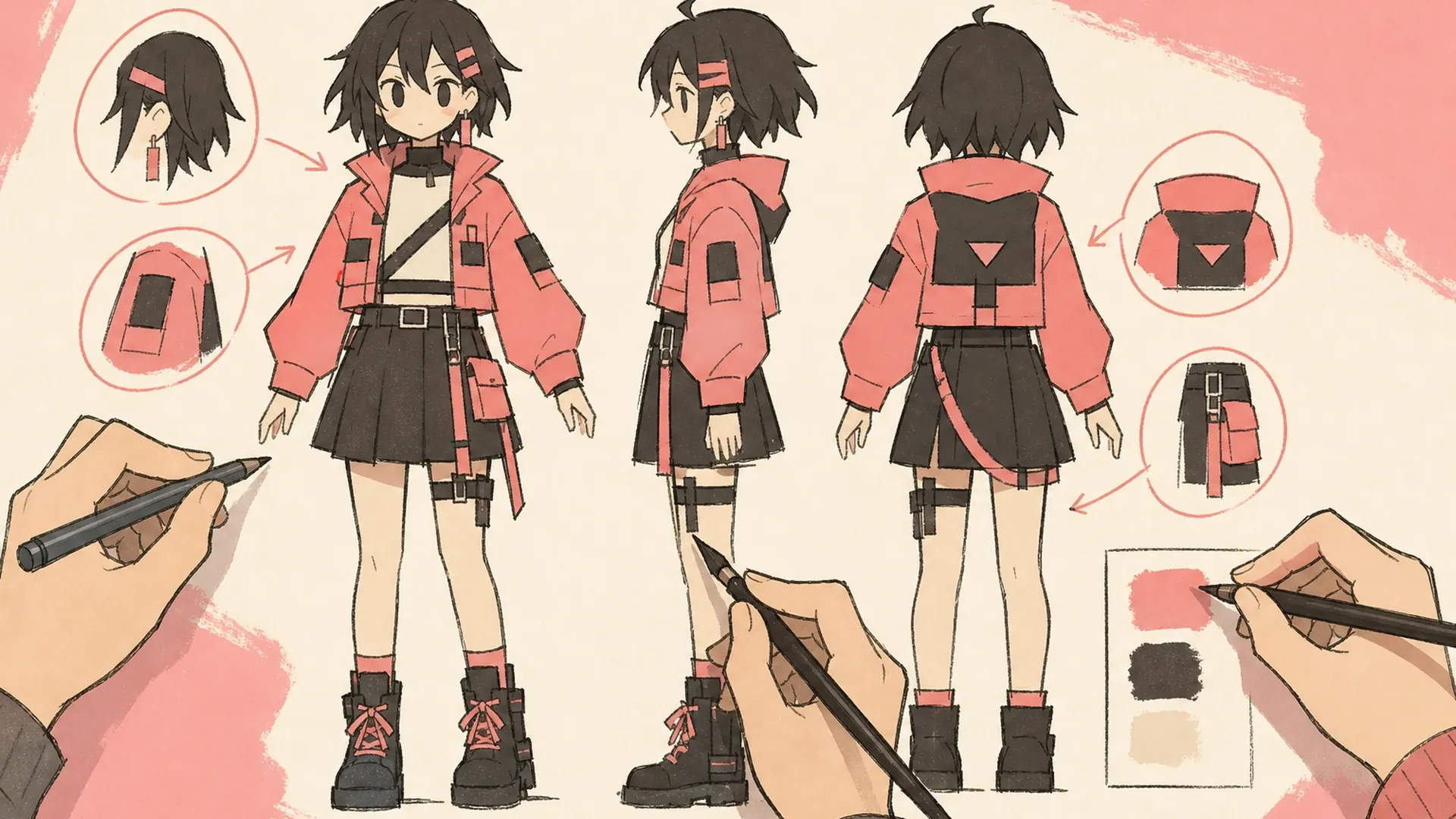
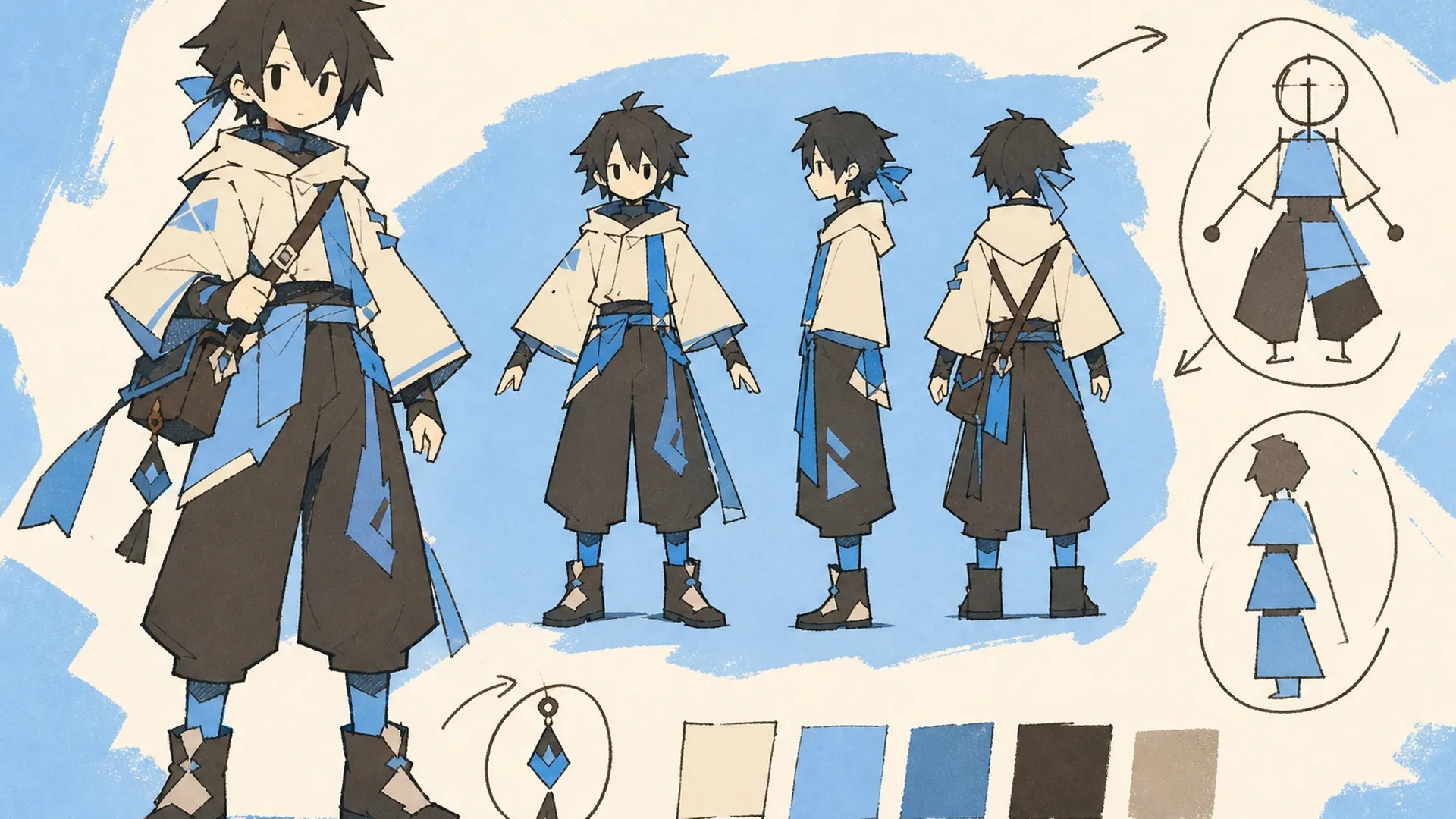
    The AI character sheet generator arranges front, profile, three-quarter, and back views in one readable canvas. Use it as a character turnaround generator for anime, game, comic, or VTuber concepts without assembling separate images by hand.

    Identity Consistency

    The AI character sheet generator carries recognizable facial structure, hair, proportions, colors, outfit layers, and accessories across each view. This helps produce a consistent character sheet, and every version remains available in History for comparison.

    Flexible Detail Studies

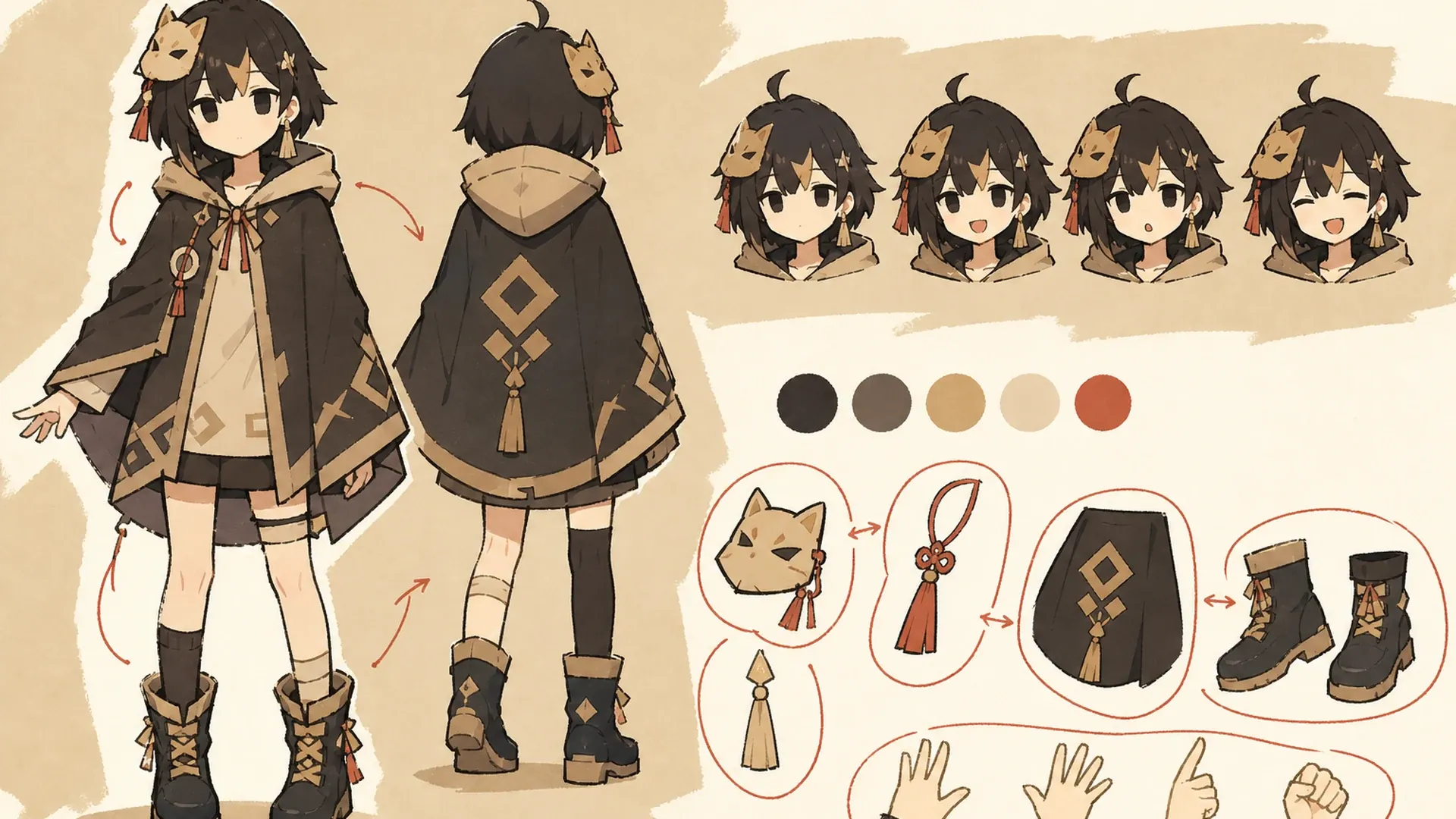
    Use the character reference sheet generator for expression rows, prop callouts, clothing construction, material close-ups, or pose notes. The same workflow also works as an OC reference sheet maker when you need a polished page to share.

    How to Generate a Character Sheet

    Go from one reference image to a reusable sheet in three steps.

    01
    Step

    Upload a Character

    Choose one clear full-body or three-quarter image with the face, silhouette, outfit colors, and important accessories visible. A simple background and even lighting help the AI character sheet generator read the design accurately.

    02
    Step

    Describe the Sheet

    Optionally list the views, expressions, props, labels, or presentation style you need. Keep the request focused, and identify any traits that must remain unchanged across the character design sheet.

    03
    Step

    Generate and Refine

    Select a model and let the AI character sheet generator compose the page. Check identity and costume details, then download the result or reopen it from History to make one specific improvement at a time.

    Character Sheet Use Cases

    Create a 16:9 landscape KusArt use-case illustration for manga production with no title, subtitle, paragraph, body copy, labels, dialogue, watermark, or decorative pseudo-text. Compose a pink-haired anime creator on the left comparing a clean character turnaround sheet while the right side shows the same character being sketched into a manga panel; keep the face, hands, sheet, and manga result inside the central safe area. Clean modern Niji anime style, crisp lineart, soft cel shading, warm-white minimal studio background, #ff4fa3 accents and one small sky-blue detail, no photorealism, 3D, thick paint, neon, deep purple, clutter, harsh shadow, gibberish text, or extra characters.

    Manga Production

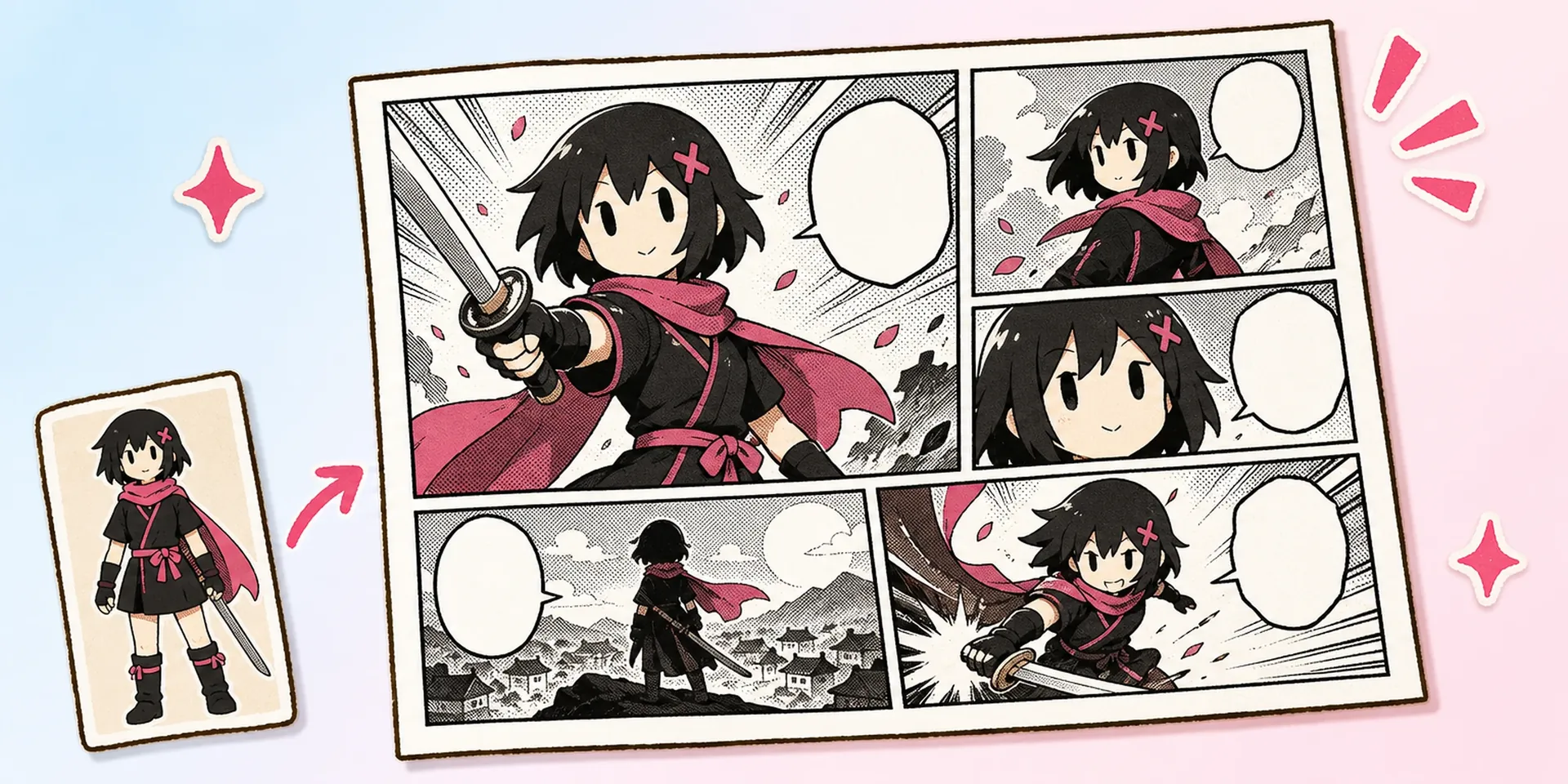
    Give pencillers, inkers, and colorists the same anime character sheet generator reference before a chapter starts, reducing accidental changes to hair, costume layers, proportions, and accessories.

    Create a 16:9 landscape KusArt use-case illustration for game development with no title, subtitle, paragraph, body copy, labels, watermark, or decorative pseudo-text. Compose a pink-haired anime designer on the left presenting a clean character sheet, with a simplified sprite plan, model-planning silhouette, palette, and signature props arranged across the right; keep all essential design cues inside the central safe area. Clean modern Niji anime style, crisp lineart, soft cel shading, pale cream minimal studio background, #ff4fa3 accents and one small sky-blue detail, no photorealism, finished 3D rendering, thick paint, neon, deep purple, clutter, harsh shadow, gibberish text, or extra characters.

    Game Development

    Use the AI character sheet generator to communicate silhouette, palette, front-to-back construction, and key props before sprite, model, animation, or specialized production work begins.

    Create a 16:9 landscape KusArt use-case illustration for VTuber design with no title, subtitle, paragraph, body copy, labels, watermark, or decorative pseudo-text. Place a pink-haired anime avatar designer on the left reviewing a wide reference board on the right with a clear expression lineup, outfit details, color swatches, and asymmetrical accessories; keep the face, hands, expressions, and accessories inside the central safe area. Clean modern Niji anime style, crisp lineart, soft cel shading, light-pink and warm-white minimal workspace, #ff4fa3 accents and one sky-blue detail, no photorealism, 3D, thick paint, neon, deep purple, clutter, harsh shadow, gibberish text, or extra characters.

    VTuber Design

    Document an avatar's outfit, colors, expression range, accessories, and asymmetrical details for rigging discussions or future costume updates before technical layer preparation starts.

    Create a 16:9 landscape KusArt use-case illustration for original-character sharing with no title, subtitle, paragraph, body copy, labels, watermark, or decorative pseudo-text. Compose a cheerful pink-haired anime creator on the left handing off a polished wide OC reference sheet on the right with turnaround views, expression studies, palette swatches, and signature accessories; keep the creator and all core sheet details inside the central safe area. Clean modern Niji anime style, crisp lineart, soft cel shading, warm-white and pale-pink minimal background, #ff4fa3 accents and one small sky-blue detail, no photorealism, 3D, thick paint, neon, deep purple, clutter, harsh shadow, gibberish text, or extra characters.

    Original Characters

    Turn an anime character creator result into a shareable commission or worldbuilding reference. The OC reference sheet maker workflow is easier to discuss than scattered images or text alone.

    Character Sheet Generator FAQ

    What image works best?+
    Use a clear full-body or three-quarter image where the face, hairstyle, silhouette, outfit colors, and major accessories are visible. One well-lit subject on a simple background gives the AI character sheet generator the strongest identity reference.
    Can it create front, side, and back views?+
    Yes. The default workflow supports front, side, three-quarter, and back studies. You can name the angles that matter most and request a neutral stance, expression row, or detail callouts in the optional prompt.
    Will the character stay consistent?+
    Identity consistency is a core goal, but AI results can still vary. Clear source art and precise must-keep details improve facial, hair, palette, and costume stability. Review small symbols, asymmetrical accessories, and hidden construction before production use.
    Can I add expressions or props?+
    Yes. Ask for a focused expression lineup, hand poses, weapons, bags, jewelry, mascots, or material close-ups. Prioritize the details collaborators actually need, because too many unrelated requests can make the page crowded.
    Where are my results saved?+
    Completed generations are saved in History, where you can reopen, compare, download, or edit them again. Keep the original upload too, because it remains the clearest identity source for future sheets and character variations.
    Can I use the sheet for commercial work?+
    You can use the output as part of a commercial workflow, subject to KusArt's current terms and the rights attached to your source image. Always confirm that you have permission to use the uploaded character and design.
    Can I make outfit or expression variants?+
    Yes. Generate the base sheet first, then create a focused version for alternate outfits, seasonal costumes, or a larger expression library. Keeping each request narrow helps the AI character sheet generator preserve the approved identity.

    Build Your Character Reference Sheet

    Upload one character and let the AI character sheet generator organize a clear, reusable multi-view design guide.

    Generate Character Sheet

    Explore More AI Character Tools