Turn a character description into a sprite. Pixel art anime keeps everything on a visible grid — chunky blocks, a deliberately small palette, and dithering placed by hand where a gradient would normally sit. Faces read through a handful of pixels, outfits reduce to two or three flat tones with a single highlight, and outlines stay one pixel thick so the sprite survives being scaled up. It is the look of retro game character select screens and portrait windows, generated in seconds. Free on KusArt, no login required.
Pixel art anime sprites made by the KusArt community. Click any image to see its details and try the same prompt.
Pixel art is the one style where constraint is the whole point. Every other approach adds detail to improve a character; here you subtract until only the essentials survive, and the discipline is what gives the result its charm. Palettes stay deliberately small — often eight to sixteen colours for an entire sprite — so each tone has to do multiple jobs, serving as both a shadow on one surface and a midtone on another. Gradients are impossible, so shading is handled with dithering: alternating pixels of two tones in a checker pattern that the eye blends at a distance. Outlines run a consistent single pixel, usually in a darker version of the fill colour rather than black, which keeps sprites from looking heavy. Faces are the real test, since an expression has to survive in an area maybe twelve pixels across — eyes become two or three pixel clusters, mouths a single dash, and the personality comes from silhouette and hair shape instead. Anti-aliasing is applied sparingly and by hand, only on curves that would otherwise read as jagged. The result scales cleanly, animates cheaply, and carries an immediate nostalgia that smoother styles cannot fake.
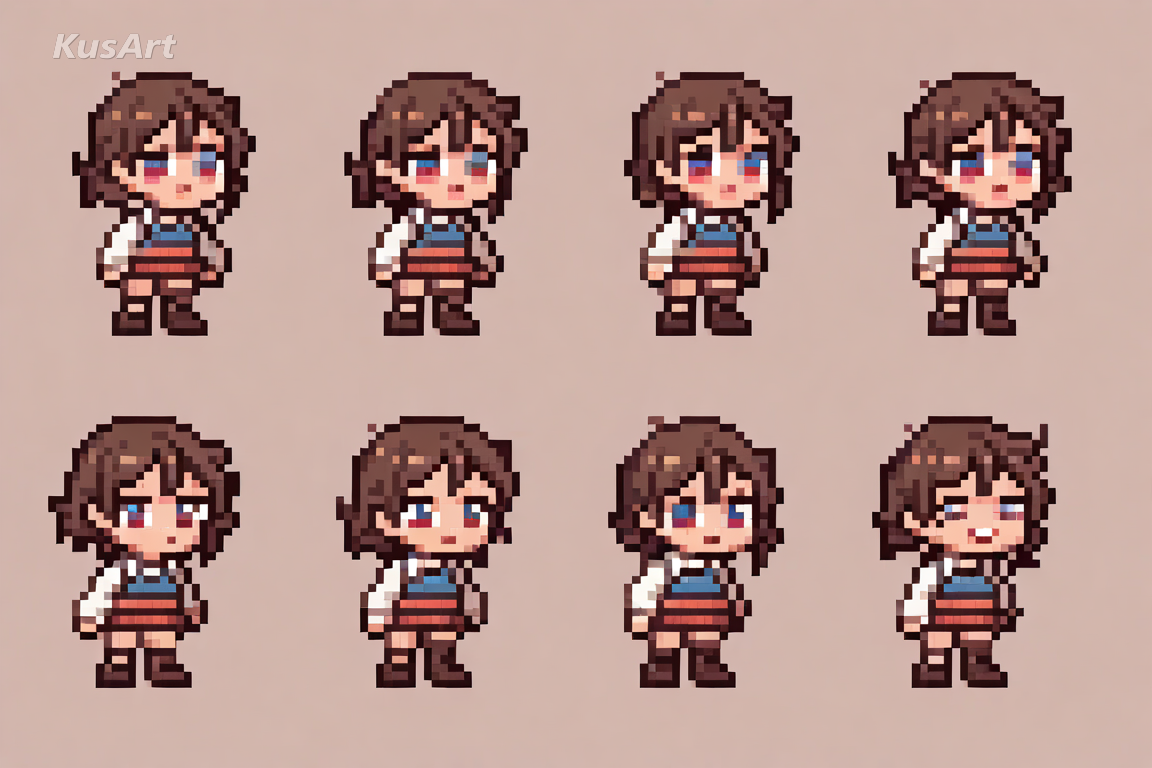
These constraints are what make a sprite read as genuine pixel art rather than a downscaled illustration.
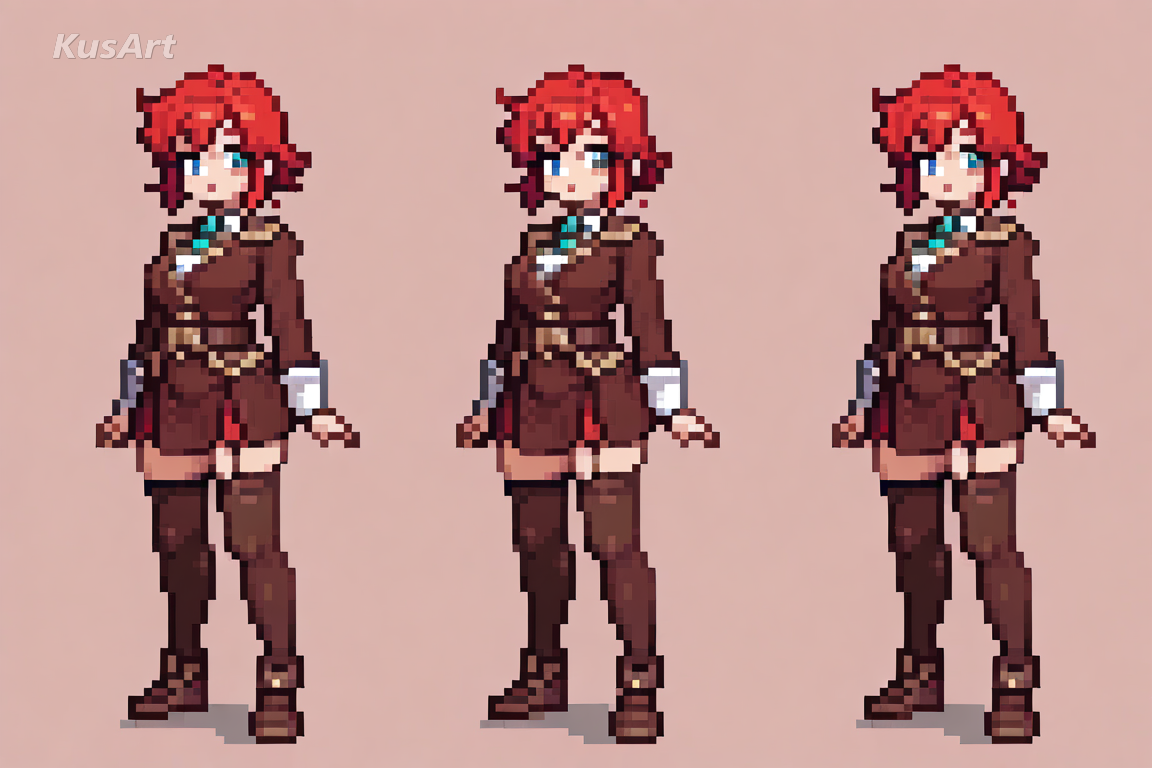
Eight to sixteen colours carry an entire sprite, so every tone works double duty as a shadow here and a midtone there. The restriction is what gives retro sprites their cohesive, designed feel.
Try Limited Palette →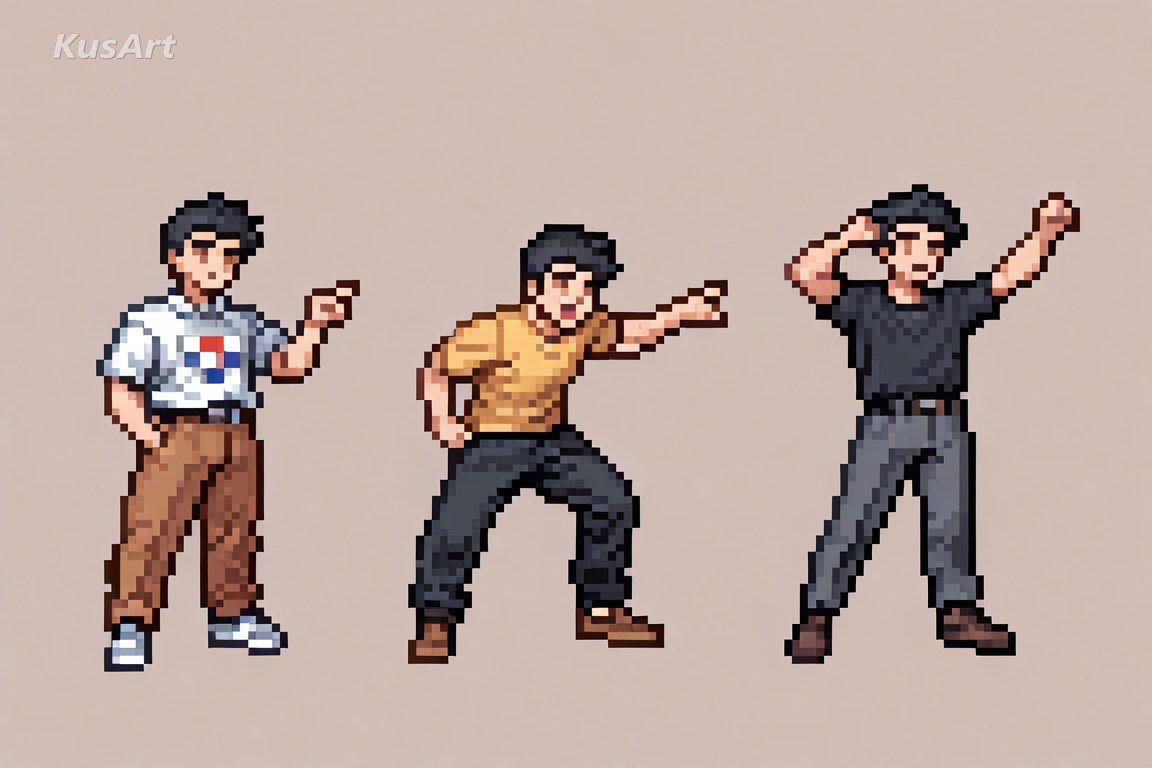
With gradients off the table, shading happens through checkerboarded pixels of two tones that blend at a distance. Placed deliberately, dithering adds volume without breaking the grid.
Try Dithering →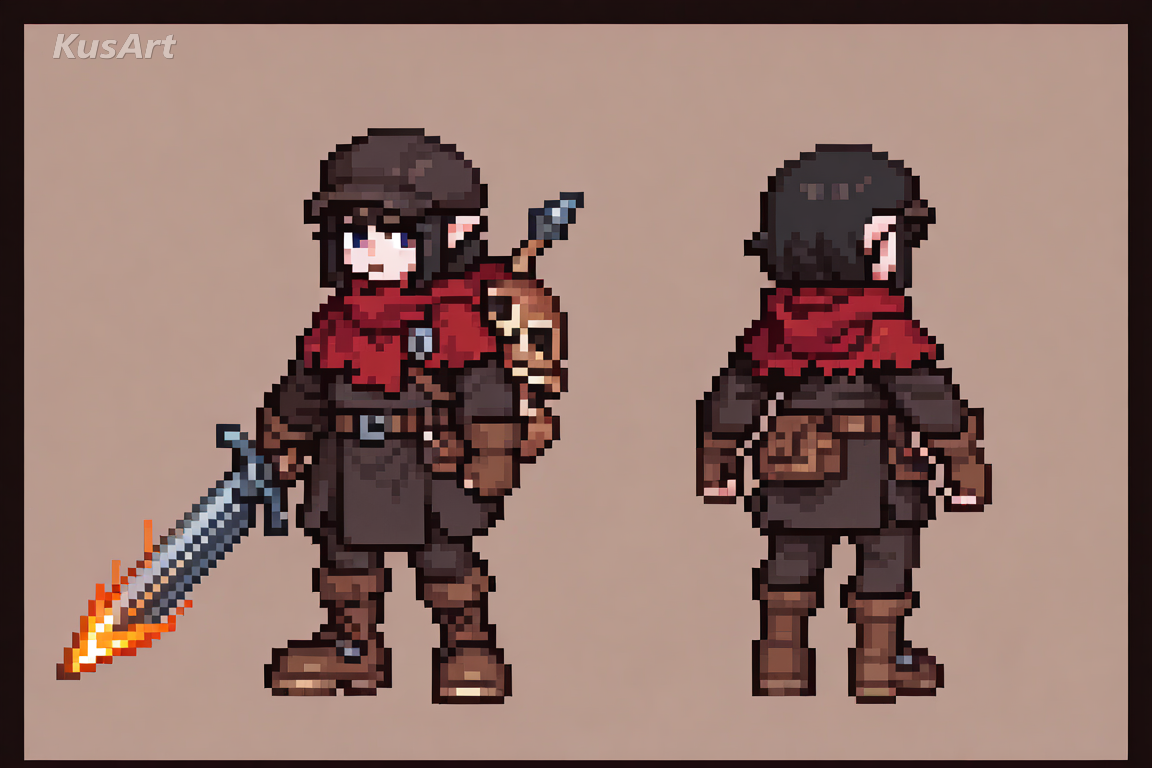
Outlines stay exactly one pixel wide and use a darker version of the fill rather than pure black. It keeps sprites crisp and prevents the heavy, sticker-like edge that thicker outlines create.
Try Clean Outlines →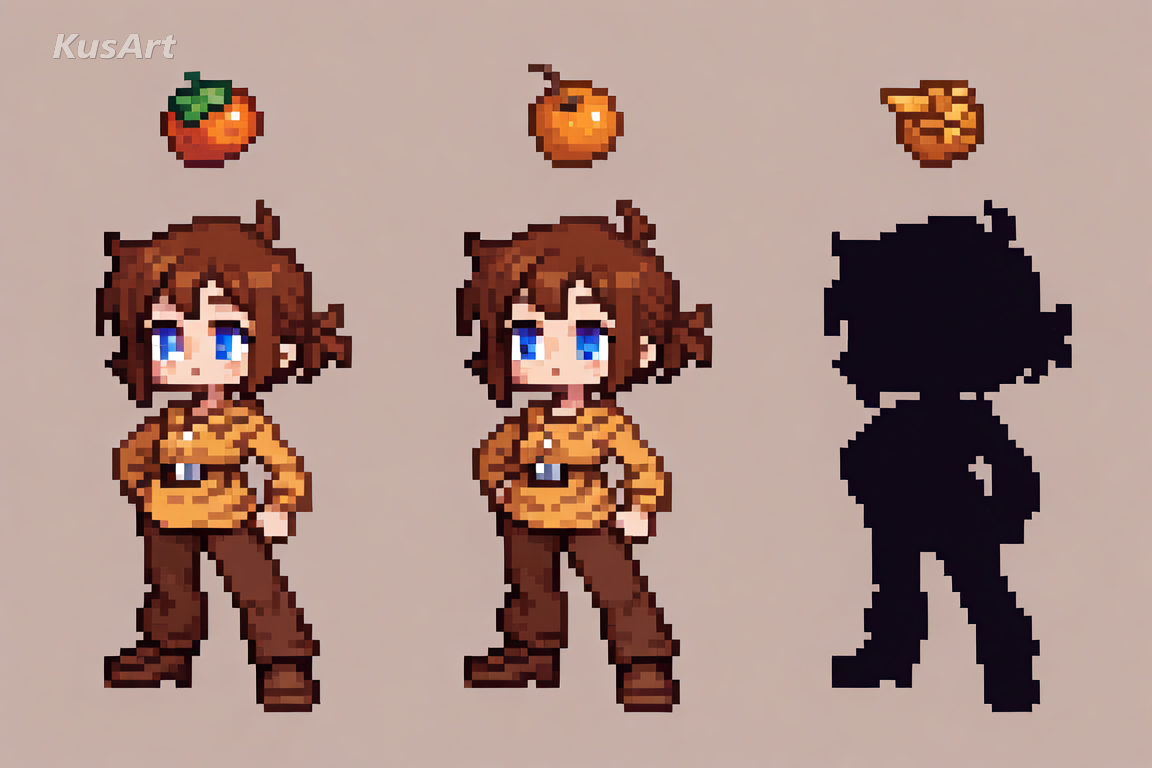
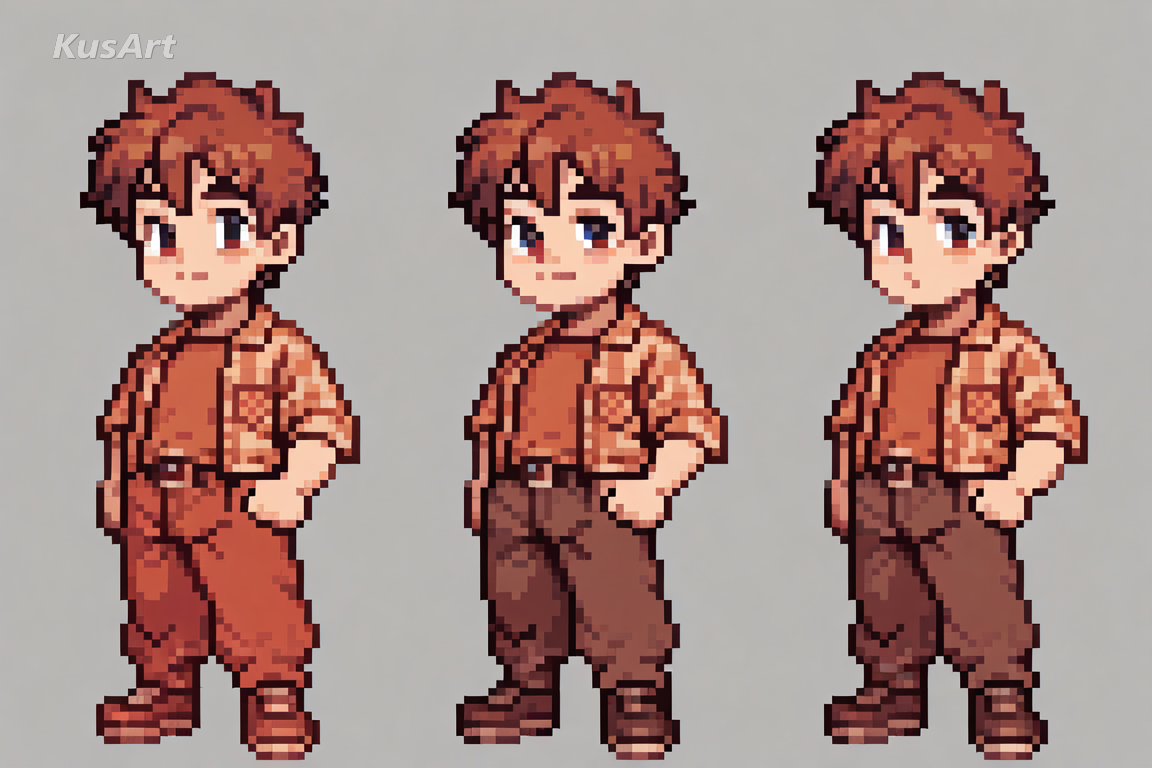
A face has to work in a tiny area, so eyes become small pixel clusters and mouths a single dash. Personality arrives through silhouette and hair shape instead of facial detail.
Try Sprite Faces →Pixel sprites earn their place wherever small, scalable, and nostalgic all matter at once.
Prototyping a retro-styled game? Sprites generated here give you a readable character at working resolution, ready to drop into a mockup or a character select screen.
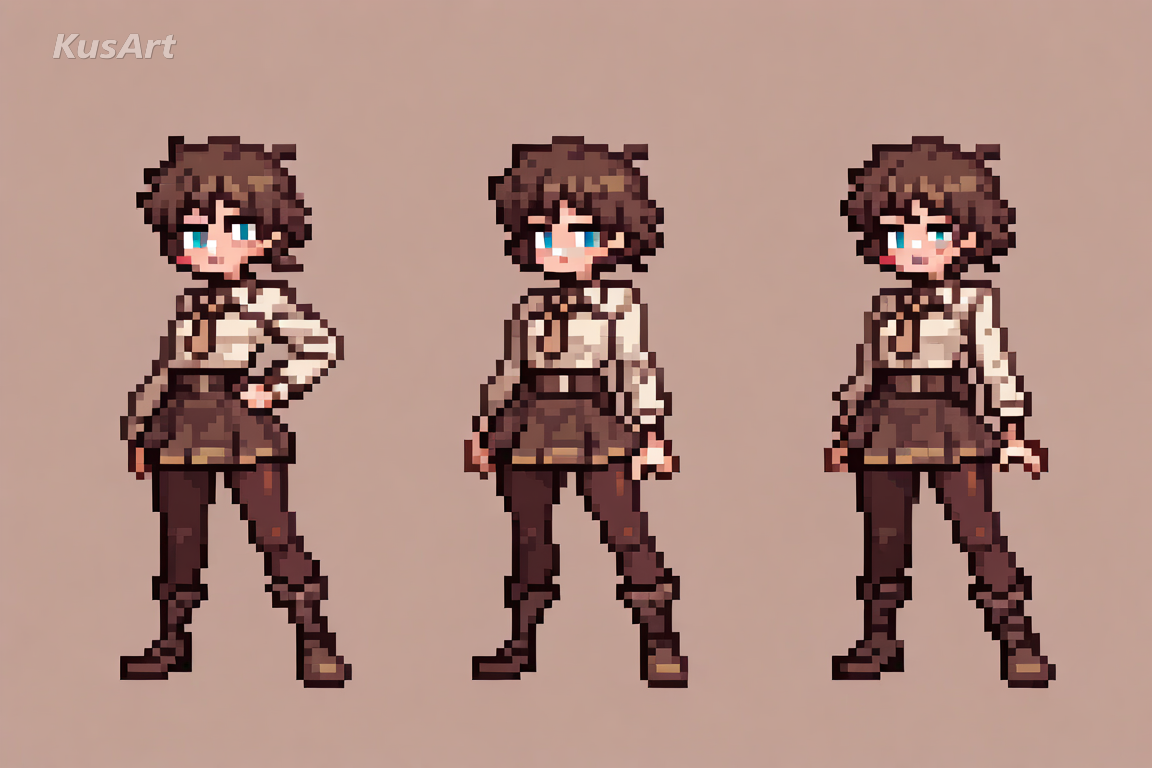
Because pixel art is built to be small, it stays sharp in the tiny circles that profile pictures live in, where smoother illustration turns to mush.
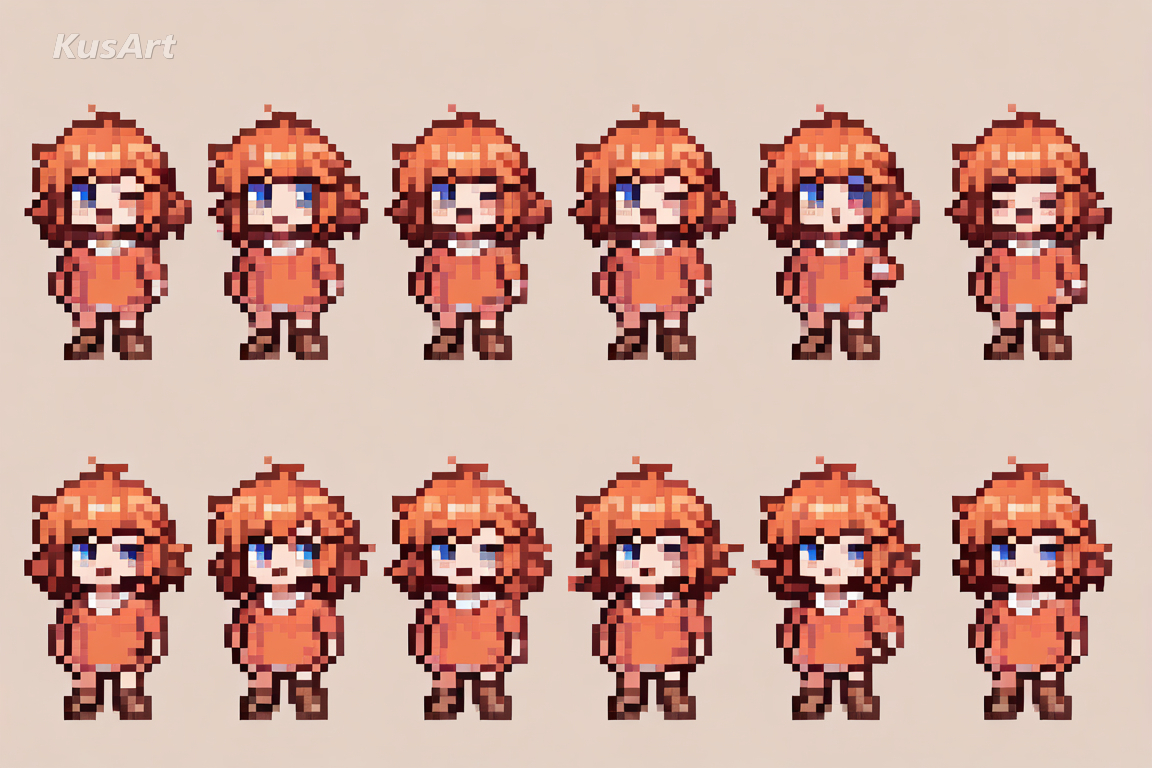
Expressive pixel faces make excellent chat emotes. The grid keeps them legible at any size, and the nostalgia does the rest.
Open the KusArt Image Generator and select 'Retro 8-Bit Pixel' from the style panel.
Describe your character with an emphasis on silhouette — hair shape and outfit shape carry the sprite.
Keep colour descriptions simple; naming two or three colours suits the limited palette better than a long list.
Generate, then scale the result up with nearest-neighbour if you want crisp enlarged pixels.
It is anime character art built on a visible pixel grid — a small palette, hand-placed dithering instead of gradients, single-pixel outlines, and expressions that work in a tiny area.
Yes. KusArt offers free AI generation with no login required, so you can make as many sprites as you like.
Prompts heavy on realistic detail can pull the model away from the grid. Lead with silhouette and simple colour words, and keep detail adjectives to a minimum.
Images you generate are yours to download and use. They work well as concept sprites and mockups; check the pricing page for the plan terms on your account.
The generator outputs a standard image; the pixel look comes from the style rather than a literally tiny canvas. Scale with nearest-neighbour to keep edges crisp.
Shape words beat detail words. 'Twin tails, long coat, two-colour outfit' produces a cleaner sprite than a paragraph of texture description.
Use Retro 8-Bit Pixel when you want chunky pixel sprites with a limited palette and hand-placed dithering, built like a retro game character. It is especially useful for game character concepts, profile icons and avatars, and retro sticker and emote sets.
Start with Image Generator for the fastest prompt-first workflow. If your goal is a profile picture or avatar, Anime PFP Maker is usually the better fit. If you want to build a more structured original character workflow, move into OC Generator.
Pixel sprites earn their place wherever small, scalable, and nostalgic all matter at once. After your first strong result, you can carry the same look into Sticker Generator, OC Generator, and Image to Video.
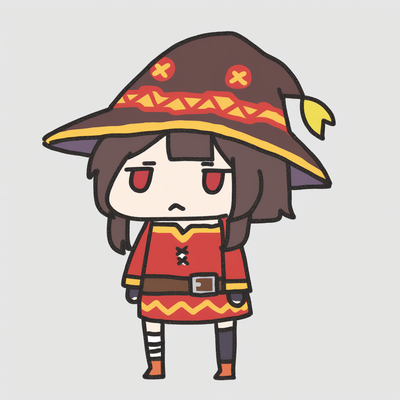
An adorable chibi anime style featuring tiny dot eyes, oversized heads, and compact bodies that maximize cuteness in every illustration.
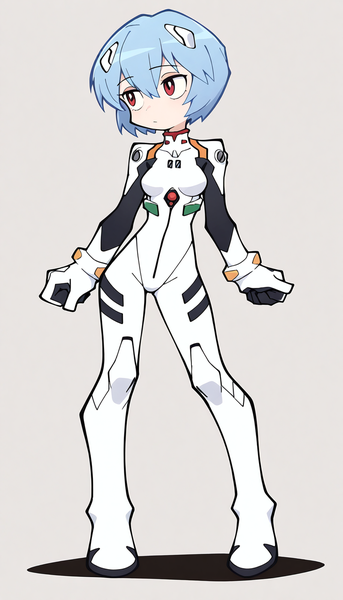
Clean linework, bold shapes, and flat colors for sharp, graphic minimalist art that emphasizes silhouette over texture.
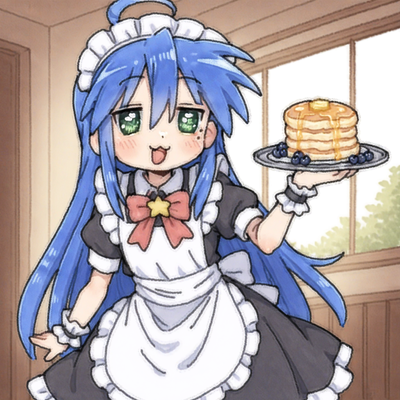
The iconic internet meme aesthetic with extreme saturation, JPEG artifacts, lens flare, and chaotic visual noise for viral meme material.
Generate retro game sprites in seconds — free, no login required.
Includes 100 free credits daily