AI Pose Changer
Upload your anime character, choose a pose template or custom pose reference, and use AI to change the pose in seconds while preserving the character's design.

Change Any Character Pose in One Click
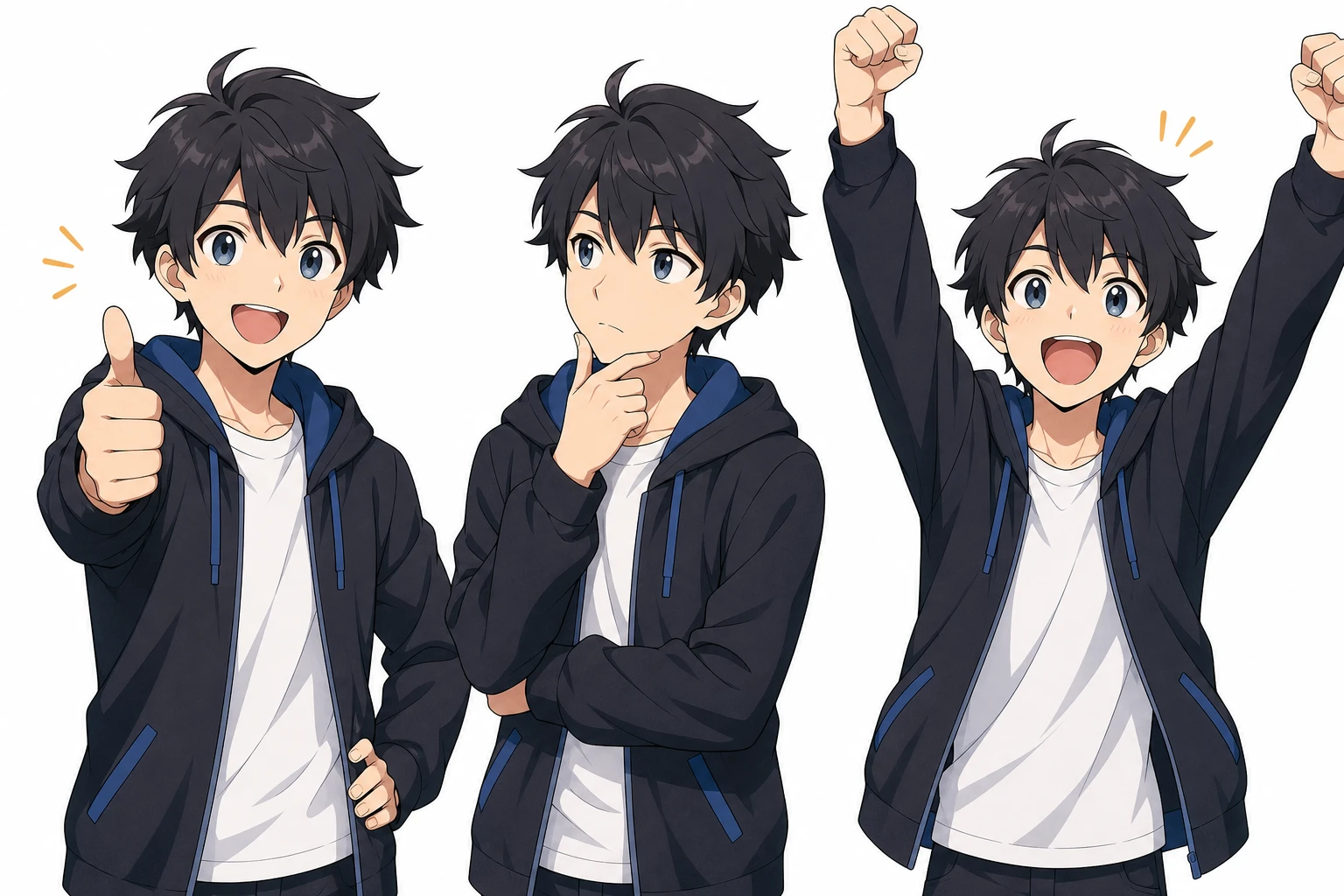
Upload your anime character, choose a pose template or upload a custom reference image, and get a fully posed illustration in seconds with the AI Pose Changer. No rigging, no posing software, no drawing — just select and generate. Works with OC Editor art, fan art, and official character images.
Try It Free
What Is an AI Pose Changer?
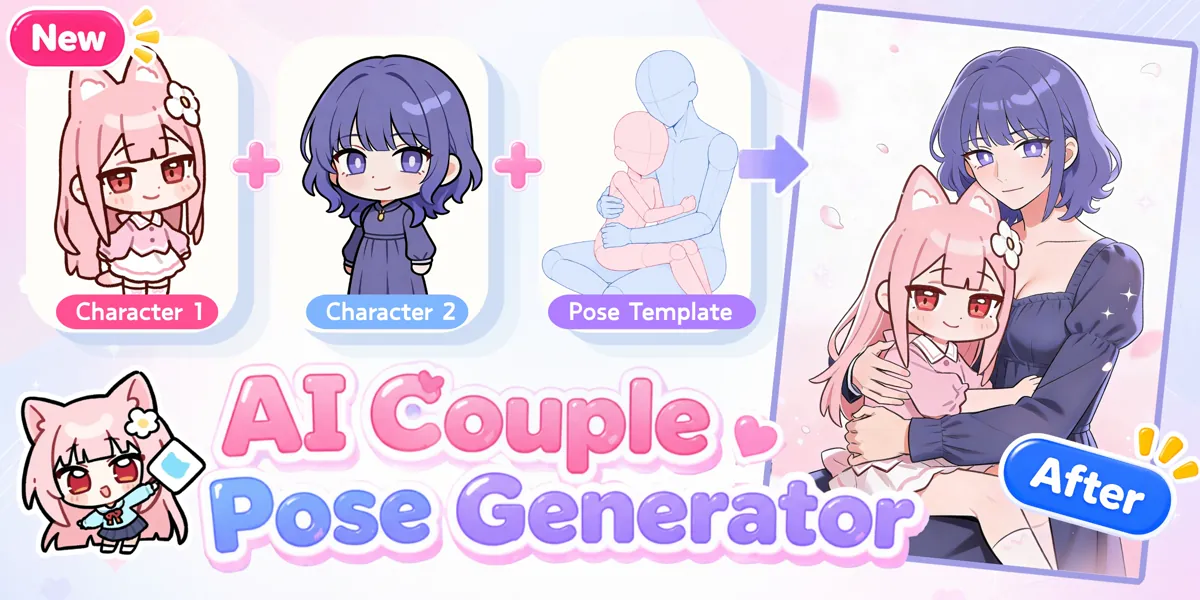
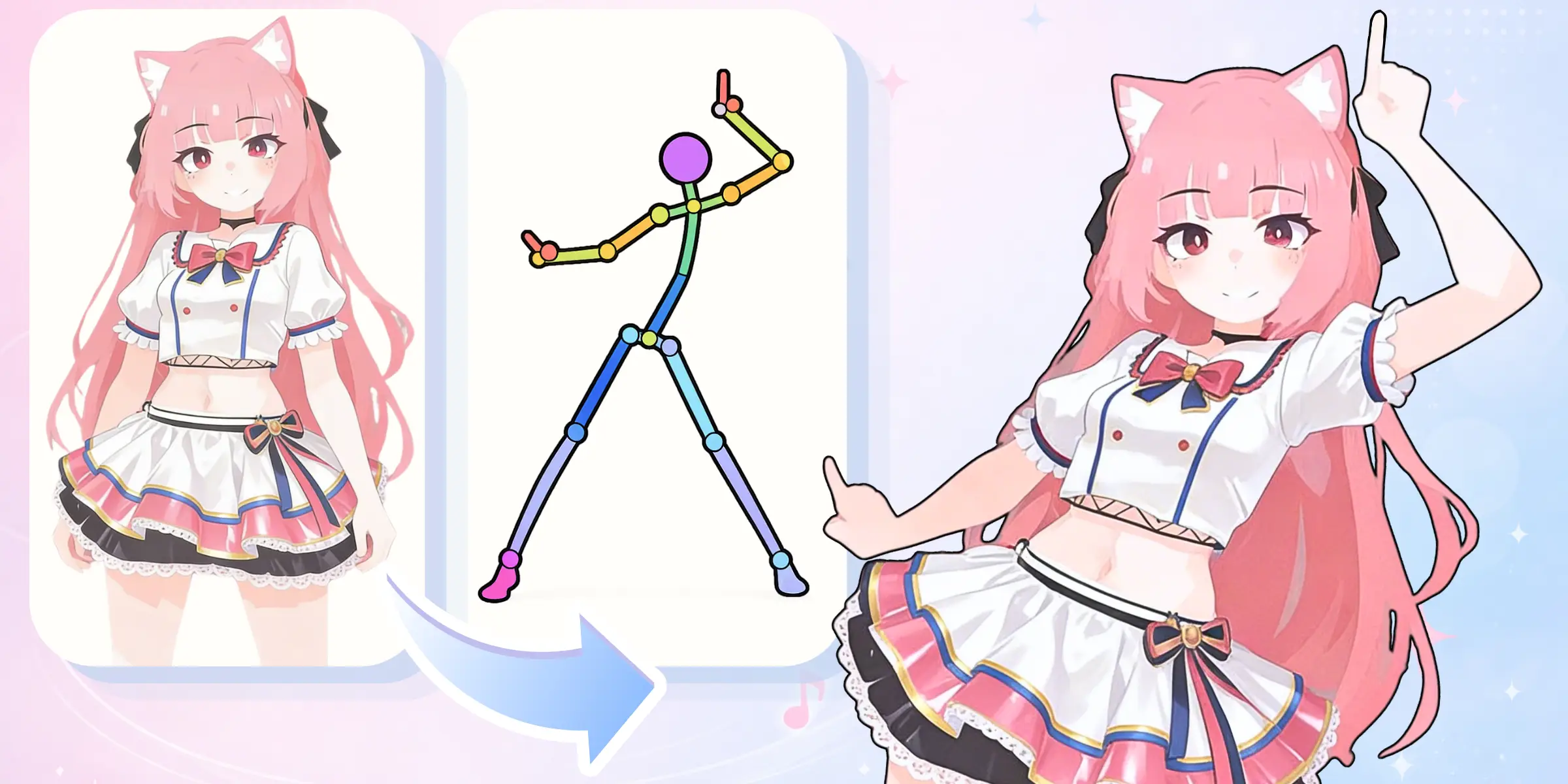
The AI Pose Changer is a KusArt tool that takes a single character reference image plus a pose template or uploaded pose reference, then uses AI to redraw the character in the new pose while preserving their original design. It's built on the same technology that powers the OC Editor, but focused entirely on pose-level editing so you get results faster.

Why Use AI to Change Character Poses?
Posing a single character consistently across multiple scenes is one of the most time-consuming parts of anime illustration. Redrawing hands, adjusting body language, and keeping the design intact takes hours manually. The AI Pose Changer compresses that to a few seconds per image, letting you iterate through poses quickly and keep your workflow moving. Your History tab saves every result so you can compare and pick the best version.

Manual Posing Breaks Your Creative Flow
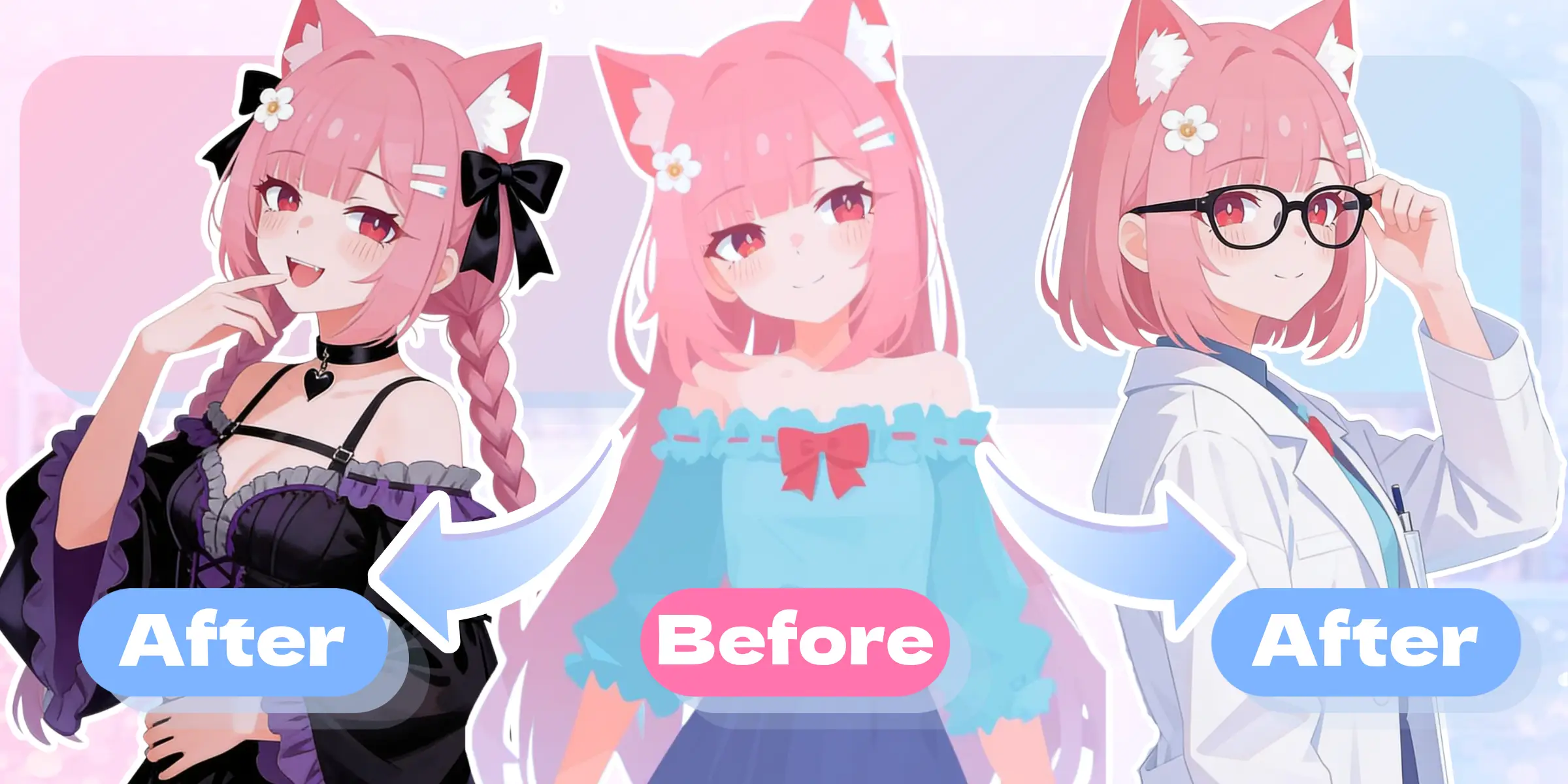
Posing a character properly in a new stance means re-sketching limbs, adjusting proportions, fixing perspective, and redrawing overlapping elements — all while keeping the design consistent. Most artists spend more time on pose correction than on the actual creative work. The AI Pose Changer removes that bottleneck entirely. Upload once, choose a template or reference image, and generate a correctly posed illustration that matches your original character's look — including details like hair color and outfit — without redrawing anything. Feed it images from the AI Image Generator for a full end-to-end workflow.

Built for Pose Exploration
Every feature in the AI Pose Changer is designed around rapid pose iteration.
Single Character Reference Upload
Upload one clear reference image of your character. The AI reads the design — hair, outfit, colors, and art style — and preserves it across the pose change. Works with portraits, bust shots, and full-body references.
Pose Template Picker
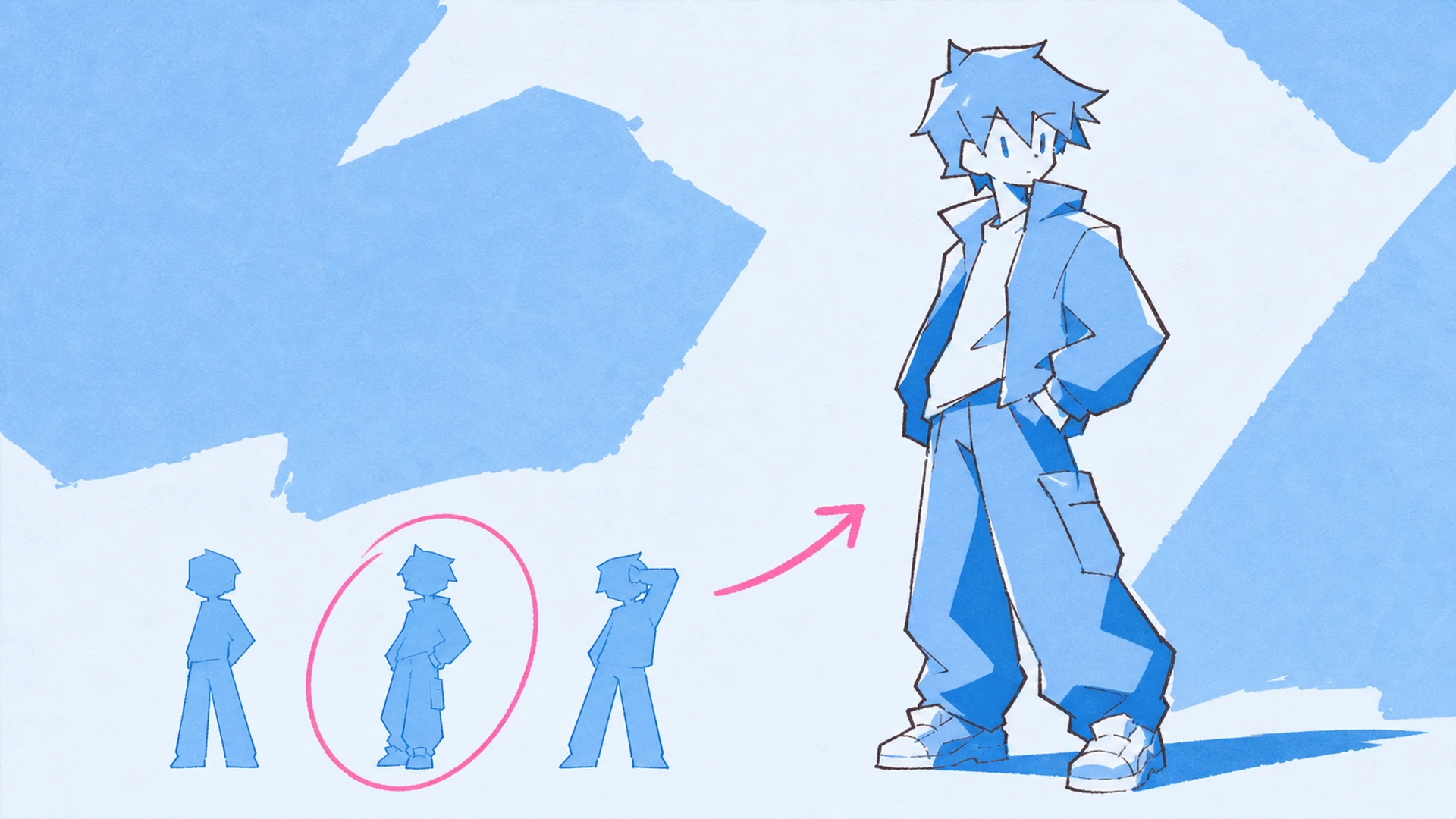
Choose a reference pose from the template library, or upload your own pose reference image. Templates and custom references share one picker dialog, and the Pose Changer saves each result to your History.
Additional Prompt
Add optional clothing, scene, mood, or styling notes on top of the selected template or reference. The prompt input reuses the existing generator input style for a consistent editing experience.
From Upload to Posed Art
Three steps from reference to result.
Upload Your Character
Click the upload area and select a JPG, PNG, WebP, or GIF image of your character. Portraits and full-body shots both work. The clearer the reference, the more accurately the AI preserves your character's design in the new pose.
Select a Pose Reference
Open the pose picker and choose one pose from the template library, or upload your own reference image. Once both the character image and pose reference are ready, generation is unlocked.
Generate and Download
Hit Change Pose and wait a few seconds for the AI Pose Changer to redraw your character. The result appears in the preview panel and is saved to your History automatically. Download directly or send to Image to Video to animate the pose.
Ready to Change Your First Pose?
Upload a character, pick a pose, and generate a new illustration in seconds. Sign in to generate and save your results.
Start PosingPopular Ways to Use the Pose Changer

Dynamic Action Poses
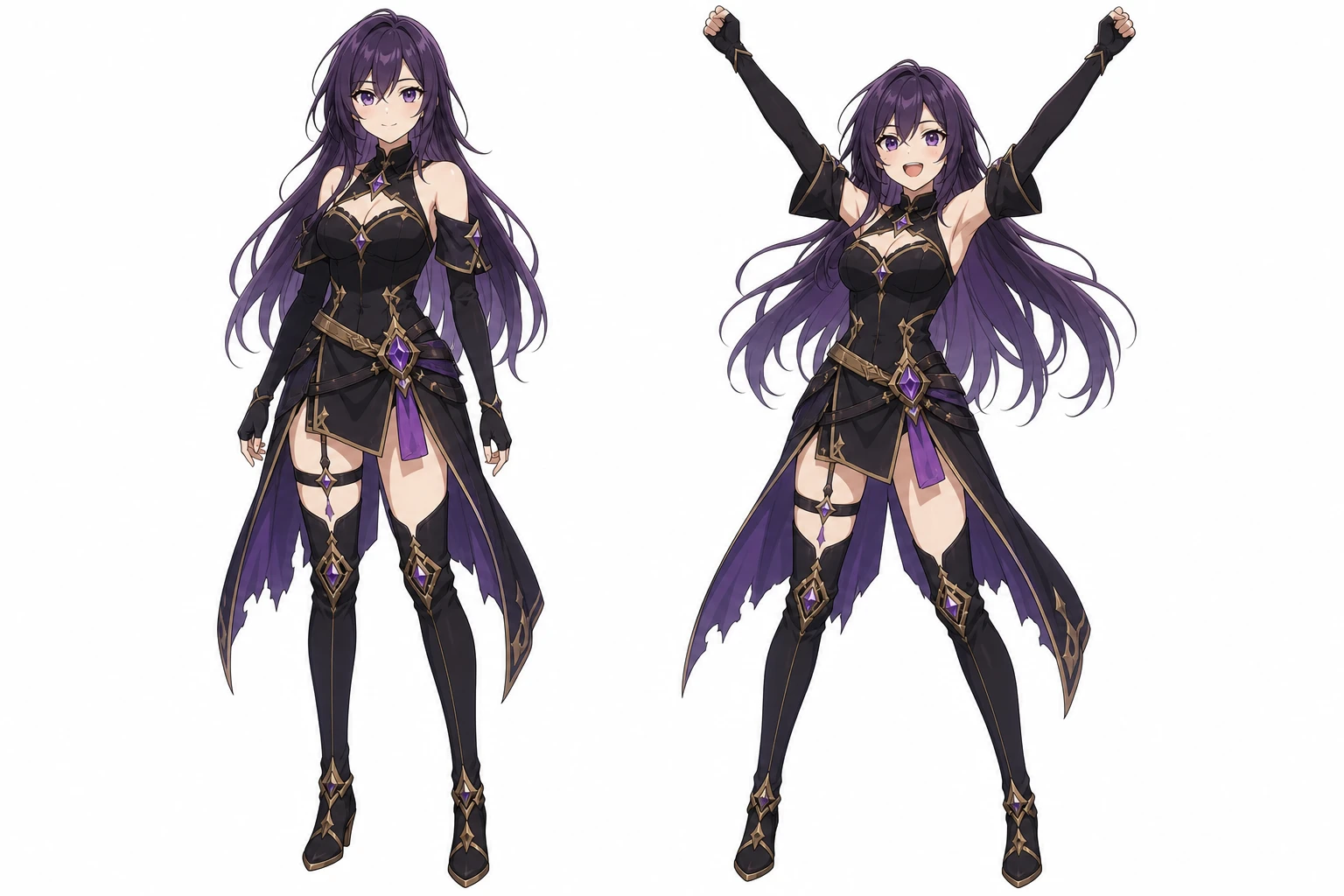
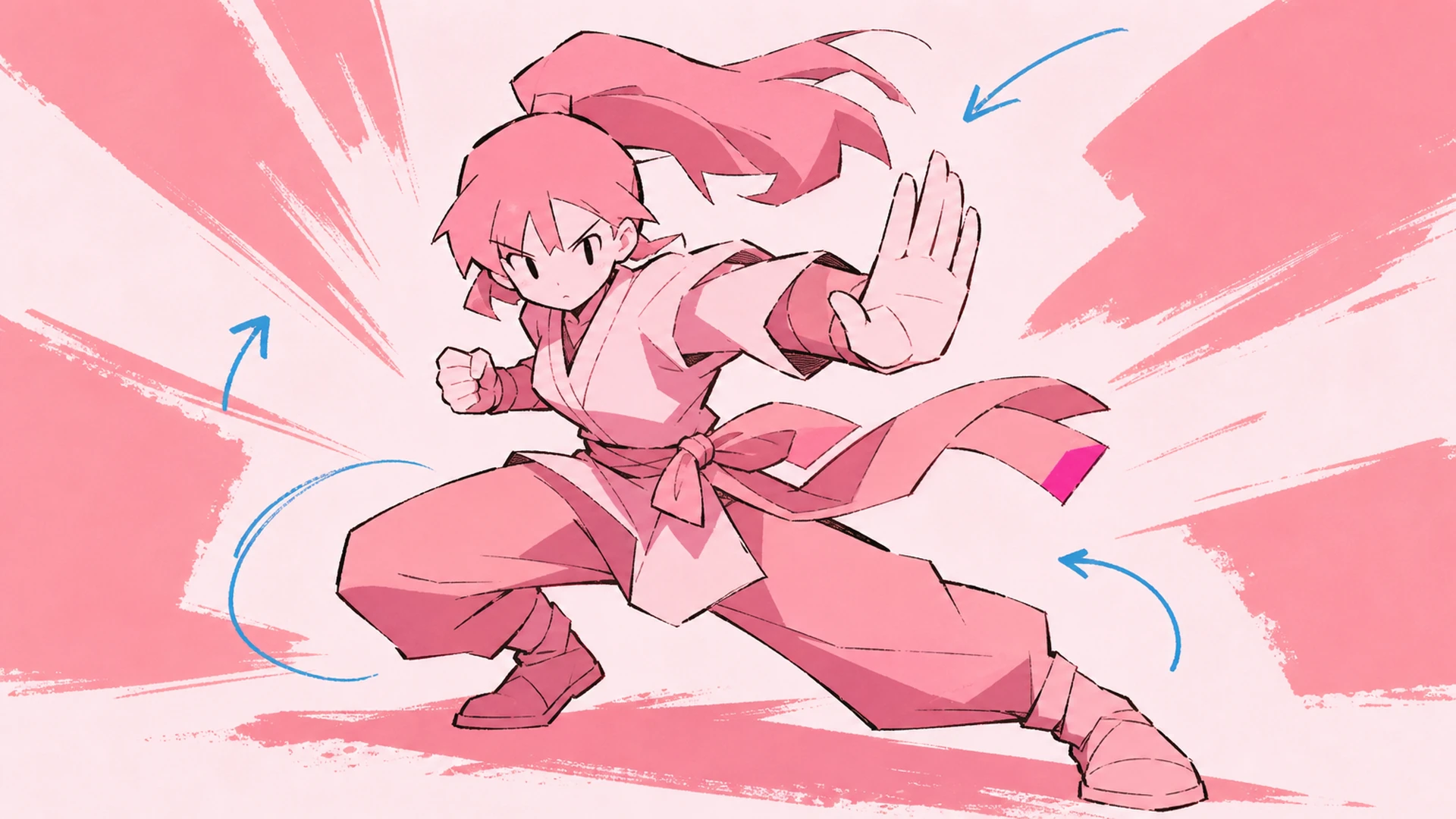
Use the AI Pose Changer to give your character aggressive stances, battle poses, and energy-forward body language for action scene art, profile banners, and game thumbnails.

Template Pose Iteration
Browse the full pose template library and quickly switch between presets for story scenes, character sheets, and creative illustrations.

Custom Reference Images
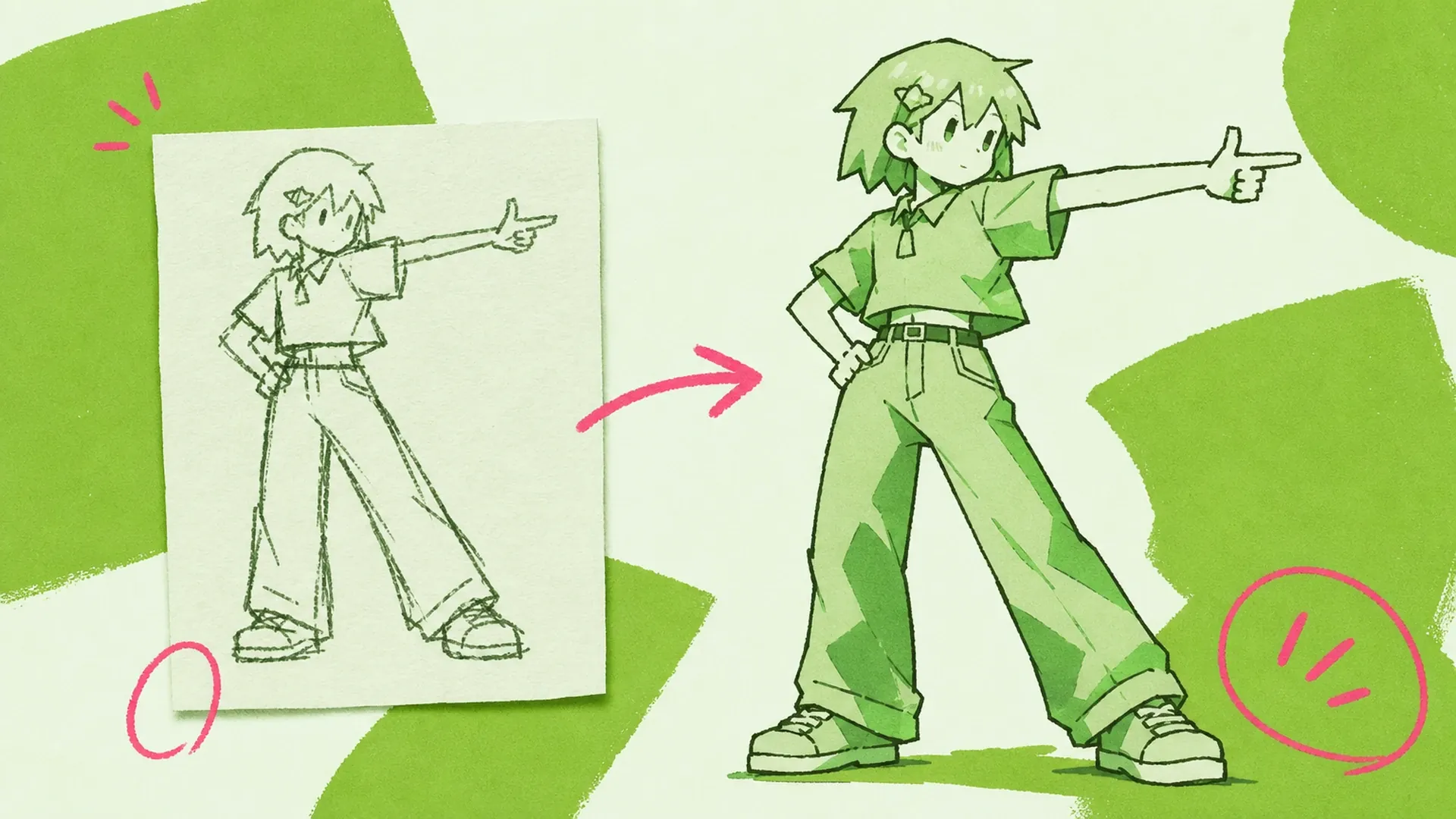
Upload pose sketches, reference images, or generated art to make the character follow a specific action for visual novels, character guides, and custom illustrations.

Casual and Idle Poses
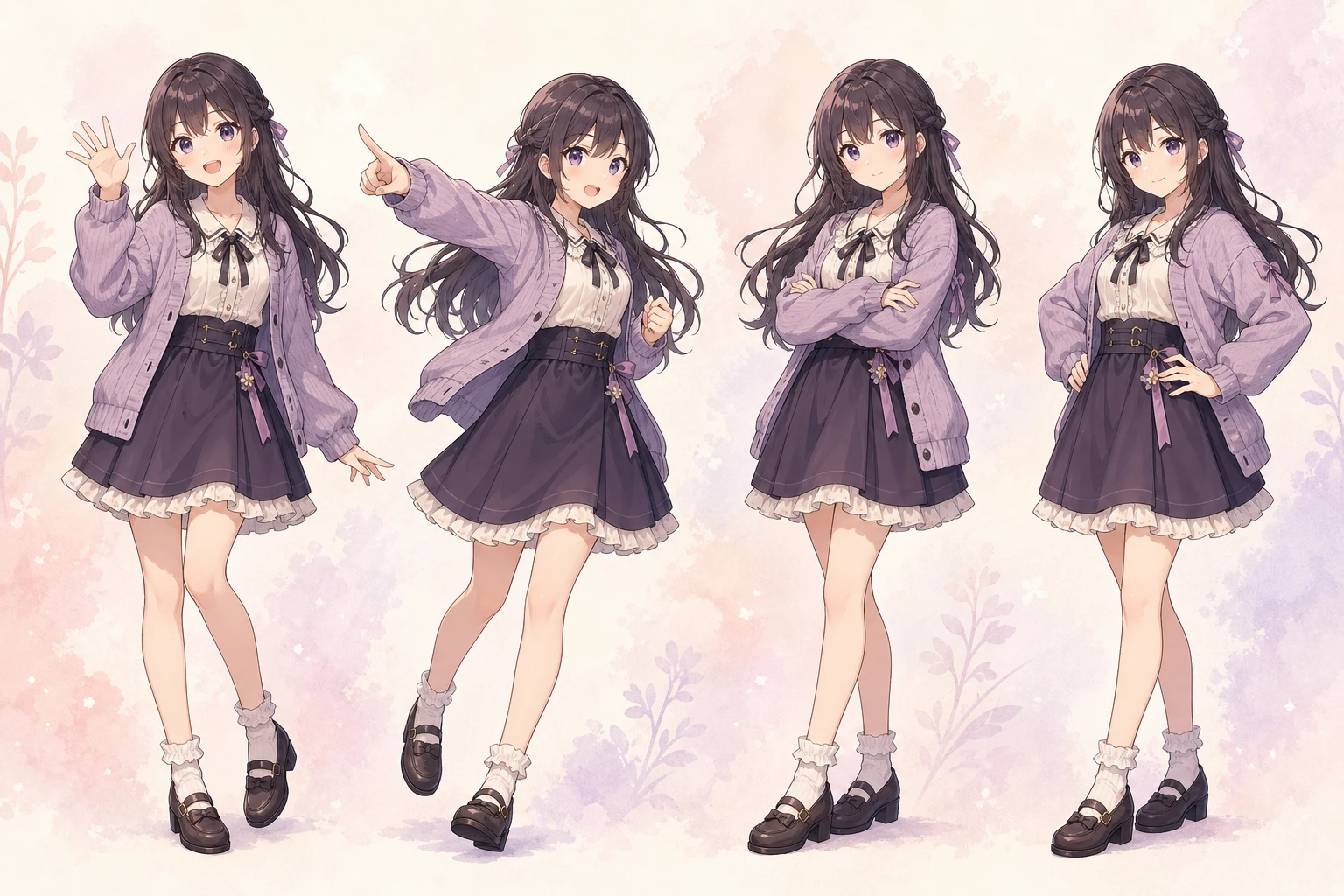
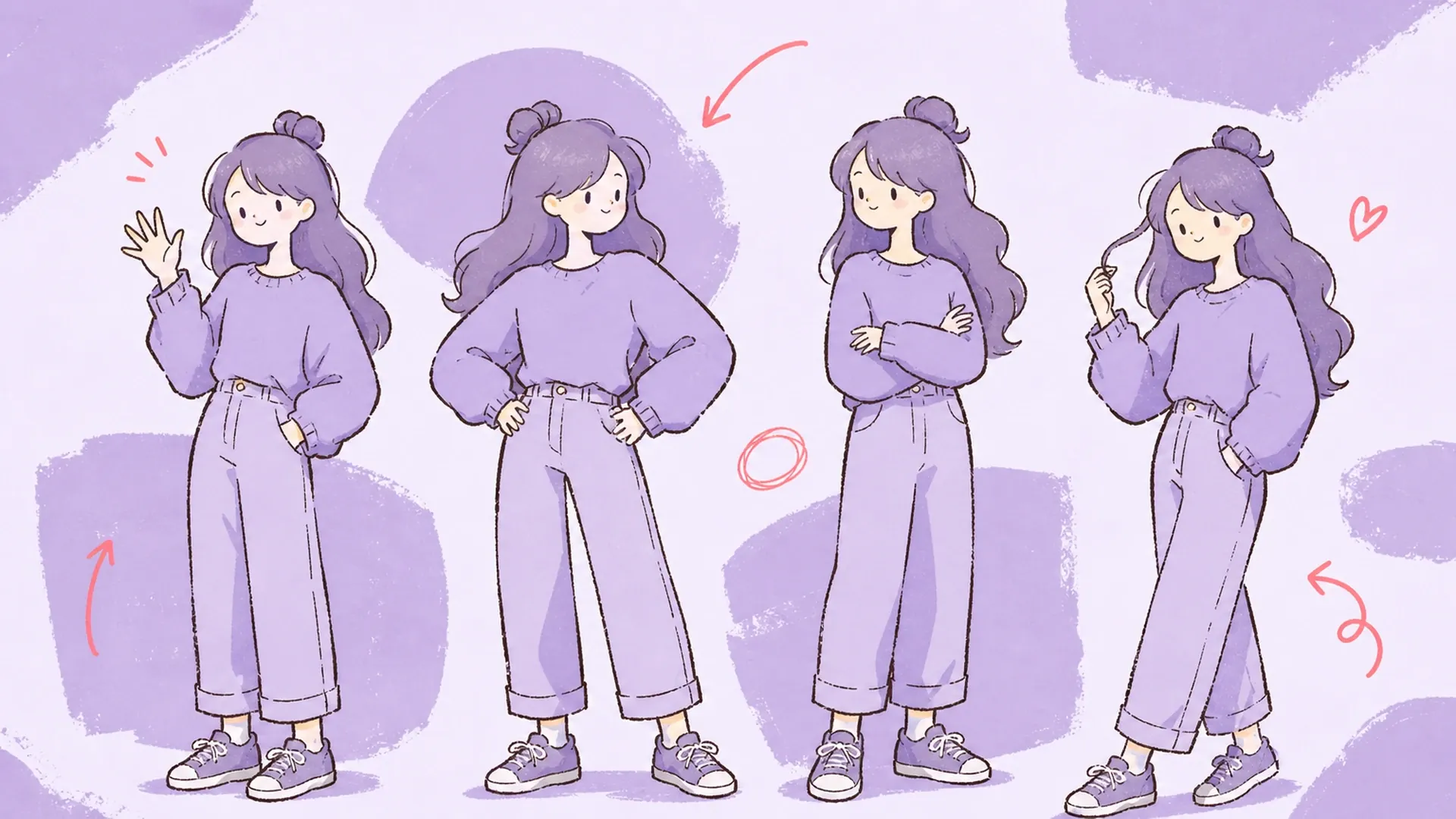
Try waving, hands on hips, crossed arms, and hair twirling for slice-of-life scenes, social media posts, and character introduction pages.