Locked Face, New Fit
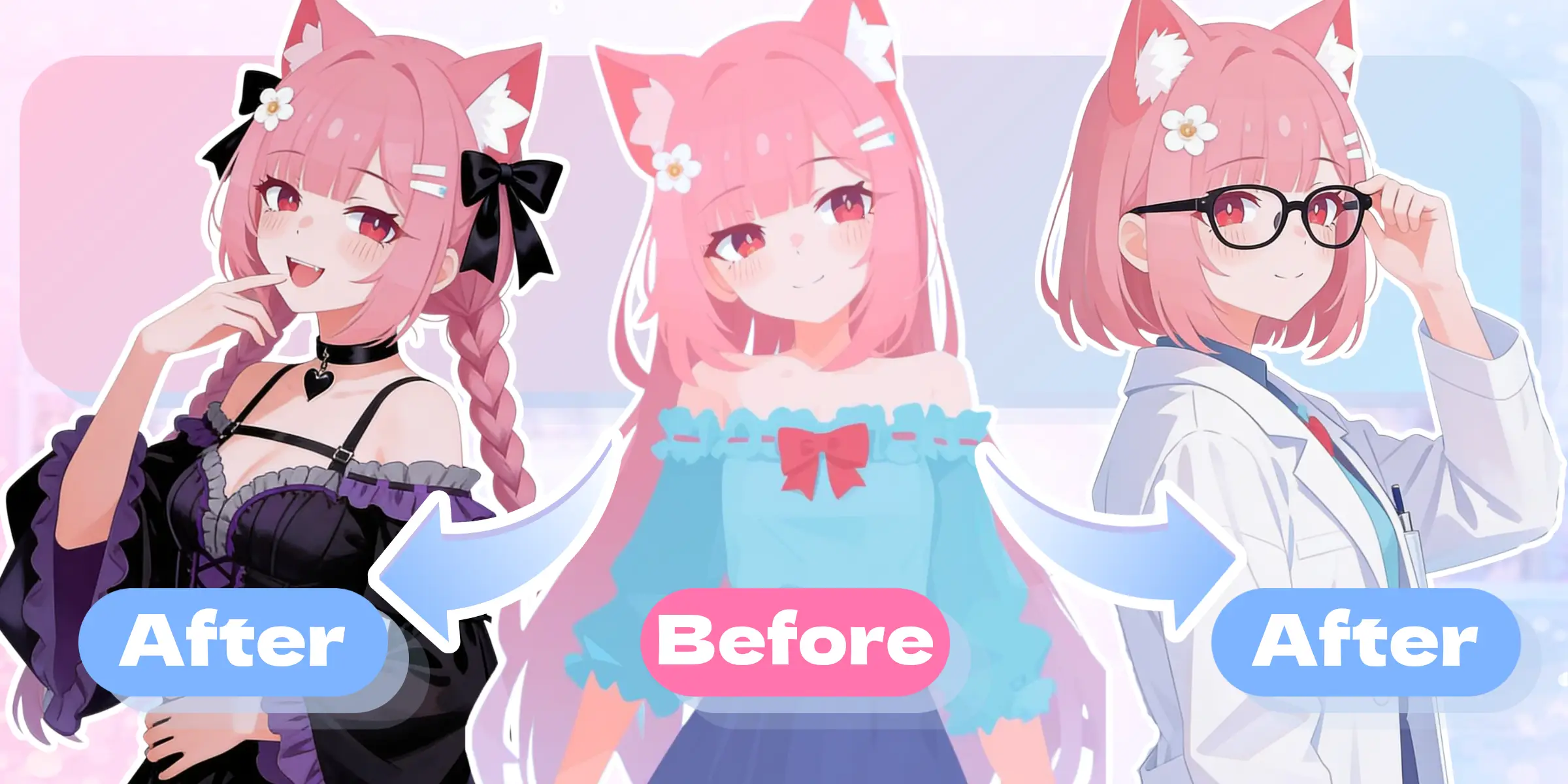
Every anime outfit swap keeps the eyes, face shape, and body proportions fixed. You change the clothing and nothing about the character's likeness shifts, so a whole wardrobe still reads as one consistent OC across the set.

The ai outfit changer that redresses your anime character in seconds. Upload one image, pick any outfit, and keep the same face, hair, and body identity intact.
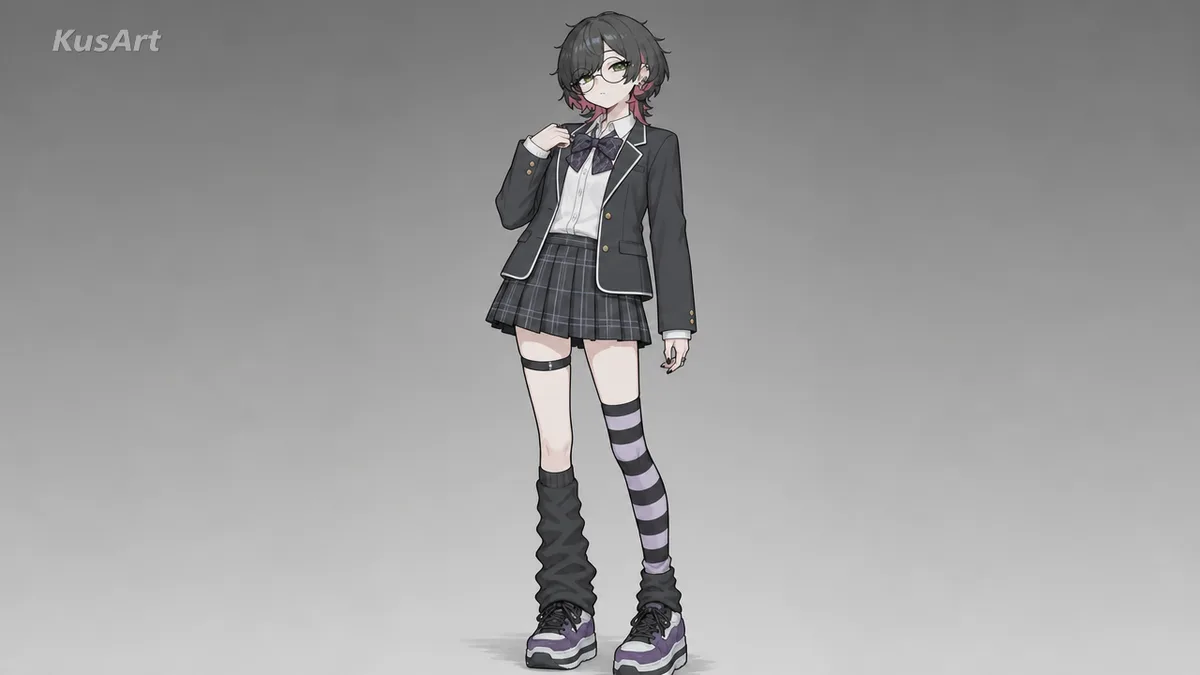
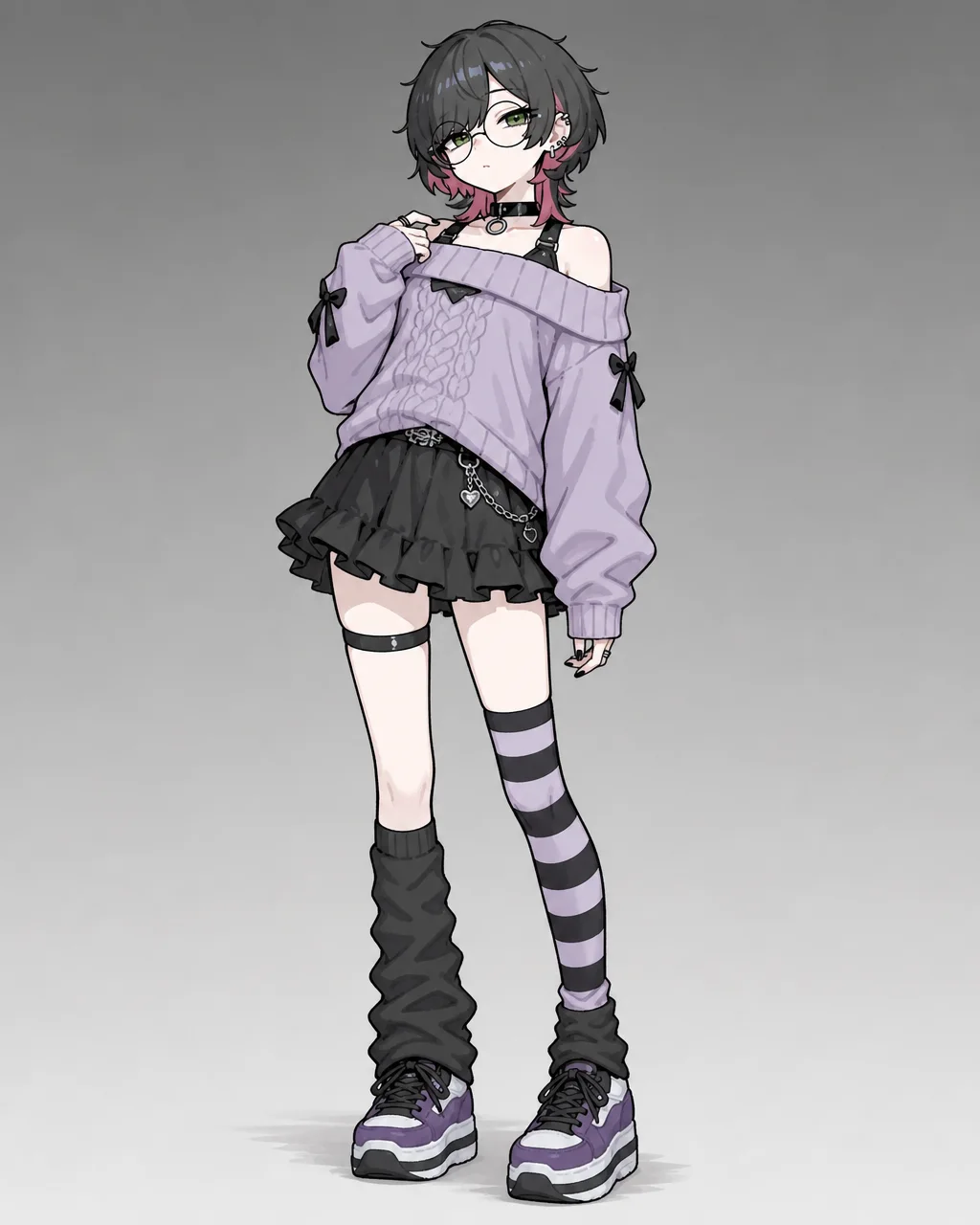
Your OC already has a look you love, so the ai outfit changer never touches it. Feed in a single portrait and the wardrobe updates while the face, proportions, and expression stay locked. This is change clothes ai built for anime, not a generic filter that flattens your character into someone else. Swap outfits freely and the person underneath stays unmistakably yours across every version you export.
Swap Your First Outfit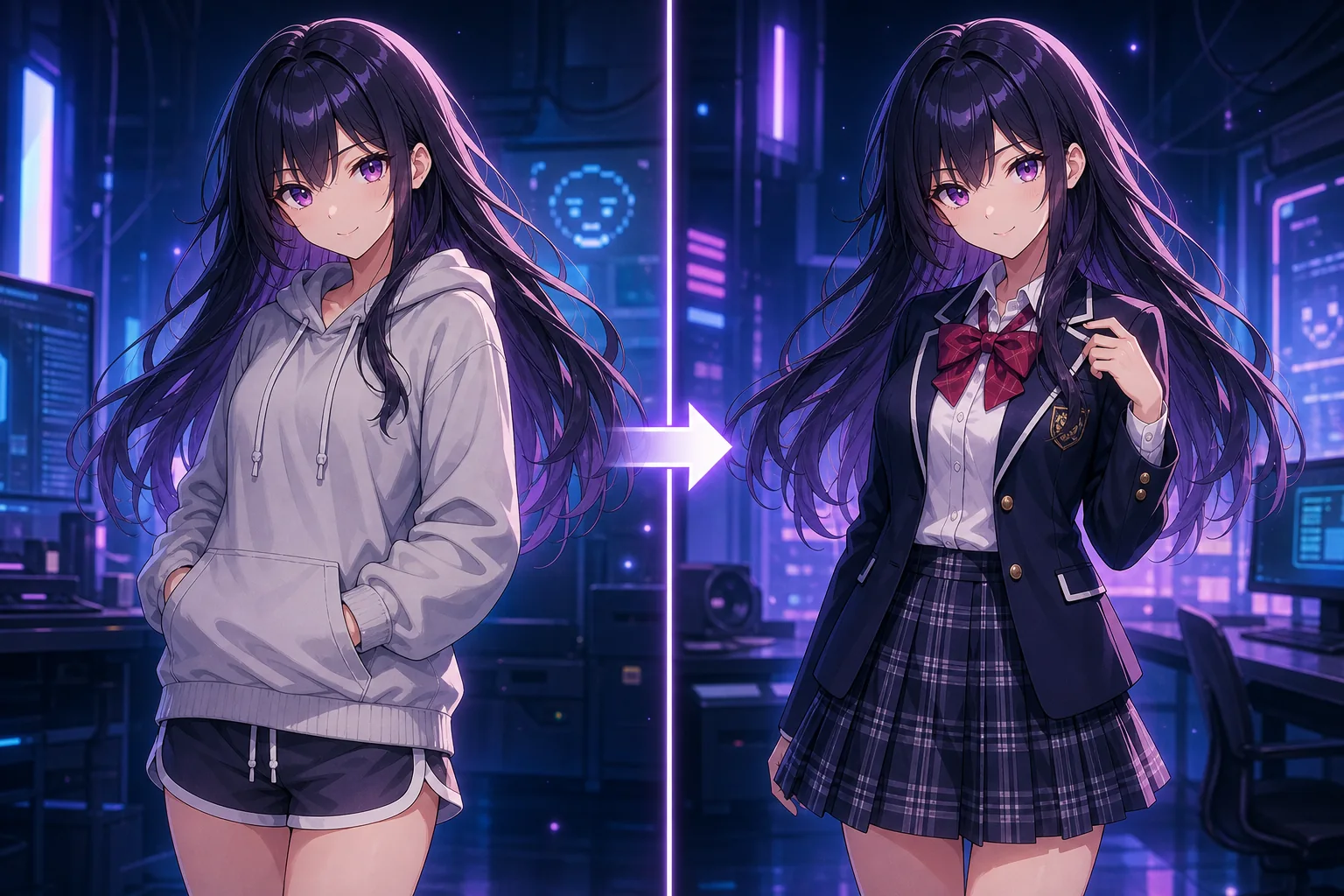
An ai outfit changer takes one anime image and replaces the clothing with whatever you describe, from a blazer to full armor. It reads the pose and lighting, then paints a new outfit that sits naturally on the same body. Think of it as a character clothing changer that respects the original art: you get an anime outfit swap in one pass, no manual masking, no redrawing, and no drifting facial features between takes.
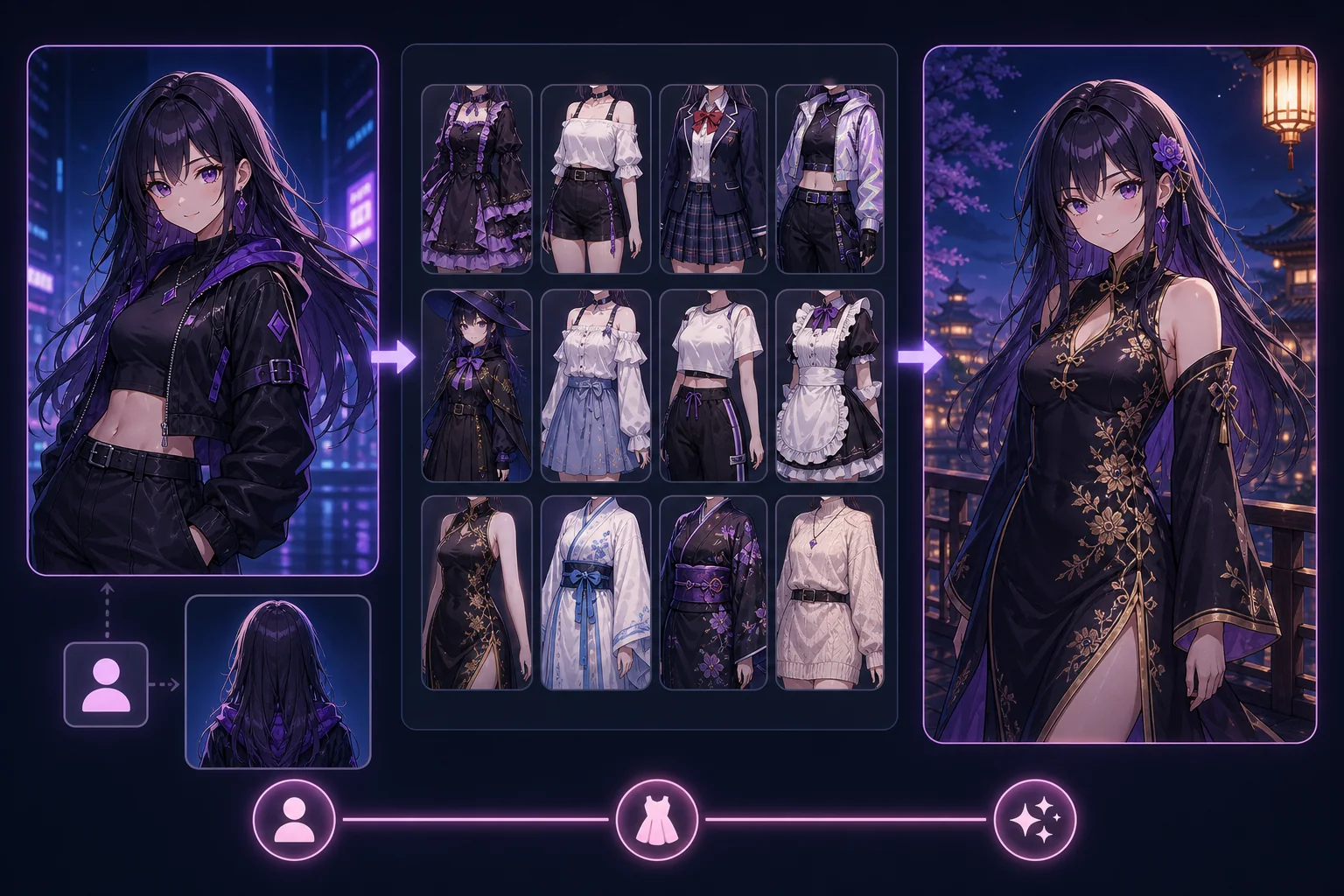
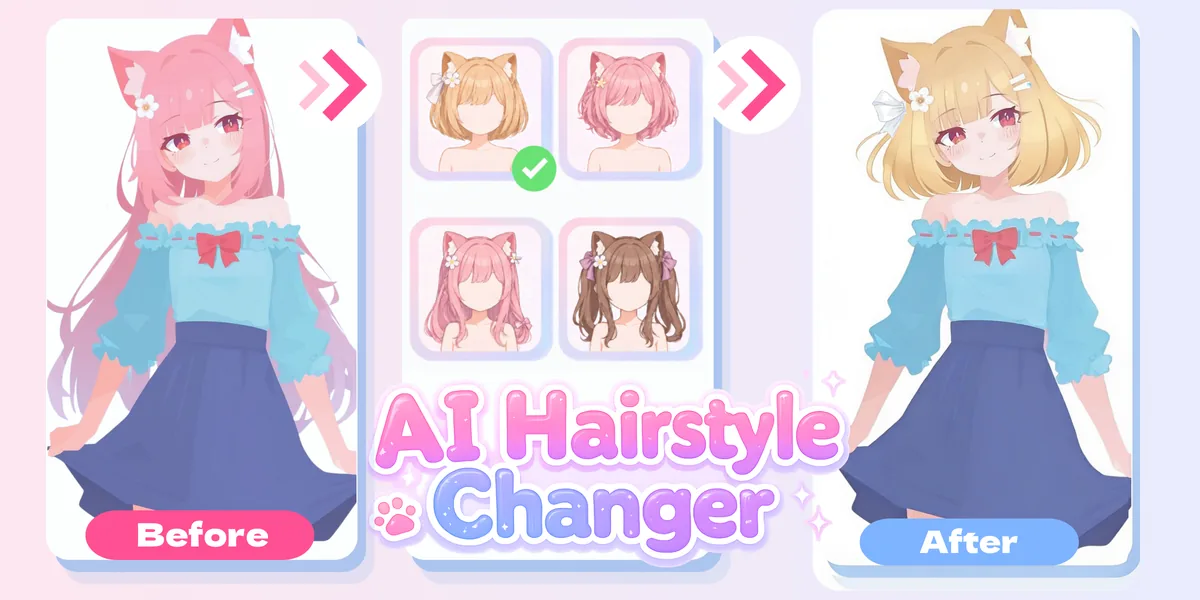
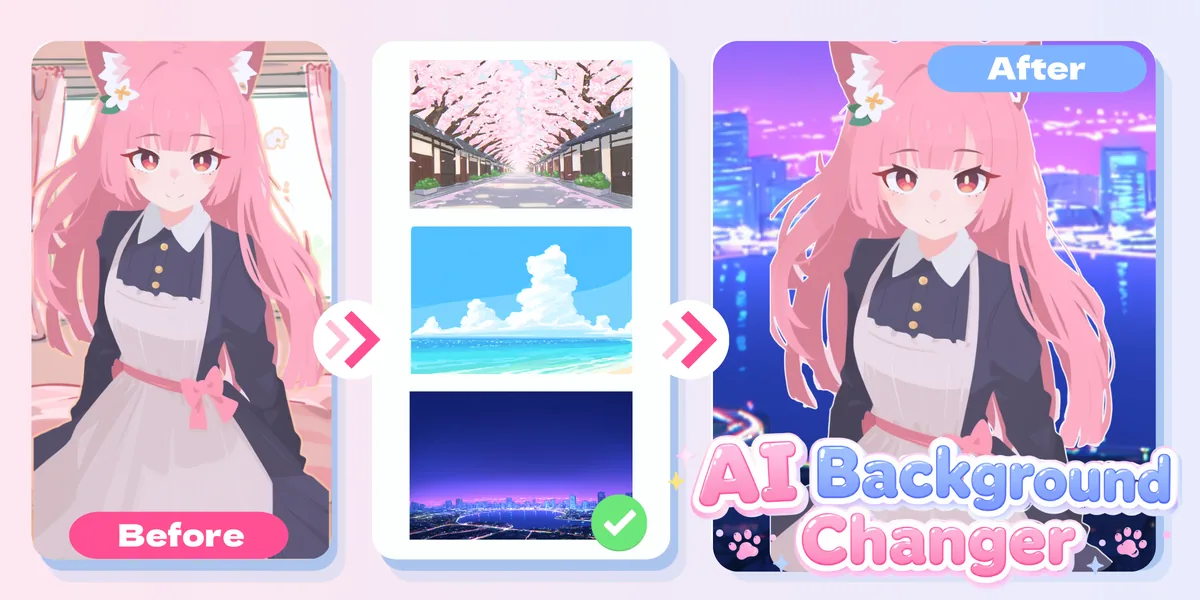
Redrawing an outfit by hand means re-inking the whole figure and hoping the face still matches. The ai outfit changer skips that grind. Because it locks identity first, you can test a uniform, a hoodie, and battle gear in the time one manual repaint would take. Pair it with the AI Hairstyle Changer or AI Background Changer when a scene needs more than clothes, and your character stays consistent across every edit you stack.
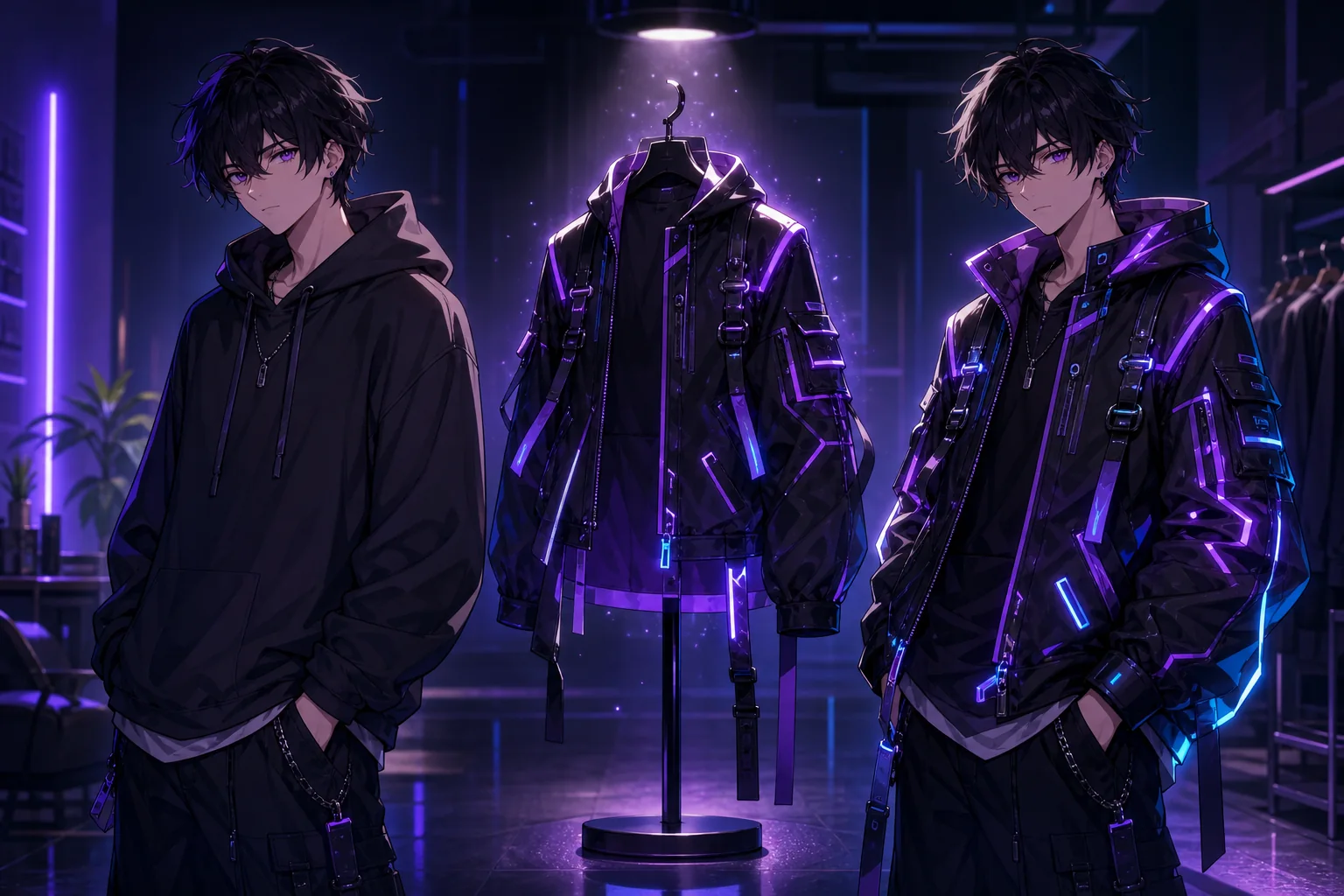
You sketch an OC, then realize every new outfit means another full drawing session. Costume ideas pile up while the art bottleneck stalls them. Reference sheets go stale, alternate looks never ship, and comparing wardrobes side by side is guesswork. Built the character in the OC Generator or refined it in the OC Editor? You still hit the same wall the moment you want it in something new. An ai outfit changer removes that step so change clothes ai becomes a quick loop instead of a project, and a fresh anime outfit swap is minutes away, not days.
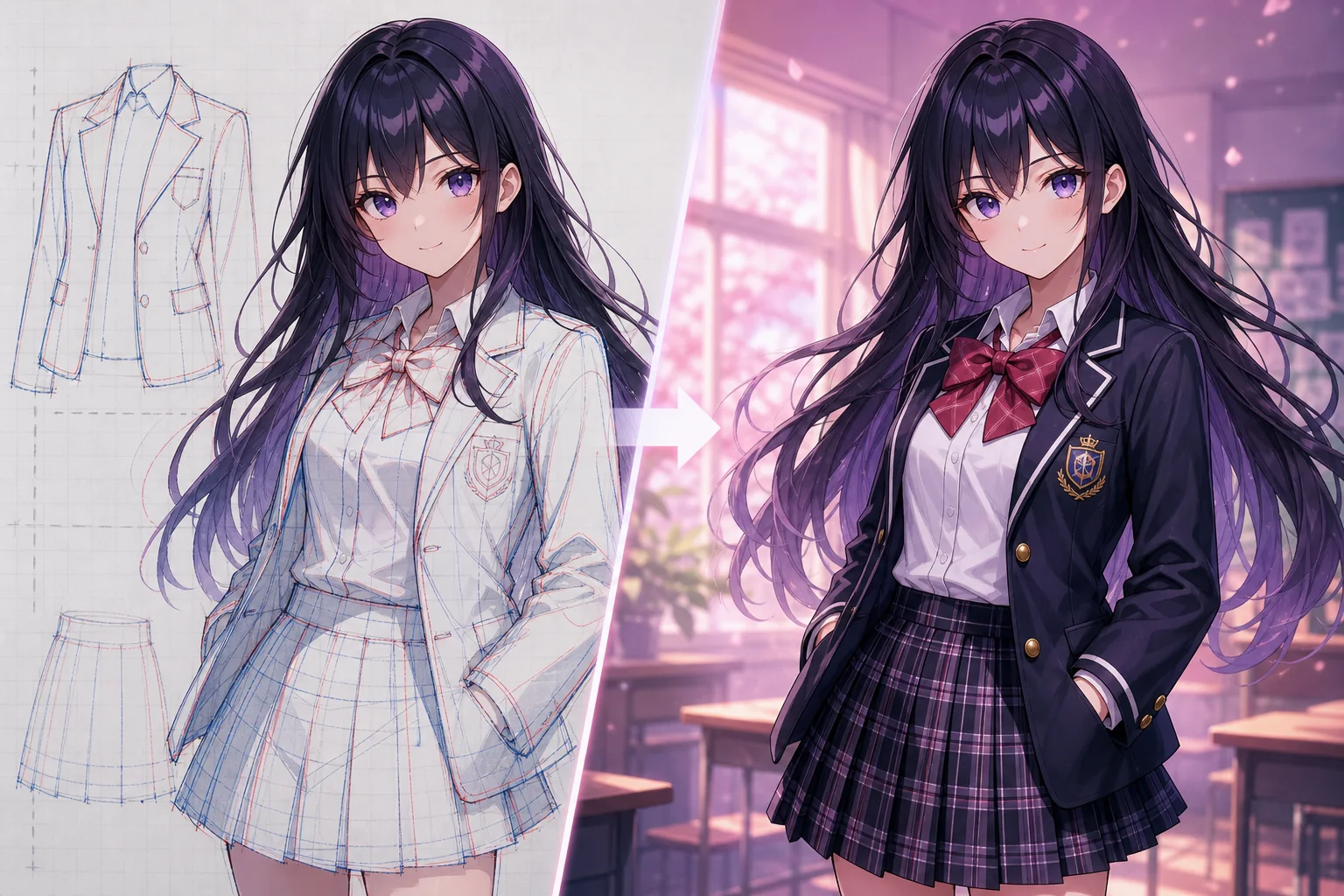
Three things the ai outfit changer nails on every pass.
Every anime outfit swap keeps the eyes, face shape, and body proportions fixed. You change the clothing and nothing about the character's likeness shifts, so a whole wardrobe still reads as one consistent OC across the set.
Type the outfit you want — sailor uniform, silk kimono, neon cyberpunk jacket — and the character clothing changer builds it to fit the pose. No masking layers, no cutting around limbs, just a clean redressed result you can refine again.
Run outfit after outfit on the same base image and compare them instantly. Pair the results with a Character Sheet Generator to lock a canonical wardrobe, or keep looping until one costume feels exactly right for your story.
Three quick moves take your character from one look to any wardrobe you want.
Drop in a single anime portrait or full-body image. The ai outfit changer reads the face, pose, and lighting up front, setting the identity it will protect through every outfit you try next.
Write what you want them wearing, from a school blazer to full fantasy armor. Add color, fabric, or era details, and the tool turns that into a fitted anime outfit swap on your existing character.
Review the redressed result, then save it or run another look on the same base. Because change clothes ai stays non-destructive here, you can build a full outfit lineup without ever redrawing the character.
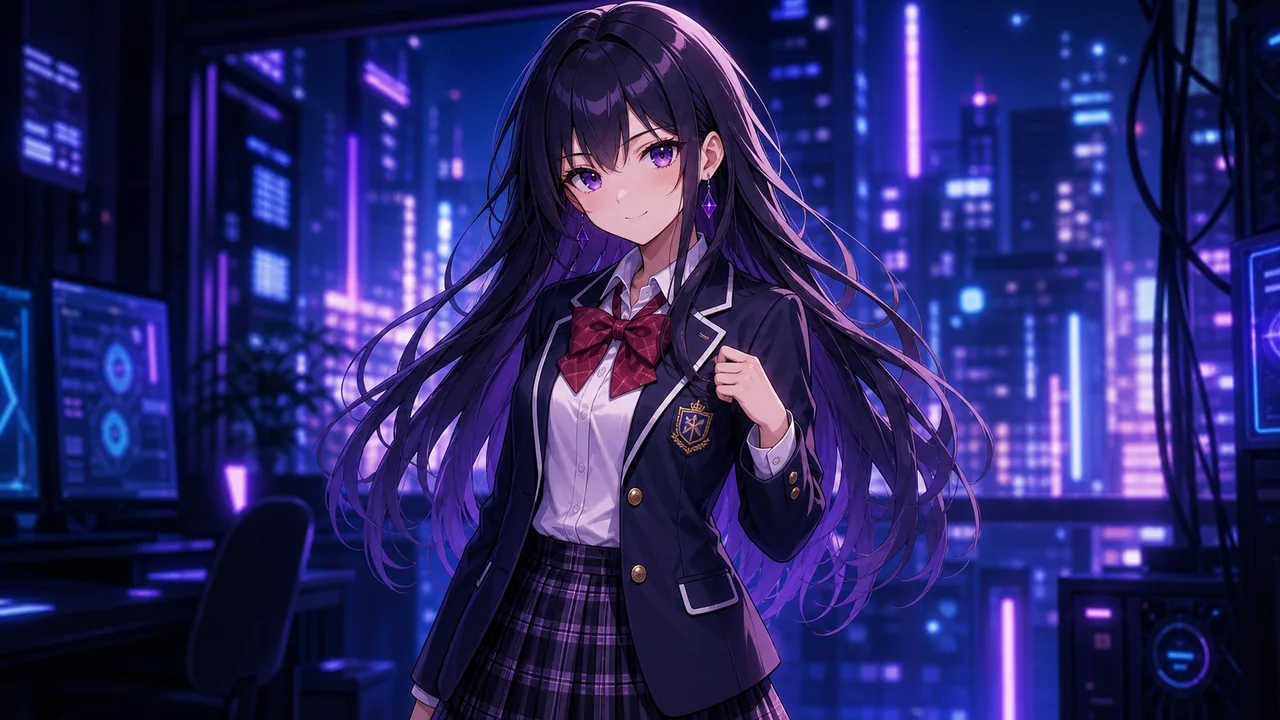
Put your OC in a crisp sailor uniform or blazer set for a slice-of-life scene. The outfit changes cleanly while the face and hair you designed stay exactly the same.
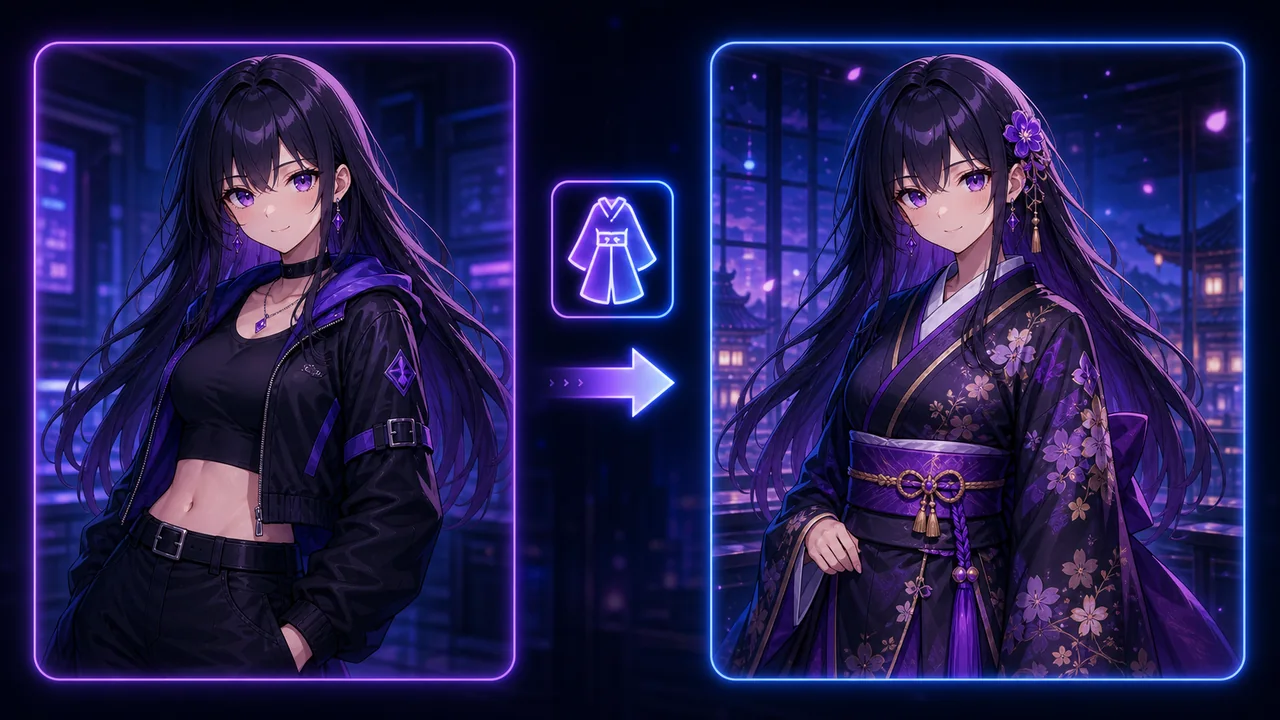
Dress a character in a detailed kimono, hanfu, or festival yukata. Fabric folds and patterns wrap the existing pose, giving you a culturally themed anime outfit swap without redrawing a single line.
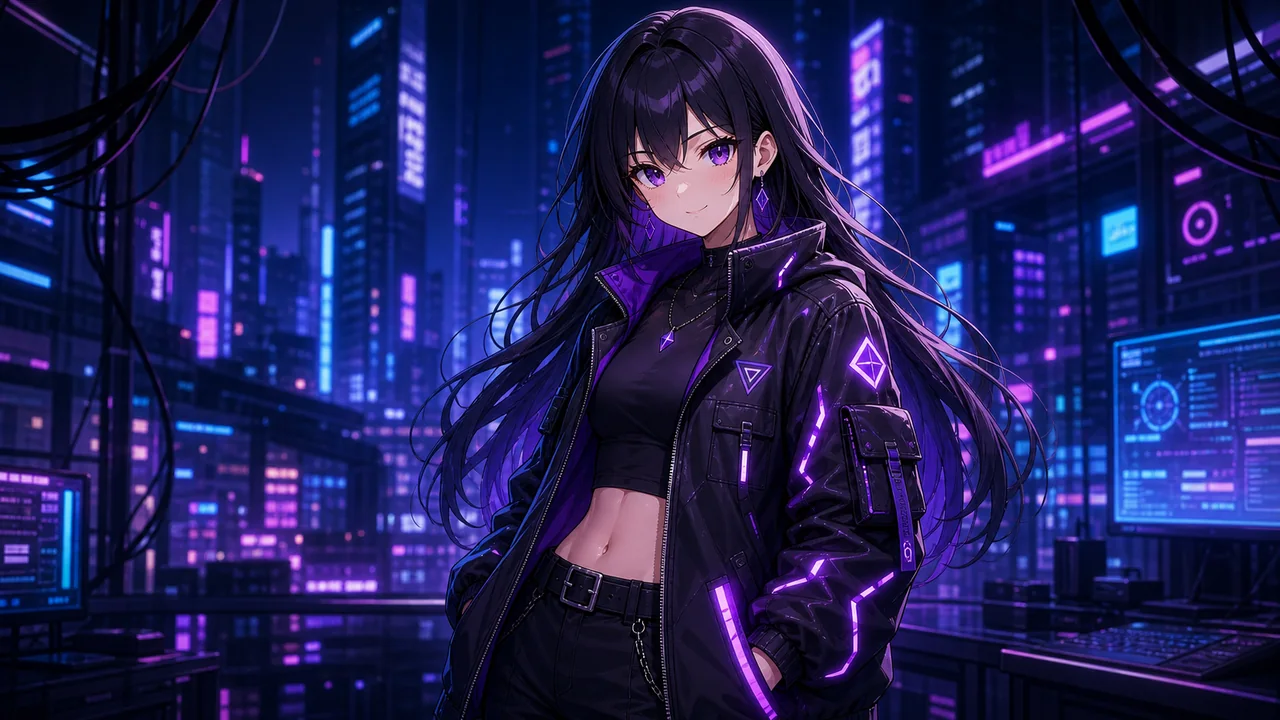
Switch into neon cyberpunk armor, mage robes, or glowing sci-fi plating for concept work. The character clothing changer keeps proportions intact so bold costumes still look like your OC.
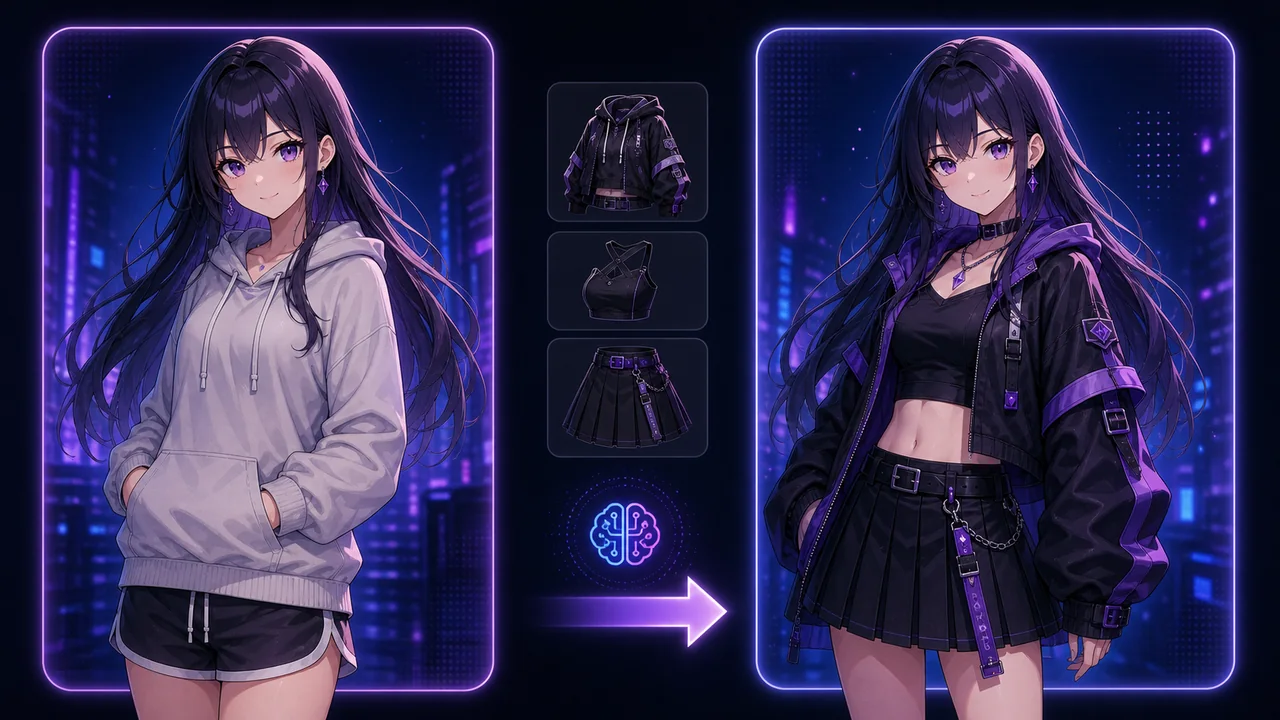
Need an everyday look fast? Swap into a hoodie, streetwear, or summer outfit in one pass. This is change clothes ai for those quick daily-life panels and profile variants.
Upload one image and let the ai outfit changer handle the wardrobe. Your character keeps their identity while you try every outfit you have imagined.
Try It Free