KusArt
    Monochrome Poster Maker

    AI Monochrome Anime Poster Maker

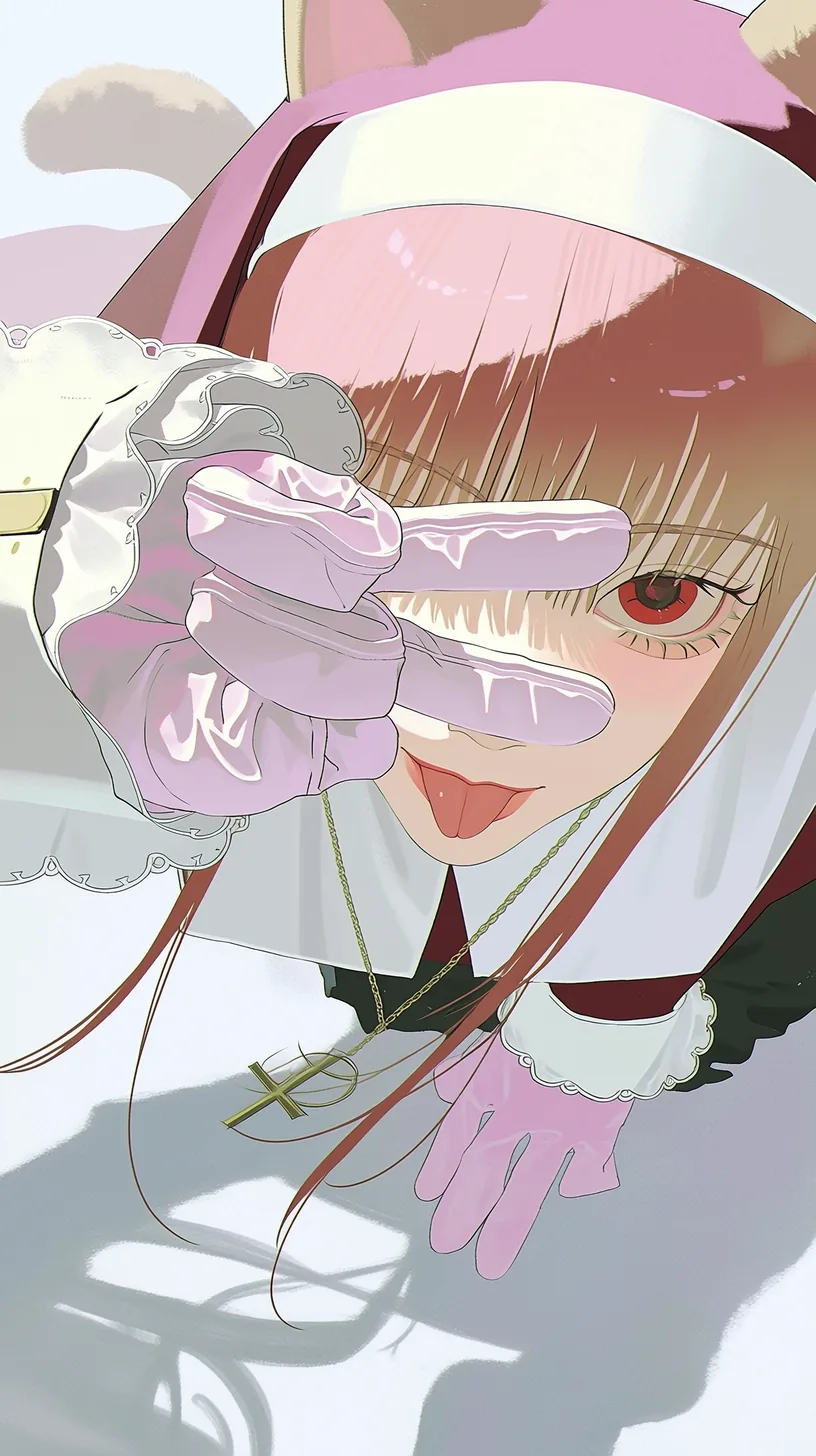
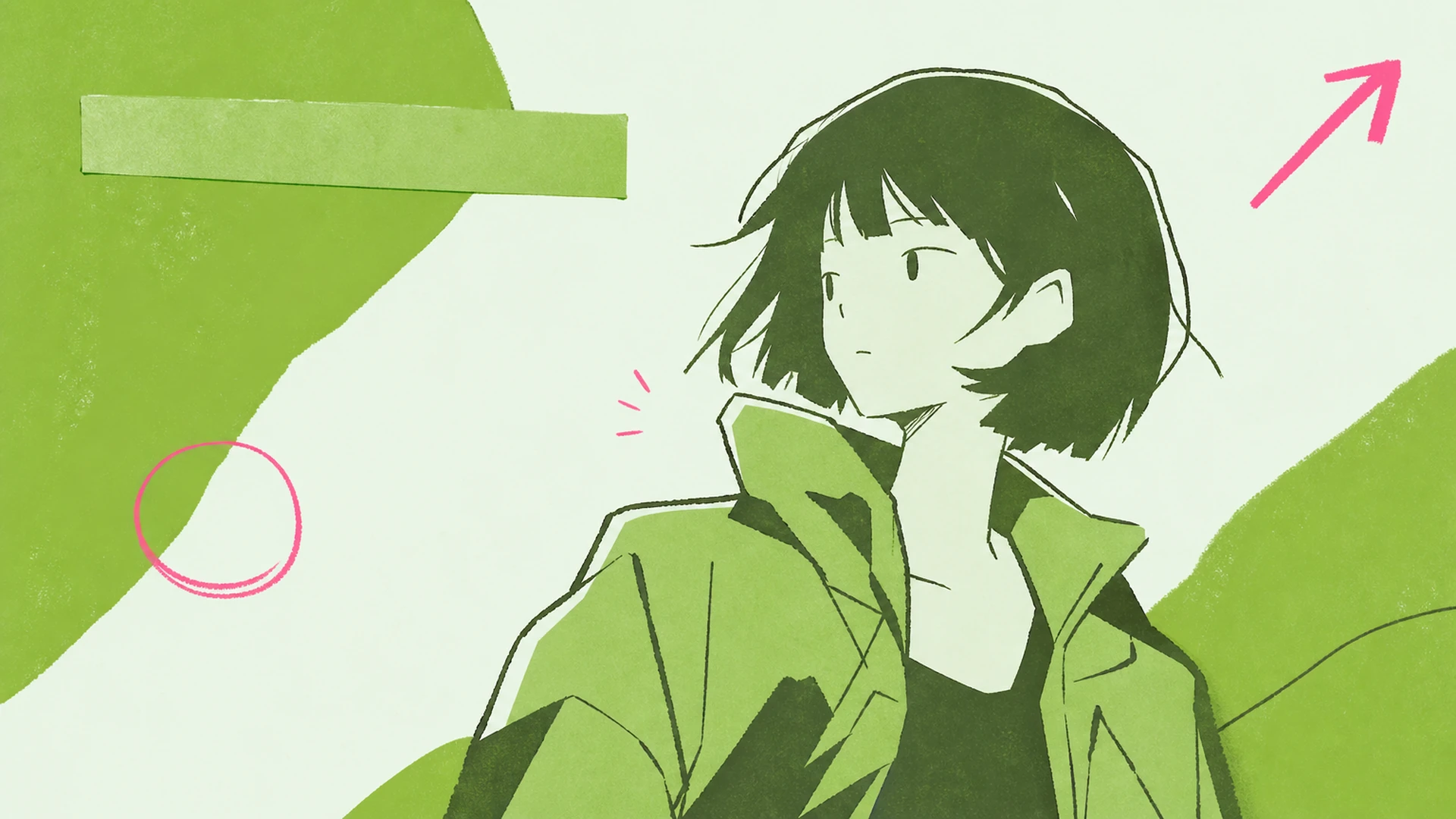
    Turn any anime character into a chic black-and-white editorial poster. This monochrome movie poster maker re-lays your art into gallery-grade grayscale with a bold title and clean grids.

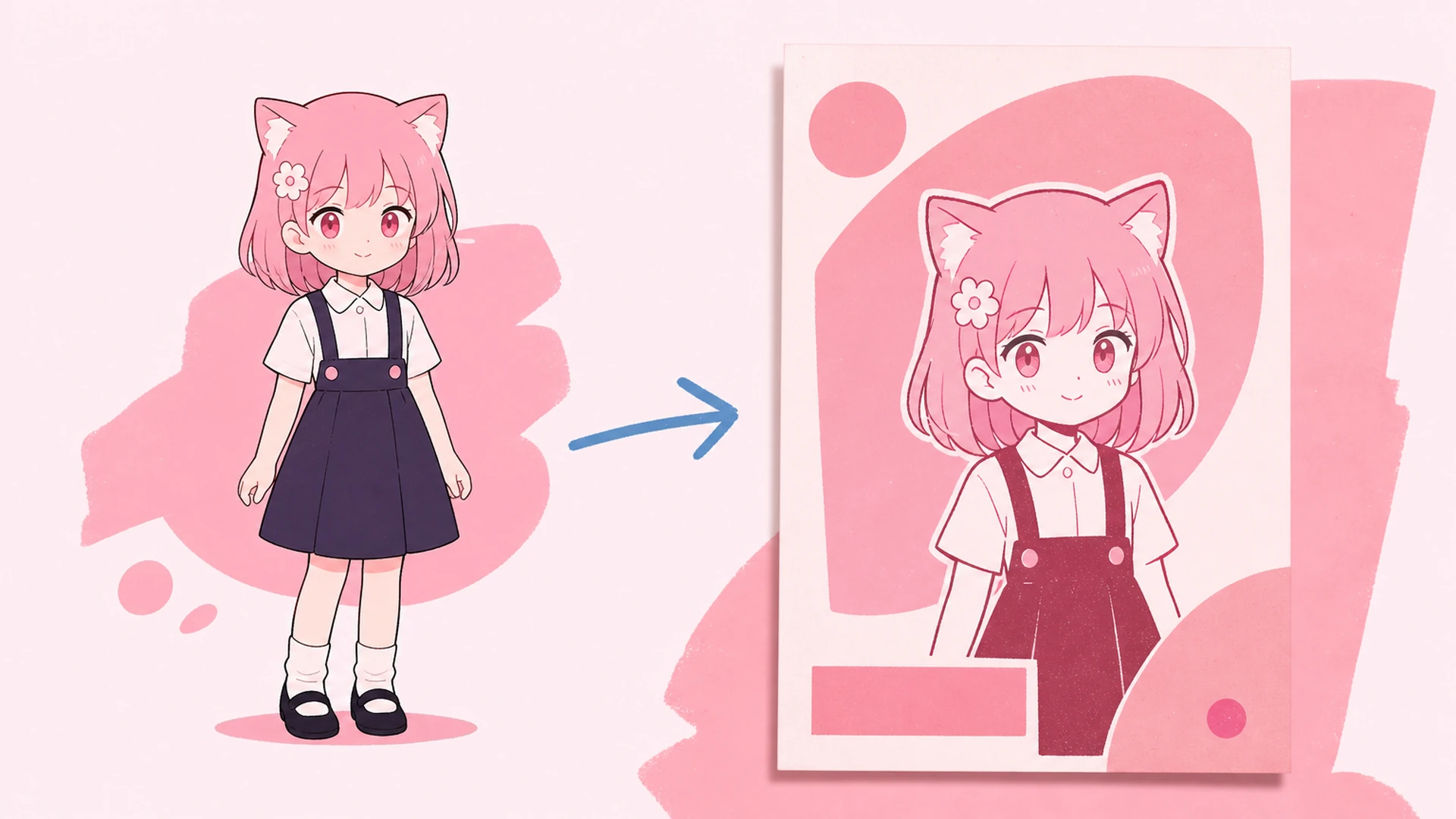
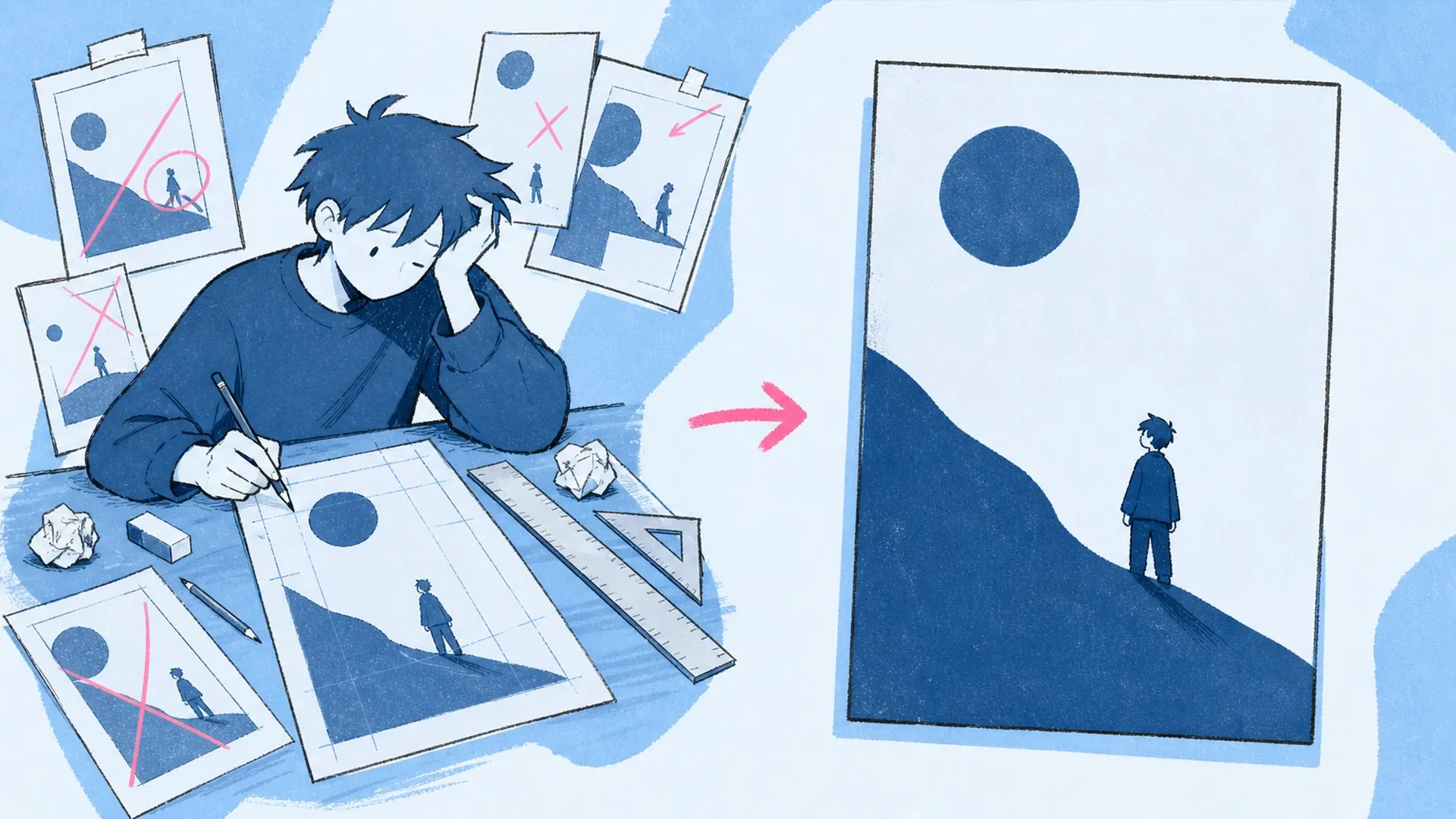
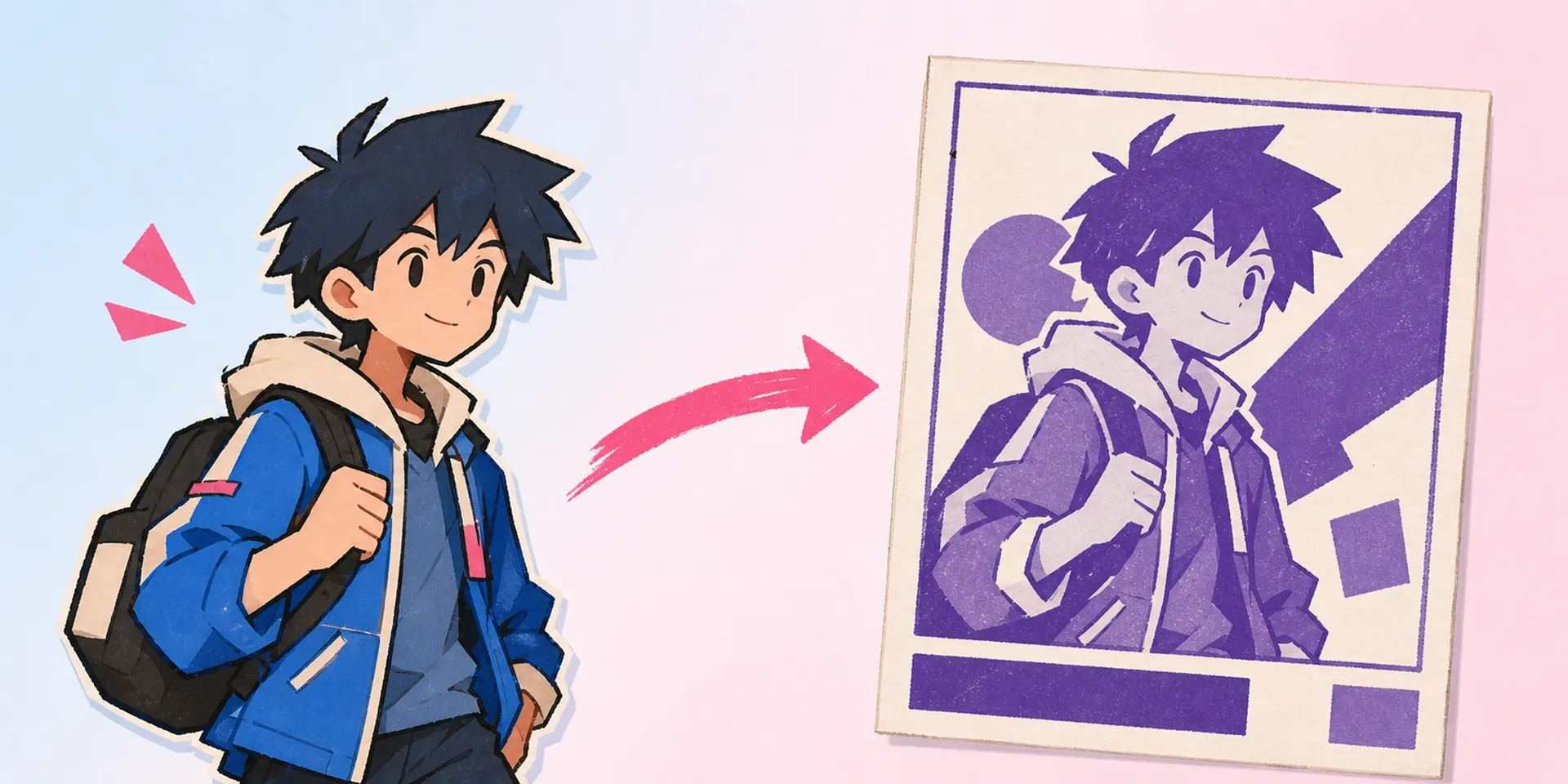
    Monochrome Poster Maker AI Monochrome Anime Poster Maker result — After
    Monochrome Poster Maker AI Monochrome Anime Poster Maker result — Before

    Grayscale Gravitas from a Single Upload

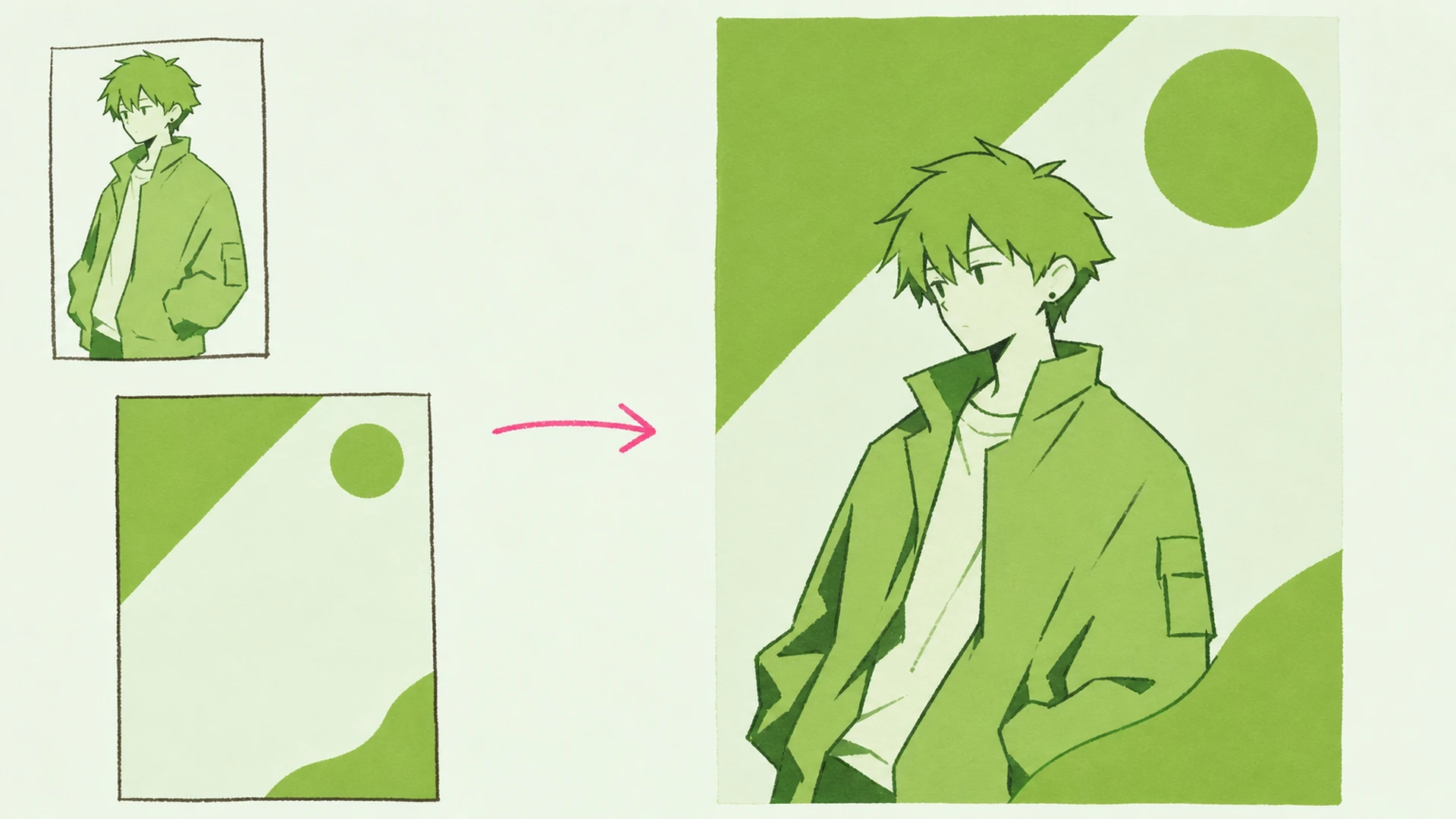
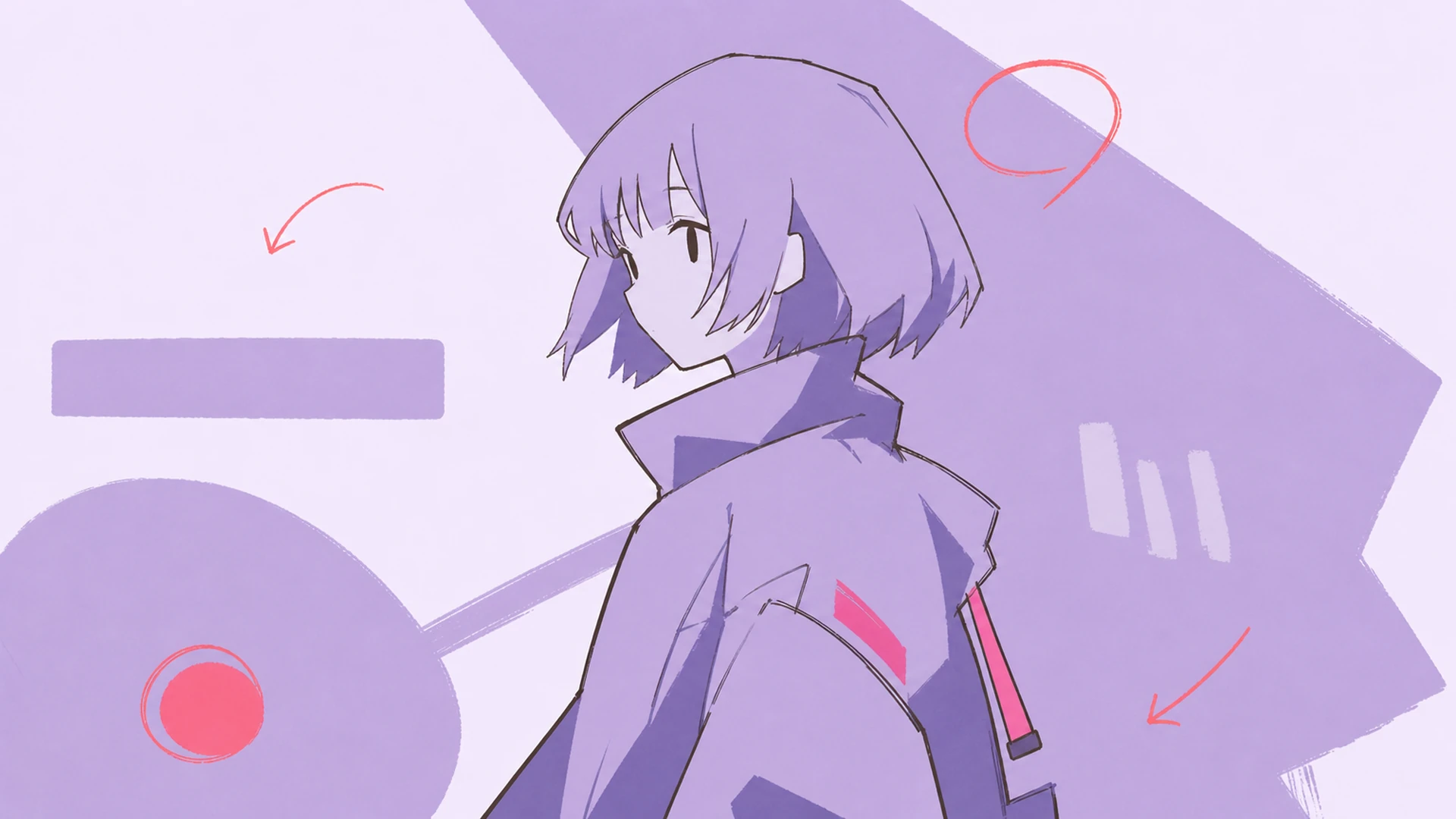
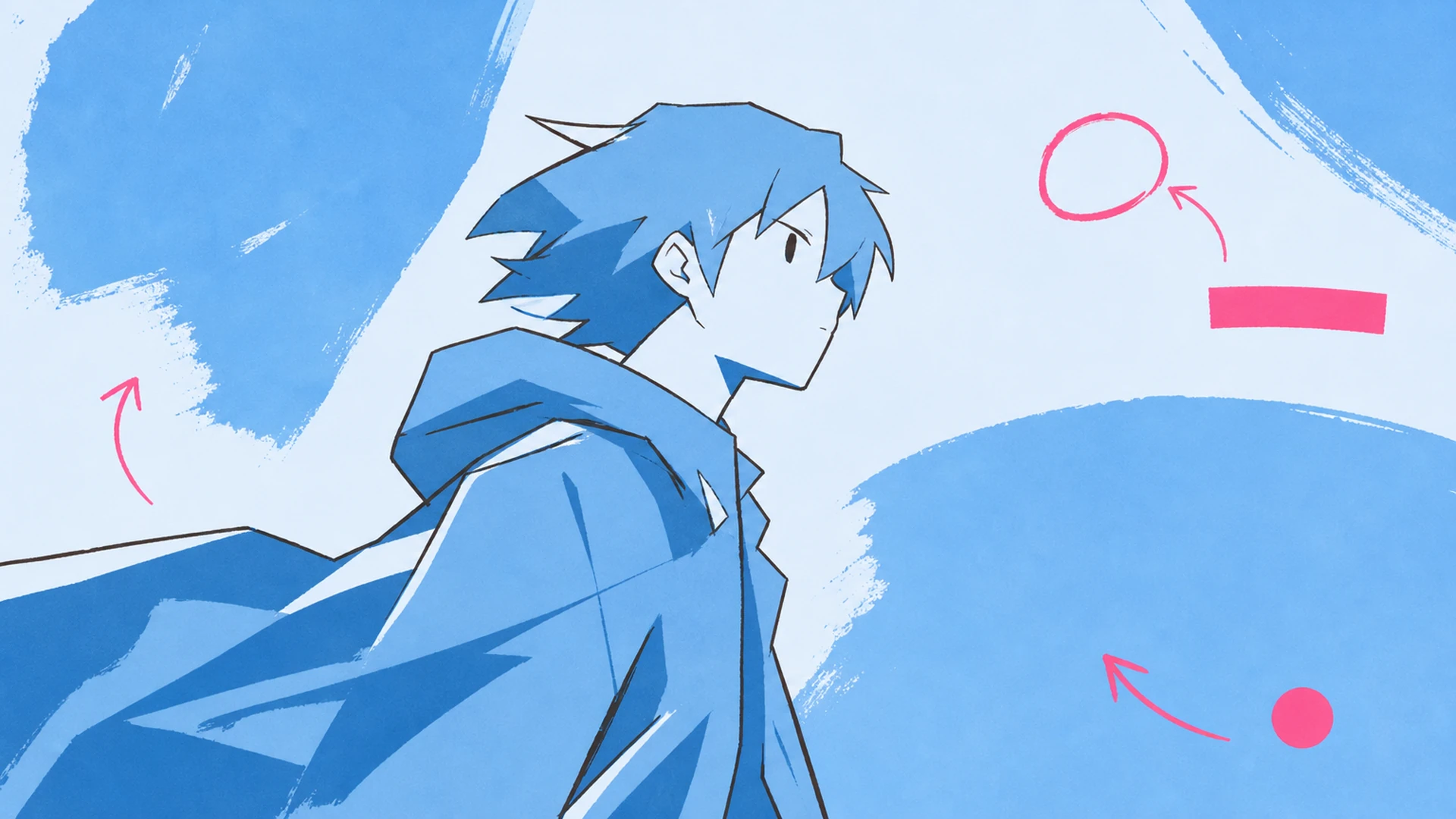
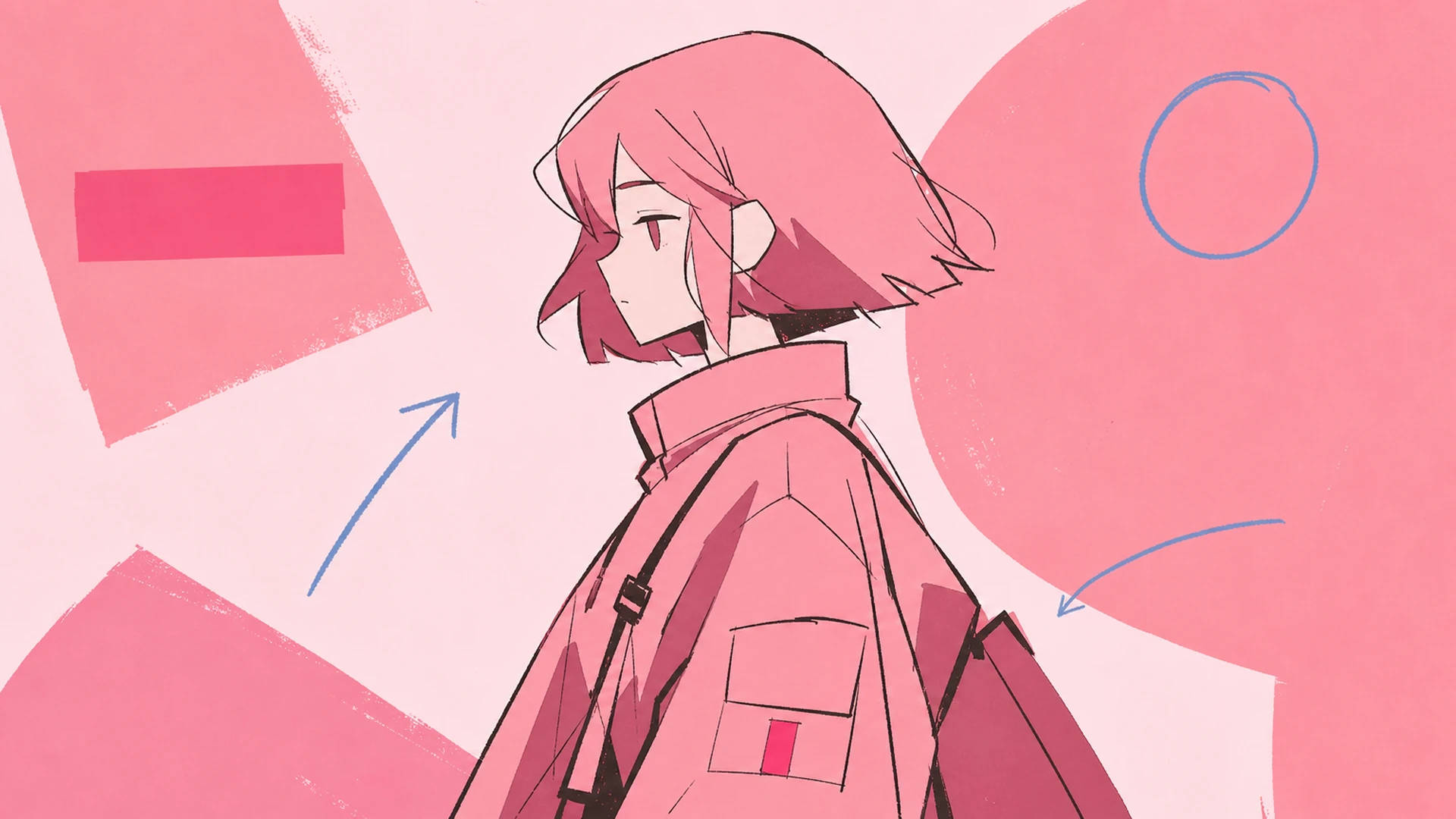
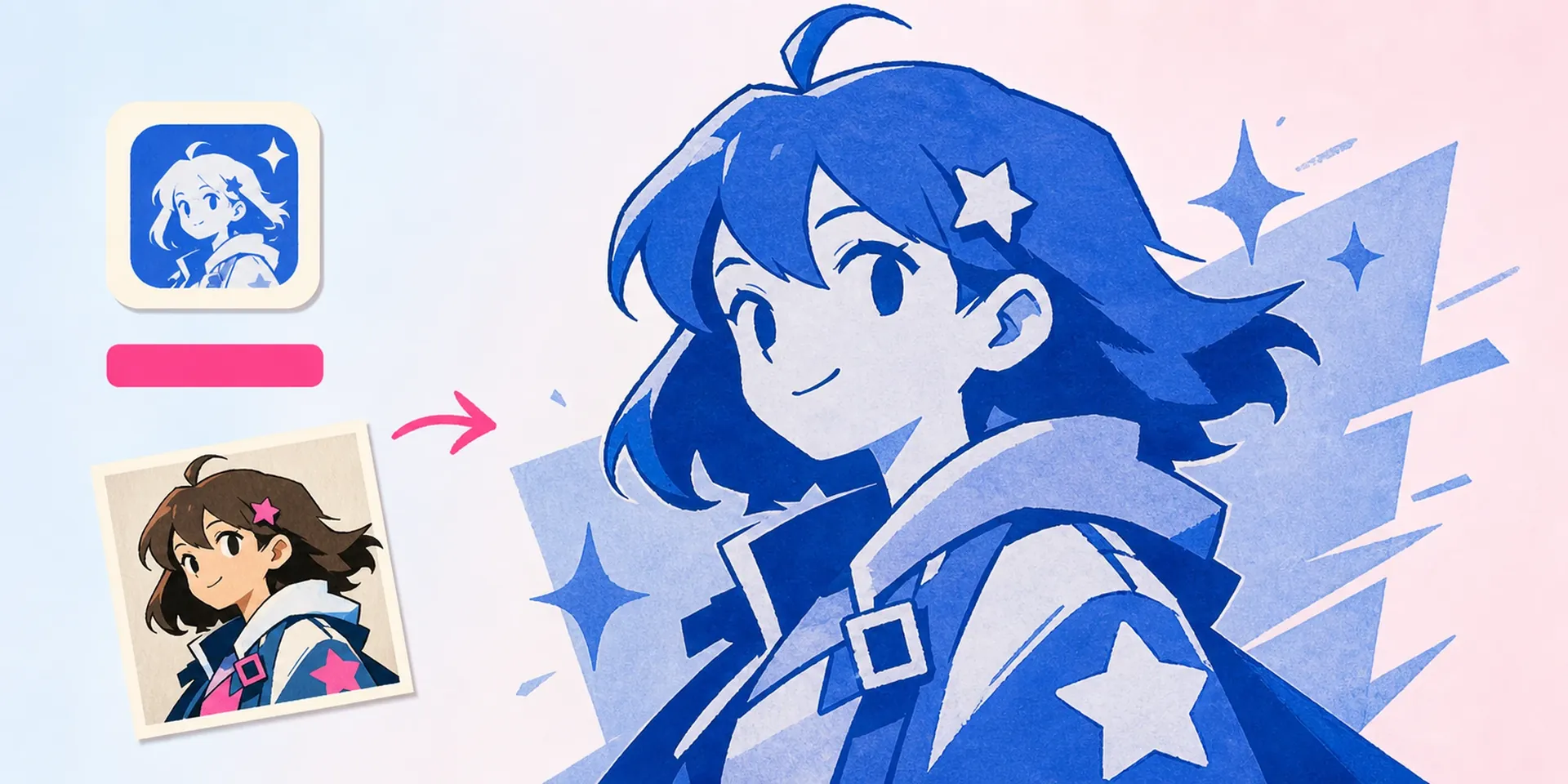
    One upload is all this movie poster maker needs to translate your character into cinematic black and white. Where our AI Blue Monochrome Anime Poster Maker leans cool and the AI Prism Blur Anime Poster Maker leans dreamy, this build chases noir gravitas — deep blacks, silver mids, and paper-white highlights that feel printed, not filtered.

    Upload one character, print in mono
    Grayscale Gravitas from a Single Upload - AI Monochrome Anime Poster Maker

    The Monochrome Poster, Defined

    A monochrome anime poster maker strips color to its bones: a single ink tone, disciplined contrast, and editorial spacing that lets your character carry the frame. Think a movie poster maker with a gallery curator's restraint — no gradients screaming for attention, just form, name, and negative space. Start from an OC Generator render or your own key art, and the layout does the rest.

    The Monochrome Poster, Defined - AI Monochrome Anime Poster Maker

    Why Black & White Still Commands the Wall

    Color dates fast; grayscale doesn't. A black and white photo editor flattens trends and leaves only composition, and that is exactly why this movie poster maker suits character key art meant to last. Pair the still poster with our Image to Video tool for a moody title reveal, and you have a print and a motion piece from one grayscale source.

    Why Black & White Still Commands the Wall - AI Monochrome Anime Poster Maker

    The Gap Between a Character and a Poster

    Most anime art lives as a floating character on a blank canvas — great as a sketch, weak as a wall piece. Manual layout in a design app means fighting margins, hunting fonts, and desaturating by hand until the mids turn to mud. A generic movie poster maker will slap a caption on and call it done. This one thinks like a cinema poster maker instead: it reads your character, chooses a monochrome grade, and sets a title. Need the color siblings or a turnaround? Route to the Character Sheet Generator or keep it mono here.

    The Gap Between a Character and a Poster - AI Monochrome Anime Poster Maker

    What the Monochrome Build Does

    Three engines carry every poster from color chaos to composed grayscale.

    Single-Tone Grading Engine

    It maps your character's full palette onto one disciplined ink axis, protecting facial detail while crushing background noise into velvet blacks. No muddy mids, no blown highlights — just the archival grayscale range a proper movie poster maker demands.

    Editorial Grid & Title Layout

    Clean columns, generous margins, and gallery-grade type place your character's name like a festival credit. Kerning, weight, and baseline all snap to a print-ready grid, so nothing feels auto-generated when the poster hits paper.

    Noir Photo-Effect Passes

    Subtle grain, halation, and paper texture add cinema-grade photo effects that read as film stock, not a filter. Toggle high-contrast noir or soft silver-gelatin looks to match the mood your character deserves.

    Three Moves to a Mono Masterpiece

    One character in, one gallery-ready grayscale poster out.

    01
    Step

    Upload Your Character

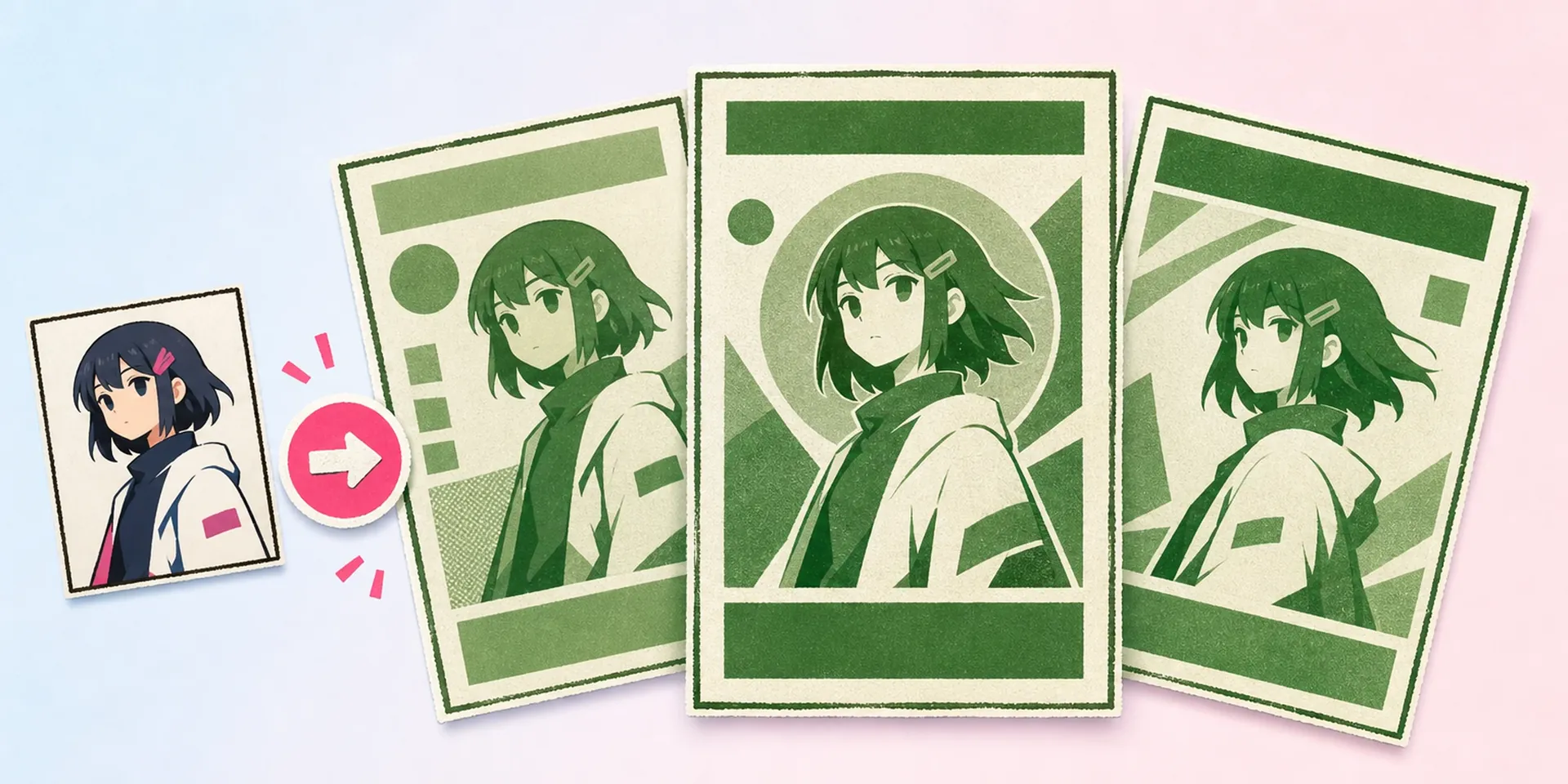
    Drop in a single render — an OC portrait, official key art, or a screenshot. The movie poster maker reads pose, silhouette, and focal point, then proposes the tightest grayscale crop for your frame.

    02
    Step

    Set Title and Tone

    Type the character or series name, pick a noir, silver, or high-key grade, and choose a grid. Every choice previews live, so you shape the black and white photo editor look without guessing.

    03
    Step

    Export Gallery-Ready

    Download print-resolution files sized for A-series prints, social crops, or wallpaper. Grain and title stay razor-sharp, so the poster looks minted whether it hangs on a wall or fronts a feed.

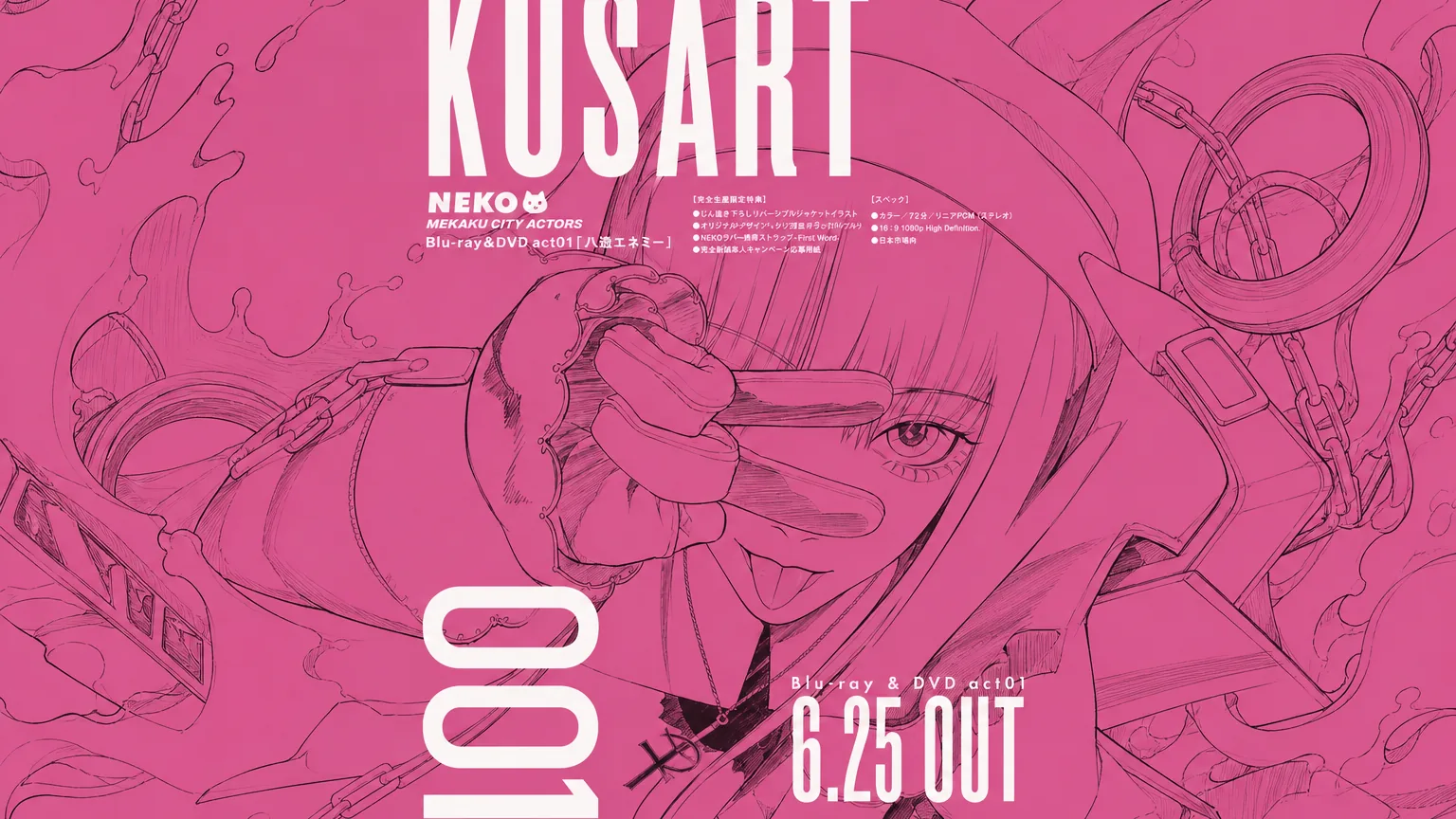
    Grayscale Posters People Are Printing

    Cinematic Character Key Art - AI Monochrome Anime Poster Maker

    Cinematic Character Key Art

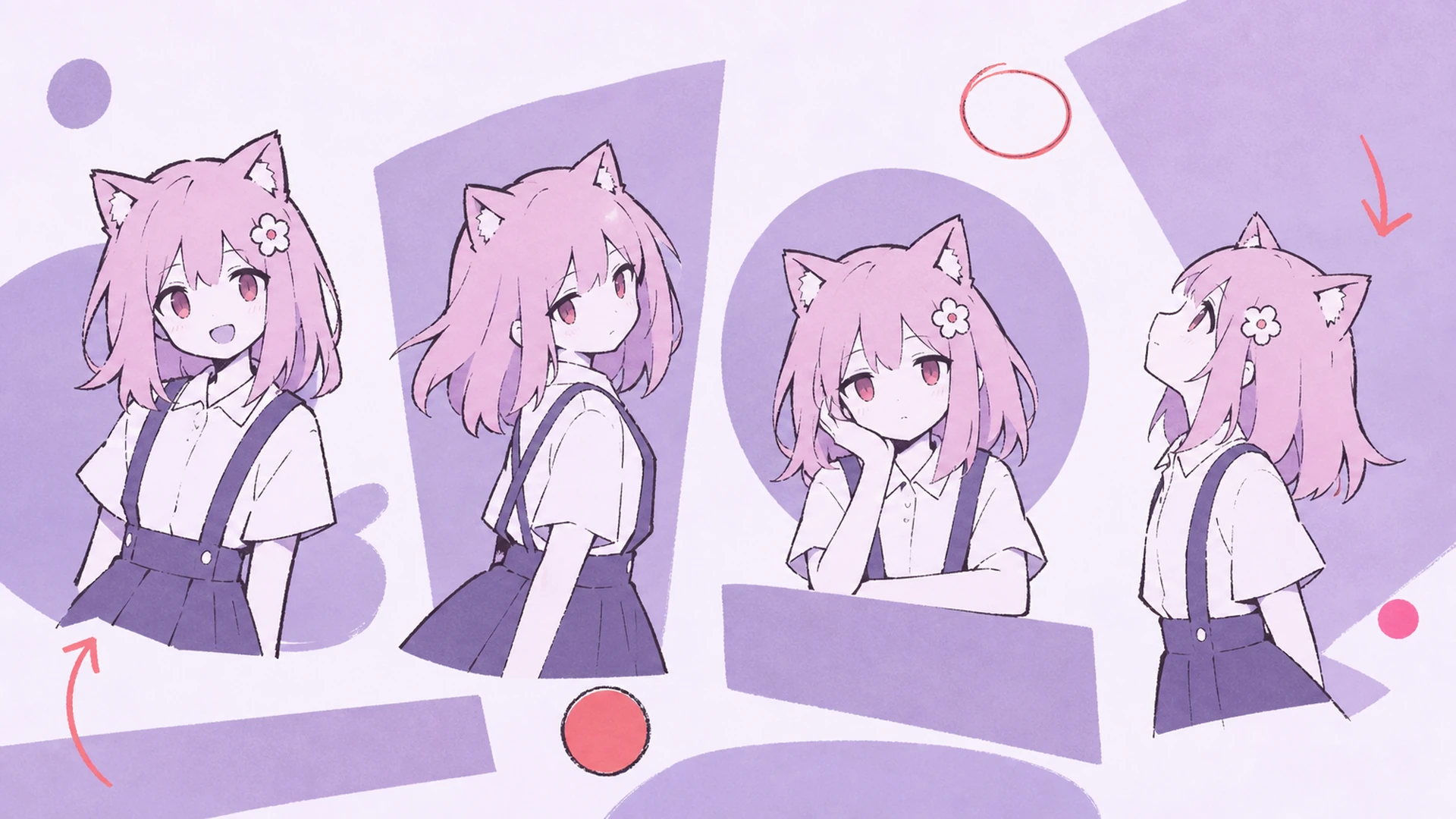
    Give your OC or favorite character a festival-poster debut. High-contrast grayscale and a bold credited title make a still feel like a movie one-sheet.

    Gallery B&W Print - AI Monochrome Anime Poster Maker

    Gallery B&W Print

    Silver-gelatin tones and archival grain turn fan art into something you would frame. Export at print resolution and hang it beside real photography without apology.

    Minimalist Grayscale Social Post - AI Monochrome Anime Poster Maker

    Minimalist Grayscale Social Post

    One character, one ink tone, endless scroll-stopping restraint. The monochrome crop reads instantly on a busy feed and never fights the rest of your grid.

    Timeless Poster Gift - AI Monochrome Anime Poster Maker

    Timeless Poster Gift

    Print a friend's beloved character in gallery grayscale for a birthday or milestone. Black and white never clashes with a room, so the gift ages as well as the art.

    Monochrome Poster Questions

    Is this different from the color poster makers?+
    Yes. The blue, green, and prism variants keep hue as the hero; this build removes color entirely. As a dedicated movie poster maker for black and white, it grades to a single ink tone and leans on contrast, grain, and typography instead.
    What should I upload for the best result?+
    A single clean render of one character works best — clear silhouette, good lighting, minimal busy background. The cinema poster maker handles crop and contrast, but a crisp source gives the grayscale grade more detail to protect in the face and hair.
    Can I edit the title font and layout?+
    You can. Swap the grid, change type weight, reposition the name, and pick where credits sit. The movie poster maker keeps everything on a print-ready baseline, so manual tweaks stay aligned instead of drifting off the editorial structure.
    Will the photo effects look like a cheap filter?+
    No. The grain, halation, and paper passes are tuned as photo effects that mimic real film stock and darkroom prints. They sit under the image, not over it, so the character stays sharp and the poster reads as genuine grayscale craft.
    What resolution can I export?+
    Exports run to print resolution, sized for A-series posters, square social crops, and phone wallpaper. The black and white photo editor keeps grain and title edges crisp at every size, so nothing softens when you scale up for the wall.
    Does it work with any anime character?+
    Any character with a clear render works — original OCs, series favorites, or your own illustrations. Because this movie poster maker relies on form over color, even flat or pastel art gains drama once it is graded into deep monochrome.
    Can I turn the poster into motion?+
    Yes. Send your finished grayscale poster to the motion tool for a slow noir title reveal or a subtle grain drift. It is an easy way to give a static movie poster maker result a cinematic, scroll-stopping open.

    Print Your Character in Timeless Mono

    Upload one anime character and let the monochrome movie poster maker do the rest — gallery grayscale, bold title, print-ready in minutes.

    Make My B&W Poster