Face-Locked Color Pop
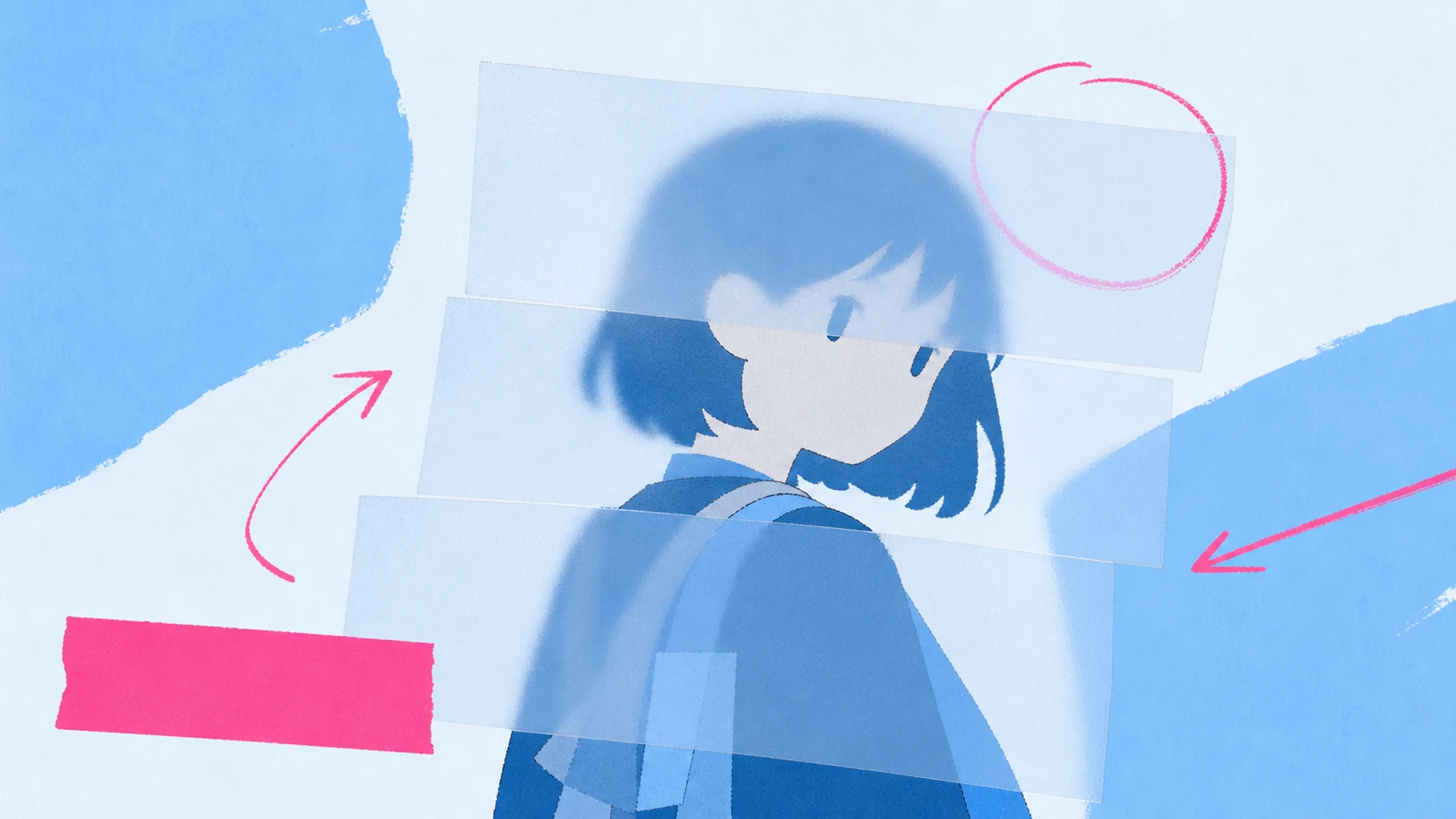
The engine finds your character's face and holds it in full saturation while everything else drops to monochrome. No manual masking, no halos — just a clean spotlight where the photo effects concentrate all the emotion.

Turn any anime character into a frosted-glass key art poster where color-pop faces cut through moody monochrome, powered by editorial photo effects that read like gallery prints.
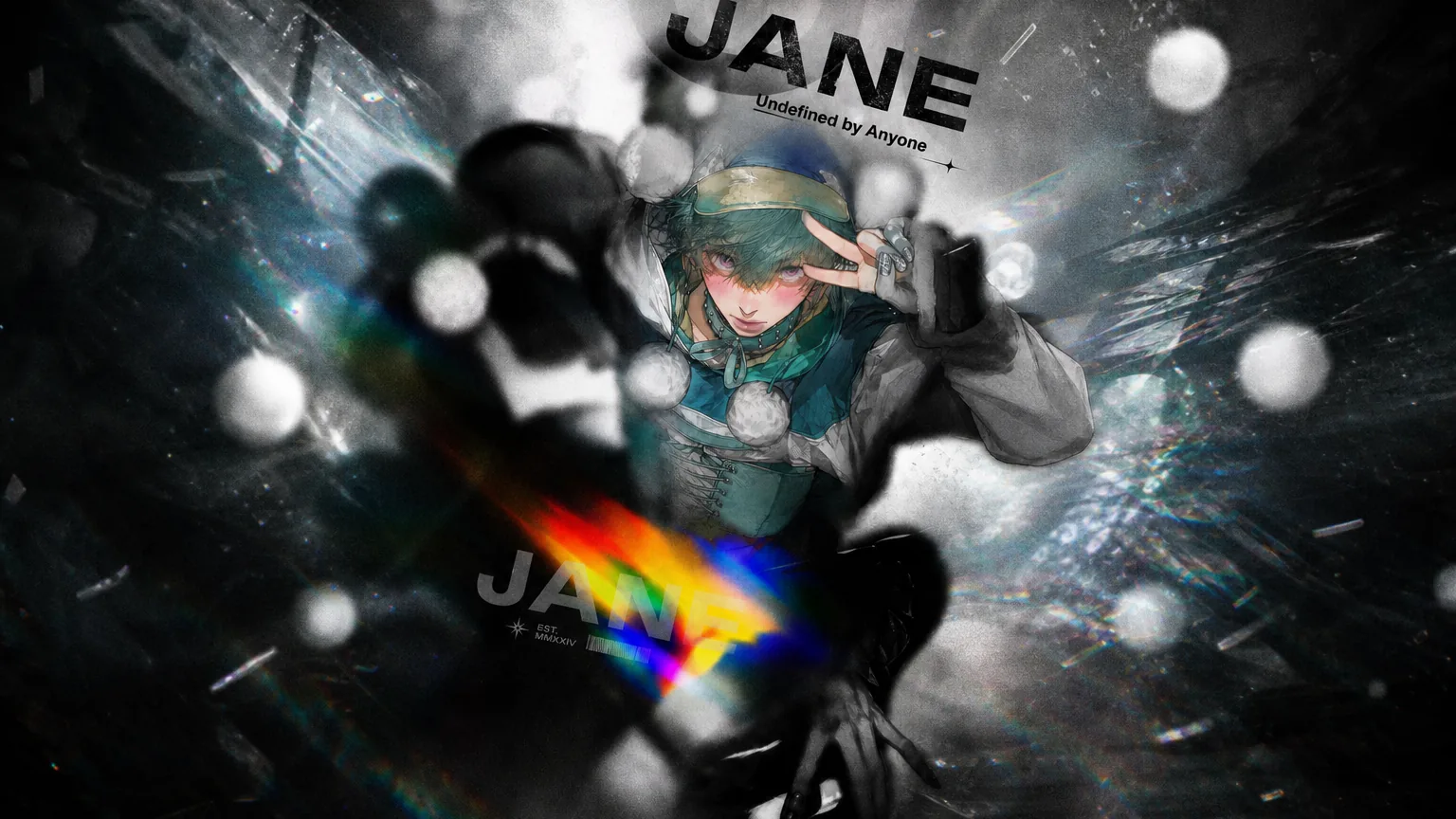
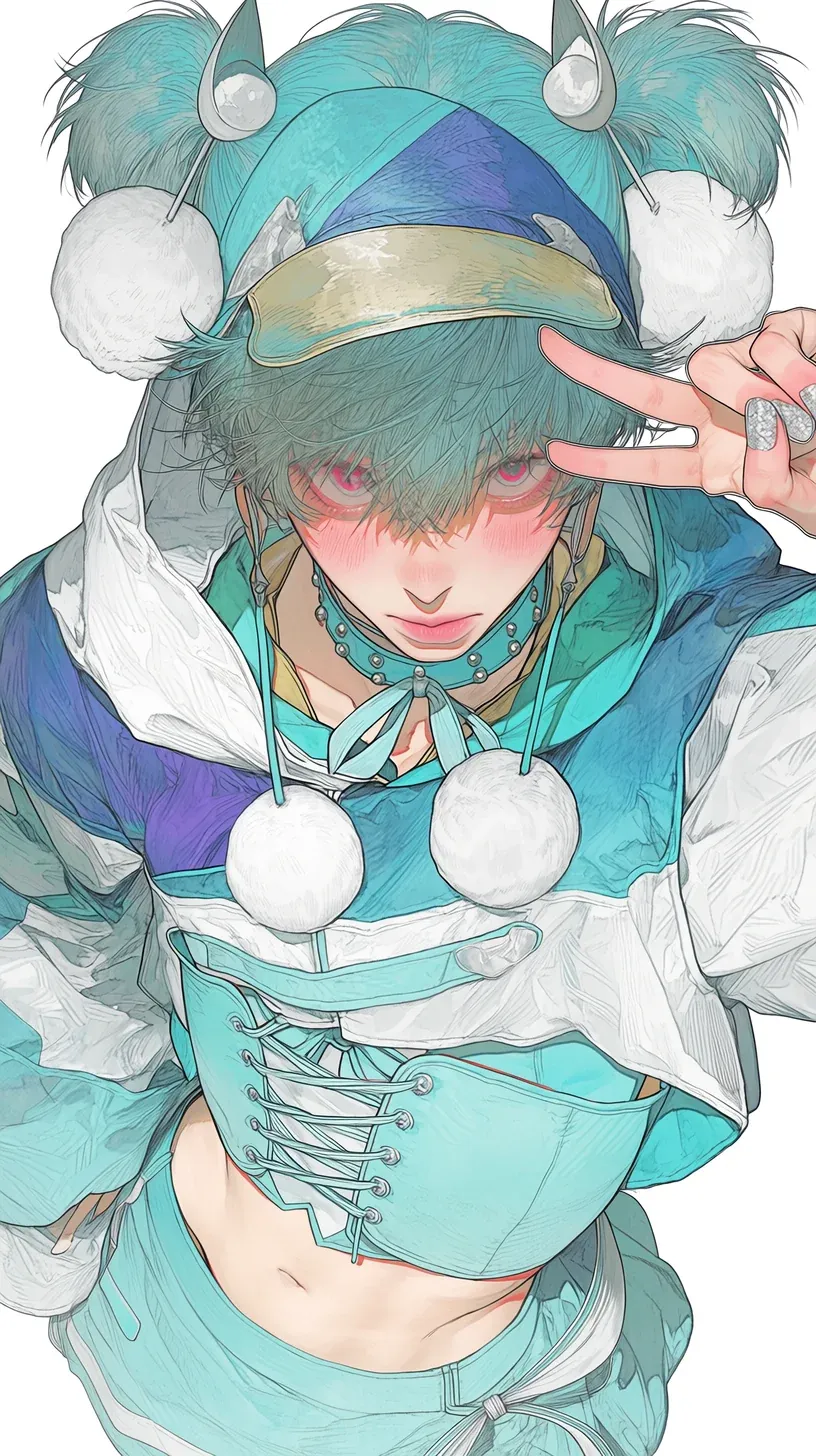
Some heroes deserve more than a flat crop. This frosted-glass ai poster maker keeps your character's face in vivid color while the world falls into moody grayscale, then stacks editorial title type on top. Pair it with our OC Generator for fresh characters, or refine finished art in the AI Monochrome Anime Poster Maker to push photo effects further.
Build your poster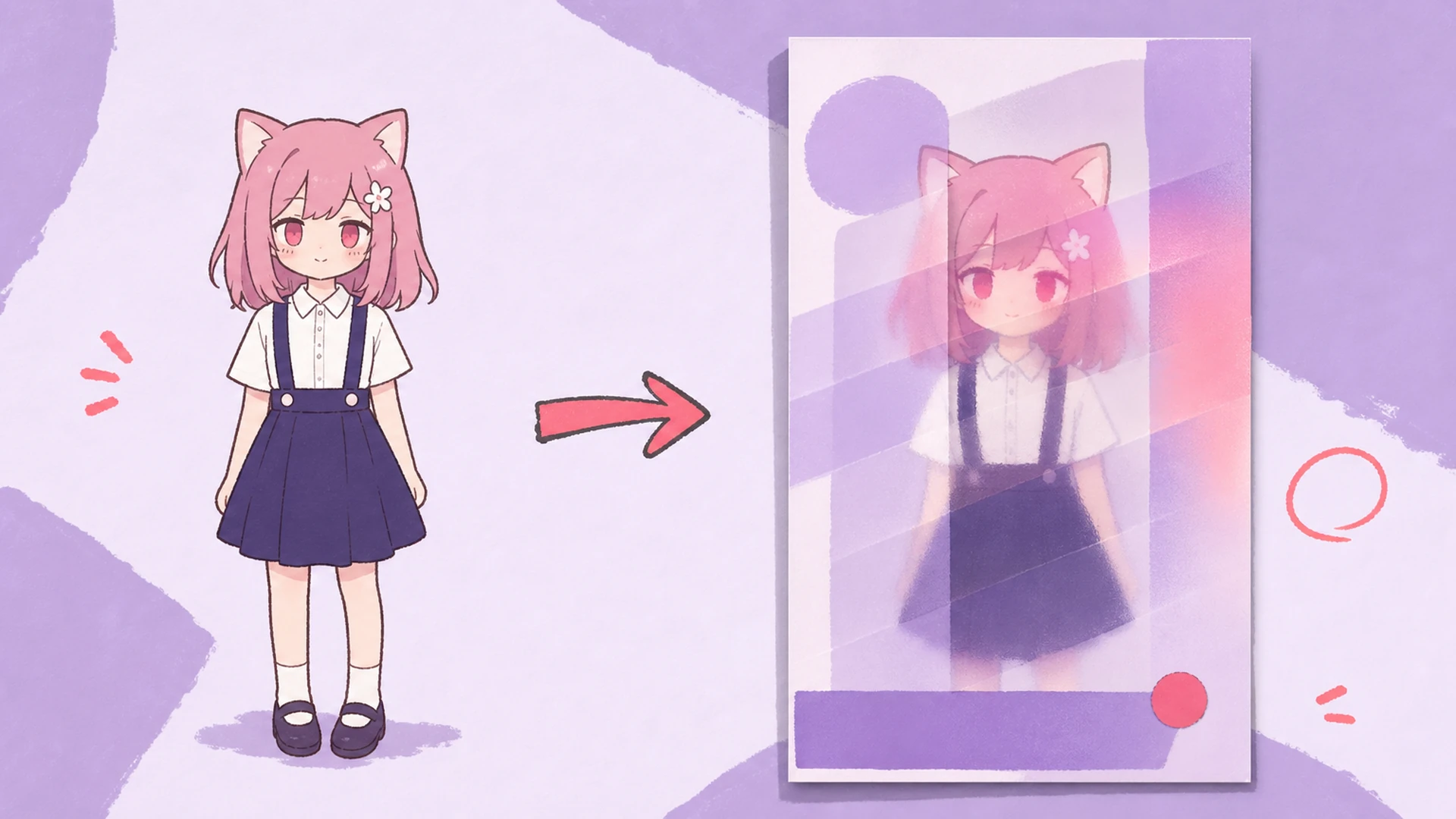
At its core this is a black and white photo editor with a twist: it desaturates the full scene, then masks your character's face back into full saturation. A frosted-glass panel diffuses the backdrop so bold typography stays legible. If the setting fights your subject, swap it first in the AI Background Changer, then let the photo effects do the dramatic lifting.
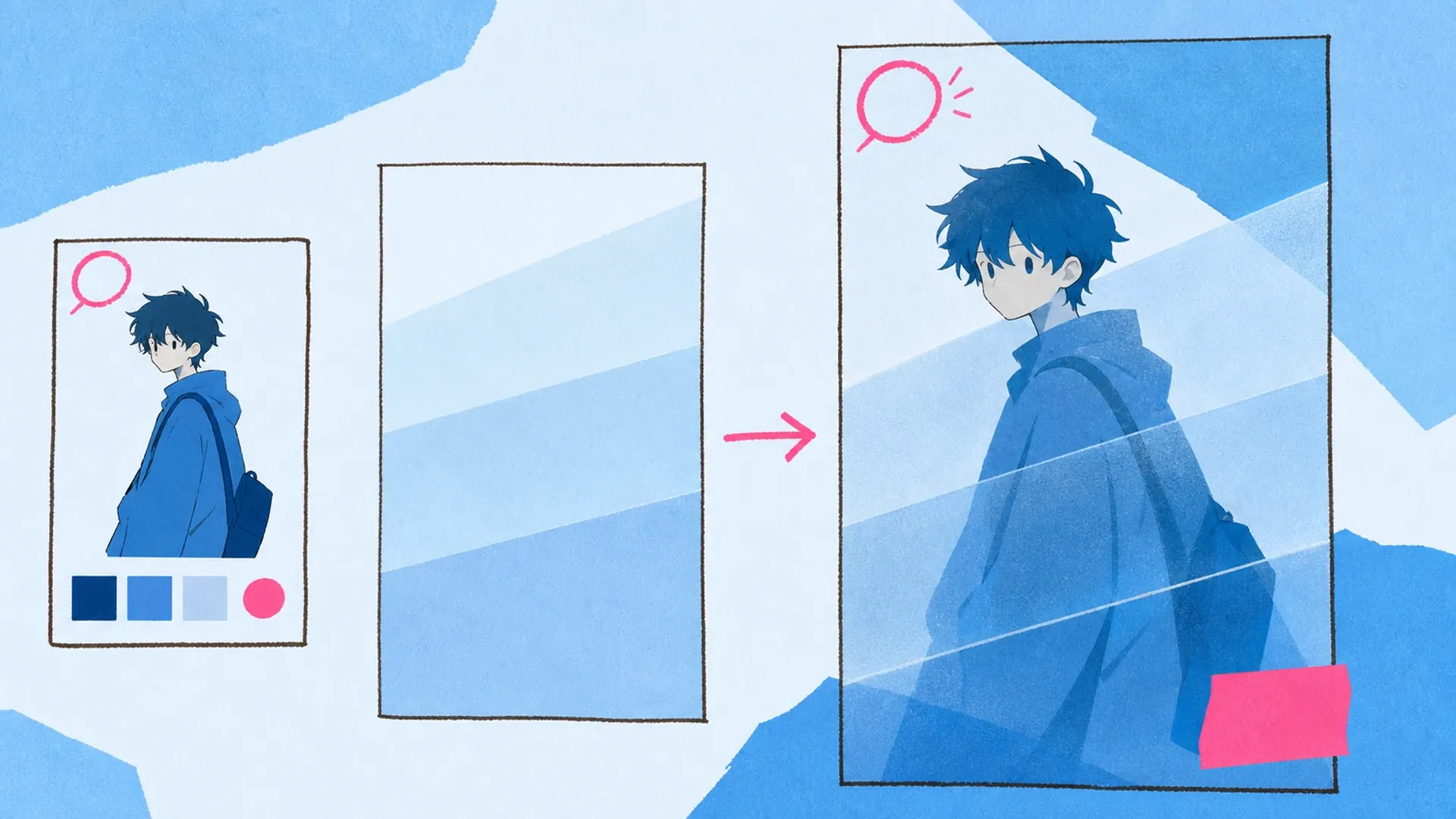
A single spotlighted face pulls the eye faster than any busy composition, which is why this ai poster maker leans into contrast. The grayscale calms the frame, the frosted glass adds depth, and the color-pop face becomes the anchor. Lock your character's look in the Character Sheet Generator first, so the photo effects always land on a consistent face.
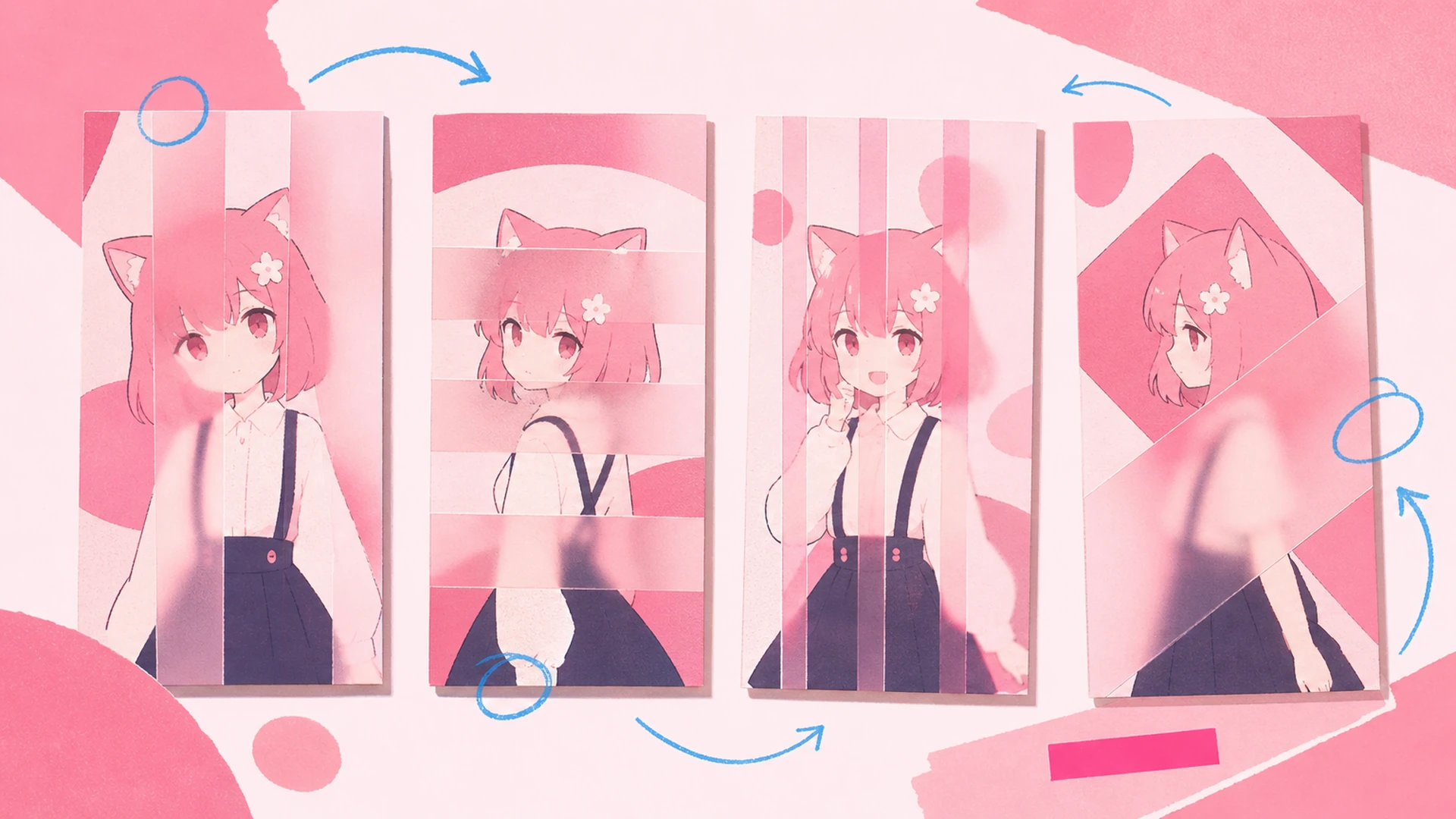
Most fans stall at the same wall: gorgeous character art that still looks like a raw export, no mood, no title, no reason to print it. Filters flatten everything or wreck the face. This custom poster maker fixes that split by treating desaturation and color-pop as separate layers, so your subject stays sharp while the scene turns cinematic. Want motion too? Send the finished poster to Image to Video and let the photo effects breathe.
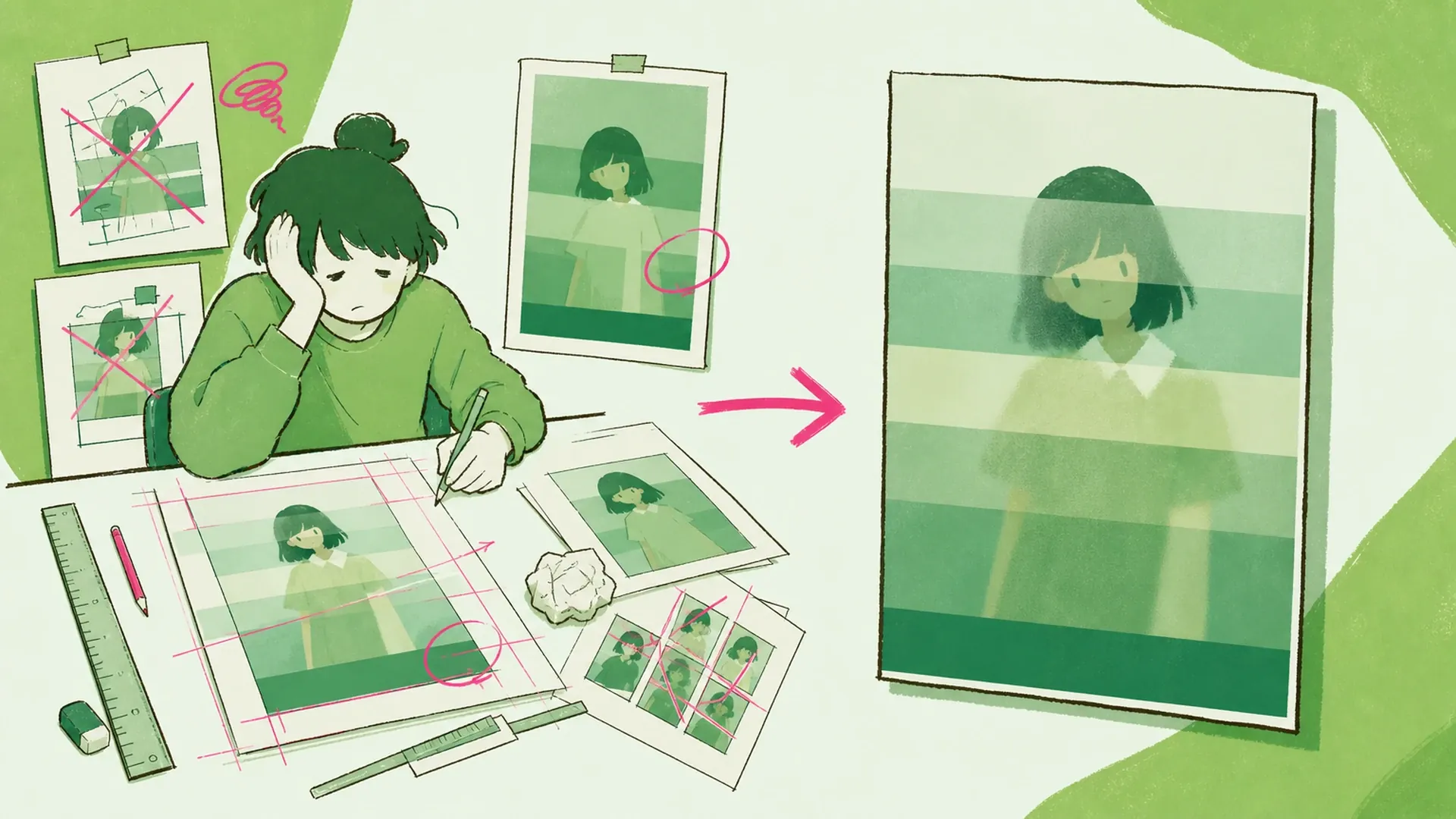
The controls that turn a plain upload into gallery-grade key art with real photo effects.
The engine finds your character's face and holds it in full saturation while everything else drops to monochrome. No manual masking, no halos — just a clean spotlight where the photo effects concentrate all the emotion.
A soft, glassy blur settles over the grayscale backdrop, adding depth and letting big title type sit clean on top. Adjust the frost so background detail whispers instead of shouting under your poster's photo effects.
Drop bold, magazine-style headlines and kickers that frame the face without covering it. Preset layouts handle spacing and hierarchy, so your dramatic key art keeps its edge while the underlying photo effects stay untouched.
One character image is all this custom poster maker needs to start.
Drop in a single anime image — full body, bust, or profile all work. Clearer faces give the color-pop mask more to grab, so pick a shot where your character reads instantly.
Choose a frosted-glass intensity and grayscale tone, then type your headline. Live preview shows how the photo effects and typography interact so you can dial drama up or down before rendering.
Render at print resolution and download a poster ready for feeds, prints, or wallpapers. Re-run with a new title or tone anytime to spin fresh variations from the same character.
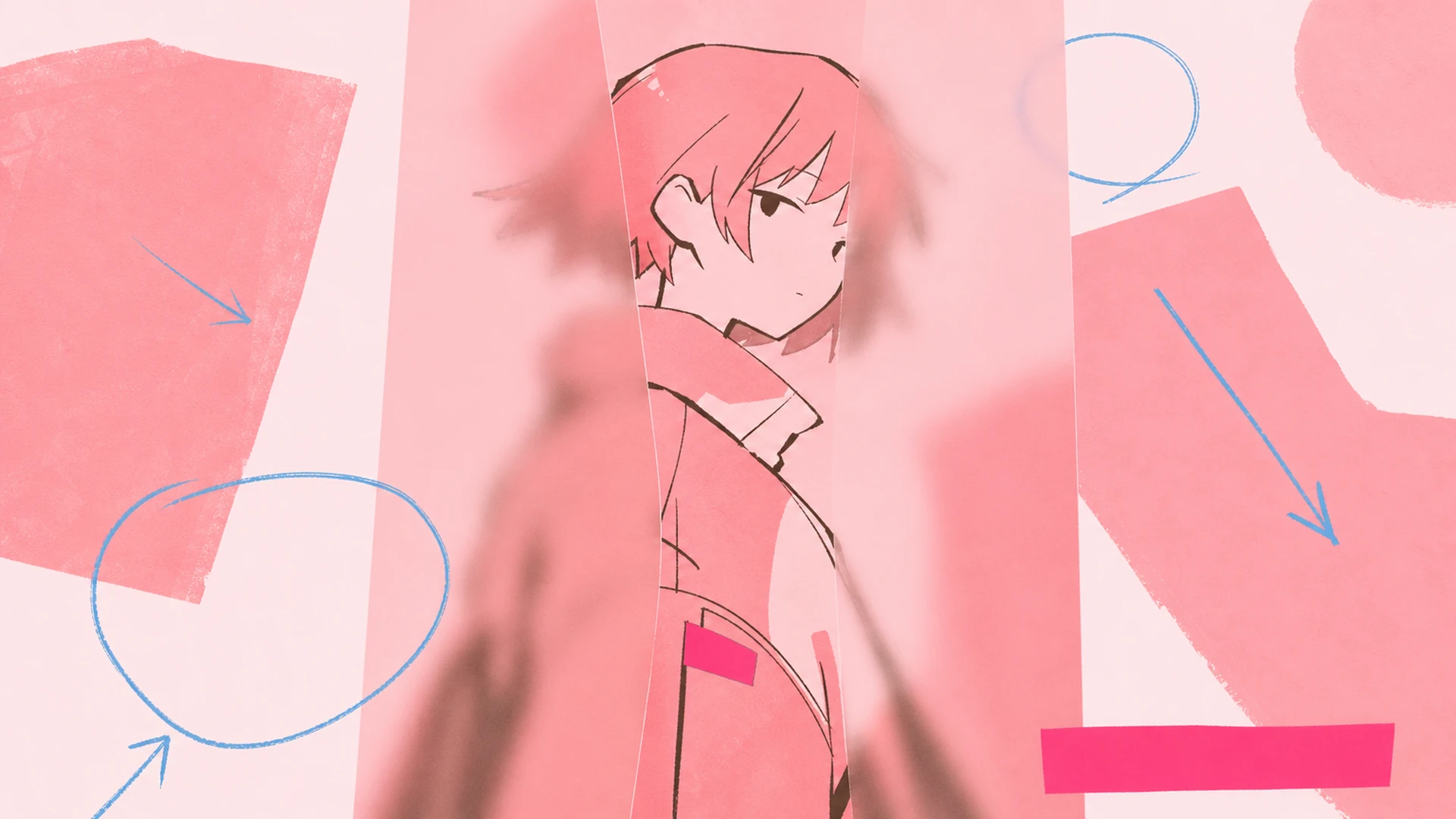
Build hero key art for an OC, fan favorite, or original series lead — the color-pop face and frosted glass give each character a poster that feels like an official campaign visual.
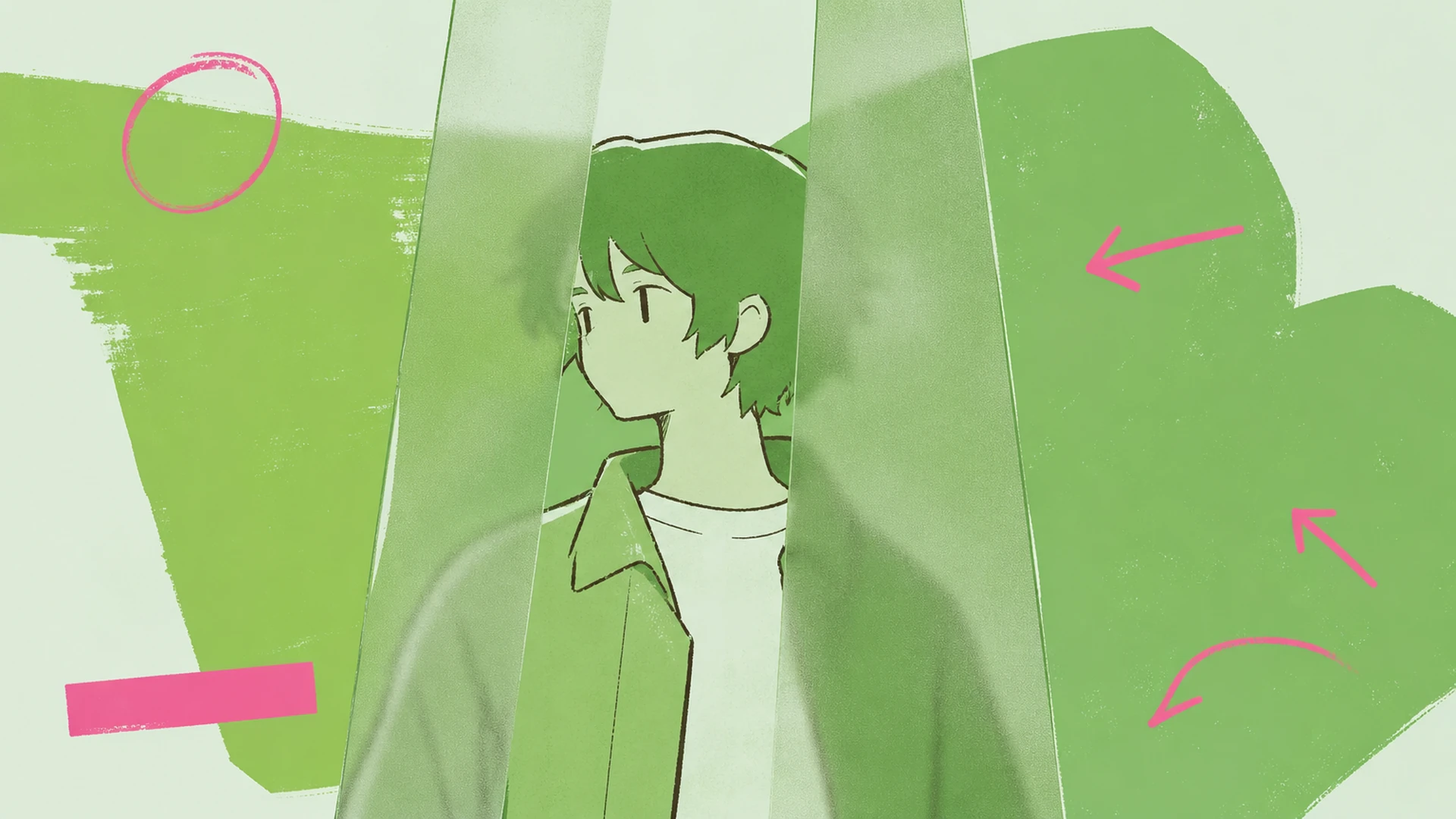
Export at print resolution for a framed wall piece. The monochrome scene and diffused glass keep it gallery-quiet while the vivid face draws every visitor straight across the room.
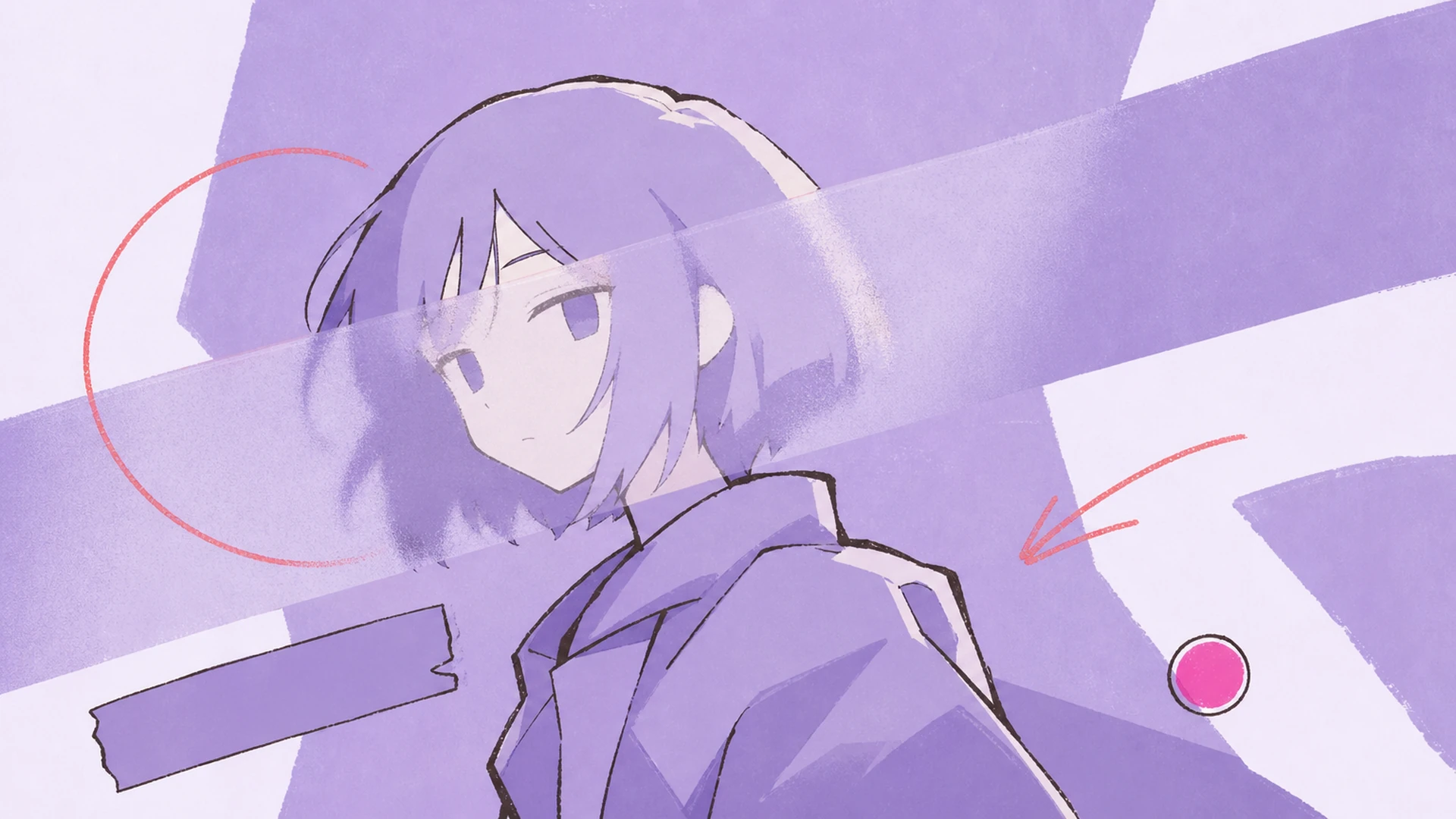
Turn a bust or profile shot into a banner-ready avatar for Discord, X, or a portfolio header. The dramatic contrast makes even a simple headshot feel intentional and premium.
Post a scroll-stopping image where grayscale meets one burst of color. The look thrives on feeds, earning saves and shares because the face refuses to blend into the timeline.
Upload one anime image and watch the scene fade to monochrome while your character's face blazes in color, wrapped in editorial photo effects.
Start Creating