Big Background Sleeve Type
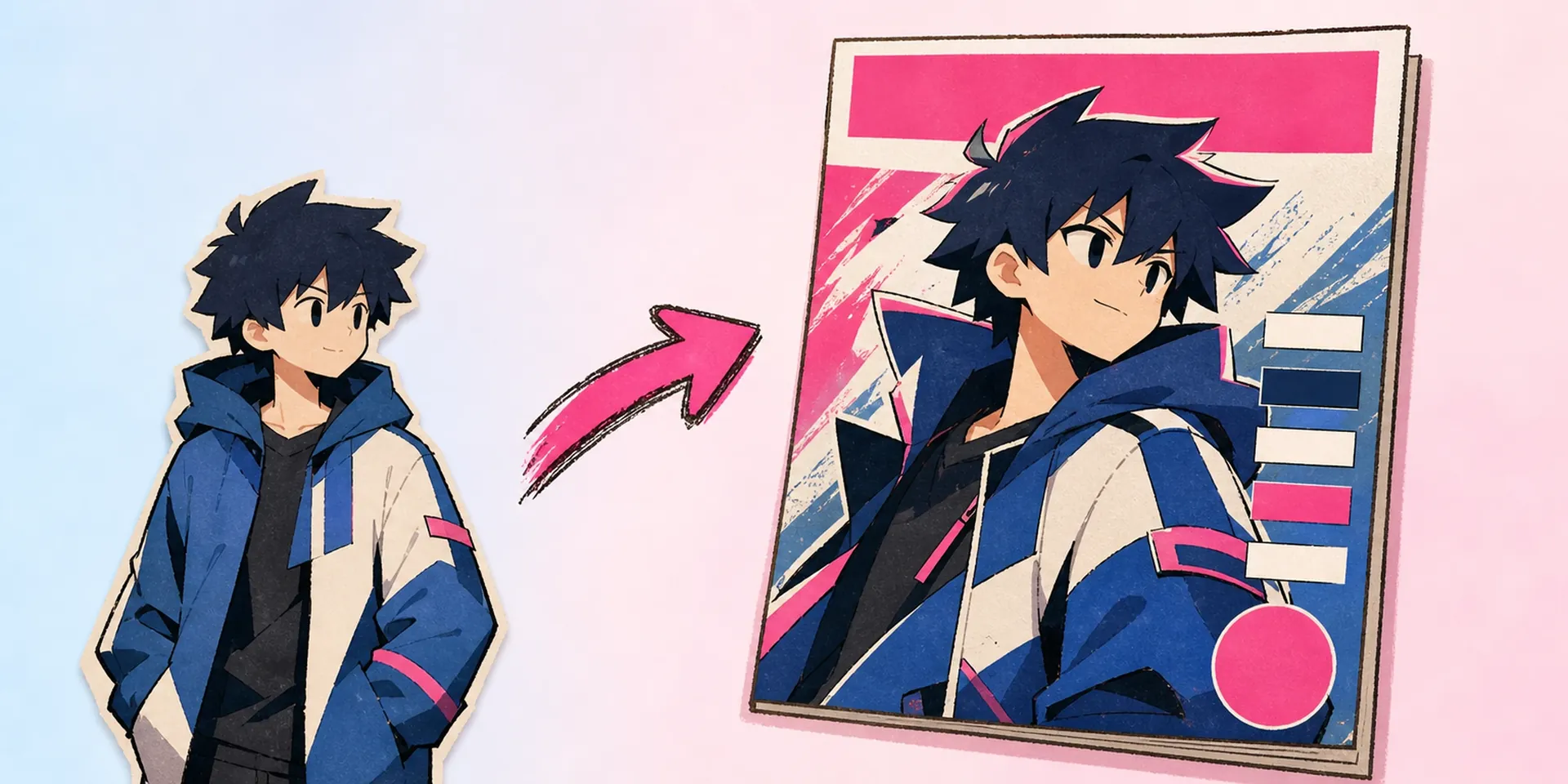
Oversized album title, song name, and artist credit sit behind and around your character like a classic LP jacket. The type runs off the edges for that unmistakable record-store shelf presence.

Turn any anime character into a warm, grainy vinyl record cover. This free album cover maker arranges your art into a record-sleeve layout with big title, song, and artist text.
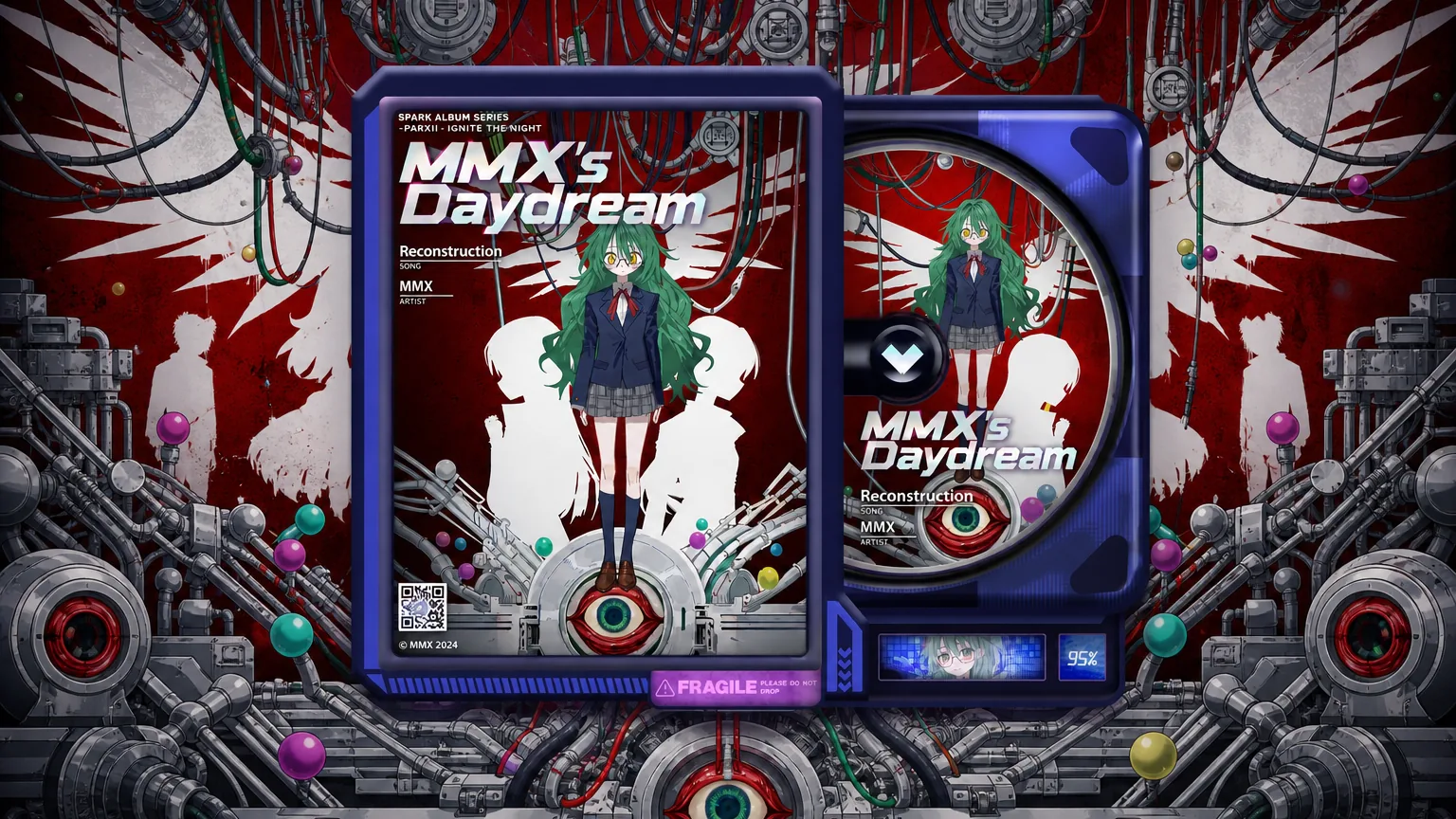
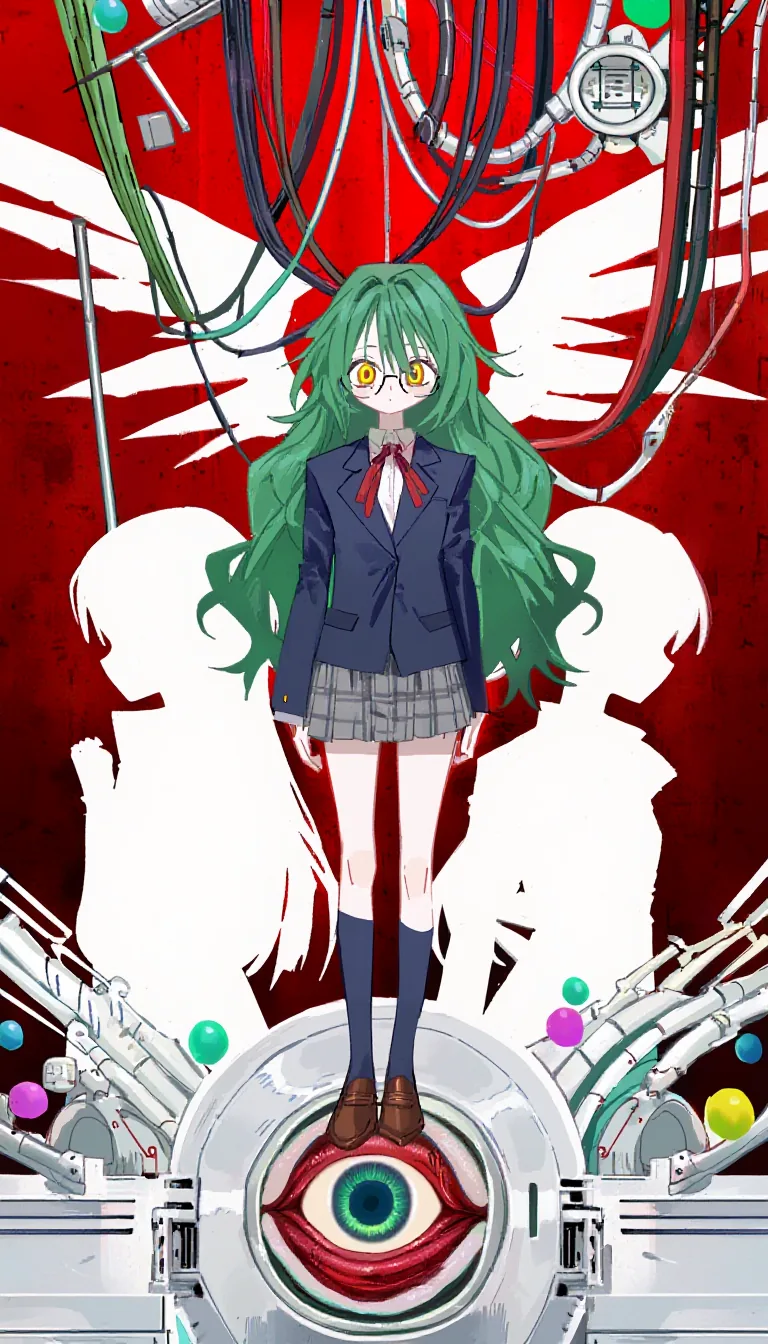
Every music OC deserves a sleeve that looks pulled from a crate at a used record shop. This free album cover maker drops your character into a classic record layout, then layers big background type for the album title, song, and artist. Pair it with the OC Generator to design the star first, or jump straight into the AI Anime Album Cover Maker when your art is ready.
Drop the needle and start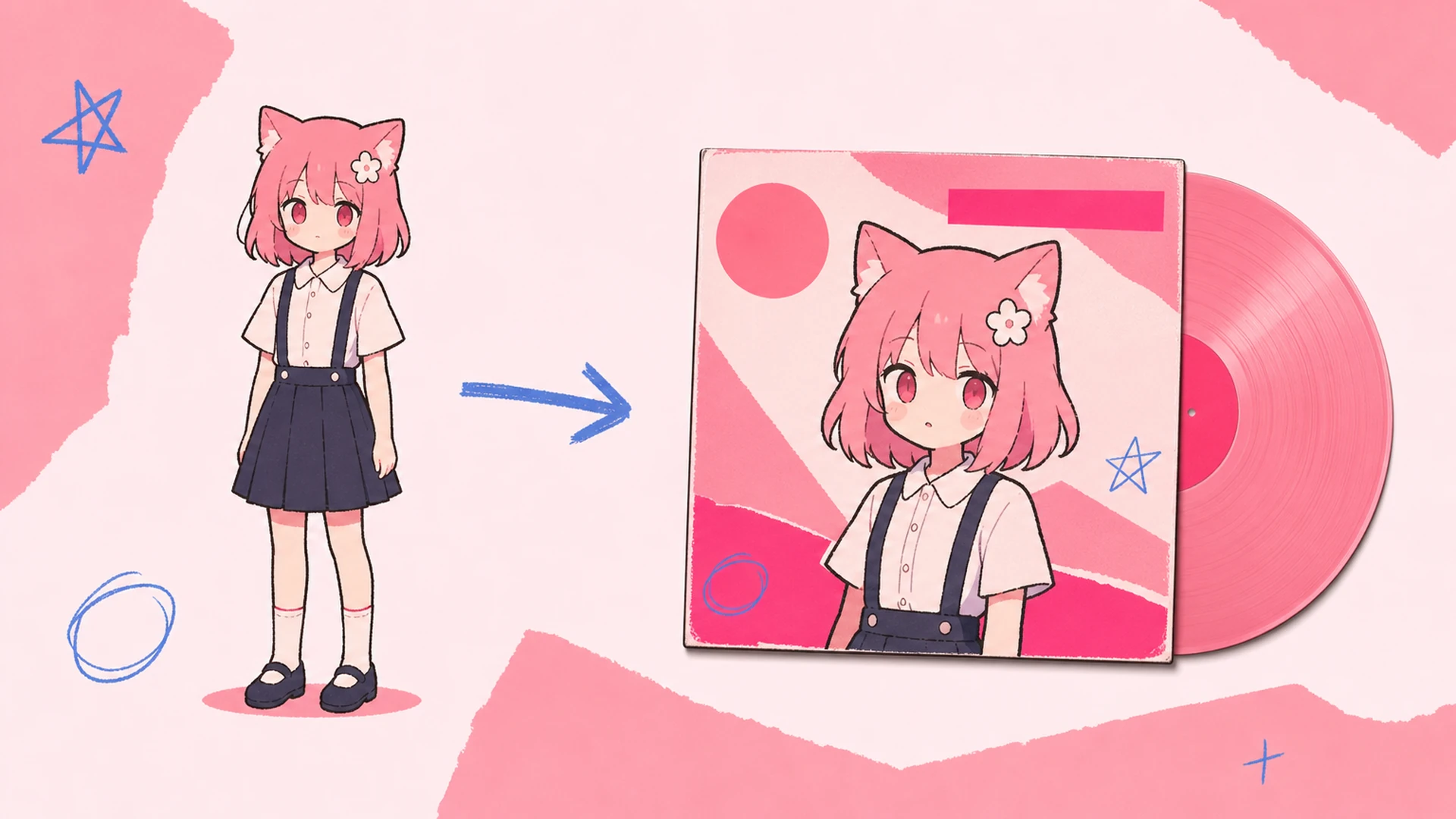
So what actually happens here? Think of it as a free album cover maker built around one nostalgic template: a square sleeve, a centered portrait, and oversized display text bleeding off the edges. If you have wondered how to make an album cover without a design suite, this is it — upload once, and the layout does the crate-digging aesthetic for you. Feed it clean reference from the Character Sheet Generator for the sharpest print.
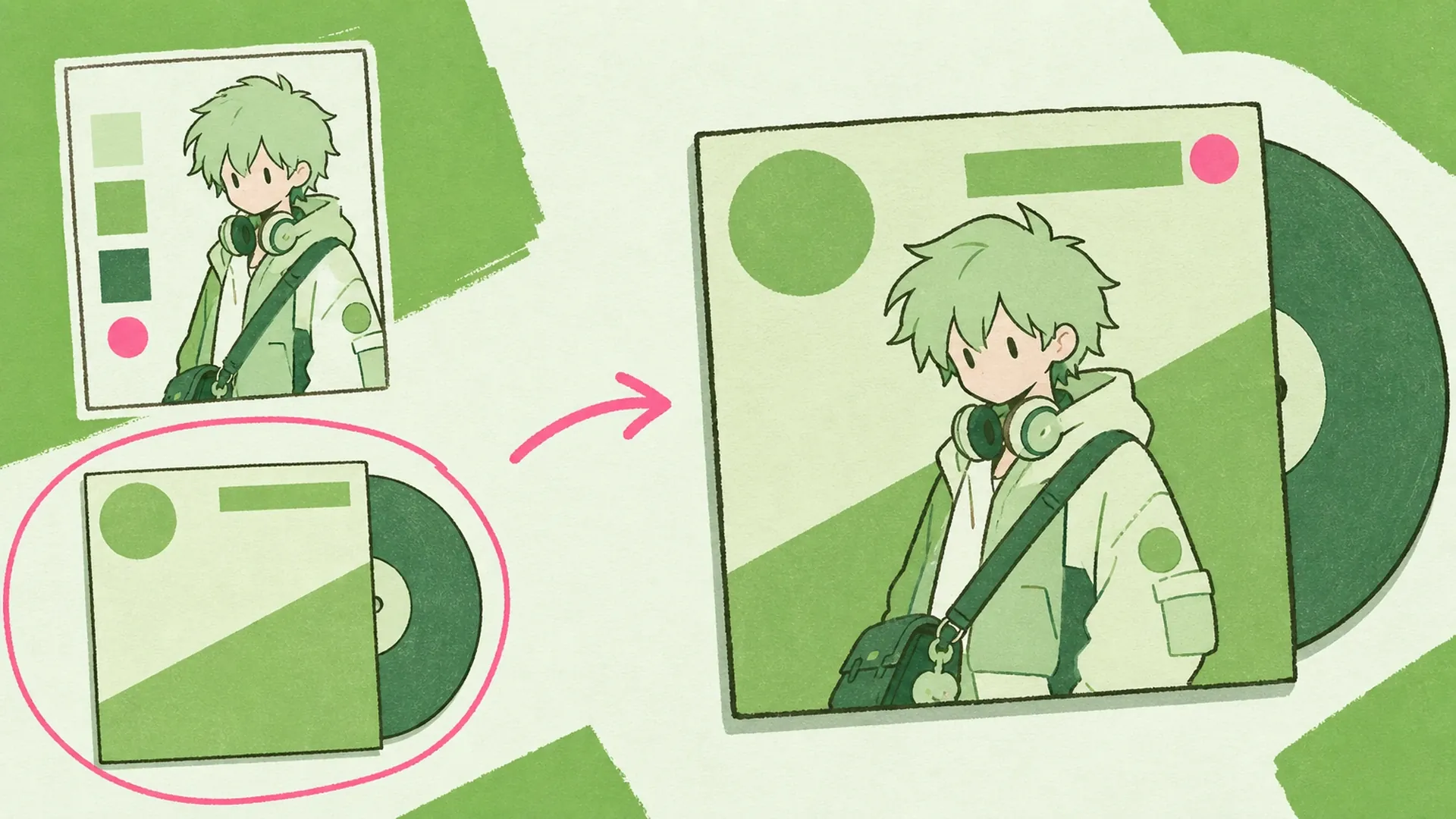
Starting from a blank canvas is where most sleeve ideas die. A free album cover maker skips the intimidating grid and hands you a finished analog frame — grain, warmth, and off-register type included. When the static cover feels alive, send it through Image to Video to add a slow spinning-record loop for your release post. The retro mood is baked in, not fought for.
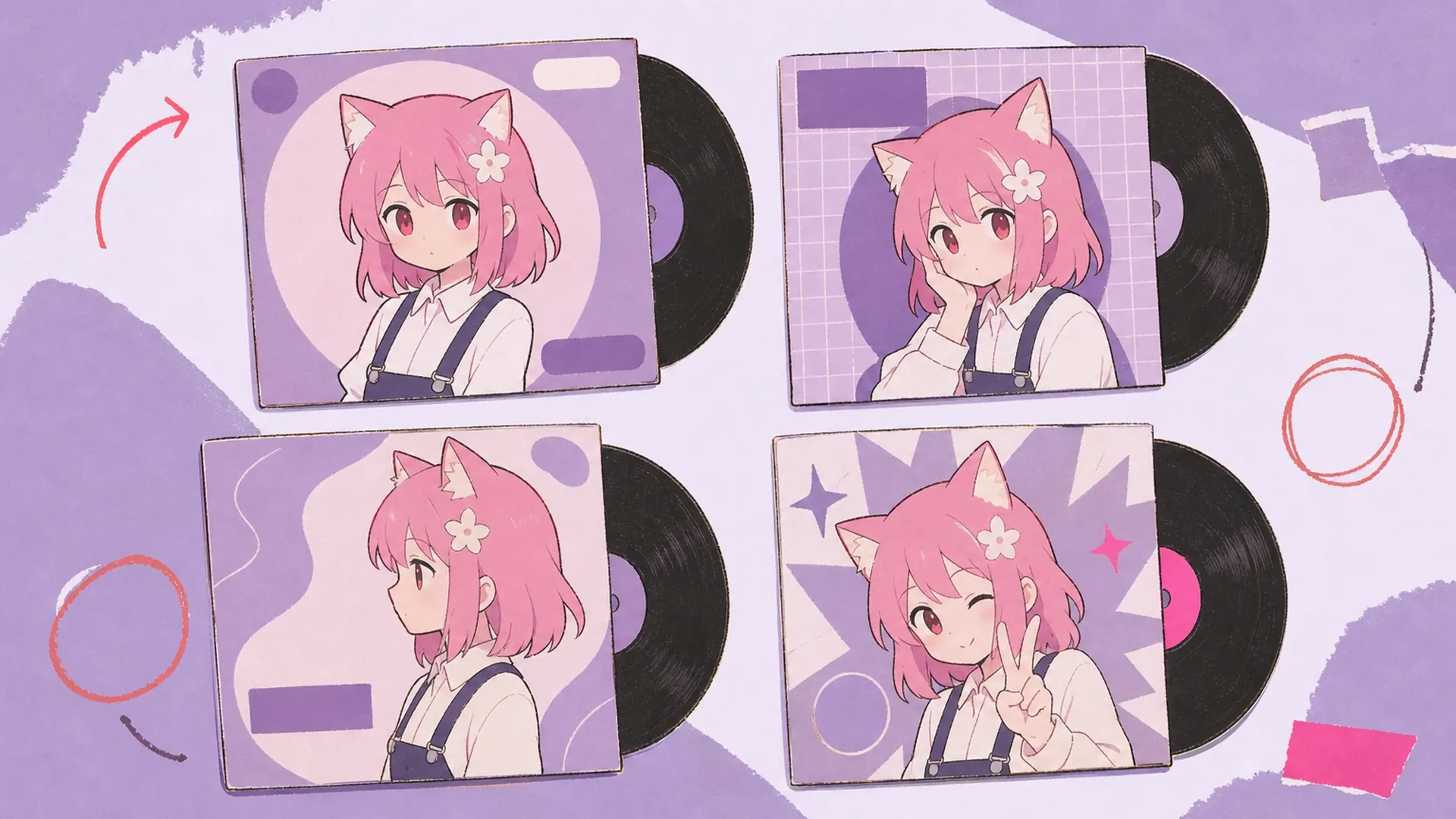
Picking fonts, kerning giant titles, faking film grain, aligning a portrait to a square bleed — real cover design eats hours and still looks off. Most people give up and slap text on a photo. A free album cover maker removes every one of those chores: the template already knows where the title, song, and artist belong, and the analog texture is applied automatically. It works as a full album cover art maker without the learning curve, and if two characters share the spotlight, the AI Duo Album Cover Maker splits the sleeve for a duet.
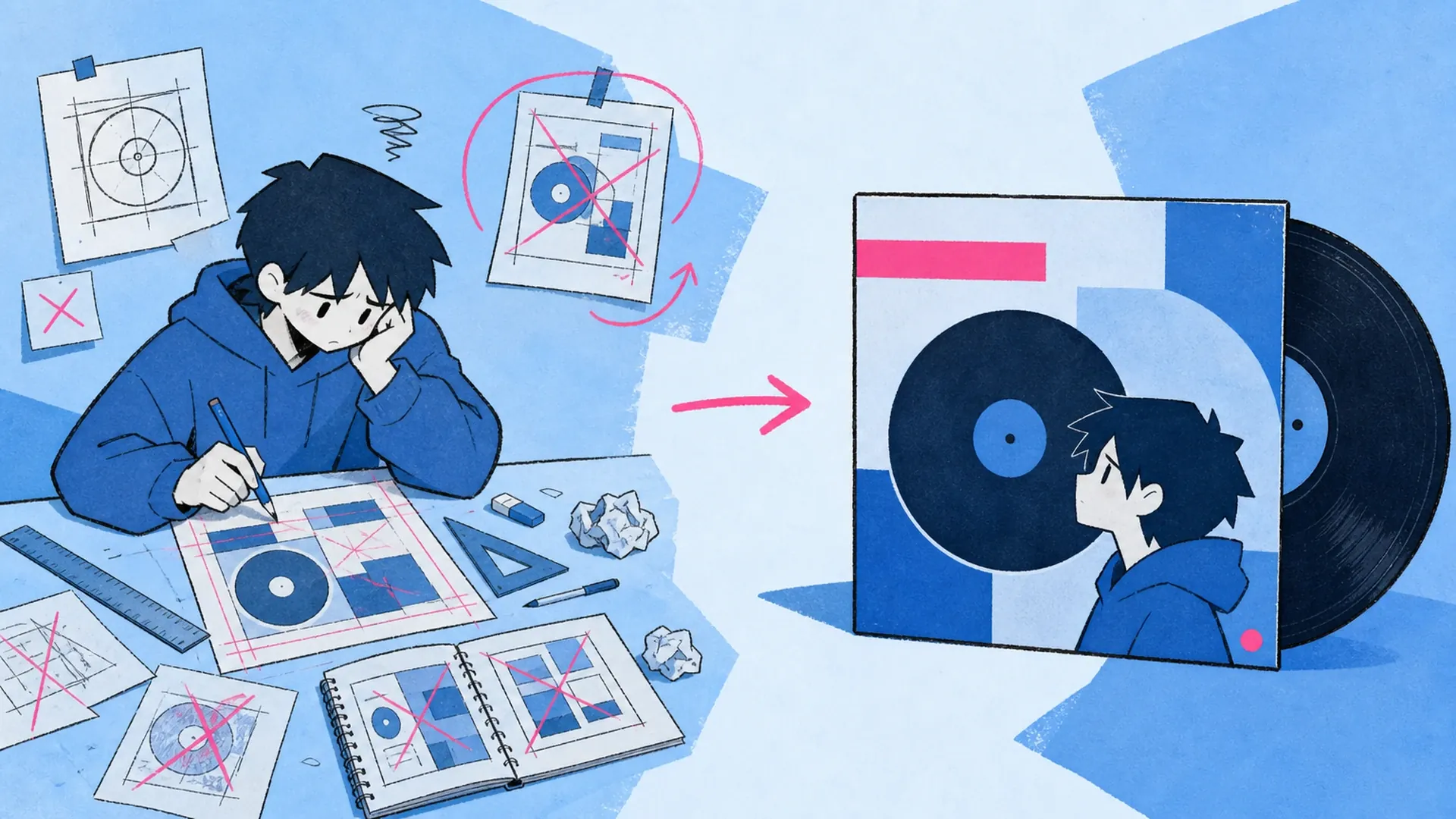
Three touches that make a free album cover maker feel like a real pressed record.
Oversized album title, song name, and artist credit sit behind and around your character like a classic LP jacket. The type runs off the edges for that unmistakable record-store shelf presence.
Every cover ships with soft analog grain, faded ink, and gentle color bleed. It trades clinical digital sharpness for the cozy imperfection of a well-loved vinyl sleeve from the early 2000s.
Drop in a single character image and the free album cover maker centers, crops, and frames it to a square jacket. No layer wrangling, no manual masking — just an instant record-ready portrait.
How to make an album cover the analog way, start to finish.
Add one clean image of your anime OC or fan-favorite character. A crisp, well-lit portrait gives the free album cover maker the most to work with when it builds the square jacket.
Enter the album name, track title, and artist you want printed across the sleeve. The big background type locks into the retro layout automatically, so nothing feels crooked or off-brand.
Generate, then download your finished vinyl sleeve with analog grain baked in. Post it as playlist art, a release teaser, or reload the free album cover maker to spin a different color mood.
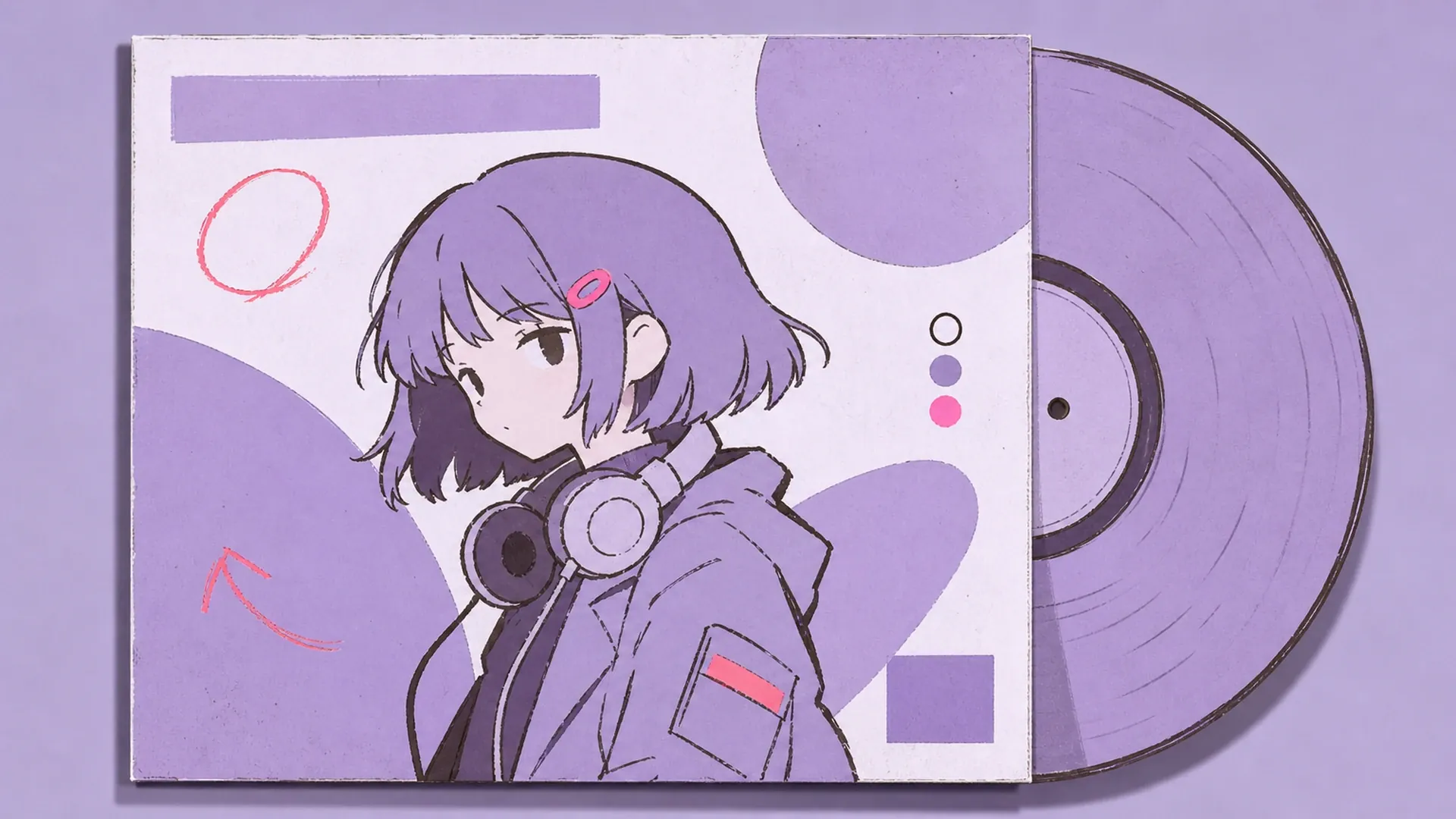
Give your singer or band OC a proper vinyl debut. Frame their portrait on a square sleeve with album, song, and artist text for a believable analog record release.
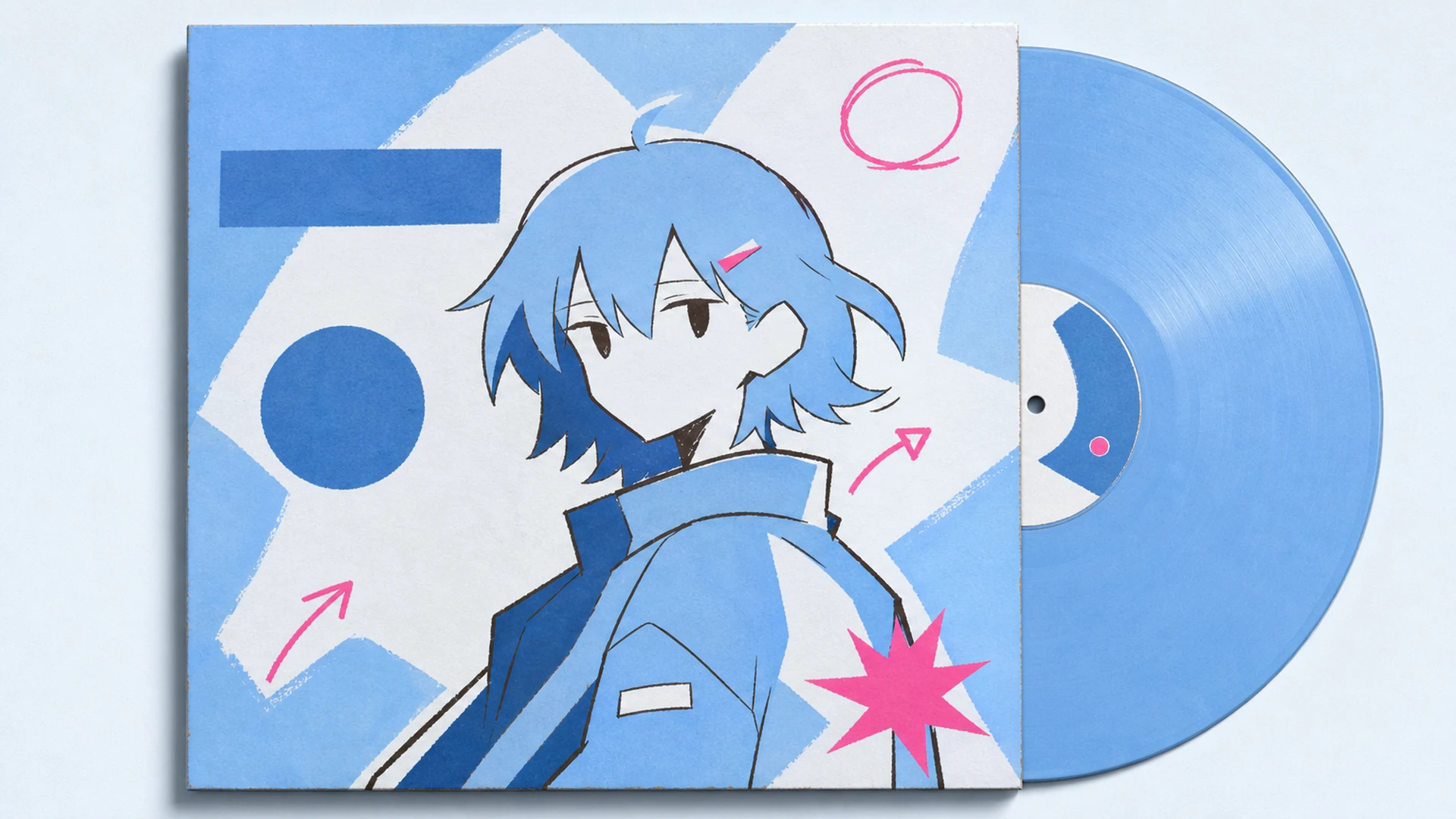
Turn a favorite character into cover art for your Spotify or Apple Music playlist. The grainy record-sleeve look makes a shared mixtape feel curated, warm, and unmistakably retro.
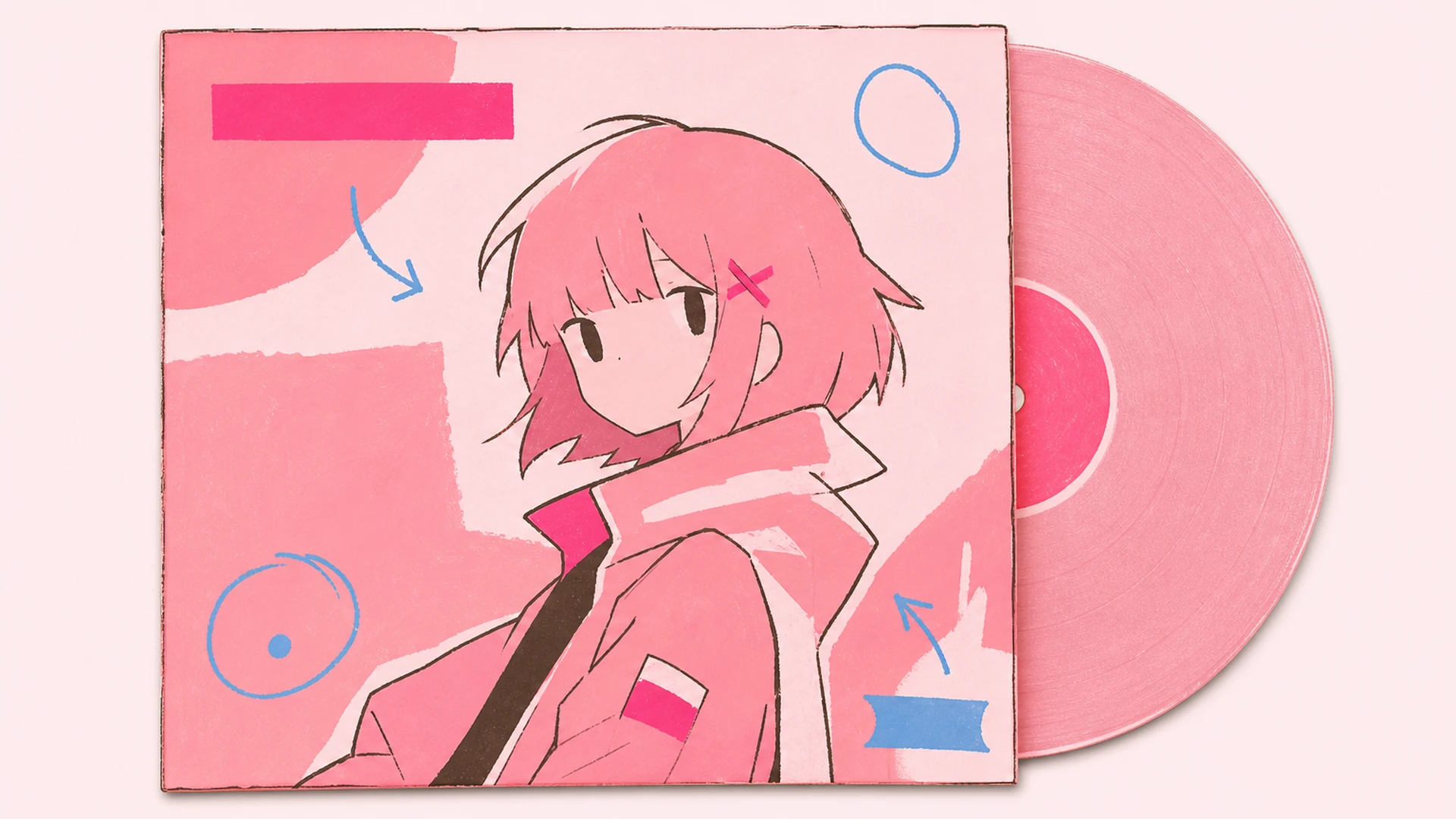
Reimagine a beloved anime character as the face of a vintage-style record. Perfect for fan tributes, cover-song art, and posters that look pulled straight from a dusty 2000s bargain bin.
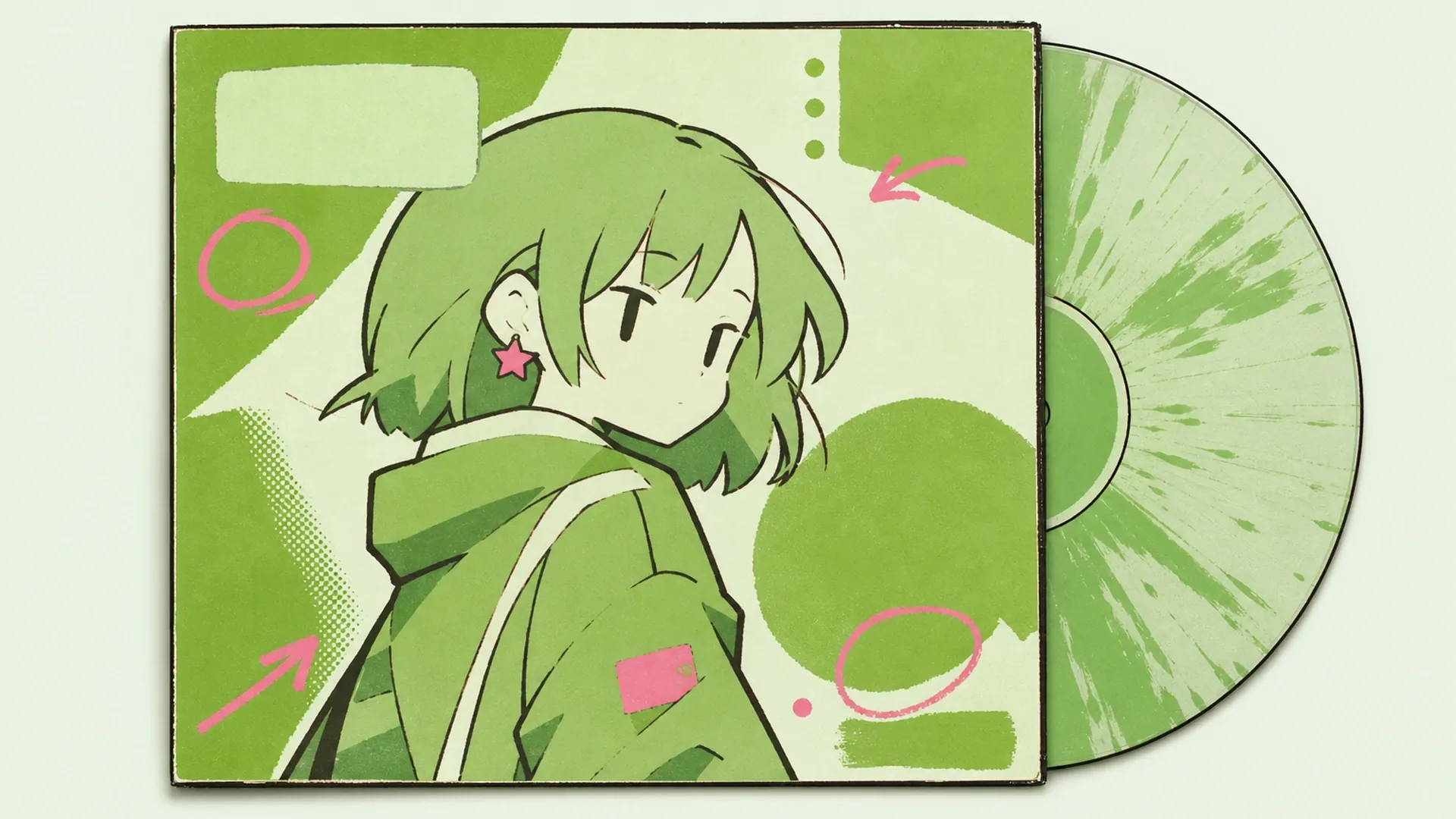
Fuel your Y2K aesthetic feed on Instagram and TikTok. A glossy, grainy vinyl cover starring your OC hits that early-2000s nostalgia note followers save and reshare.
Ready to give your OC a record deal? Open the free album cover maker, upload one image, and pull a warm, grainy vinyl cover in seconds.
Make My Vinyl Cover