Dual Headliner Weighting
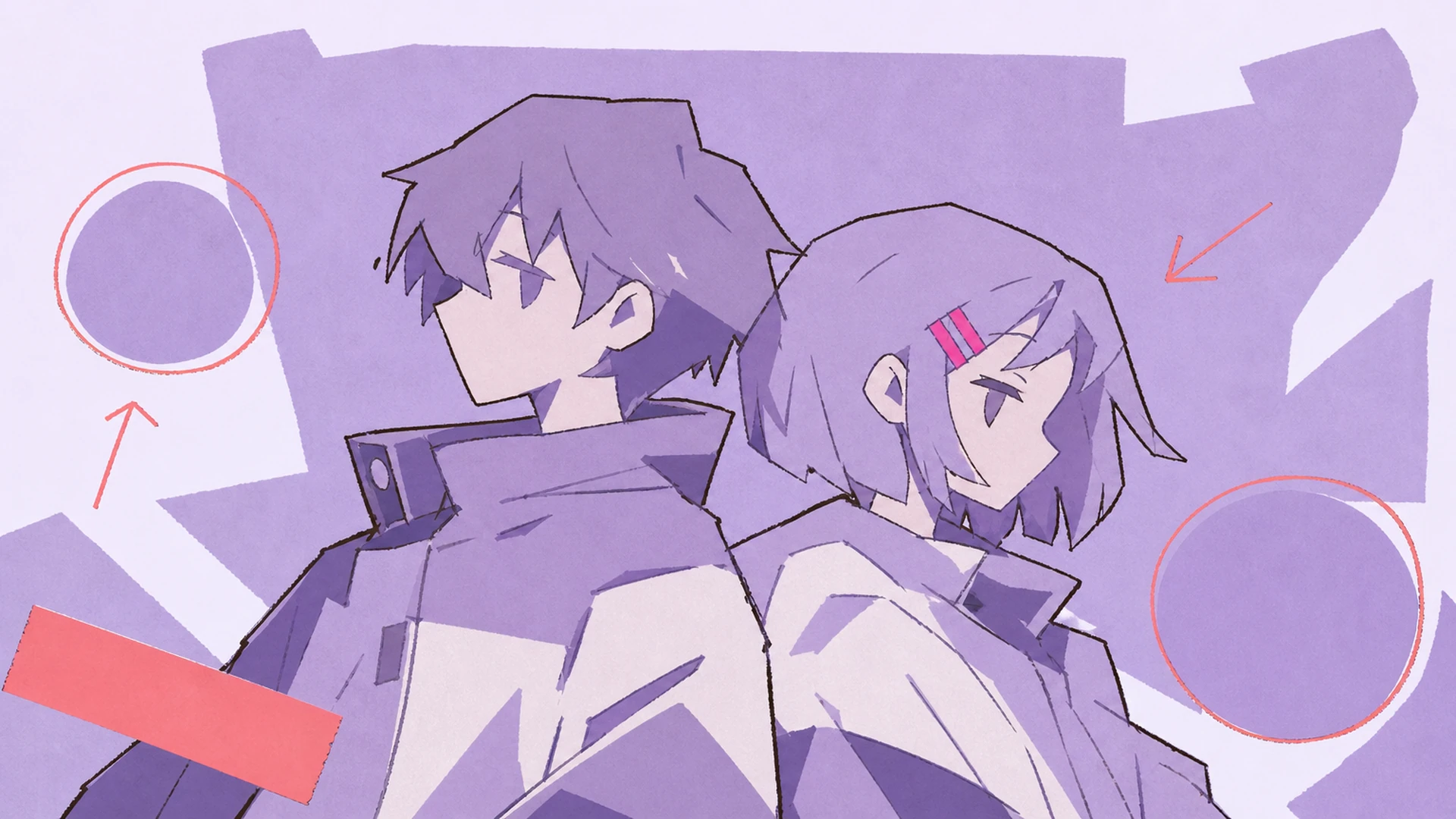
Both uploads get equal visual pull. The album cover art maker balances scale, placement, and eyeline so your rival pair or ship reads as co-leads, never one star plus a shadow lurking at the edge.

Drop in two anime characters and let our album cover art maker stage them into one balanced music sleeve, identities intact, title zone glowing.
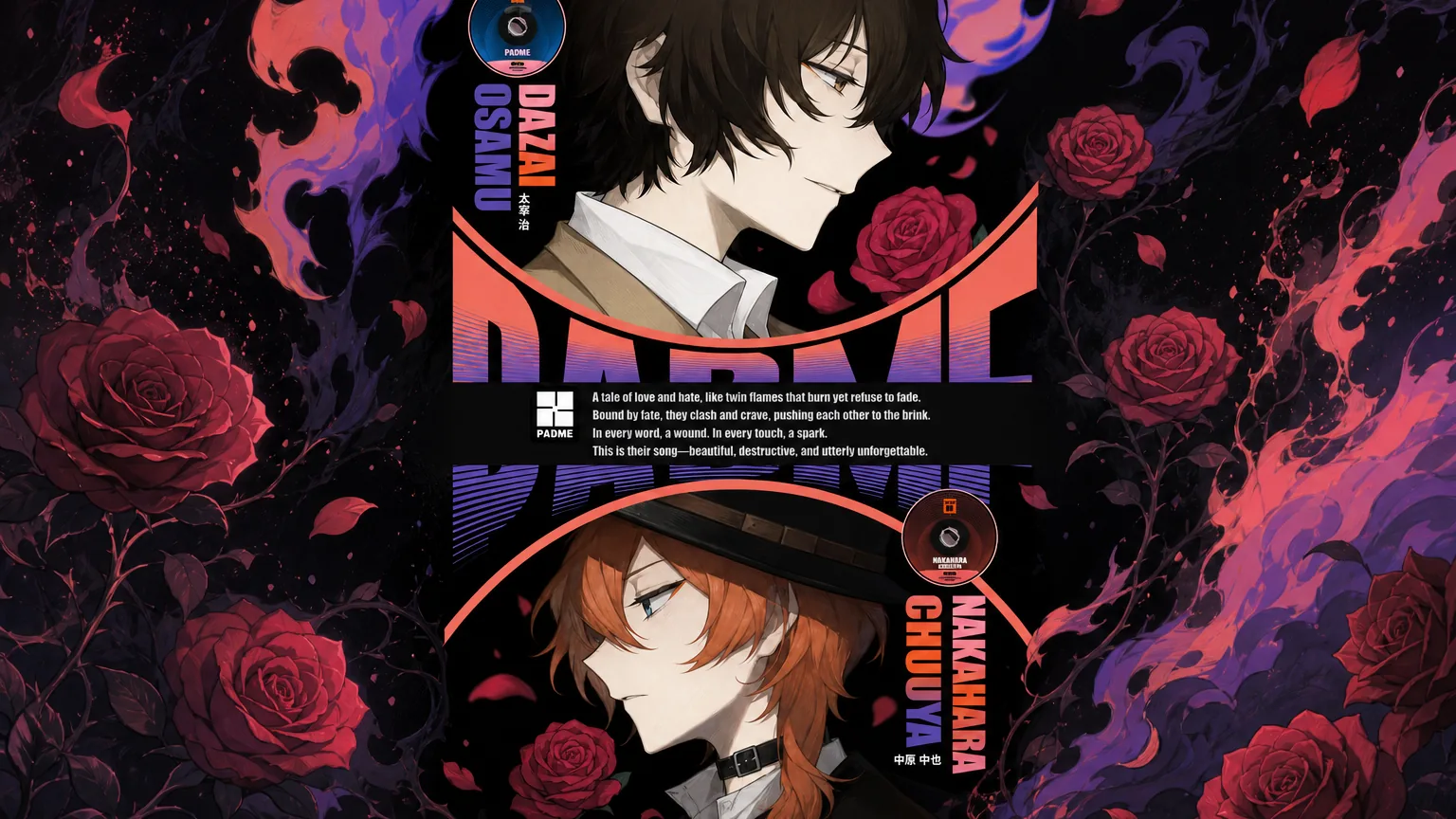
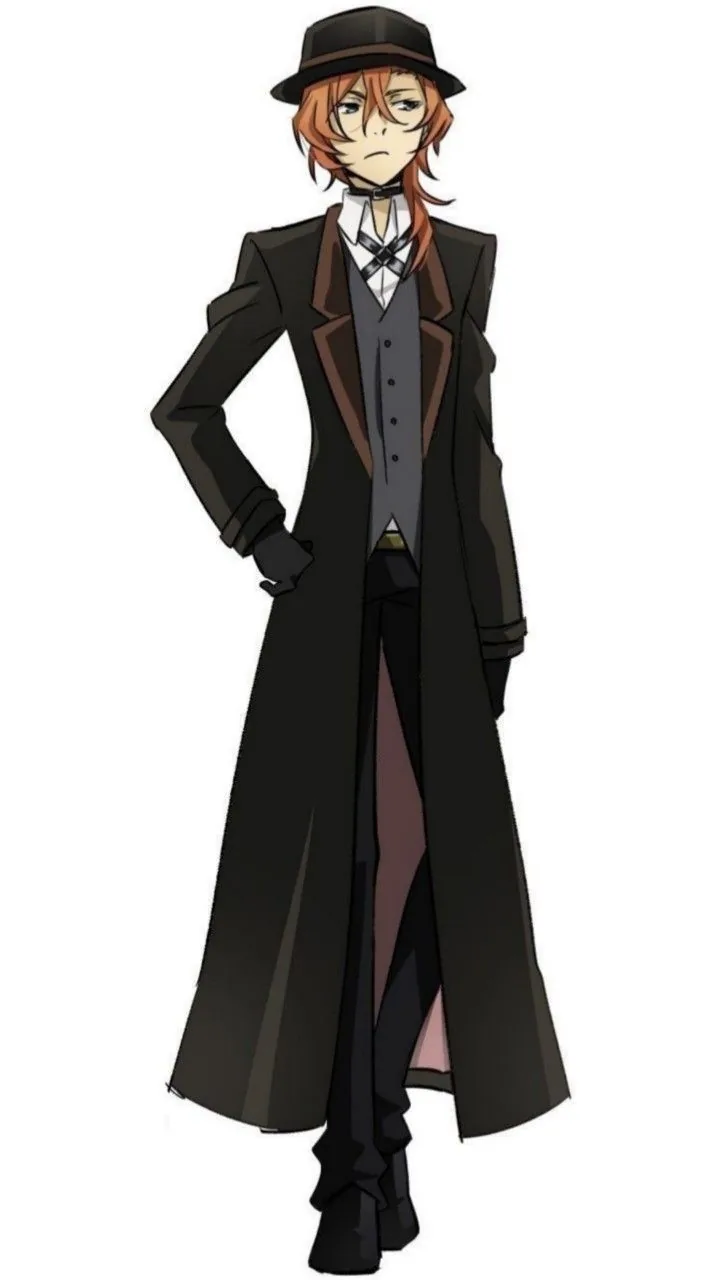
Two anime leads rarely sit well side by side without one swallowing the frame. This album cover art maker treats both as headliners, weighting the composition so neither reads as a guest feature. If you have leaned on a Couple Pose Generator for closeness, think of this as the release-day sibling: less about the pose, more about the sleeve, the title zone, and the tension that sells a duo record.
Stage Both Leads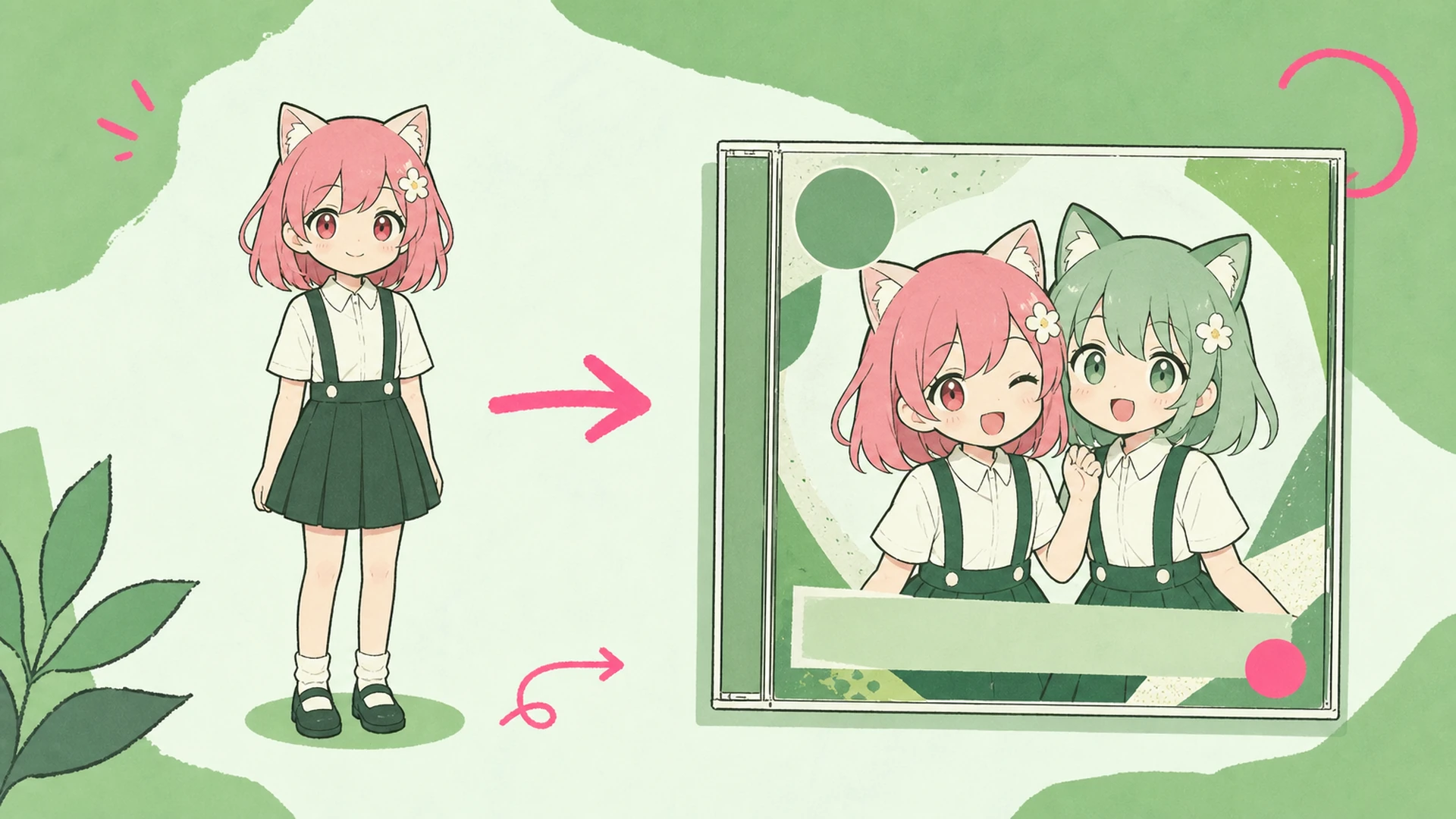
Upload two characters and the tool arranges them inside a curated music template, keeping faces, palettes, and silhouettes recognizable. It is closer to a free album cover maker than a portrait studio: an OC Generator invents who a character is, a Character Sheet Generator documents them, and this stage dresses that finished duo for a record release, complete with a title zone waiting for your band name and theme text.
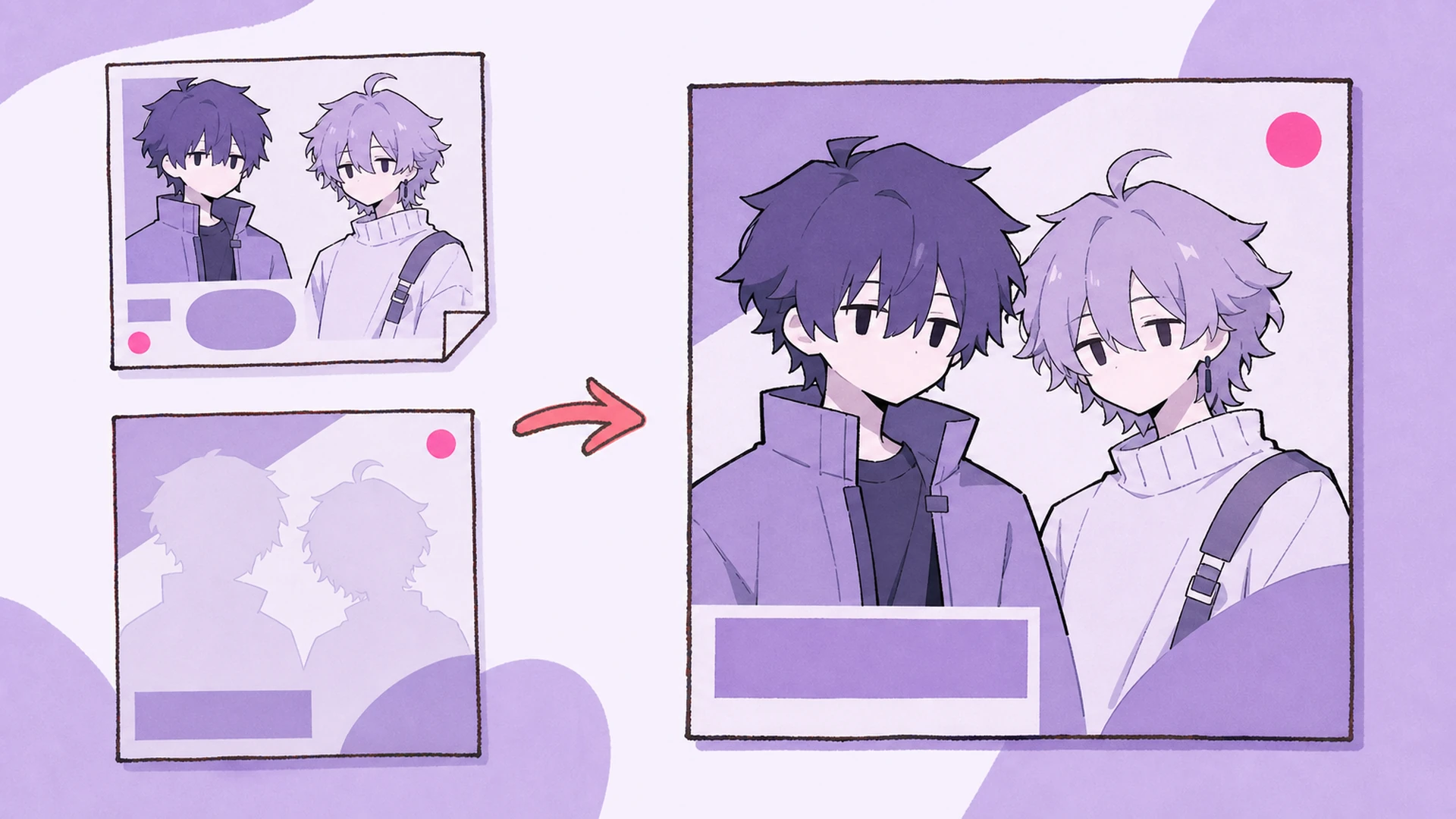
Manually balancing two characters in one frame eats hours in a layout editor, and the result often favors whoever you dropped in first. Letting the album cover art maker weigh both saves that fight. Once the sleeve lands, an Image to Video pass can loop it into a teaser, and the AI Anime Album Cover Maker keeps the same duo styling across singles, so your artwork reads as one connected release.
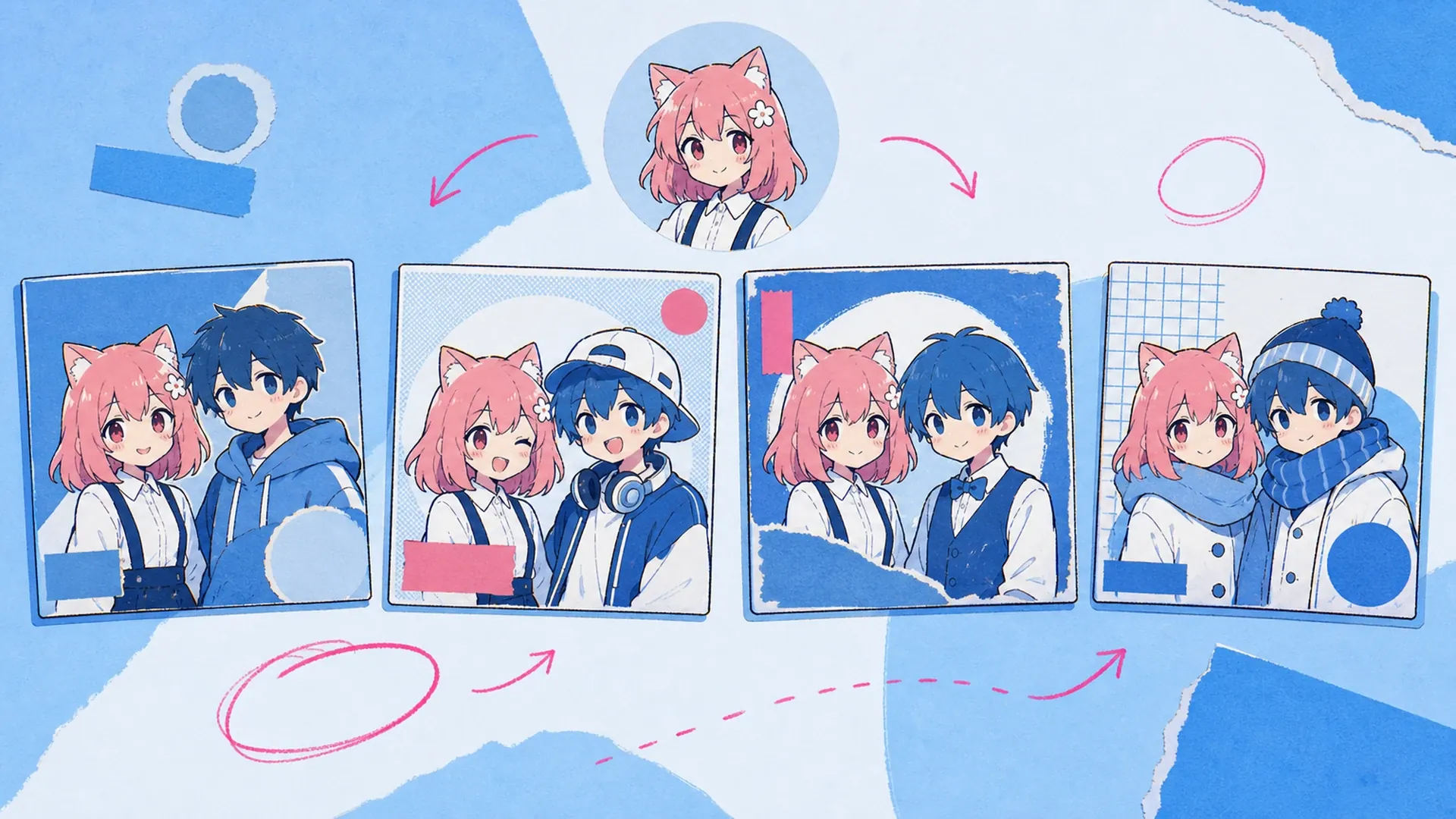
Anyone who has tried this by hand knows the traps: two focal points fighting for the center, a title zone squeezed into whatever space is left, and one character quietly turning into background. Crop tight and you lose an identity; zoom out and the tension goes flat. Learning how to make an album cover from scratch in a design suite means redrawing that balance every single time. This album cover art maker absorbs the tedious part, handing back a composed duo sleeve with both leads sharp and a title zone that still breathes.
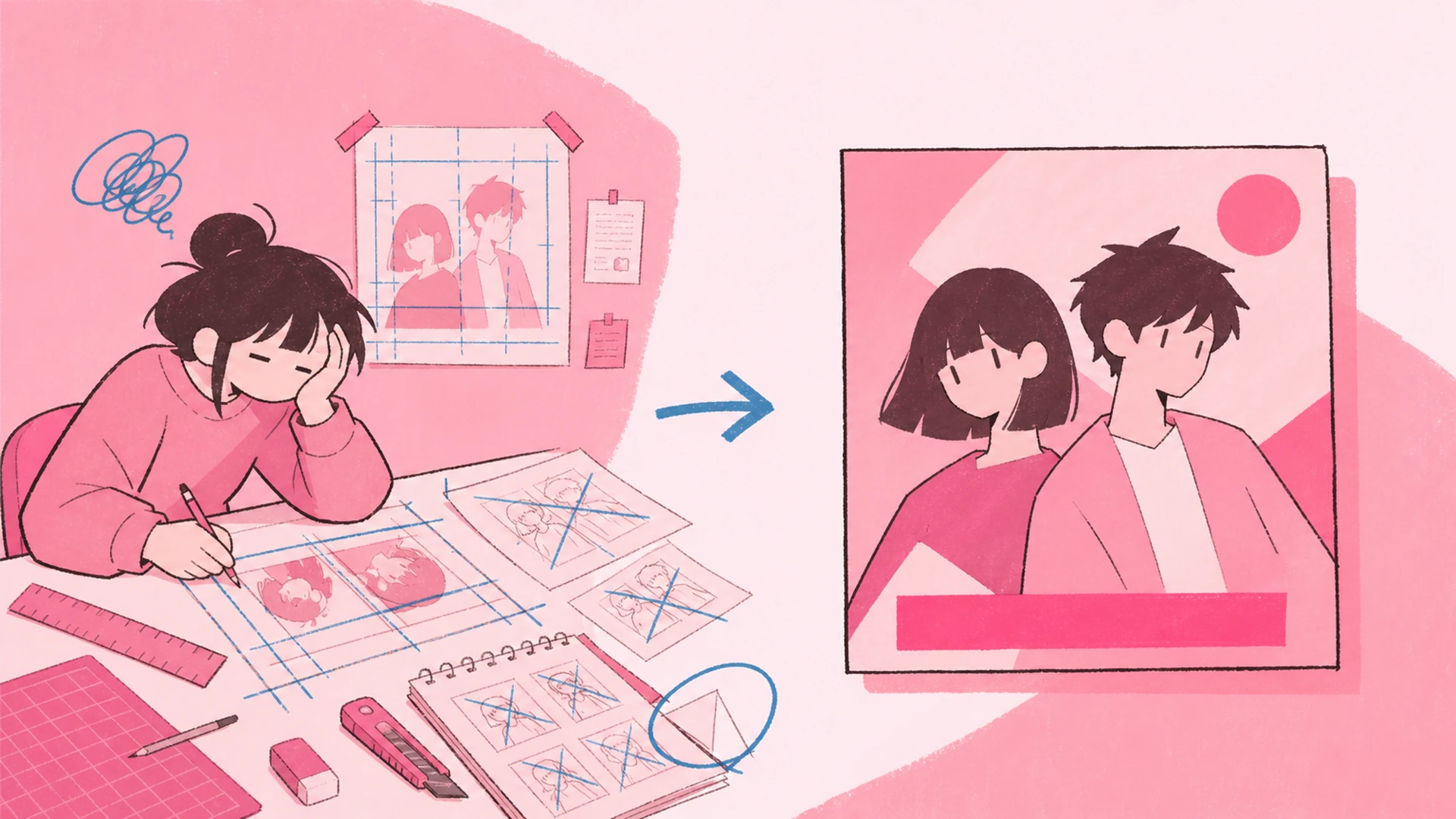
Three things the album cover art maker handles so your duo lands like a real release.
Both uploads get equal visual pull. The album cover art maker balances scale, placement, and eyeline so your rival pair or ship reads as co-leads, never one star plus a shadow lurking at the edge.
Every template ships with a dedicated title zone and theme-text band. Type your unit name and tagline; the type stays legible over busy artwork instead of drowning in the two-character composition behind it.
Identity holds through every pass. Hair color, eye shape, outfit details, and the mood of each character survive the restyle, so fans recognize both members the second the duo sleeve loads on their feed.
Three quick moves take you from raw character art to a finished duo sleeve.
Add two anime images, one per member. Clear, front-facing art works best, but the tool copes with different styles and sources, reading each identity before it decides how the pair should share the frame.
Choose a curated album layout that fits the mood, from moody rival tension to bright band energy. Each template marks where the two leads sit and reserves a title zone, so you are not guessing at balance.
Type your unit name and theme text into the title zone, tweak the arrangement if needed, then export. The album cover art maker renders a share-ready sleeve for streaming thumbnails, posters, or social teasers.
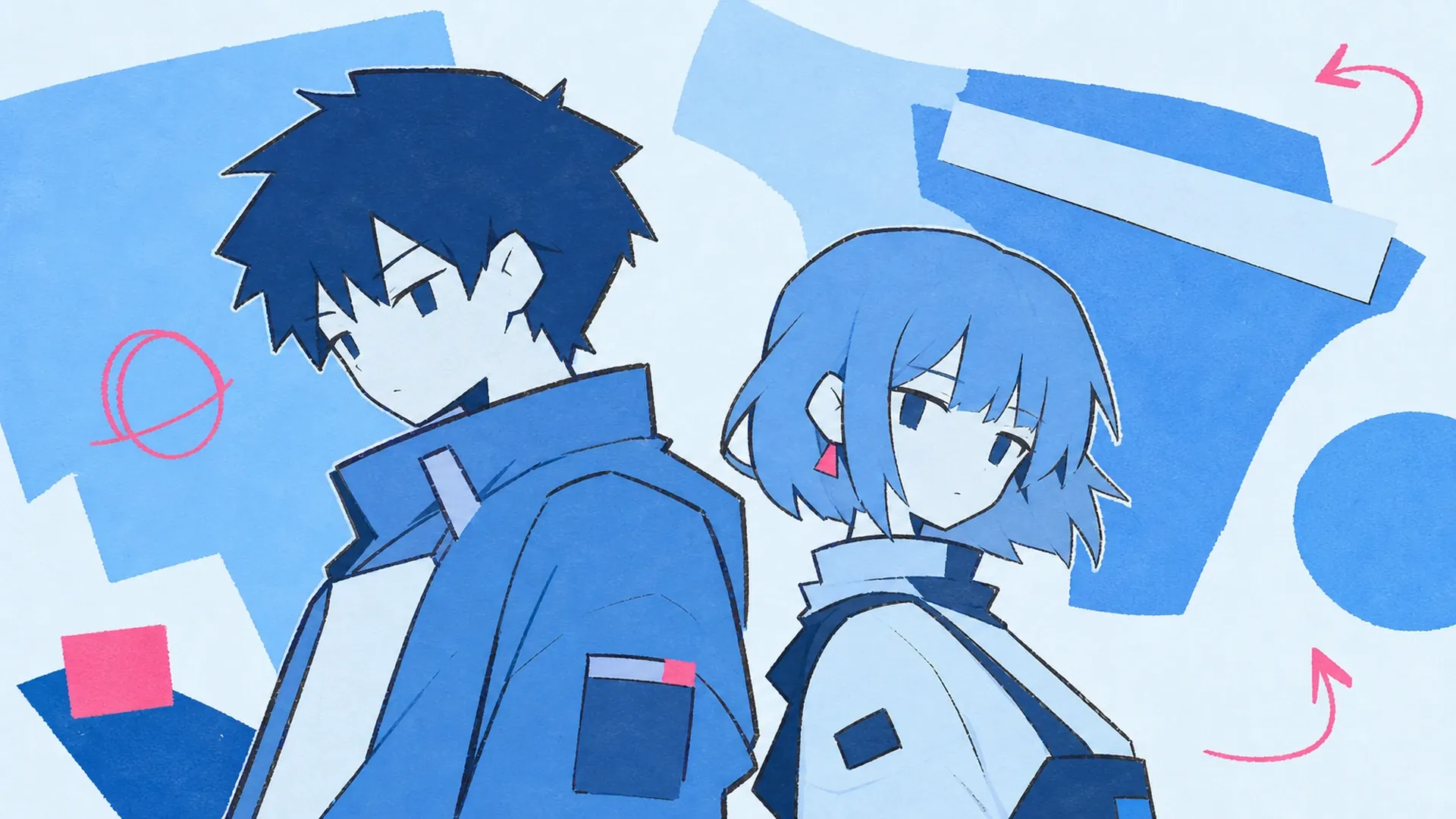
Launching a two-person unit? Feed both members in and get a cohesive debut sleeve where each lead carries equal weight, ready for streaming art, announcement posts, and merch mockups.
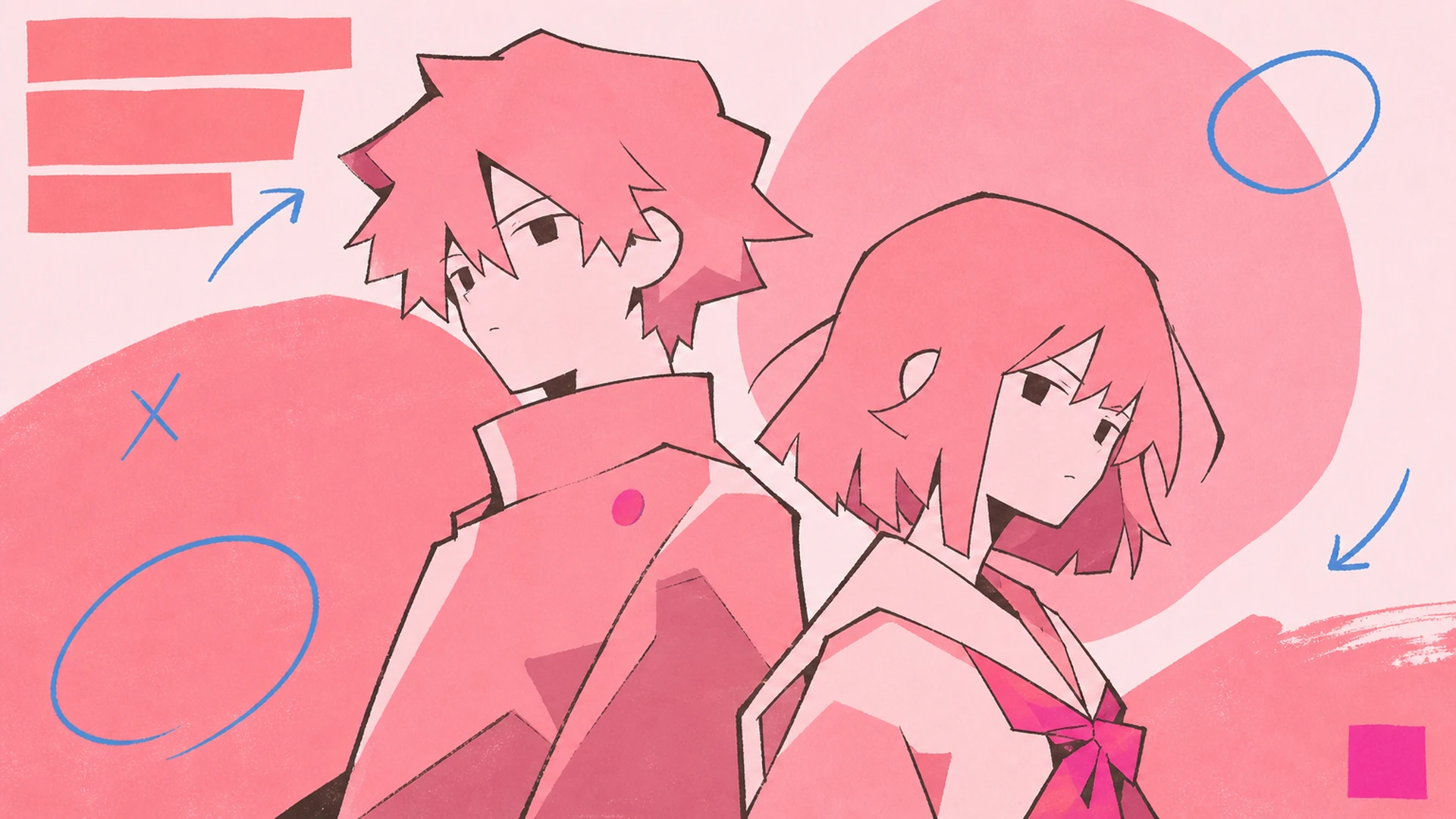
Turn two clashing characters into a rival-themed cover. The composition leans into the standoff, framing both as equals locked in tension, perfect for a concept single or a versus-arc fan release.
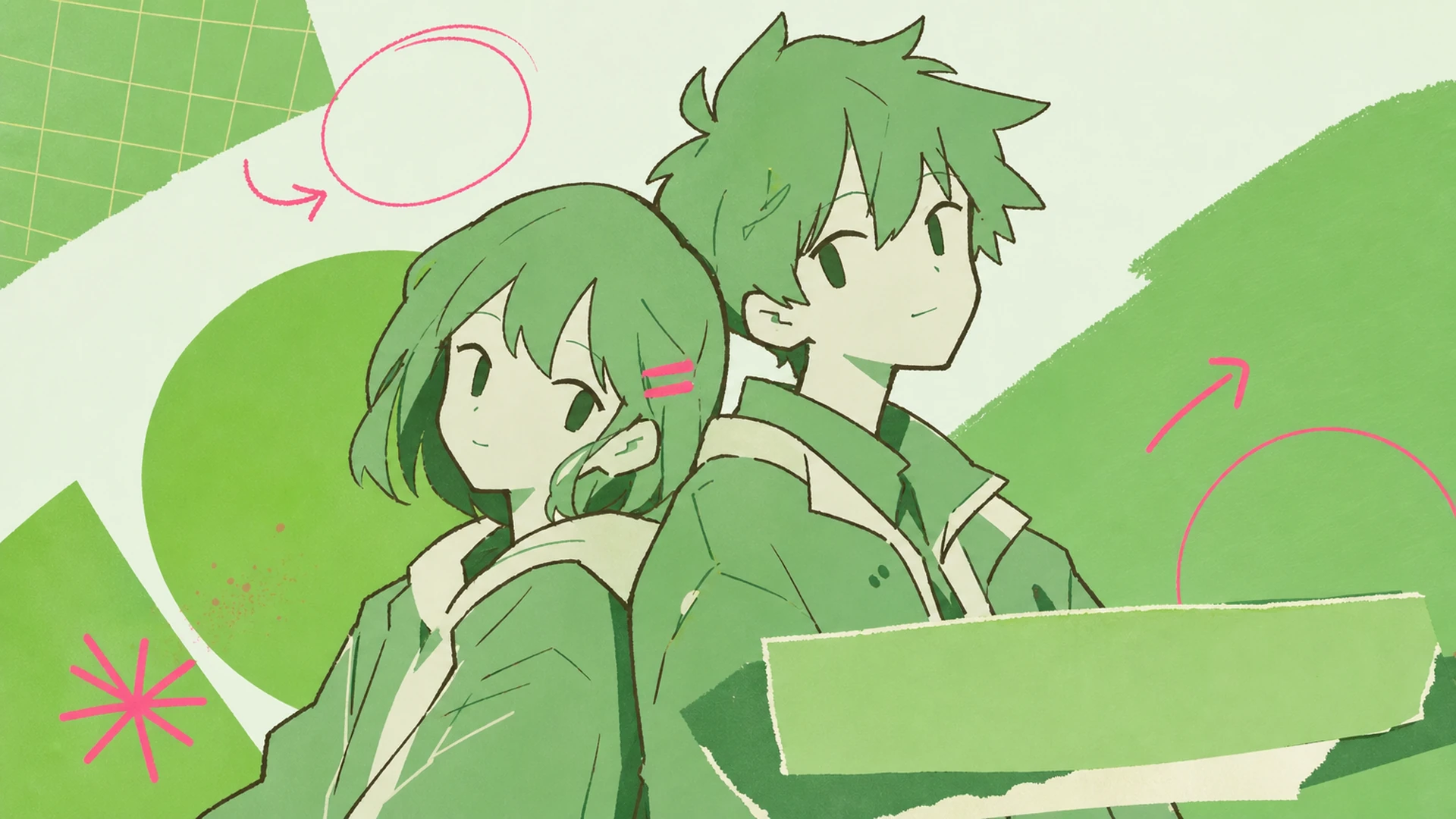
Made a playlist for your favorite pairing? Use this album cover art maker to wrap both characters into one romantic-but-balanced sleeve that instantly signals the ship to anyone scrolling by.
Two artists teaming up for one track? Place each character on the same sleeve with a shared title zone, giving the collaboration a single, professional face across every platform it drops on.
Two characters, one unforgettable cover. Load both into the album cover art maker and walk away with a balanced duo sleeve and a title zone ready for release.
Make My Cover