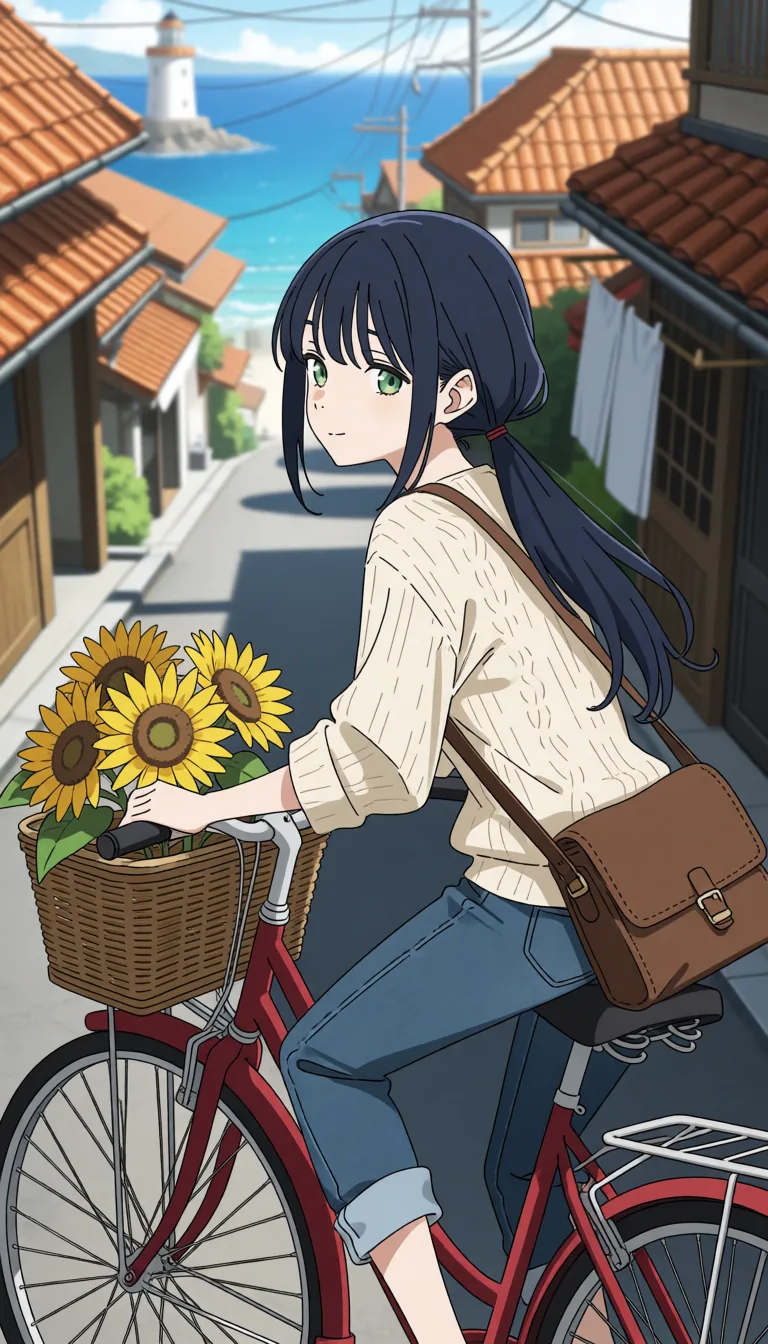
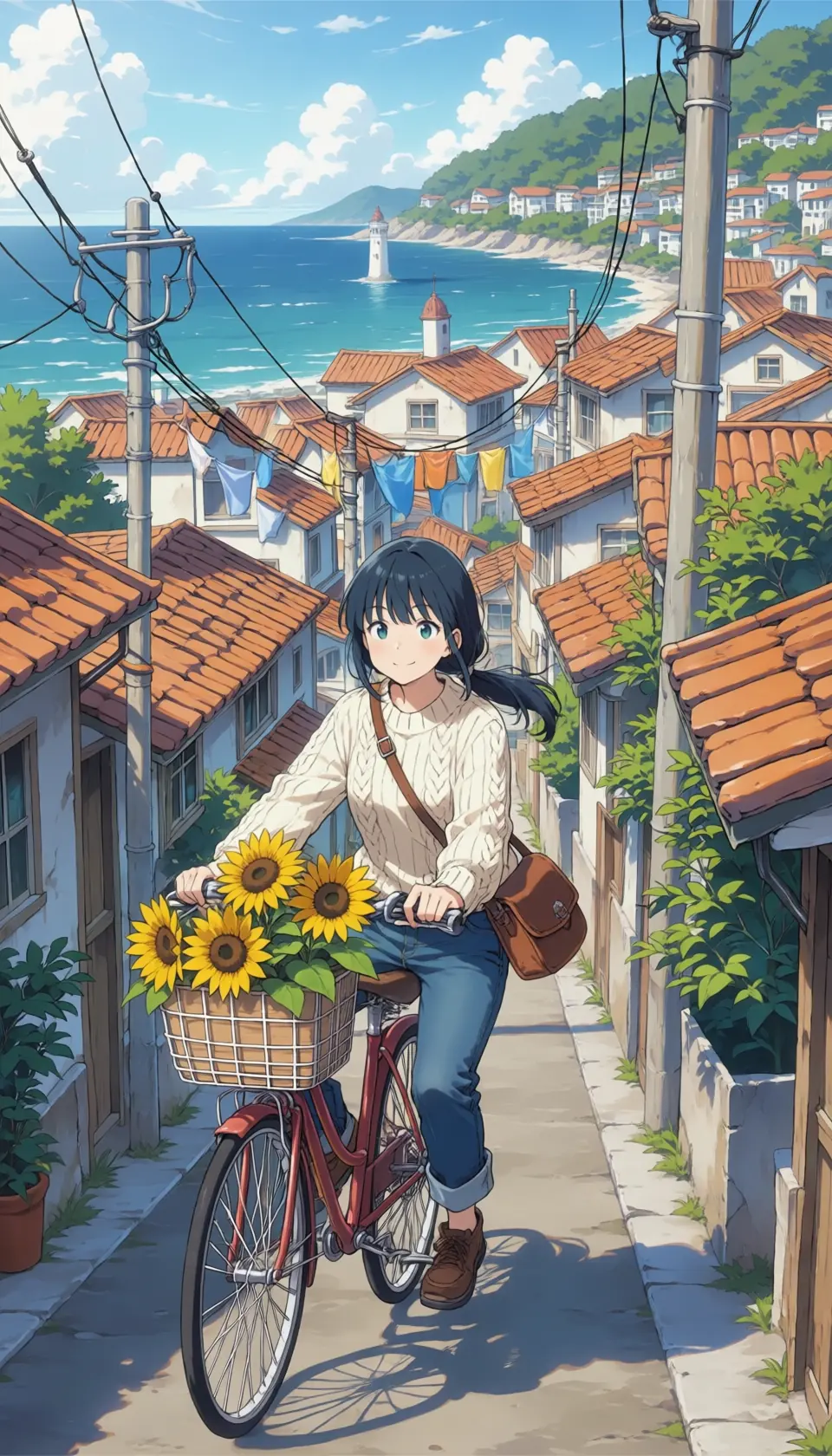
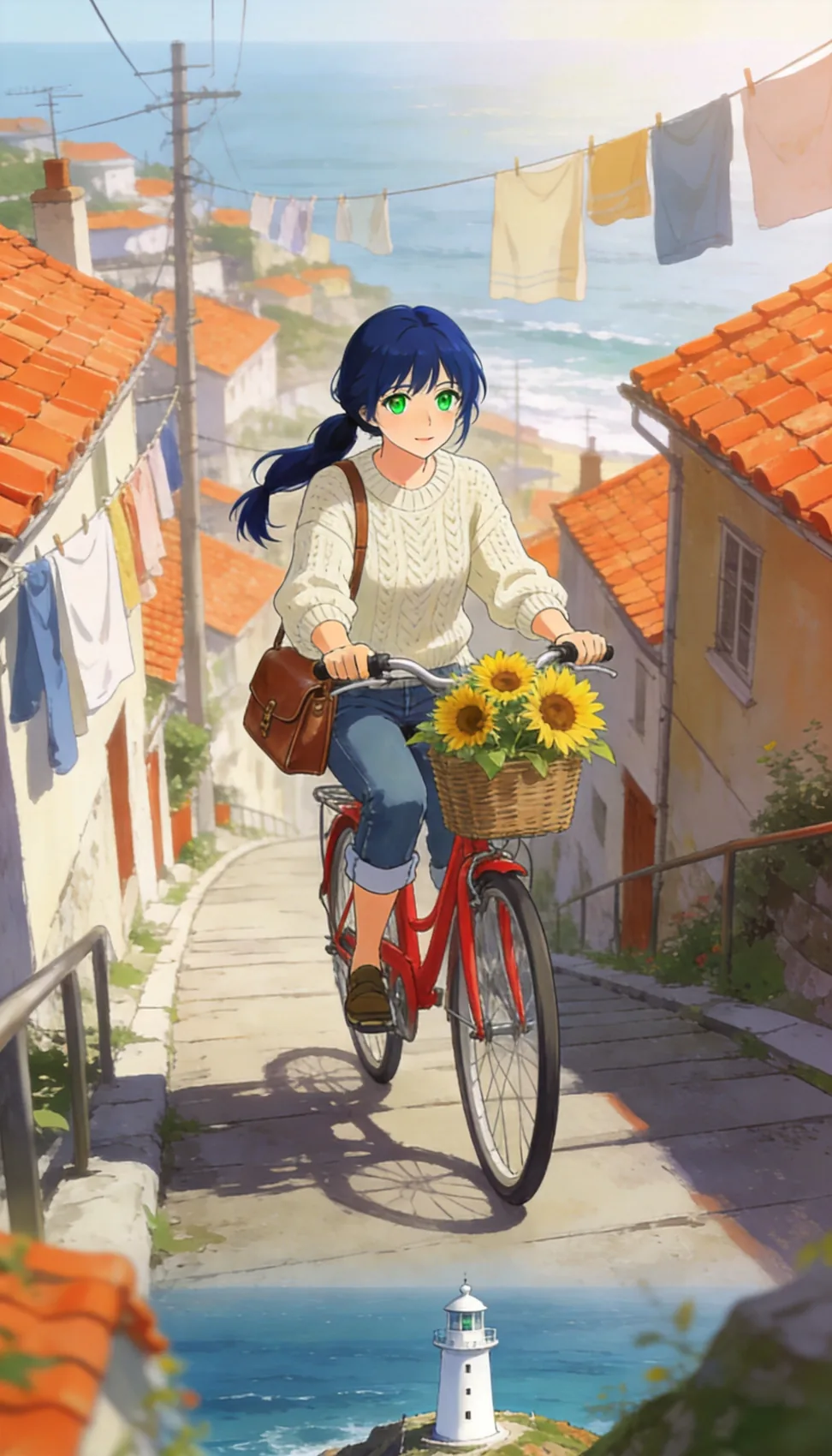
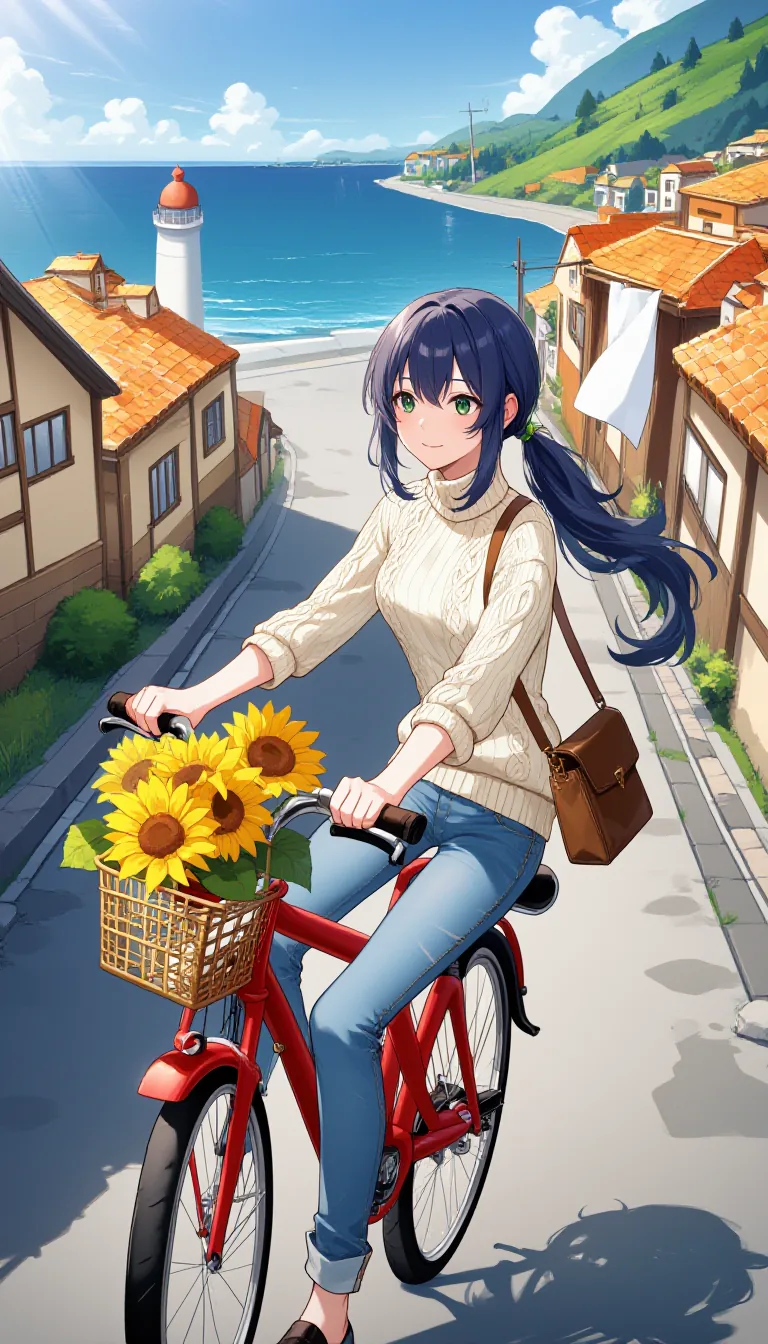
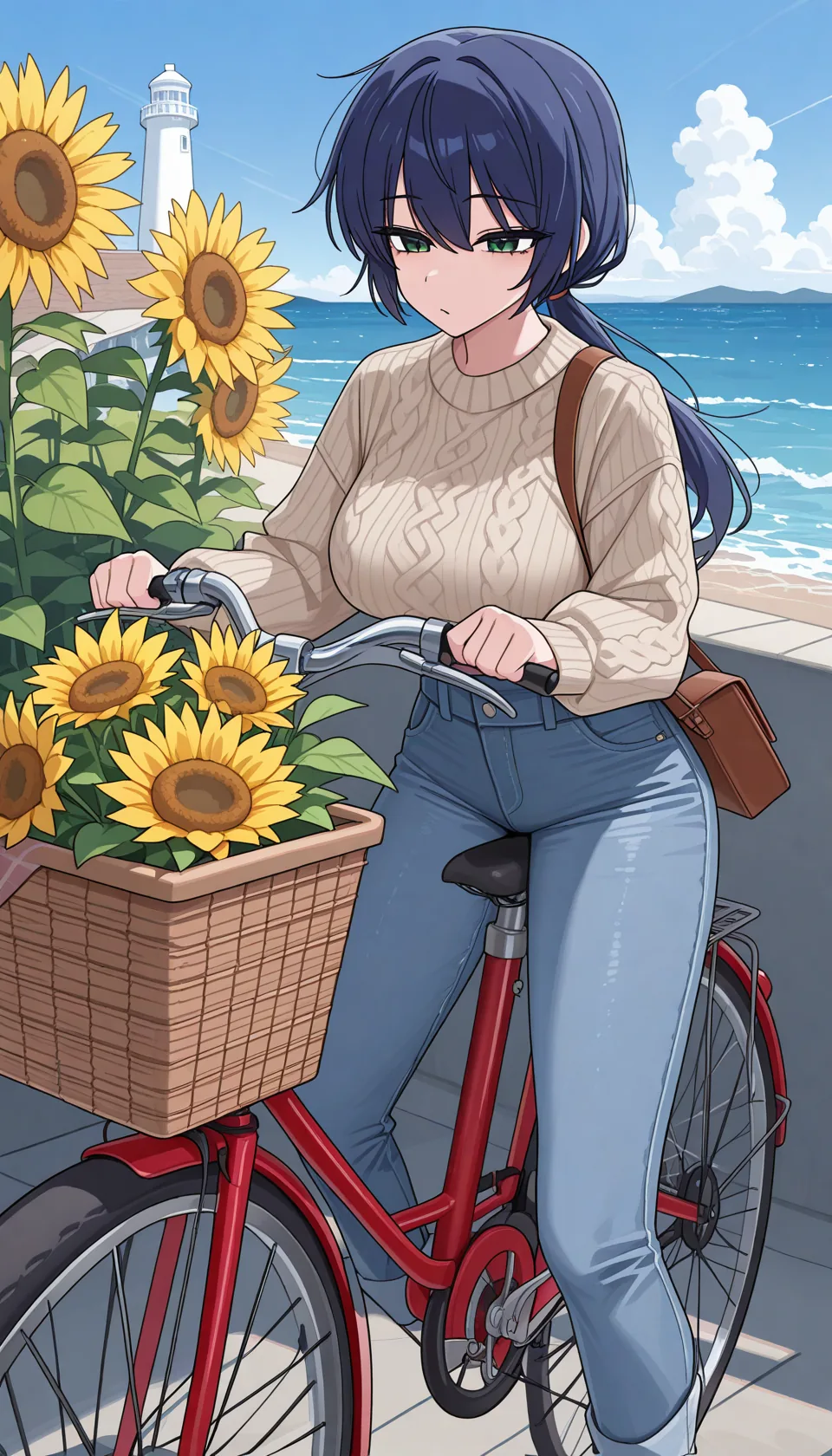
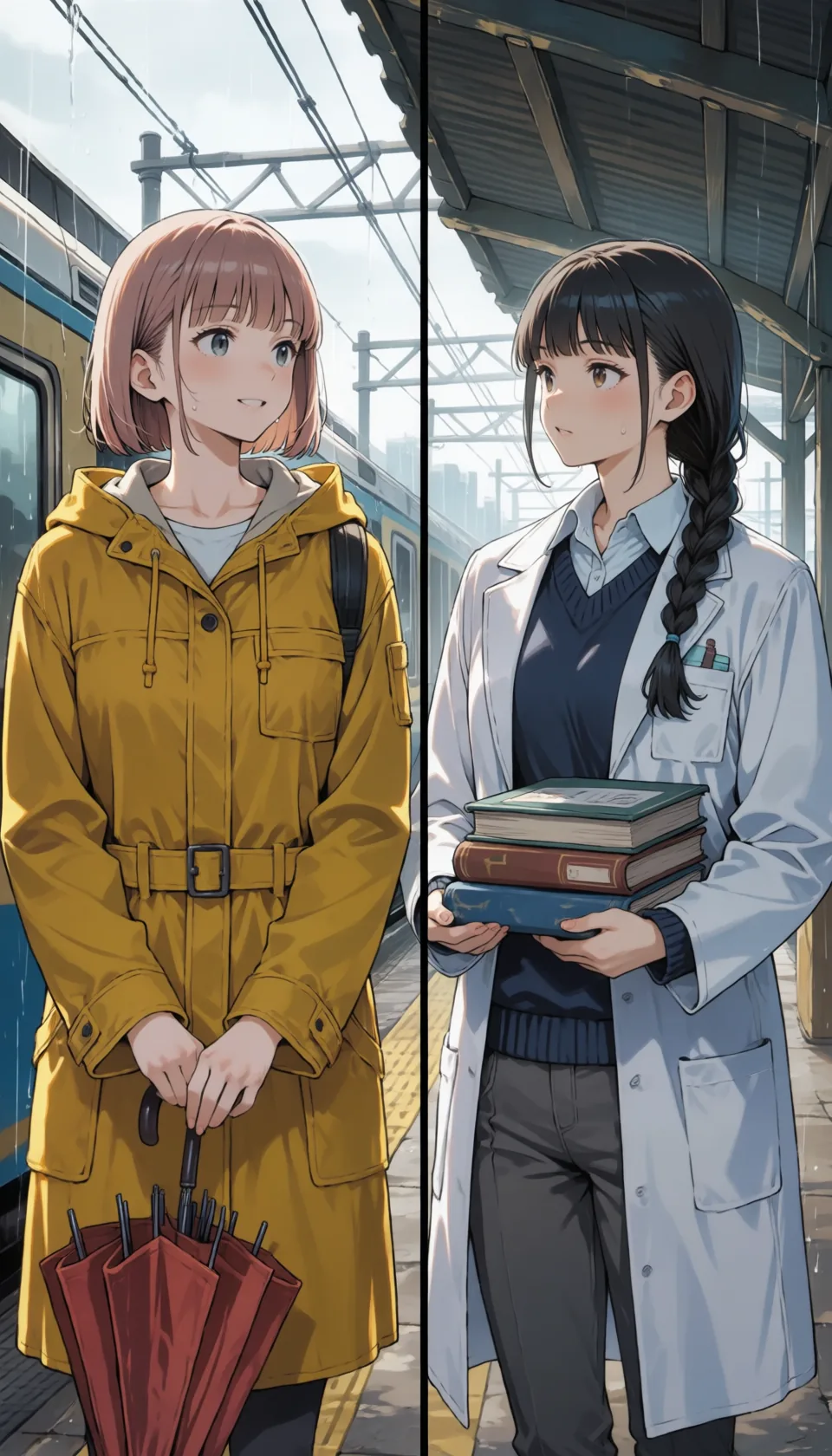
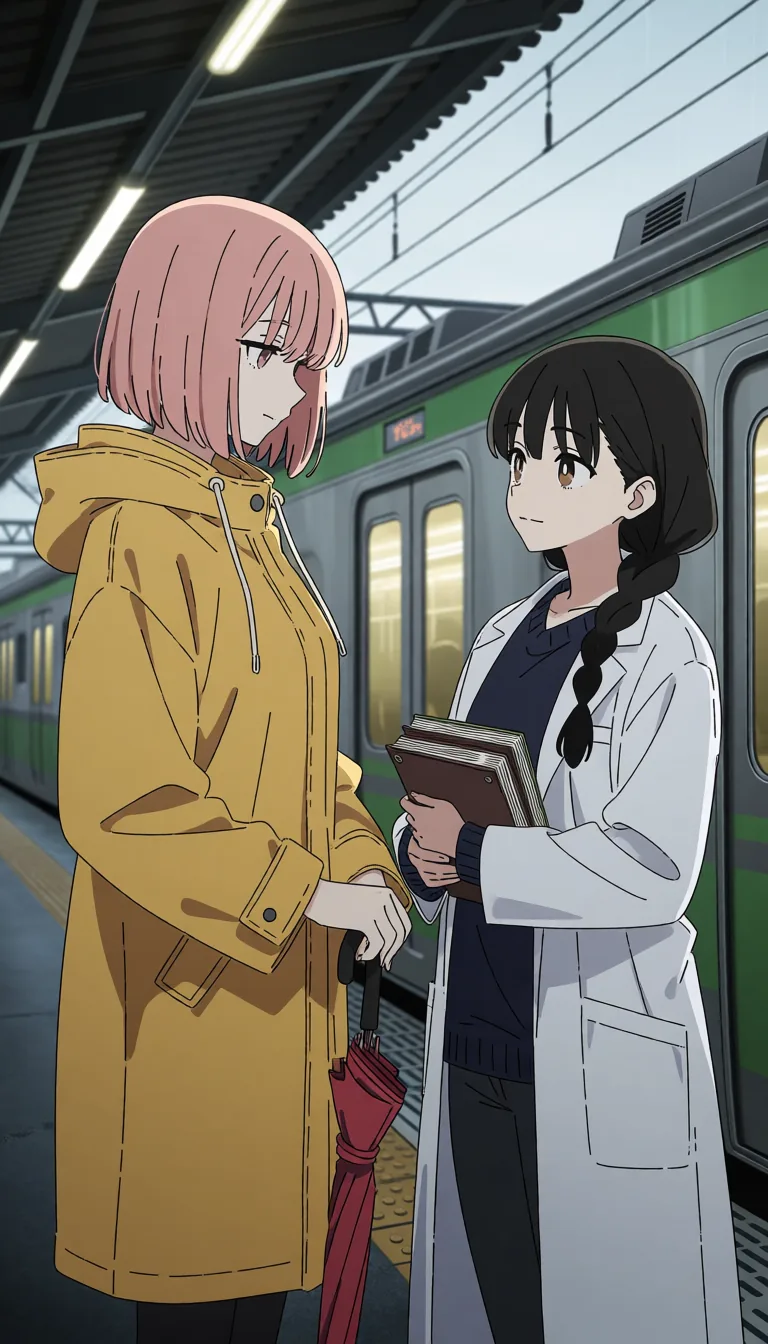
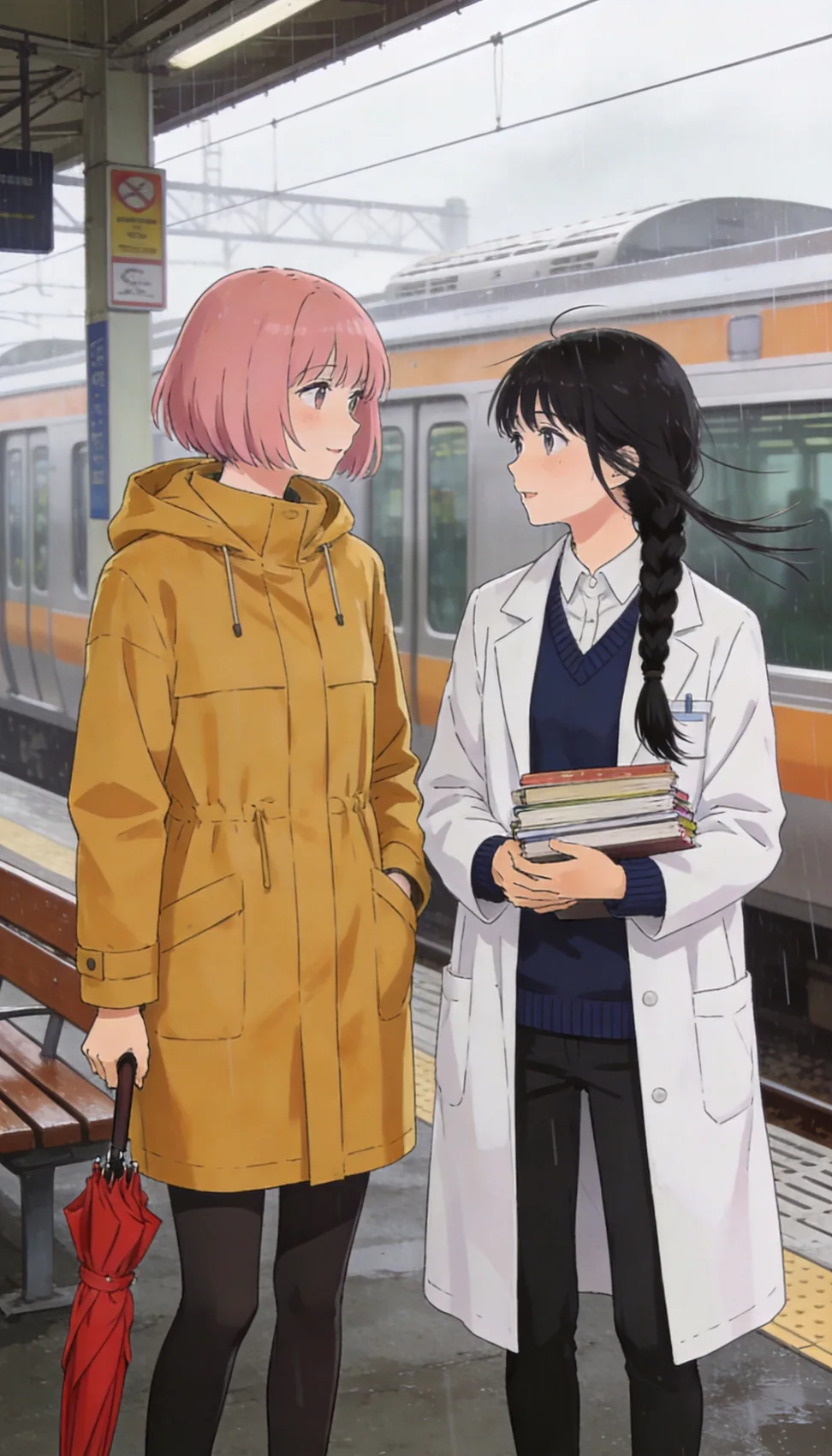
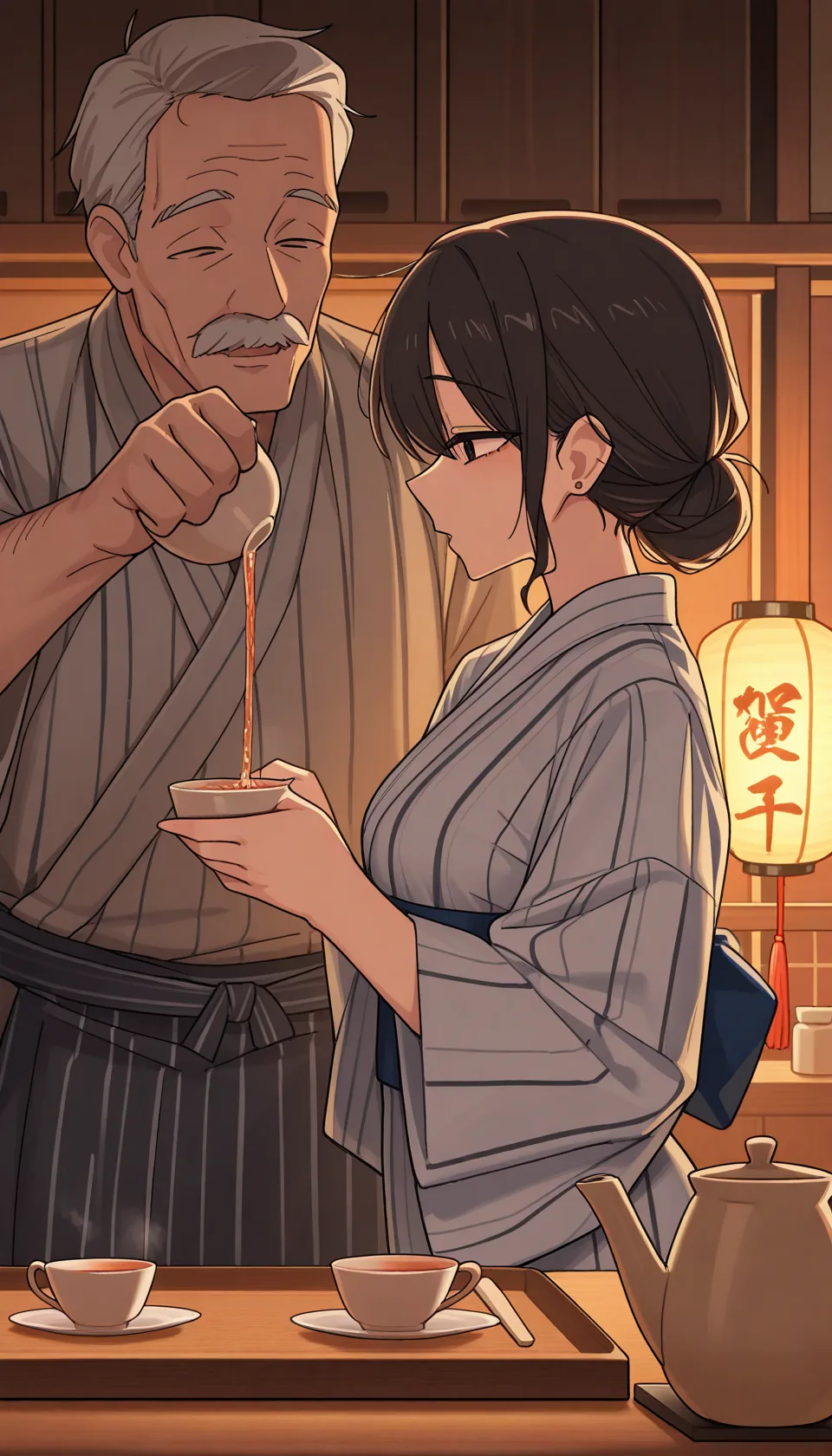
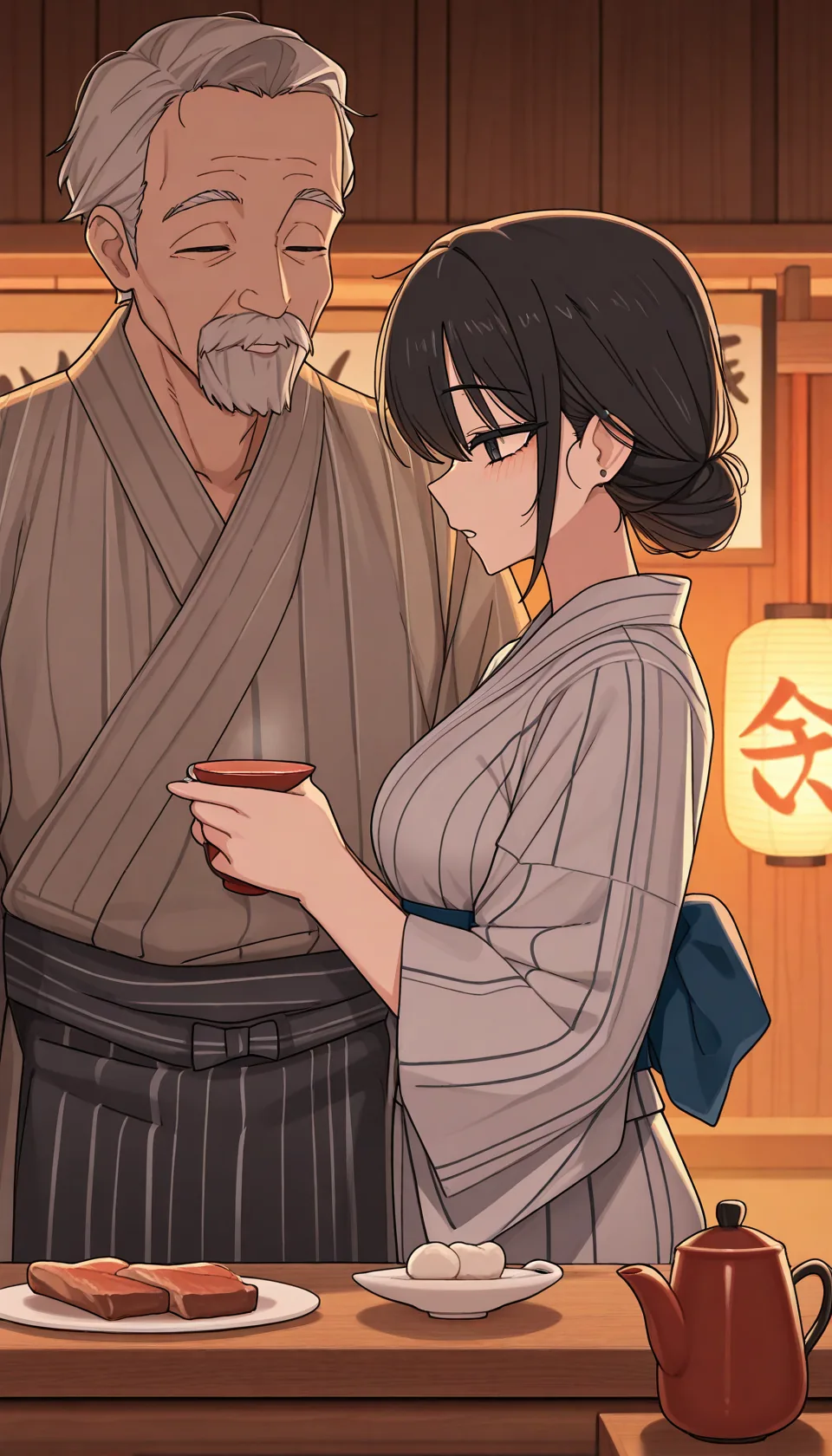
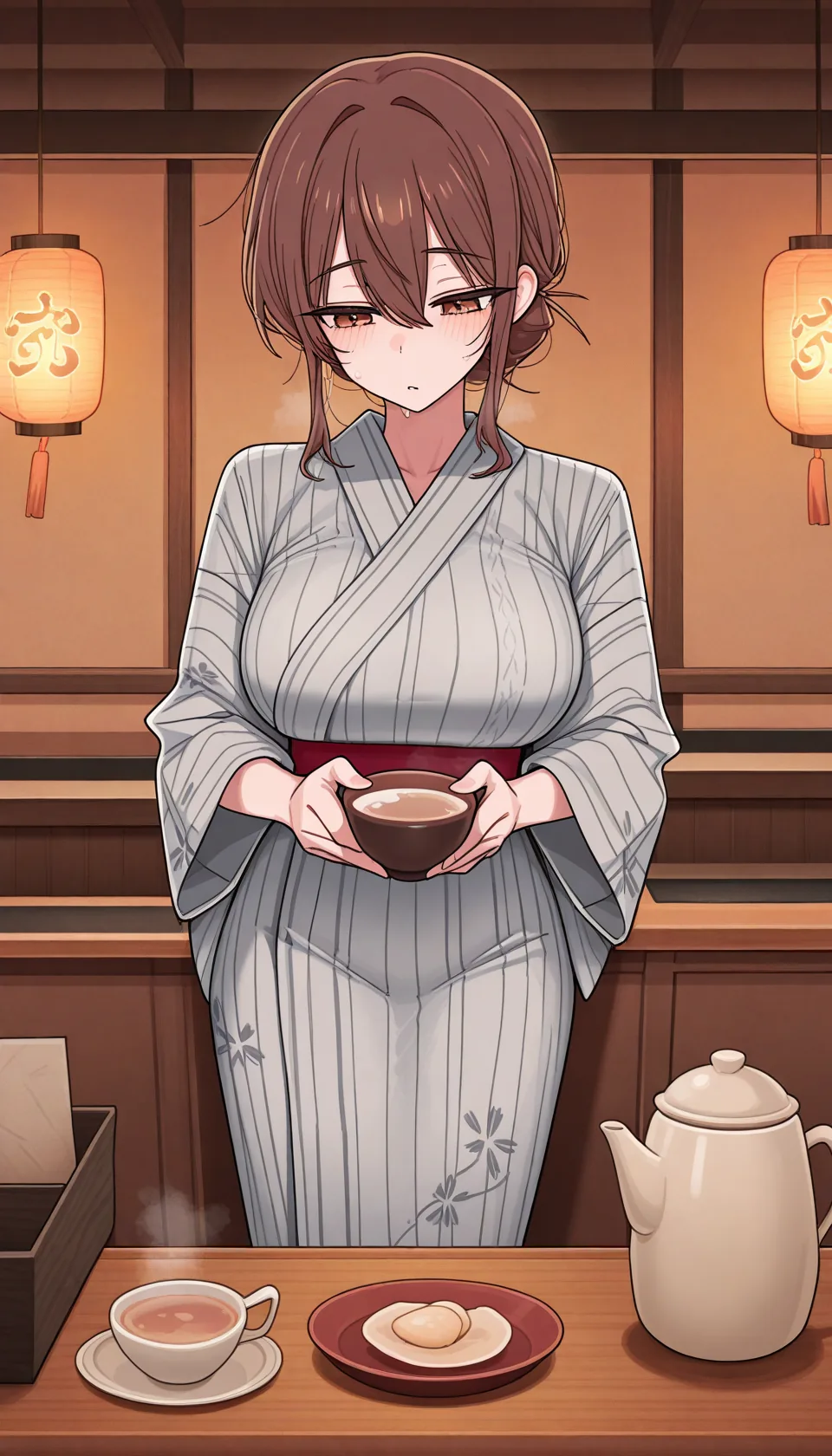
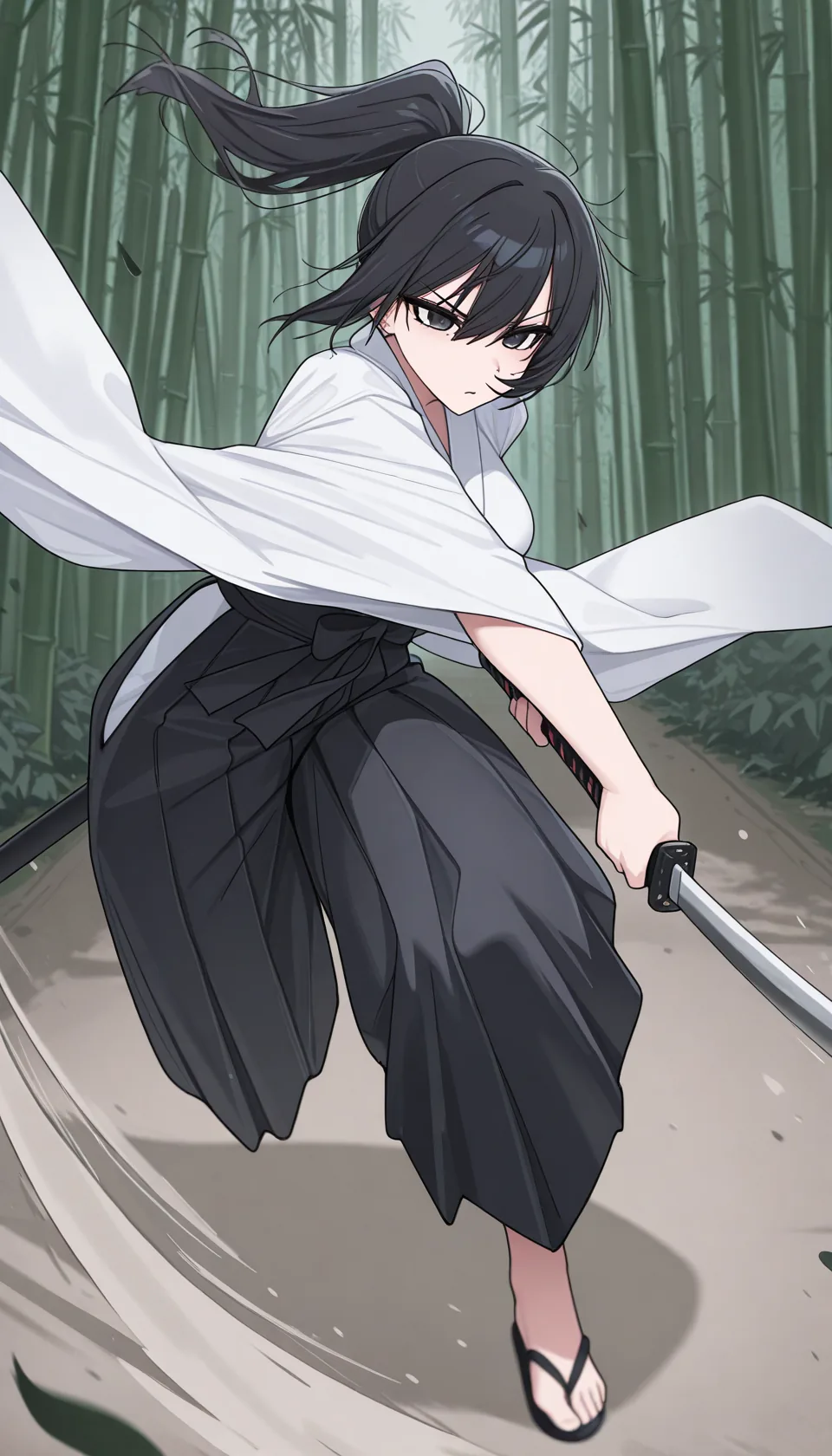
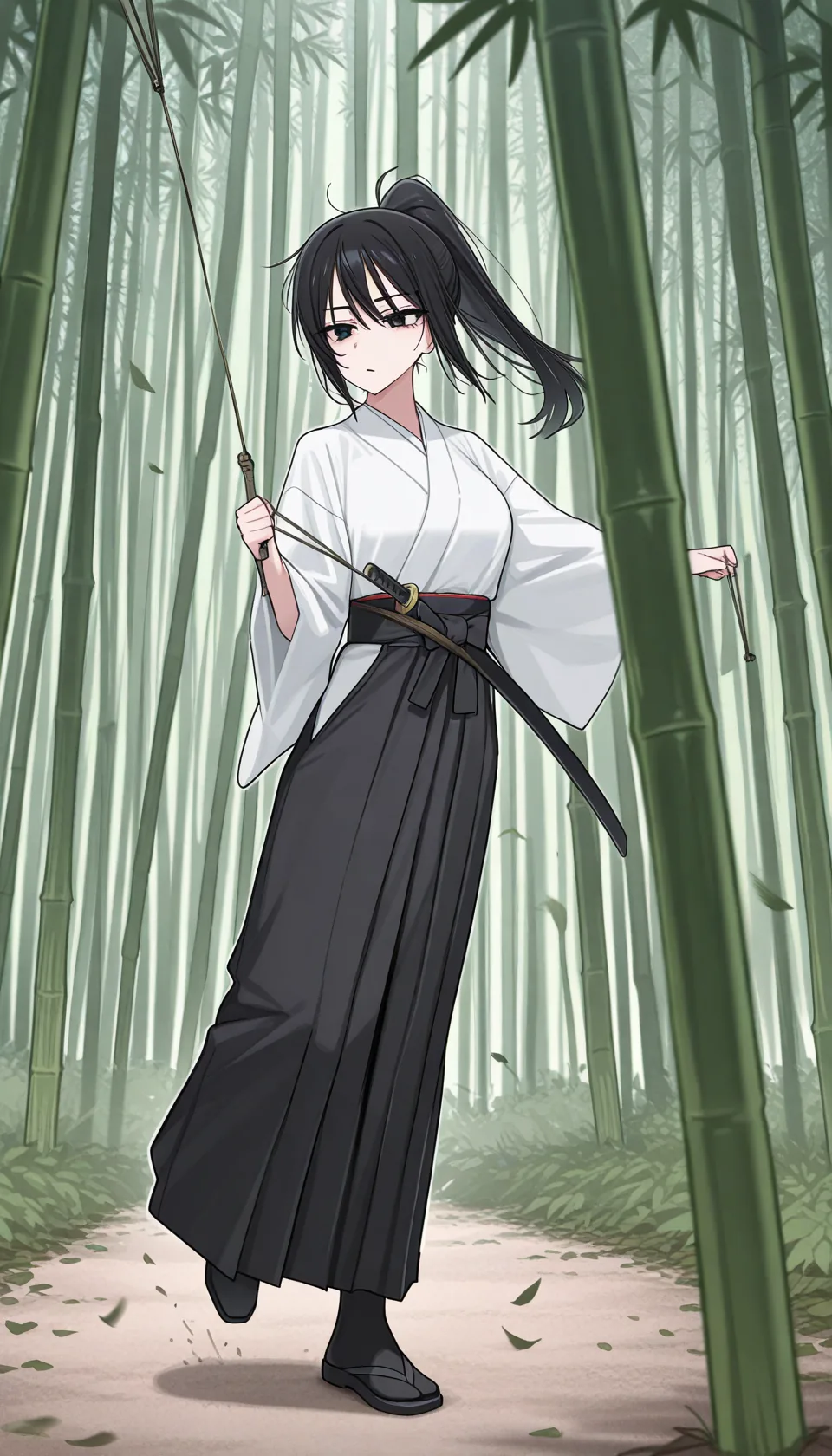
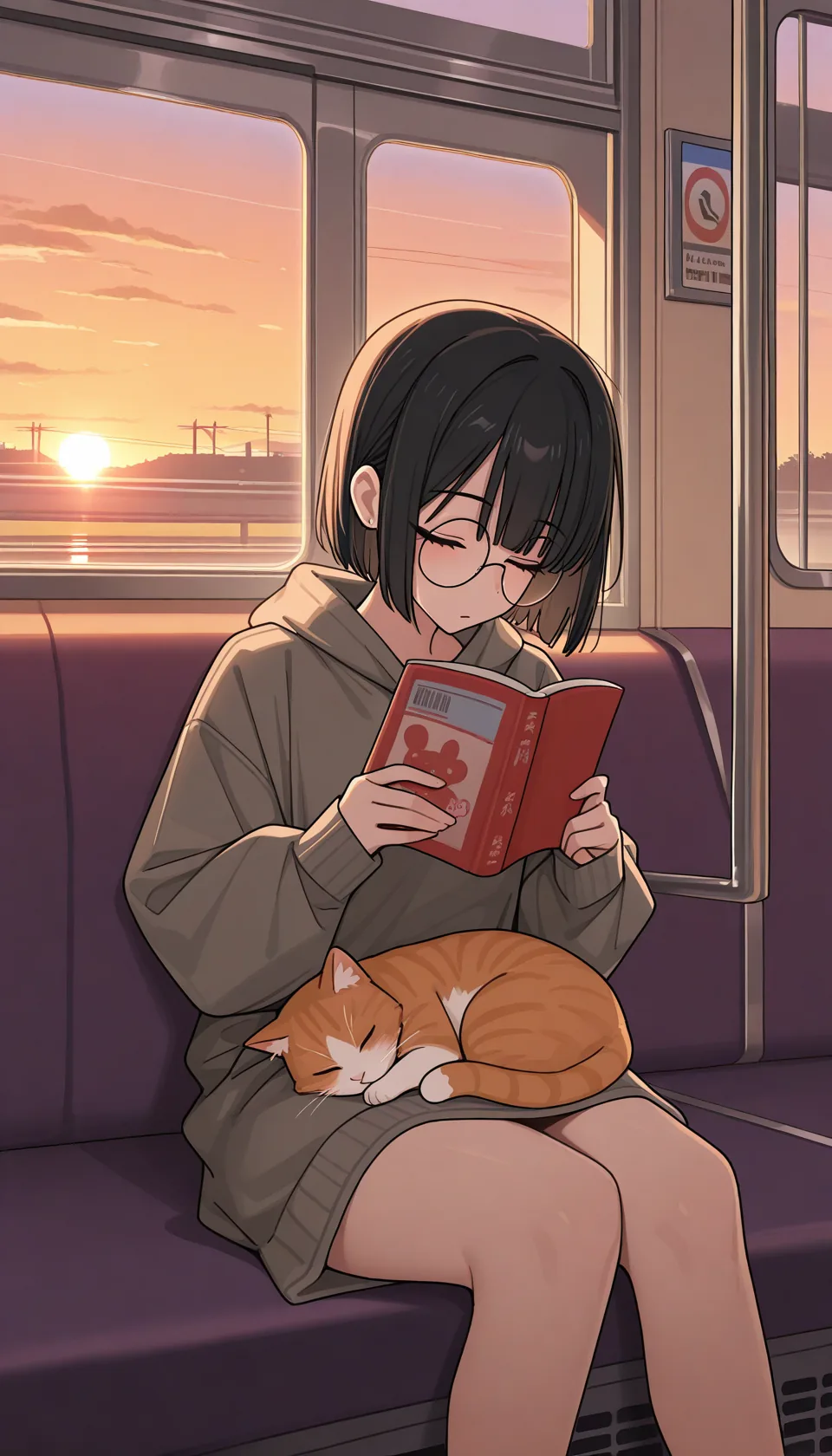
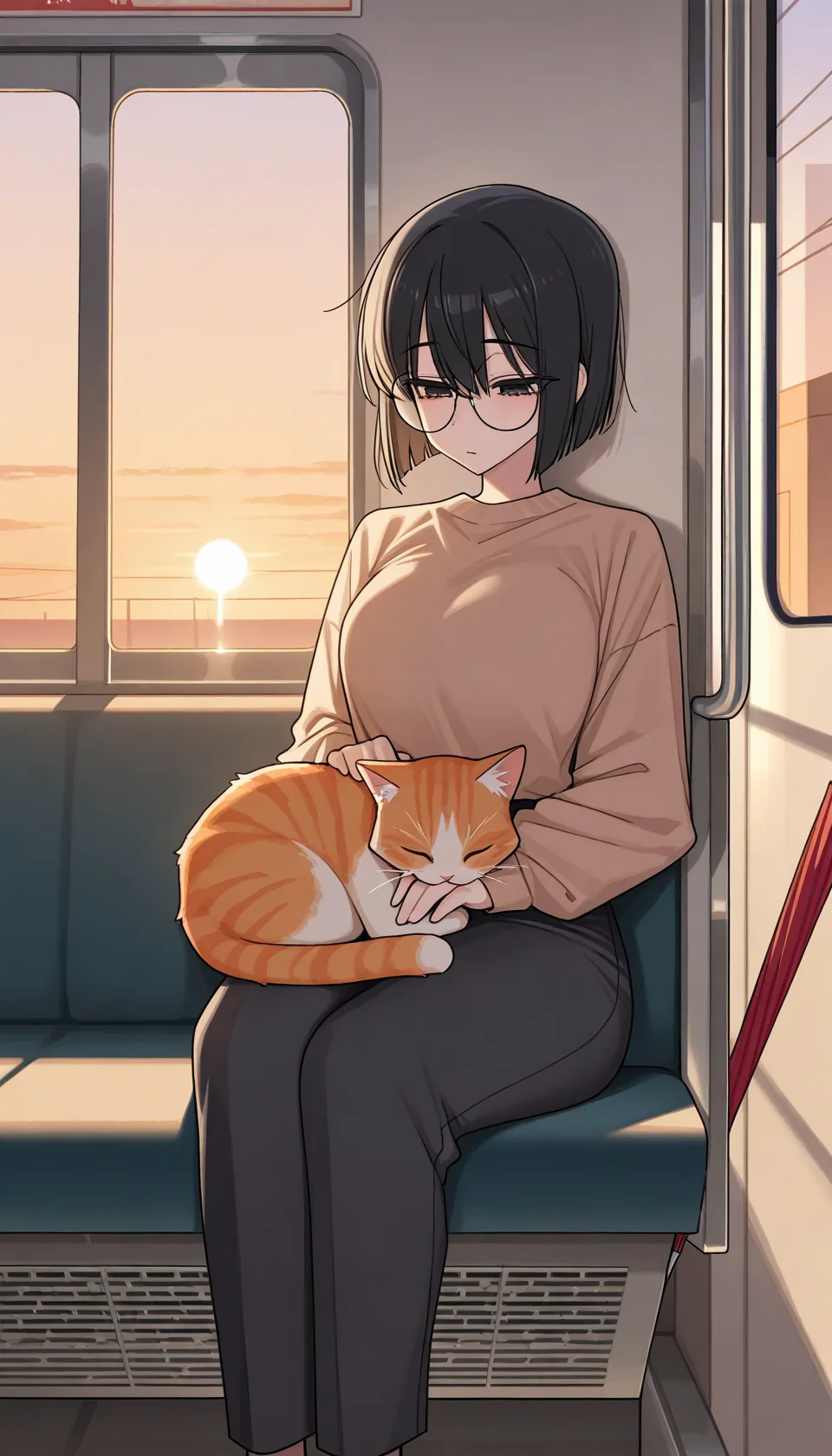
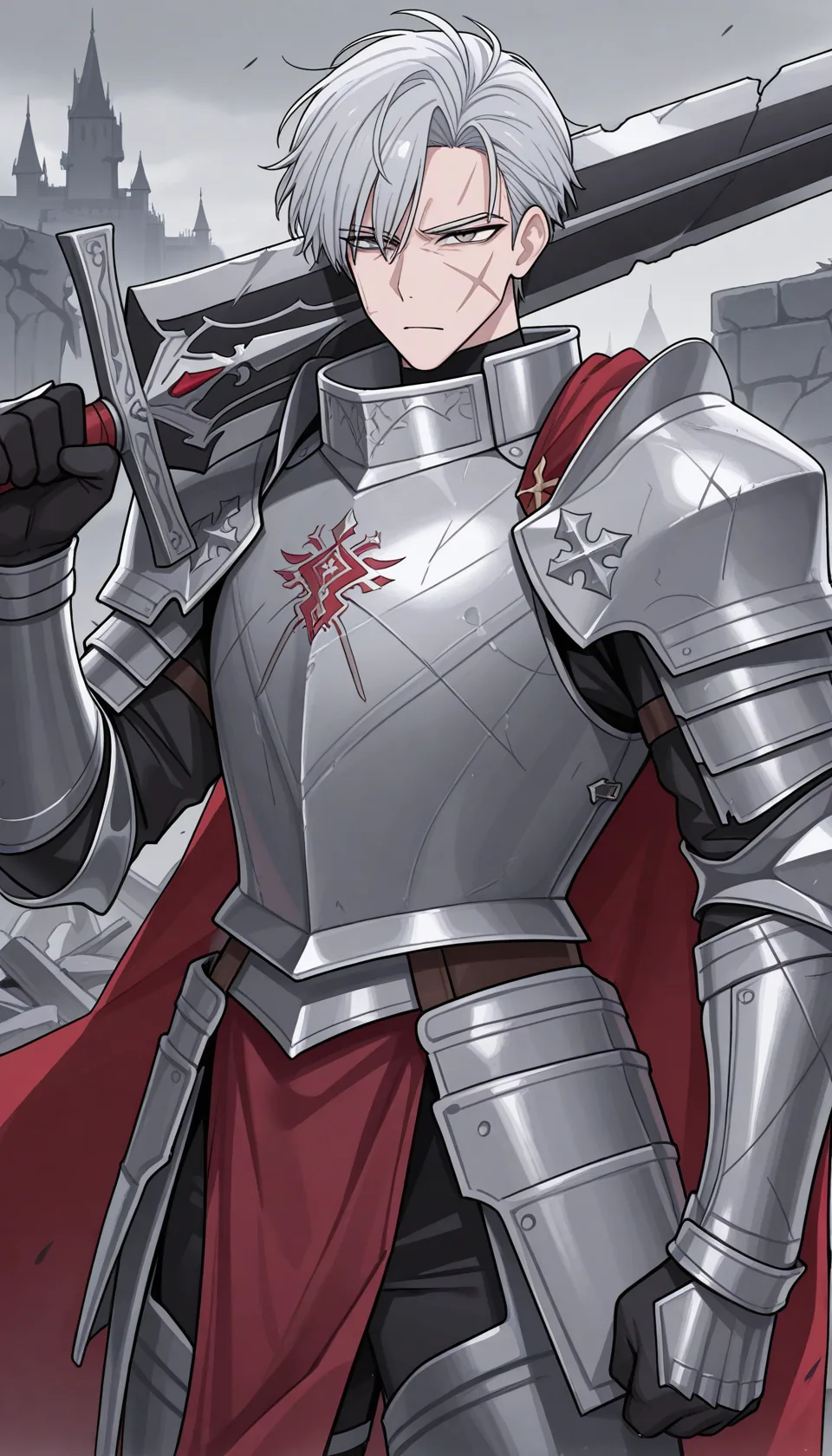
What is an AI anime image generator?
An AI anime image generator turns a written description into anime-style pictures. On KusArt you pick an anime model (Anima, Kusa-Krea2, Kusa-Mix, Kusa-Niji or Kusa-XL), describe the character and the scene, and get one to four pictures per run in your browser. Kusa-Mix, Kusa-Niji and Kusa-XL also take reference images.
Is KusArt's anime image generator free?
Yes, to start. Your first sign-in comes with 200 free credits (once per email address; they don't expire), and you get 100 more free credits each day you sign in, which expire at the next 00:00 UTC. At the default size a picture costs 10 to 25 credits on Anima (10 with Speed Boost (Turbo)), 15 on Kusa-Krea2, 45 on Kusa-Mix, 25 on Kusa-Niji (a run of four costs 100), 20 on Kusa-Easy and 10 on Kusa-XL. On Premium, single Kusa-Easy and Kusa-XL pictures cost no credits, up to 120 every 2 hours and 300 a day. Under the Terms of Service, free daily credits are for personal, non-commercial use.
Which model is best for anime art?
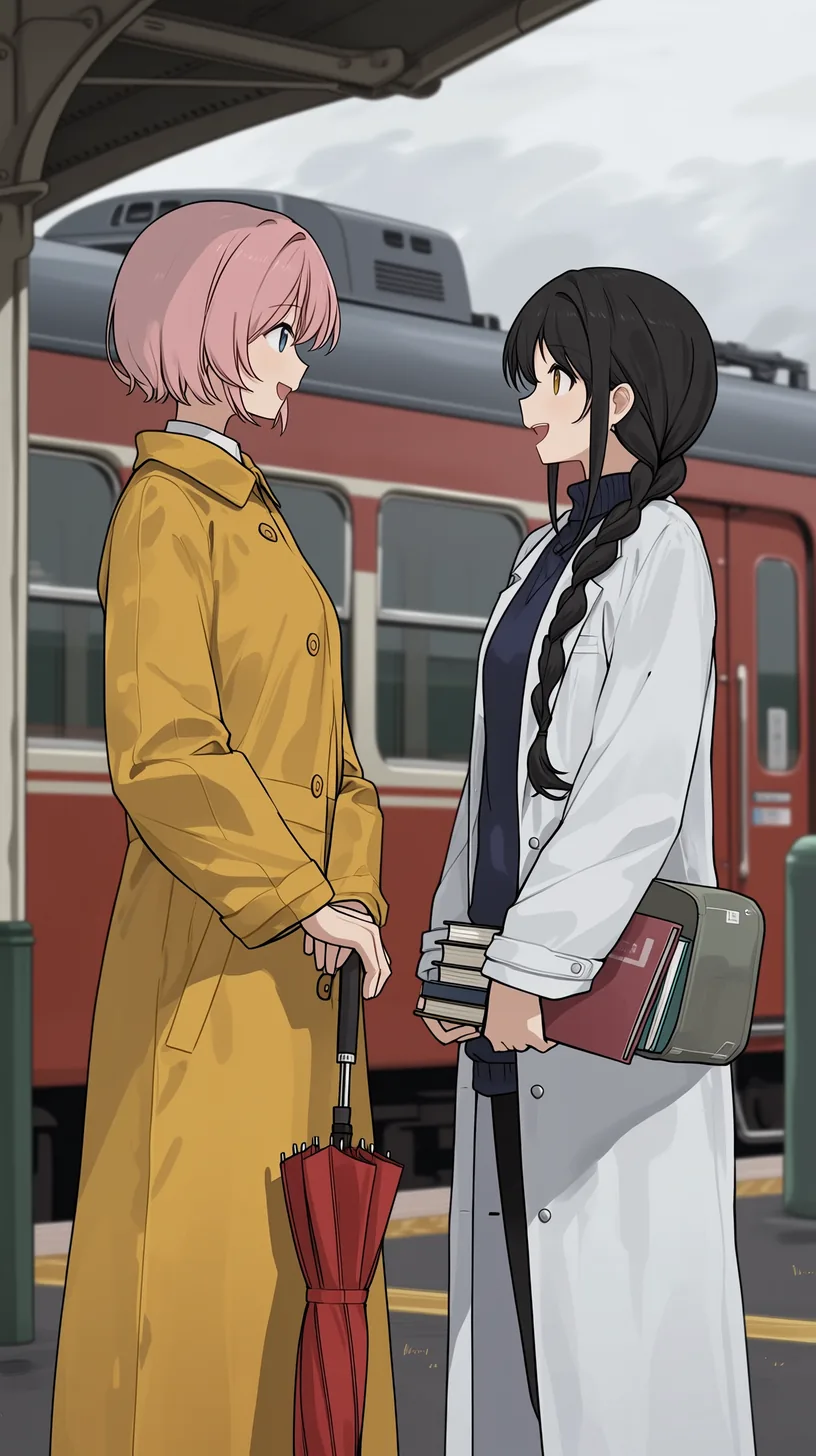
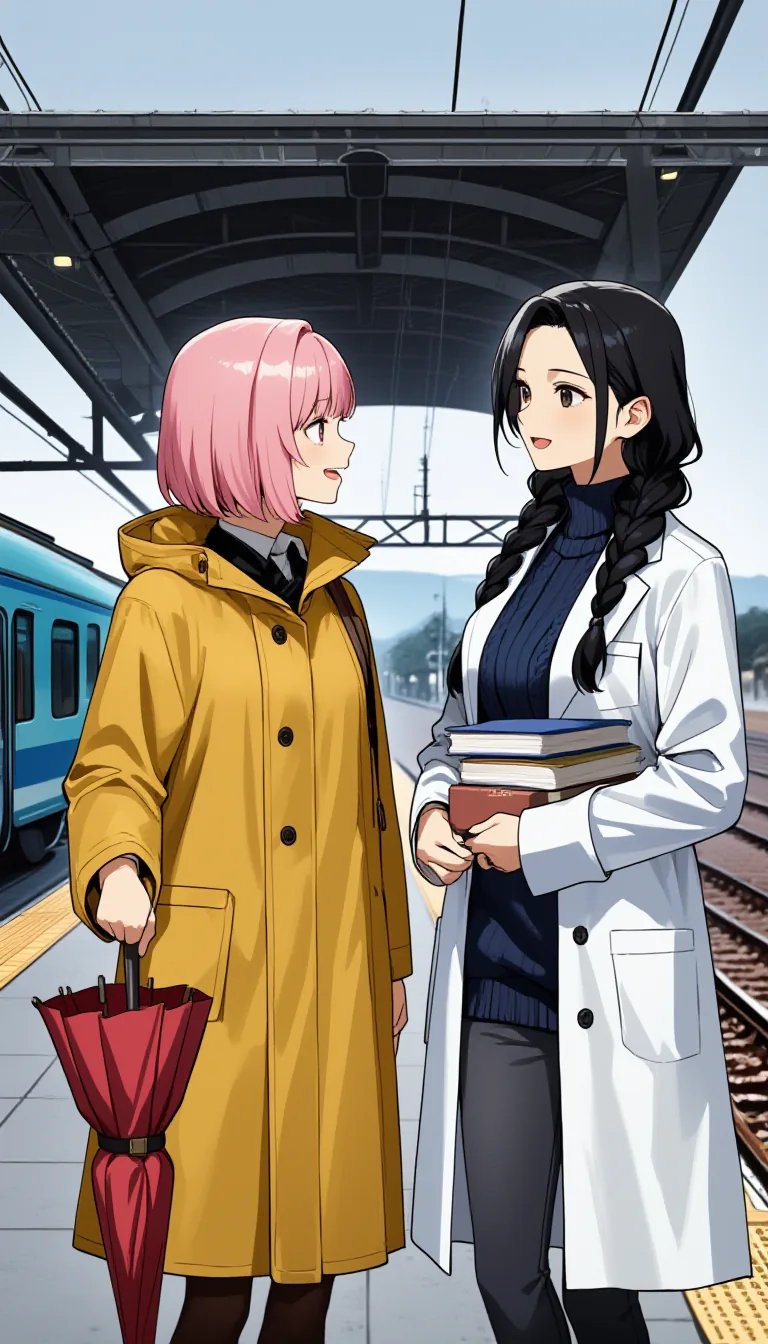
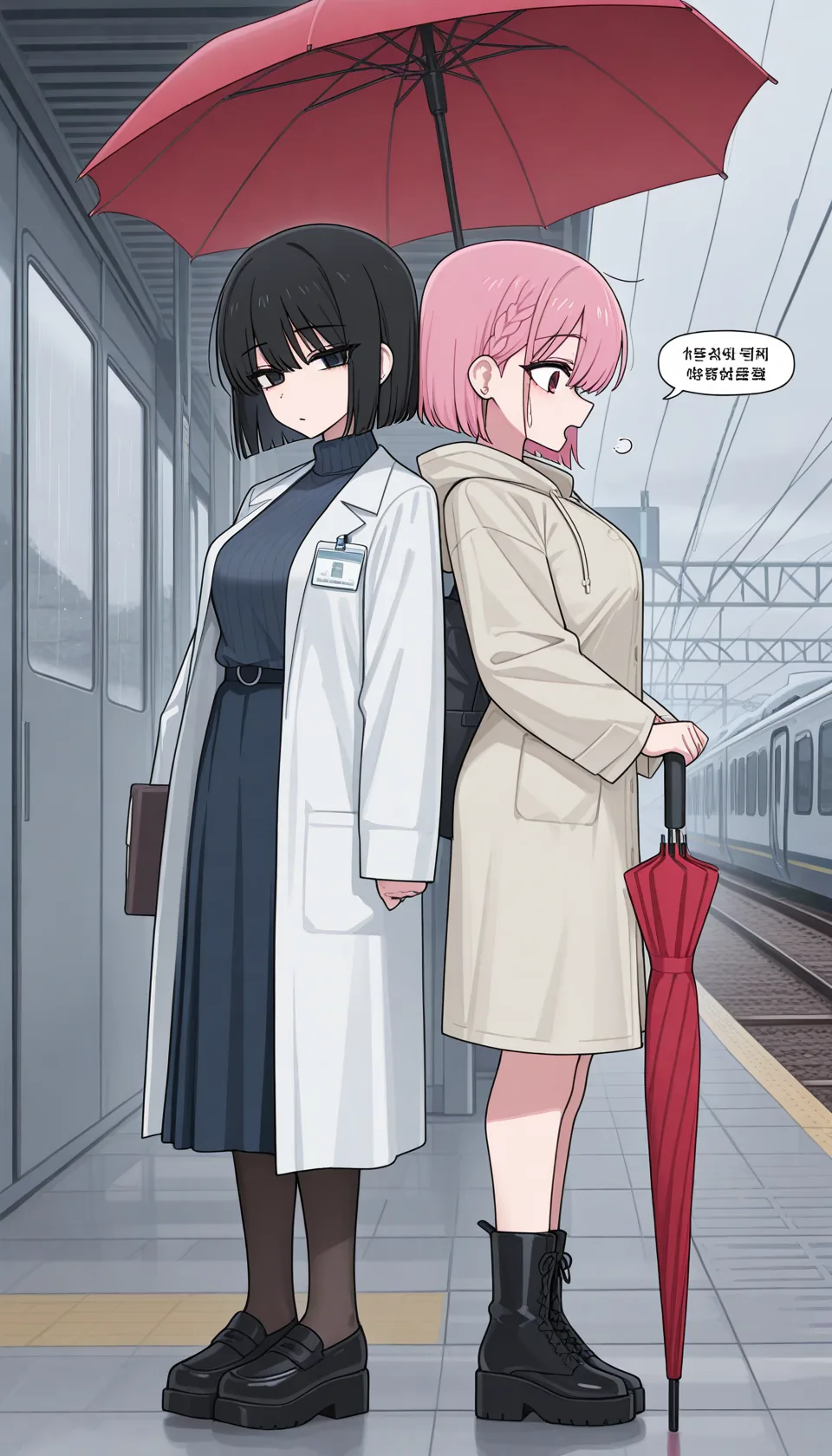
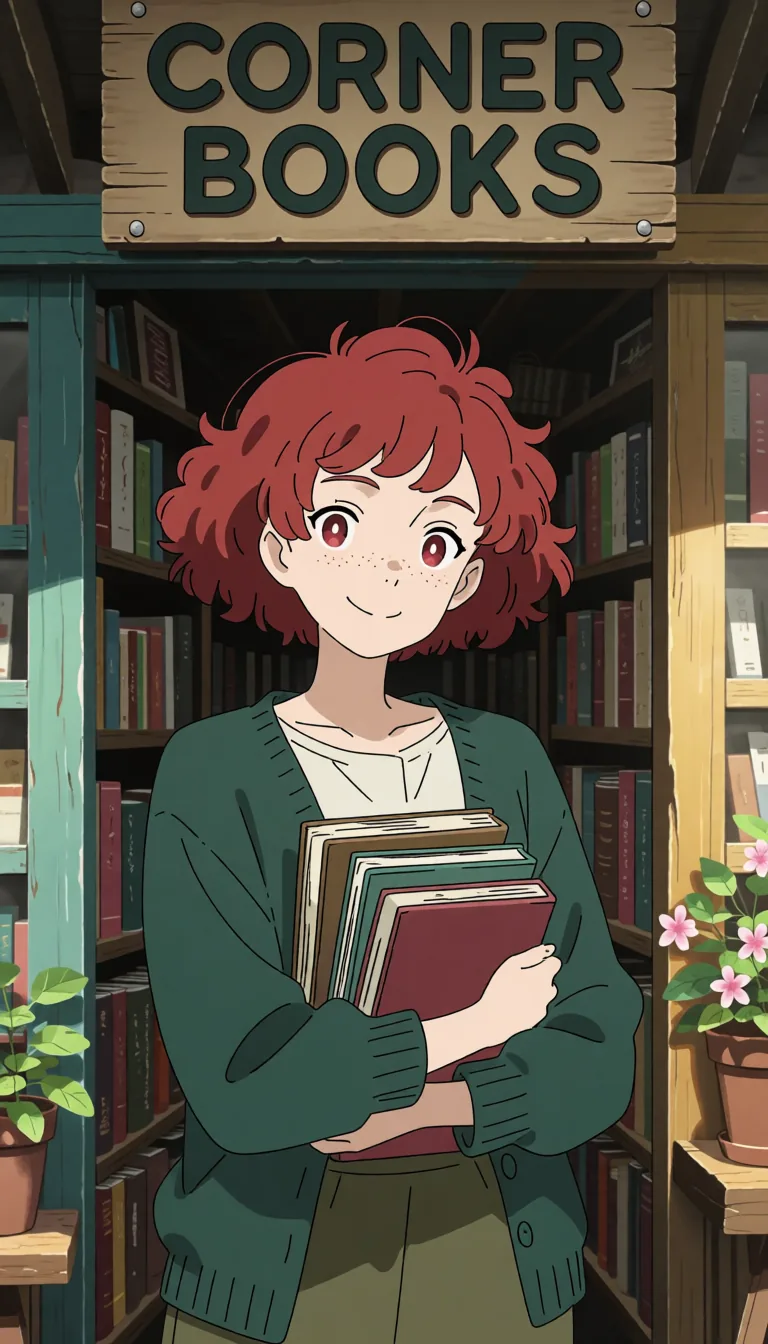
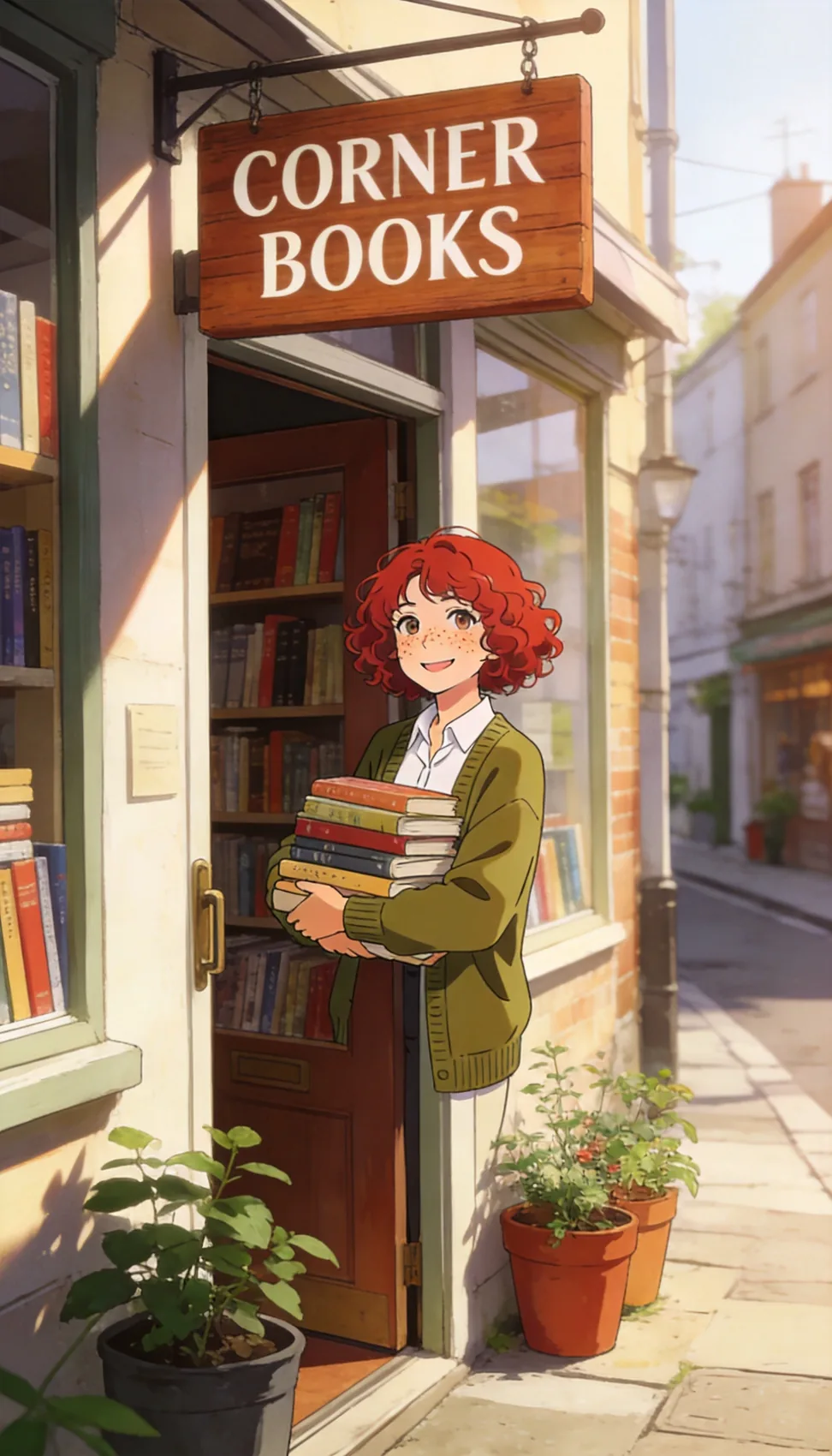
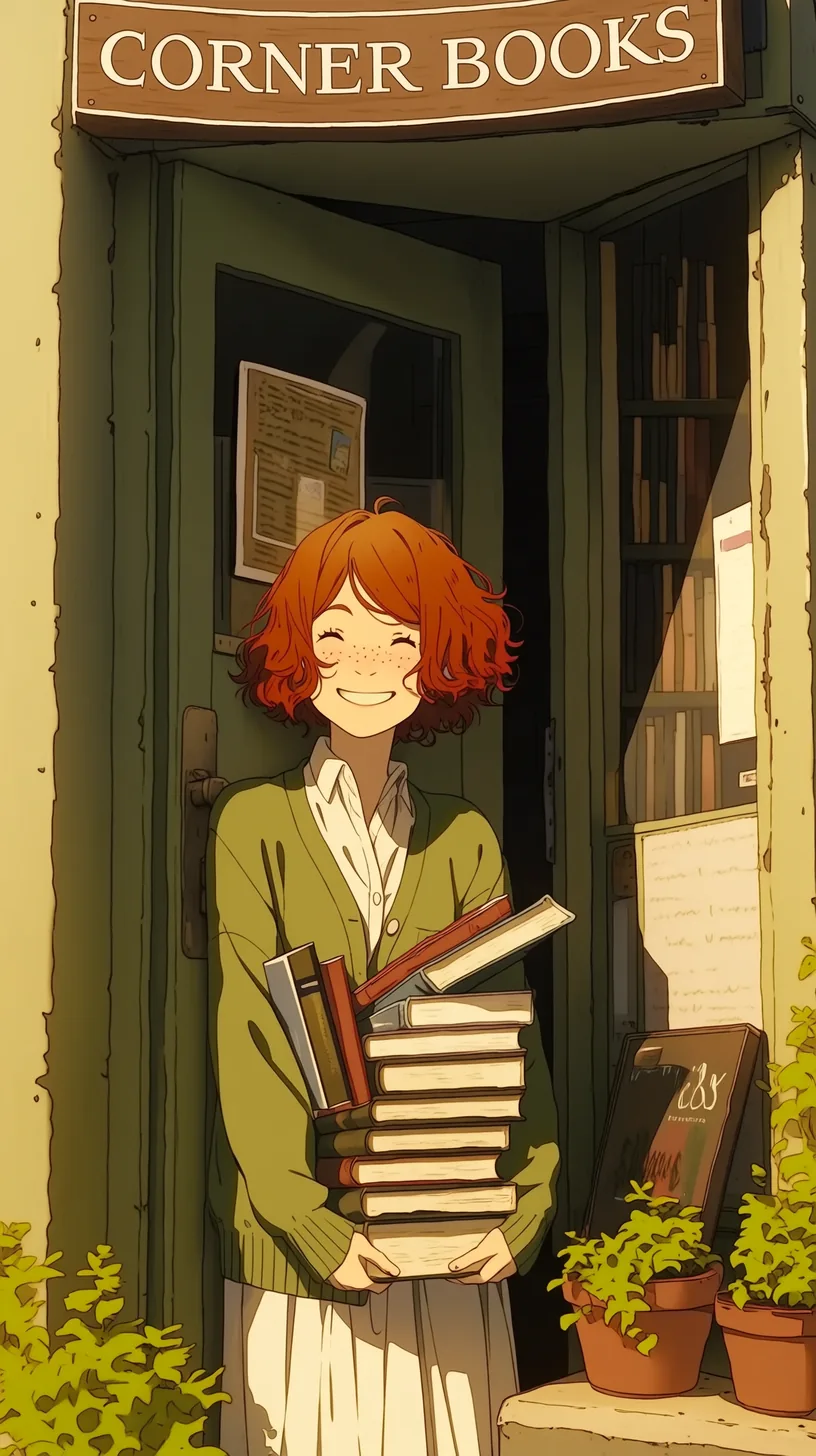
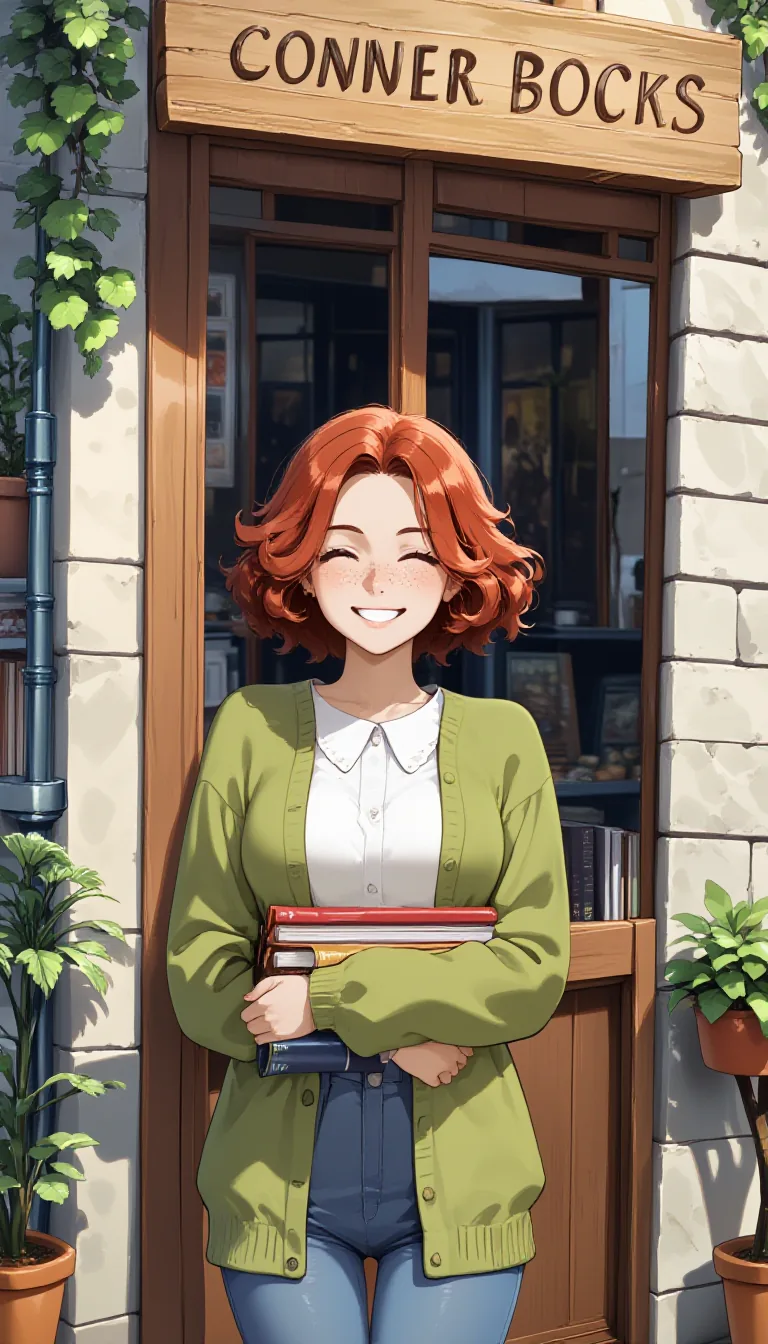
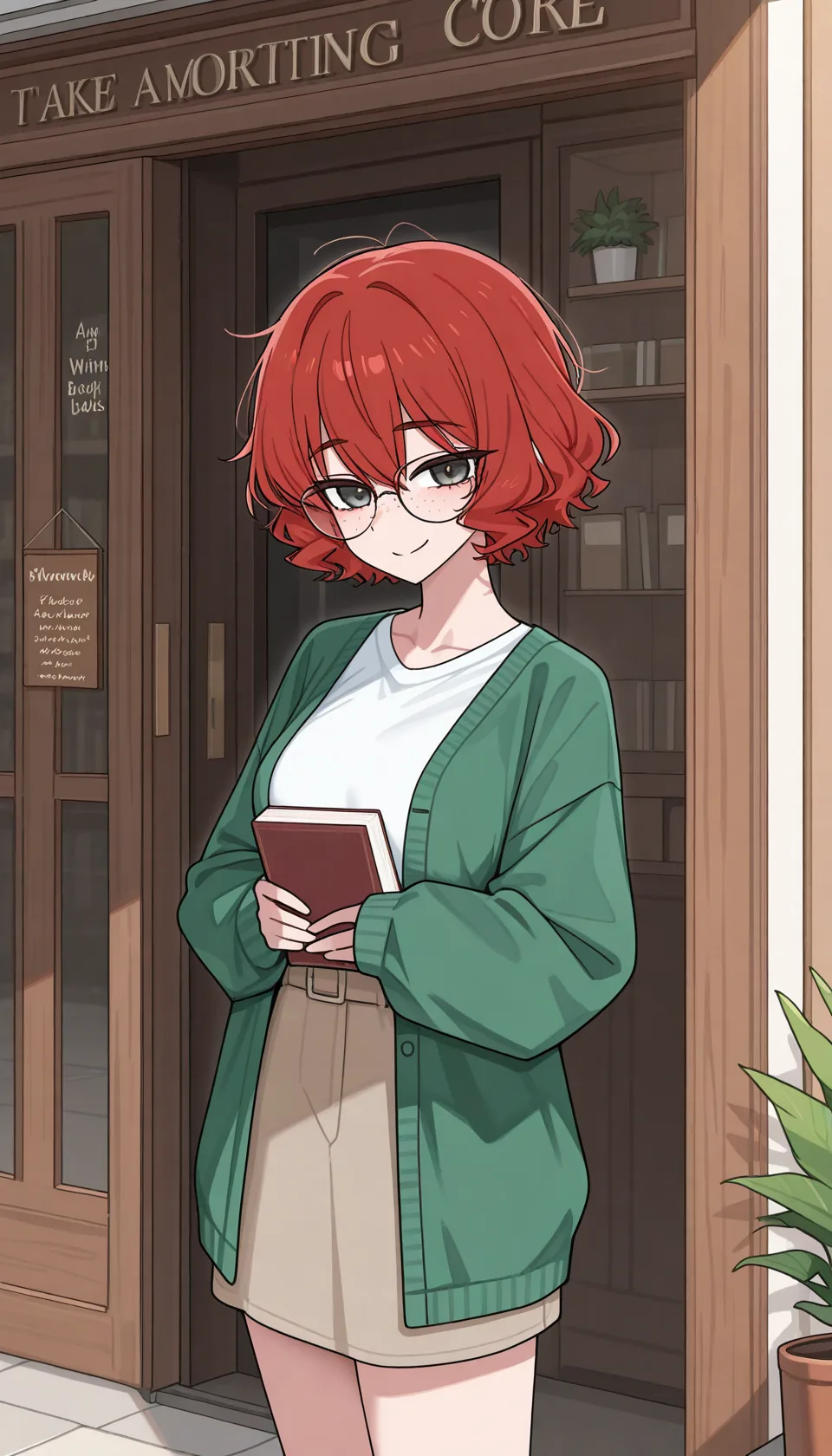
It depends on the job. In our same-scene test on November 19, 2026, Kusa-Krea2 and Kusa-Mix got the most right: they spelled a shop sign exactly (2 of 2 and 1 of 1) and kept two people's outfits apart (2 of 2 and 1 of 1), a small sample, so read it as a direction. In our blind score table, Kusa-Mix's “Following the prompt” score (7.7 of 10) and Kusa-Krea2's “Body poses” score (8.4) are among the highest, with gaps under 1 point counted as ties. Anima is the one for official styles and your own LoRA, Kusa-Niji gives four takes per run, and Kusa-XL costs 10 credits a picture, as little as any model here (Anima with Speed Boost (Turbo) also costs 10), and works best with tags.
What is the difference between the models?
Anima: tags plus sentences, official styles and your own LoRA, 10 to 25 credits (10 with Speed Boost (Turbo)). Kusa-Krea2: full sentences, good with signs and two-person scenes, 15 credits at 1K. Kusa-Mix: sentences plus up to 9 reference images, 45 credits. Kusa-Niji: four pictures per run with element and style references, 100 credits a run. Kusa-XL: tags, 10 credits, the default on this page. The model table on this page has the details.
Can I turn a photo or a reference picture into anime?
Yes, on the models that take reference images. Kusa-Mix takes up to 9 alongside your prompt, Kusa-Niji up to 5 element references and 3 style references, and Kusa-XL up to 4 style references and 1 starting image. Anima, Kusa-Krea2 and Kusa-Easy work from text only. Only upload pictures you have the right to use.
How do I keep the same character across pictures?
On Anima, save the character in My Characters or use your own LoRA (you can train one with Anime LoRA Training). On Kusa-Mix, give it reference pictures of the character. With text alone, repeat the same details in every prompt and expect small changes from picture to picture.
Can I use the pictures commercially?
Here is what KusArt's Terms of Service (last updated April 2026) say. You keep ownership of what you generate. Free daily credits are for “personal, non-commercial use”, and free-tier pictures may carry a watermark. Commercial use rights apply “where available under a paid plan”, only to pictures made in line with the Terms, and never to other people's characters, trademarks, logos or likenesses. KusArt doesn't guarantee that a picture is unique or free of other people's rights, so check before you sell it.
Do I need to install anything or sign up?
Nothing to install: the generator runs in your browser, on a computer or a phone. The free credits come with an account: 200 at your first sign-in, plus 100 each day you sign in.
How many pictures can I make per run, and in what sizes?
1 to 4 per run on every model except Kusa-Niji, which always makes 4; choosing 3 or 4 needs a subscription. Default sizes: 960×1680 for Anima and Kusa-XL, 768×1344 for Kusa-Krea2 and Kusa-Easy, and 2K for Kusa-Mix (1548×2708 for a 4:7 picture). Kusa-Krea2 also offers a 2K setting at 30 credits, and Kusa-XL larger squares at 15 credits (1280×1280) and 20 credits (1472×1472).
How do I write a good anime prompt?
Write it the way the model reads. For Kusa-Krea2, Kusa-Mix and Kusa-Niji, write full sentences: who, where, doing what, lit how. For Kusa-XL, use comma-separated tags, or leave Auto enhance on and it turns your sentence into tags. Put words you want in the picture in quotes, give each person their own sentence with left or right, and make more than one picture. On Kusa-XL, tags got 83% of our checklist items right and sentences 66%. More in the prompt rules.
Can I turn a picture into a video?
Yes. KusArt is an image and video platform: open a finished picture in AI Image to Video to animate it.
How did you test the models?
On November 19, 2026 we gave Anima, Kusa-Krea2, Kusa-Mix, Kusa-Niji, Kusa-Easy and Kusa-XL the same scenes, written the way each model reads best (Kusa-Niji on two of the three), through KusArt's own generation path at each model's default size (Kusa-Niji at 9:16 instead of its default 1:1), and counted checklist items in each of the 35 pictures (Anima's repeat run on the same seed counted once); 26 more tested how to prompt Kusa-XL. The score table comes from two separate blind rounds of 52 prompts per model, 45 of them in the table, scored 0 to 10 by AI judges that never see model names. One to four pictures per model per scene is a small sample, so read the counts as a direction. Details are in How we tested.