01Step
Upload Your Performer Art
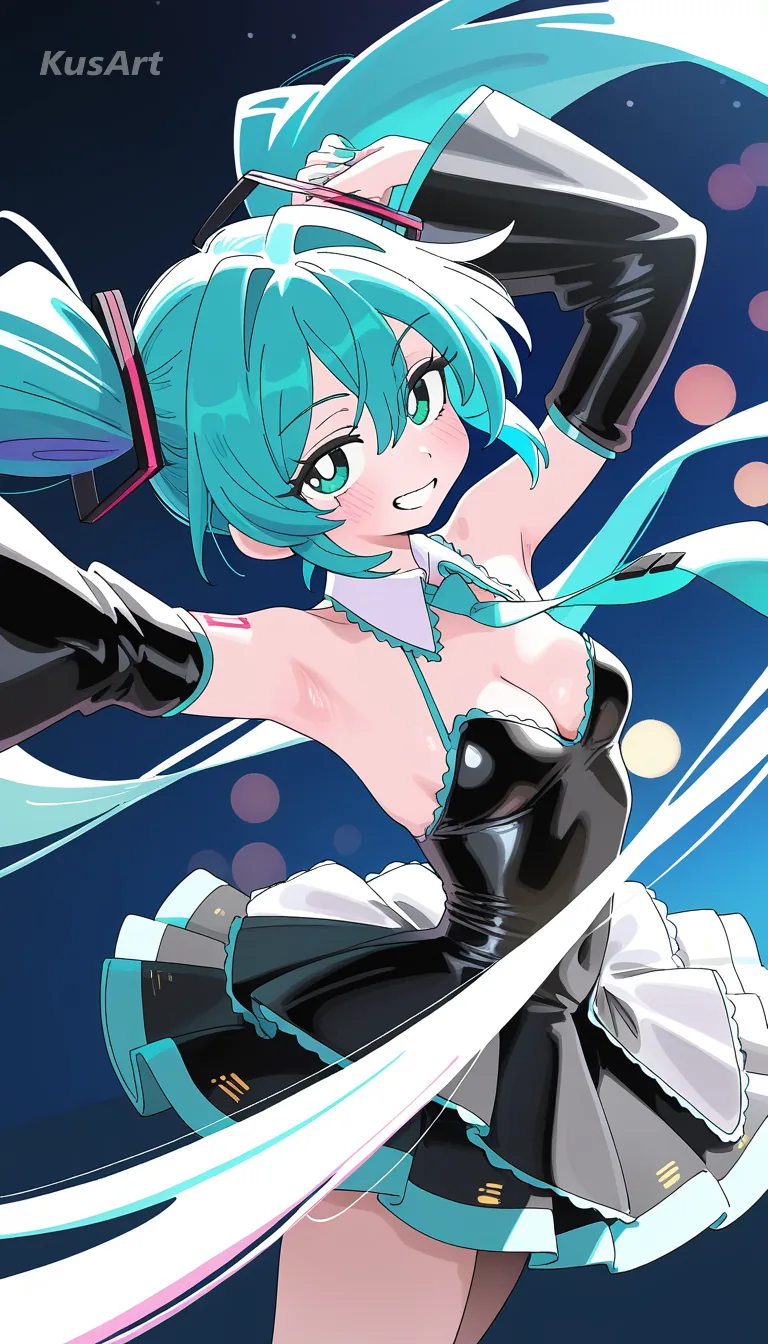
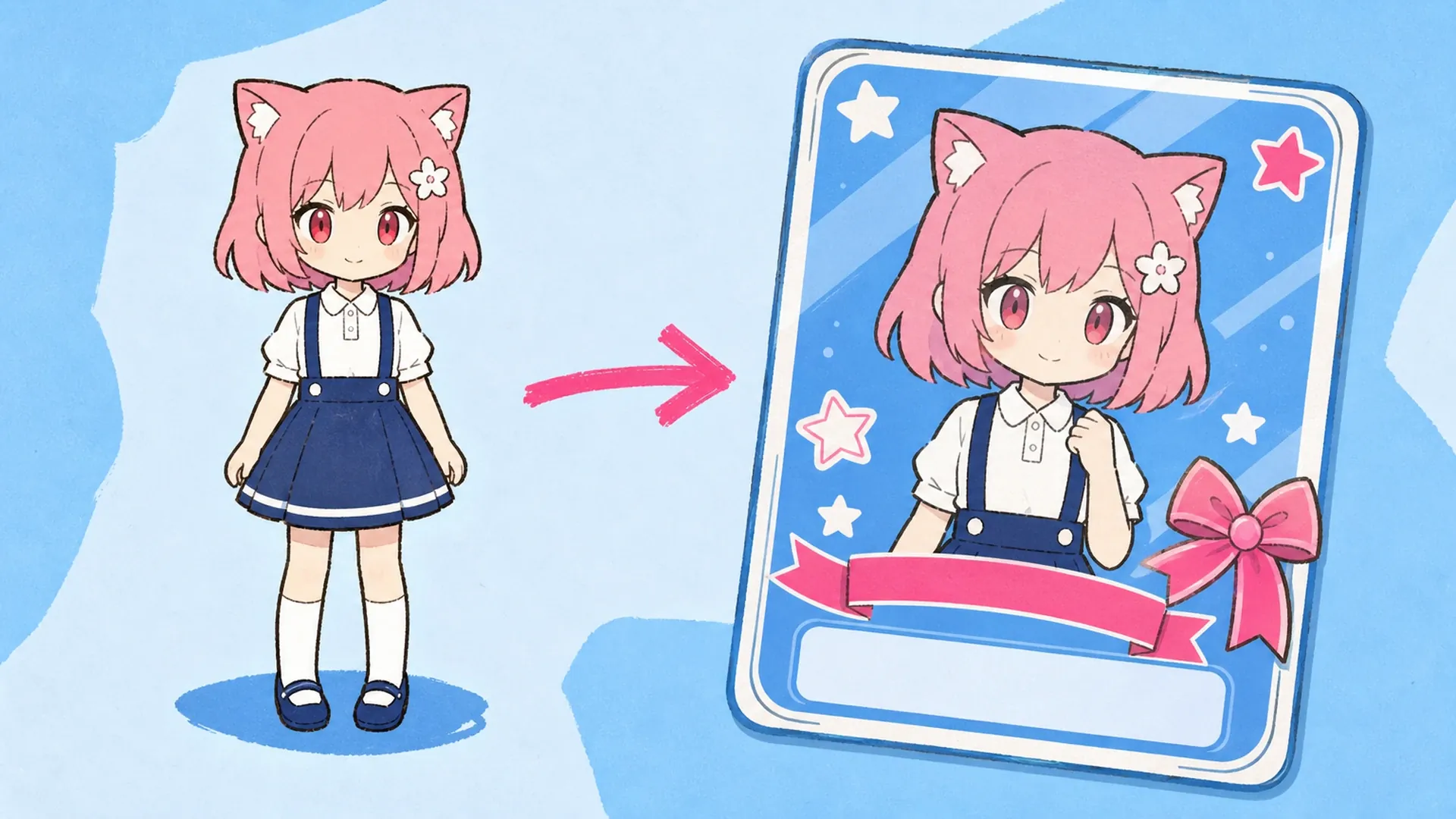
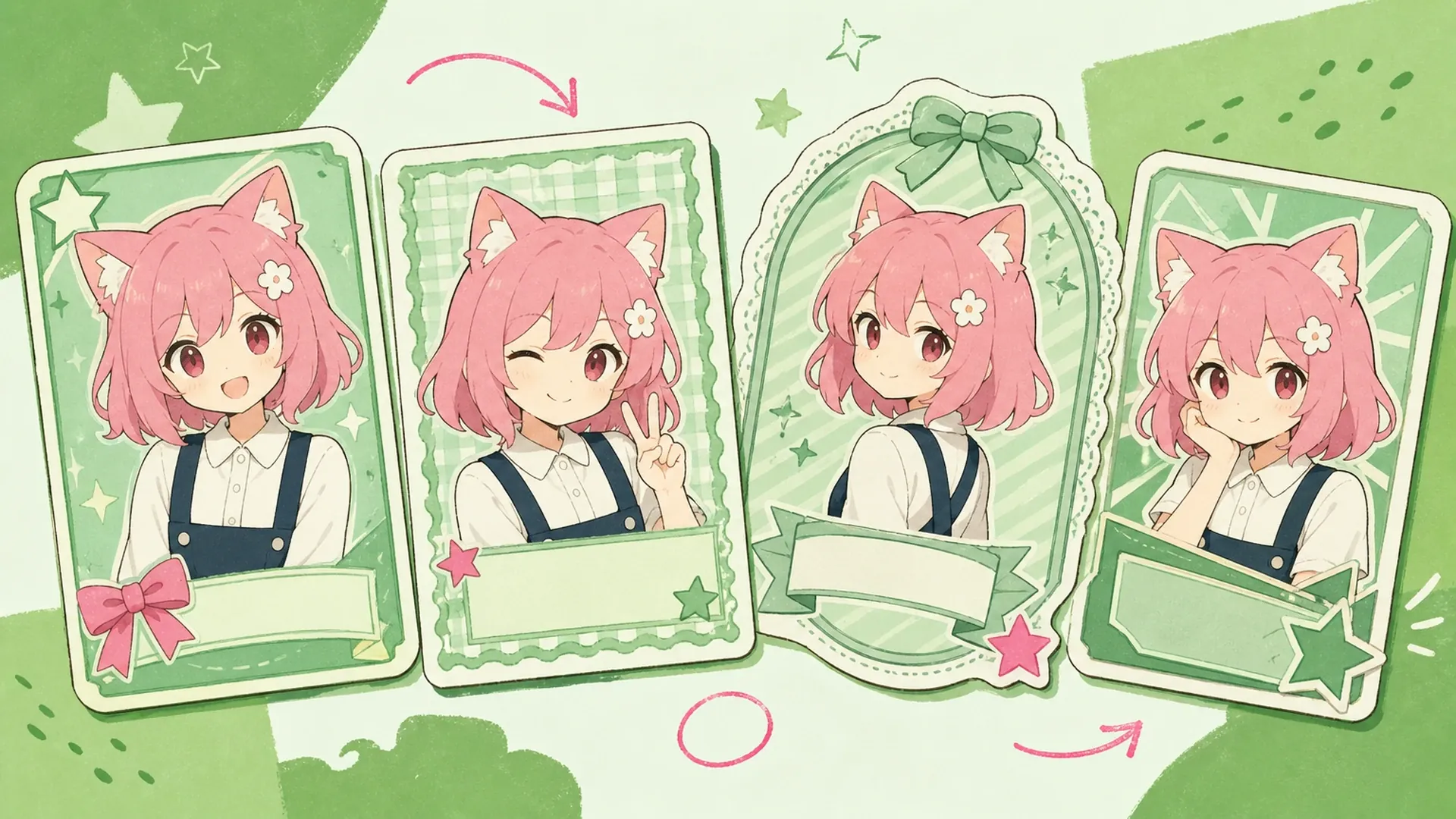
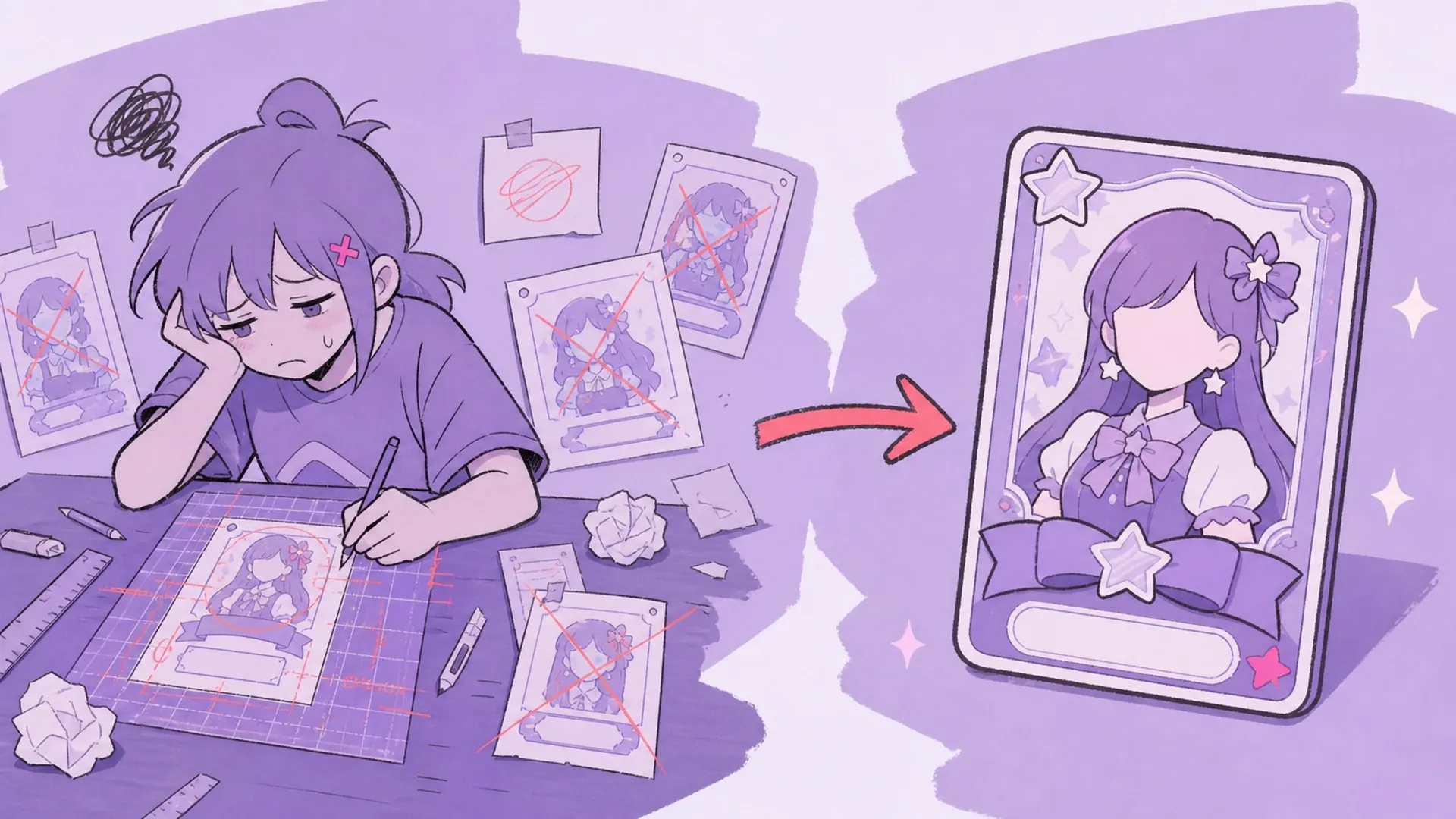
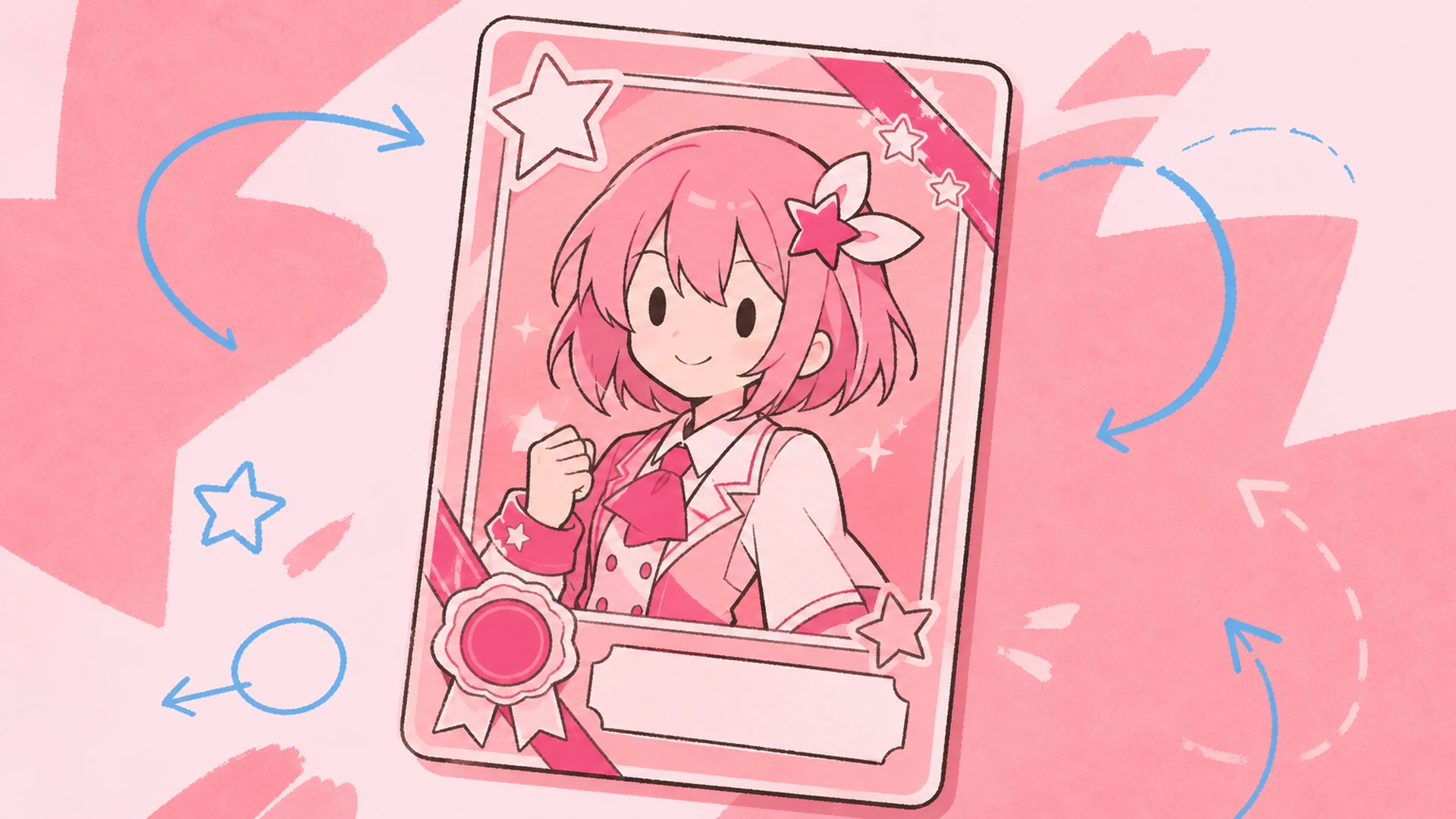
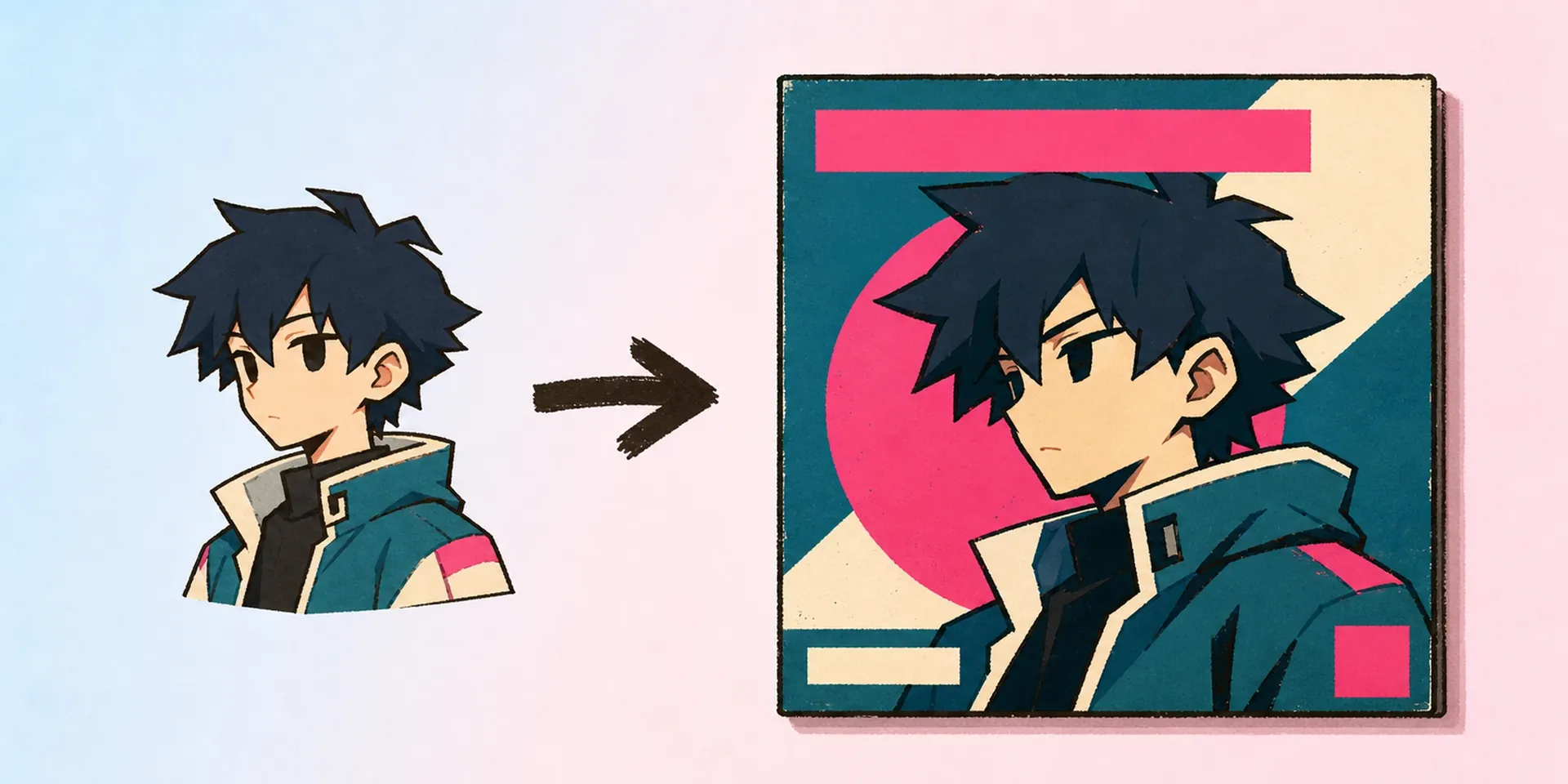
Pick one clean image of your idol or VTuber OC—full body or bust, transparent or not. The id badge maker takes a single upload, so choose the pose that best sells your performer's stage presence.
02Step
Fill the Idol Fields
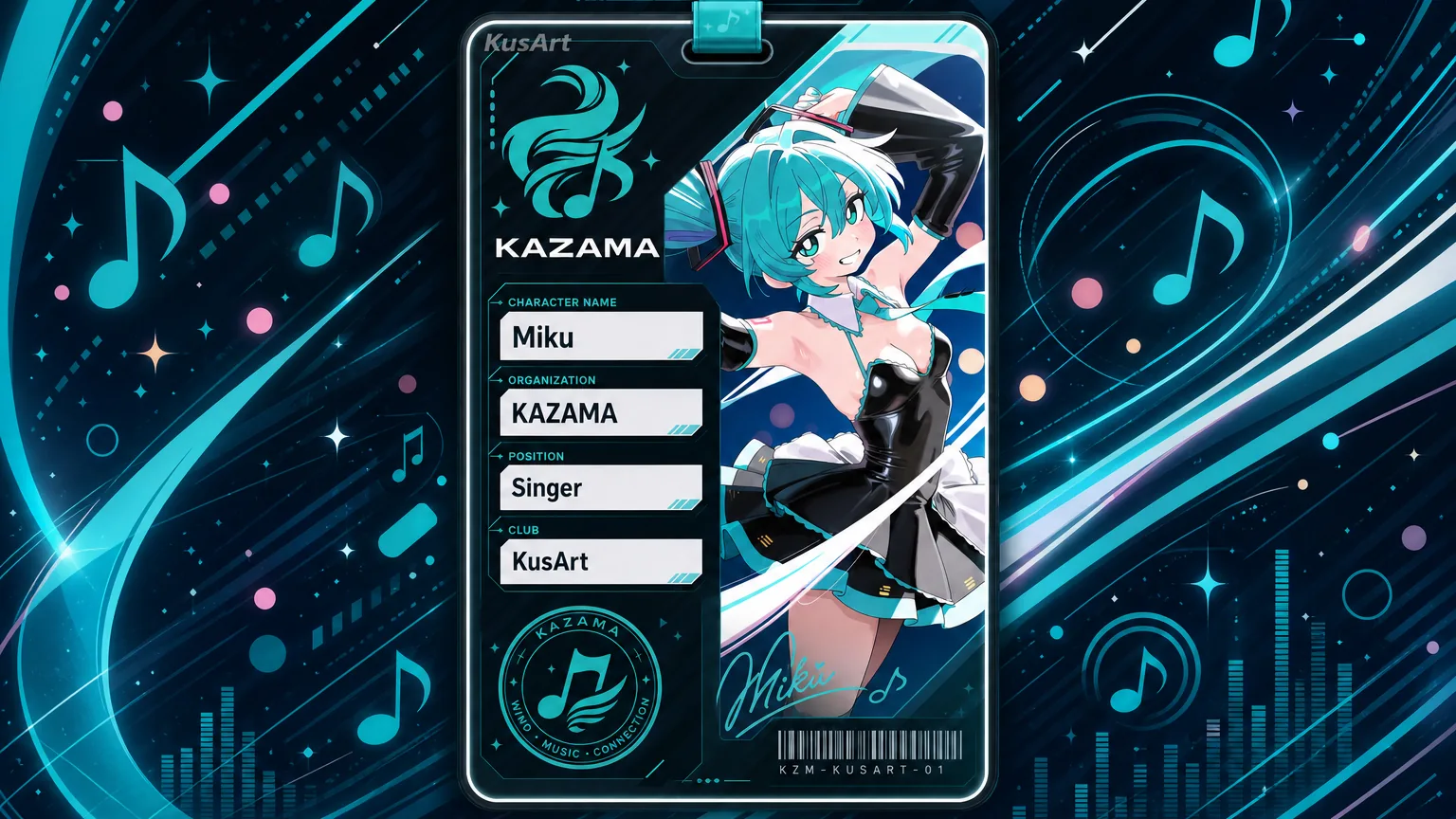
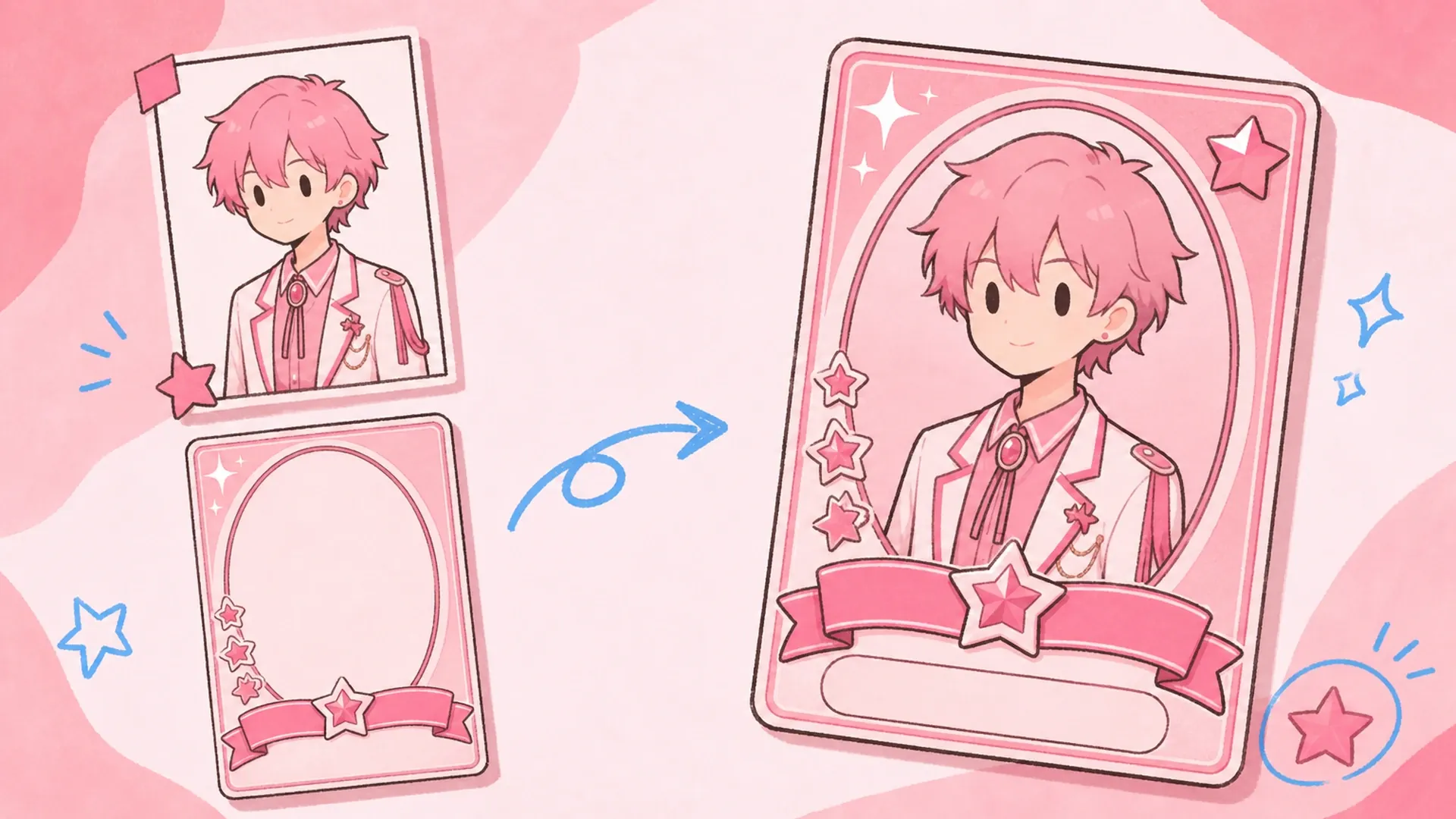
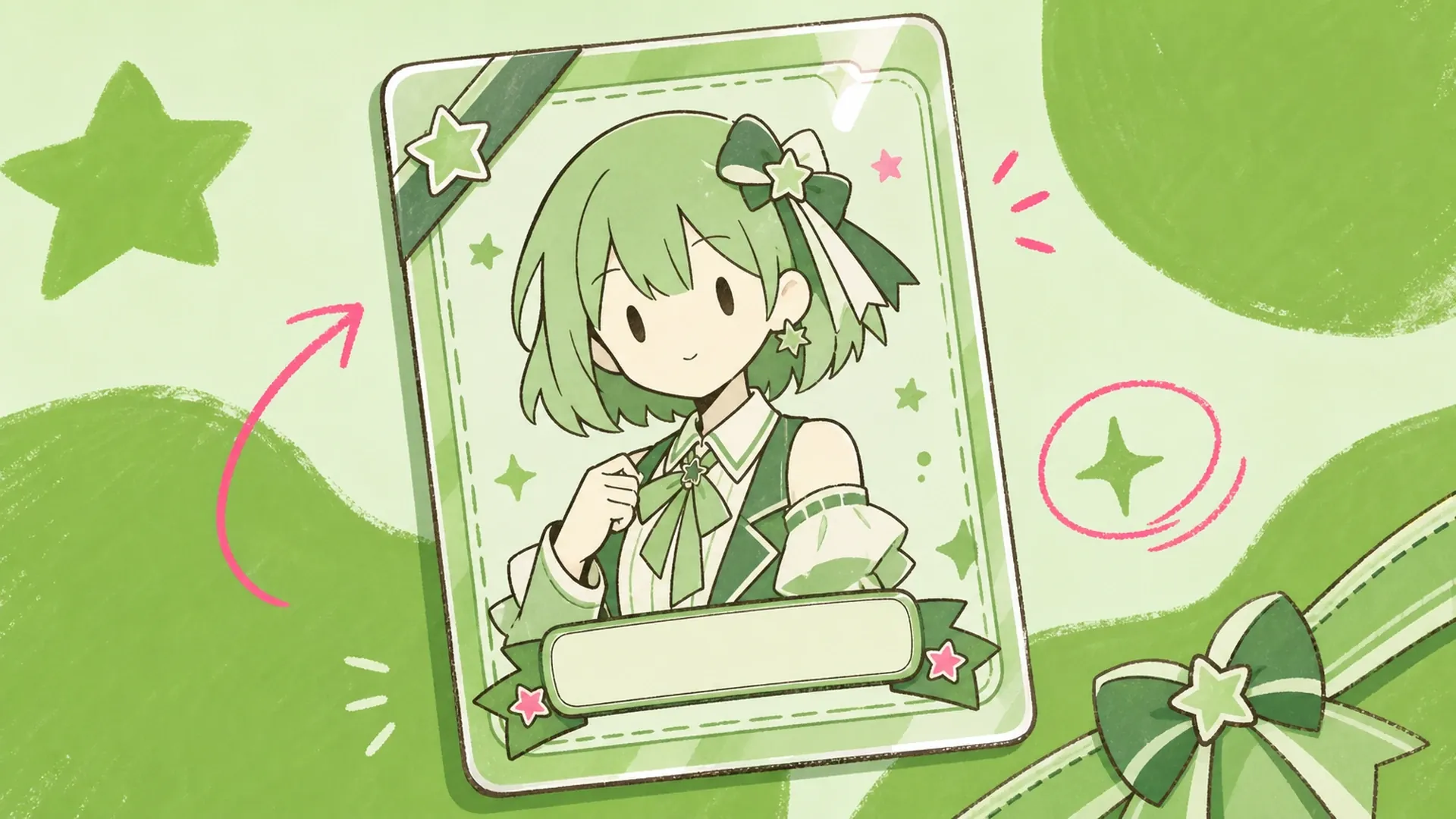
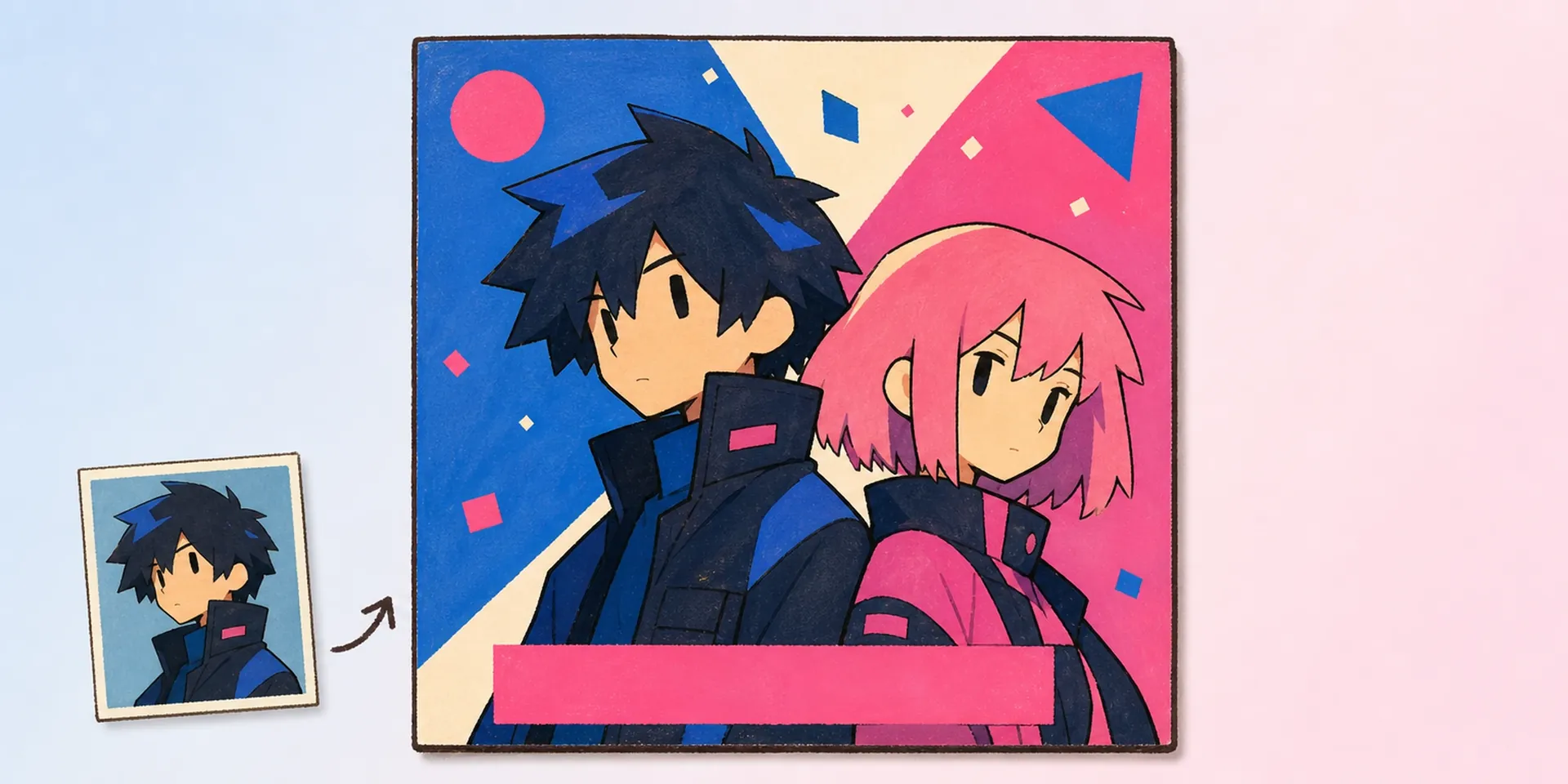
Type your OC's stage name, agency, role, and club. Add a catchphrase or debut date if you like. Each entry drops into the card's prewired slots, keeping the bright pop layout balanced as you go.
03Step
Export and Debut
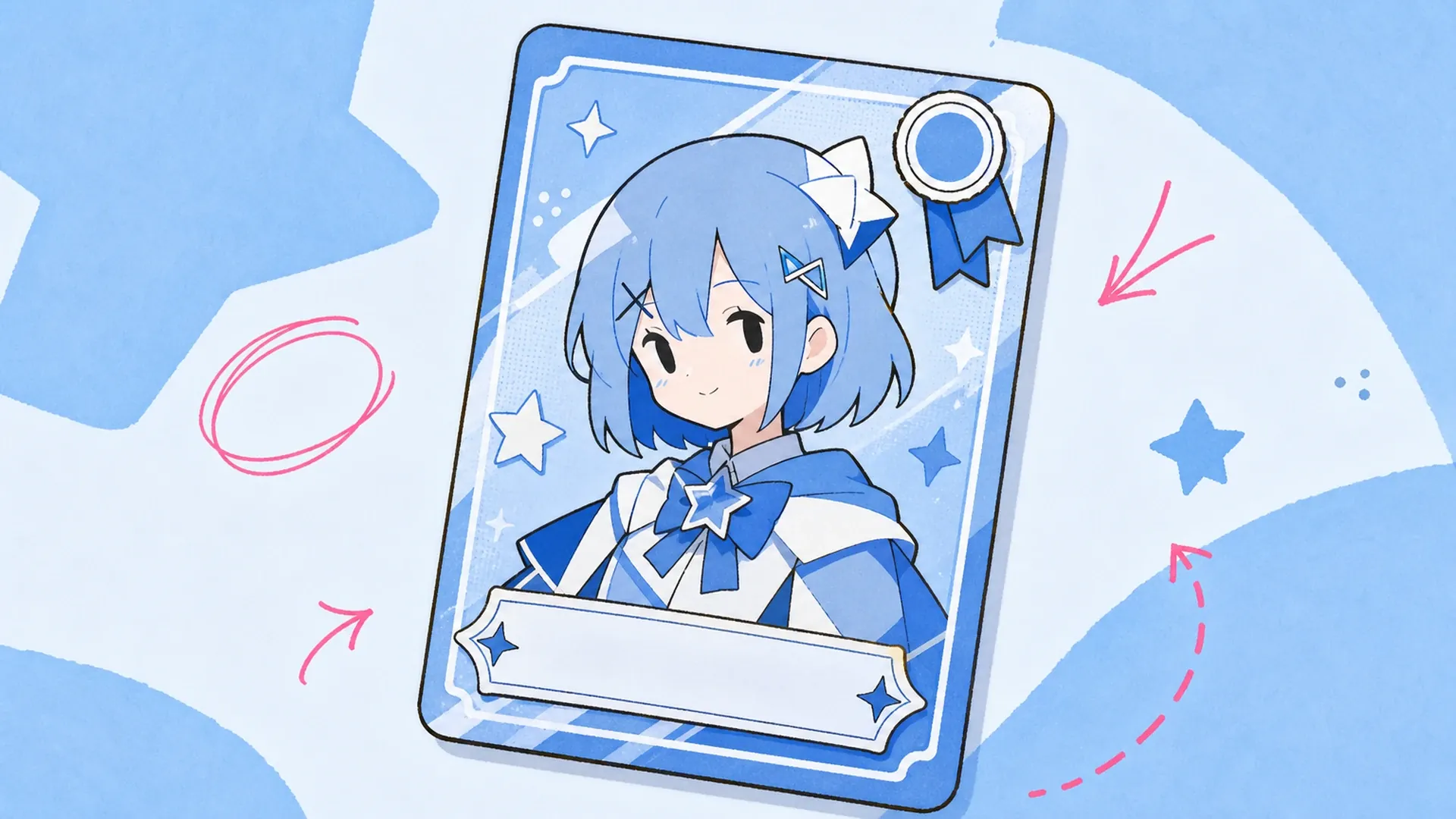
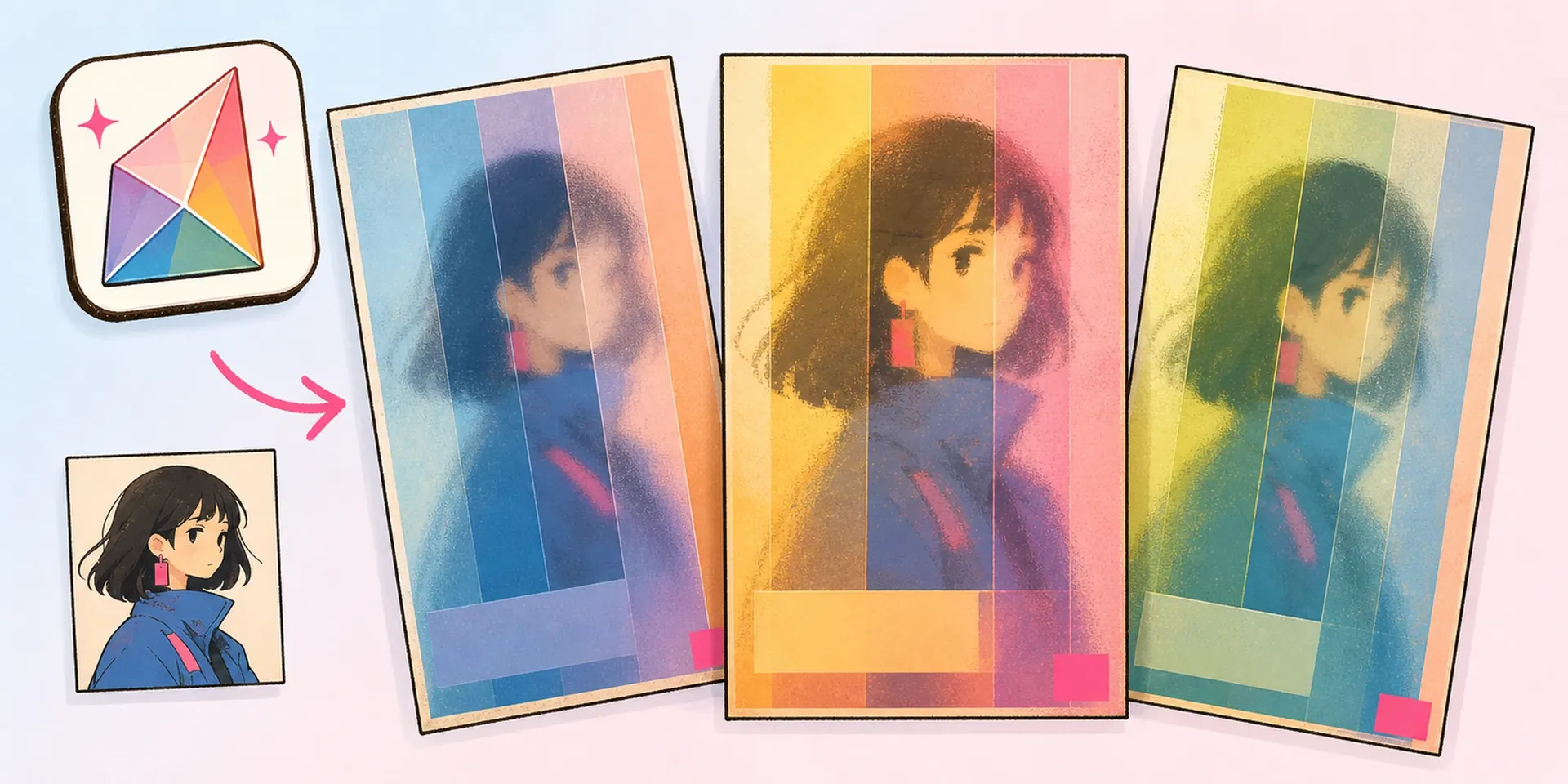
Preview the finished idol card, swap the accent color if the palette fights your OC, then download in high resolution. Share it as a VTuber profile, a fan-event pass, or cover art for your music OC's channel.