KusArt
    Pastel Cyber Background Changer

    AI Pastel Cyber Background Changer

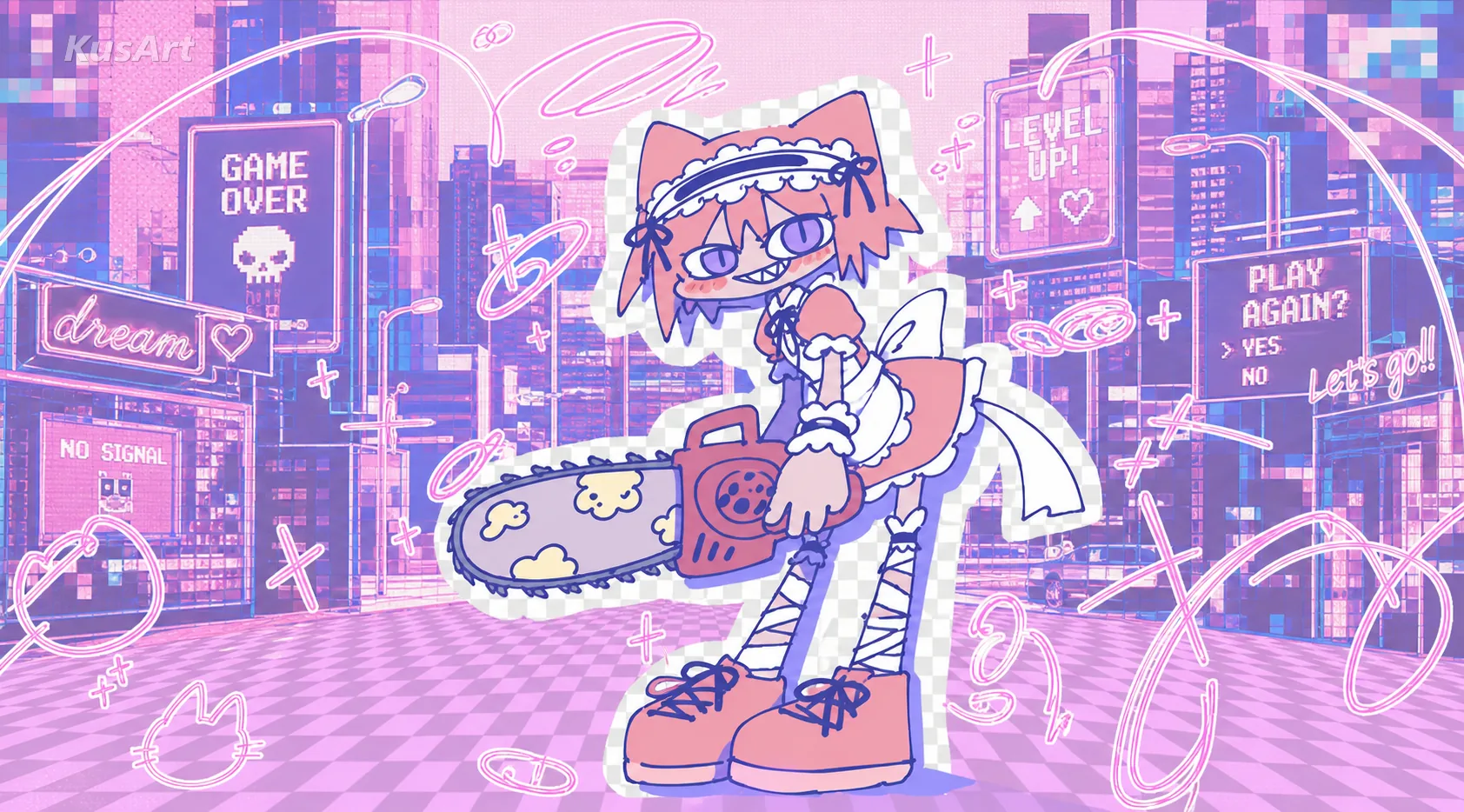
    Remix any anime character into a designer poster and let one photo background change swap the backdrop to match. Upload once for a pastel-cyber finish with clean English copy.

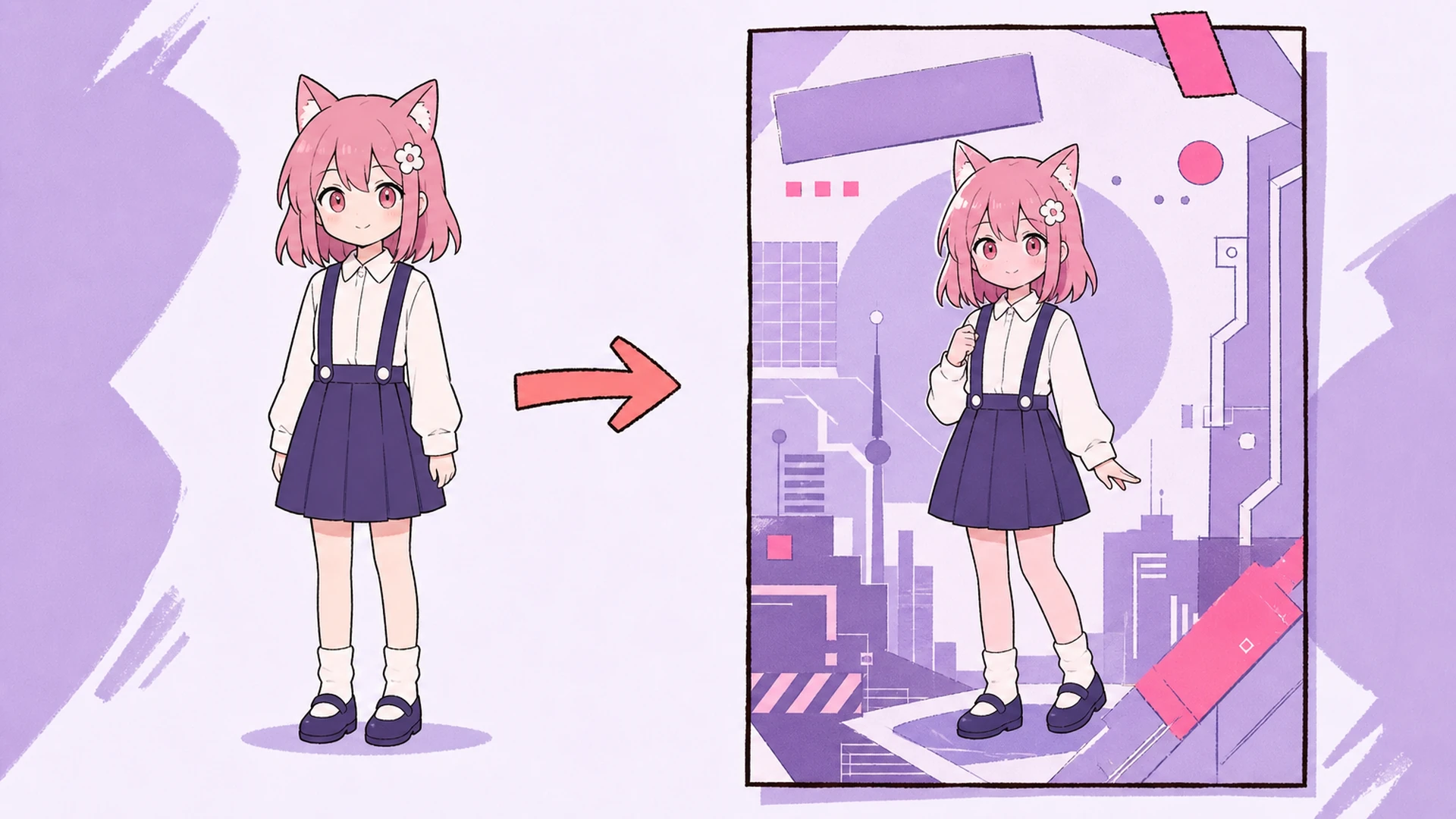
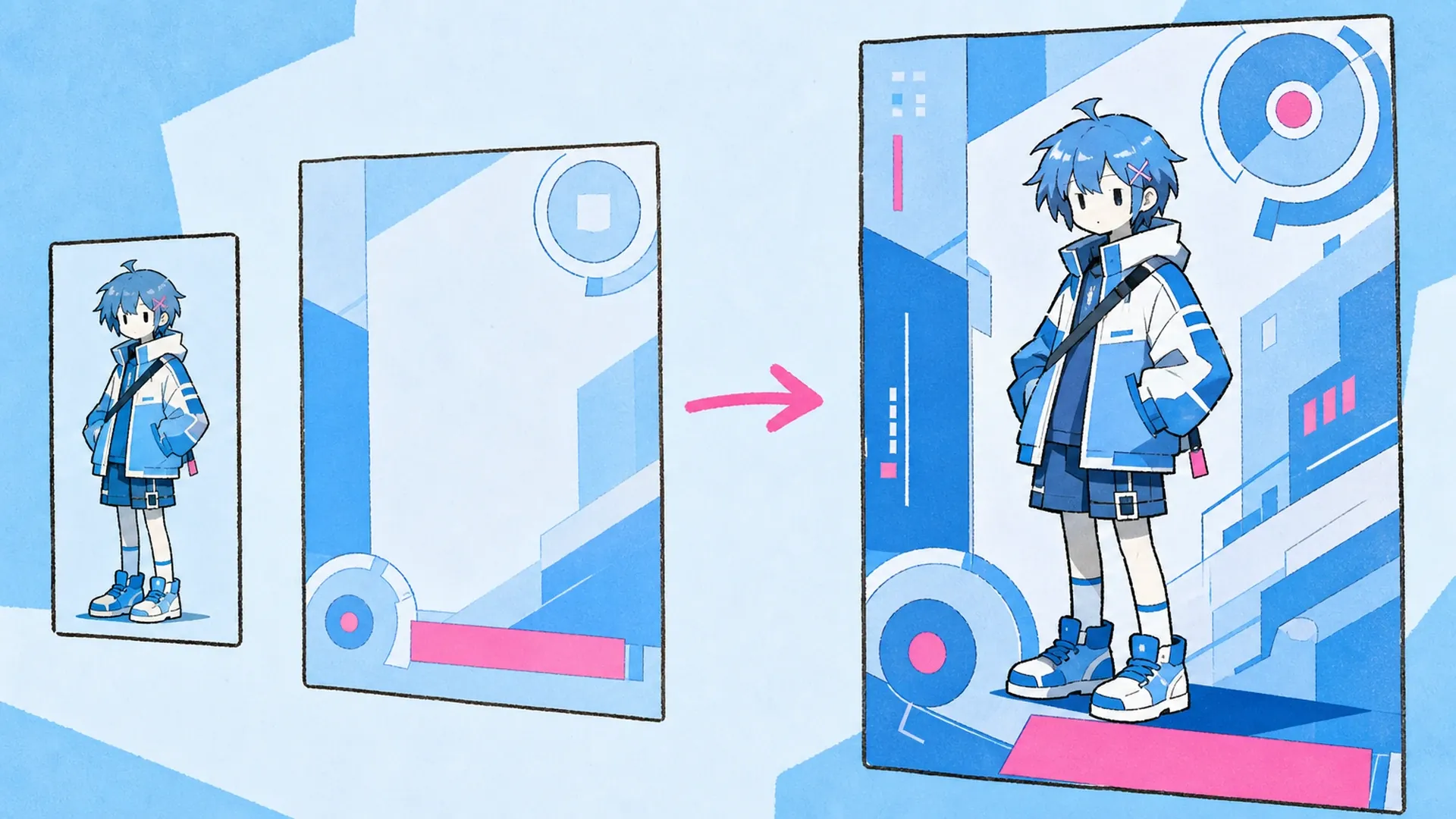
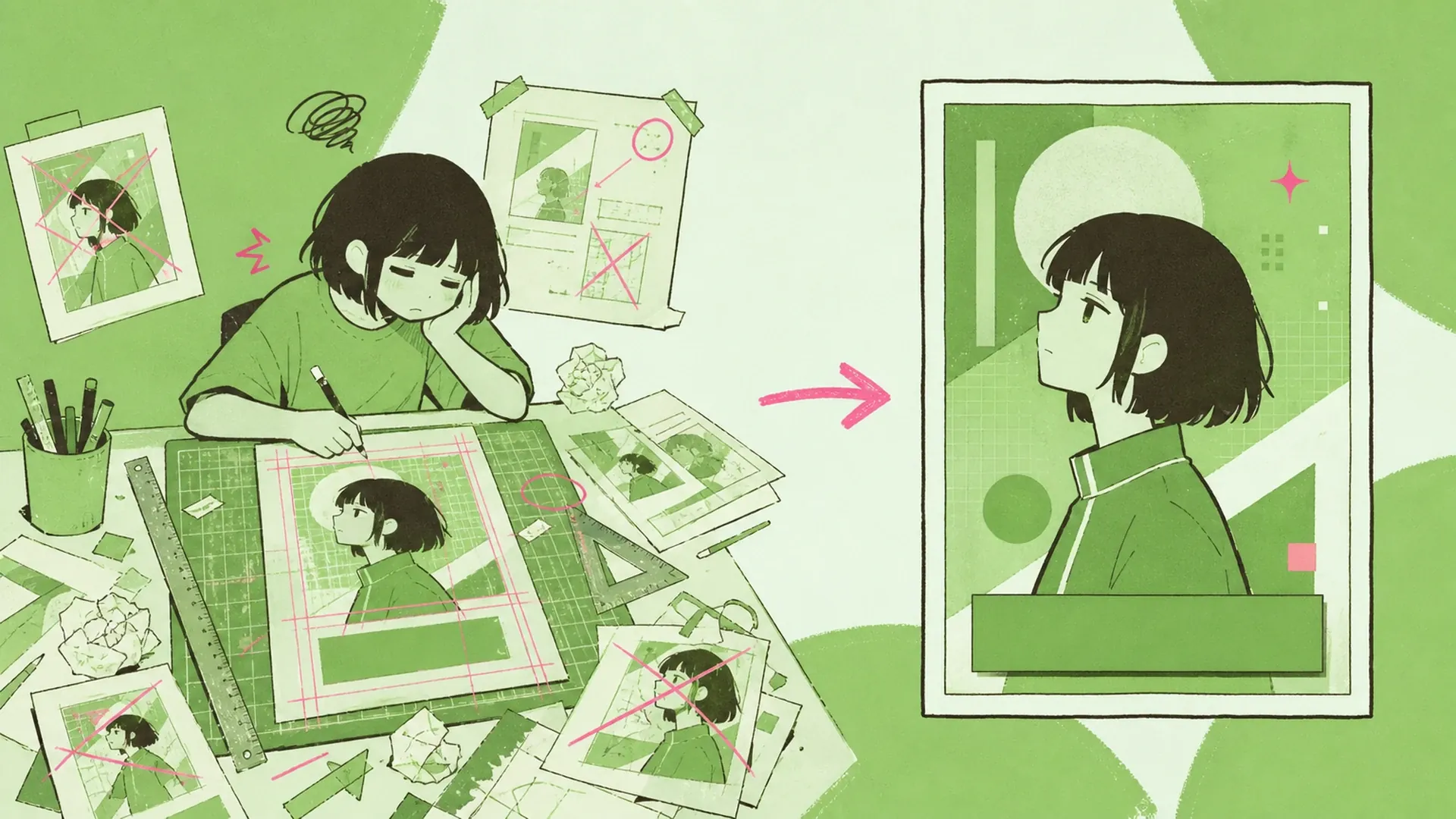
    Pastel Cyber Background Changer AI Pastel Cyber Background Changer result — After
    Pastel Cyber Background Changer AI Pastel Cyber Background Changer result — Before

    A backdrop swap that actually looks designed

    A photo background change should feel effortless, not like fighting layers. This tool reads your uploaded anime art, keeps the character intact, and swaps the backdrop for a pastel-cyber scene. As a quick background changer it refreshes every element behind your subject, so the poster reads as one cohesive piece instead of a cutout pasted onto a mismatched wall.

    Swap the background
    A backdrop swap that actually looks designed - AI Pastel Cyber Background Changer

    Backdrop swap, poster finish, one upload

    Think of it as a photo background change built for anime posters. You bring a single character image; the tool applies a reference layout, then performs the actual change background in photo work — rebuilding lighting, gradients, and pastel-cyber glow behind your subject. Clean English copy lands on top, giving OC art and editorial visuals a finished, print-ready look without manual masking.

    Backdrop swap, poster finish, one upload - AI Pastel Cyber Background Changer

    Why a matched backdrop beats a plain cutout

    A plain cutout leaves your character floating; a real photo background change grounds them in a scene that shares the same palette and light. Tools like AI Background Changer and OC Generator make the swap fast, but this one goes further by adding layout and copy. The result is a poster you would actually publish, not a rough draft you still have to design around later.

    Why a matched backdrop beats a plain cutout - AI Pastel Cyber Background Changer

    The usual backdrop-swap headache

    Most editors turn a simple change picture background task into an afternoon of masking hair, feathering edges, and hunting for a backdrop that fits. Do it wrong and the lighting clashes, the palette fights, and the whole piece looks stitched together. A dedicated photo background editor helps, yet you still design the layout and write the copy yourself. This tool folds the photo background change, the reference layout, and the English text into one pass, so a Character Sheet Generator export or a fresh OC finally becomes a poster in minutes, not hours.

    The usual backdrop-swap headache - AI Pastel Cyber Background Changer

    What's in the swap

    Three things work together every time you run a photo background change here.

    Backdrop that matches the character

    Instead of a generic swap, the tool samples your subject's palette and lighting, then rebuilds the pastel-cyber scene to fit. Each photo background change keeps shadows and rim light believable, so the character sits in the world rather than on top of it.

    Layout and copy in one pass

    A reference layout drops your character into a poster frame, and clean English copy is generated to match the mood. No separate design step: the backdrop, type, and composition arrive together, ready to post or print without extra tools.

    Single upload, no masking

    You add one image and skip the tedious cutout work a plain background changer demands. The tool handles edges, hair, and transparency, so the change background in photo step feels automatic and the pastel-cyber finish stays crisp around every detail.

    How the swap works

    Three quick steps take you from a single upload to a finished pastel-cyber poster.

    01
    Step

    Upload your character

    Drop in one anime image — an OC, a screenshot, or exported art. The tool reads the subject and isolates it cleanly, prepping everything for the photo background change without any manual selection or masking on your part.

    02
    Step

    Pick the pastel-cyber look

    Choose the reference layout and let the tool swap the backdrop, refresh the scene elements, and match the palette to your character. This is where the change picture background magic happens and the poster frame takes shape.

    03
    Step

    Download and share

    Review the finished poster, tweak if needed, then export in full resolution. Your pastel-cyber visual is ready for socials or print, and you can send it into Image to Video later to animate the new backdrop.

    Loved by anime creators

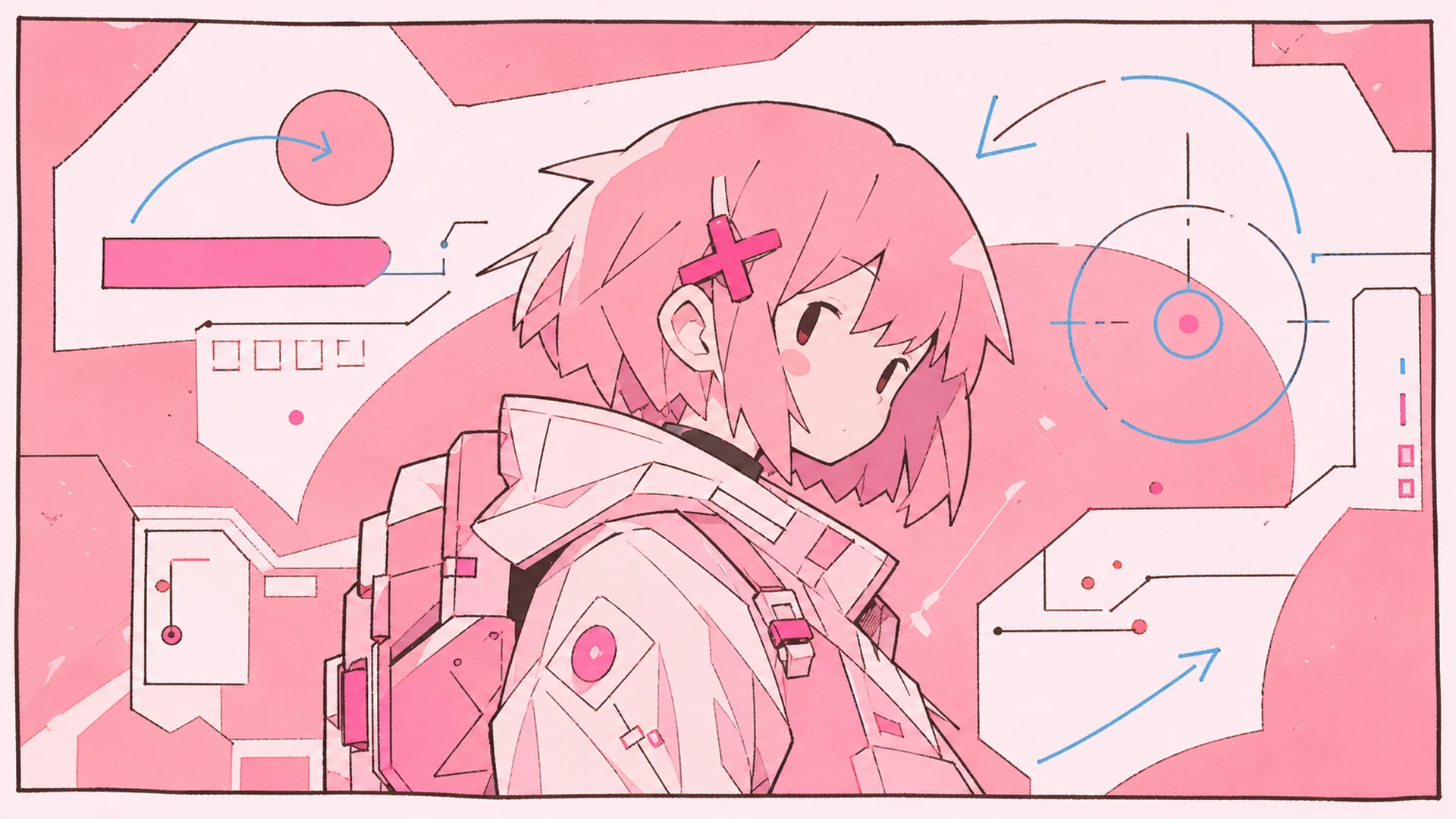
    Pastel-cyber backdrop swap - AI Pastel Cyber Background Changer

    Pastel-cyber backdrop swap

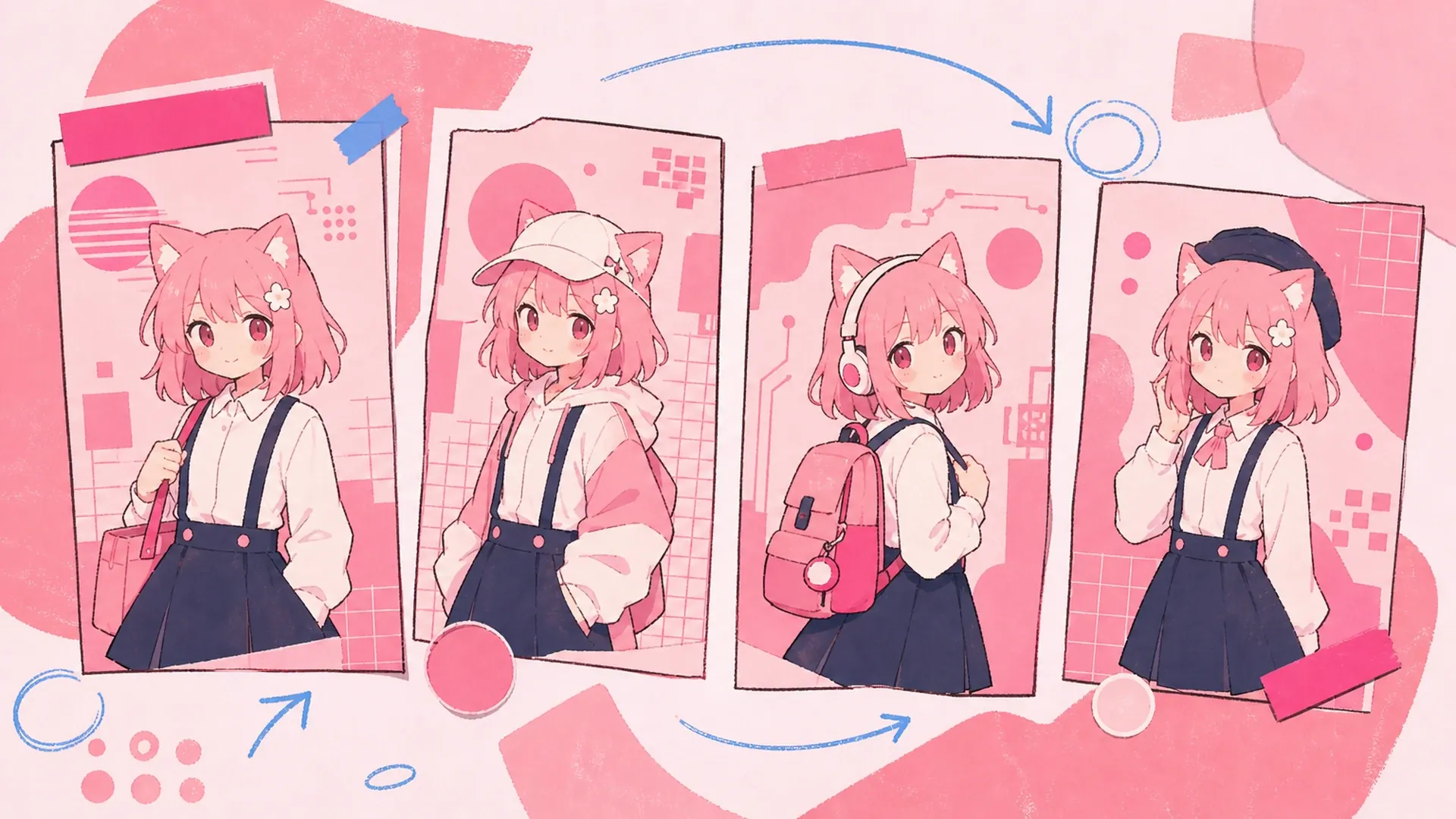
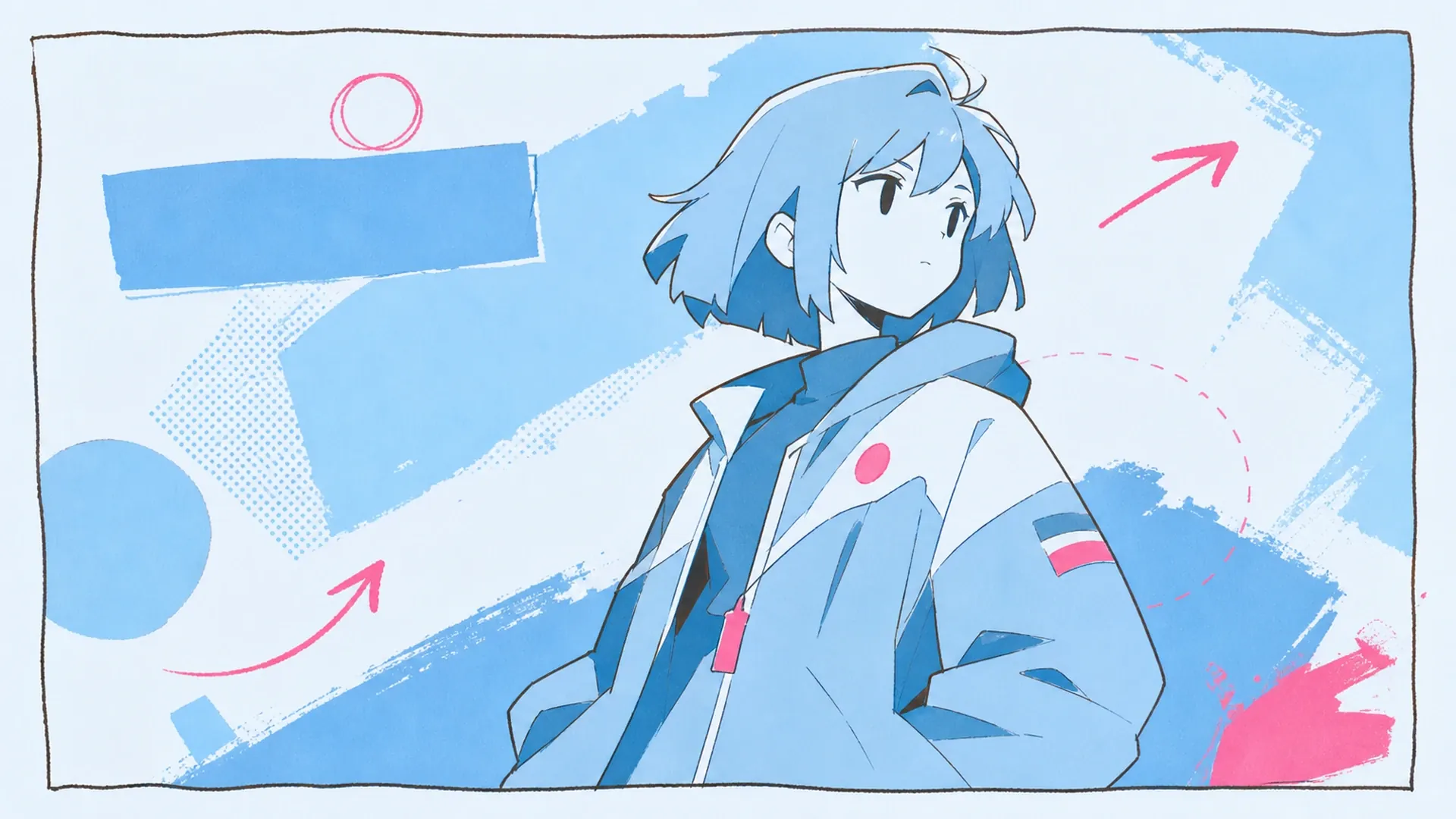
    Turn a flat character render into a neon-soft poster. One photo background change trades the plain backdrop for glowing pastel-cyber gradients that frame your subject.

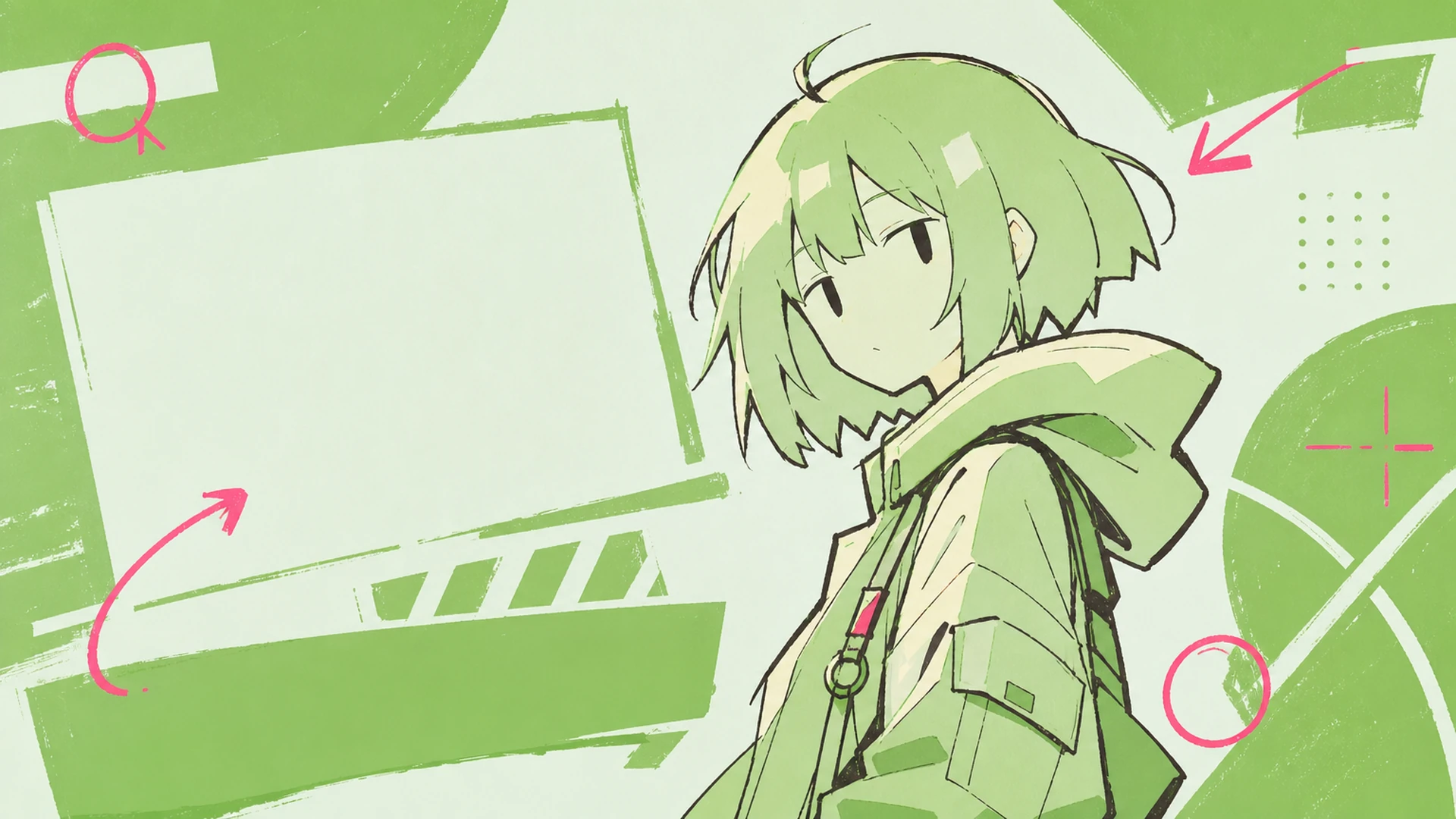
    OC scene refresh - AI Pastel Cyber Background Changer

    OC scene refresh

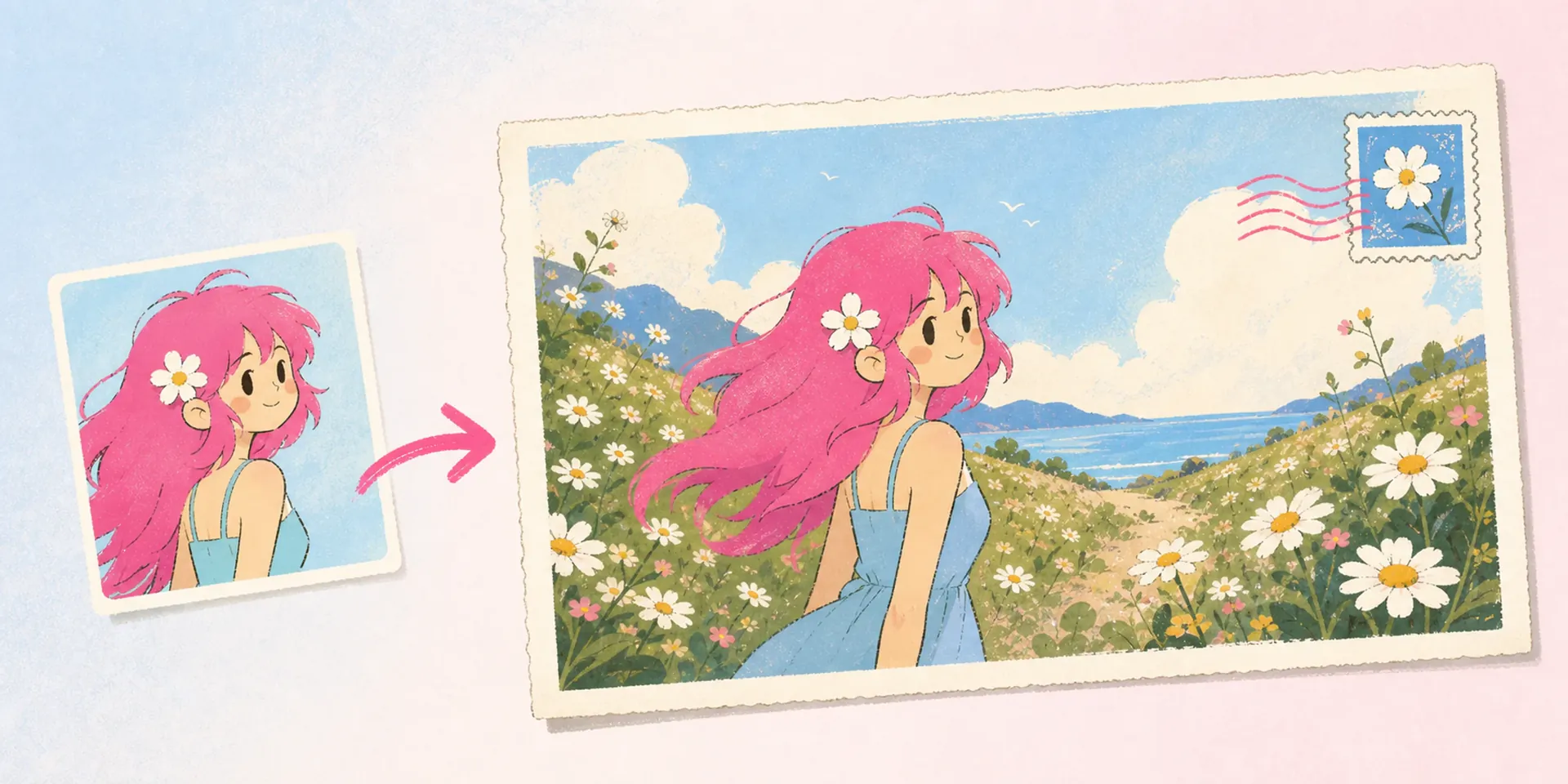
    Give your original character a new home. The tool refreshes the scene behind them, matching mood and palette so your OC finally looks like it belongs somewhere.

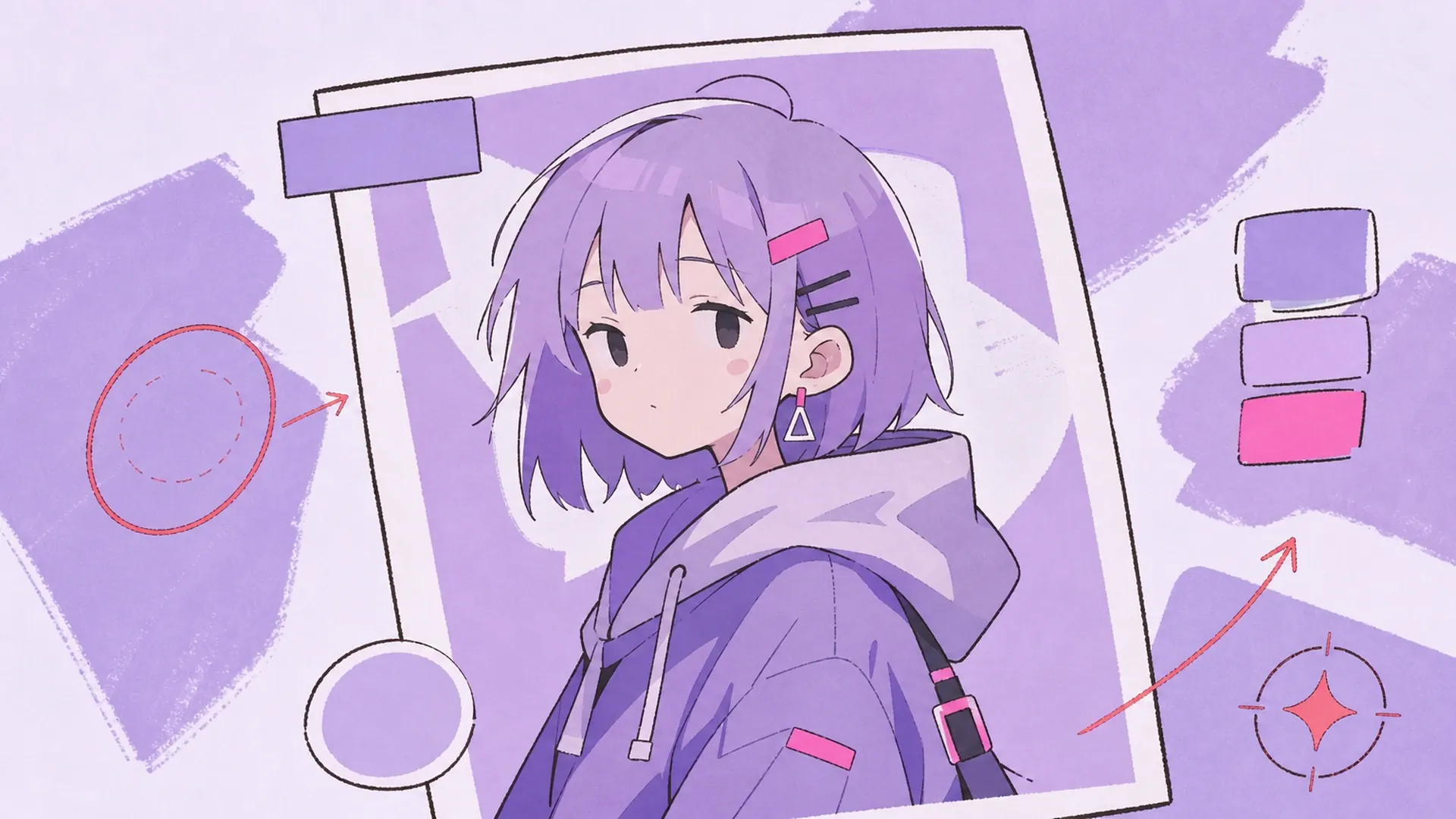
    Cohesive social visual - AI Pastel Cyber Background Changer

    Cohesive social visual

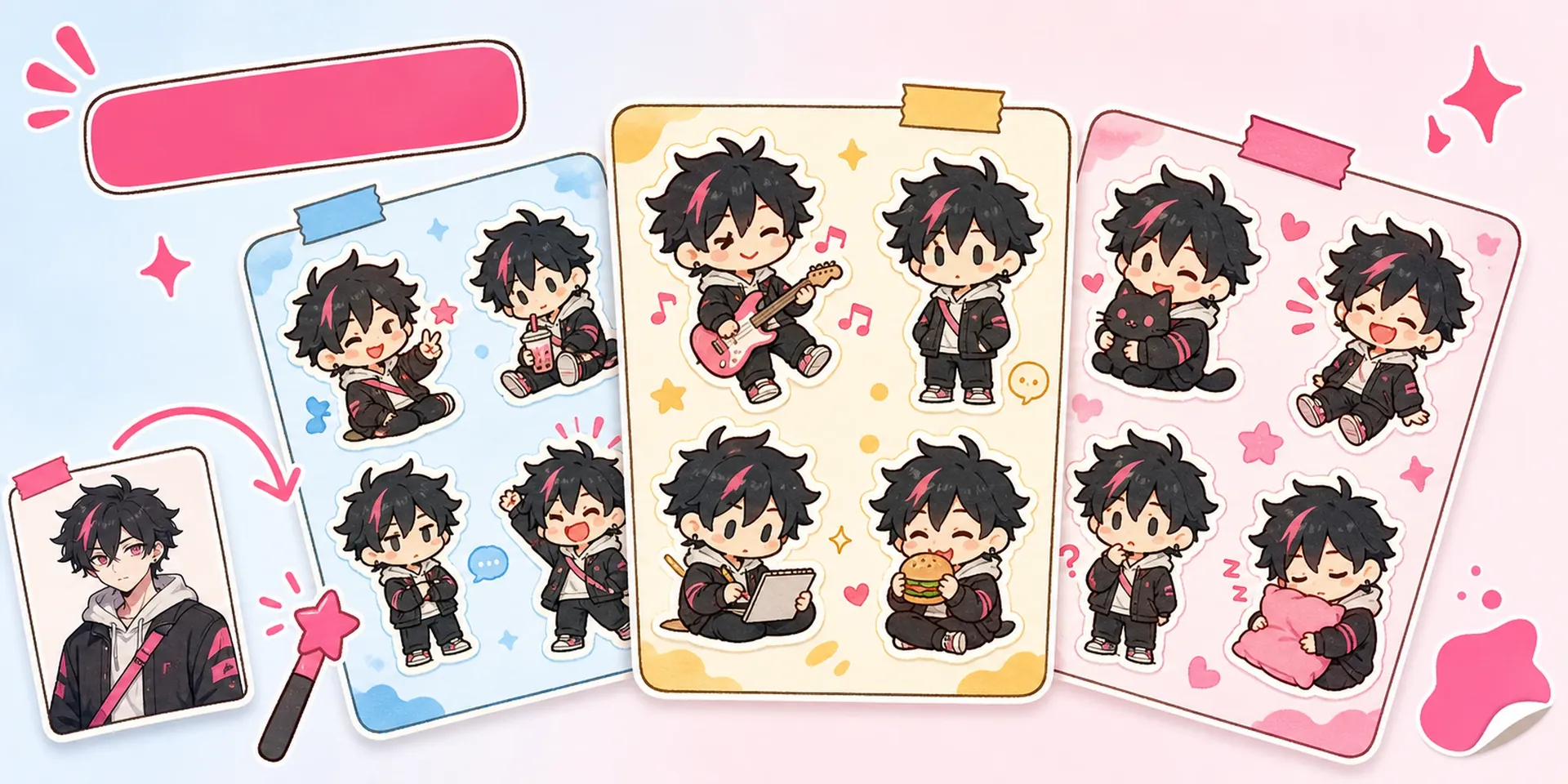
    Need a post that reads as one design? A single photo background change unifies subject, backdrop, and copy, so your feed looks intentional instead of pasted together.

    Editorial poster, new background - AI Pastel Cyber Background Changer

    Editorial poster, new background

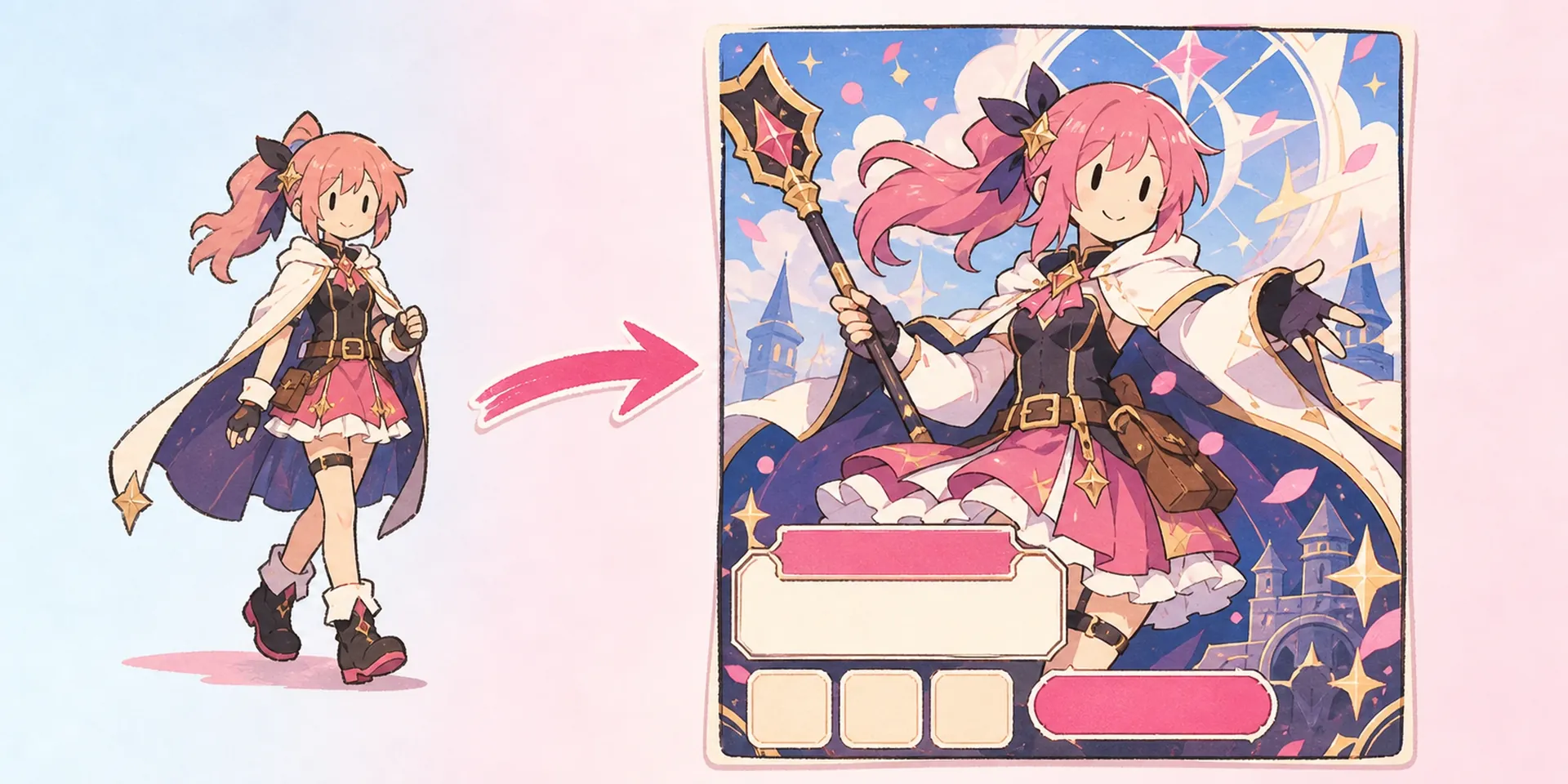
    Build a magazine-style key visual by swapping the backdrop for an editorial scene. Clean English headlines and a matched background give your character a polished, print-ready feel.

    Common questions

    Is this different from a plain background changer?+
    Yes. A basic background changer just cuts and swaps, while this tool runs a full photo background change plus a reference layout and English copy, so you get a finished pastel-cyber poster, not a raw cutout.
    How many images do I upload?+
    Just one. Single upload keeps things simple — the tool reads your character, then handles the change background in photo step, the layout, and the copy for you automatically.
    Can I change the picture background without masking?+
    Absolutely. You never touch a lasso or brush. The tool does the change picture background work for you, handling hair, edges, and transparency so the swap stays clean around every detail.
    What styles does the backdrop support?+
    The default finish is pastel-cyber, with soft neon gradients and glow. You can also aim for editorial or clean studio scenes; every photo background change matches your character's palette and lighting for a cohesive look.
    Is this a full photo background editor?+
    It focuses on one job well: as a photo background editor for anime posters, it swaps the backdrop, adds layout, and writes copy. For broader edits, pair it with AI Prism Blur Anime Poster Maker.
    Can I animate the result?+
    Yes. Export your finished poster, then run it through an animation tool to bring the new pastel-cyber backdrop to life with subtle motion, glow, and drifting light behind your character.
    Who is this tool for?+
    Anime artists, VTubers, and OC creators who want editorial posters, polished social visuals, or refreshed OC art fast. If you can upload one character image, you can finish a poster without touching a design app.

    Swap your backdrop now

    Upload one anime character and let a single photo background change deliver a finished pastel-cyber poster — matched backdrop, clean layout, and English copy, all in one pass.

    Start the swap